|
| Group |
Round |
C/R |
Comment |
Date |
Image |
| 62 |
Jan 26 |
Reply |
Adrian,
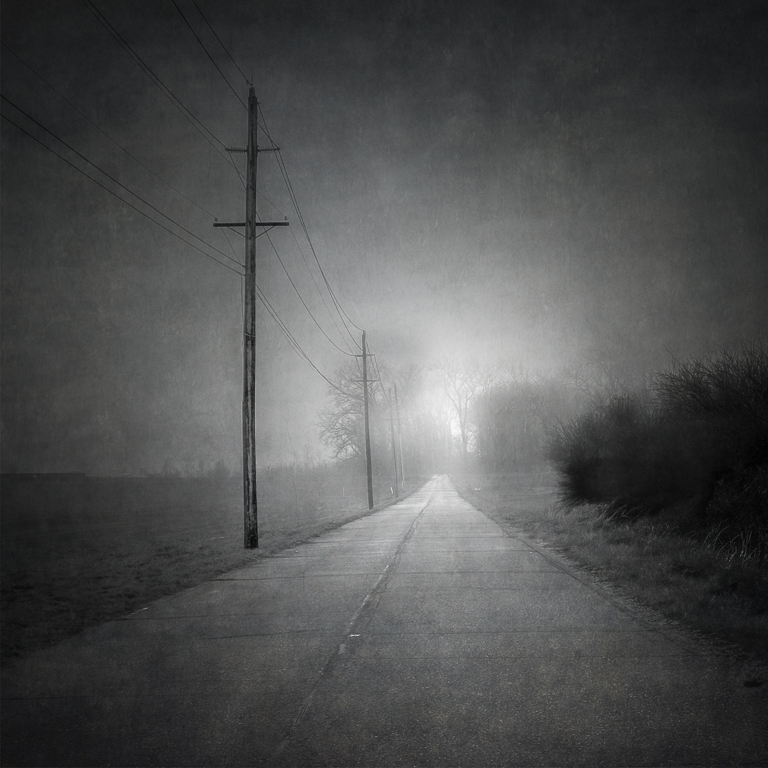
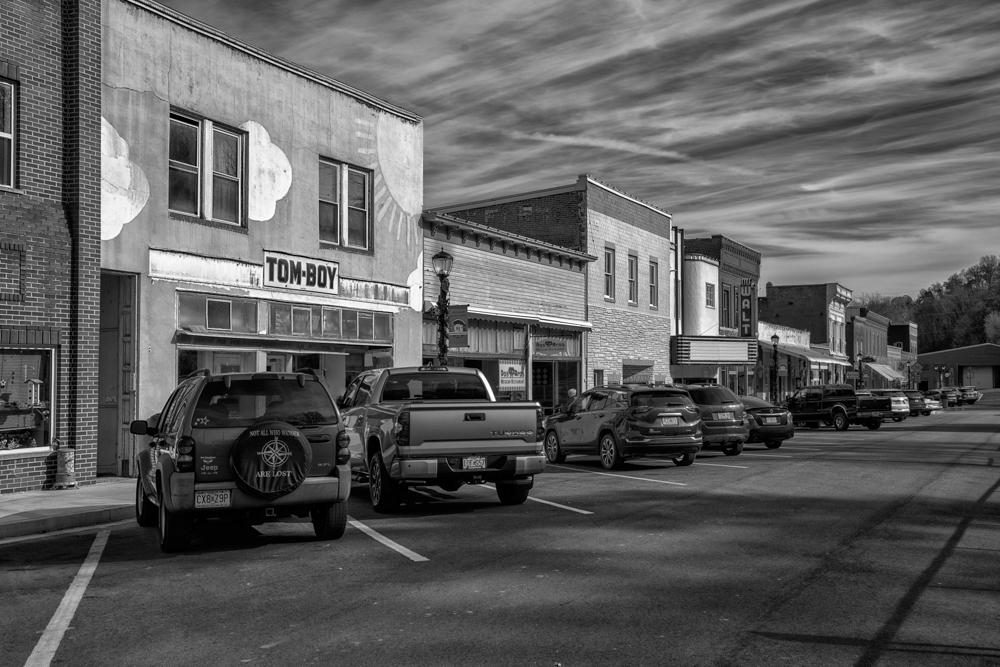
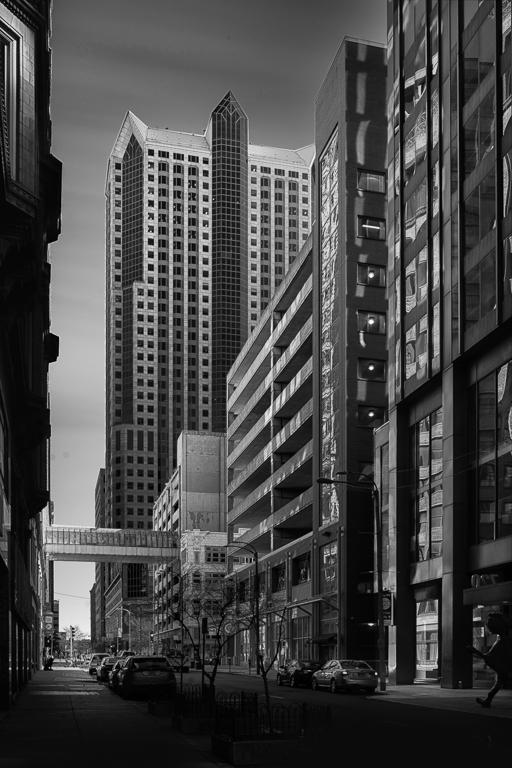
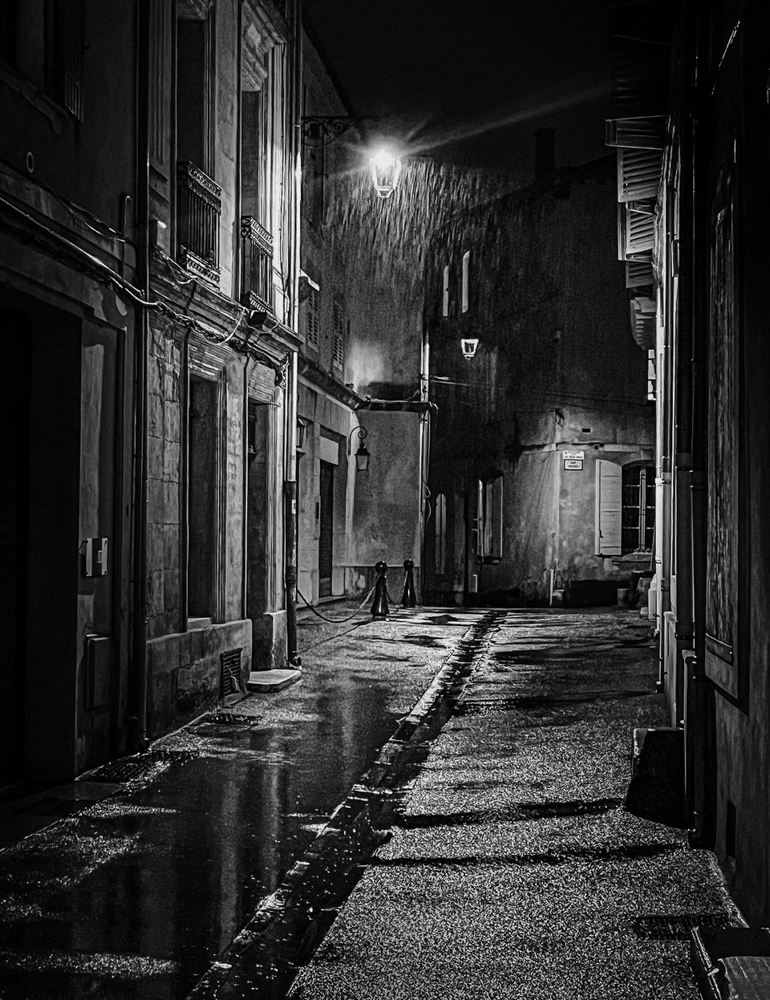
I understand your point about the street light. I was caught between the devil and the deep blue sea on this shot. I knew the light would be the brightest thing in the shot but I wanted to shoot the side street in the center of the frame. Moving off axis to hide the light would take me off that center axis.
I will try to see if I can tone it down a bit
Thanks for your thoughts
Emil |
Jan 15th |
| 62 |
Jan 26 |
Comment |
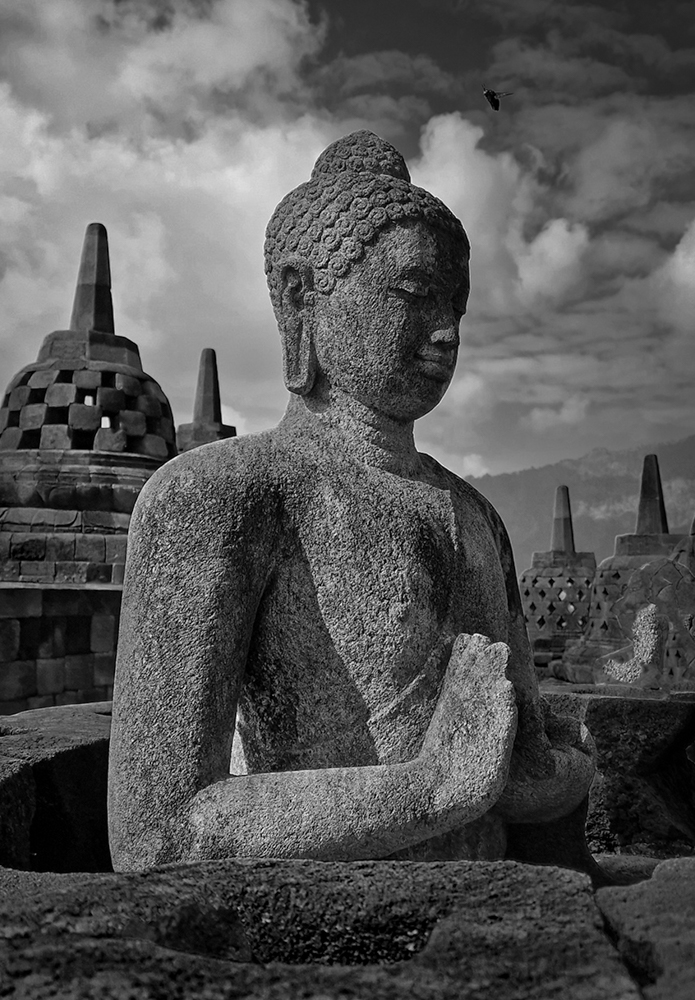
Syed
I like your vantage point for your image this month.
Note: the statue is leaning to the right just a bit (as witnessed by the pointed objects in the background) and needs to be straightened, there is an insect flying just above the Buddha that should be removed.
A couple of creative ideas: In Lightroom I selected the sky lowered the exposure and increased the whites, I added a linear gradient that was tilted along the shadows on the Buddha's face and shoulder on the upper right and lowered the exposure to enhance the shadow, I added another linear gradient that adjoined the first one and increased the exposure to enhance the sunlit surfaces. I added a vignette also
Regards
Emil |
Jan 5th |
 |
| 62 |
Jan 26 |
Comment |
Mark,
Clever vantage point.
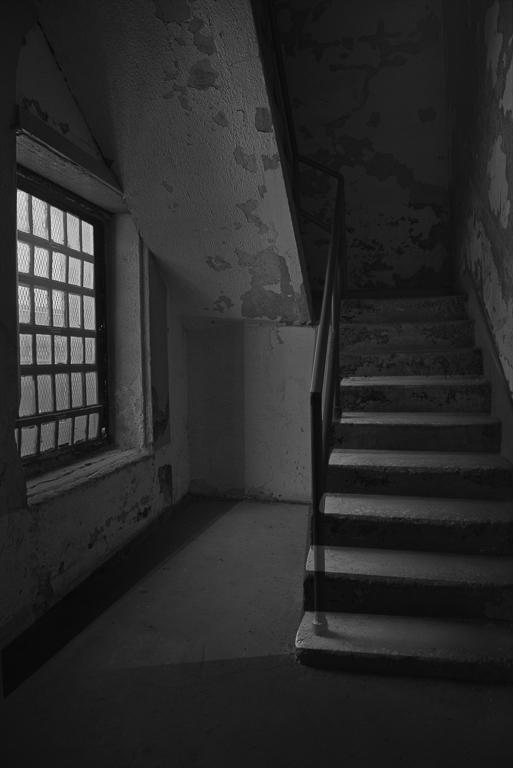
To me it is a view on life outside the window. I darkened the image and added a border to get that port hole feel
Emil |
Jan 3rd |
 |
| 62 |
Jan 26 |
Reply |
Pete
Thanks for your feedback
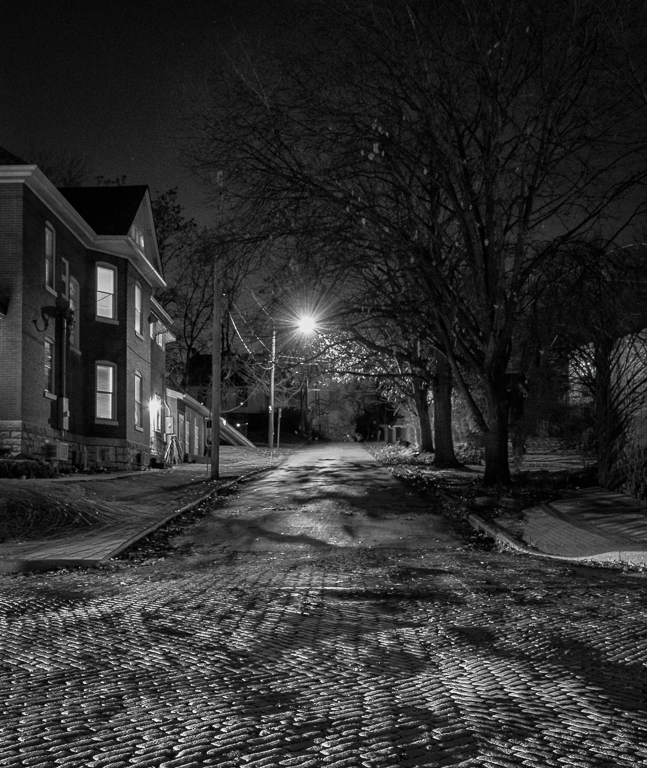
Darker is certainly viable if only there were a few more street lights and you lose the cobblestone foreground.
When I setup for the shot I waited for an approaching car to illuminate the cobblestones just enough so there would be shadows in the low spots etc
In BW there are no bad outcomes per se
Emil |
Jan 3rd |
| 62 |
Jan 26 |
Comment |
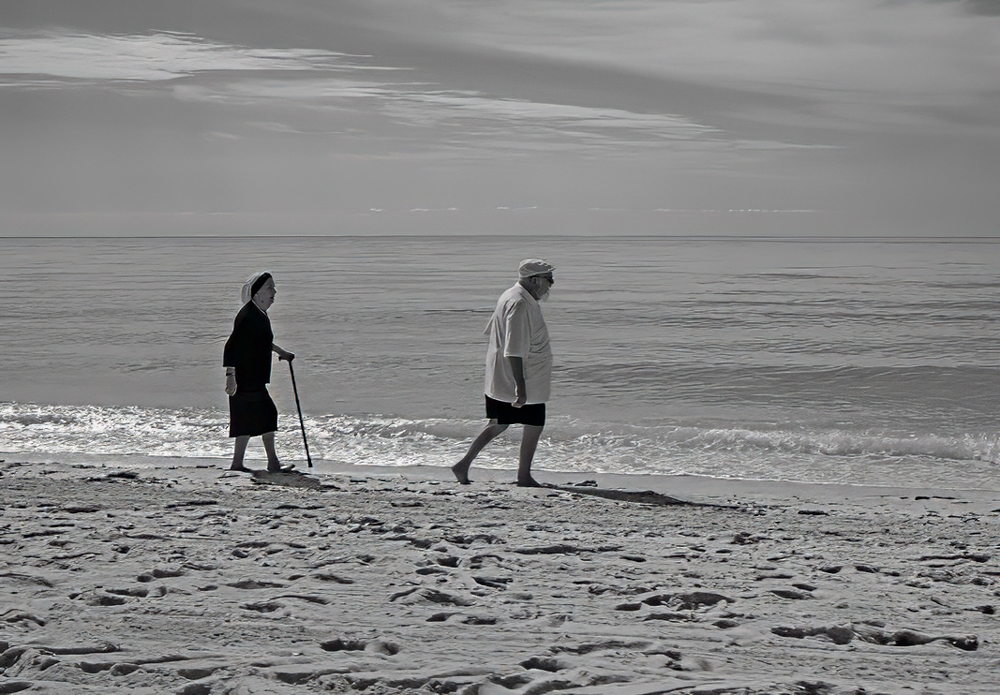
Michael
I agree with your plan to flip the image and to provide space in front of the gentleman.
I selected the man using the Object Selection tool, copied him and placed him closer to his wife, I selected his shadow using the lasso tool and placed it by his feet and masked off the sand etc by his shadow. Now I have two men so I cropped the image just behind the man in his original position.
Regards
Emil
|
Jan 2nd |
 |
| 62 |
Jan 26 |
Comment |
Adrian
The dynamic of the two ducks getting out of Dodge quickly against the man fishing in a fairly static fashion between the posts is what captures my eye. You have positioned yourself well here so everything is in view. The steam boat is pretty far away to really be a factor in comparison to the foreground.
I offer you version in which I flipped the canvas horizontally so the posts go from left to right, removed a few objects, and dodged the posts a just a bit
Regards
Emil |
Jan 2nd |
 |
| 62 |
Jan 26 |
Comment |
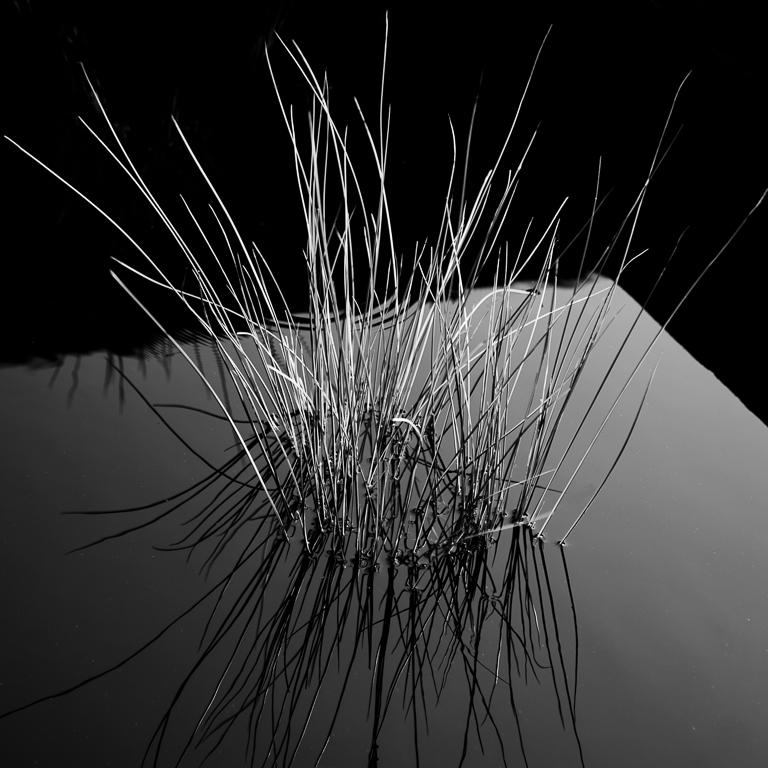
Chris,
This is a beautiful scene rendered perfectly
The snow is caked on top of your subject and the many "whiskers" below it are unaffected by the weather. Wonderful texture differences. You keep everything in context by fading the structure of the plant.
Well done
Emil |
Jan 2nd |
| 62 |
Jan 26 |
Comment |
Pete,
Wonderful rendering of a man shucking oysters. I can smell the ocean.
My thoughts are to burn the wedding band so it doesn't grab the eye and the same with area behind the fingers of his left hand so that the focus is on the oyster (just a touch of darkness)
Emil |
Jan 2nd |
6 comments - 2 replies for Group 62
|
| 66 |
Jan 26 |
Comment |
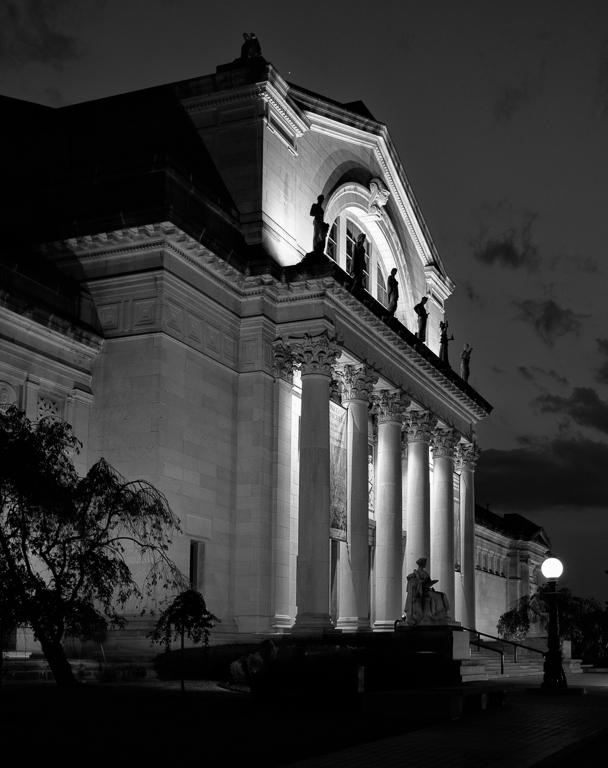
Charles,
Very dramatic rendering with good contrast. The castle exterior is gorgeous so it makes me wonder what it is like on the interior.
Well seen
Emil |
Jan 3rd |
| 66 |
Jan 26 |
Comment |
henry,
Crisp, clean scene of this grand Hotel. Your position across the harbor allowed the reflection of the Empress on the water.
I hope coffee is less than $100 but when in Rome...
Well done IR
Emil |
Jan 3rd |
| 66 |
Jan 26 |
Comment |
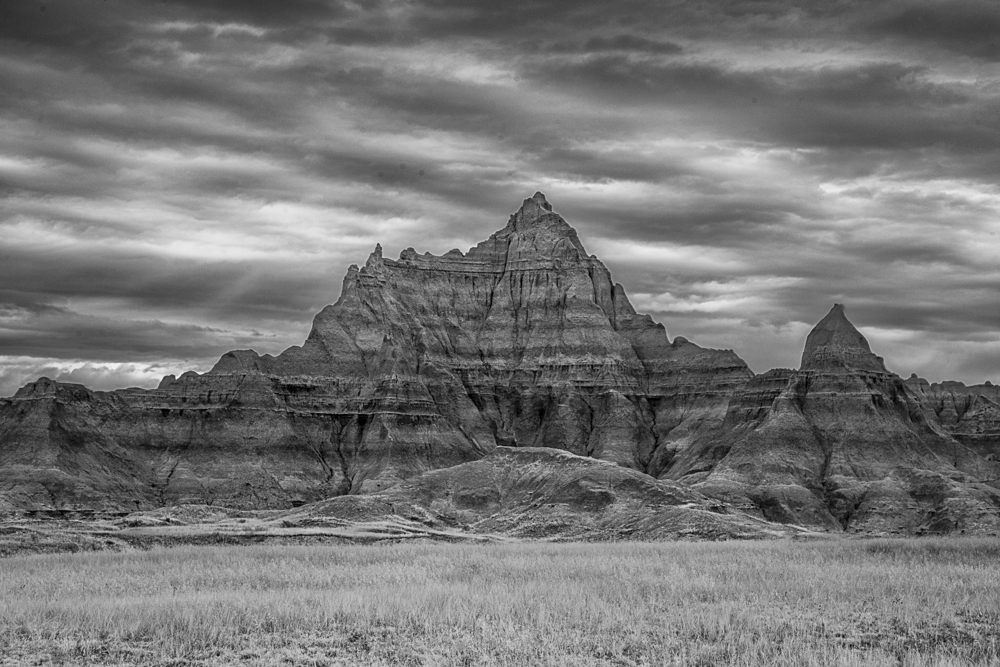
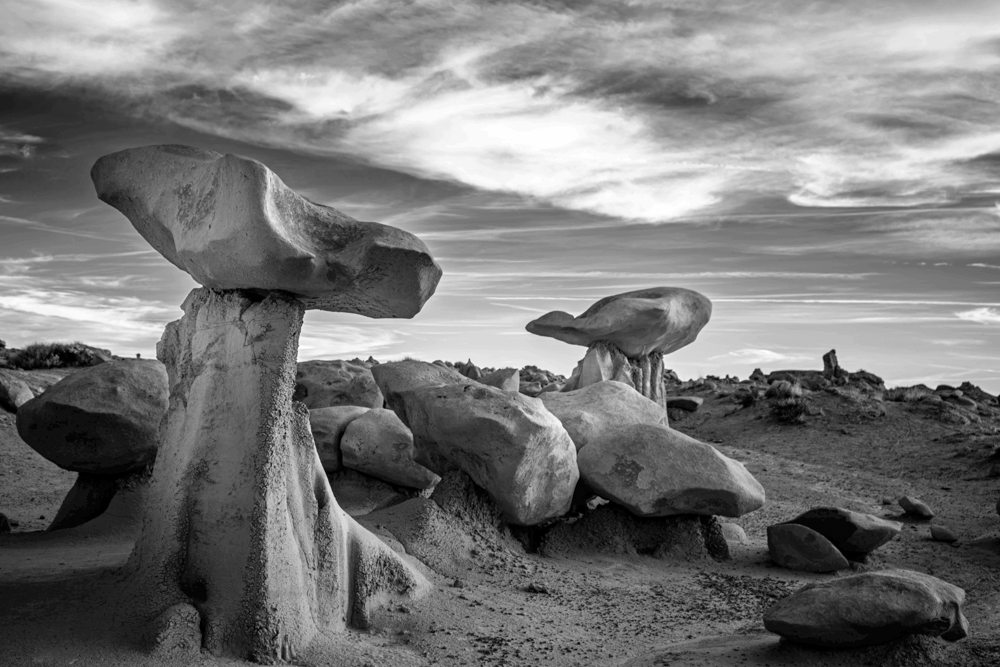
Steve
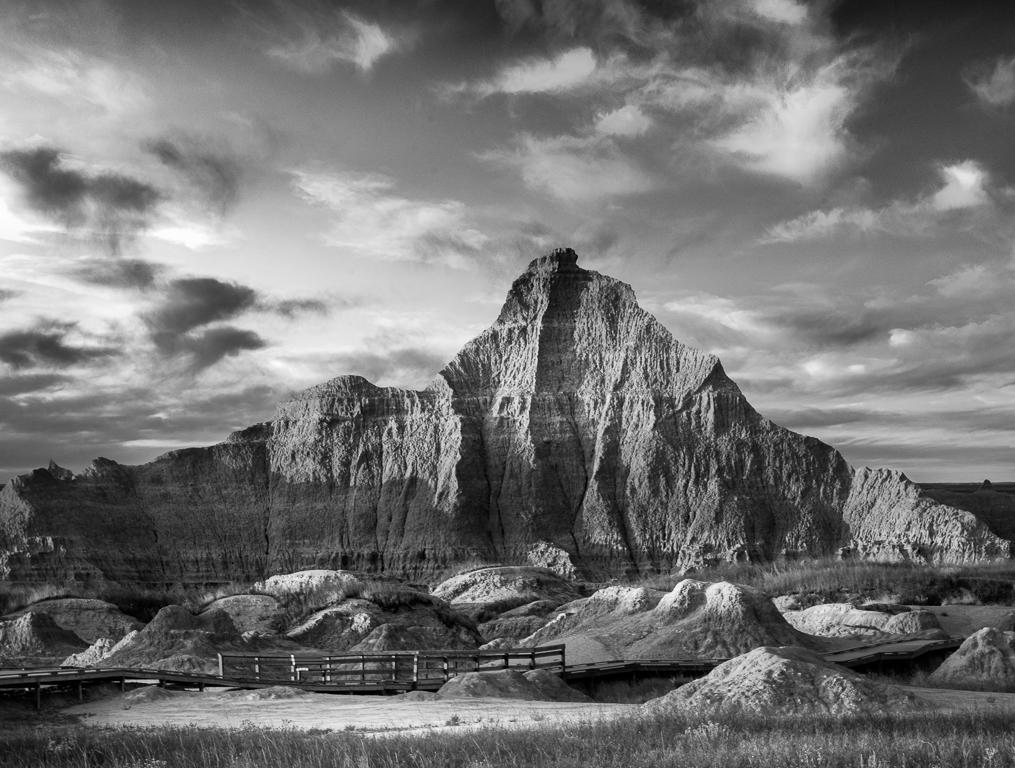
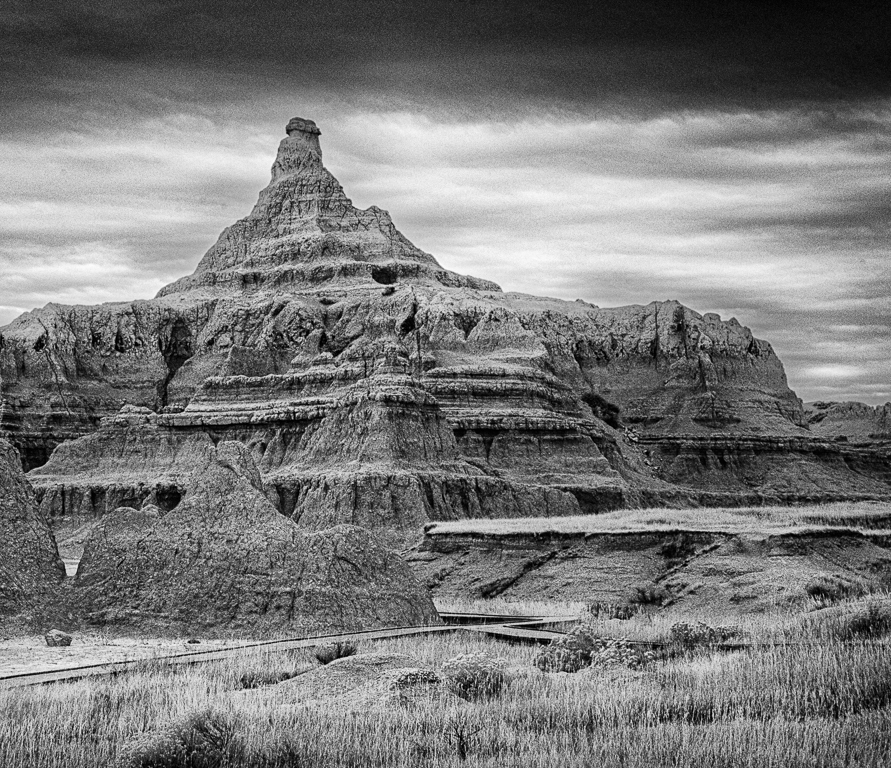
The rock formations here are other worldly. You picked a great site for this workshop
My thought is you can bring out a little more texture in the formations by selecting the ground in LR and increasing the highlights and shadows
Emil |
Jan 2nd |
 |
| 66 |
Jan 26 |
Comment |
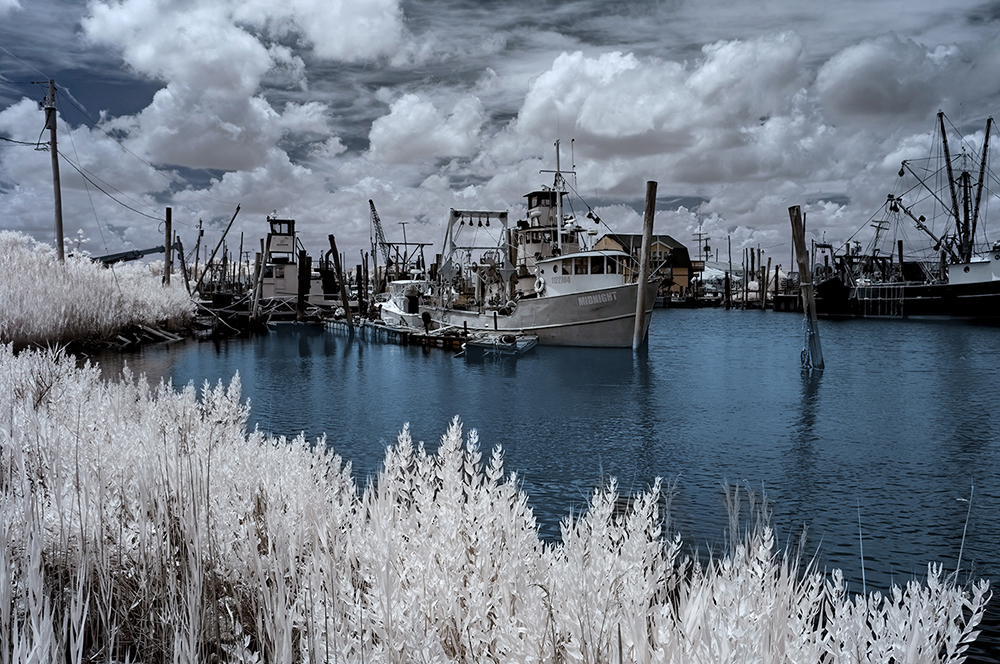
Arik,
Good eye seeing an abstract image courtesy of Mother Nature...
I offer a couple of thoughts: I thought if we can help the otter be a bit more prominent it would be the cherry on top. I did three things in LR 1) I selected the otter as an object and darkened it, 2) i placed a linear gradient over the top right corned and pulled in down to just above the otter, and 3) added a vignette
Emil |
Jan 2nd |
 |
| 66 |
Jan 26 |
Comment |
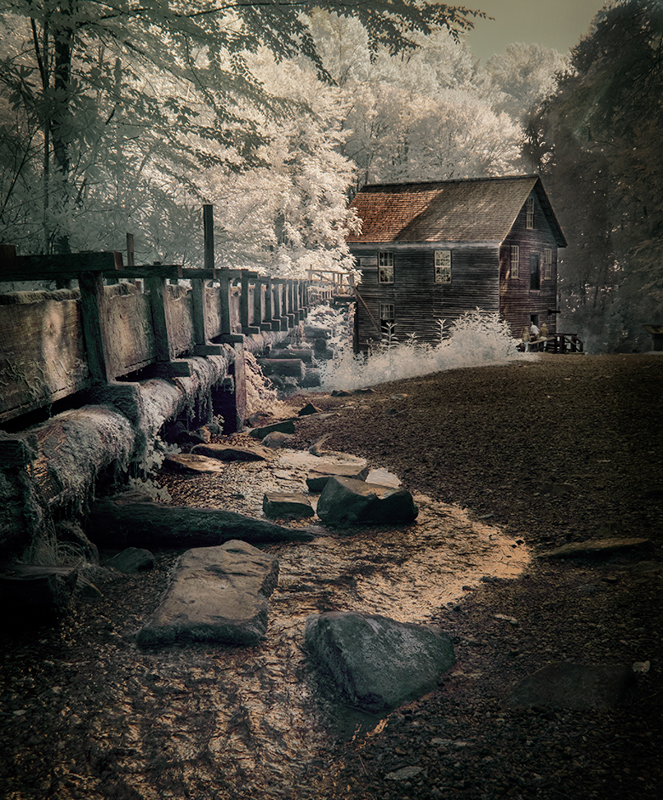
Melanie,
I really like your composition here. The rocks provide a leading line tp the lighthouse, three buildings, wonderful clouds. Removing the objects is what you should do when they add nothing to the scene content.
I offer you an alternate rendering in which I did a crop centering the buildings and reducing the sky to move the horizon up. I tried to emphasize the clouds. I dodged the rocks in the foreground on the sun side to help guide your eye.
Emil |
Jan 2nd |
 |
5 comments - 0 replies for Group 66
|
11 comments - 2 replies Total
|