Activity for User 992 - Emil Davidzuk - drzuk@sbcglobal.net

avatar
Avatar

Close this Tab when done


909 Comments / 246 Replies Posted

  = Current Round   = Previous Round
Group Round C/R Comment Date Image
62 Nov 23 Comment Bob,

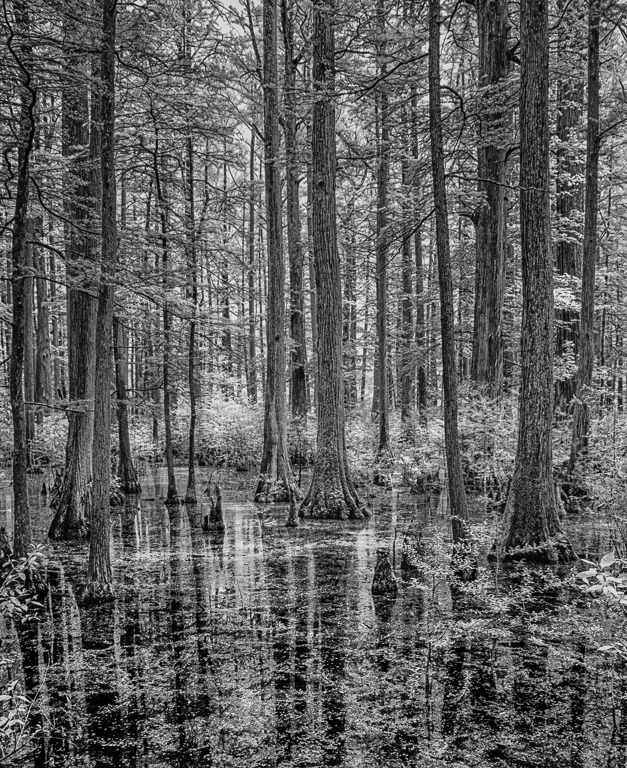
I know this is a Monochrome forum but I really like the color shot over the BW. The reflections in color really give you points of interest

Regards

Emil
Nov 7th
62 Nov 23 Comment Bunny

The iPhone is a great camera and we typically always have it handy. A camera takes fore thought to bring it with you.

I like the scene and I also feel it needs a little more contrast like Pete's offering

Regards

Emil
Nov 7th
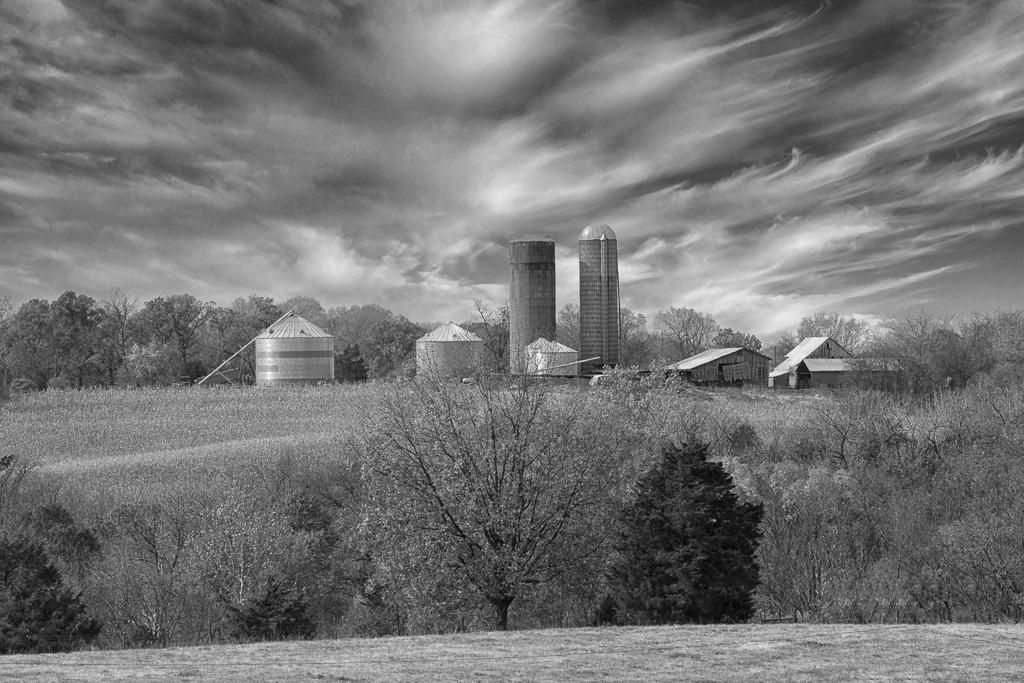
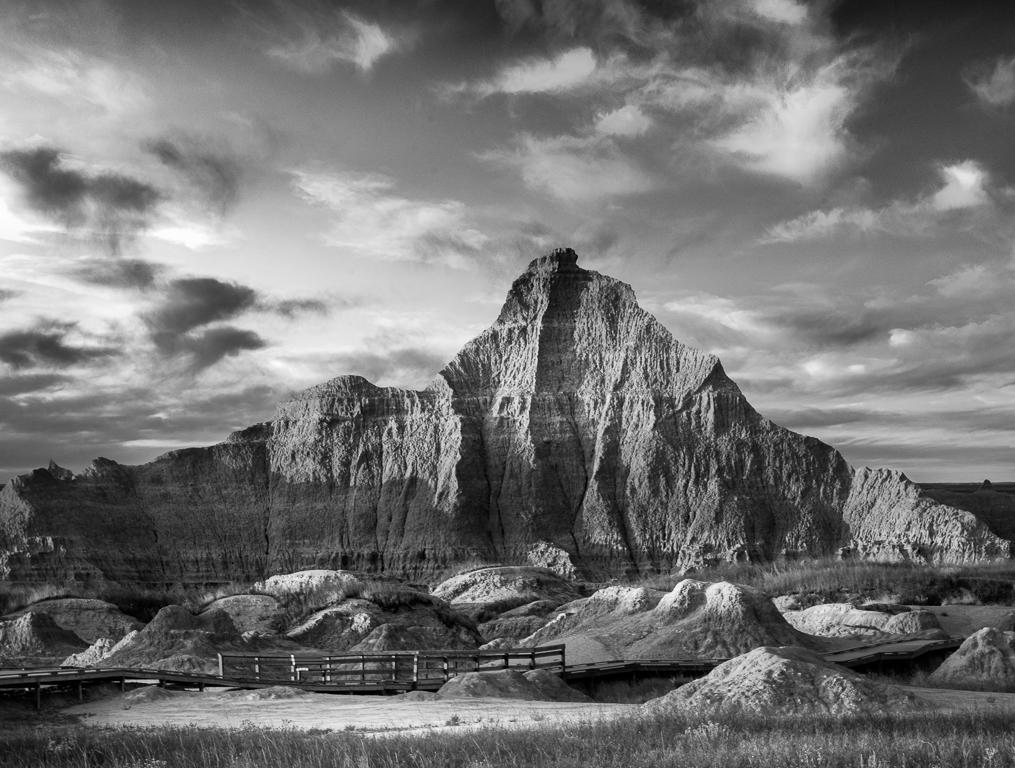
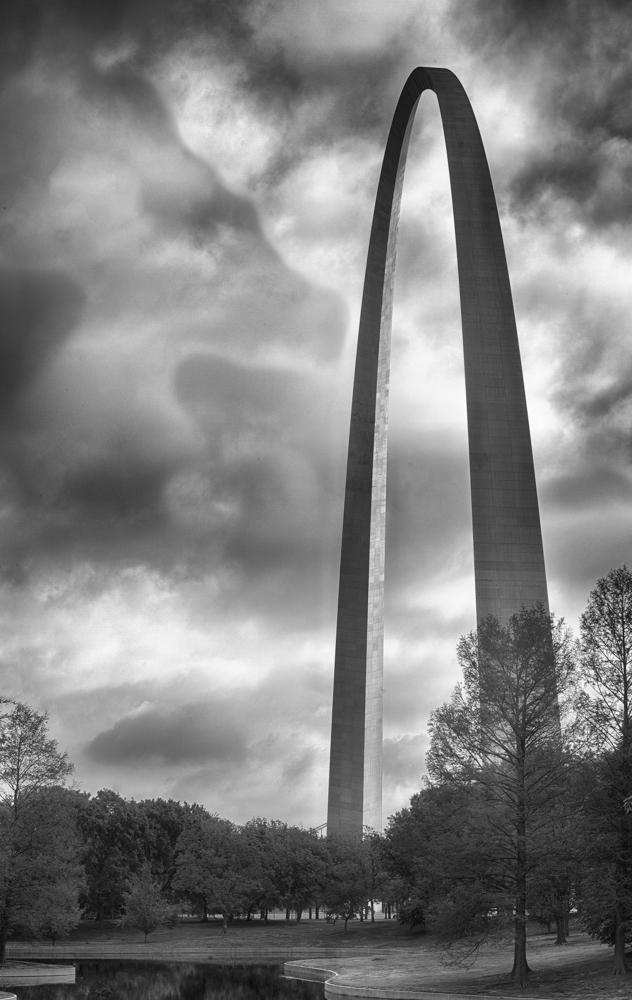
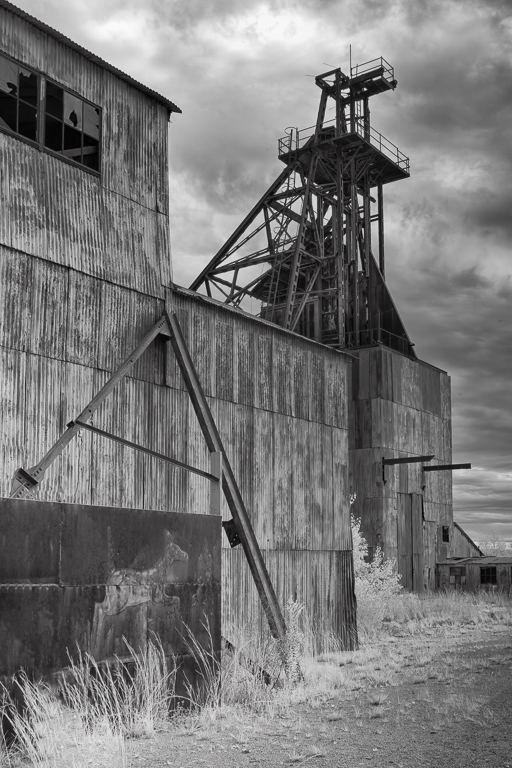
62 Nov 23 Comment Mark,

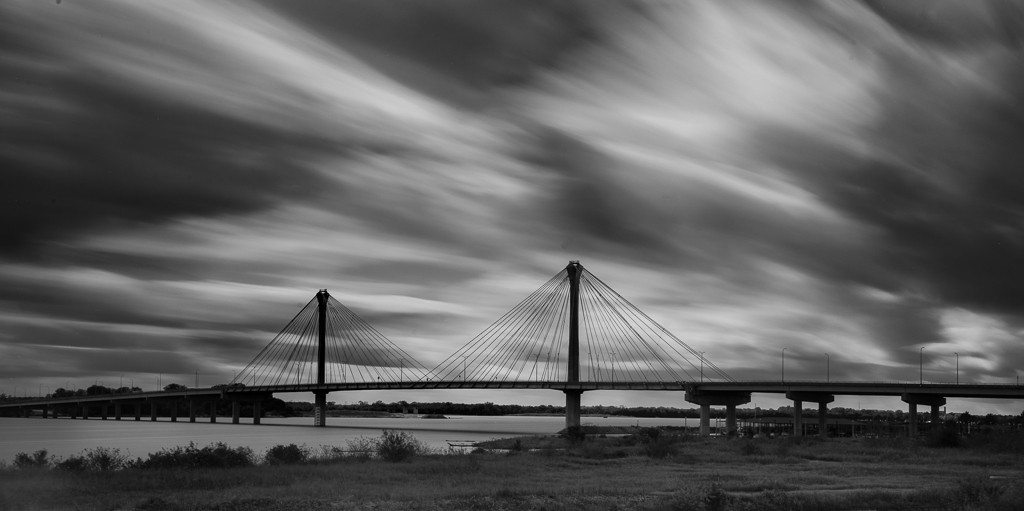
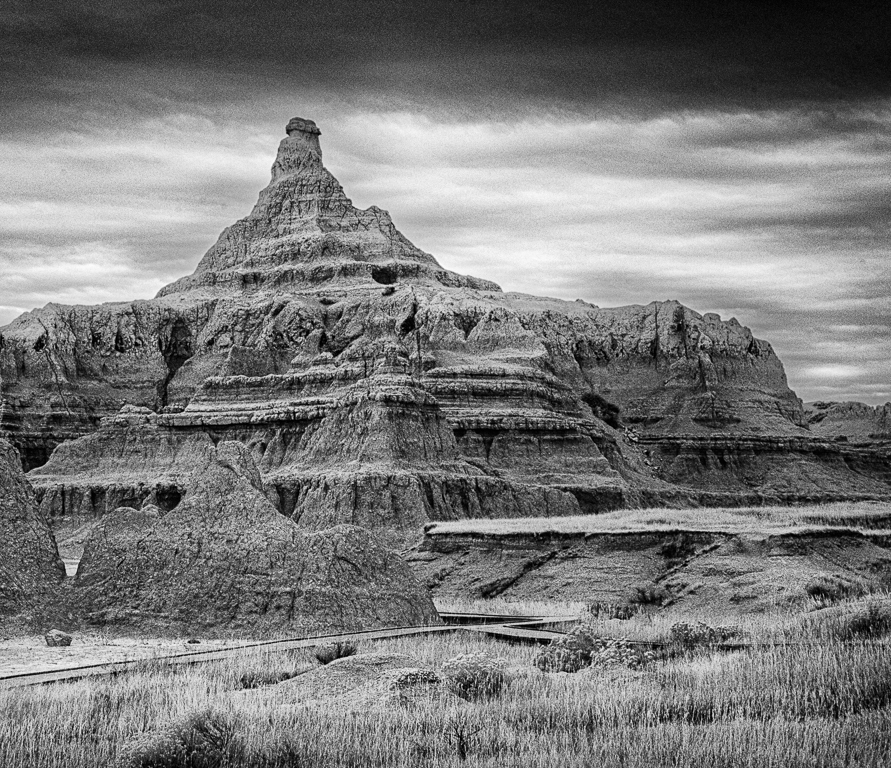
Such a compelling composition. The light on the tower is perfect as is the sky.

I tried a different tack than Pete, what he did was nice no question, to accentuate the tower details with some sheen since the clouds are masking the Sun.

I added a linear gradient in LR from the upper left corner and placed the lower line on the top of the tree line and increased the exposure to open up the dark region. I then selected subject and LR picked the tower thankfully. I reduced the highlights quite a bit and added clarity and dehaze. The sheen still is there which is a nice effect.

Regards

Emil
Nov 6th
62 Nov 23 Comment Mandy

Good photographers deal with the conditions in front of them and make the best of it which is exactly what you did.

Food for thought: I decided to increase the focus on the architectural elements to help offset the birds and thne cropped the right border some.

I use LR but you can also use Camera Raw. I selected the left side of the castle as an object, increased exposure some and added clarity to increase the texture. I then selected the front face and increased just the exposure a tad. I wanted to retain the tonal difference. I then did the wall that runs next to the castle and the sea wall. In each case increasing exposure just enough for it to be more prominent. I then brushed over some of the larger gulls and reduced their highlights a little so fade into the scene.

Regards

Emil

Nov 6th
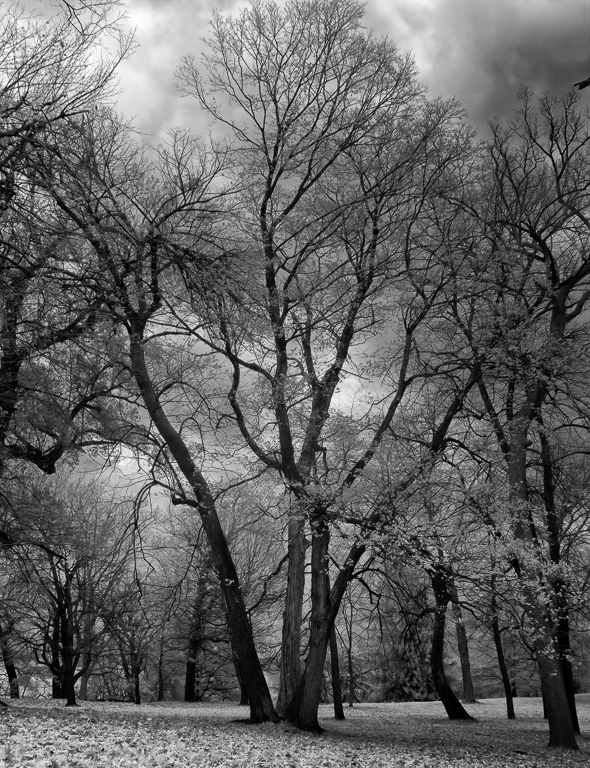
62 Nov 23 Comment Pete

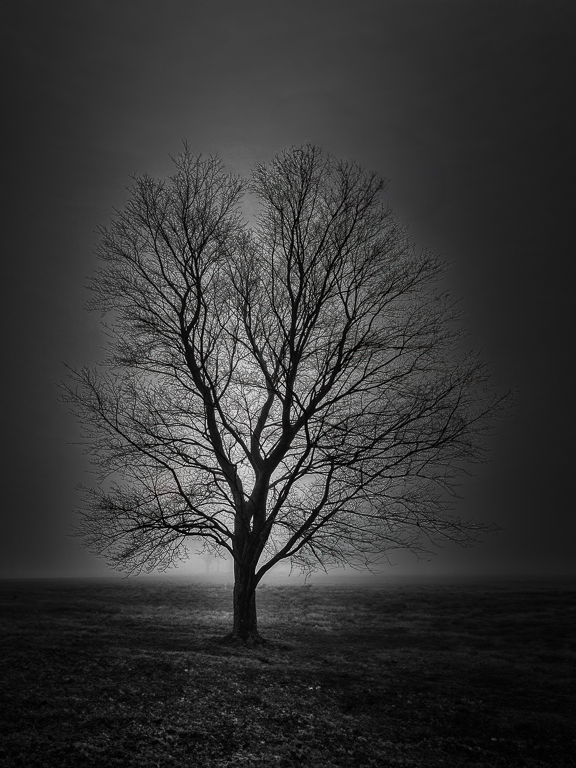
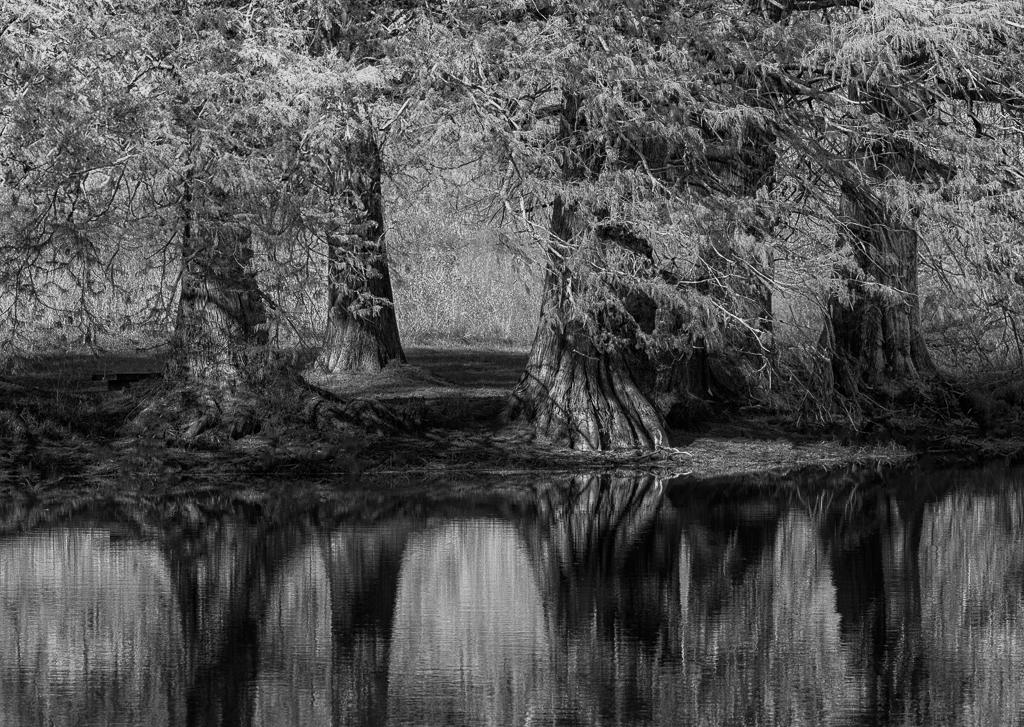
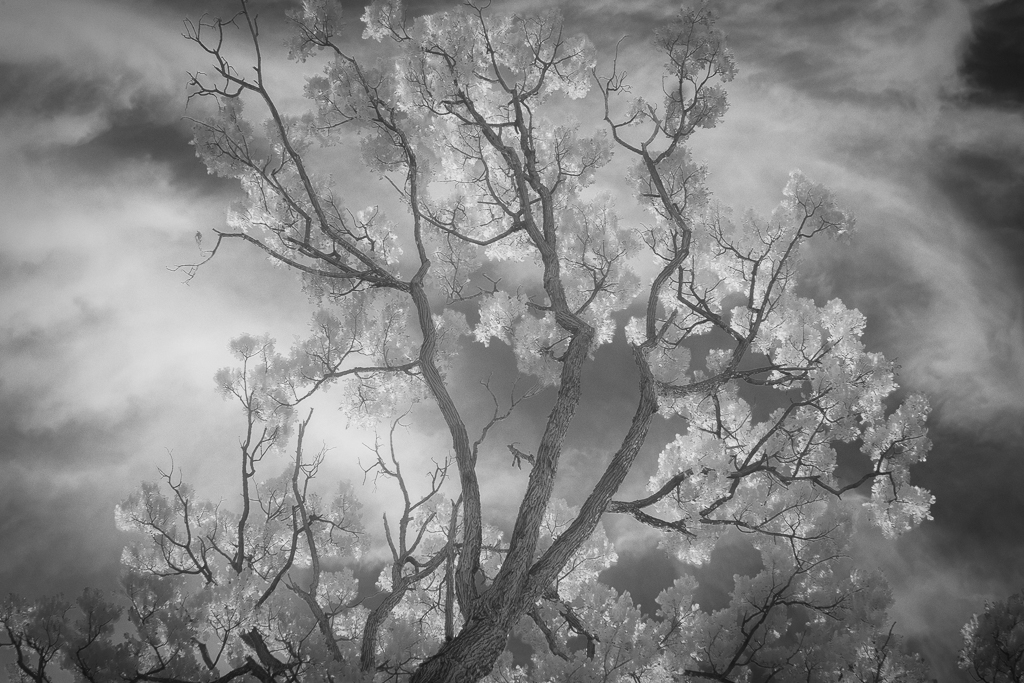
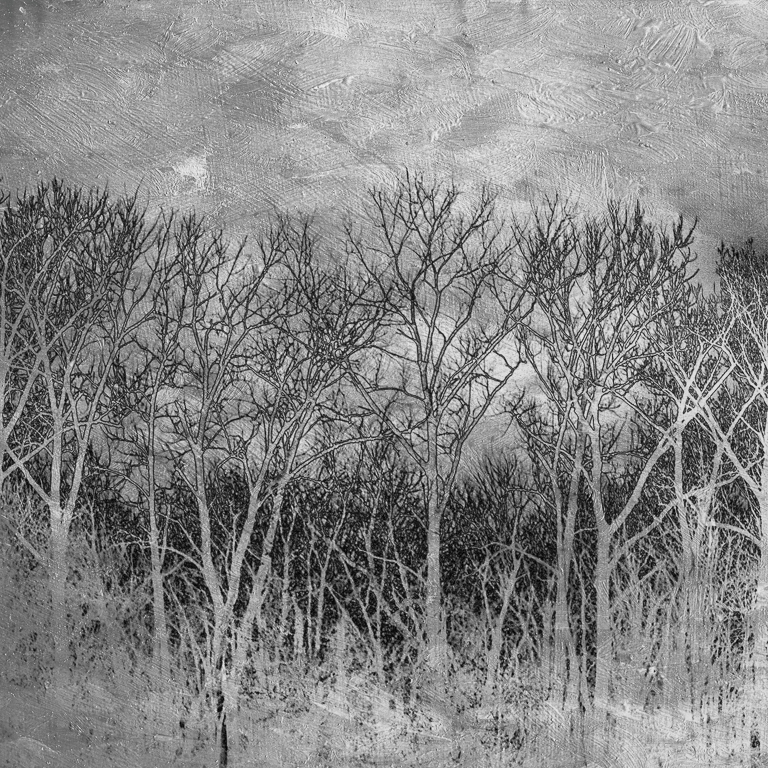
I love to photograph trees particularly when the leaves fall

You picked a nice spooky specimen here. I think it is a sycamore?

Food for thought: see if you can select the tree as a subject, or paint it as an object and then pull up the exposure to accentuate the whites and make it pop

Regards

Emil
Nov 6th
62 Nov 23 Reply Pete

Thank you so much. I use Detail Extractor in my workflow. A couple of things to note. Sometimes I just want to enhance the clouds, which it does well, I will add a mask and paint everything but the sky black. Other times the result looks overcooked so I reduce the layer opacity.

Emil
Nov 1st

5 comments - 1 reply for Group 62

66 Nov 23 Comment Melanie

From South Africa to Boone NC you do get out to places to shoot IR.

I like your scene very much.

Regards

Emil
Nov 7th
66 Nov 23 Comment Jack

A very nice rendering considering the fact you are many miles from home. It will be dynamite once you get a chance to use your home digital dark room

Regards

Emil
Nov 7th
66 Nov 23 Comment Palli

I have to try using Hue/Saturation layer as a BW rendering technique...So much to try so little time

Wonderful framing with that big old tree and nice tonal range as well Your model adds so much to your image

Well done

Emil
Nov 7th
66 Nov 23 Comment Charles

I like what you have going on here. My thought is to brush some white or exposure into the clouds

Reagrds

Emil
Nov 6th
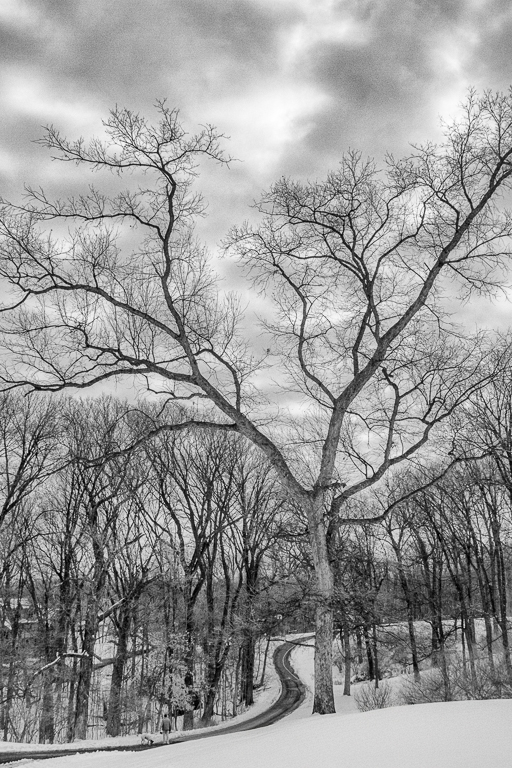
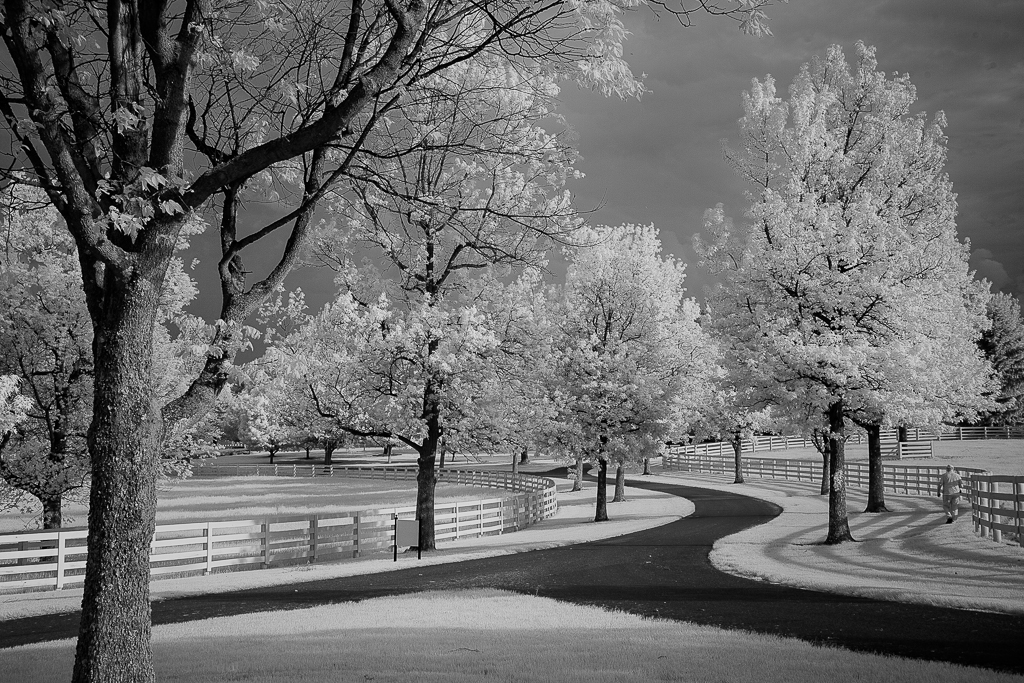
66 Nov 23 Comment Arik

Well done. Hopefully you and your dog got back before the rain hit...

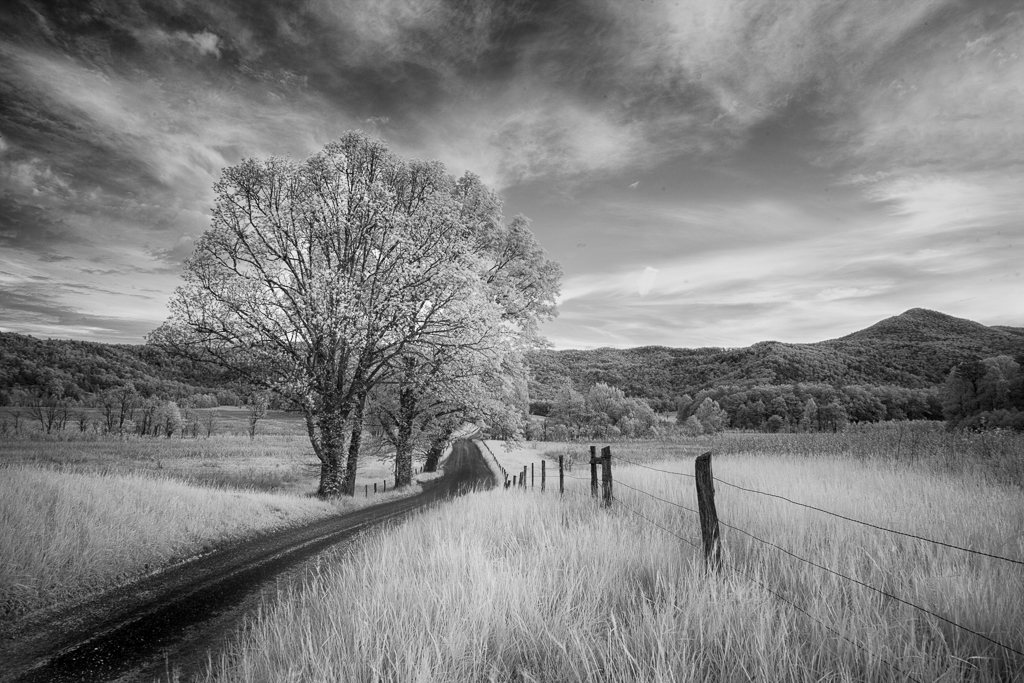
One thought I have is to lighten the foreground grass to contrast with the tones of the tree and its adjacent foliage.

Reagrds

Emil
Nov 6th
66 Nov 23 Comment Henry

You did St Jerome's Church proud. I like your rendition with at the addition of some foreground per Palli's suggestion

Regards

Emil
Nov 6th
66 Nov 23 Comment Gary

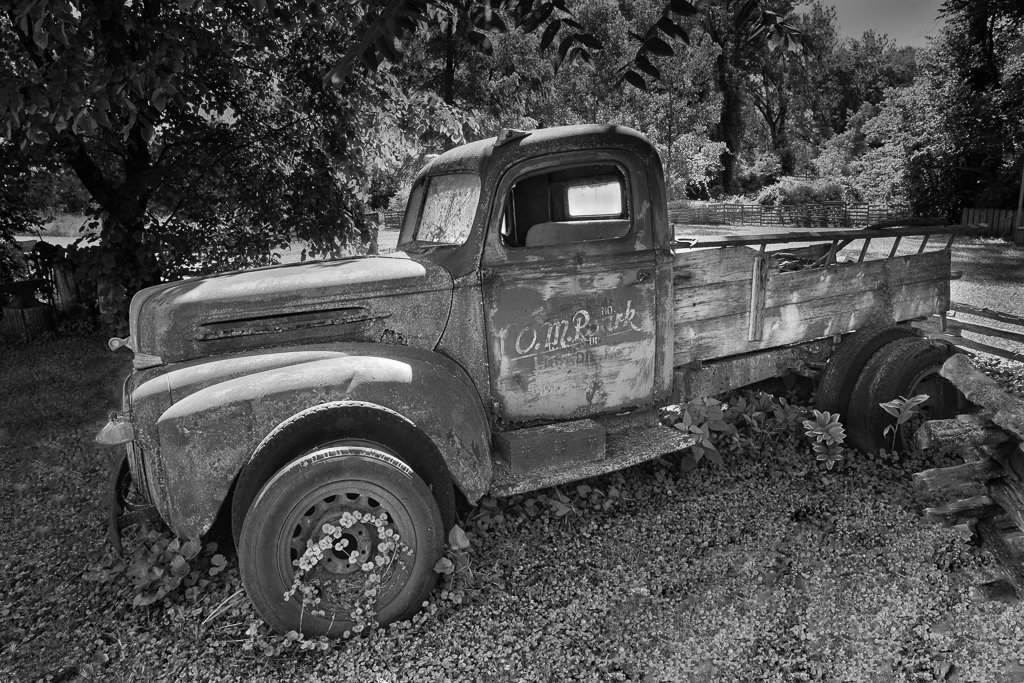
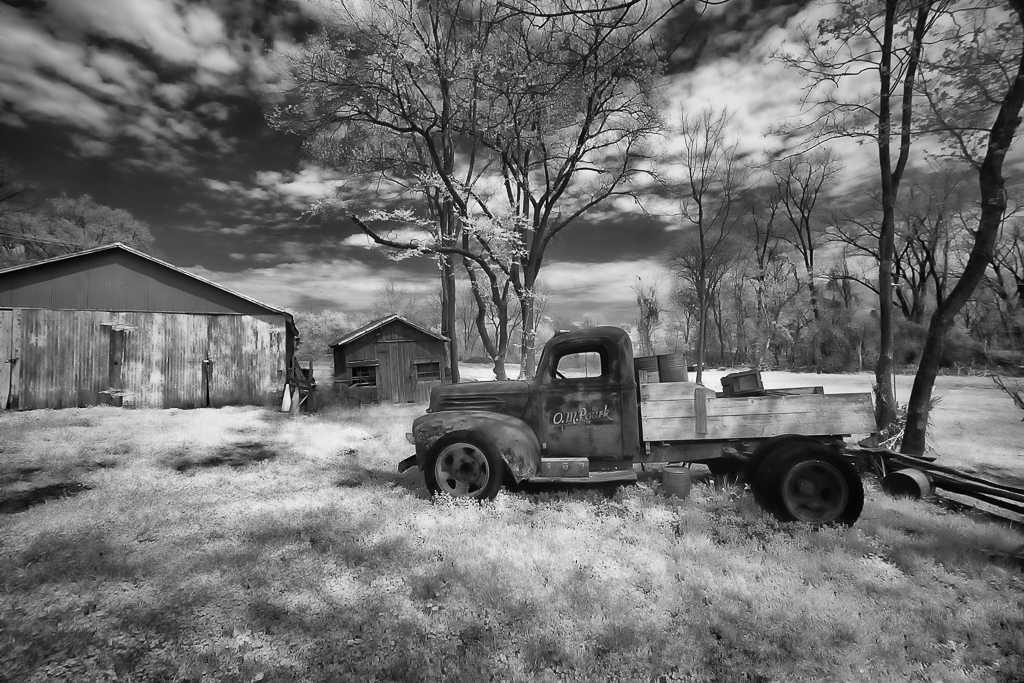
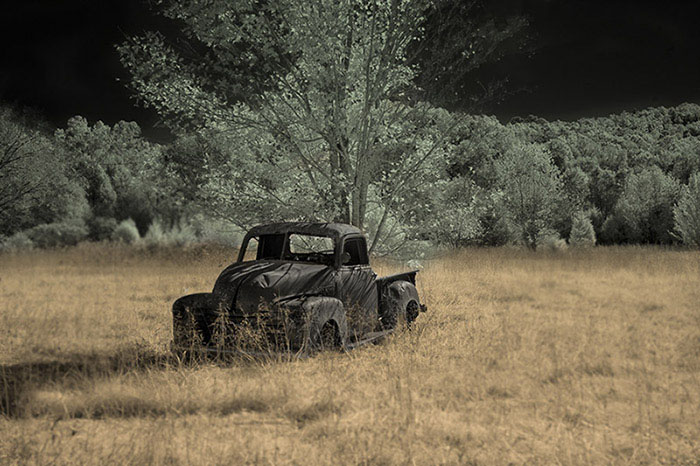
You used the new AI technology in PS to its fullest with a nice result. I use Generative Fill only to remove objects. Lightroom does not have AI Generative Fill.

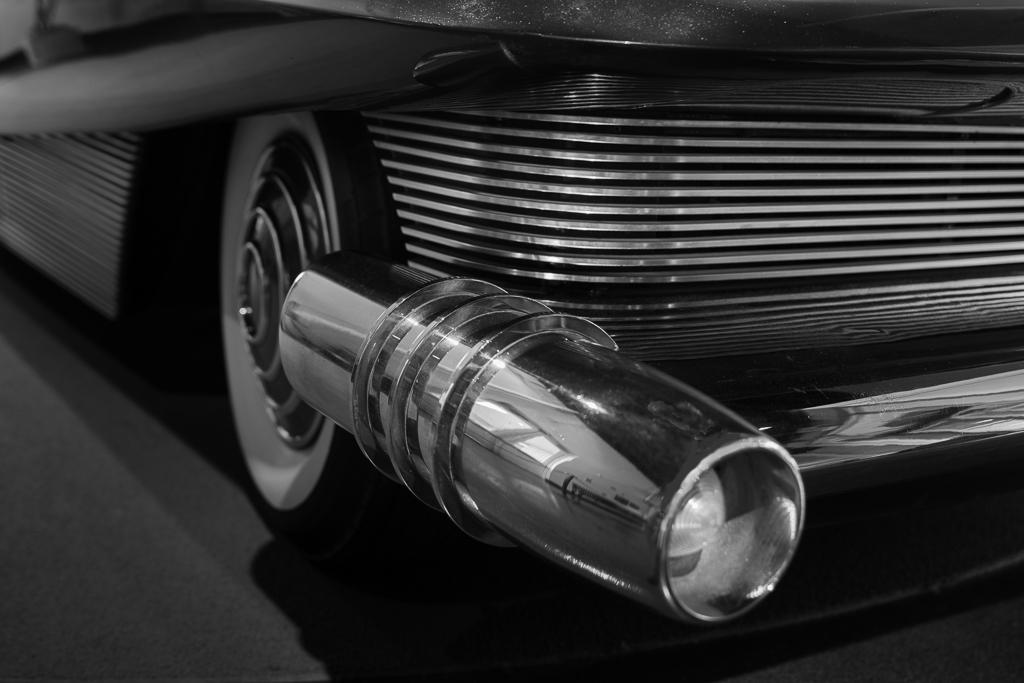
Love the old Studebaker.

Regards

Emil
Nov 6th
66 Nov 23 Comment Palli

I did a side by side comparison and your re-worked image gets the nod for sharpness. Nice work and I will go back and see where I missed the boat during my processing

Regards

Emil
Nov 3rd
66 Nov 23 Reply Arik

Thanks for your version

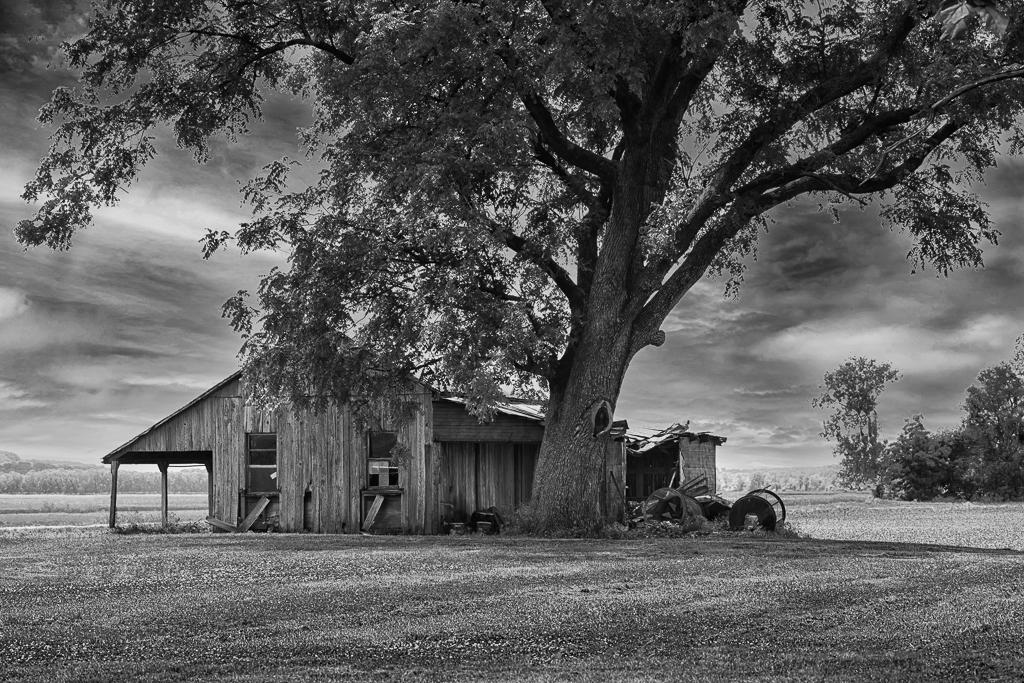
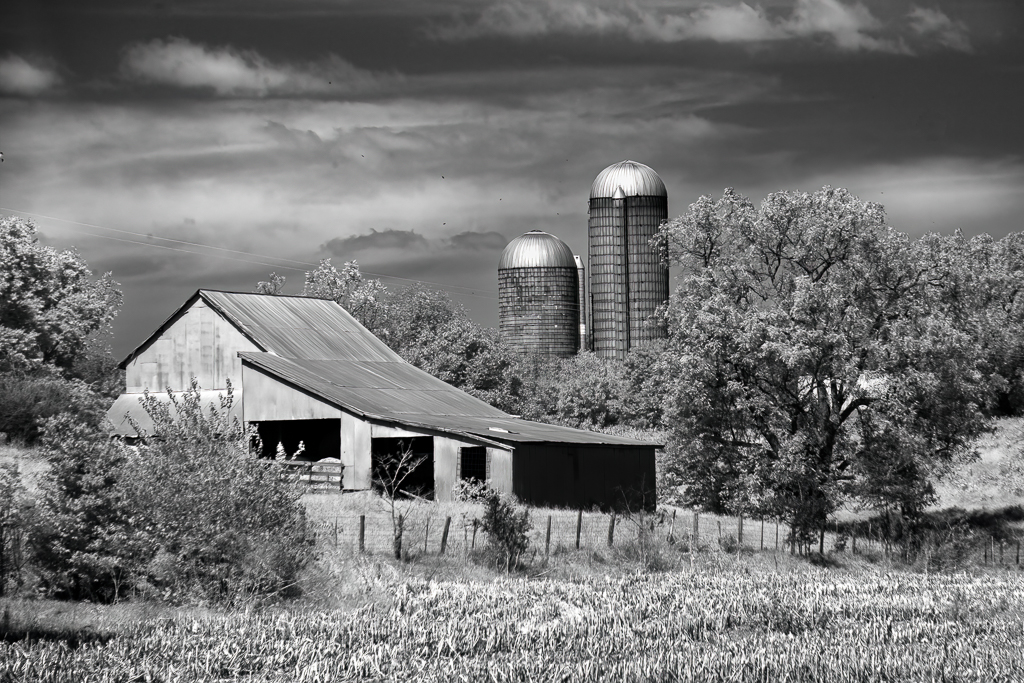
I played with a gradient map in PS which made the sky/foliage a touch lighter and the barn a touch darker.

Seems like it is going in your direction?

Regards

Emil
Nov 2nd
66 Nov 23 Reply Arik

Thanks for your comments

The histogram is the dark edge so a black point adjustment shifted it to the left just a hair (-7). Reducing exposure globally defeats my work to open up the shadows. Not sure what else affects the contrast at the moment

Regards

Emil
Nov 1st

8 comments - 2 replies for Group 66


13 comments - 3 replies Total


155 Images Posted

  = Current Round   = Previous Round
Group 62

Jan 26

Dec 25

Nov 25

Oct 25

Sep 25

Aug 25

Jul 25

Jun 25

May 25

Apr 25

Mar 25

Feb 25

Jan 25

Dec 24

Nov 24

Oct 24

Sep 24

Aug 24

Jul 24

Jun 24

May 24

Apr 24

Mar 24

Feb 24

Jan 24

Dec 23

Nov 23

Oct 23

Sep 23

Aug 23

Jul 23

Jun 23

May 23

Apr 23

Mar 23

Feb 23

Jan 23

Dec 22

Nov 22

Oct 22

Sep 22

Aug 22

Jul 22

Jun 22

May 22

Apr 22

Mar 22

Feb 22

Jan 22

Dec 21

Nov 21

Oct 21

Sep 21

Aug 21

Jun 21

May 21

Apr 21

Mar 21

Feb 21

Jan 21

Dec 20

Nov 20

Oct 20

Sep 20

Aug 20

Jul 20

Jun 20

May 20
Group 66

Jan 26

Dec 25

Nov 25

Oct 25

Sep 25

Aug 25

Jul 25

Jun 25

Apr 25

Mar 25

Feb 25

Jan 25

Dec 24

Nov 24

Oct 24

Sep 24

Aug 24

Jul 24

Jun 24

May 24

Apr 24

Mar 24

Feb 24

Jan 24

Dec 23

Nov 23

Oct 23

Sep 23

Jul 23

Jun 23

May 23

Apr 23

Mar 23

Feb 23

Jan 23

Dec 22

Nov 22

Oct 22

Sep 22

Aug 22

Jul 22

Jun 22

May 22

Apr 22

Mar 22

Feb 22

Jan 22

Dec 21

Nov 21

Oct 21

Sep 21

Aug 21

Jul 21

Jun 21

May 21

Apr 21

Mar 21

Feb 21

Jan 21

Dec 20

Nov 20

Oct 20

Sep 20

Aug 20

Jul 20

Jun 20

May 20

Apr 20

Feb 20

Jan 20

Dec 19

Nov 19

Oct 19

Sep 19

Aug 19

Jul 19

Jun 19

May 19

Apr 19

Mar 19

Feb 19

Jan 19

Dec 18

Nov 18

Oct 18

Sep 18

Aug 18

Close this Tab when done