|
| Group |
Round |
C/R |
Comment |
Date |
Image |
| 62 |
May 23 |
Reply |
LuAnn
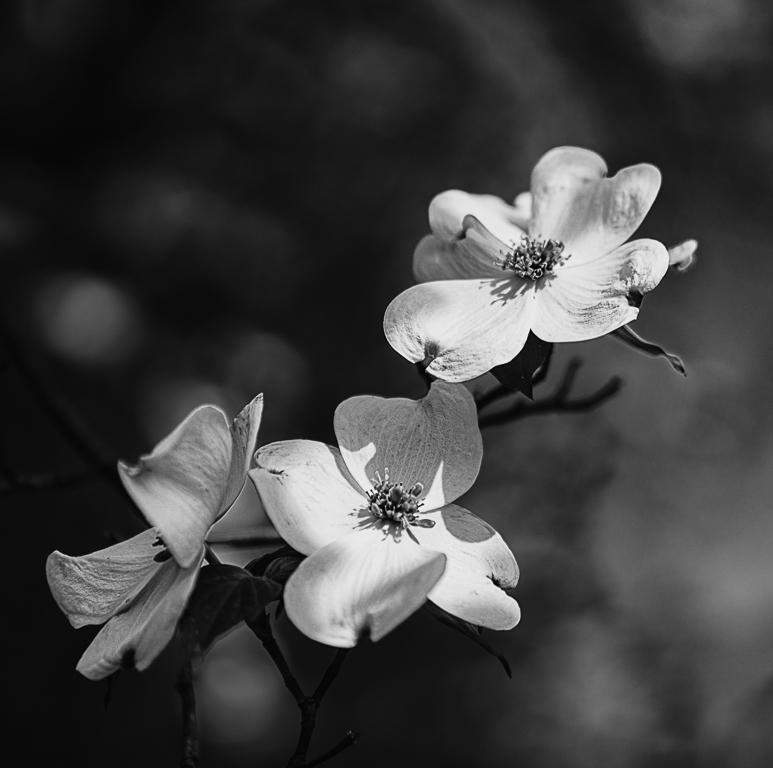
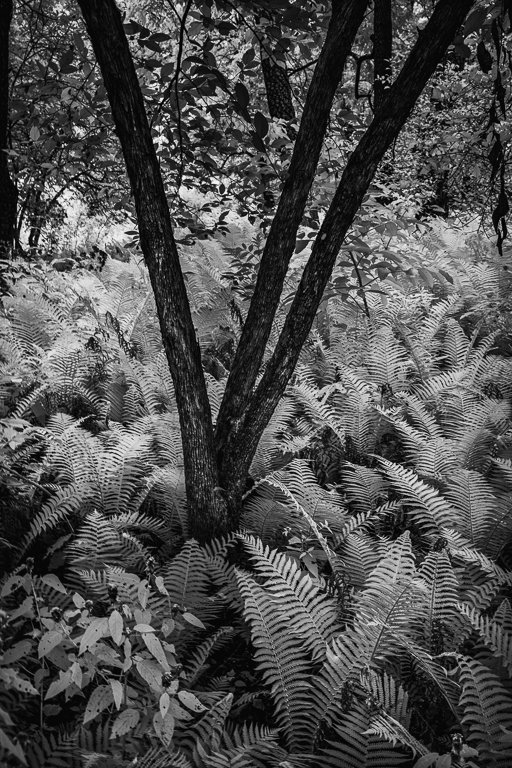
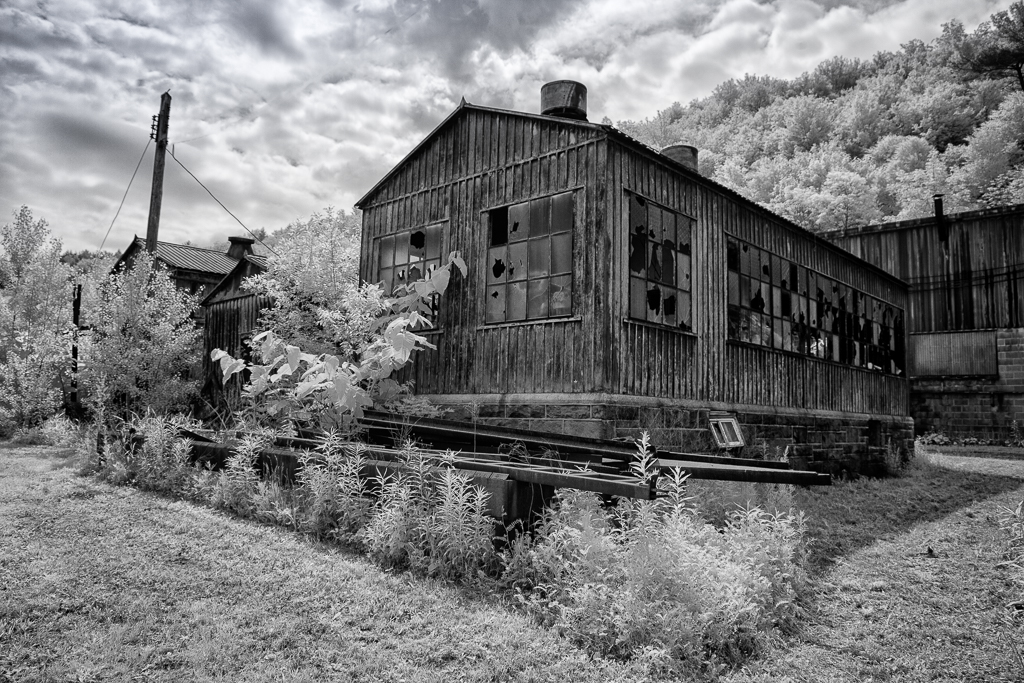
Your version is light and airy and the cleanup of misc branches is a good thing. It offers another way to process my Dogwood image and is well done
I looked at its LR histogram and it is comprised of mid-tones and highlights just as it appears in BW, I try to have me histogram go edge to edge (darks to lights) so I present the full range of tonality. I always use the Level adjustment layer in PS to achieve the edge to edge histogram. I think I should add a levels adjustment layer to your version, adjust the darks, and see where it ends up.
Here it is..
Regards
Emil |
May 15th |
 |
| 62 |
May 23 |
Reply |
LuAnn
Your version is light and airy and the cleanup of misc branches is a good thing. It offers another way to process my Dogwood image and is well done
I looked at its LR histogram and it is comprised of mid-tones and highlights just as it appears in BW, I try to have me histogram go edge to edge (darks to lights) so I present the full range of tonality. I always use the Level adjustment layer in PS to achieve the edge to edge histogram. I think I should add a levels adjustment layer to your version, adjust the darks, and see where it ends up.
Regards
Emil |
May 15th |
| 62 |
May 23 |
Comment |
Bob
I echo Bunny and LuAnn's comments. The driftwood and clouds make your monochrome work for us
Job done well
Emil |
May 12th |
| 62 |
May 23 |
Comment |
Israel,
Each month you share with us such great images of the various locations you are able to photograph. I always want to see each month where you have been with your camera.
One thought for image use NIK Color Efex Lighten/darken center preset. I used maximum depth. It brings your eye into your nice shot
Regards
Emil |
May 12th |
 |
| 62 |
May 23 |
Reply |
Bunny
I used NIK's detail extractor on the color shot and then on the BW rendering above I used LR's adjustment brush with the sharpness, texture and clarity sliders
Emil |
May 12th |
| 62 |
May 23 |
Comment |
Pete
Your image lays bare - big planet small human (in his element surf fishing)
I tried several versions in which I tried to bring the eye to your lone fisherman with out detracting from the wonderful atmosphere around him. I ended up going with NIK Silver Efex "Classic Portrait Hollywood Glamor" preset that darkens the sand in the foreground and the sky but leaves the mid ground light retaining the contrast with the subject. It is noisy.
Regards
Emil |
May 12th |
 |
| 62 |
May 23 |
Comment |
Bunny,
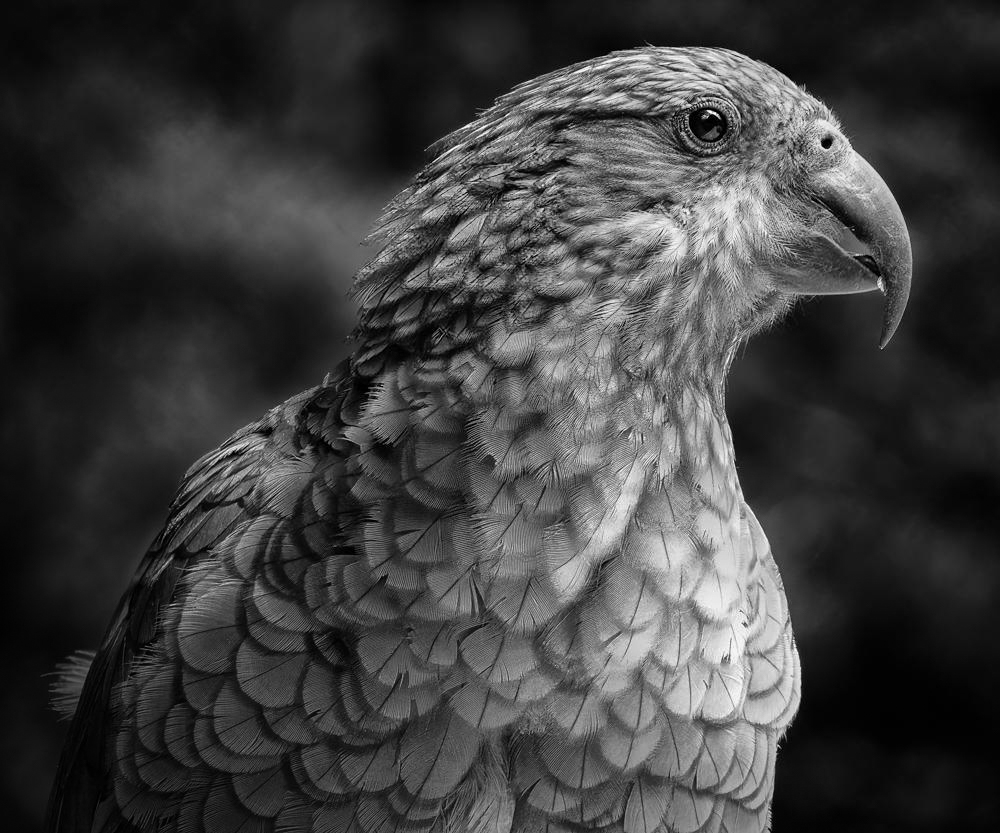
I love your Kea shot and its story you shared in your writeup.
I did a couple of things in LR to your BW image: I used the brush on the Kea's head to lighten it, I darkened its chest some as LuAnn noted and finally I put a linear gradient drawn from the lower left corner and darkened the Kea's back.
Regards
Emil |
May 11th |
 |
| 62 |
May 23 |
Comment |
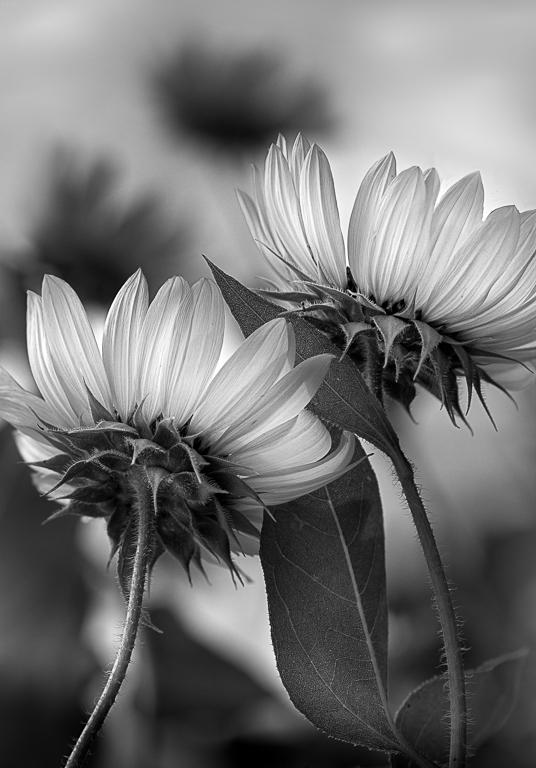
LuAnn
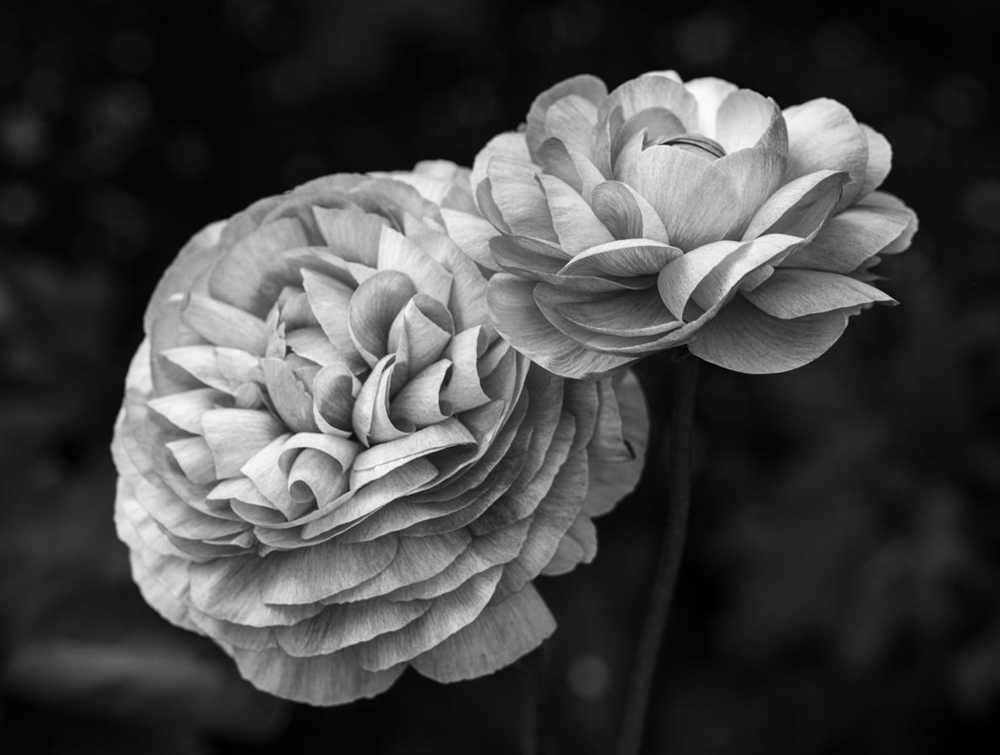
One of the facets of rendering in BW to me is that you can control where you want the viewer to look by tone. I think your subject is perfect for BW
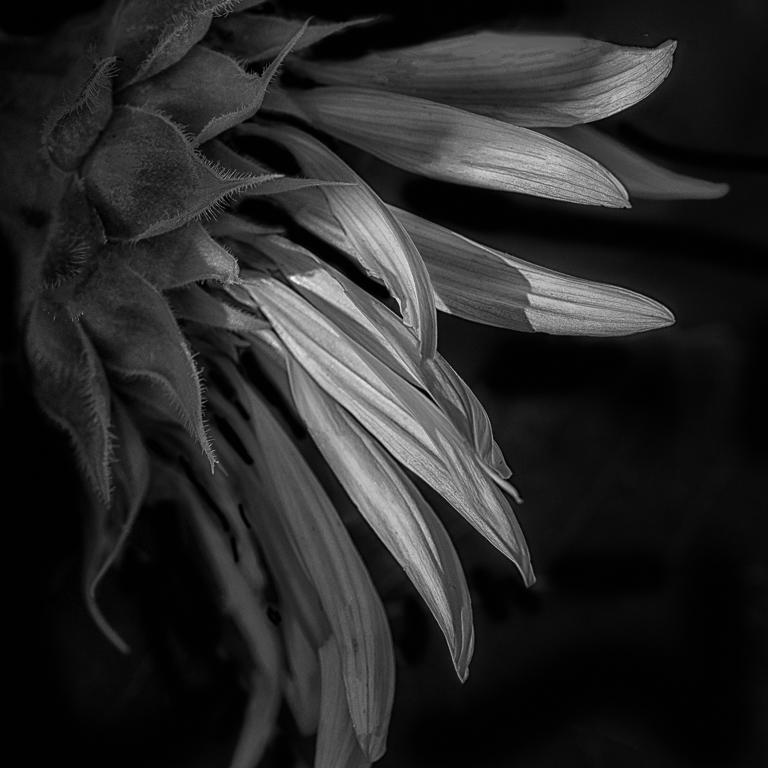
In the version I attached, I separated both blooms into a center area that I made lighter and the petals on the outside darker without being heavy handed. The lighter centers are where hopefully the eye goes first and the dark areas add definition to the petal edges. I also cropped to have even space between flower edges and the frame, just my bias.
Regards
Emil
|
May 11th |
 |
| 62 |
May 23 |
Comment |
Mark
I think sometimes unplanned shots can have a lot of impact as your shot does.
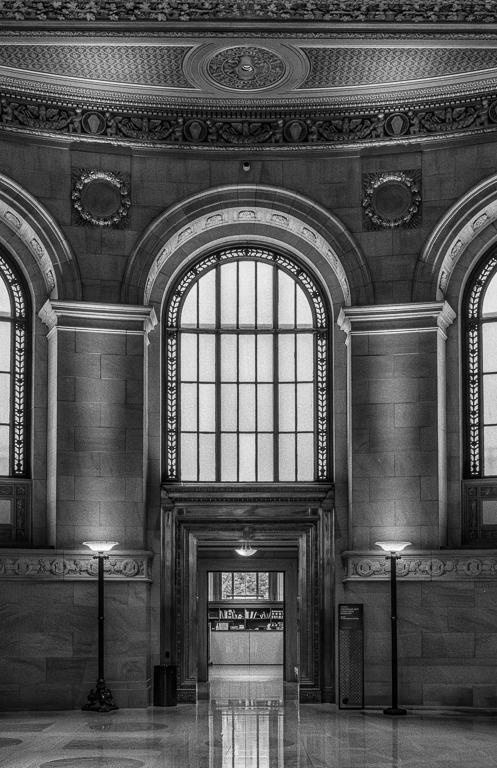
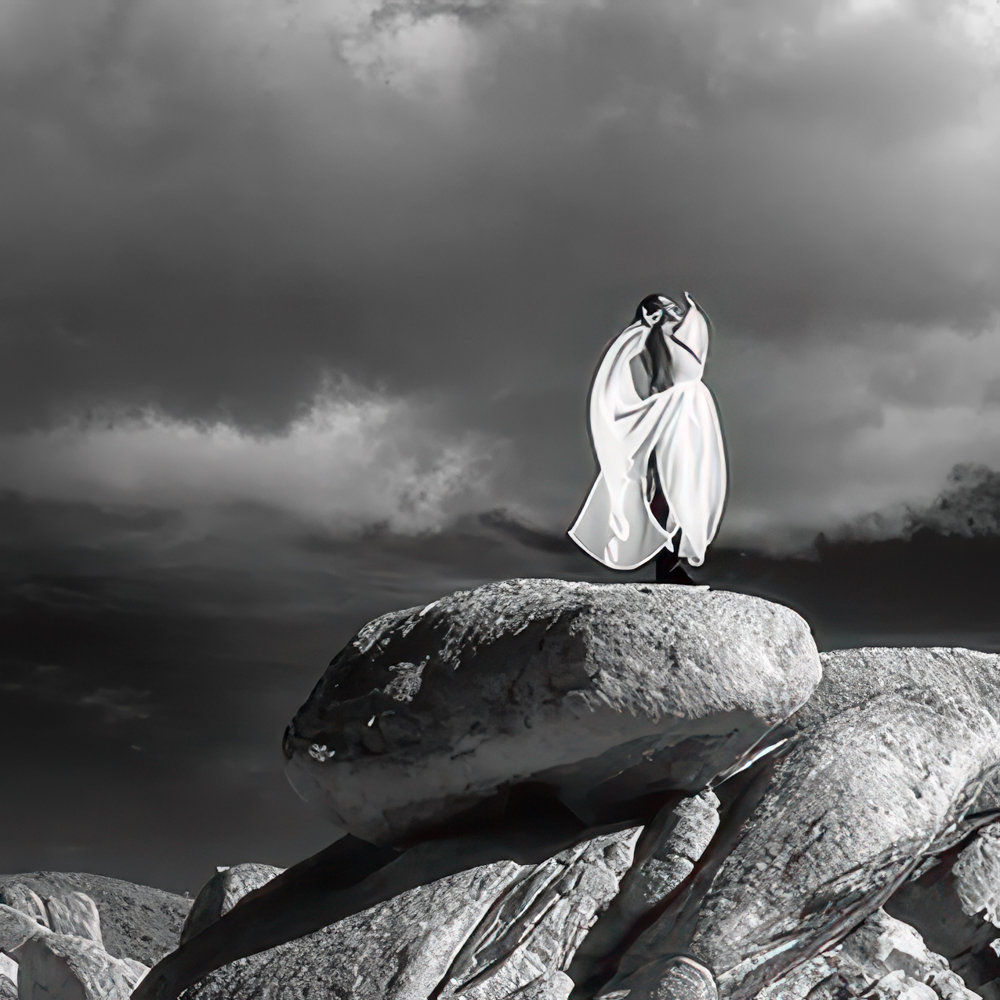
This is an alternate to your initial edit. The aqueduct interior has to have good exposure to draw you eye to the subjects which have done well. My approach was to peel back a layer of archway and make the view symmetric.
Regards
Emil
|
May 11th |
 |
| 62 |
May 23 |
Reply |
Pete
Thanks for your comments. I agree with you about adding a little canvas to the left side of frame. I will fix it today
Regards
Emil |
May 4th |
6 comments - 4 replies for Group 62
|
| 66 |
May 23 |
Comment |
Palli
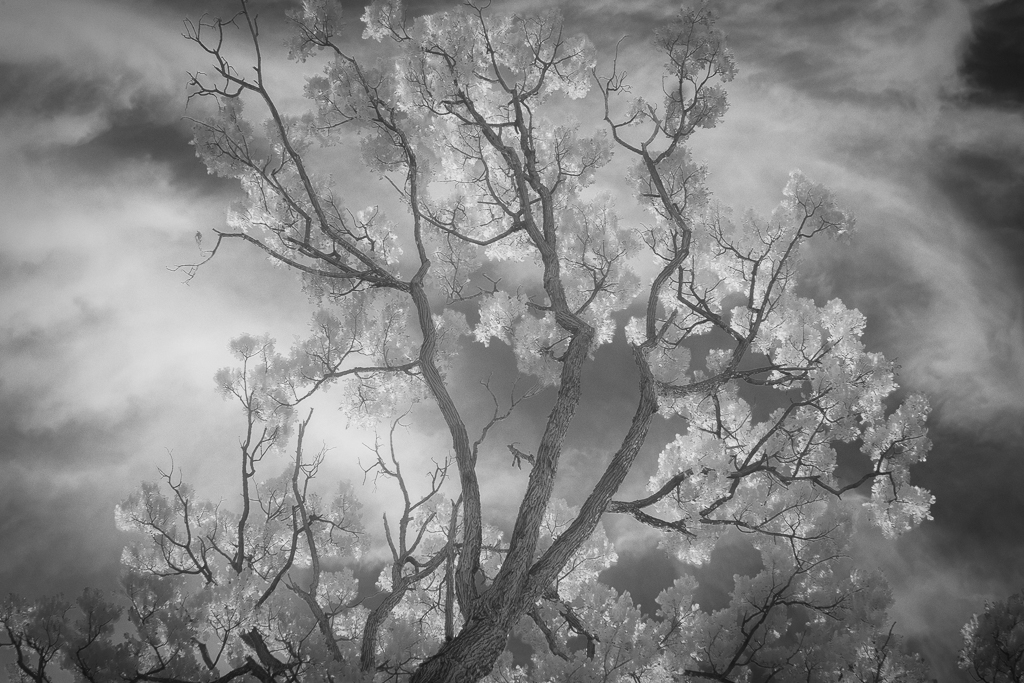
Your image this month and its title are a perfect match, the leaves hang down from the tree in the mid ground as if it is covered by a white veil.
Well done and as Charles noted sometimes the common place scenes can be the most pleasing when shot in IR.
Regards
Emil |
May 30th |
| 66 |
May 23 |
Comment |
Jack
I agree with the feedback that precedes me so you have some good input to consider from our great talent pool.
Going with Gary's rendition at the moment.
Regards
Emil |
May 12th |
| 66 |
May 23 |
Comment |
Charles
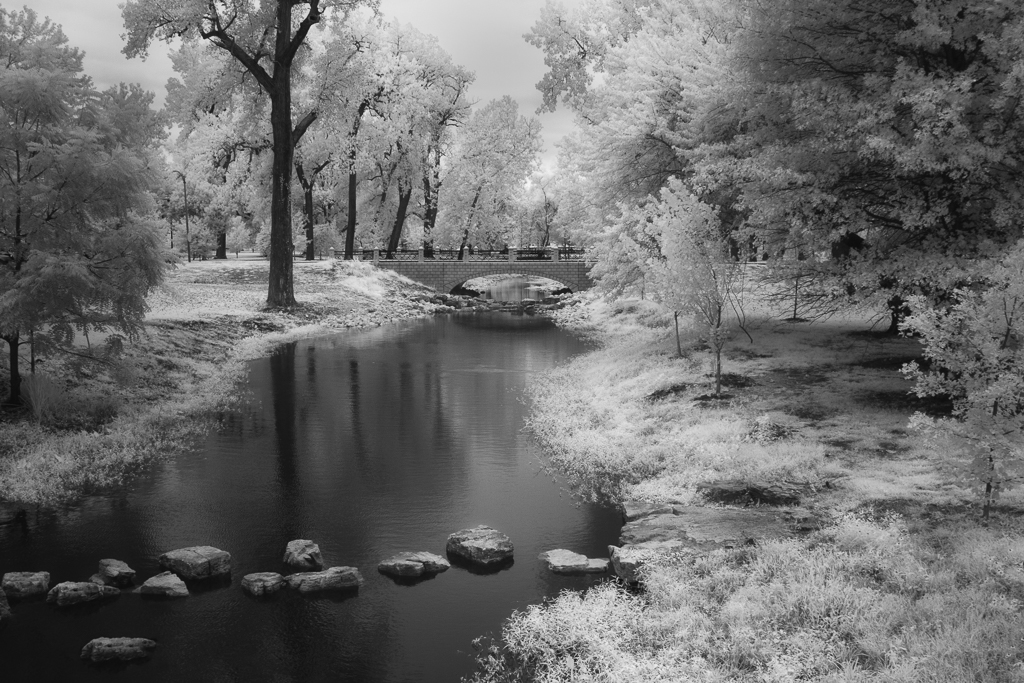
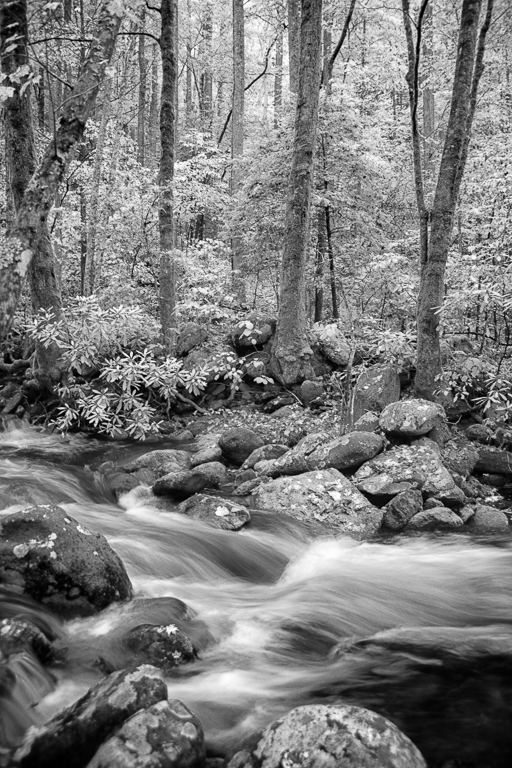
I am with Henry, I am thinking just a little editing of the grassy areas on each side of the stream will help a lot.
I added a levels layer in PS to bring up the tone of the grass and then in LR I added a fairly large radial gradient in the center of the frame, inverted int and reduced the exposure some.
Regards
Emil |
May 12th |
 |
| 66 |
May 23 |
Comment |
Gary,
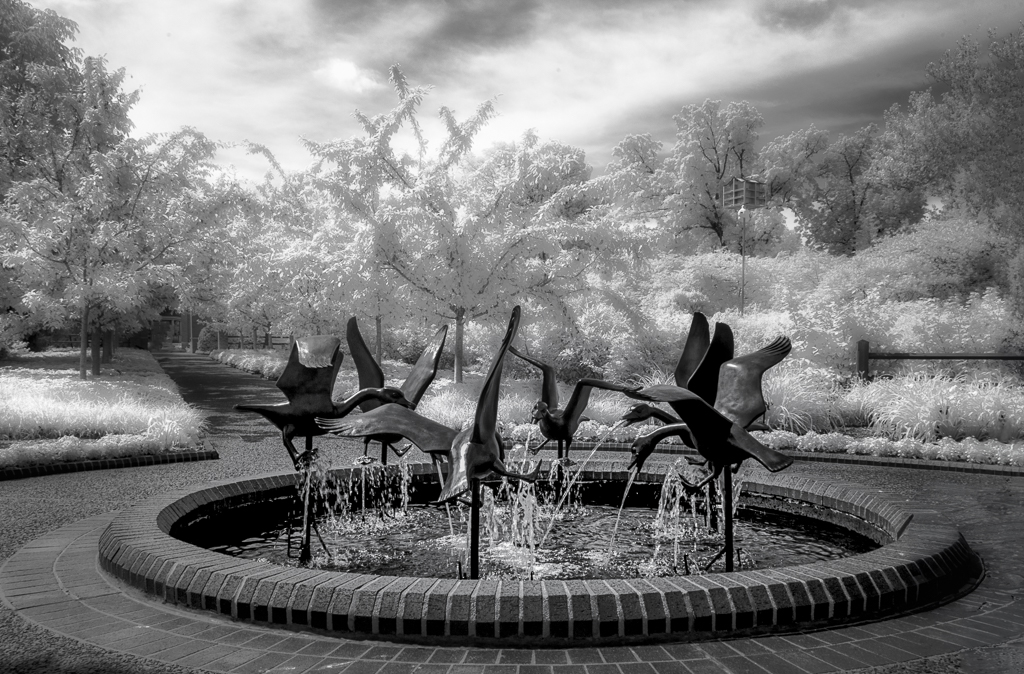
Your image draws me in immediately: Flipping was the right move, along with everything you did up to adding the overlay.
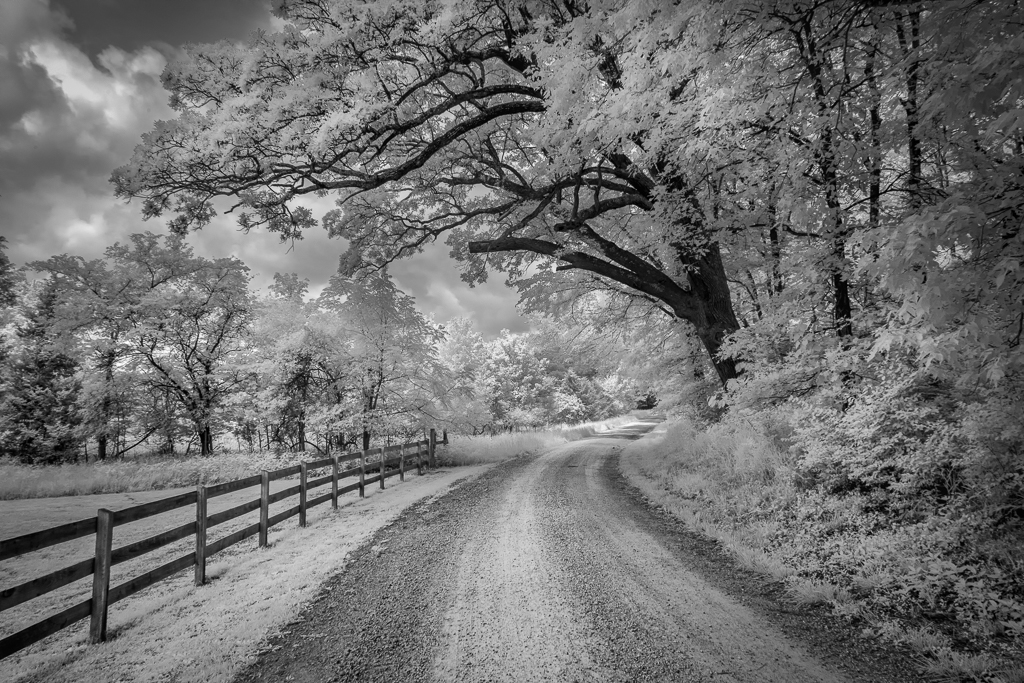
Food for thought: I cropped your scene to 10x16 to remove the dark strip, and I put a fairly large radial gradient at the top center of the frame to bring down the bright area there, and darkened the sloped side of the path a little to create a little border to the path
Regards
Emil
|
May 12th |
 |
| 66 |
May 23 |
Comment |
Henry
This is an interesting flower overlay. The Fritillary has photobombed the traditional almost staid tulips and by that I mean its flowers are facing down and its leaves are a hairdo out of control. This shot would not work without it in my view.
Rather than removing the background entirely, darken it and reduce its sharpness so it fades away gracefully
Regards
Emil |
May 12th |
| 66 |
May 23 |
Comment |
Melanie
You hit this way the heck out of the park Simply stunning IR image and one of your best pieces I feel.
Regards
Emil |
May 12th |
| 66 |
May 23 |
Comment |
Arik
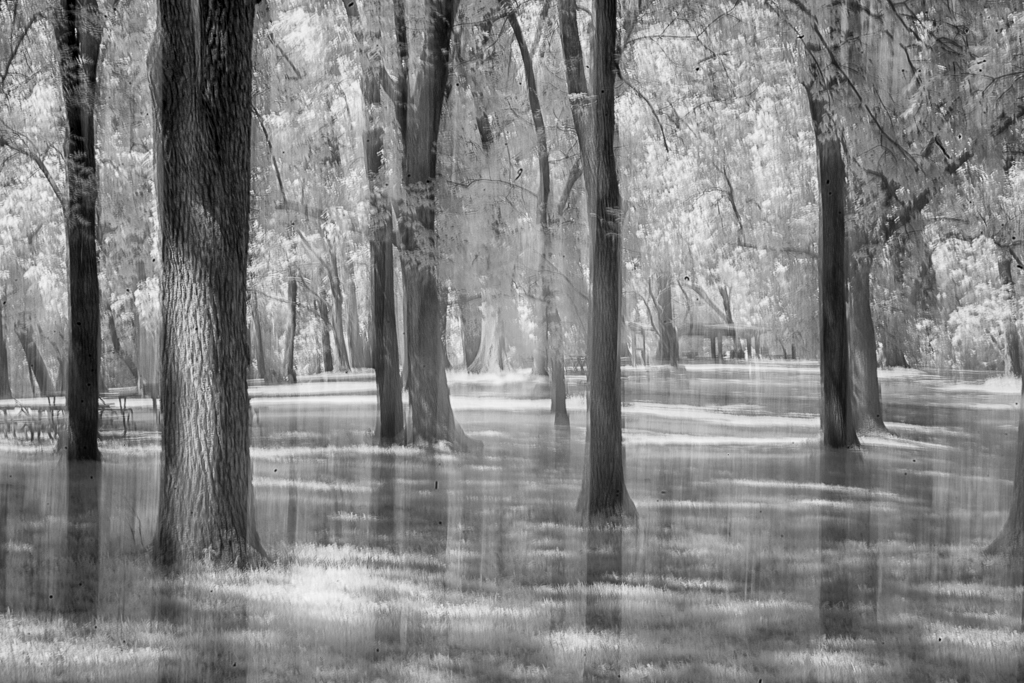
As our colleague Palli "said" Full Marks to you for a creative rendering of a forest scene. I like the mix of motion and detail, not something typical of ICM, and the toning.
Well Done
Emil |
May 11th |
| 66 |
May 23 |
Reply |
Thanks so much Gary
Emil |
May 4th |
7 comments - 1 reply for Group 66
|
13 comments - 5 replies Total
|