|
| Group |
Round |
C/R |
Comment |
Date |
Image |
| 62 |
Oct 22 |
Reply |
Bob
My apology, maybe time for new glasses.
Keep your creative work coming to us.
Regards
Emil |
Oct 11th |
| 62 |
Oct 22 |
Reply |
Pete
I like what you did and I feel your goal was achieved
Nice work
Emil |
Oct 11th |
| 62 |
Oct 22 |
Comment |
Pete
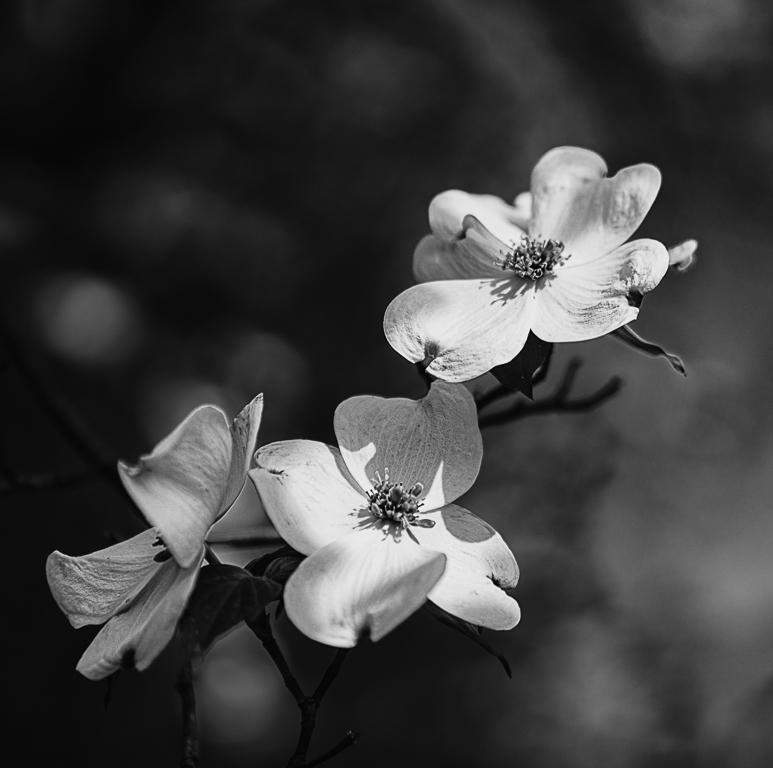
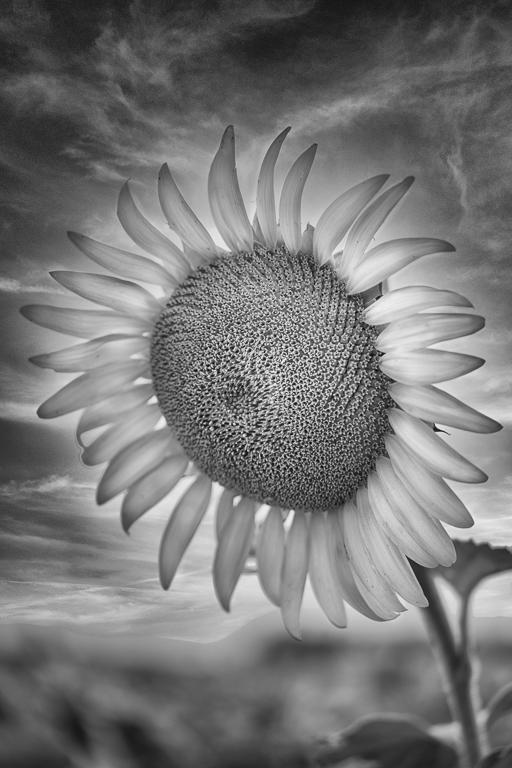
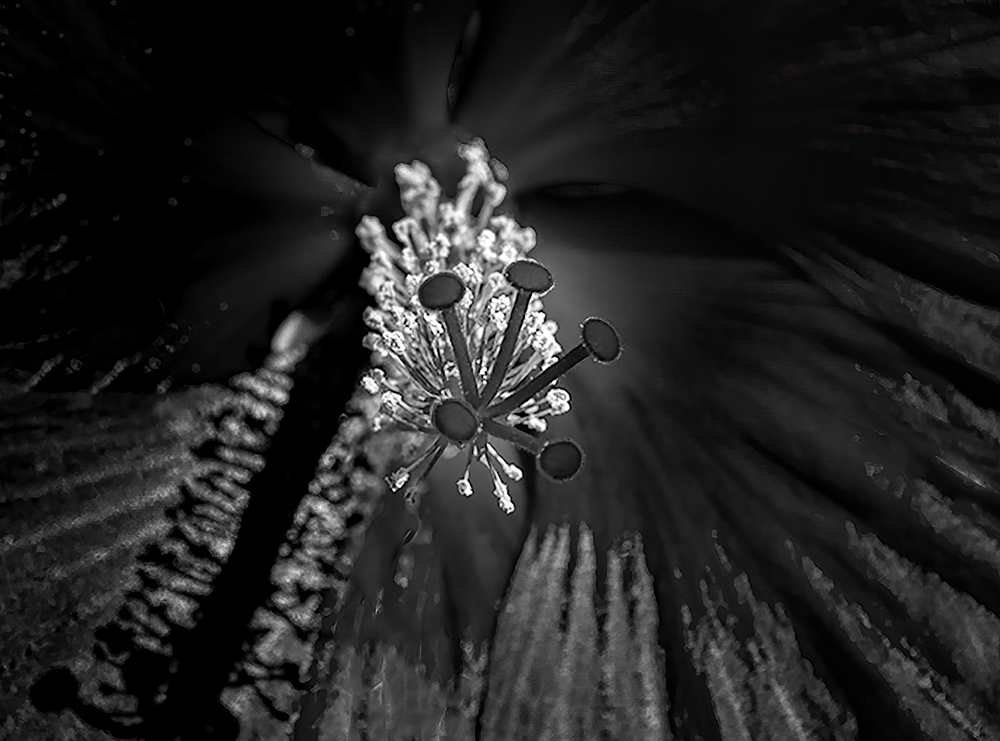
Amazing work getting the stigma sharp so I thought it would be a good way to look at your subject.
I started with your original, rendered it BW using the PS adjustment layer and then in LR Classic I cropped your shot and tried to use the flower petal's texture as leading lines. I used linear gradients to darken the corners and several radial gradients to bring out the stigma.
Regards
Emil
|
Oct 10th |
 |
| 62 |
Oct 22 |
Reply |
LuAnn
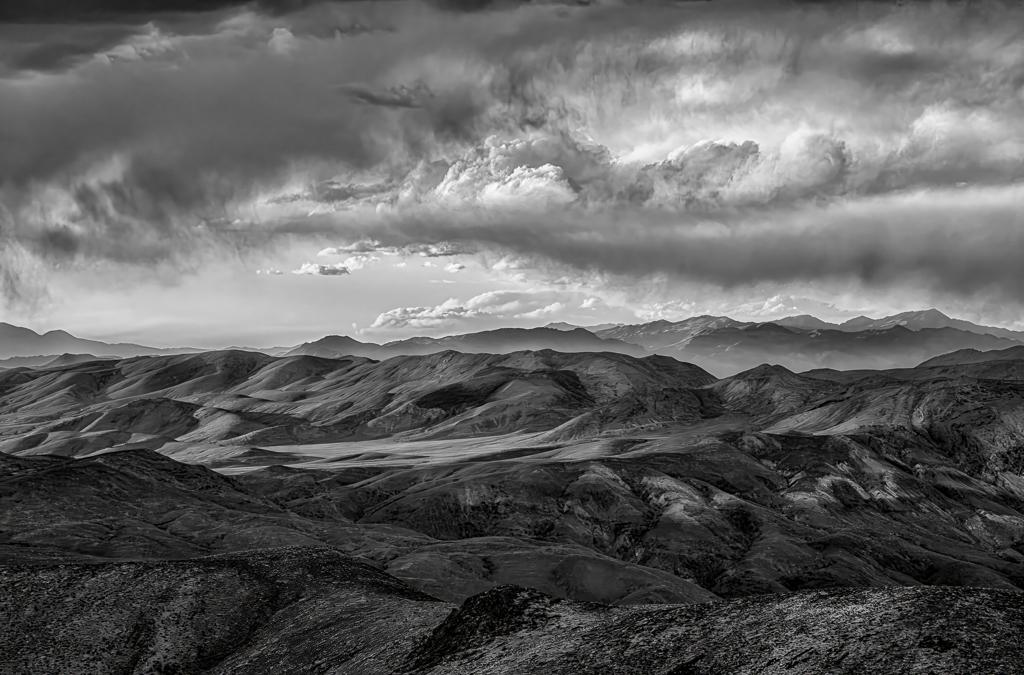
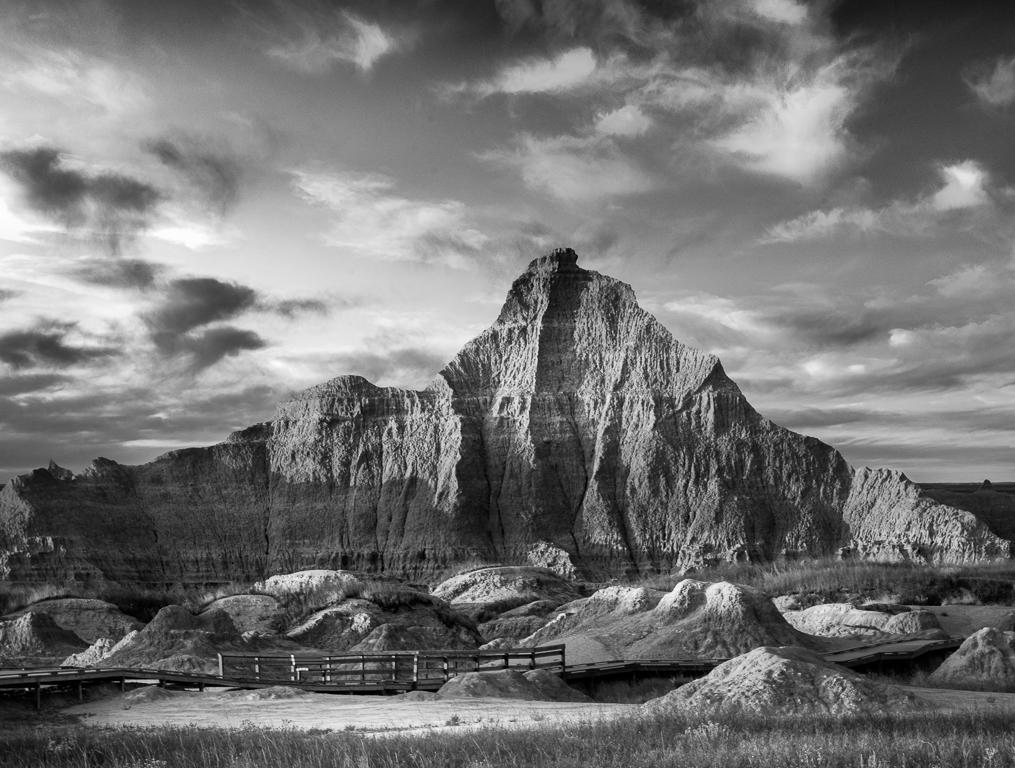
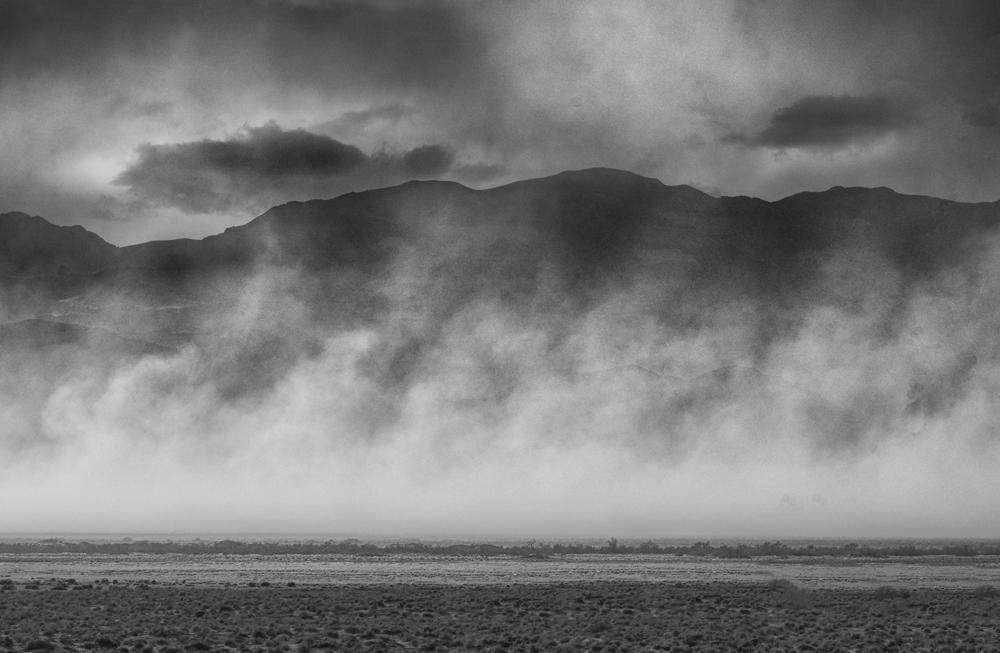
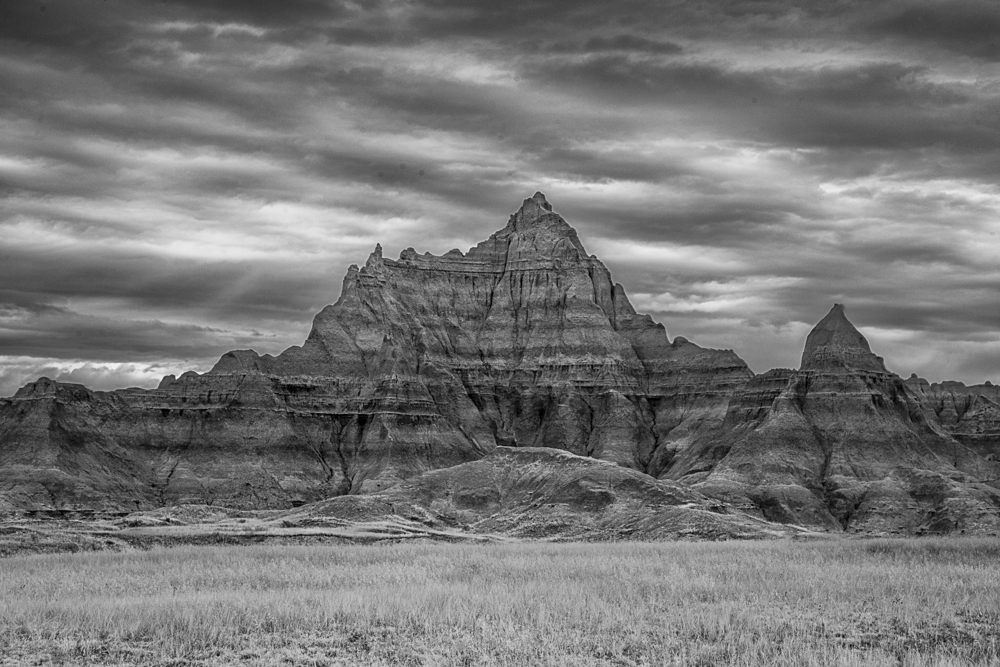
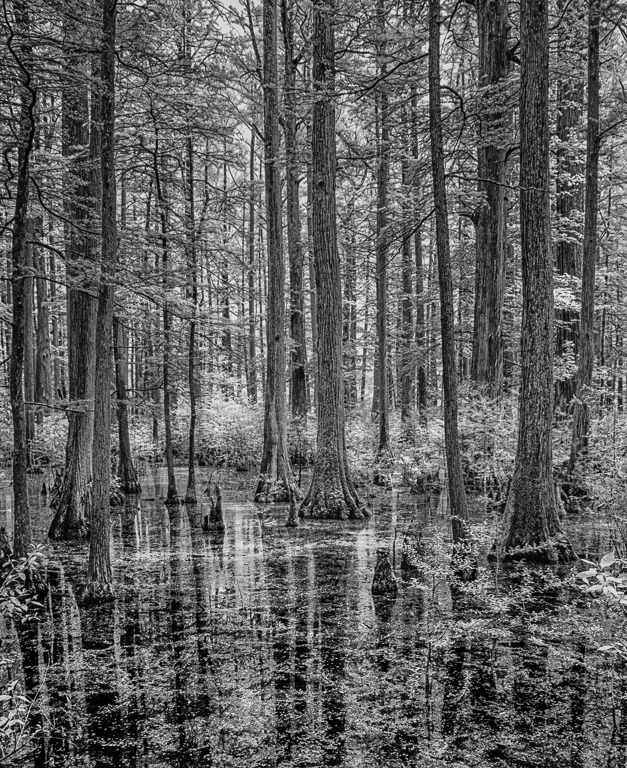
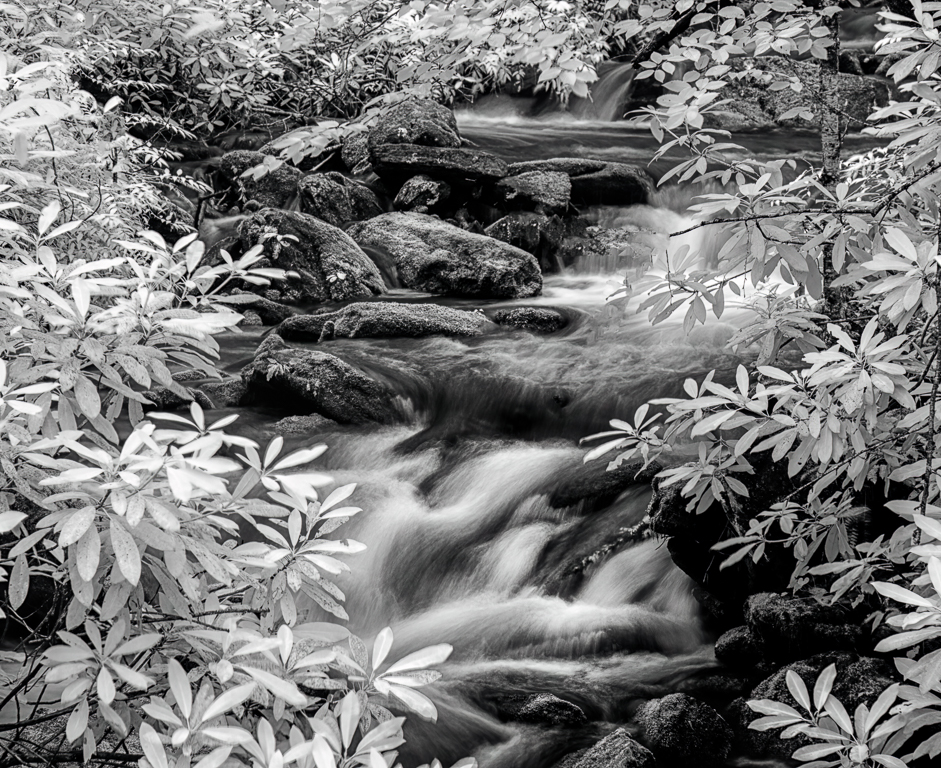
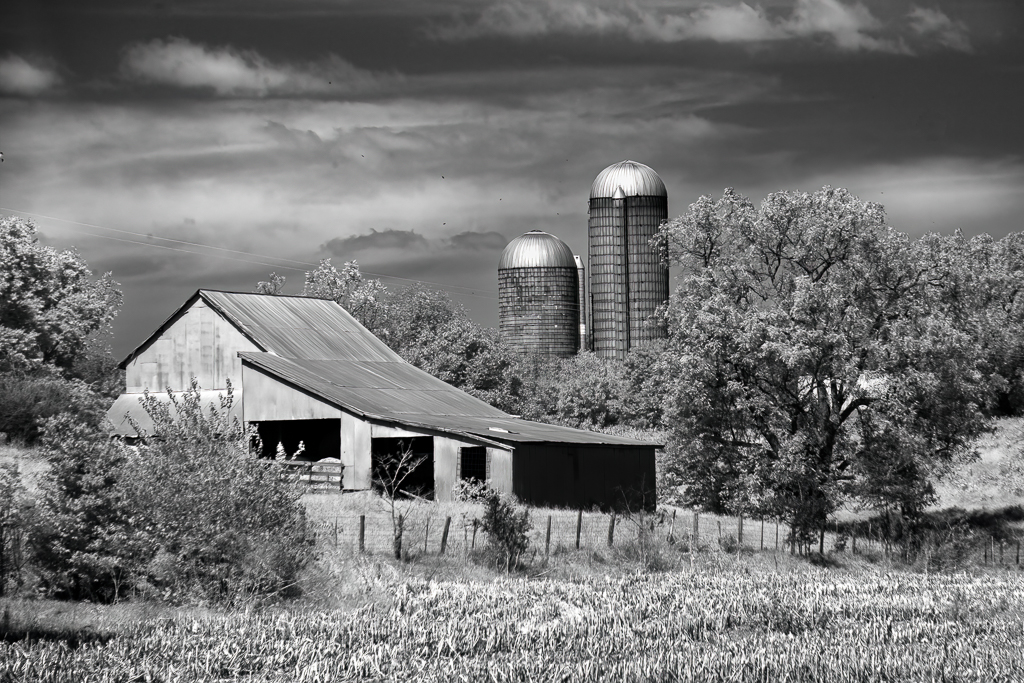
Thank you for your kind words. I have tried all sorts of photography to find a genre that I could call mine and finally decided to focus on BW imagery. I have worked at it out of necessity since I have committed to the genre and maybe I have crossed over to have decent work but it is still a long journey.
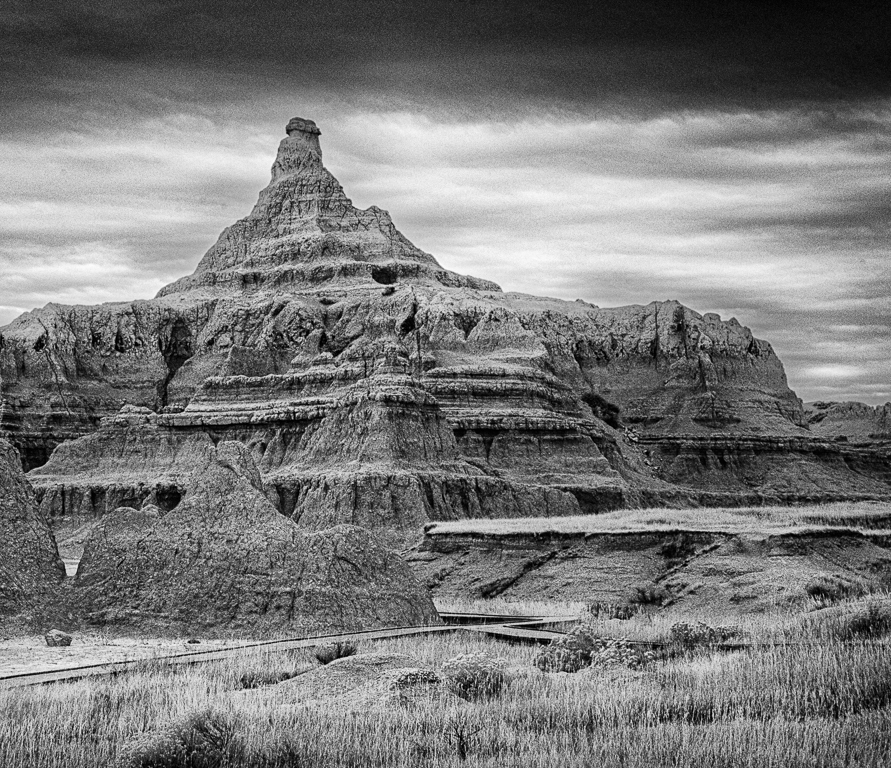
Now when I go out to shoot I am looking for lights and darks so I can create the contrast during my processing. I don't take that many shots now, I see what I like and stop. I am a big fan of the Badlands, the texture, the jagged peaks, and the lights and darks all make for great BW. In this shot the sun was just painting the peak so I had to take the shot and then bring out the lights and darks digitally
Regards
Emil |
Oct 10th |
| 62 |
Oct 22 |
Comment |
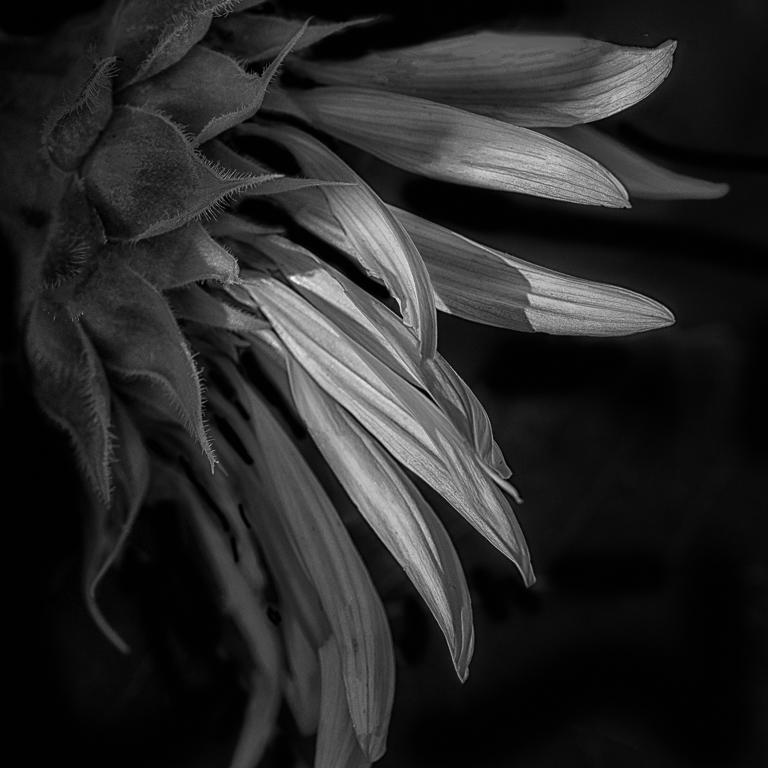
Bob
The elegance in your image is its simplicity. The viewer's eye sees the flower on the and enjoys the swirl not knowing it was once the wings of an insect
Very creative work
Regards
Emil |
Oct 10th |
| 62 |
Oct 22 |
Comment |
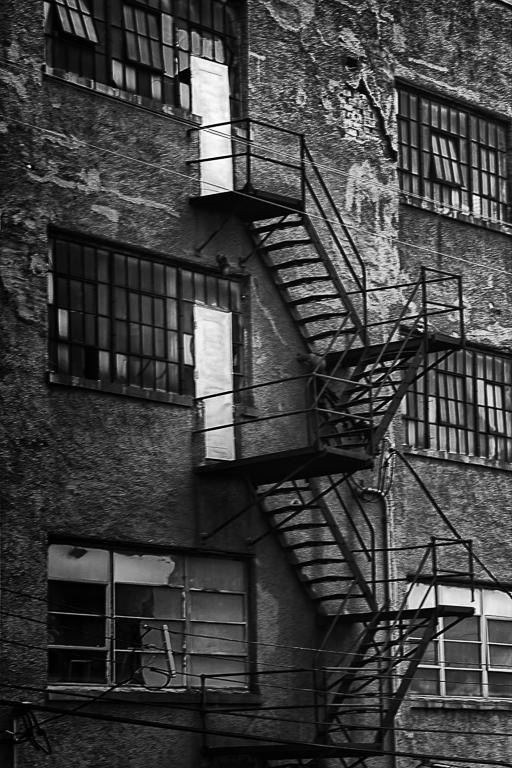
Mark,
Welcome to our Monochrome DDG, it is an active groupe as you can now tell.
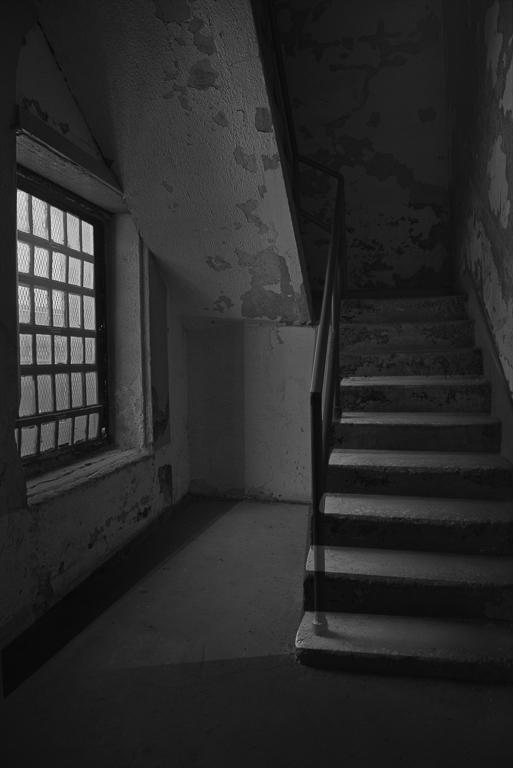
I think your eye was on its game when you shot the stairs. My reaction is that the stairs lose definition when you move to a white tone. My goal is to have each step to be readable by the viewer and light in tone.
What I did: I copied the stairs from your original in PS CC to its own layer, I added a levels adjustment layer and lightened them, and also painted over the light splotches on several steps to make them a uniform shade by sampling near the lighter tone. I then pasted the stairs onto your V1 and back to LR Classic. I used a brush to burn the steps near the top to get the edges to show better. I added two linear gradients. One at the bottom right to darken that corner and one in the top left to lighten the stairway wall slightly.
Regards
Emil |
Oct 10th |
 |
| 62 |
Oct 22 |
Comment |
Israel,
Your image tells the story of the hard life the miners have in Uganda. I did one change to it bring out your subject, I used the NIK Detail Extractor in ColorEfex. It brings out the detail and tends to lighten the image
Well seen
Regards
Emil |
Oct 10th |
 |
| 62 |
Oct 22 |
Comment |
Bunny
I love everything about your image except the blue sky patch which becomes black and distracting to the eye in monochrome.
Here is what I did, I selected the clouds in the lower left corner (of you color image) using the pen tool in PS CC being careful to pick up the edge along the lighthouse and copied it. You could use something else like the lasso. I then moved it where the blue sky patch is and selected free transform and rotated about 180 deg it so the straight edge (that was on the lighthouse left) is now against the lighthouse right side and I stretched it to cover the patch. I added a mask, lowered the opacity of this cloud layer so I could see below and painted out the parts over the top of the lighthouse and the other clouds in black on the mask. Since it is flipped it looks unique. I then converted in BW using NIK and the I burned the tower on the left to create depth. All of the clouds are from your original image
i have gotten fairly adept at fixing my mistakes so I thought I would share a fix
Regards
Emil
Emil |
Oct 9th |
 |
| 62 |
Oct 22 |
Comment |
LuAnn
Wonderful shot of Taylor. I offer my humble thoughts on what you could consider as additional mods...
In LR I did a little dodging of Taylor's upper torso and face since she is in shadow, I also dodged the interior area to bring out a bit more detail, and burned the door on the right. All of these changes using the brush. I cropped the door on the right so Taylor was basically centered within the left and right sides of the frame.
Regards
Emil
Regards
Emil |
Oct 9th |
 |
6 comments - 3 replies for Group 62
|
| 66 |
Oct 22 |
Comment |
Jack,
Great composition and I agree with you that the whites need a little brightening and you are good to go
Regards
Emil |
Oct 10th |
| 66 |
Oct 22 |
Comment |
Henry
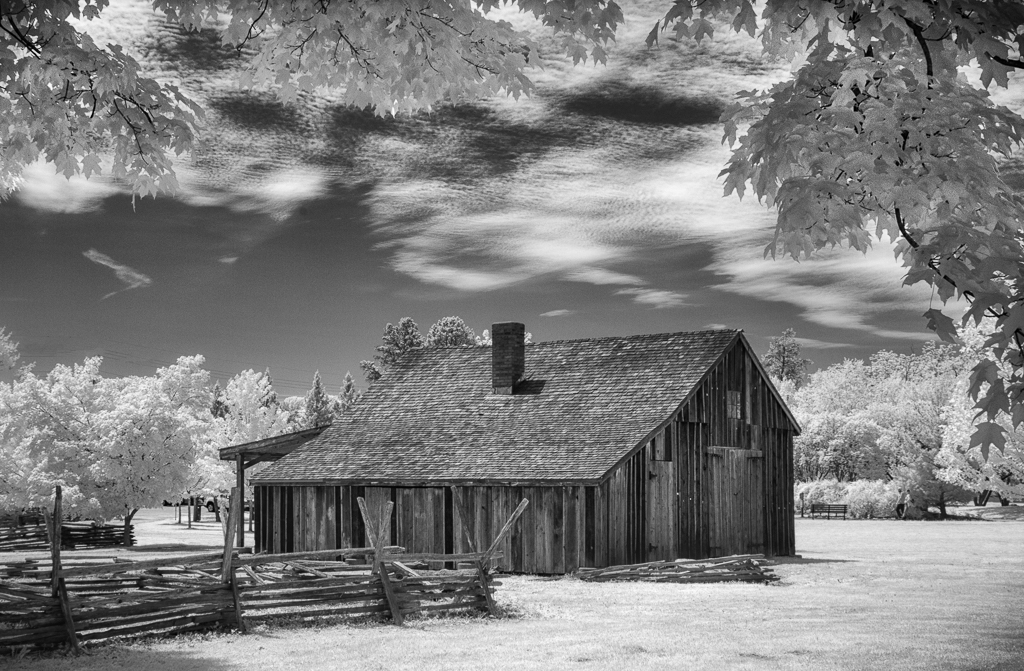
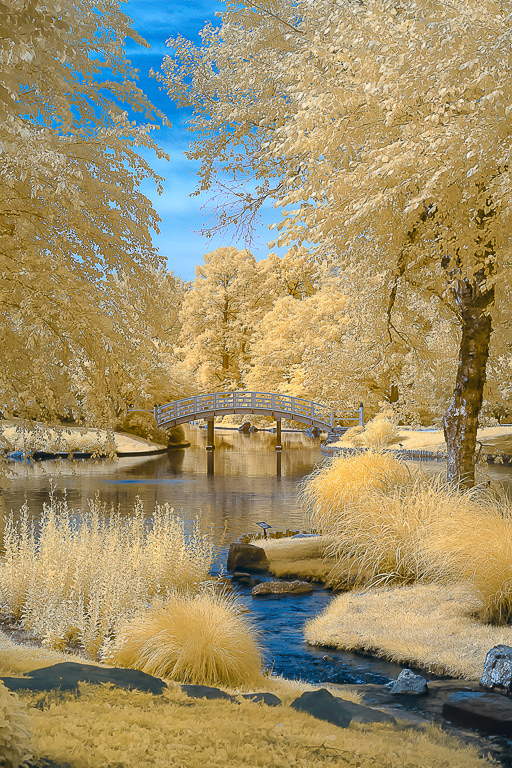
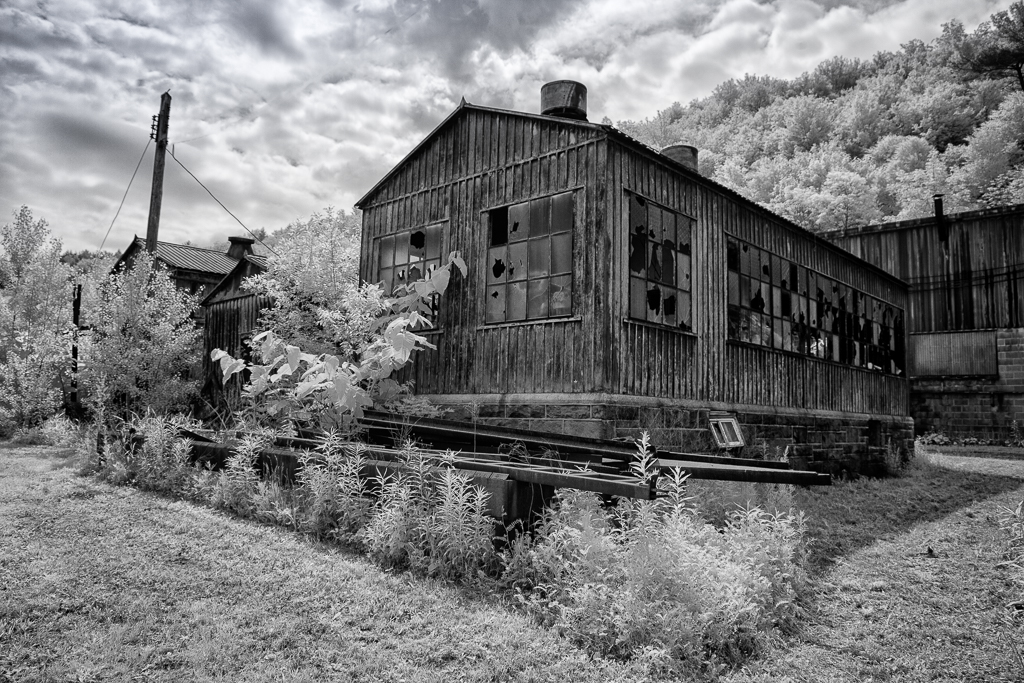
You did justice to the Garden of the Gods with your IR image. The blue sky and clouds are perfect.
Regards
Emil |
Oct 10th |
| 66 |
Oct 22 |
Comment |
Gary
You created eye candy.
Regards
Emil |
Oct 10th |
| 66 |
Oct 22 |
Comment |
Palli
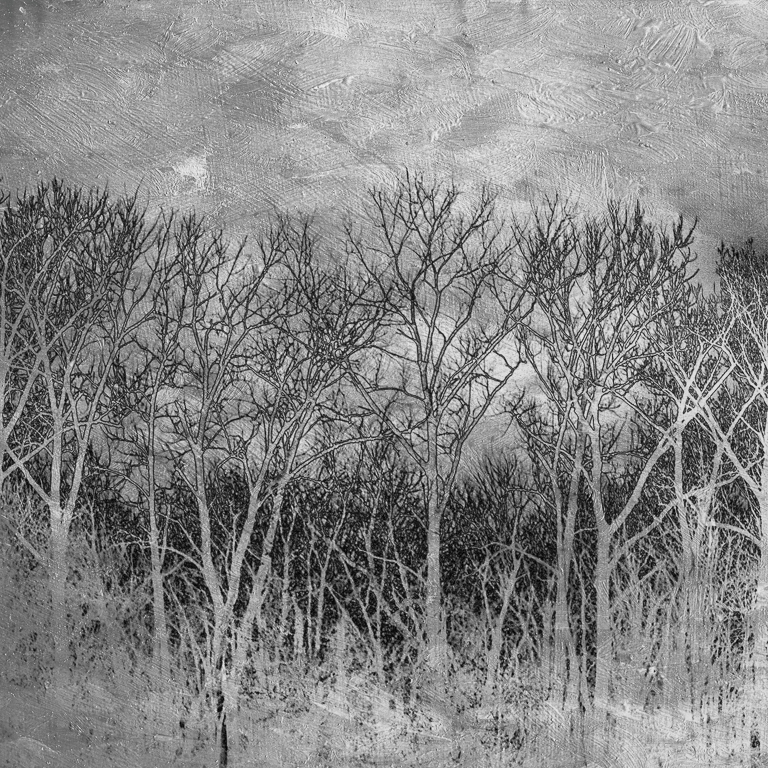
Top Marks. I love the inversion...
Regards
Emil |
Oct 10th |
| 66 |
Oct 22 |
Comment |
Melanie
Top notch work. The structure is so artfully done, the reflection in the glass, and my eye wants to follow the curved building and there are no distractions you focus on your subject.
Regards
Emil |
Oct 10th |
| 66 |
Oct 22 |
Comment |
Arik
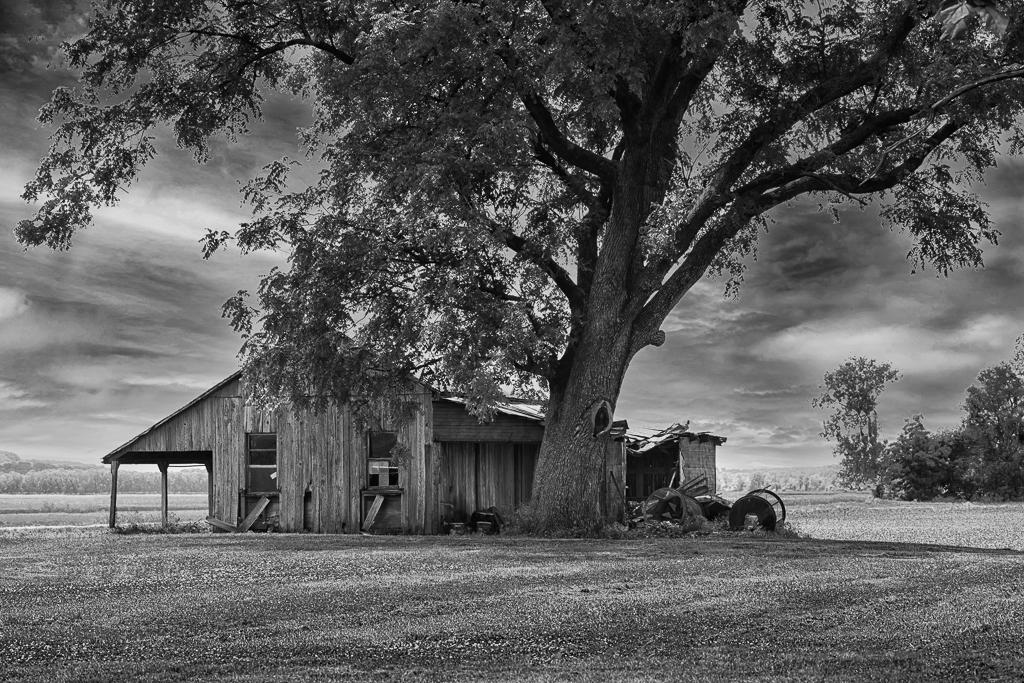
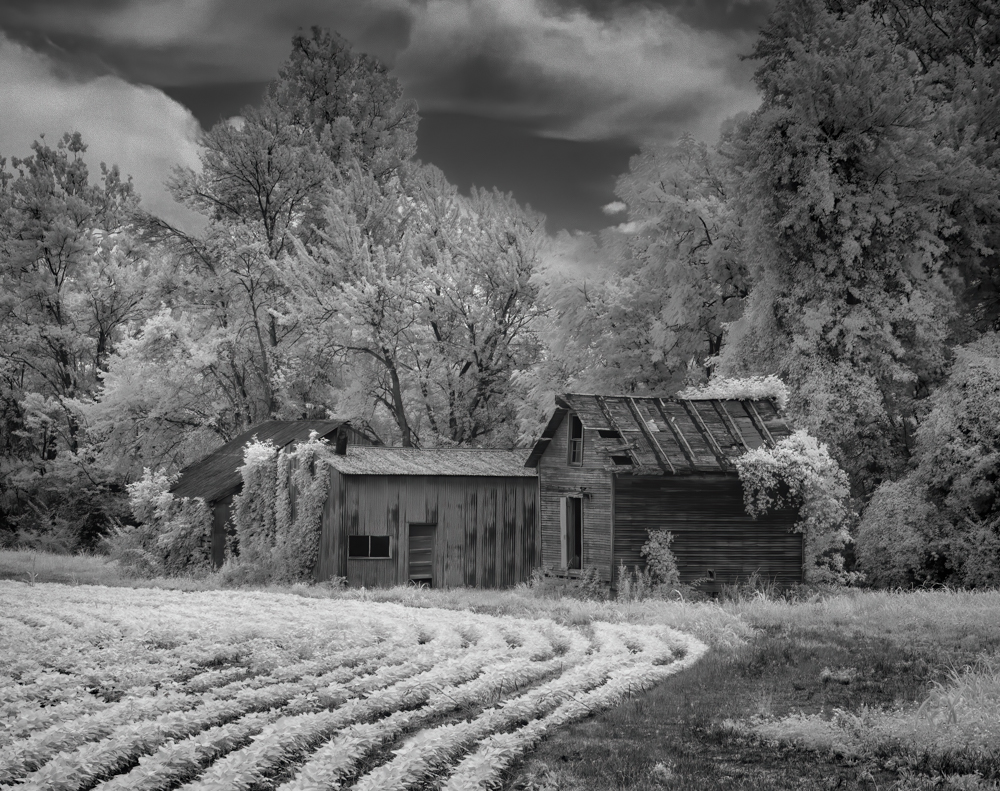
Great shot. The isolation of the folks here in Montana who lived thereback when comes through vividly. The small building on the left I think fits the isolated mood of your shot in that it is so far from the home. Very strange.
Well seen effective image
Regards
Emil |
Oct 8th |
6 comments - 0 replies for Group 66
|
12 comments - 3 replies Total
|