|
| Group |
Round |
C/R |
Comment |
Date |
Image |
| 32 |
Oct 22 |
Comment |
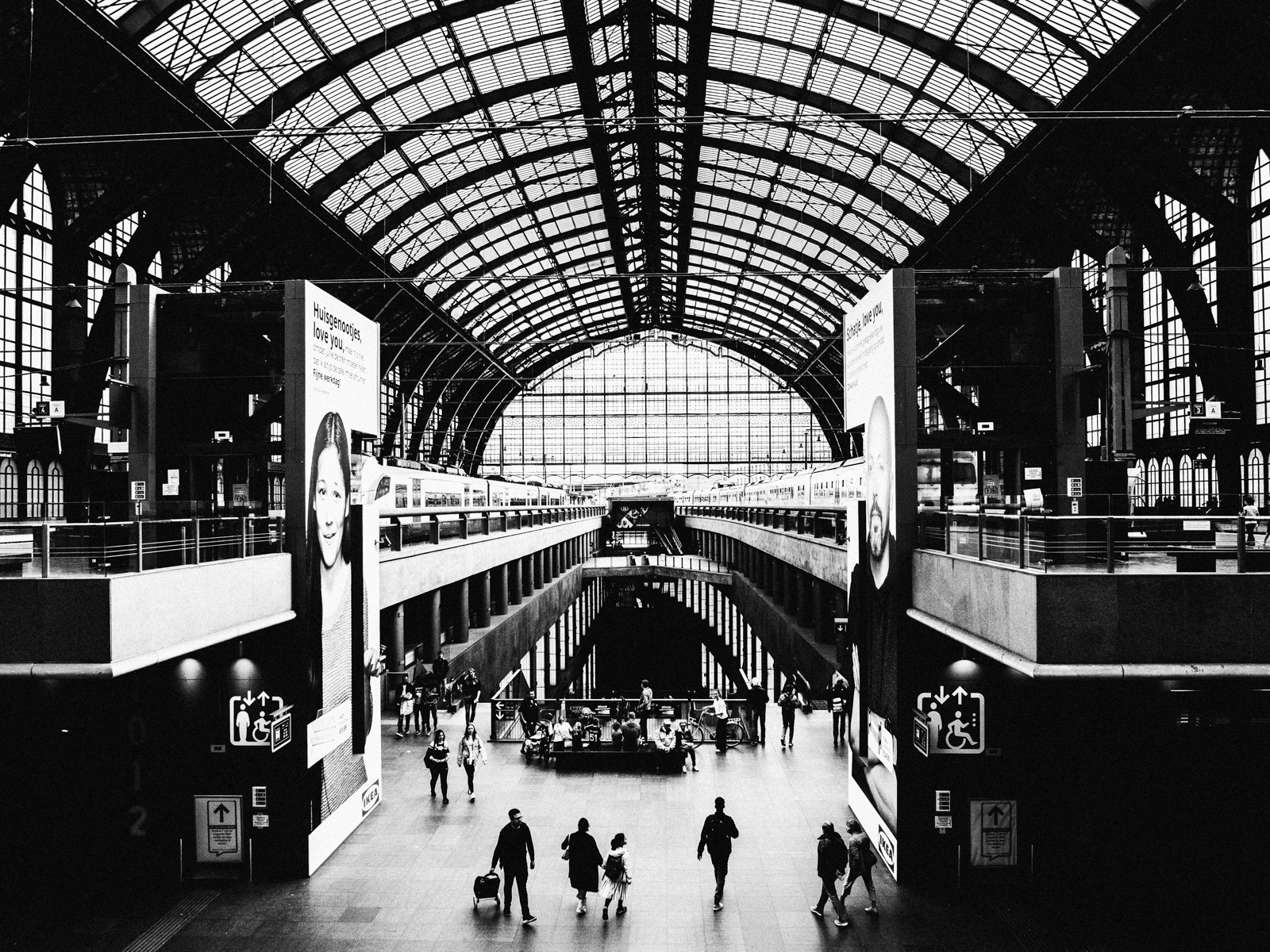
This is a cool project Stephen. Also great that you were able to provide these for the store to use. The color version hanging on the wall looks perfect with their red paint!
Excellent graphism and negative space as well. I think the way you have it works, though personally I would be tempted to add a lot more contrast and take the overall brightness down a tad in the mono version. |
Oct 14th |
1 comment - 0 replies for Group 32
|
| 78 |
Oct 22 |
Reply |
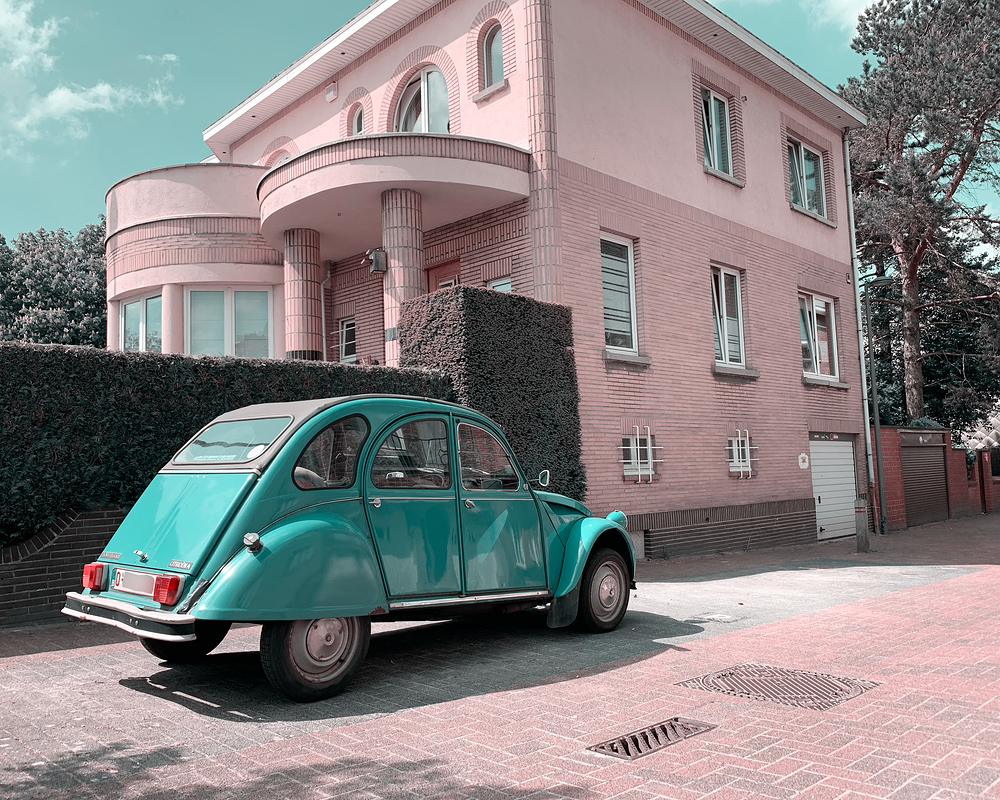
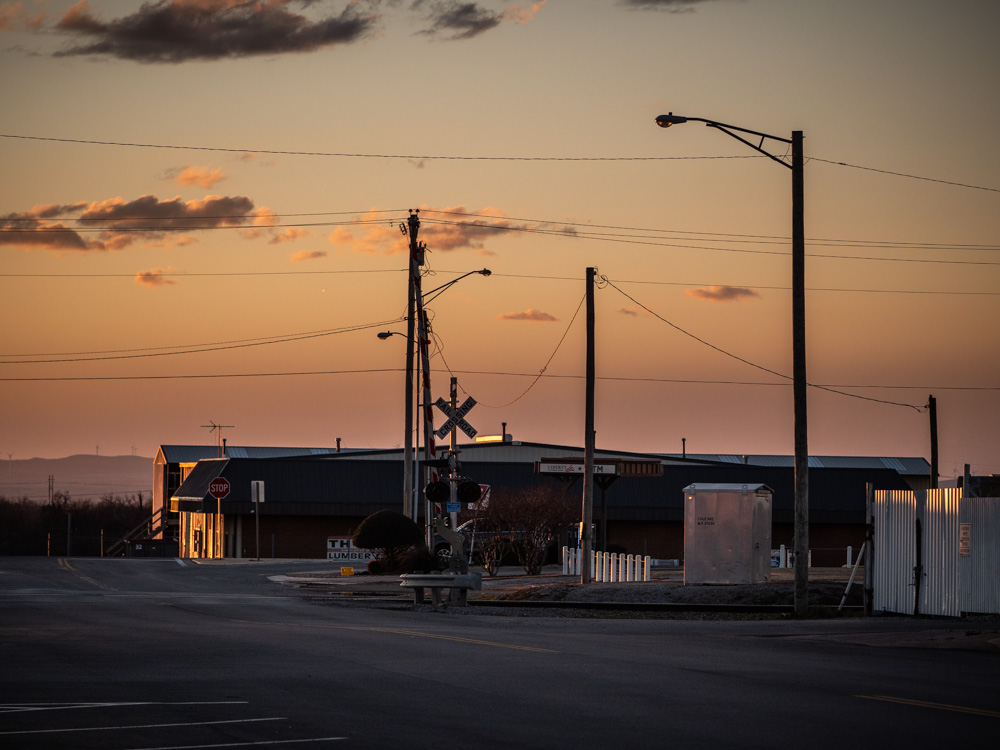
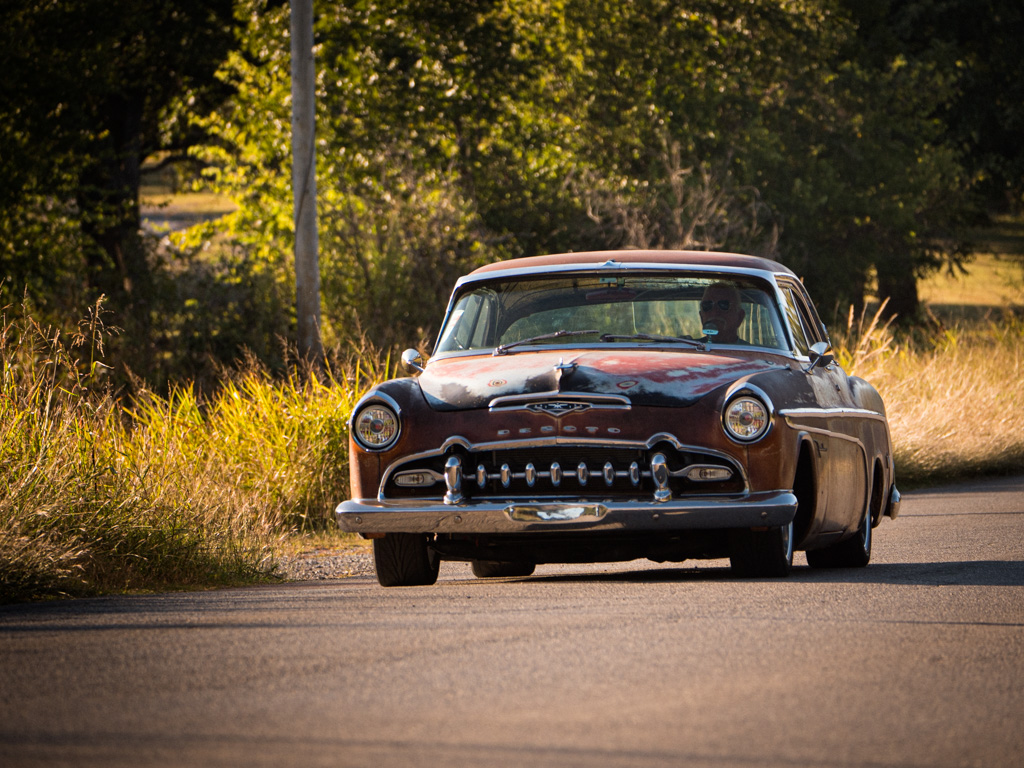
Thanks Helen! It's funny, I'm often a stickler for having a clear subject in a photo but in this case I consider the car and the house as somewhat the same set piece of the overall subject of the image. Perhaps if there was a person or doggy or something else there it would make this a nice background for a more concise subject. I agree that not cutting off the house would have done a better job at bringing it together. So much for a quick snap.
LUT stands for "Lookup Table". I believe it was first used for color grading video, but then made its way to still photos.
Instead of just warming up the image or adding contrast, a LUT is actually doing a replacement at a pixel level from one color to another hence the term "Look up table" -- you look up color value XYZ and replace it with ABC (red #330000 to green #003300 or whatever the hex / numerical values might be)
You can use different LUT presets (or make your own) which dictate how the colors get swapped.
I am no expert and that is an off the cuff explanation. I'm sure you can find more info on wikipedia or some such.
The point though is you can change the whole look and feel of an image by replacing one set of colors with a different one like I did here.
To do it, go to an adjustment layer in Photoshop and select "Color Lookup" then pick one of the presets from the drop down (3DLut File). There are lots of 3rd party ones available around the web or for sale. |
Oct 29th |
| 78 |
Oct 22 |
Reply |
Thanks Terry. I should have posted the original for comparison. The road is actually red in real life, the gray is a parking spot. |
Oct 14th |
 |
| 78 |
Oct 22 |
Reply |
Thanks Mitch! |
Oct 14th |
| 78 |
Oct 22 |
Reply |
Thanks Brenda. There should be a color cast on the whole image as I used a "LUT" to do a color replacement across everything. This was one of those passing moments where I was on the way to an appointment, nearly walked by, and thought to double back and snap a photo. I am glad I did! (and good thing for decent quality cameras in phones for unexpected moments like these) |
Oct 14th |
| 78 |
Oct 22 |
Reply |
thanks Sunil |
Oct 14th |
| 78 |
Oct 22 |
Reply |
I like that several of your comments this month have been about paring images down to the essentials, and I think this suggested crop works to bring the attention to the car as main subject.
It is a good discussion too about how much is "backdrop" vs subject. My intention of this image was to show the relation of the classic old car with the old art deco style building. Thus the retro coloring to further the point.
I do agree with some of the other comments that the building would have been better had it not been cut off at the top.
|
Oct 14th |
| 78 |
Oct 22 |
Comment |
Great job bringing out the fantastic sky with these full colors and contrast. It is an interesting discussion about centering or not. For me, I find the boat is a little small and gets a bit lost in the frame but I don't really see cropping in too much as you would lose the rest of these excellent elements. FWIW, I like the waves and would not crop them out. They help to lead the eye to the boat. |
Oct 14th |
| 78 |
Oct 22 |
Reply |
We can always think of ways to do it better after the fact! Still looks good for what you got.
On a side note, I finally bought Topaz AI at the introductory pricing. When I downloaded the demo of the previous version a month or two ago, I didn't find it to fit into my workflow or it didn't work quite as well as I had hoped, but revisiting this new version and it did a good job on some images I had in the queue that were slightly out of focus.
Like this one was noticeably out of focus but it pulled back all that detail quite well. I tried to reproduce in Photoshop and was not able to do as good a job as Topaz.
https://jason.aminus3.com/image/2022-10-06.html
|
Oct 6th |
| 78 |
Oct 22 |
Comment |
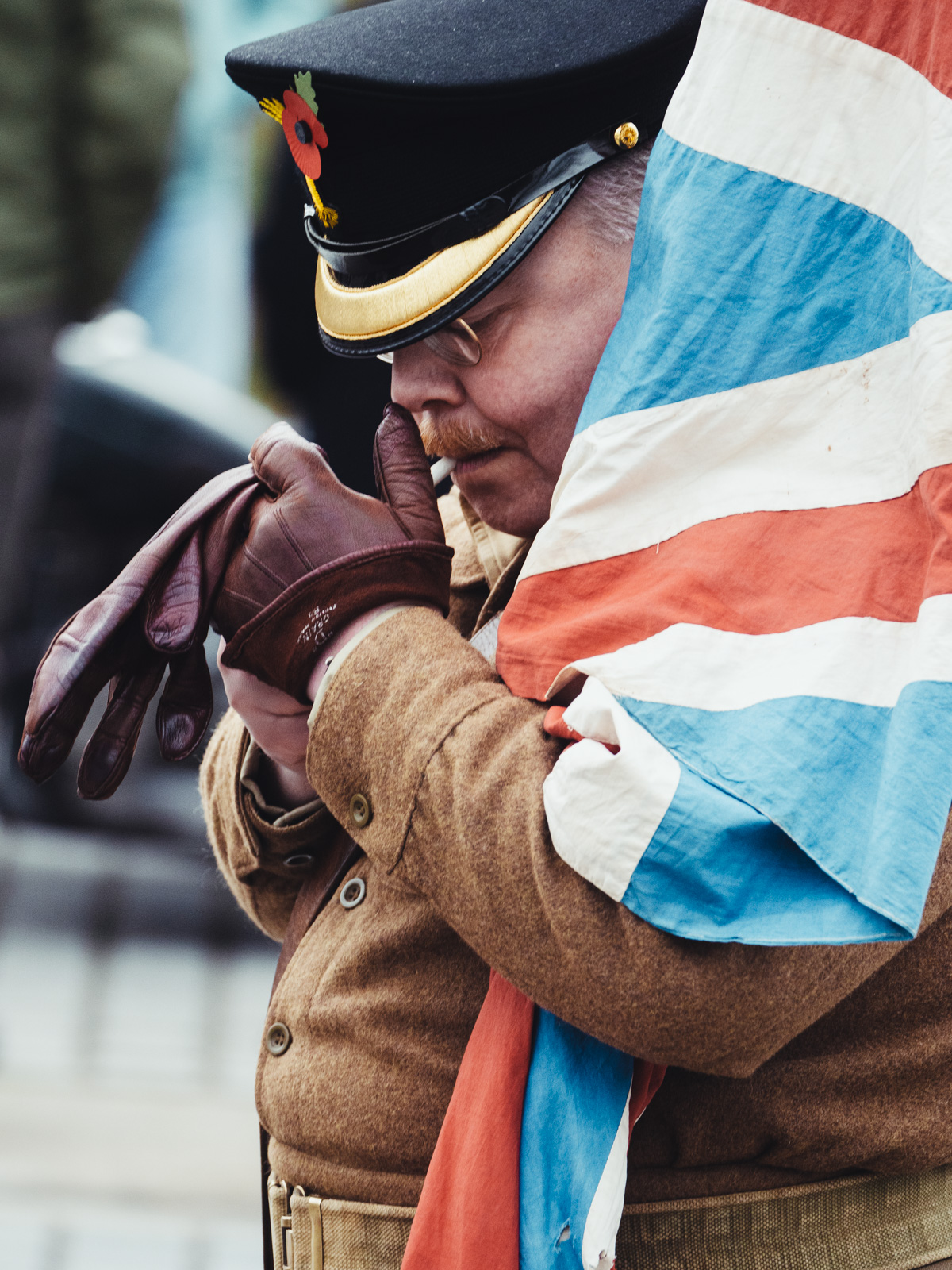
A worthy tribute to England and the queen. I like Mitch's idea to draw some attention away from the background though maybe I'd leave it as is color-wise and just darken slightly. |
Oct 6th |
| 78 |
Oct 22 |
Comment |
Yes, this one has a great sense of motion that brings the eye around the rock (and around again and again even)
My only critique is the detail enhance looks overdone to me in the tree line at top left. It reminds me of the old HDR processing software where it would make some ghosting or strange artifacts in details like hair or branches. You should be able to smooth that out with a mask to remove the effect in that area. |
Oct 6th |
| 78 |
Oct 22 |
Comment |
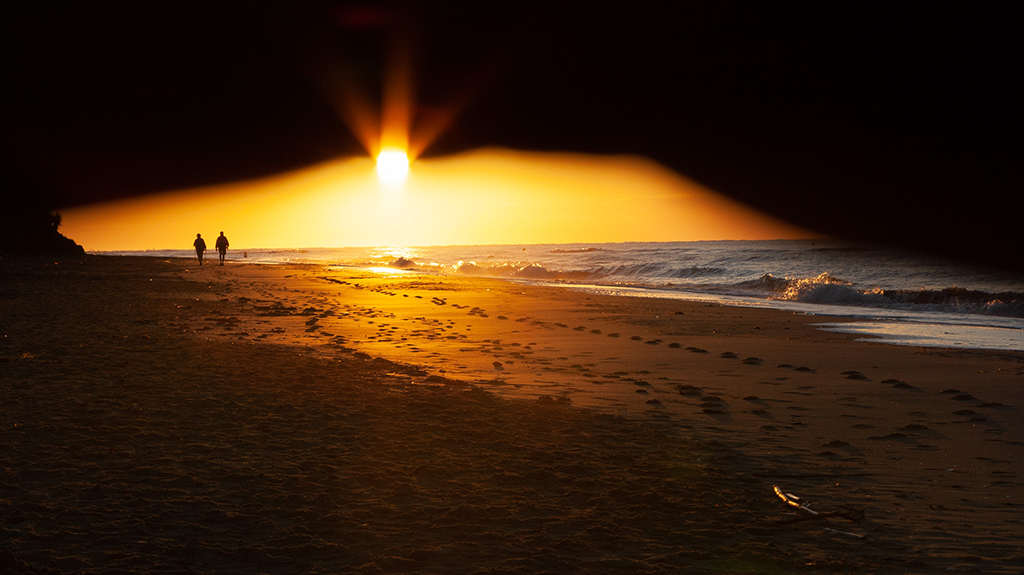
I did the opposite and went to Sweden during the long summer days. I imagine it is strange to be in these short days.
I like your crop to eliminate most of the foreground. Though I find the B&W version loses the warmth and interest of the color version.
In B&W or color, this photo is an excellent backdrop for some other story/scene. Would have loved to see a person or something else going on here with this nice setting. |
Oct 6th |
| 78 |
Oct 22 |
Comment |
What an excellent photo opp! These kids are lined up perfectly and the variety of their outfits and expressions makes for a great group portrait.
Of course the obvious critique is cutting off the front kid's legs in an arbitrary way, but not much to do about that in post except maybe to crop even closer just above her shoe - although then you lose the cute monkey boots on the boy next to her.
Regardless, it is a fun moment you have captured here. I'm sure the parents would have loved to have a copy of this as well. |
Oct 2nd |
| 78 |
Oct 22 |
Comment |
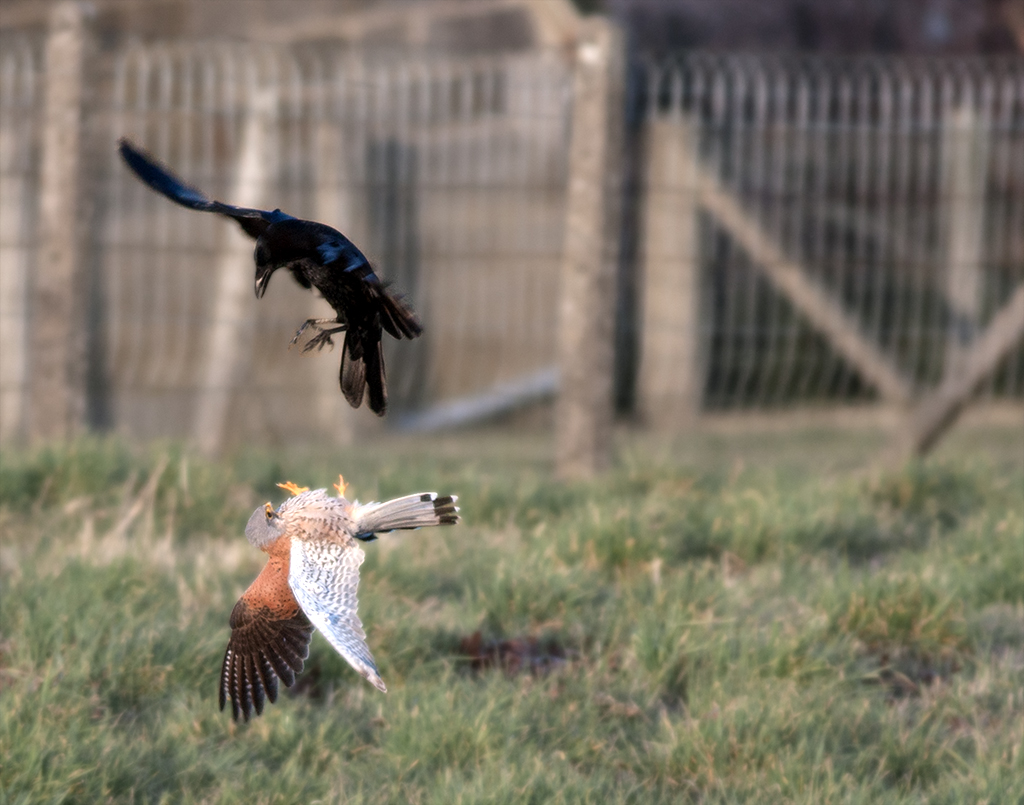
This is great Brenda. Excellent wing position (even if it took a couple hundred tries!)
If I had not seen the original I would have thought you shot it like with vivid light and color.
Though having seen the original, I am curious why you had your camera setup with the cactus in the bottom right corner vs say centered to give more space on the right side?
The composition still works here I think, but you could have had a little more flexibility on the right to maybe even crop the cactus partially or open it up a bit more to the right. |
Oct 2nd |
| 78 |
Oct 22 |
Reply |
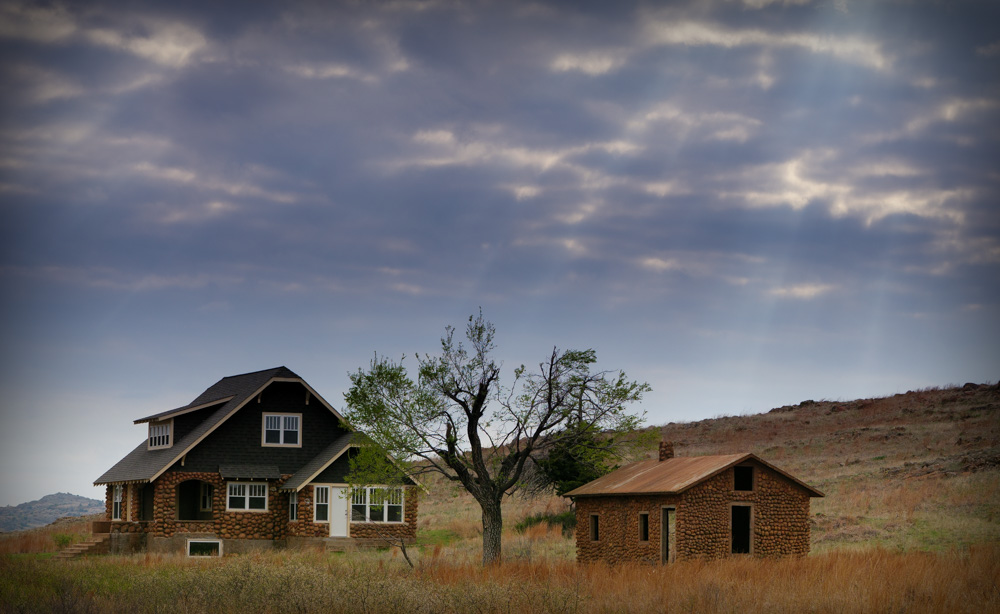
Thanks Stephen for your comment. I like the effect of the PS Skew.
I can get back to this place pretty easily though that was the only time I ever saw that car there. Looking at my camera roll, I only took two photos that day, this one and one from the other angle of just the car.
Maybe one day I will photograph the full house and do some content fill magic to blend it in. |
Oct 2nd |
6 comments - 8 replies for Group 78
|
7 comments - 8 replies Total
|