|
| Group |
Round |
C/R |
Comment |
Date |
Image |
| 78 |
Dec 21 |
Reply |
This is starting to come together better.
I would suggest keeping some transparency in your overlay so that we see this is a multiple exposure vs just being a cutout of a layer on top of the image which then starts to look stranger (as Terry mentioned the leg shape etc) as they don't blend so seamlessly.
One thing you could try playing around with is a mask on the cutout layer so that there is more opacity on their faces but then gradient the mask to black towards the stage so you don't get that effect of the stage line cutting into them. |
Dec 18th |
| 78 |
Dec 21 |
Comment |
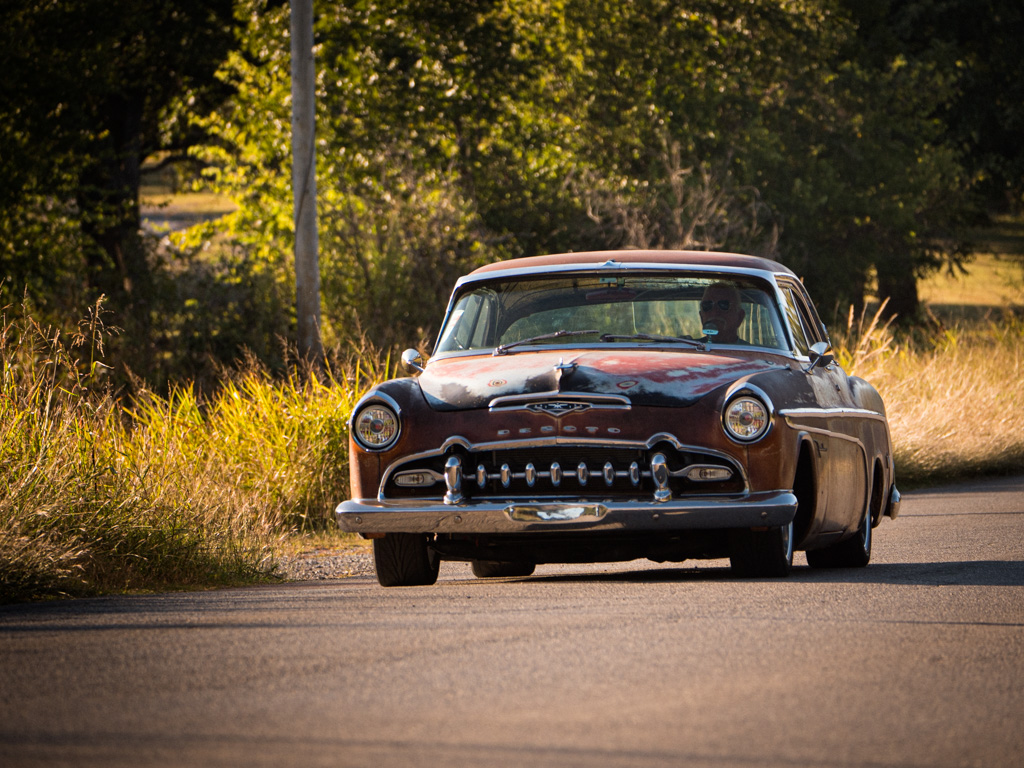
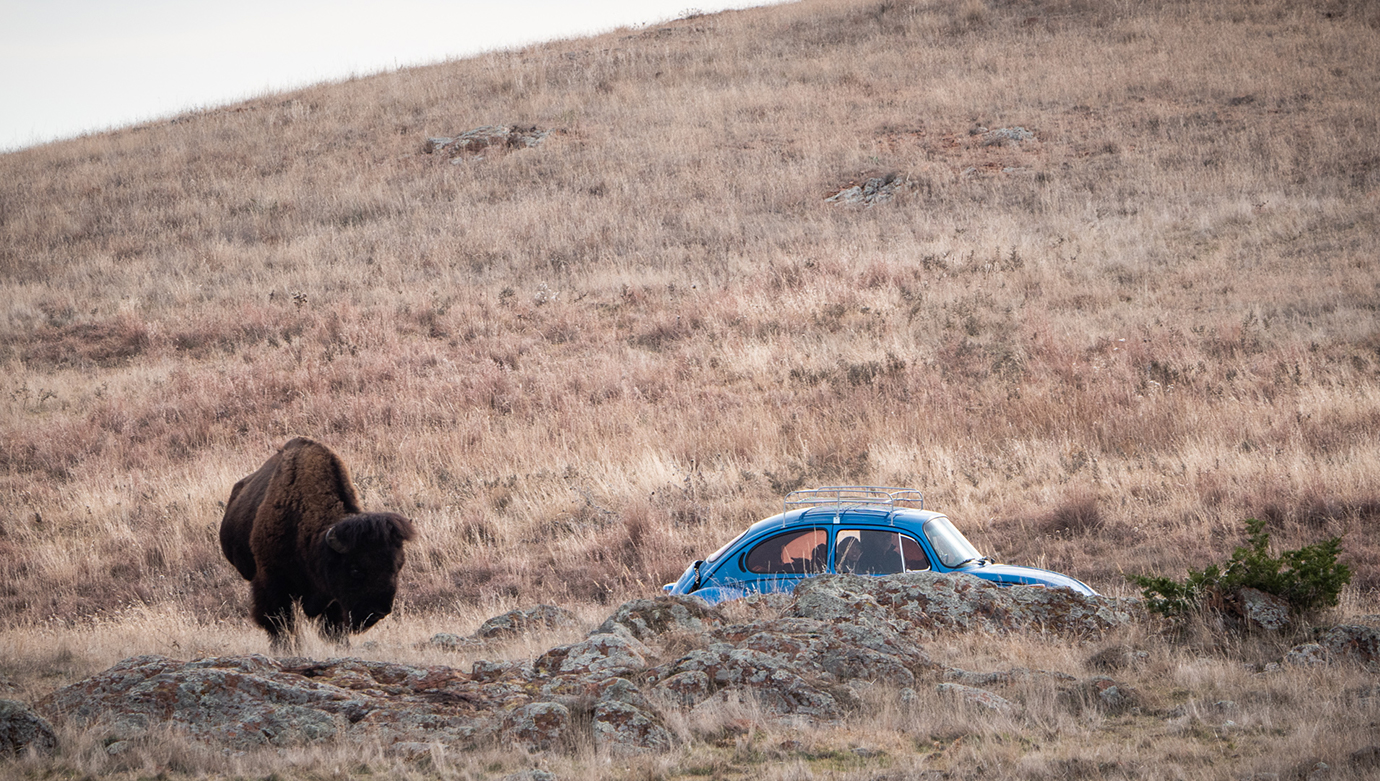
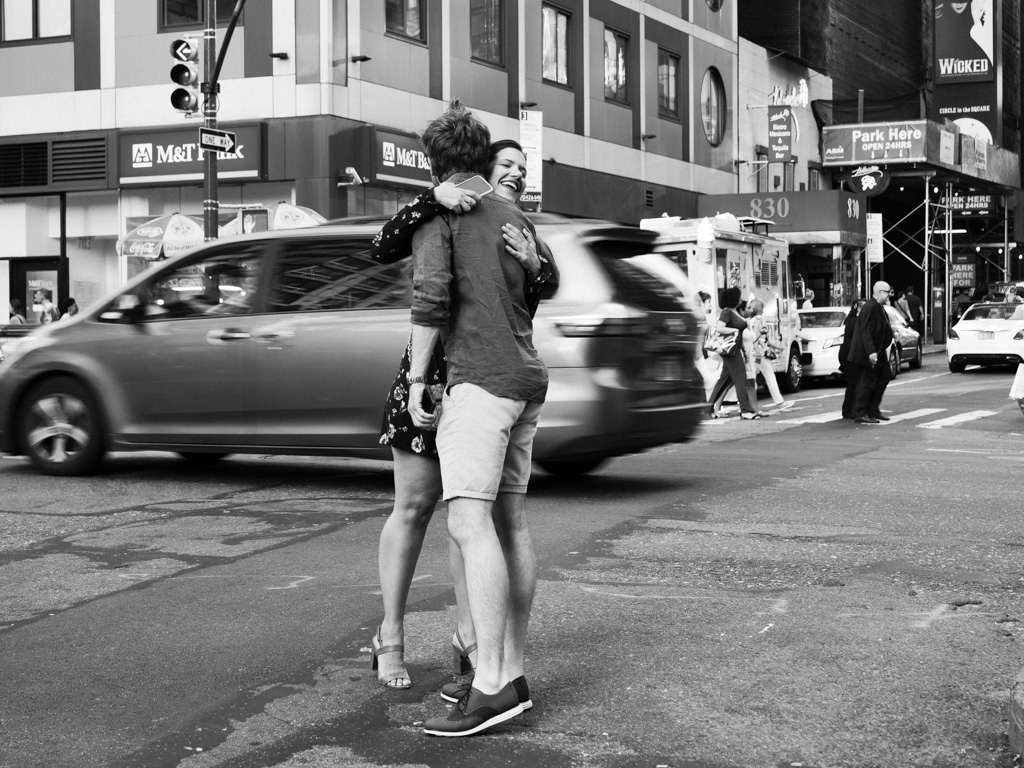
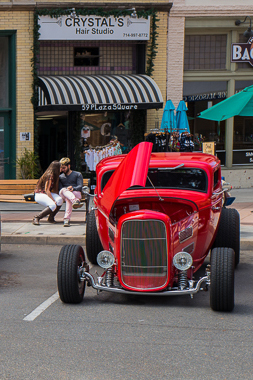
I am curious if you saw the couple when you took the photo or if that was an unexpected surprise when you were reviewing your pics. They do add a great touch to this image and a good choice to make them the main part of the story.
Looking at your original, I think the "Crystals Hair Studio" store front has an an old charm to it that sort of matches the car and couple. Maybe consider a wider crop to incorporate this as well? It would also tone down (or give more context to) the t-shirts which as others have noted, are a bit distracting behind the car in your crop.
Here's an idea of how I would crop and would probably remove the sign next door + umbrella as well. |
Dec 16th |
 |
| 78 |
Dec 21 |
Comment |
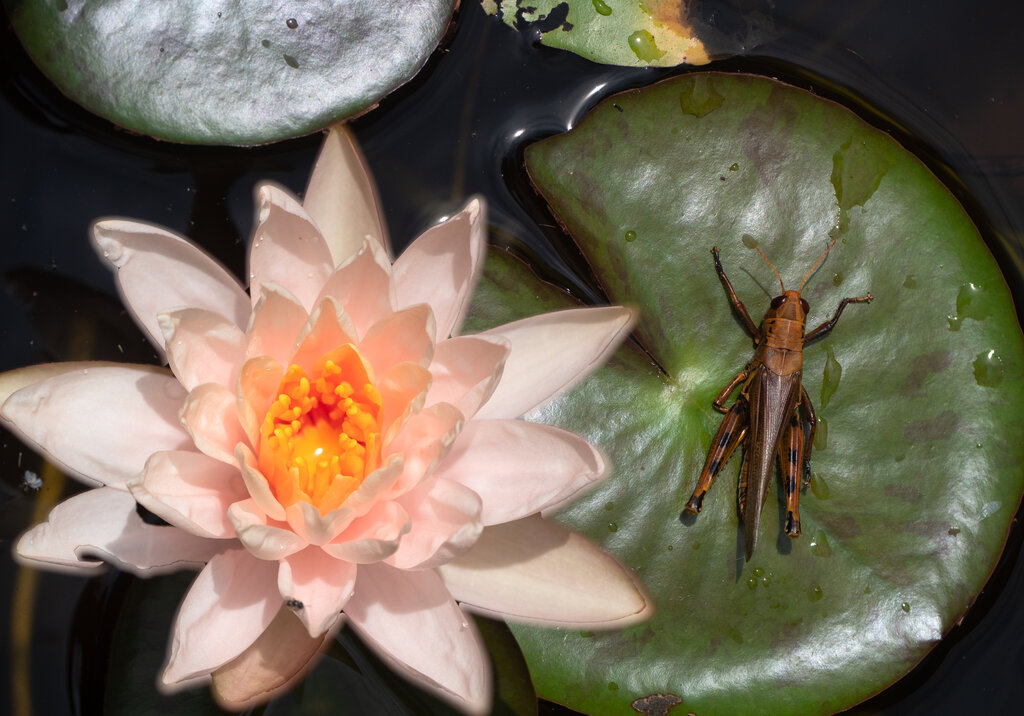
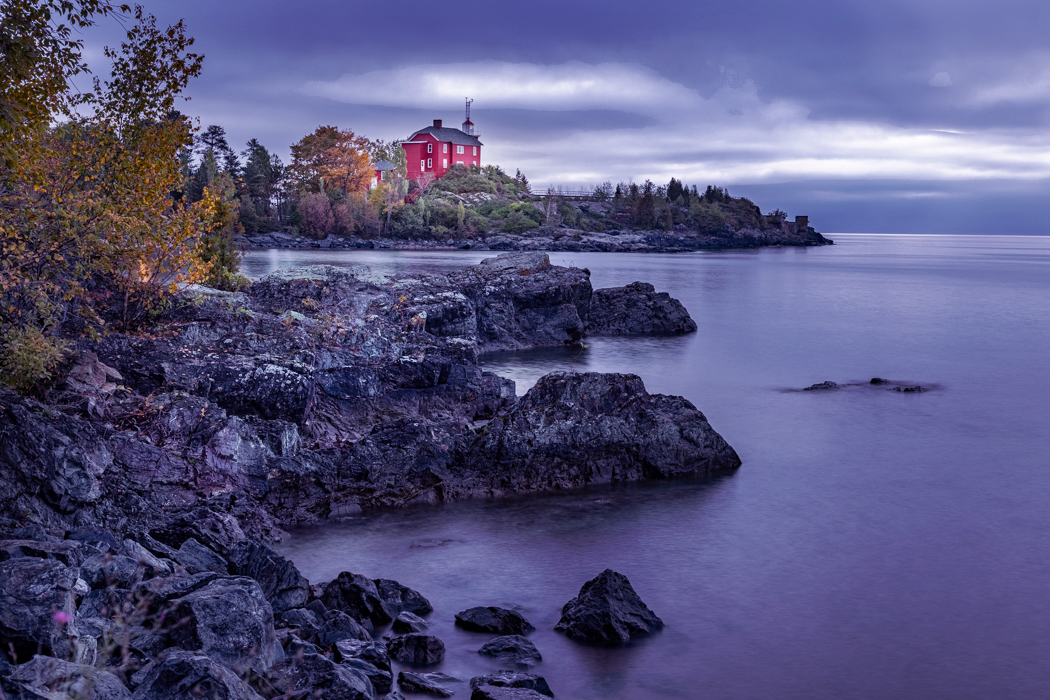
This is a gorgeous image Brenda! So much potential as well for different types of processing. You can go vibrant bright as you have done, or something much more moody as I tried to create.
Here's what I came up with by just messing around with different colors and adjustment layers.
At a high level
- used 50% gray layer to do some selective dodge / burning as I thought your version was too uniform in brightness
- added a warming photo filter and a vibrance adjustment layer
- Added two color layers, one purple blending with "Soft Light" and an orange layer with "Hue" blending mode. Both of those have low opacity (20-30%).
While I was experimenting with that. I found that you can create some really cool effects with different colors / blend modes. Like yellow color and "Subtract" blend mode looks very unique. |
Dec 16th |
 |
| 78 |
Dec 21 |
Comment |
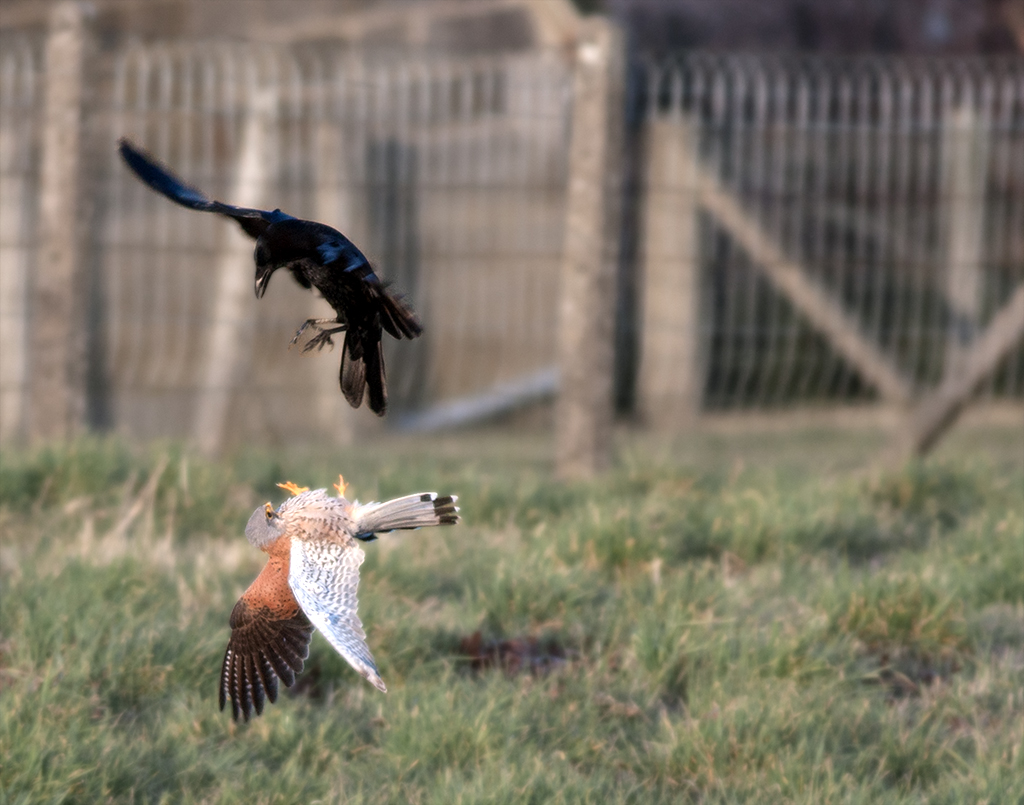
Great catch with the fly in the frame and a fairly sharp image given the amount of cropping. |
Dec 14th |
| 78 |
Dec 21 |
Comment |
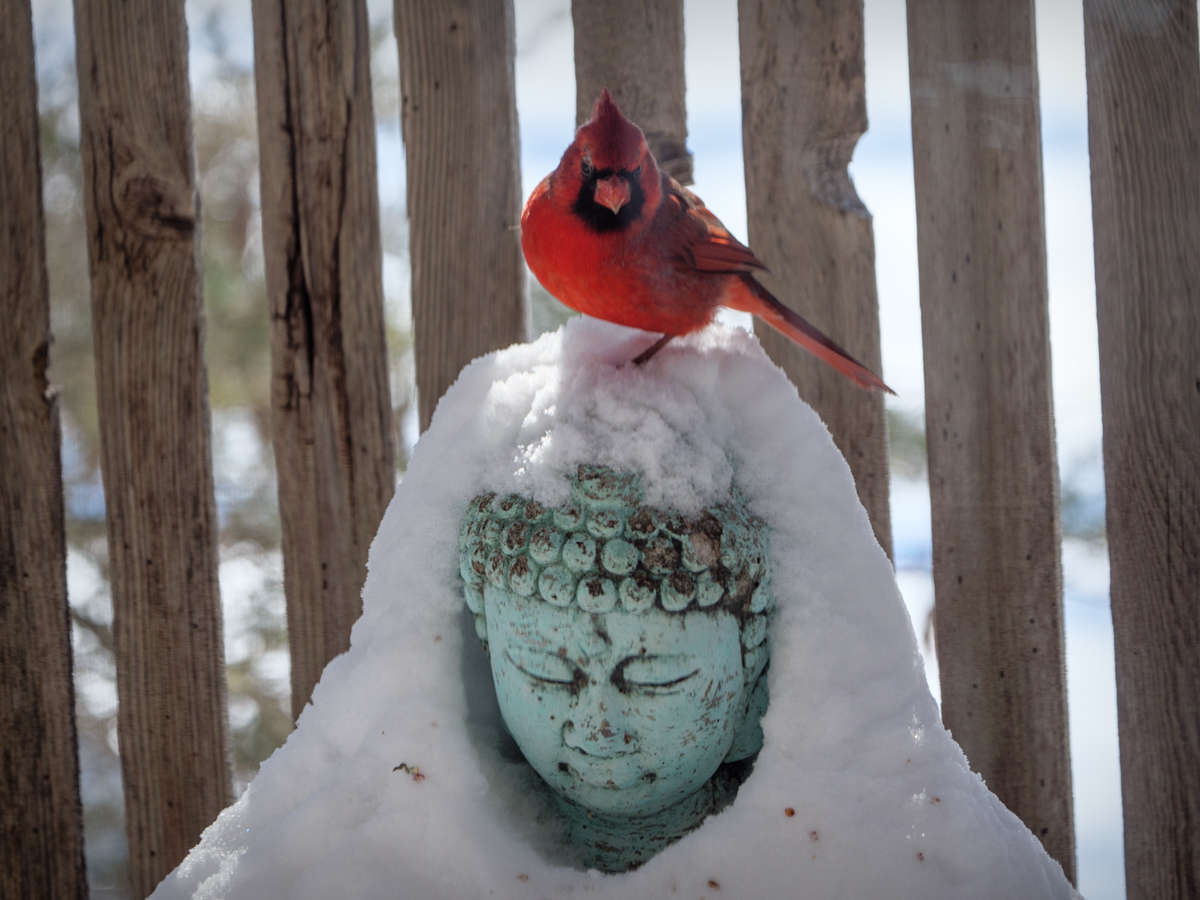
Pretty great Helen for a lockdown shot around the house. I imagine it is fun to just sit and watch these birds flying around in their habitat.
This does appear a little soft and from the original, the focus may have been on the tree more than the bird. Also could just be a factor of cropping in to such a small area of the frame.
I think you did a decent job of dulling the background, and I like the framing with that bit of branch that points out towards the bird.
I would even consider cropping it wider so that the bird has more empty space on the top and a little more on the left as well. I like that better for the bird but then you may have to tone down the empty space on the bottom so it does not distract.
|
Dec 9th |
 |
| 78 |
Dec 21 |
Reply |
I agree Brenda. Would love one like this!
Helen has some more excellent bird photos on her Aminus3 website that are worth checking out:
https://helen.aminus3.com/tag/bird/ |
Dec 9th |
| 78 |
Dec 21 |
Comment |
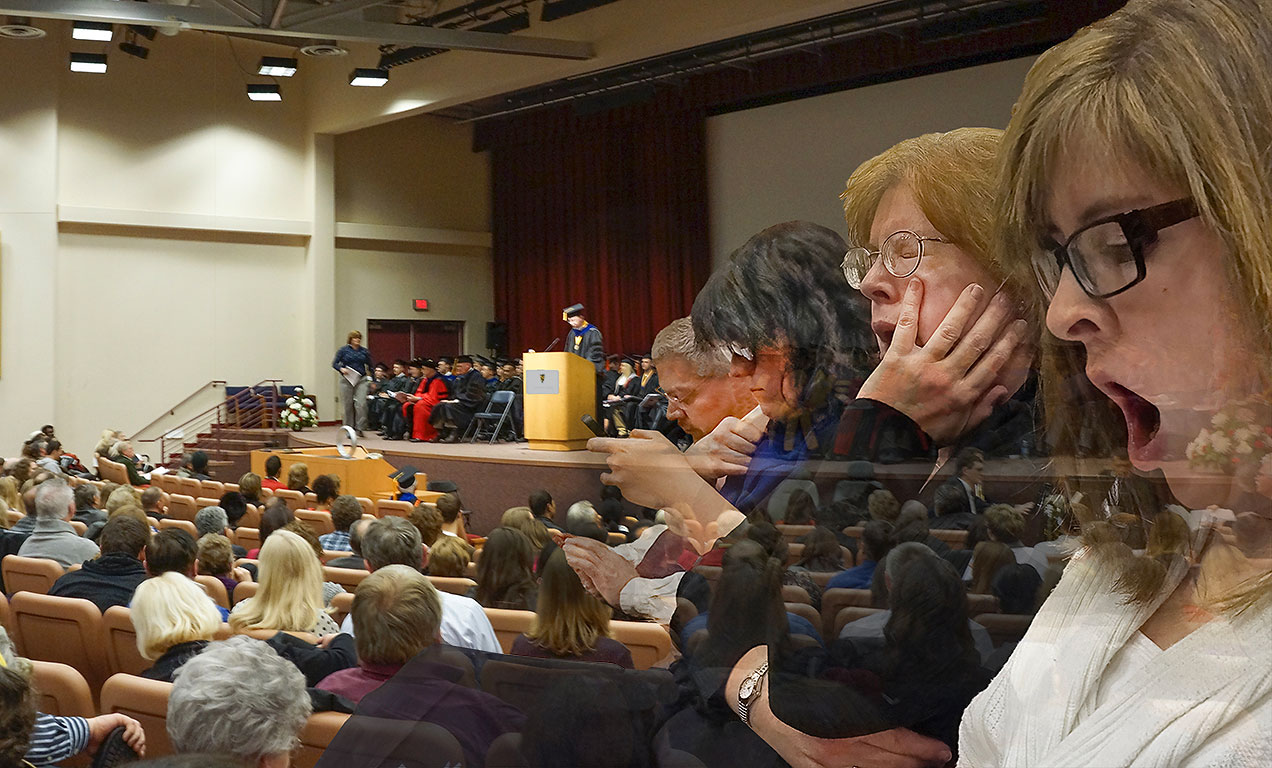
Aw man, that's a bit harsh for that speaker :)
But as a photographer you have truly captured the moment and this is a great way to show the story from multiple perspectives.
I feel like I make this suggestion a lot, but in this situation I think flipping it horizontally would work well.
I find that as I look at this photo as is, I start at man in the overlay group in the middle and look at each of the faces to his left thus not really looking at the rest of the photo. But when I flip it, I find myself starting with the first woman and then looking at each face in a line until it leads me to the person on the podium.
Maybe other people don't see it that way and I'm curious to ask their thoughts, but for whatever reason, that is how I visually process this one and the flipped version flows better for me. |
Dec 9th |
 |
| 78 |
Dec 21 |
Comment |
Oh wow! The funny thing for me was that like Helen, I thought you made this whole thing in photoshop and then see in the original how much of it was shot in one frame, right down to the mini cello. Well done.
Good tip on the blending mode to cut out reflections.
As for suggestions on the frame itself. Not much to add.
I'm curious how this one will be received from your photo club and if this is typical for the level of competition or a step above. |
Dec 9th |
6 comments - 2 replies for Group 78
|
6 comments - 2 replies Total
|