|
| Group |
Round |
C/R |
Comment |
Date |
Image |
| 78 |
Oct 21 |
Reply |
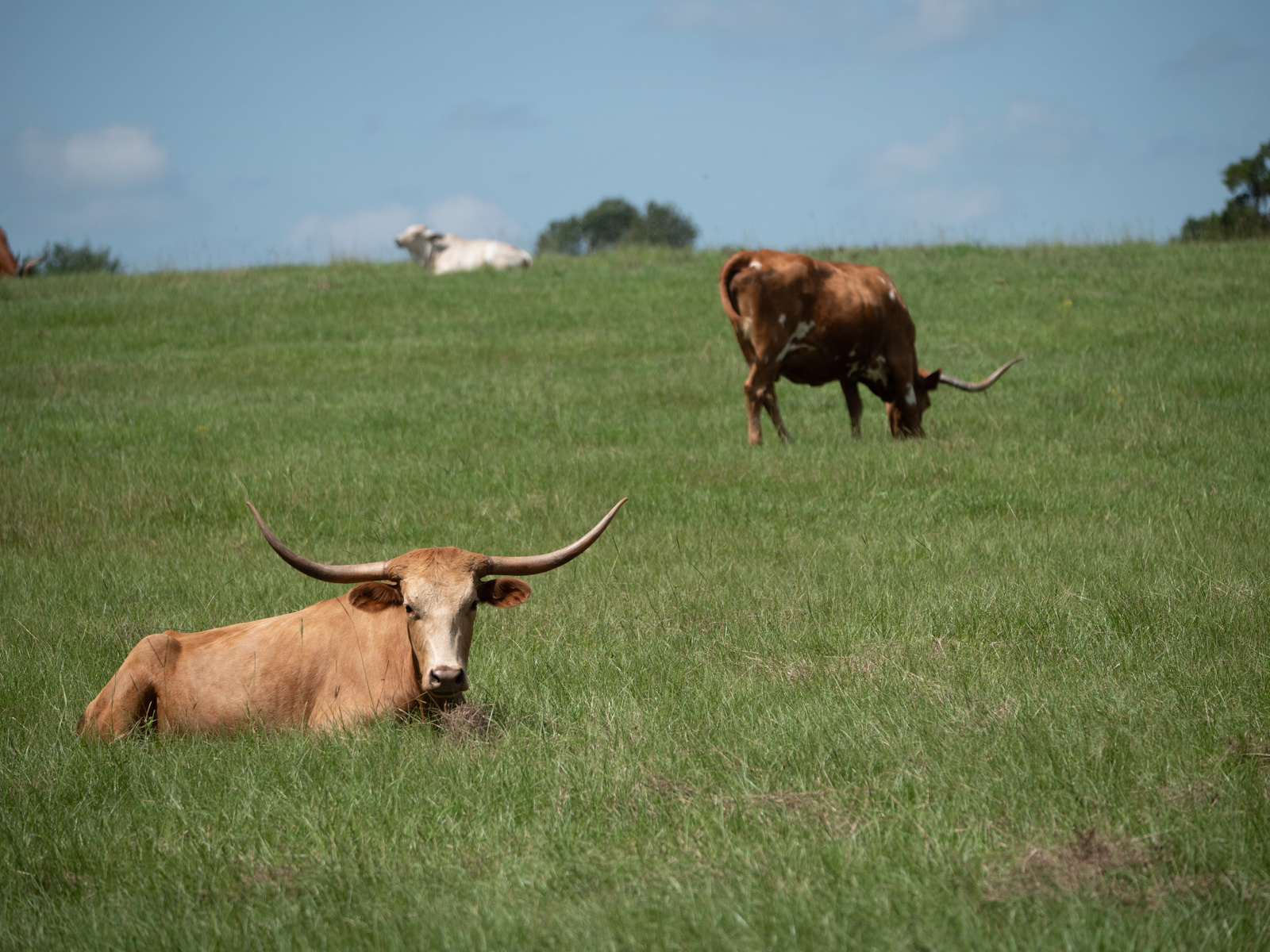
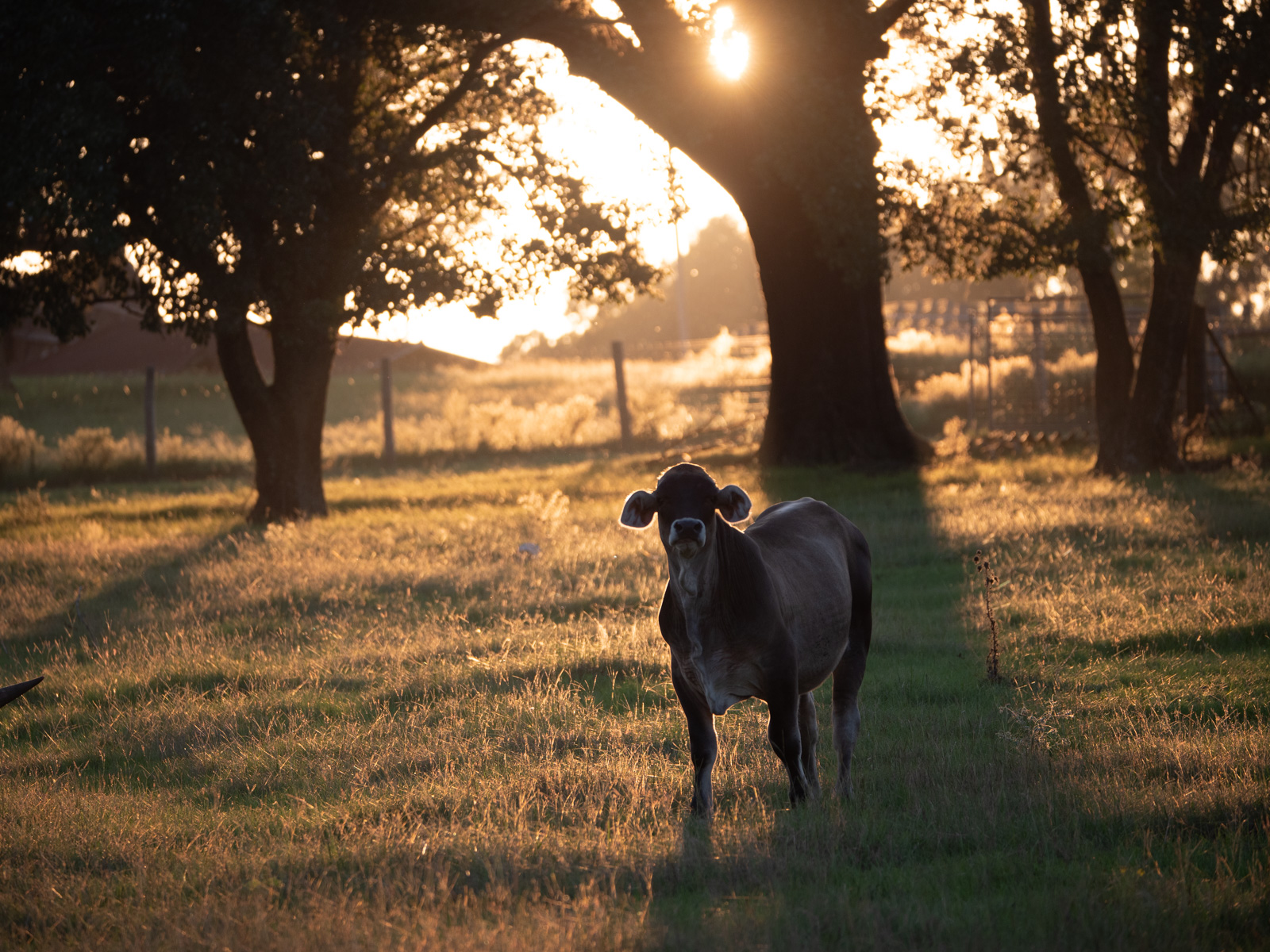
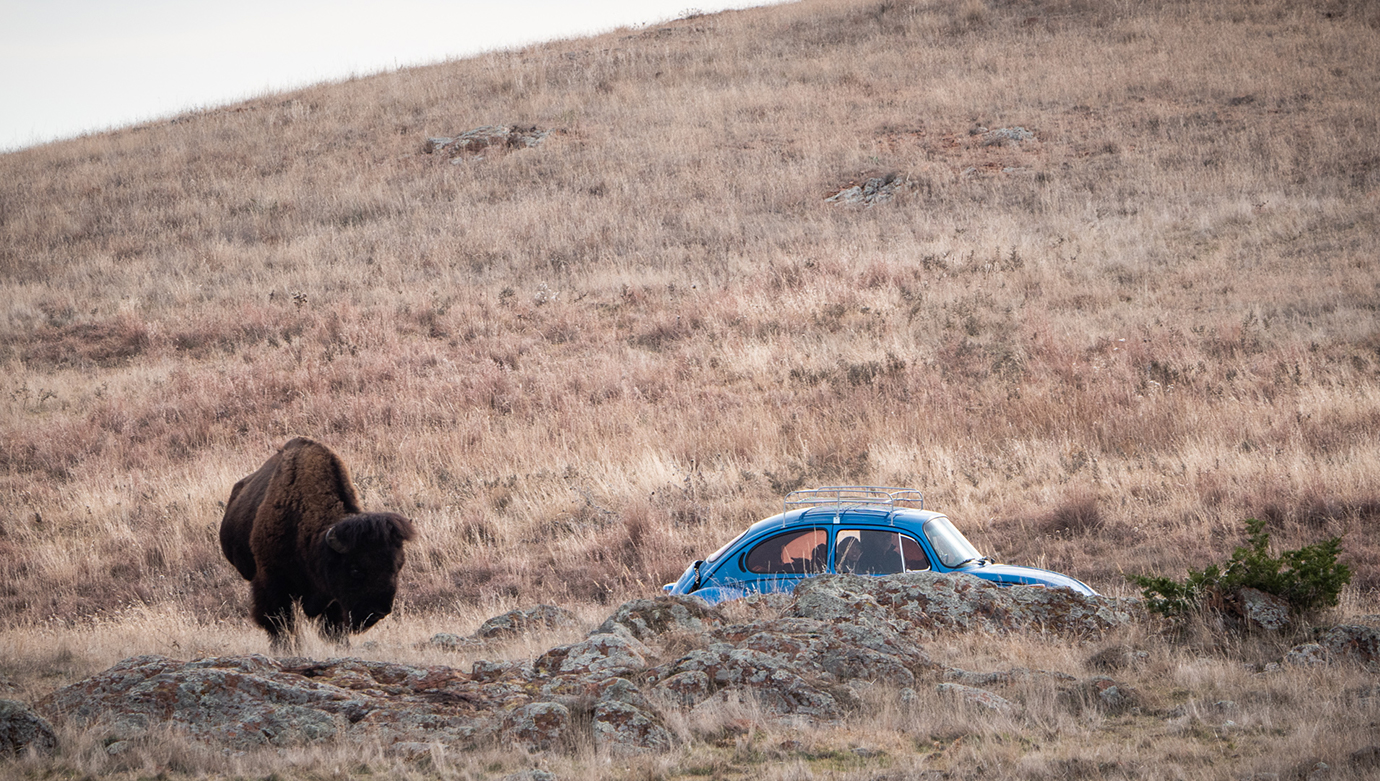
Here's an edited version with some of the suggestions including lightening up the sky and the cow faces.
Thanks for the tip on the sky using color temp, that's a new one to me but makes sense.
It was a bit harder in this image because the sky is not isolated so making it bluer with a gradient means the upper rock and horns go blue too. But tried to pull the gradient up some it is higher towards top. |
Oct 26th |
 |
| 78 |
Oct 21 |
Reply |
Thanks Mitch |
Oct 24th |
| 78 |
Oct 21 |
Reply |
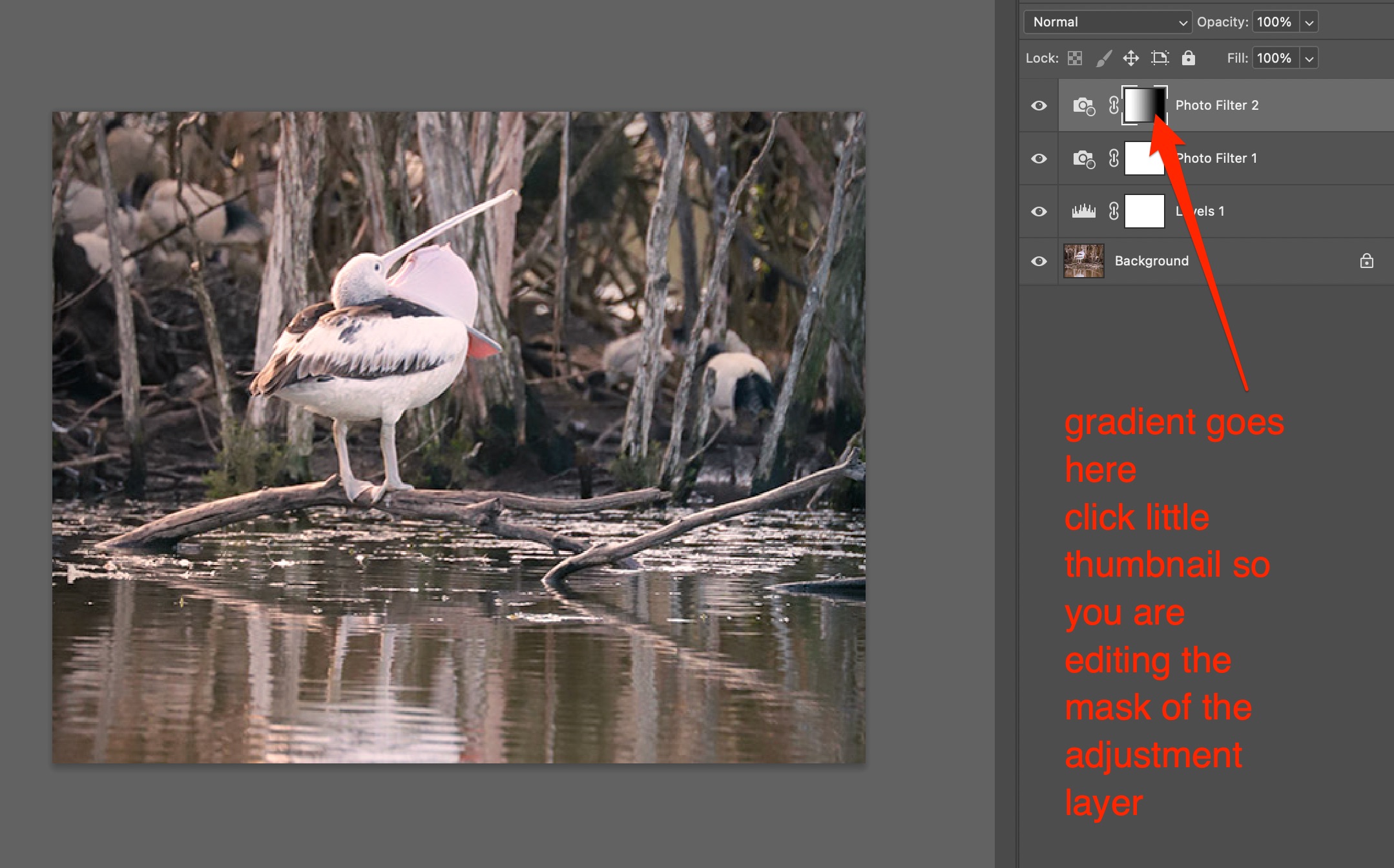
Glad it was helpful. On gradient masks, this is pretty easy with an adjustment layer (like a warming filter). You just click the thumbnail in the adjustment layer (see attached) and now anything you put there that is white will show the full layer and anything black will block it. You can use the photoshop gradient tool to go white to black (which fades out the effect in the direction of the gradient). Or you can use the brush tool and paint in the mask as well. In that case a low opacity brush works good because you can keep going overtop of it repeatedly to gradually make it darker and darker (thus muting the layers effect). |
Oct 11th |
 |
| 78 |
Oct 21 |
Comment |
That's awesome you have this environment and wildlife so close to home. Sucks though that you only get to enjoy it in a regimented way. Hopefully that is opening up now?
As for recommendations... I *swear* I'm not a one trick pony but again I think the horizontal flip works here which makes the pelican look off to the right vs left. Will leave that for you to consider.
Along the lines of Jim's idea, I also found the whole thing to be a very uniform color and was able to open it up more by removing the color cast (using the PS technique Terry shared with Brenda a month or two ago to create a "Blur Average" layer then use the middle dropper in Levels to create a gray layer than cancels out the dominant color).
That still seemed flat to me so I added a warming filter but doing it across the whole image is just another color cast of a sort, so instead I applied it using a gradient mask so the warmer color is more prominent on the left side of image (tail feathers)
Despite all that, I still like the tones in Jim's edit better and would go with something more like that but I like in my crop to leave a little more of the reflection too. |
Oct 11th |
 |
| 78 |
Oct 21 |
Comment |
Now this one (compared to last month) is positioned perfectly in both the frame and over the water. What a fantastic moment!!
It was definitely over-exposed and your edits addressed that well. I agree with Terry that toning down the bright trees a little might help but overall looks good. |
Oct 9th |
| 78 |
Oct 21 |
Comment |
This is a great image Sunil. This guy standing with light shining on his face while the chaos ensues behind him.
Similar to Terry's thoughts, it's a crazy world but he's looking on the bright side.
Also interesting to me is that he seems to have two shadows. A lot of symbolic soil there!
Visually I don't have much to suggest. How bout a more dramatic title like, "The architect of chaos" or something with optimism , even like "Mr. Optimistic" |
Oct 9th |
| 78 |
Oct 21 |
Comment |
You've got some photogenic friends!
I think a tighter crop works better (similar to Terry's).
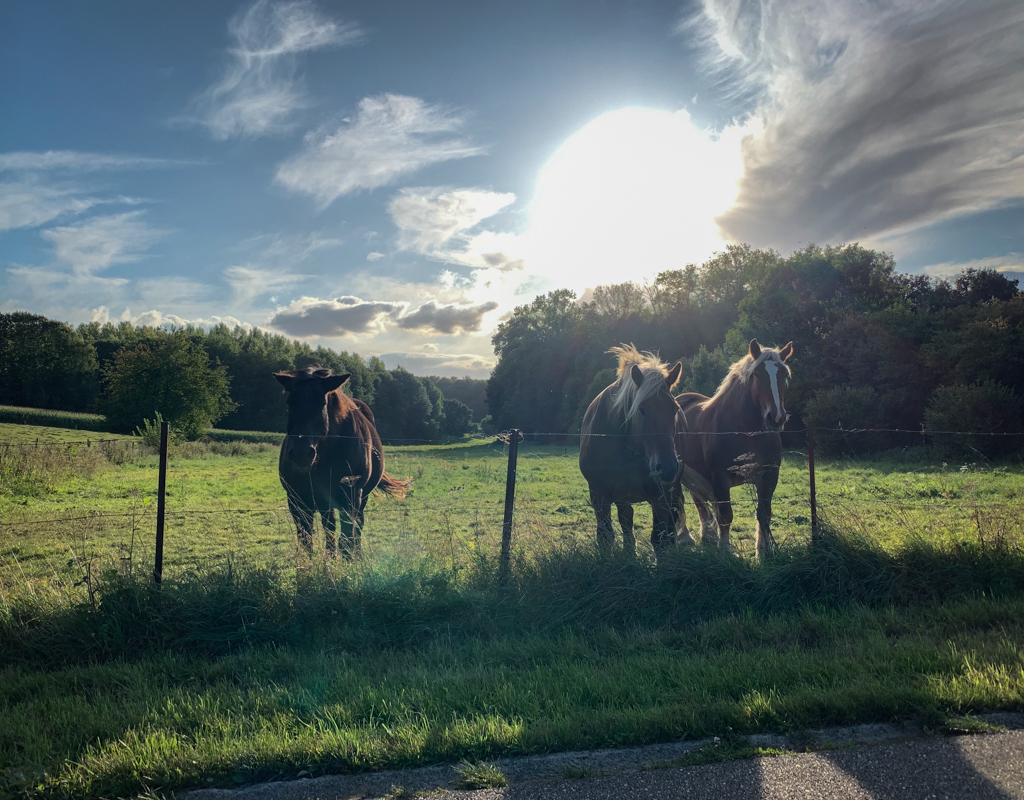
Going with a different opinion on the fence. Given your title, I think the guy being behind the fence while "longing for the open country" is a great visual metaphor.
It is subtle. Perhaps too subtle as the others saw the fence as a distraction, but I think it works well for a theme.
You have this beautiful golden light field just over the fence. But rider and horse seem to be "trapped" on this side, looking longingly over.
How much in life are people that close to their "open country", but perceive their situation as limiting them.
To this effect, I like how the white, more solid fence ends right where the rider is positioned, and the remaining fence is just thin and malleable wire.
To me, the title with that visual metaphor comes together for a more powerful image rather than editing out parts to isolate the rider in the scene. |
Oct 9th |
| 78 |
Oct 21 |
Comment |
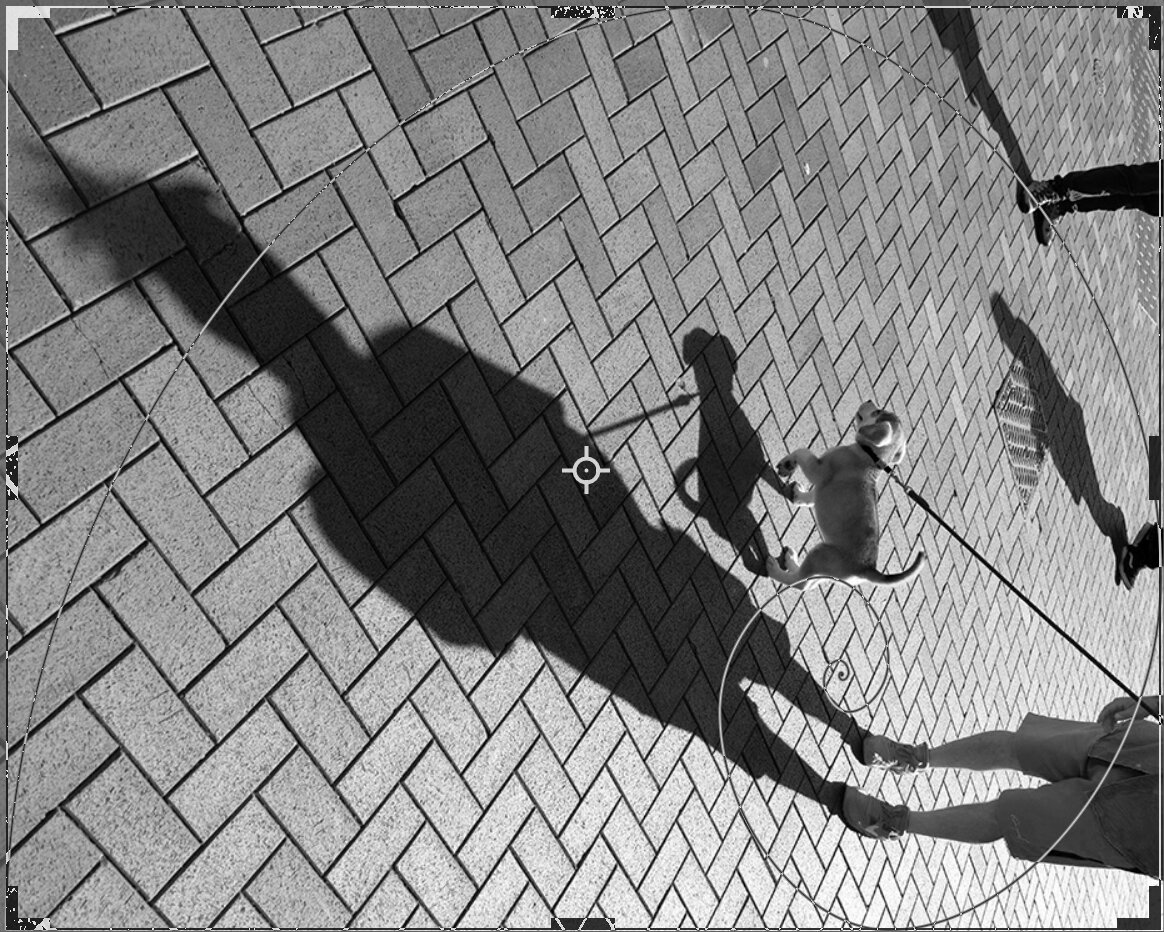
Here's an screenshot with the "Golden Spiral" overlay in the PS crop tool. |
Oct 7th |
 |
| 78 |
Oct 21 |
Comment |
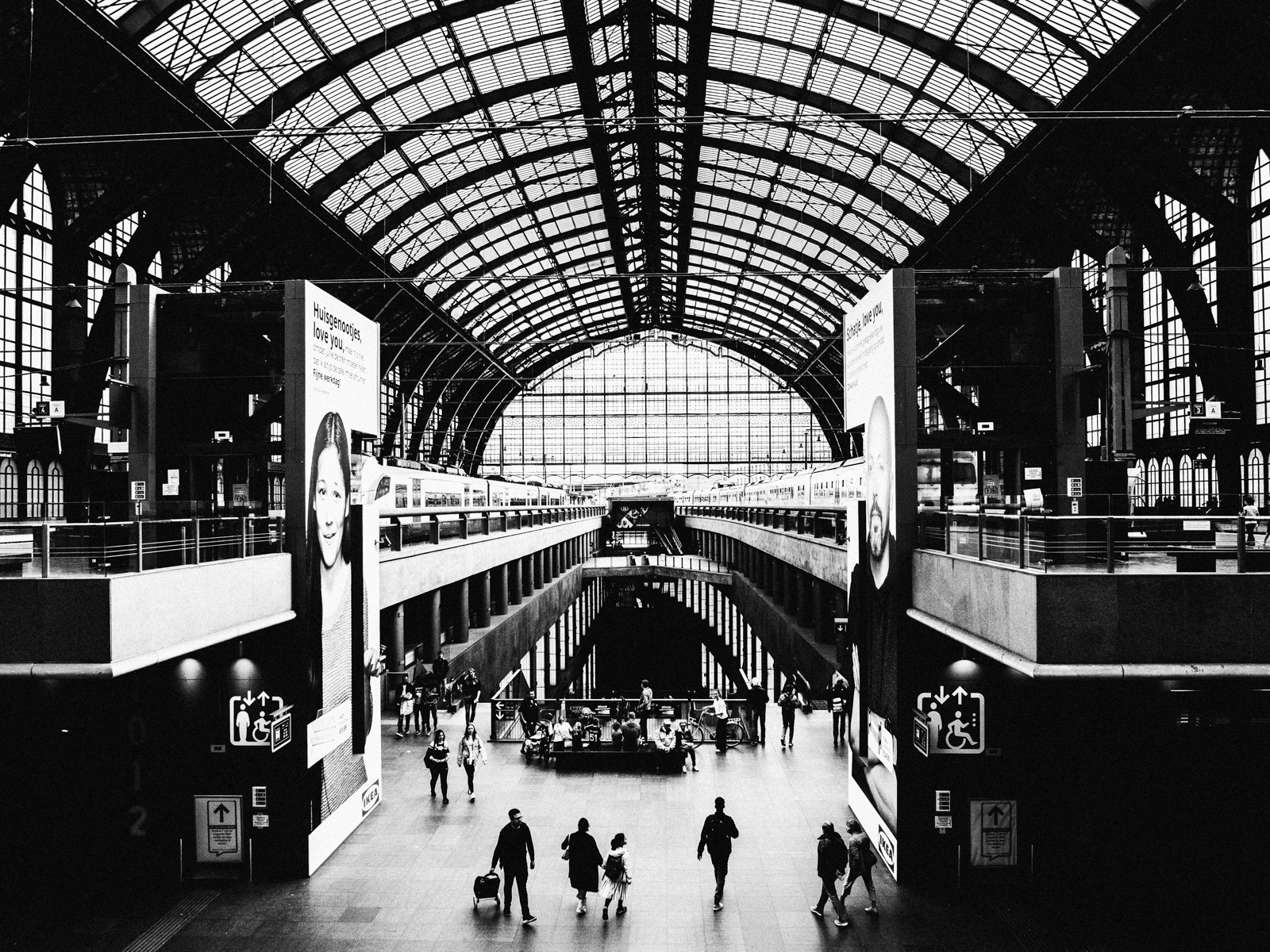
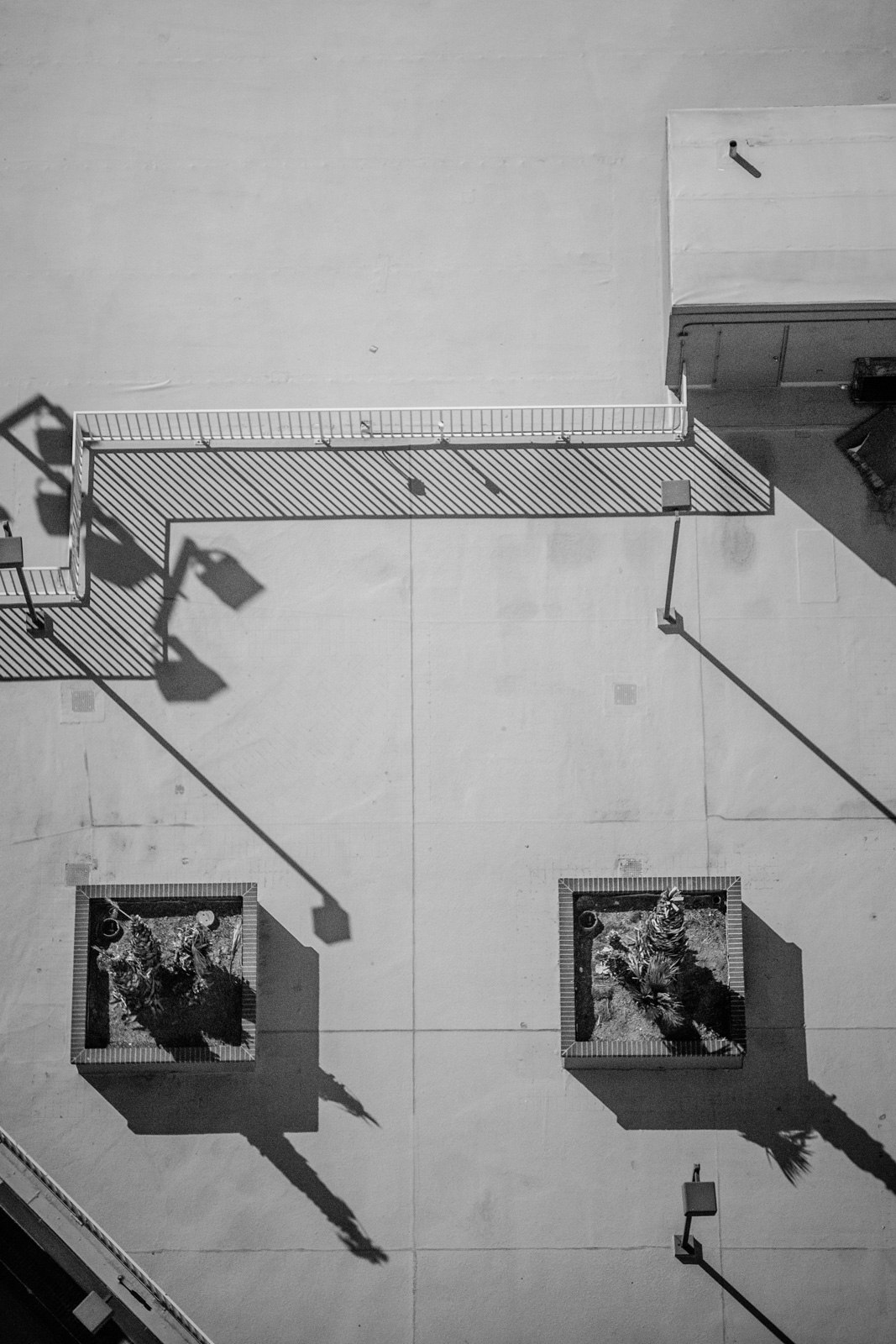
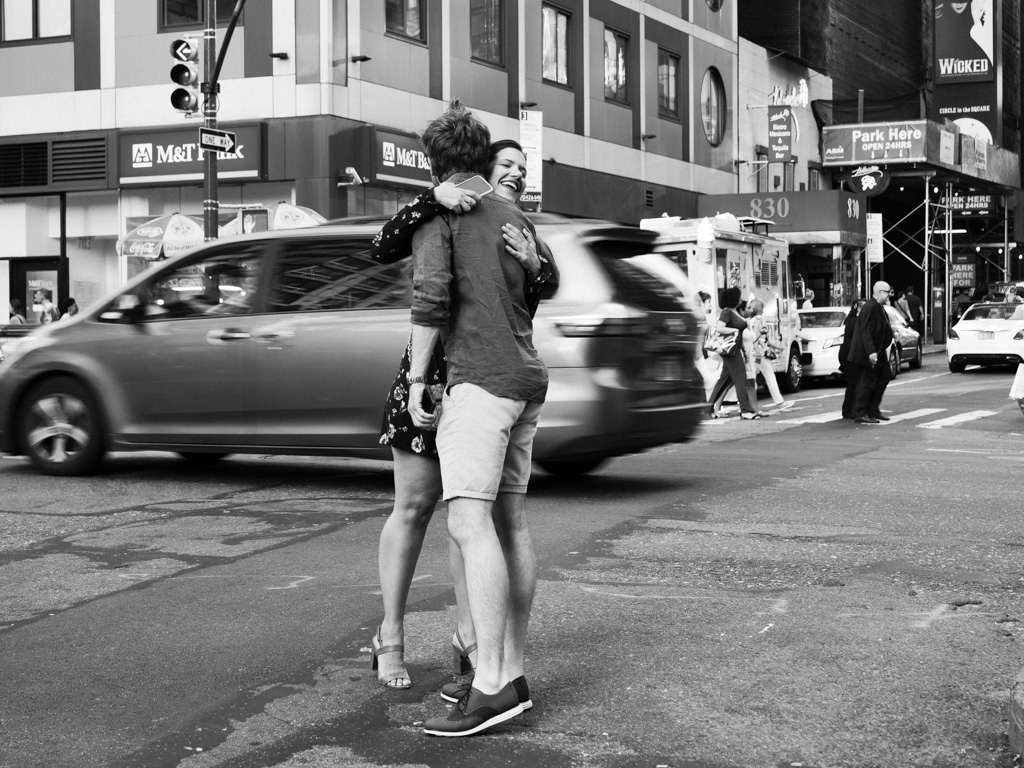
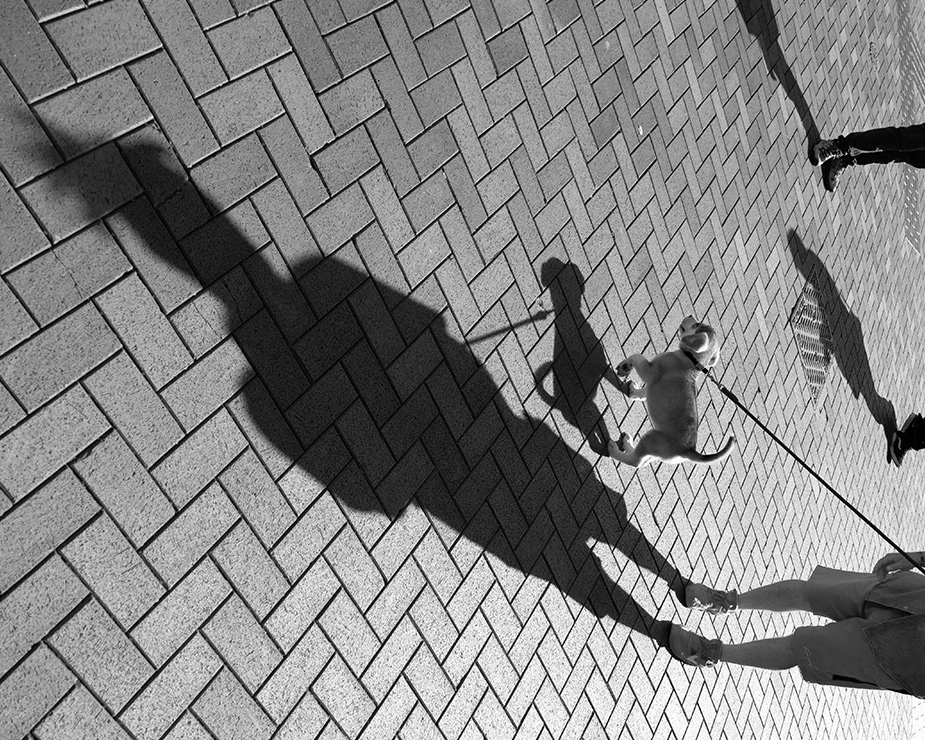
Great eye and a nice choice to go B&W to bring our attention to the key elements.
I like Sunil's crop if you are going for something clean and more minimal.
If you are open to a bit of reality bending. How bout something like this?
Not sure how often you play with cropping overlays (diagonals, golden ratio, triangles etc) but FWIW, all these elements line up really well on a golden spiral and have a great proportion to each other.
|
Oct 7th |
 |
| 78 |
Oct 21 |
Comment |
Excellent job bringing back the details on this one (to you and to the power of RAW). I like the idea of toning down the windows.
My only other suggestions is that even though the photo gives us a good view of the room, it is a lot to take in without a clear subject or point of focus.
The man in the frame would be the obvious choice for a main subject, but IMO I don't think his position behind the pillar adds much to the image. I suspect he is just there adding historical context and perhaps not able to ask him to pose or reposition.
Still, had the man been doing something more in the foreground such as interacting at the end of the beam (by the hammers), it would have made an excellent environmental portrait with the busy mill room as the backdrop. |
Oct 7th |
| 78 |
Oct 21 |
Reply |
Thanks Jim. I like the look of the image with a brighter sky. |
Oct 7th |
| 78 |
Oct 21 |
Reply |
Thanks Terry. I like your idea to minimize some of the other textures / colors by cropping the rocks and dulling it down.
Some of the most dramatic and beautiful skies I've seen are dark dark clouds which focus the light in wonderful ways across a landscape. Though perhaps not as natural or well translated in this image. |
Oct 7th |
| 78 |
Oct 21 |
Reply |
Thanks Sunil |
Oct 7th |
7 comments - 6 replies for Group 78
|
7 comments - 6 replies Total
|