|
| Group |
Round |
C/R |
Comment |
Date |
Image |
| 78 |
Mar 21 |
Reply |
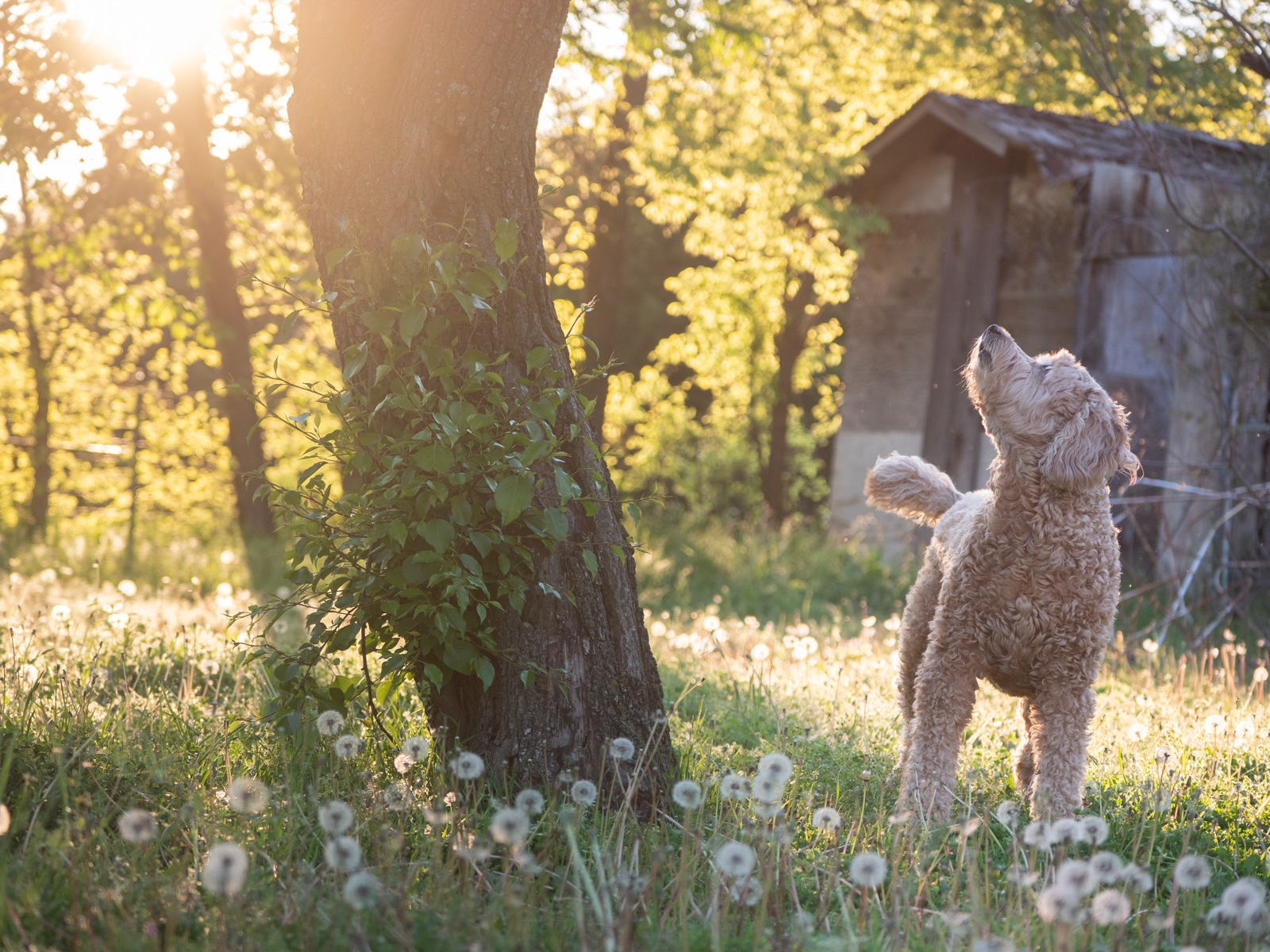
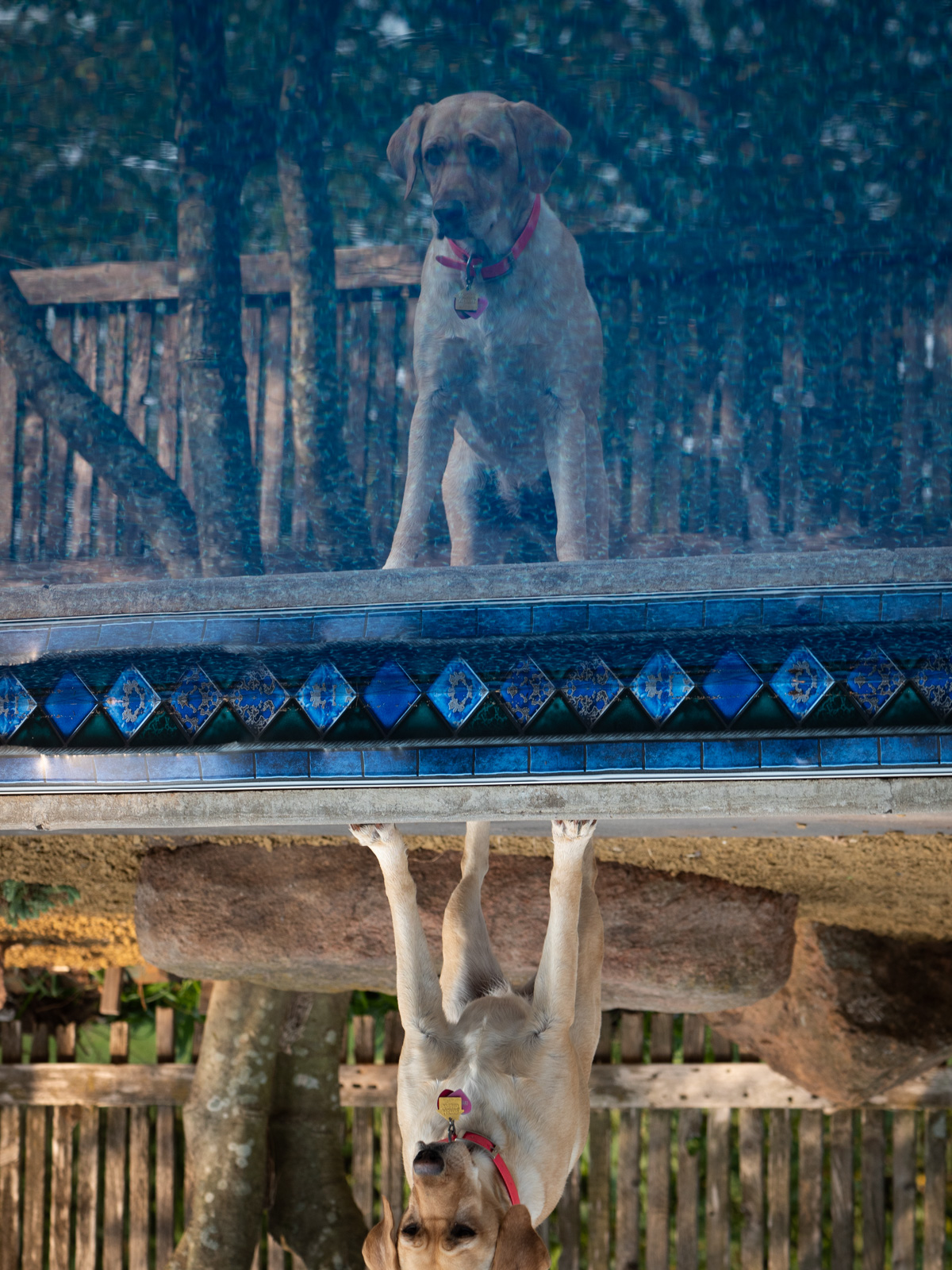
Thanks Terry for the editing suggestions and lens hood idea. After a quick look, it looks like the same idea as my dog's collapsable water bowl. I had not seen those before for cameras but makes sense to keep one in the bag for such cases. |
Mar 16th |
| 78 |
Mar 21 |
Reply |
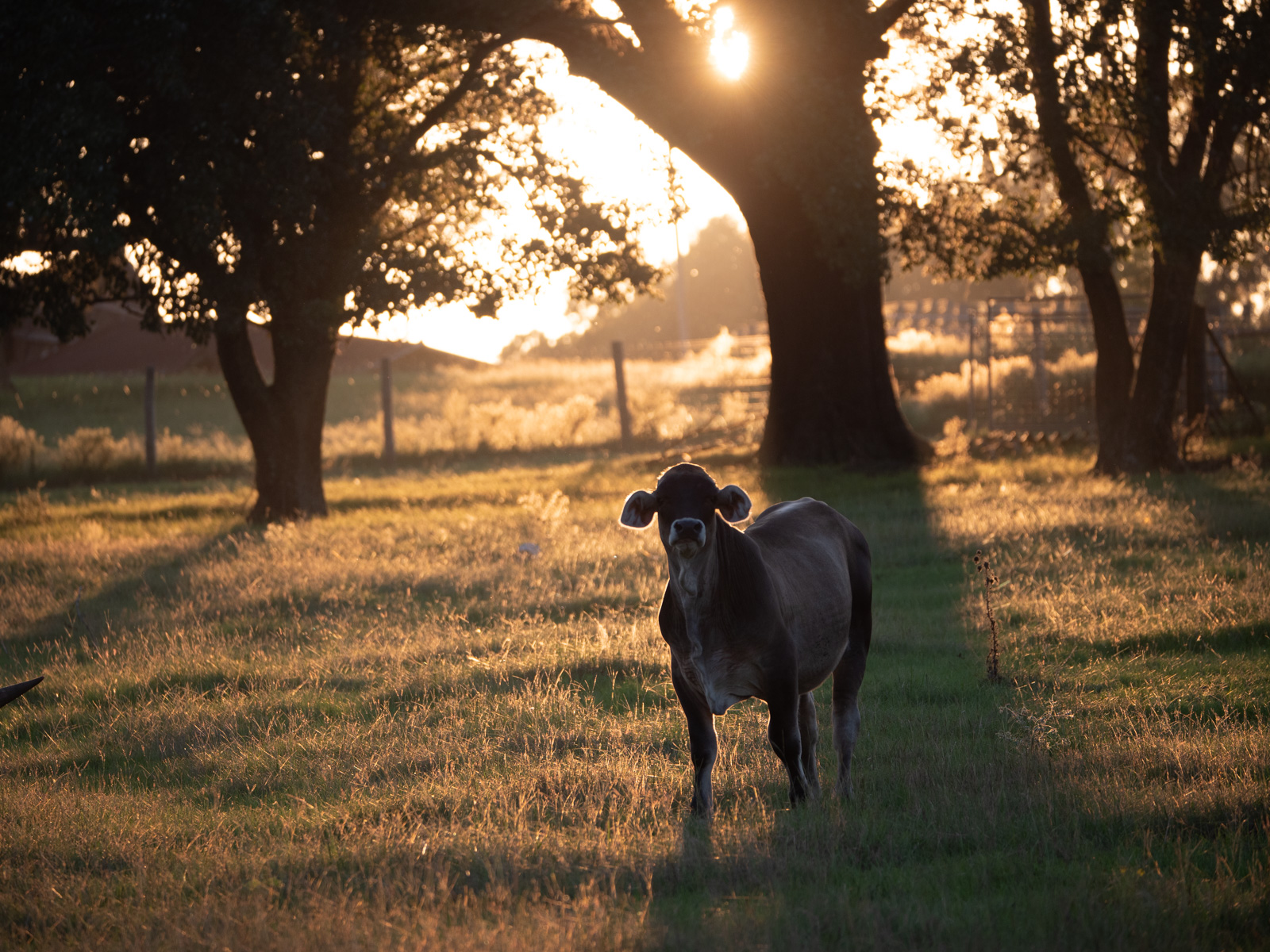
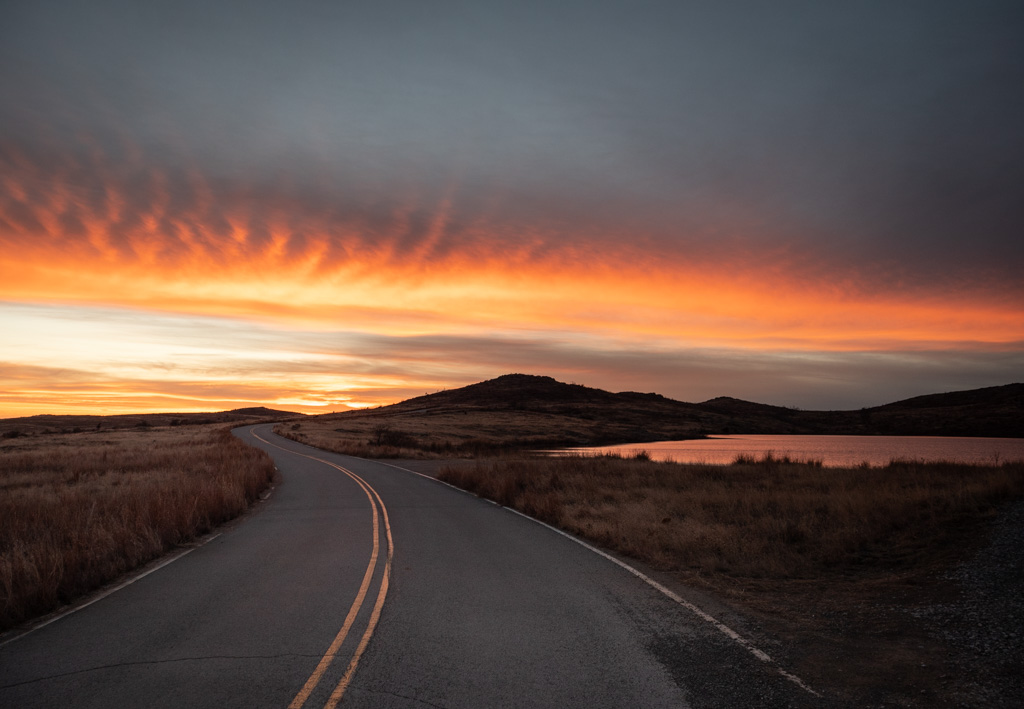
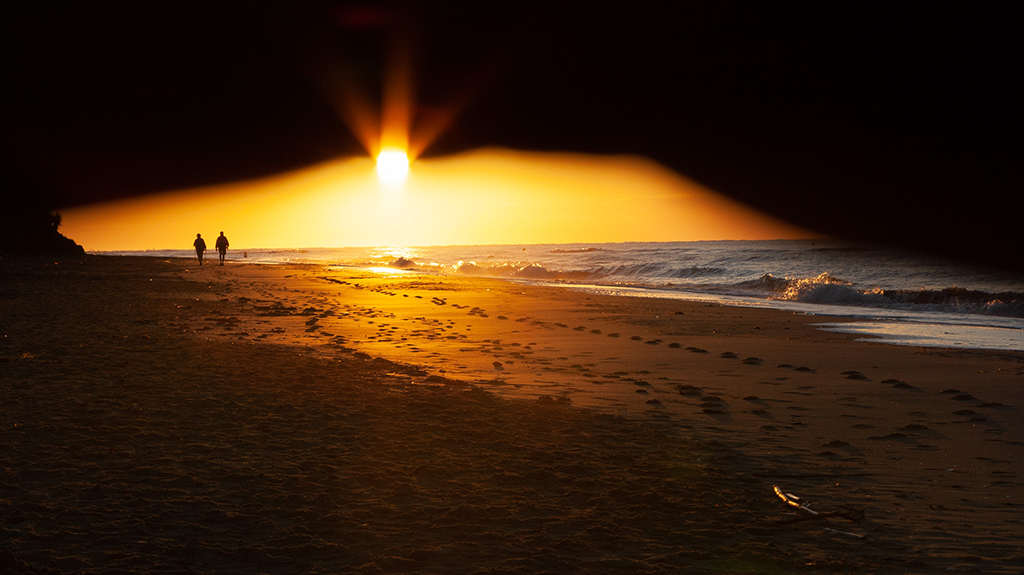
Jim, I like your edits and I think this is a solid version of the image.
Though I would also consider keeping another version with a little more saturation / yellow-orange (about halfway between what you have now and your prime edit) as I think it gives the image a special look that is somehow a little lost in this latest edit.
The added room in the composition looks good as does removing your feet. I would also keep your "cathedral ceiling" too. |
Mar 11th |
| 78 |
Mar 21 |
Reply |
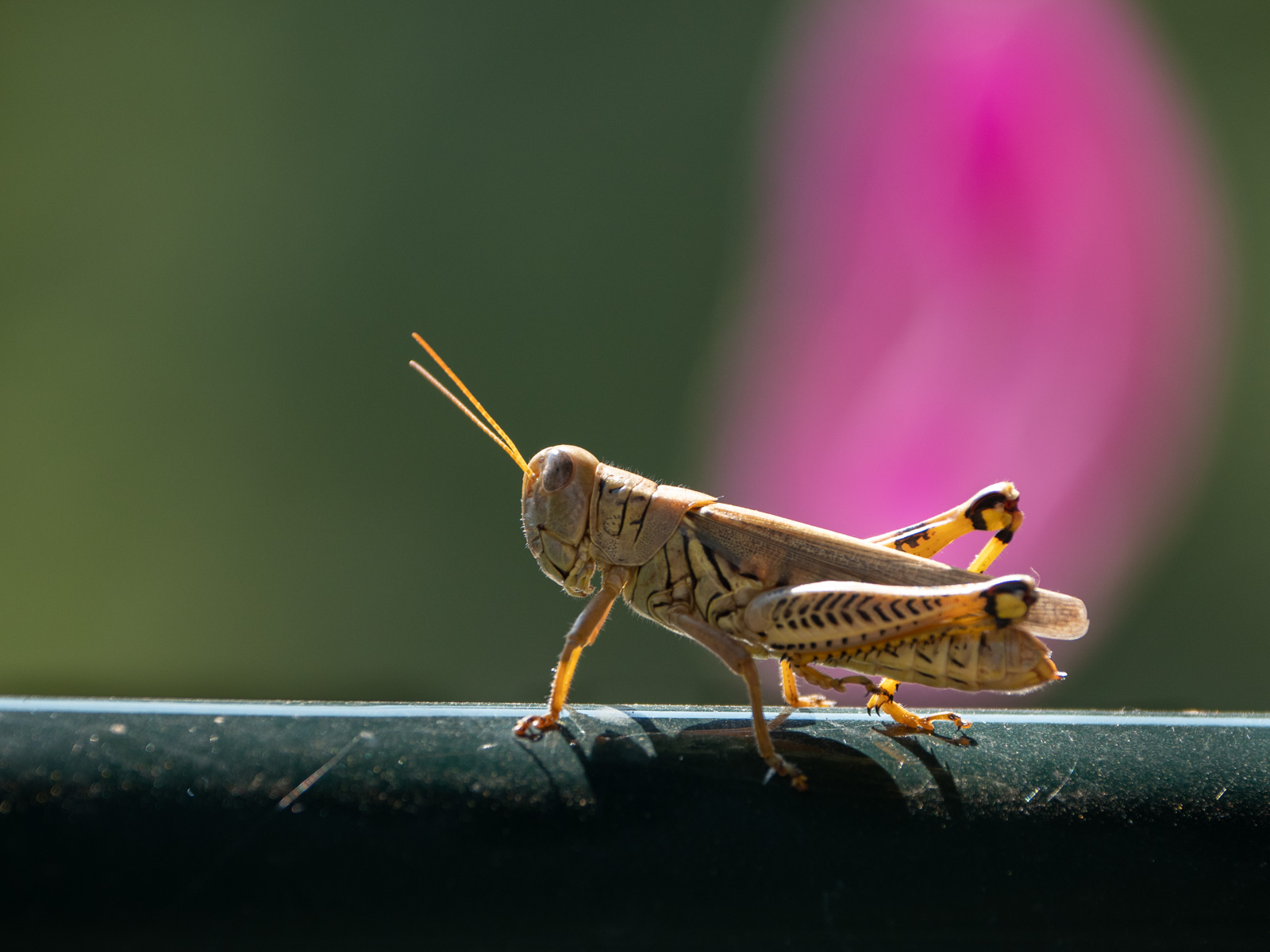
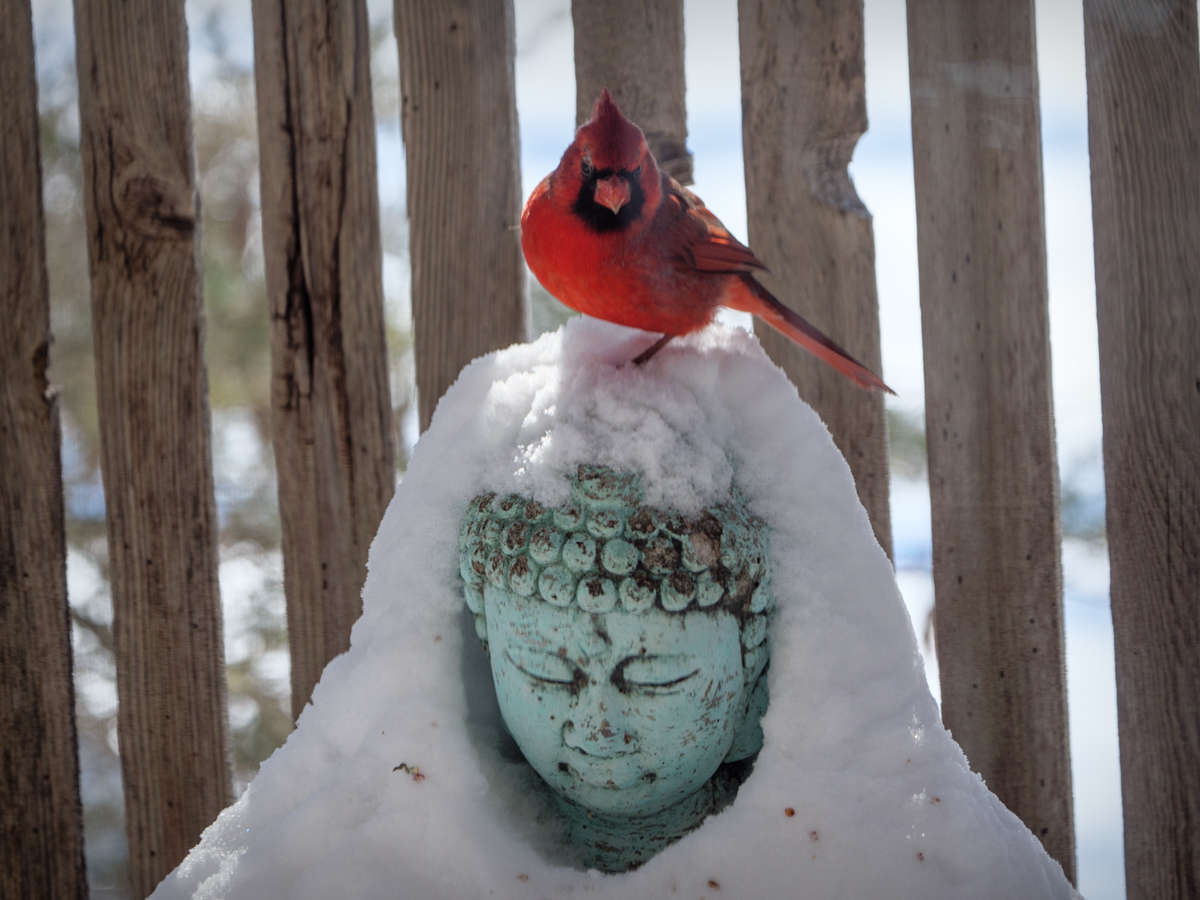
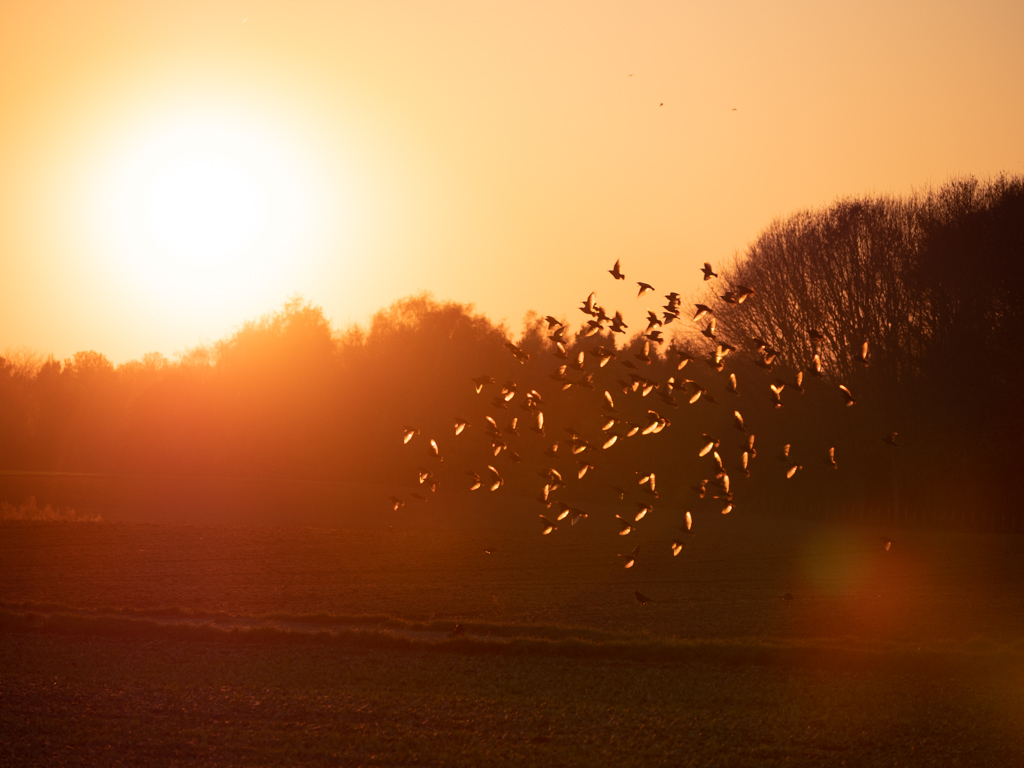
Thanks Mitch. I have not seen those kind of lens hoods before but will go have a look.
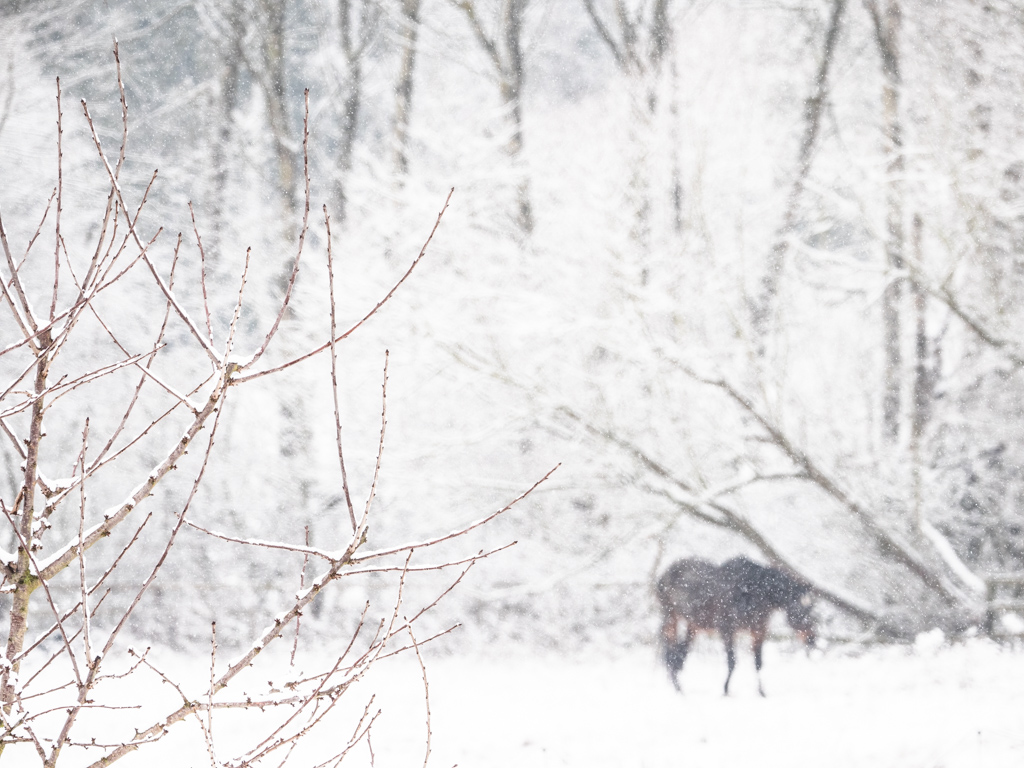
This window is a sliding door which I could open but then have dogs running out and usually spook whatever is out there before I can get the camera out. I have had a little luck leaving the door cracked (minus dogs) and waiting around for something to show up, but this one was too good to miss. |
Mar 11th |
| 78 |
Mar 21 |
Reply |
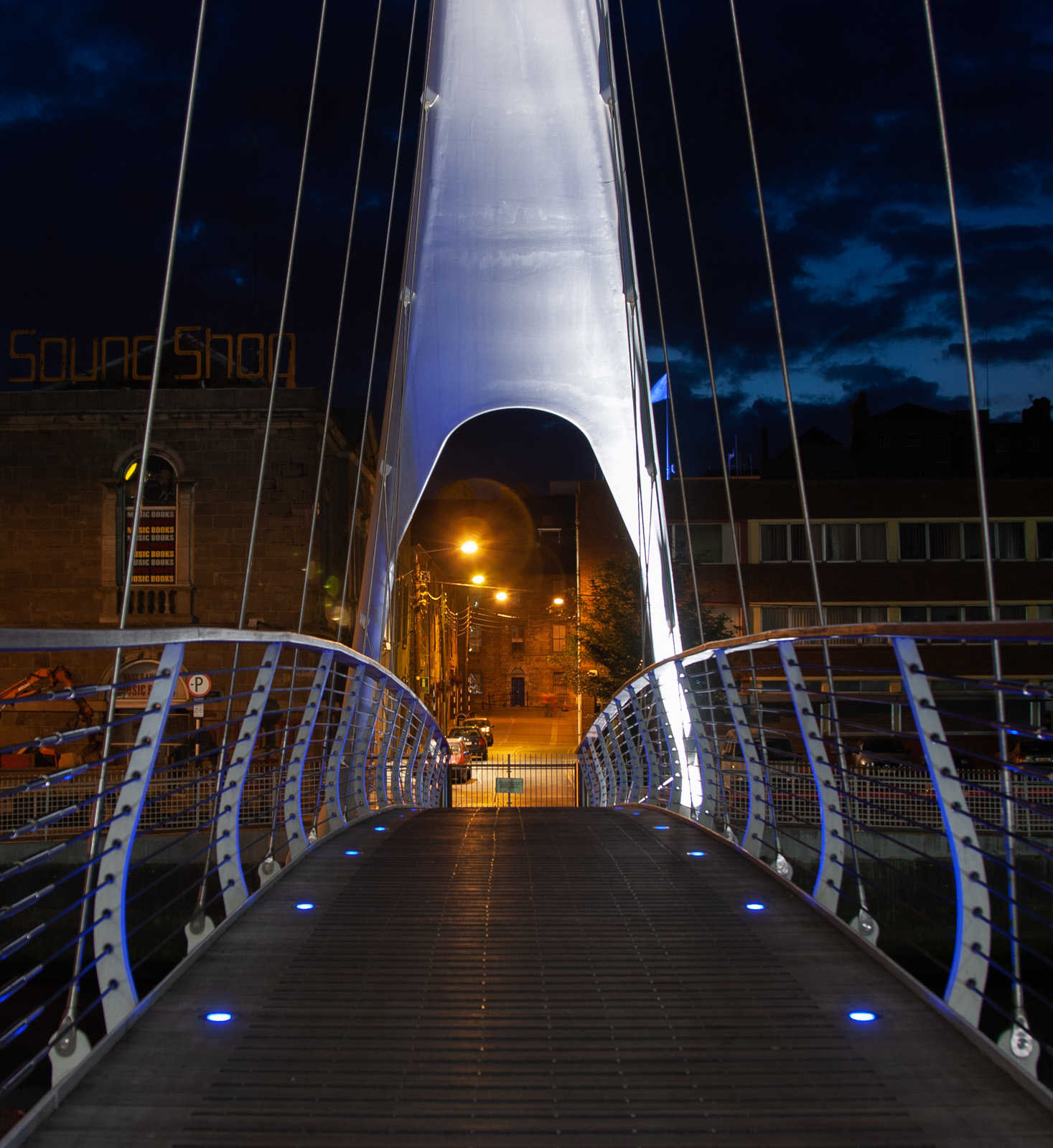
The sky and image overall looks better. That is strange about the 1MB limit causing that much degradation vs just a resize.
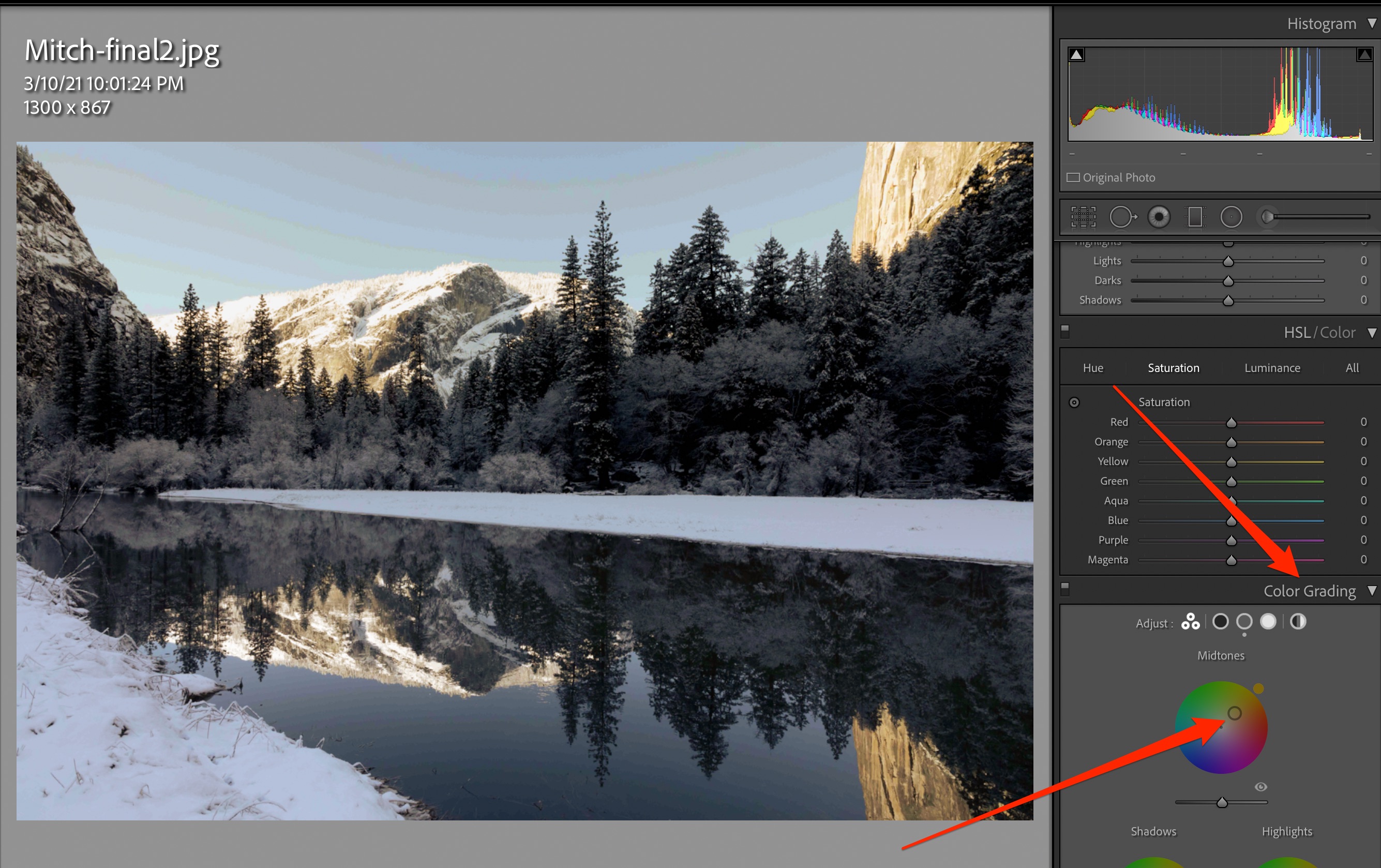
For the Color Grading, it is a quick way to experiment with different looks for the image, and very responsive to move around the wheel and see the result.
In LR Classic, this setting is located under the "Tone Curve" and "HSL/Color" settings. It looks like attached screenshot. |
Mar 11th |
 |
| 78 |
Mar 21 |
Comment |
Hi Mitch, welcome to the group.
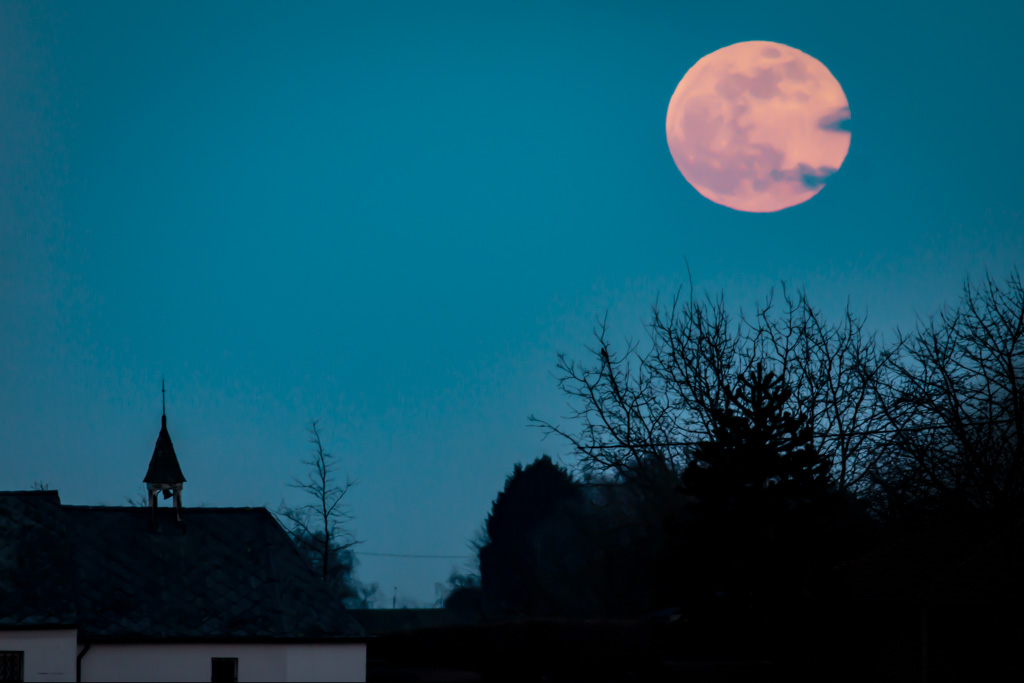
This is a beautiful photo to kick off with. And a great one to discuss as it seems like it was a tricky exposure to get the sky from being blown out while keeping good details in the snow and reflection.
I think you did well on the lower part, though the sky seems a little overexposed to me. One idea is to use Lightroom's graduated filter so you can make the sky darker while keeping the bottom the same.
One other thought on the colors is instead of just using the color temperature to bring out the warmer toners, you can use LR"s new(er) "Color Gradient" feature on the midtones. This image seems richest in the midtones and playing around with that will give you some different looks that might be closer to what you saw with your eye.
Out of curiosity, on the sky and reflection it looks like there is some color banding as if the image doesn't have a full spectrum of colors (like saving as a GIF with a limited color palette). Is this how the image came out of the camera or is that a result of you saving it in some way that caused this (like lower res for display here)?
Let me know if you are not familiar with the graduated filter or color grading tools and I can send a screen shot or example of the image with those effects applied. |
Mar 10th |
| 78 |
Mar 21 |
Reply |
Good suggestion Brenda |
Mar 5th |
| 78 |
Mar 21 |
Reply |
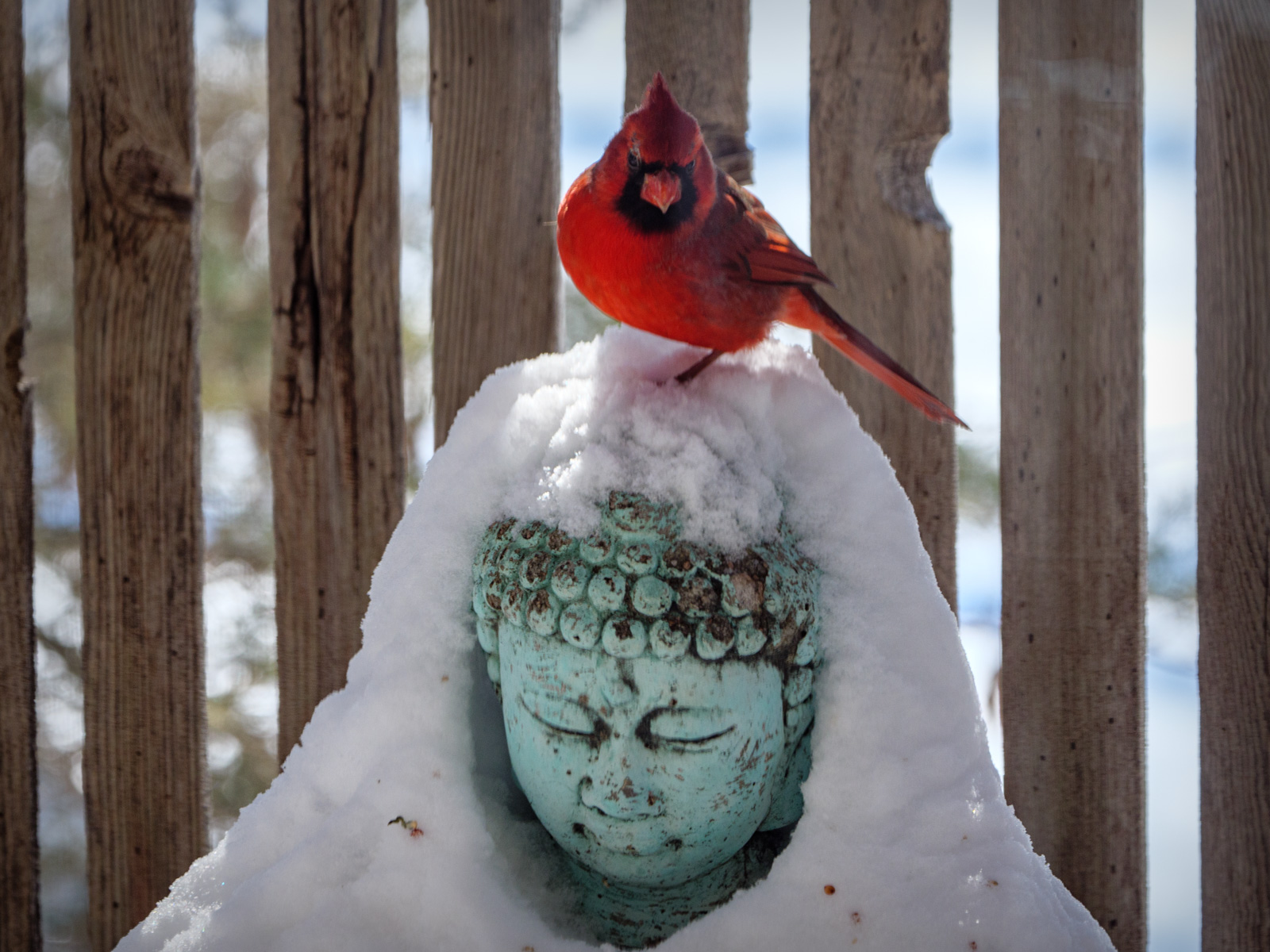
Good idea. Thanks Sunil.
After a quick try. It seems a similar to a bumping up contrast, but either way it does help if not making the overall image a little darker. I upped exposure in that case too.
Here's an edit dehazed and rotated. |
Mar 5th |
 |
| 78 |
Mar 21 |
Comment |
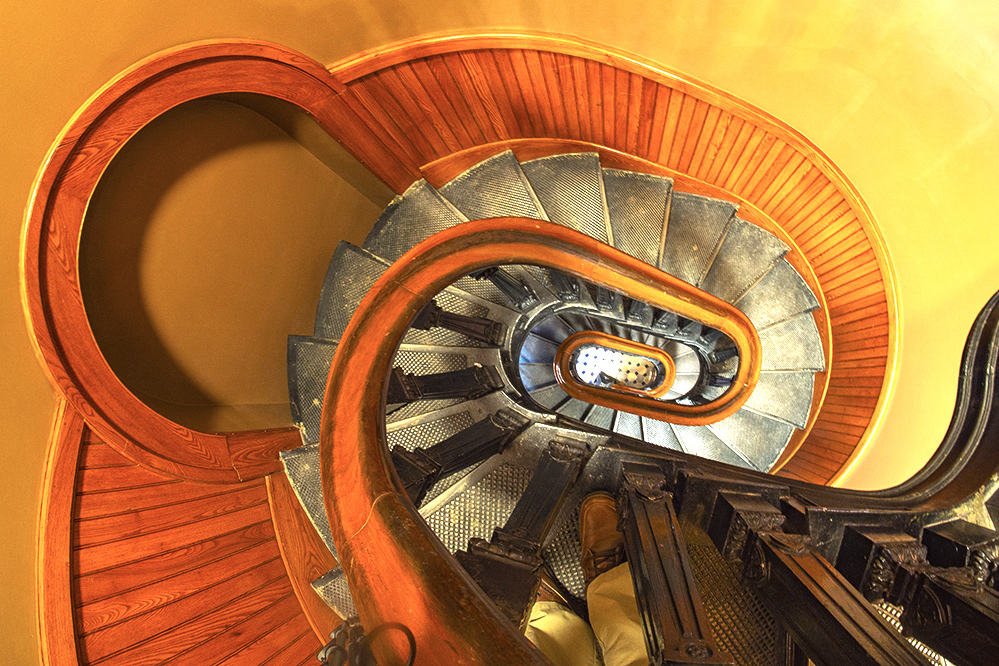
This is quite a remarkable staircase and a great photo subject.
I feel a bit disoriented as to what direction I'm looking and I like that.
I think Helen's idea to incorporate the curve of the right rail is good, though after playing around with some crops from your original, I see it is not so easy to keep that in there.
One suggestion would be that for me, the white balance seems too warm. I would move it more towards the blue side or add a cooling filter in PS as in this attached version (along with some curves and levels in the mix too)
I also played around with some B&W variants and I think it would be worthwhile to make an alternate edit in B&W. Maybe even a few versions, like one I tried using PS "Maximum Black" conversion yielded some interesting results.
|
Mar 3rd |
 |
| 78 |
Mar 21 |
Comment |
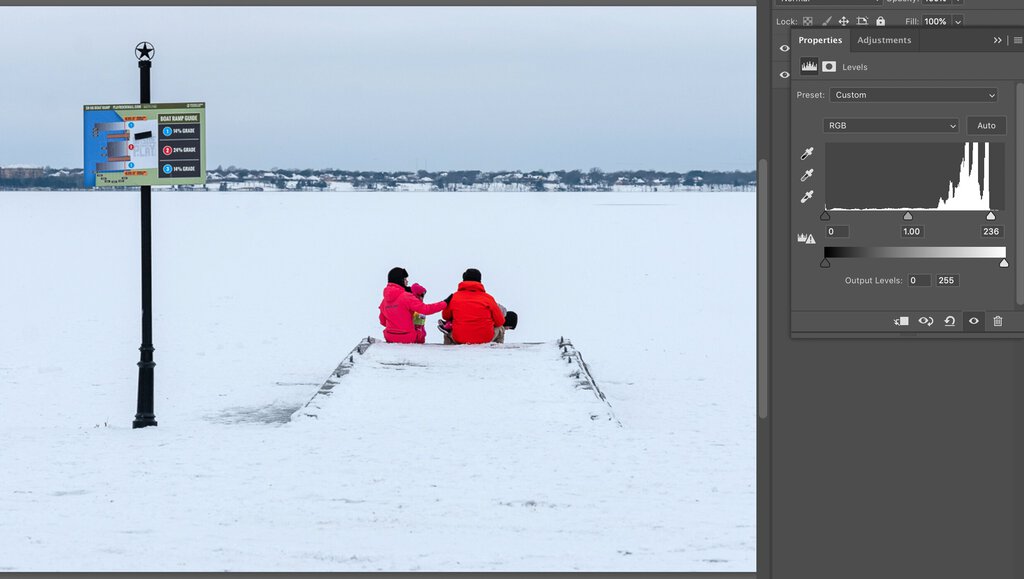
Sunil, glad you made it through the week OK, and had some time to get some photos as well to document this historic weather.
This is a beautiful scene of the family enjoying the snow, even though as you say, it was quite difficult for many during this day / week.
I like the contrast of their bright neon clothing against the stark white snow. The image seems just slightly underexposed to me and I would consider pumping up the whites even a little brighter. Looking at levels, there is still some room before they get blown out (as shown in this screen).
On titles, I like Helen's idea.
|
Mar 3rd |
 |
| 78 |
Mar 21 |
Comment |
Wow, you have a knack for scouting great locations!
The processing is perfect IMO and brings out the contrast of this lovely face and ruinous reality around her.
Despite the excellent dynamic between these two, I find myself missing some kind of other subject in the frame. I think a full person / portrait would take away from it, but maybe if you had a partial person somehow that adds to the narrative. Or even some relic of humanity like a broken down shopping cart / buggy sticking half out of the frame.... or a pair of legs and shoes ala Wizard of Oz "Wicked Witch" over in that empty space on the right of the frame. |
Mar 3rd |
| 78 |
Mar 21 |
Comment |
Great idea to swap the background and good choice on this nice green blur.
I was not familiar with that Photoshop option of "Select Subject" (as I've mainly been using LR over PS in last years) and used to do cutouts painfully the old fashioned way.
But this looks like it did a pretty good job.
I would not have looked that critically had you not asked, but I do see a couple areas that give it away a little. Notably on the left parrots head above the eye. It looks slightly blurred in the feather divot. And the right parrot on the head and just below the neck. These are pretty subtle though and probably not that big a deal as long as the competition category allows for creative edits.
On titles, I'm thinking of puns on "Preening"
Preen and Dandy
Parrot Preeners
Preenagers
you get the idea |
Mar 2nd |
| 78 |
Mar 21 |
Comment |
In all your travels, I am not used to seeing your excellent documentation of life in your own home city!
I like this subject who seems to be trudging through it with her mask, recycling materials, and head up.
One suggestion might be to tone down the background a little. Since it is a bit distracting with the guy right behind her, and the bright light from the sky on top. Maybe using a brush to dark some of the background areas (aka some selective burning) would help separate the subject more.
I'll take a crack at it and see how it changes the image. |
Mar 2nd |
| 78 |
Mar 21 |
Reply |
Thanks Helen! I think the softness was a result in part of shooting through the window. Good idea on straightening a little. |
Mar 2nd |
6 comments - 7 replies for Group 78
|
6 comments - 7 replies Total
|