|
| Group |
Round |
C/R |
Comment |
Date |
Image |
| 78 |
Sep 20 |
Reply |
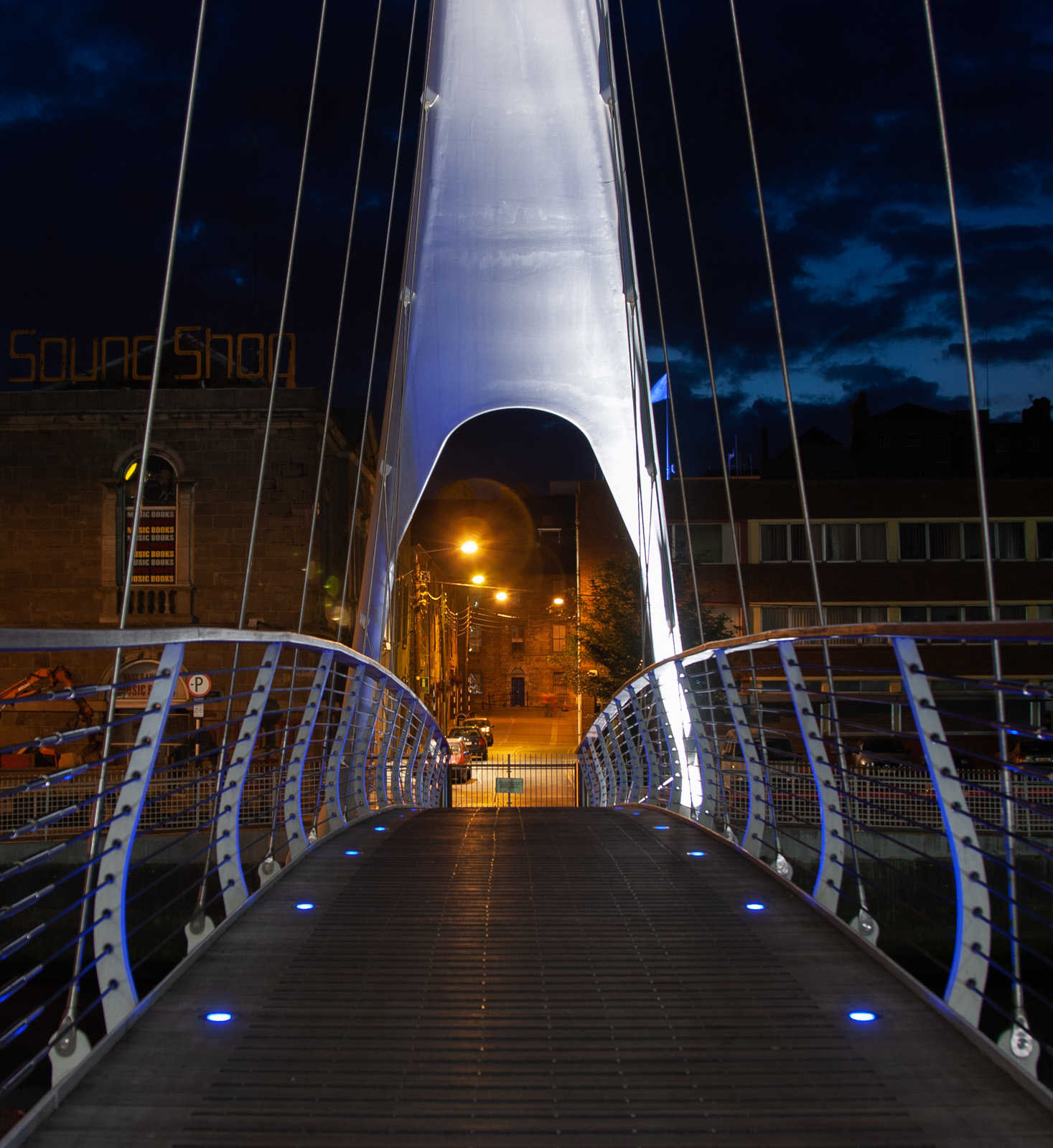
Thanks Helen. I see what you mean about defining a subject or focal point. To me it seems like the lights of the bridge should lead you into the street (as discussed in some other comments) but then that gate is there. |
Sep 29th |
| 78 |
Sep 20 |
Reply |
That does help bring the viewer into and through the image. Thanks Sunil. |
Sep 29th |
| 78 |
Sep 20 |
Reply |
Hi Helen. My best to your mum. Hope she is doing better.
On the JPG, yes, if you open the RAW and save in Photoshop as JPG, it has already lost some quality compared to the RAW file.
Then each time you resave the JPG (in PS) it loses a little more and more.
Working in TIFF or PSD format is better if you are still making changes.
Lightroom works differently however. Once you import a file (like the JPG saved from the RAW if that is what you are working with), all edits are non-destructive so you can export from LR multiple times with different edits and the base image quality is still from that first JPG. |
Sep 26th |
| 78 |
Sep 20 |
Reply |
ha on the "Hobbit House". I didn't see that before but can't unsee it now :) |
Sep 21st |
| 78 |
Sep 20 |
Reply |
Thanks Abdo |
Sep 21st |
| 78 |
Sep 20 |
Comment |
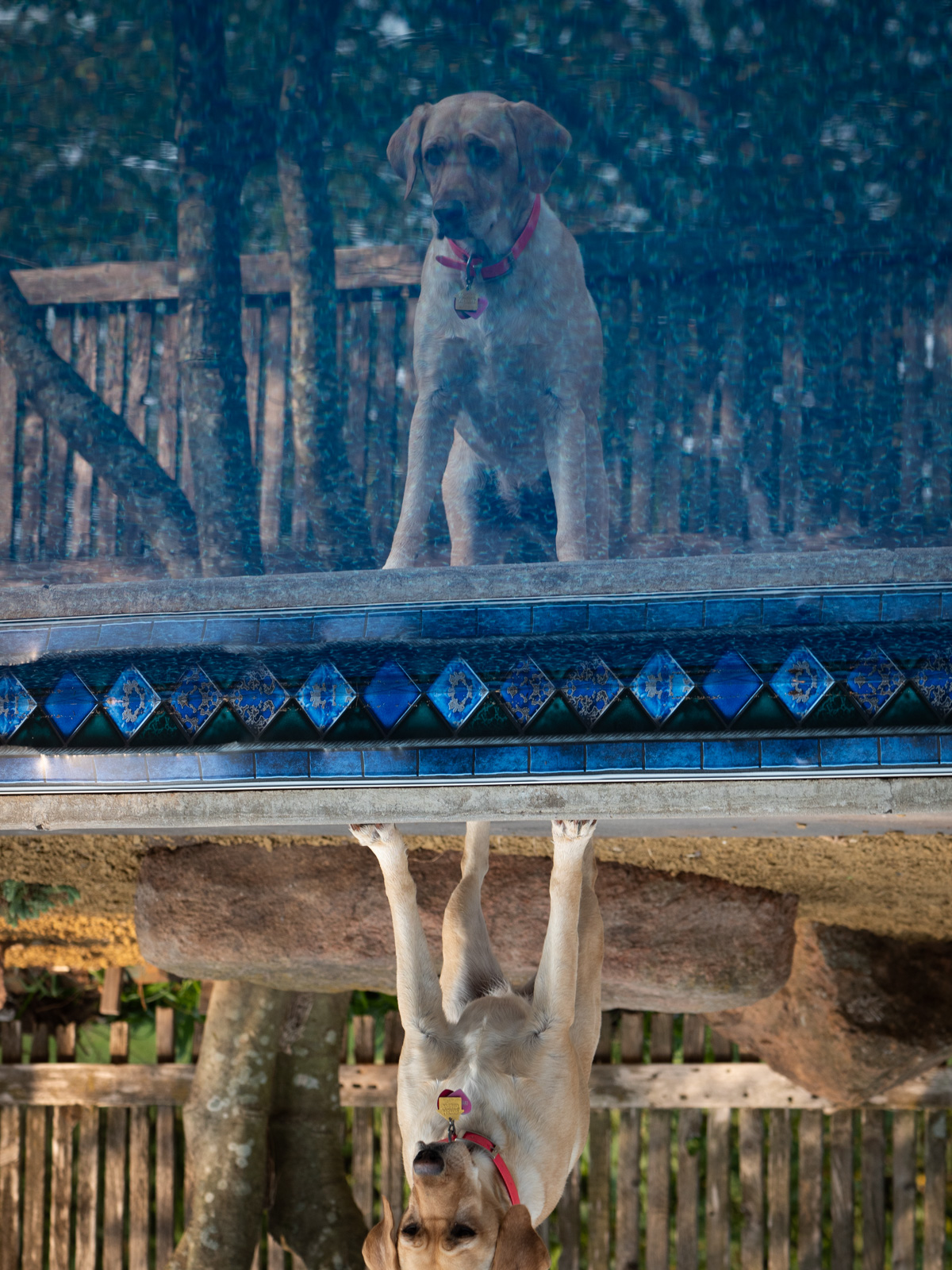
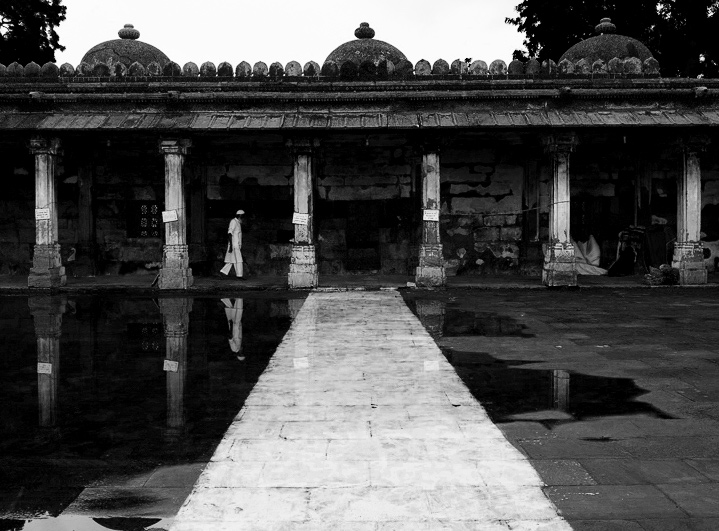
What a great image Sunil. Really magical in many ways. You can take it in a lot of creative directions as well. I like both your color and B&W edits a lot.
I was playing around with the image and found that flipping it gives a different visual interaction with your subject. Not sure for better or worse but a different feel for sure.
I also like the shape of the water on the other side of the reflecting pool/puddle. It adds a nice balance I think to the image. Here's a flipped crop in higher contrast B&W that incorporates the other water. |
Sep 20th |
 |
| 78 |
Sep 20 |
Comment |
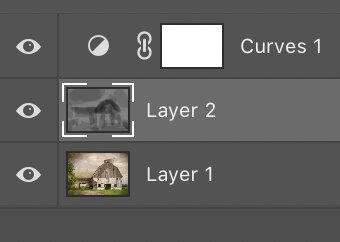
This gives you an idea of the gray area that I used to paint in the dark areas. |
Sep 20th |
 |
| 78 |
Sep 20 |
Comment |
Great idea to stop off to photograph this old charismatic barn. I have driven by many run down places and wished I would have stopped off!
I think the painted effect definitely elevates your original image into something much more artistic and unique.
Similar to Terry, I feel like the overall effect is too bright without much dynamic contrast to accentuate the old barn.
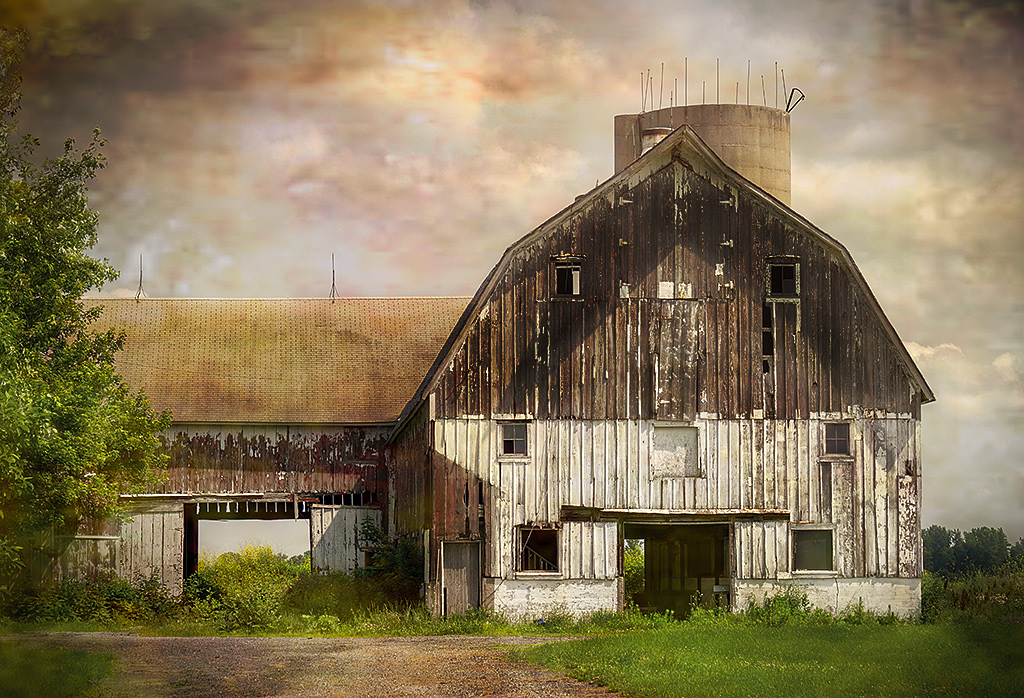
I was thinking of doing some select Dodge/Burning (or more just burning) to bring out some different details. Are you familiar with 50% gray trick for "non-destructive dodge burning"? (50% gray layer in PS and then paint on black to burn)
I started on that and one element that I think comes out nice is the triangle shape in the brown of the barn. I also darkened up some other areas as well. |
Sep 20th |
 |
| 78 |
Sep 20 |
Reply |
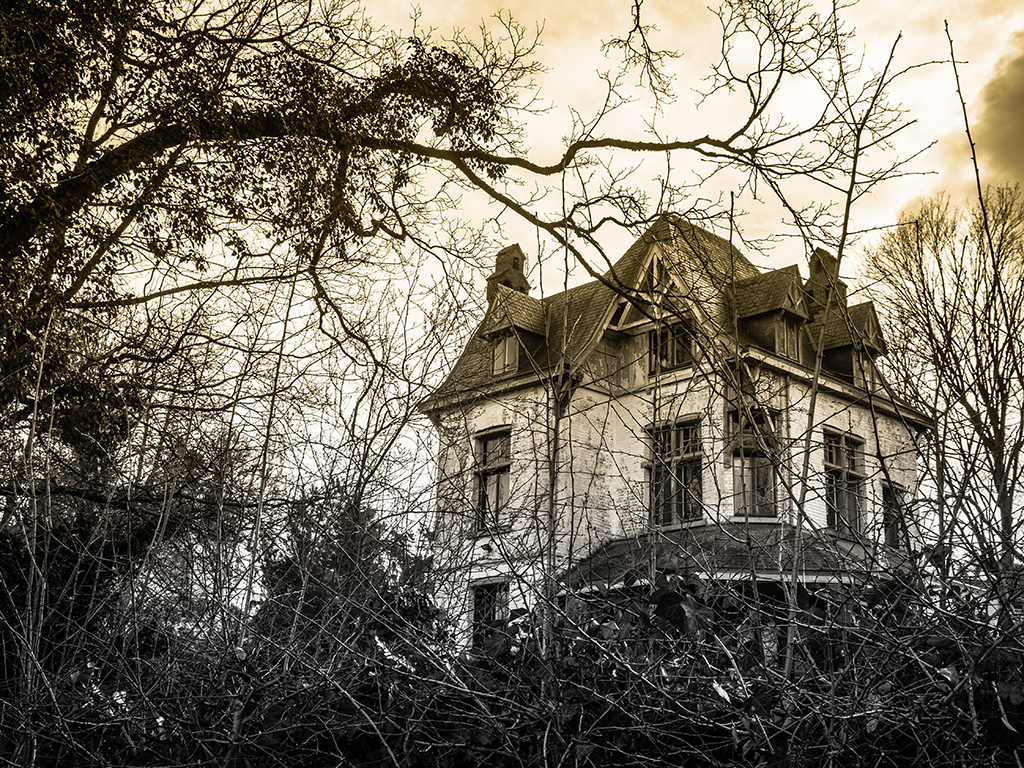
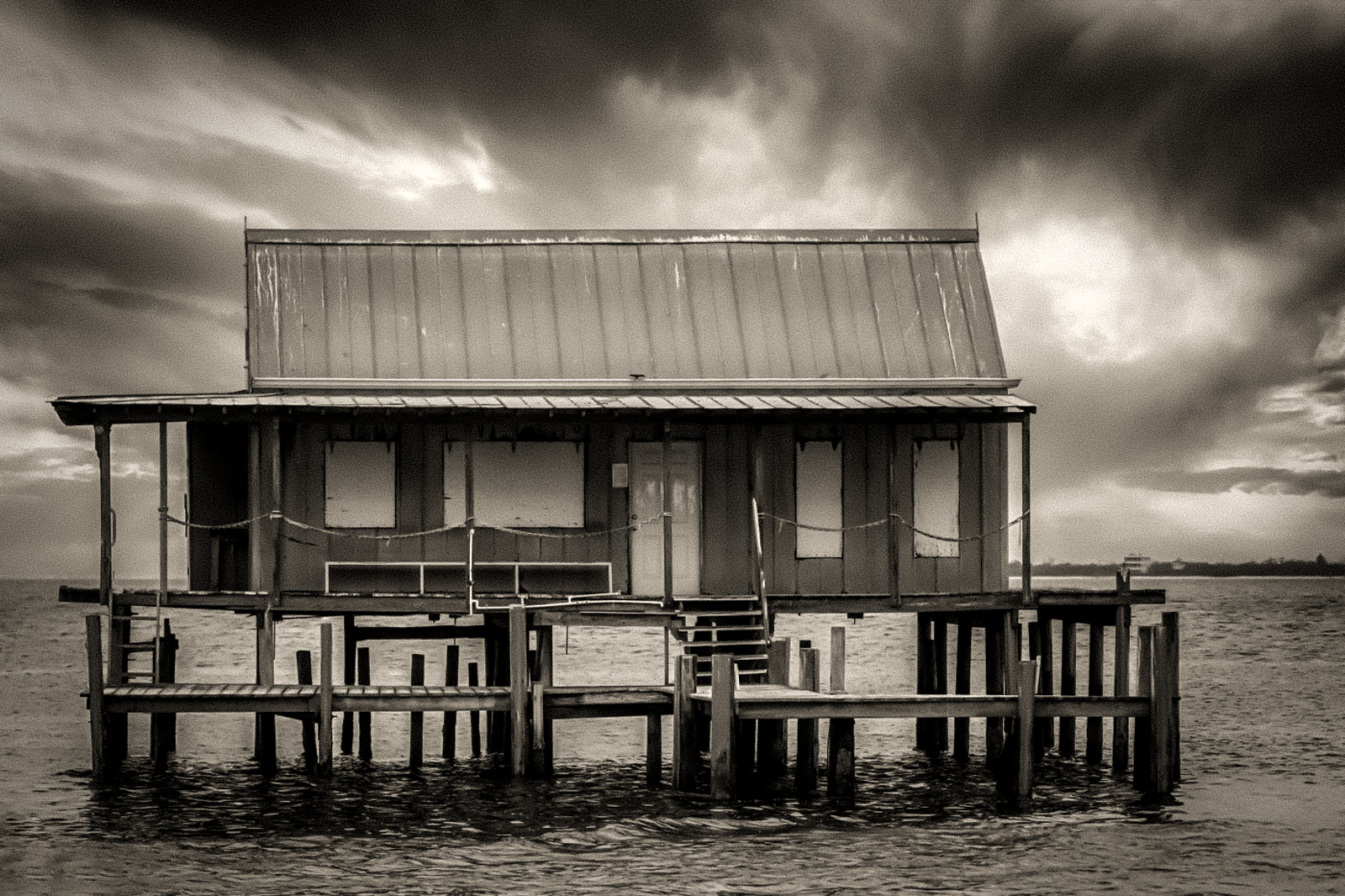
I think this one works, especially if you are going for a grungy / textured kind of image. I like how the sky brings out some yellowish / aqua tones to contrast the grays of house and sea.
I think this would make a nice art print.
|
Sep 14th |
| 78 |
Sep 20 |
Reply |
Interesting concept, thanks Jim. I like how in your revisioning of this image, the lines of the bridge still guide us but more so into the street and beyond. In that case, would have been nice if there was a lone figure or other subject in the street. What do you think about the gate? Would you try to edit it out in this version? |
Sep 14th |
| 78 |
Sep 20 |
Reply |
wow!! that is impressive |
Sep 12th |
| 78 |
Sep 20 |
Comment |
This is a great depiction of the shapes of nature Helen. Such amazing lines, sections and colors too.
I like the idea of pumping up the vibrancy to really bring out those colors.
One thing I will do if I am working on JPG only is to copy the image into a photoshop file and save as PSD or TIFF before making edits to at least ensure the quality if preserved if you continue to make edits. You can import the PSD into Lightroom as well and continue editing there. |
Sep 8th |
| 78 |
Sep 20 |
Comment |
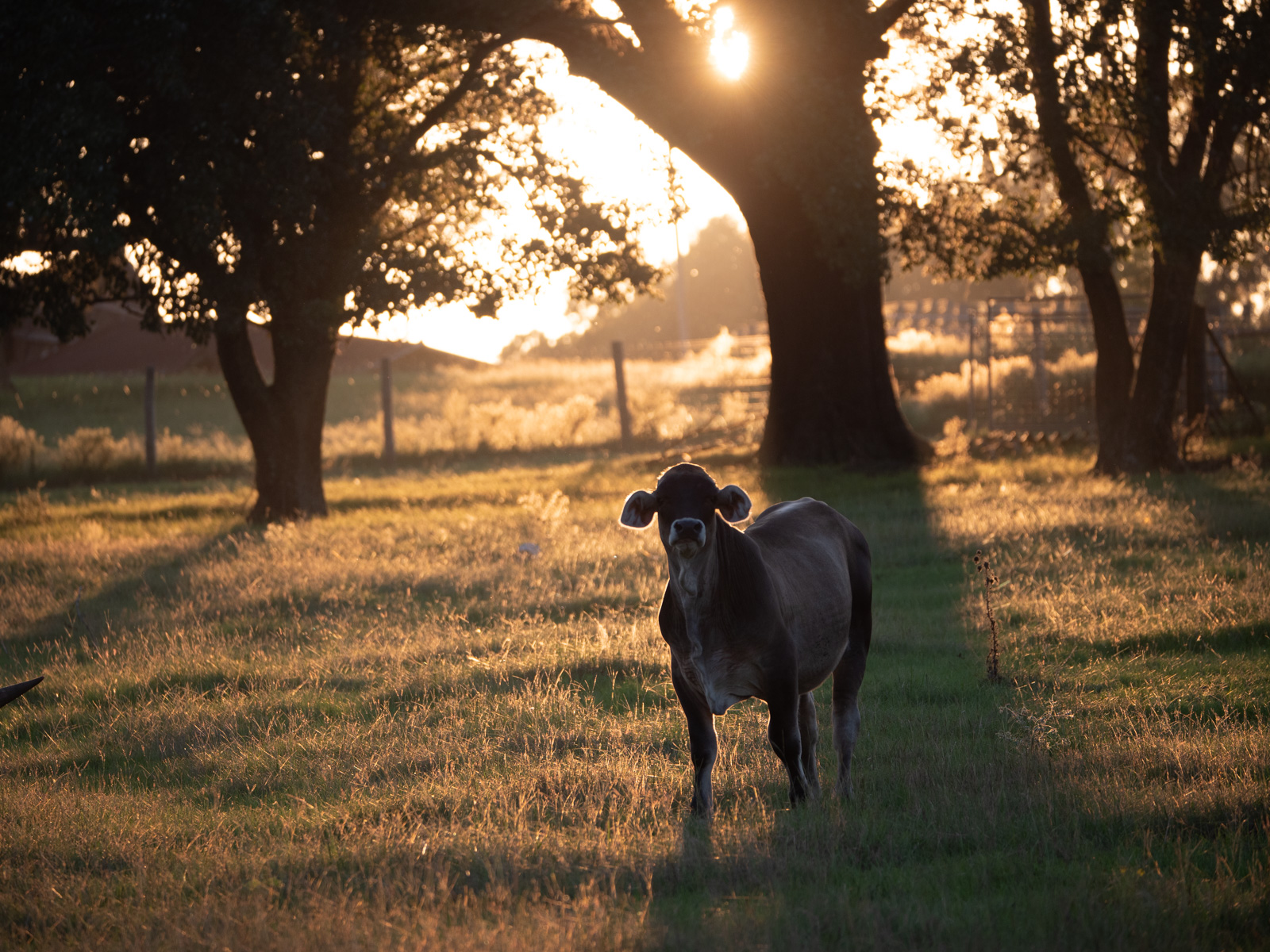
Wow Abdo, beautiful image and an amazing transformation from your original into something magical.
I love how you framed her arms into the triangle of the tree opening, but agree with Terry that they get a little muddled into the trees.
Another idea would be to add just a very slight additional gaussian blur to the background to make your figure stand out even more. Although I guess that would be tricky to just get the trees and top 2/3 of the image vs the ground she is standing on which could look weird and not like a normal plane of focus. |
Sep 8th |
| 78 |
Sep 20 |
Comment |
Your colleagues seem a lot more fun and interesting than mine!
Thanks for the behind the scenes look, it is fun to see how a stylized shot like this is put together.
I love the contrast of warm and cool lighting. her hair is almost like a ball of flames while that blue flour trail does indeed remind me of some epic celestial happening.
My initial inclination would be to crop tighter as Brenda suggested to avoid cutting off limbs. But seeing your edit and looking again at your first version, I don't mind the crop so much as you have some nice triangles going with her leg shape and arm shape. Plus more "star trails" filtering down.
I think both the first version and your latest crop are quite good and would proud to publish / exhibit either one. |
Sep 8th |
| 78 |
Sep 20 |
Reply |
Here is the image (would not let me upload as my first try was too large) |
Sep 8th |
 |
| 78 |
Sep 20 |
Comment |
I think this is an interesting subject Brenda and more so with the added sky. I like the mono for bringing out that sky and the structure of the building, but I would definitely have "grunged it up" or added more contrast anyway. Here's my version mostly just messing with contrast / shadows / highlights de-noised and then added some grain back. |
Sep 7th |
| 78 |
Sep 20 |
Reply |
I like the idea to add some more light to the left side. Thanks Terry! Yeah I have not tried to remove the gate yet but as you observed it might be trickier said than done. |
Sep 7th |
| 78 |
Sep 20 |
Reply |
Thanks Brenda. Good thinking on the gate, it does tend to stop the flow through the image. |
Sep 7th |
7 comments - 11 replies for Group 78
|
7 comments - 11 replies Total
|