|
| Group |
Round |
C/R |
Comment |
Date |
Image |
| 78 |
Apr 20 |
Reply |
To be honest Brenda, I have not really fit it into my usual editing workflow. I generally use Lightroom for 98% of my edits but occasionally pop into Luminar to see what their tech / filters can do to an image.
I was using Luminar 3 which I purchased and am just trying version 4 now. I found the library features in v3 to be a little slow and not on par with Lightroom. Will see if v4 is any better in that regard.
I would recommend the trial to see if it works for you before purchasing. |
Apr 13th |
| 78 |
Apr 20 |
Reply |
I hear you Sunil. I don't normally do such manipulations with my images either except sometimes to create photo composites.
The color image is your original sky, just some funky filters on the rocks to bring out those colors. So in that case you should be able to use it in competition as well. |
Apr 13th |
| 78 |
Apr 20 |
Comment |
This is a very interesting image Sunil. The man looks like he is almost carved out of these ancient rocks.
I just got a trial version of Luminar 4 and have not had a reason yet to try the sky replacements... so here are a few renditions, a little bit of fantasy (and bad masking in parts) but something to consider if you wanted to take this image into a more creative direction. |
Apr 12th |
 |
| 78 |
Apr 20 |
Reply |
Or even closer could work as well... |
Apr 12th |
 |
| 78 |
Apr 20 |
Comment |
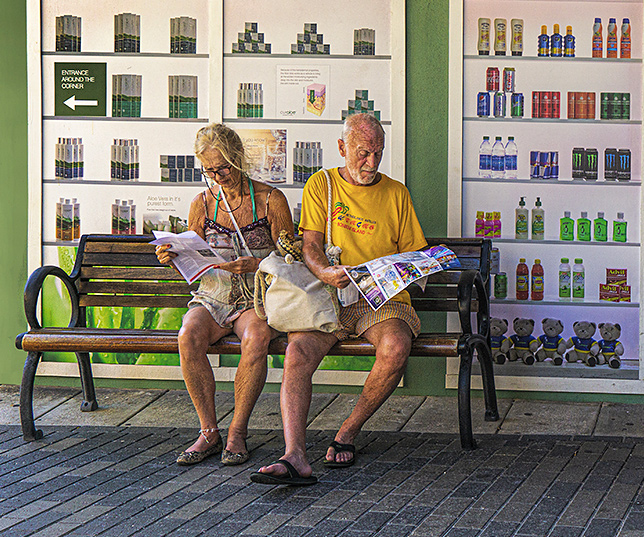
Funny in just a few weeks, the idea of taking a cruise seems foreign or strange now. Glad you were able to get out and travel this year!
On the photo itself, I like your 4 23 20 edit and I find that the darkened background helps a lot. Still, I get what Terry is saying about the background distracting somewhat.
I wonder if cropping in tighter on the bench / people would also minimize the background. It loses that clean framing of the full "windows", but also brings us closer with the subject and interaction of the two people which I think is the larger story in this image. |
Apr 12th |
 |
| 78 |
Apr 20 |
Comment |
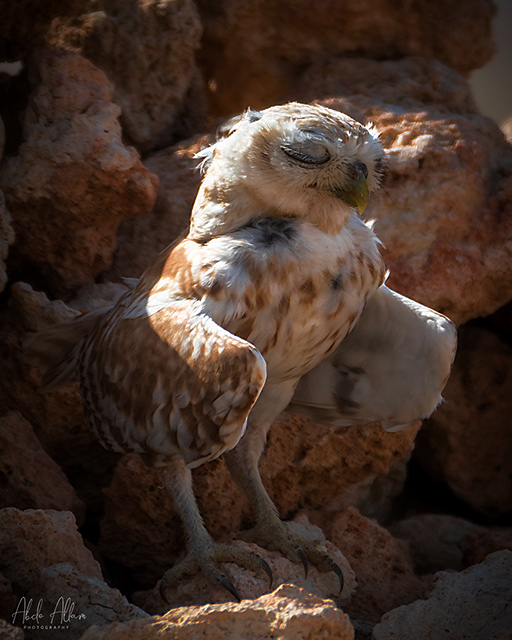
Wow, great portrait Abdo and impressive with the Fuji medium format.
I agree about the choice of crop being a bit too tight on her head (I would crop it in tighter or leave more room on top).
It is interesting to see that at f/8, you have a pretty shallow DoF (with the eye just a bit out of focus). Is that because of the 120mm focal length? |
Apr 12th |
| 78 |
Apr 20 |
Comment |
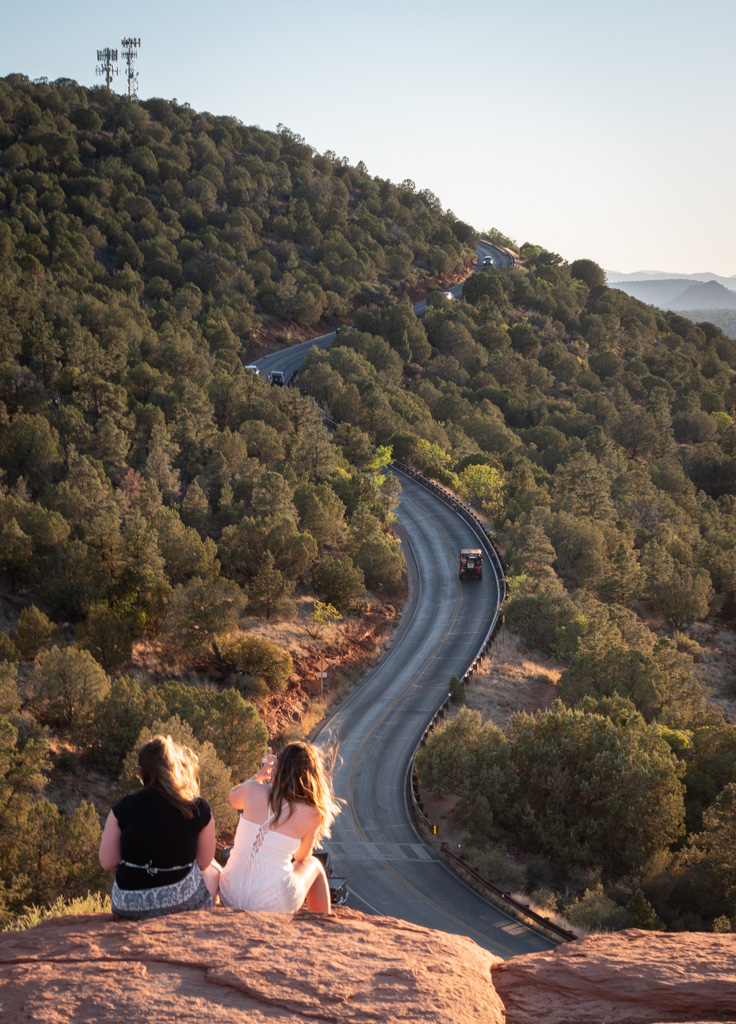
I like the vivid colors in your edit Brenda. It is a good companion image to Richard's this month. The snowy S path and the tropical jungle path.
Also nice to see you with big smiles ready for the adventure.
On the composition, I kind of feel like I want to move (with camera) to the left one or two steps which seems like it would accentuate the curve in the middle section more (though not being there I can't really tell).
Regarding whether to have something in the scene or not... that is often the problem I find that I create many photos that make for an interesting back drop but with the right subject, could really come to life. In this case, I think a person there would take us out of the natural setting more than help the image. An animal could be interesting but hard to say. Maybe photoshop a panther or tiger in there and see what you think.
Stay safe in your driving! |
Apr 9th |
| 78 |
Apr 20 |
Reply |
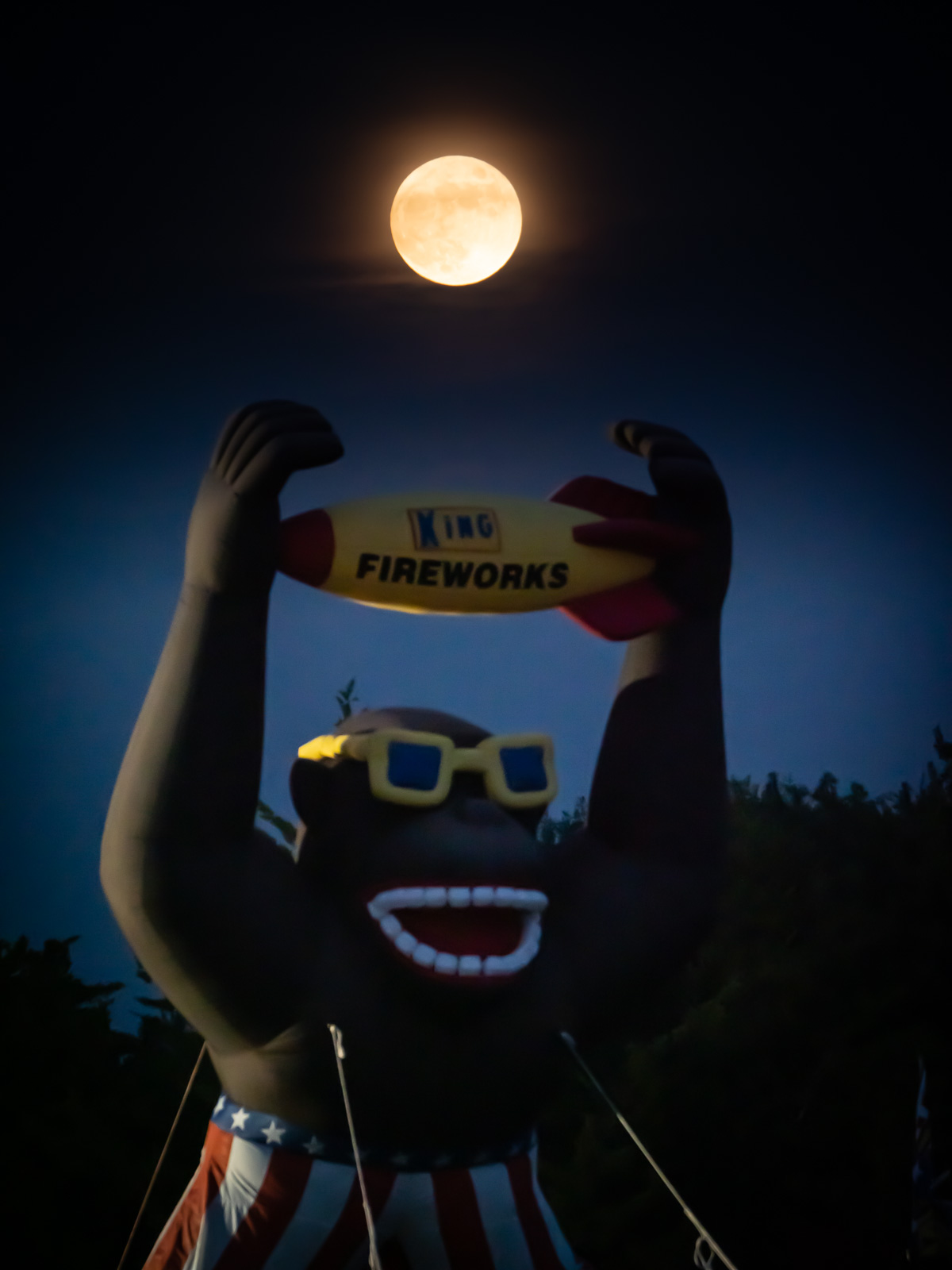
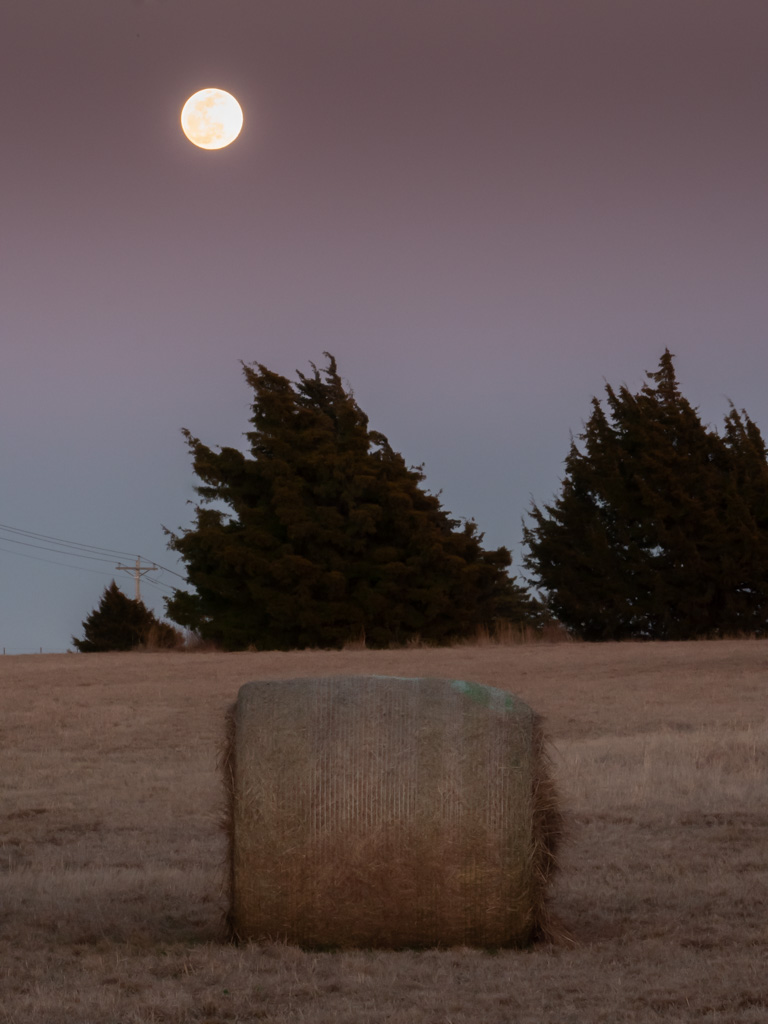
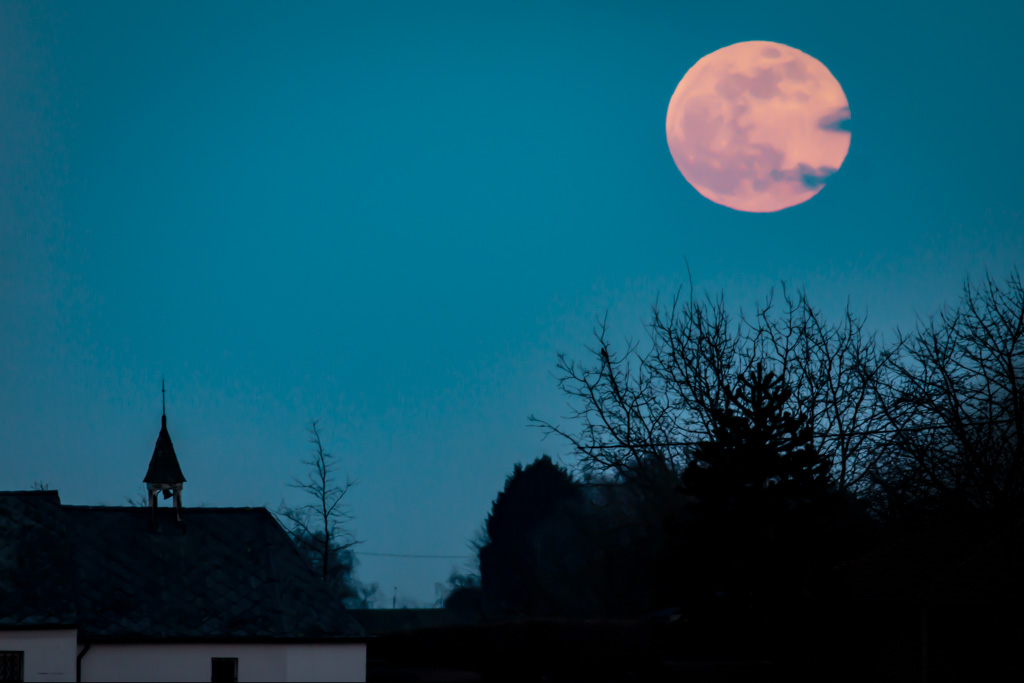
I like this minimized edit Jim. It works well for a different vision of this scene. Though I am partial to blurry orbs, moons and suns so I would probably use them both for various purpose. |
Apr 9th |
| 78 |
Apr 20 |
Comment |
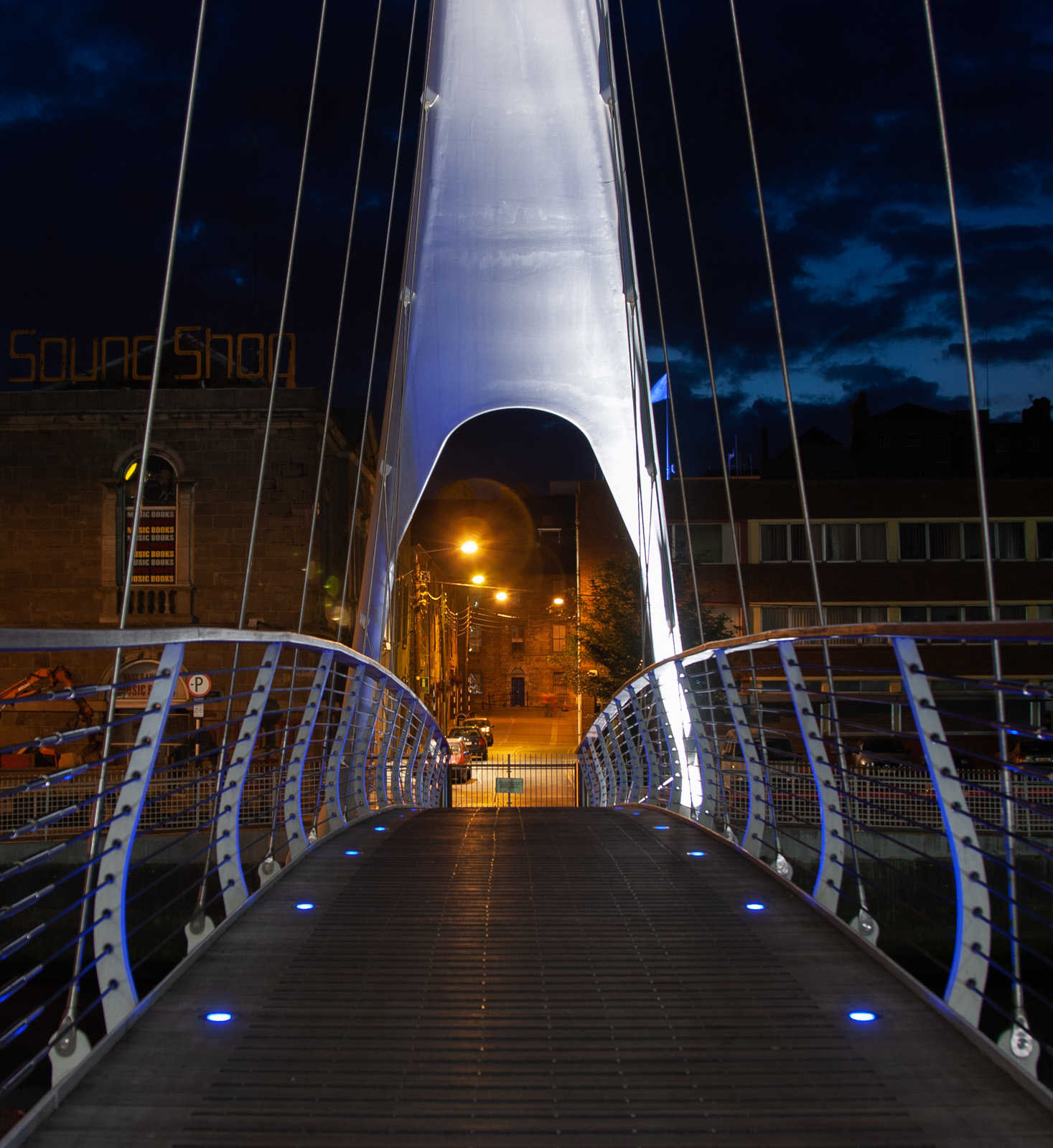
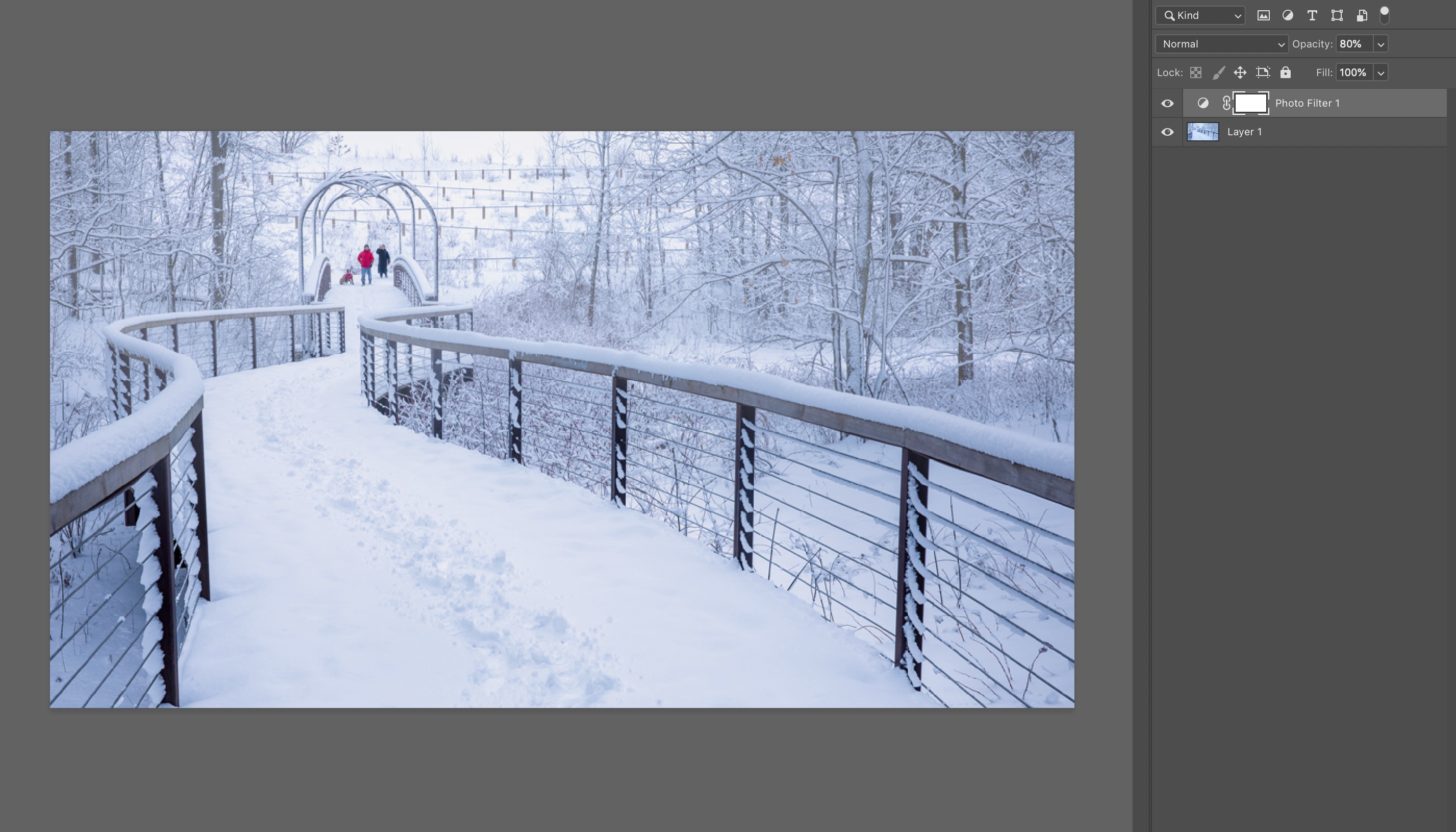
Great composition Richard! I also like the geometric zig zag of lines behind the people in contrast to the curvy line leading us through the frame.
On white balance, I find your version to be a little too blue for my taste, but the suggested edits seem too yellow/brown to me (like in the wood color of the walkway). Maybe try something in between?
Here I used Photoshop's "Photo Filter" with a "Warming Filter 85" setting. I set the opacity of this layer to 80% to pull a little more of the blue into it.
|
Apr 9th |
 |
| 78 |
Apr 20 |
Reply |
That's a great idea to rotate the photo to focus on the main elements. Thanks Richard! (as well for the kind words about my photography style) |
Apr 6th |
| 78 |
Apr 20 |
Reply |
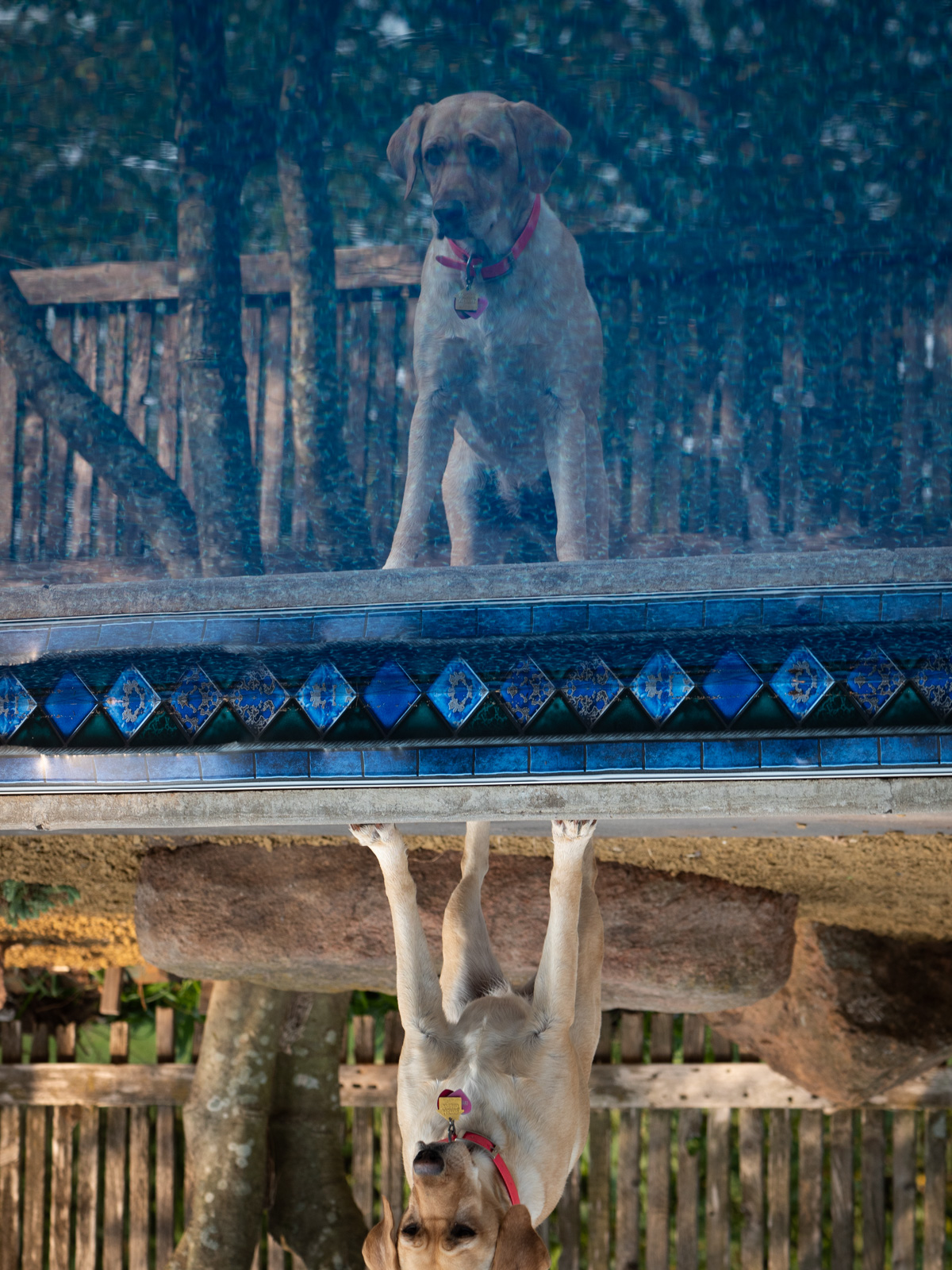
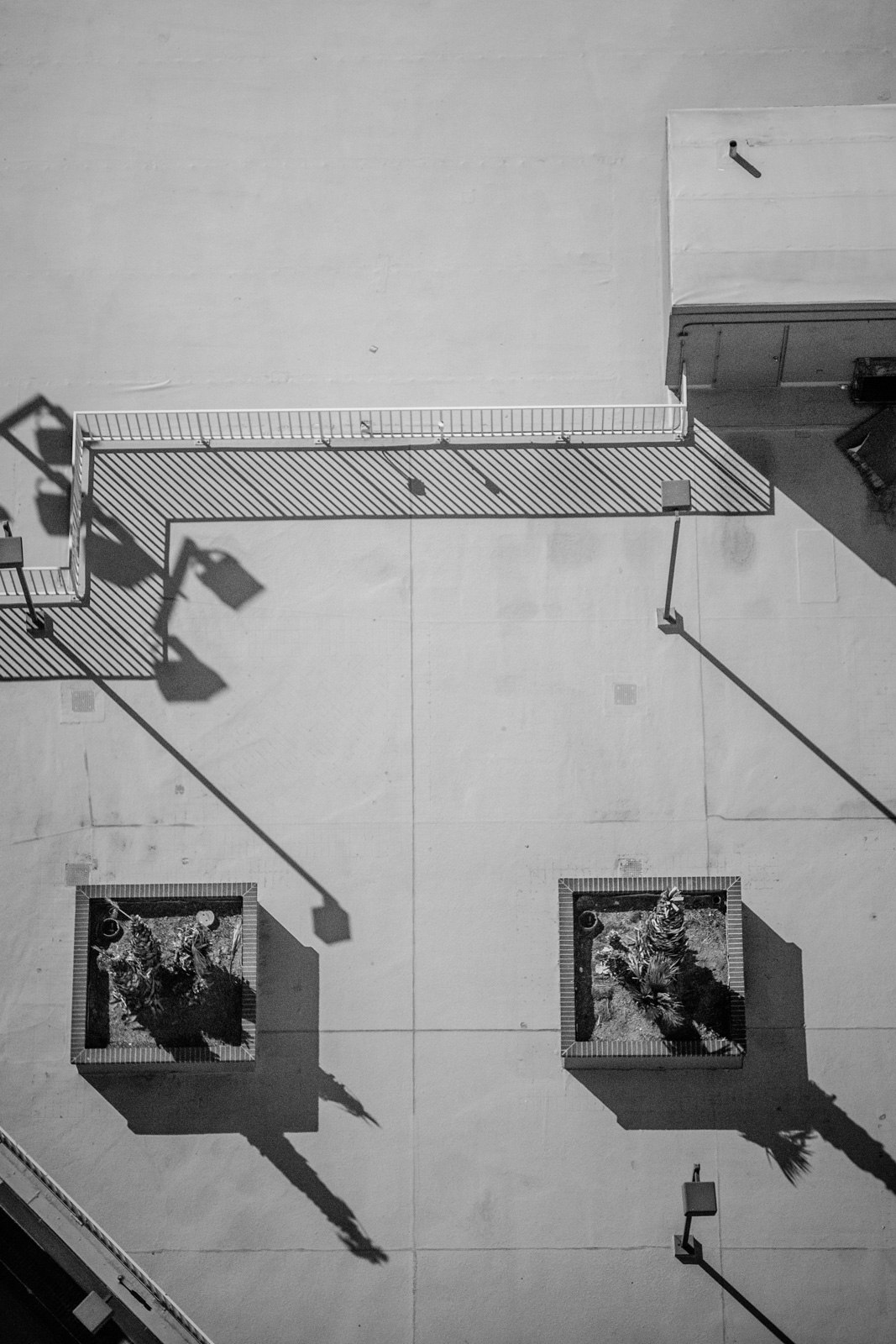
Could be part of the strangeness is the way all the lines are very straight & uniform. Like looking at an intentional geometric shape vs natural imperfections. In that regard, I like the way the left shadow has a little curve in it in the original, though it is a little close to the dog shadow .
The windows add some visual interest which would be missing with just shadow. And I think it creates a nice symmetry to have them both.
But maybe removing one would make it seem more natural at a glance.
|
Apr 4th |
| 78 |
Apr 20 |
Comment |
Great editing Terry. You've filtered the scene down to the essentials.
I like your choice of angle, the master looking down at the faithful pup.
Before reading your description, I thought something looked a little weird on the left side. I didn't immediately realize it was clone/mirrored.
I think it generally works but still something a little odd in a subtle way.
If you were really so inclined, you could maybe shoot from the same angle after moving the furniture and then merge that into this image. But probably hard to get the same lighting / setup.
I like Brenda's idea to add some catchlights to his eyes. I think it would add a little spark as well. |
Apr 3rd |
| 78 |
Apr 20 |
Reply |
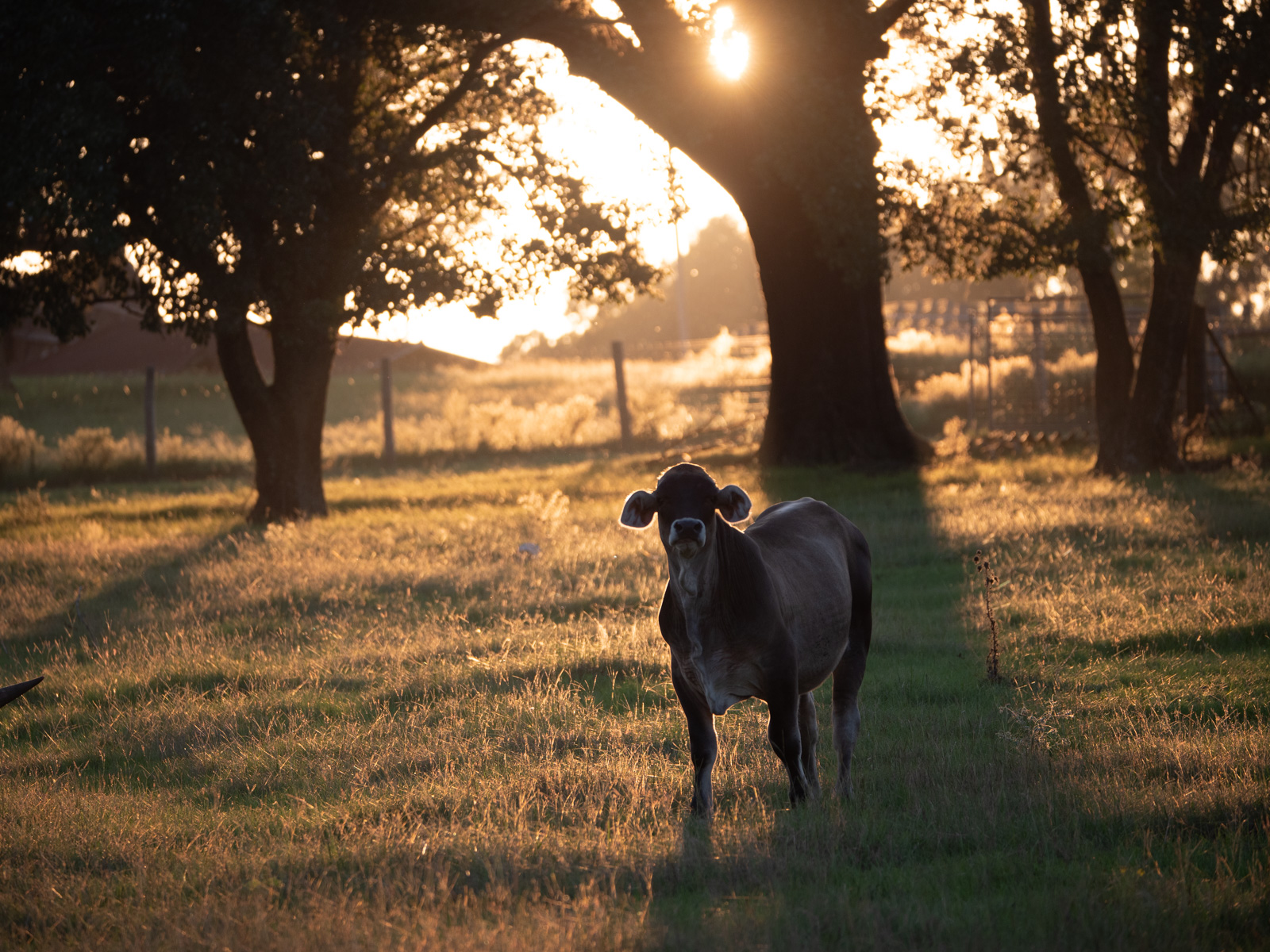
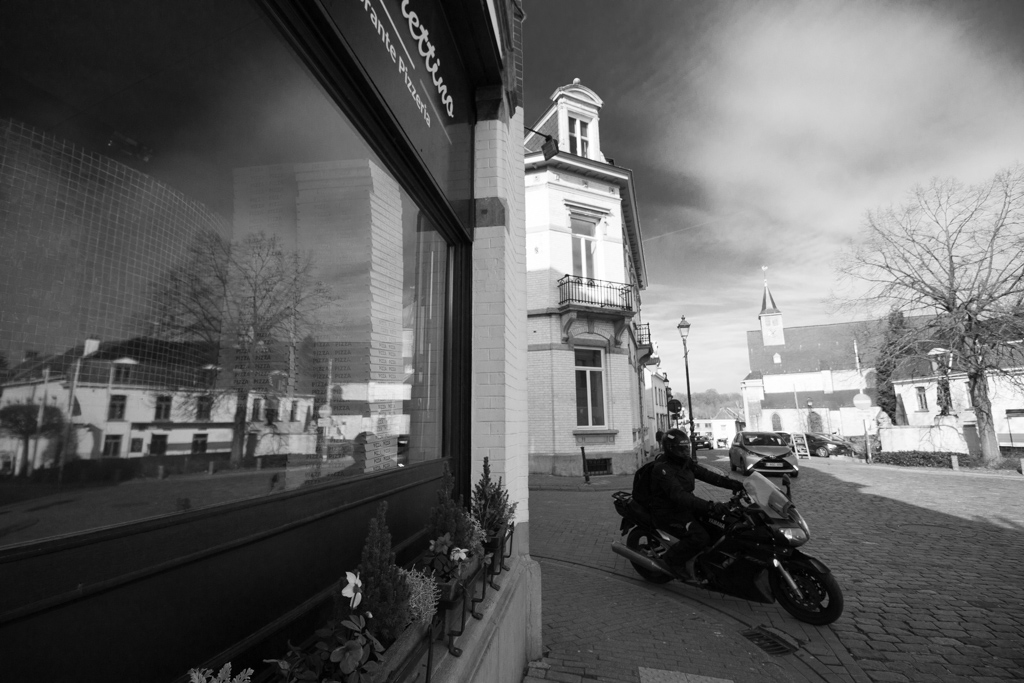
Thanks Terry. I like the square crop idea (and levels) and will give it a go.
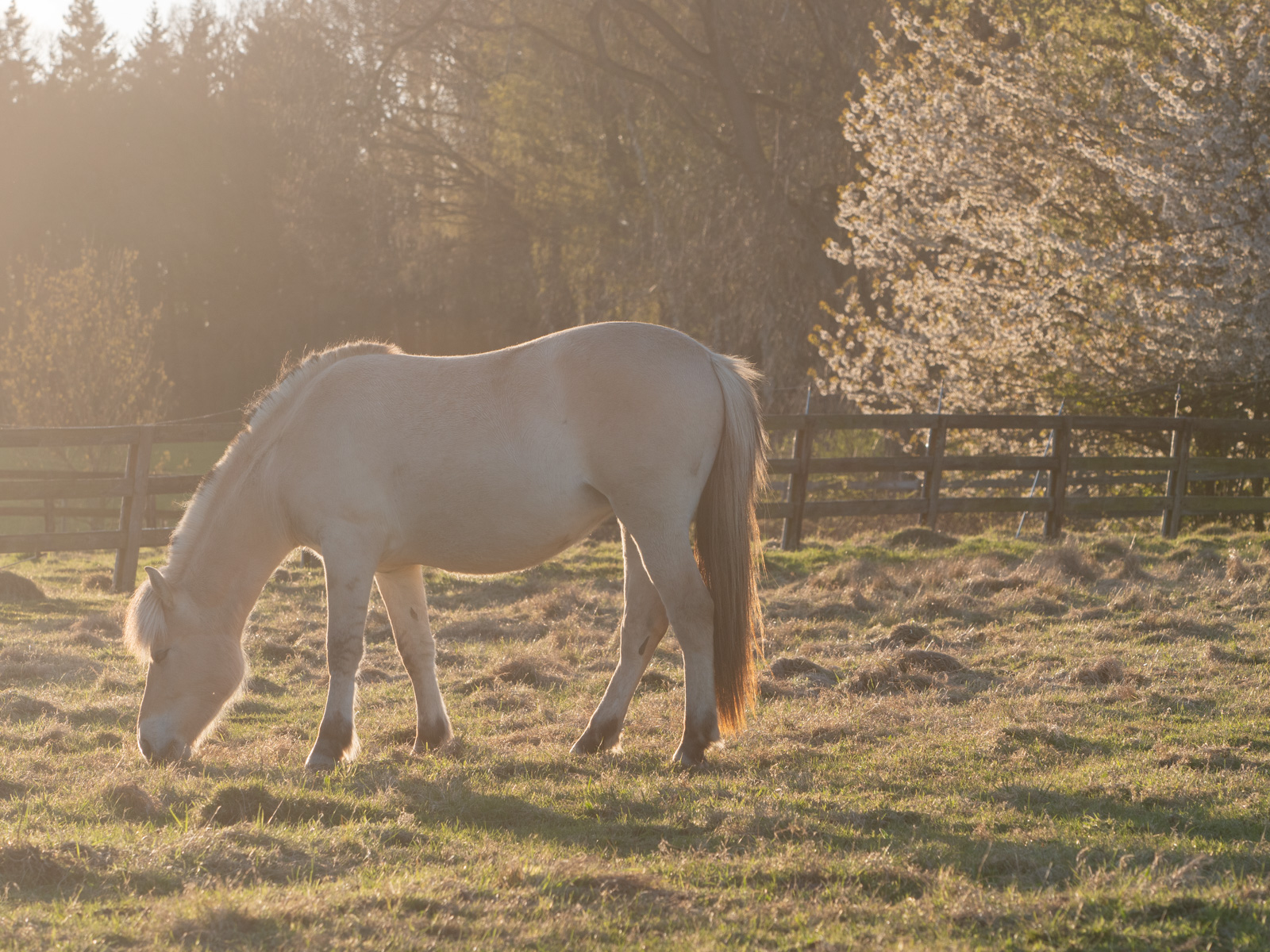
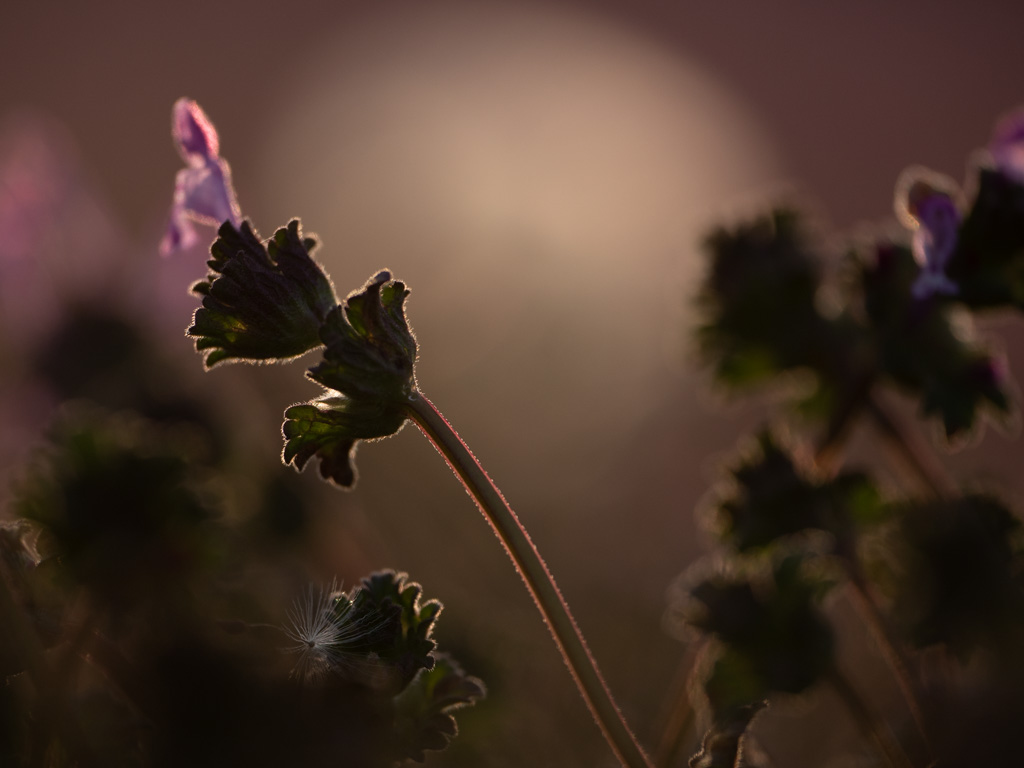
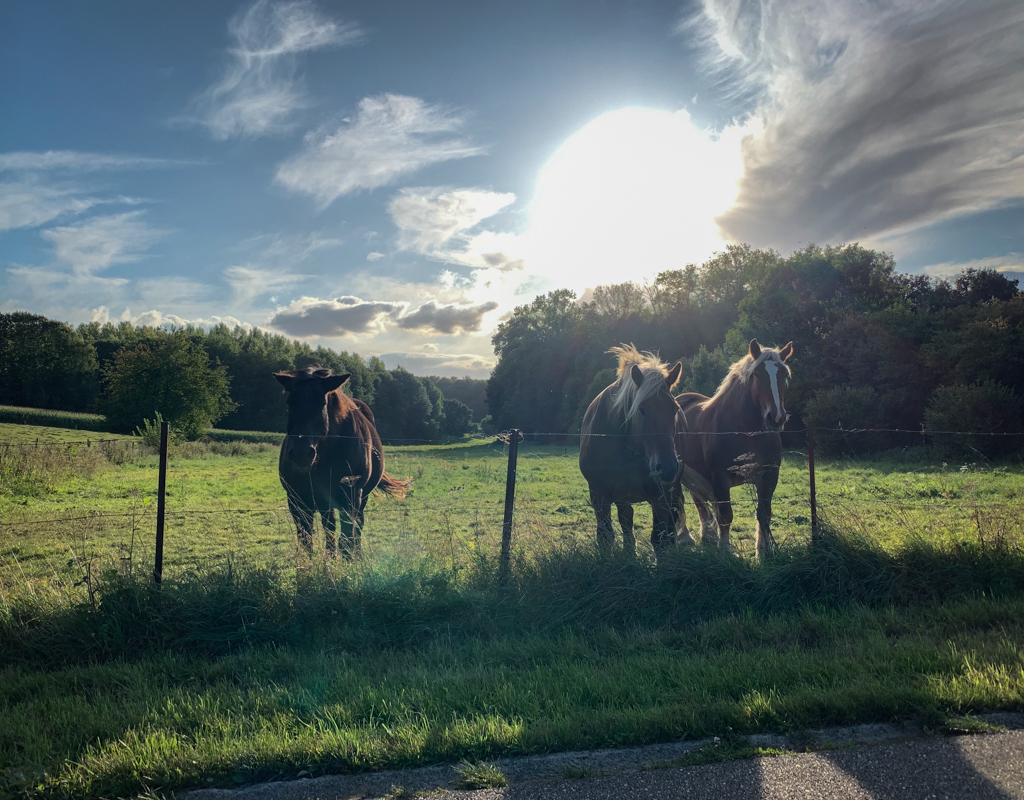
This was shooting directly into the sun which gives the rim / back light.
Regarding the choice to snap a pic vs walking by... I make good use of my flip out screen (mirrorless) vs looking through the viewfinder. This has led to a lot more creative photos where I can start from a very low angle like this and move it around more easily to get a composition that I like.
|
Apr 3rd |
| 78 |
Apr 20 |
Reply |
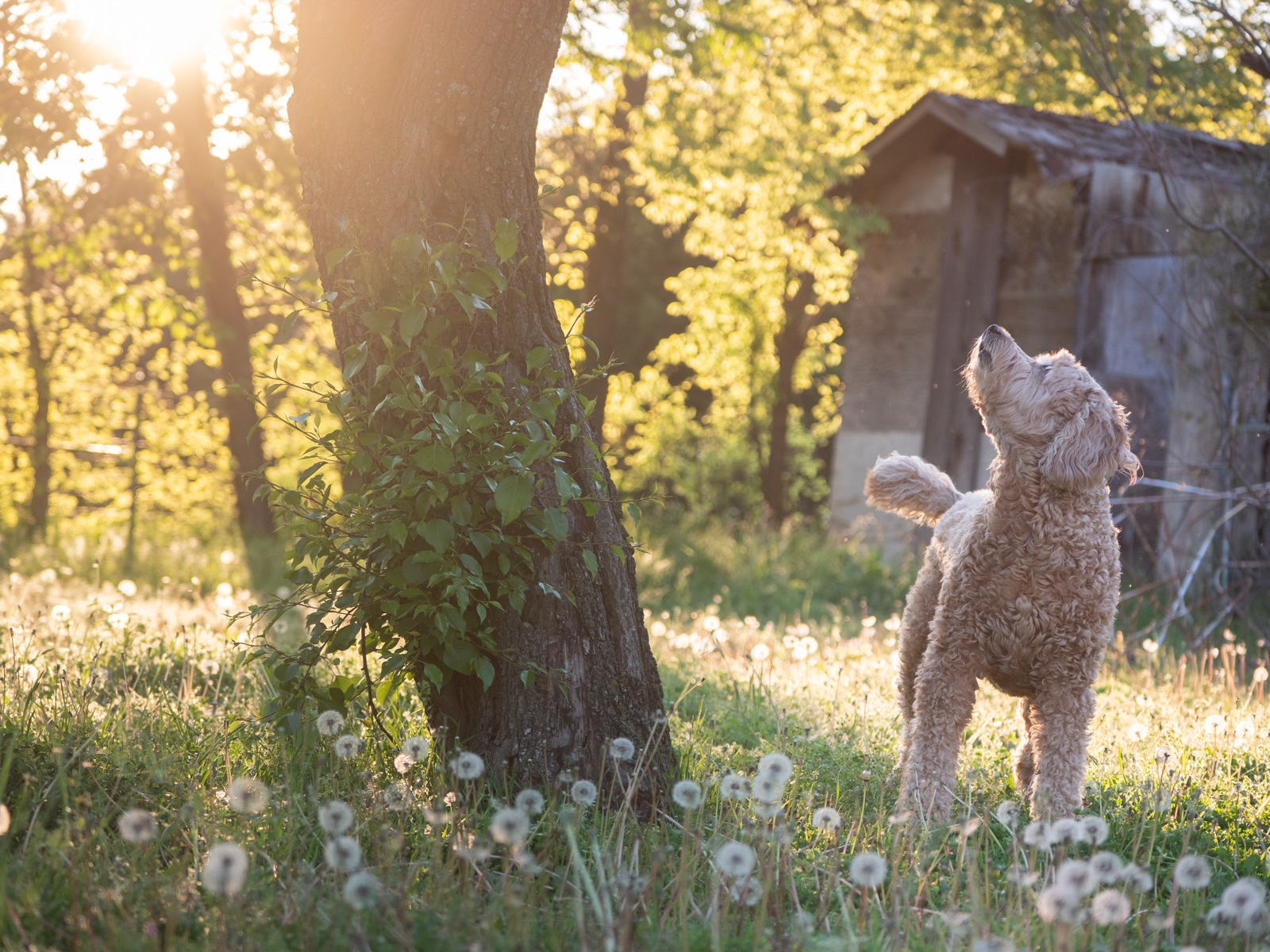
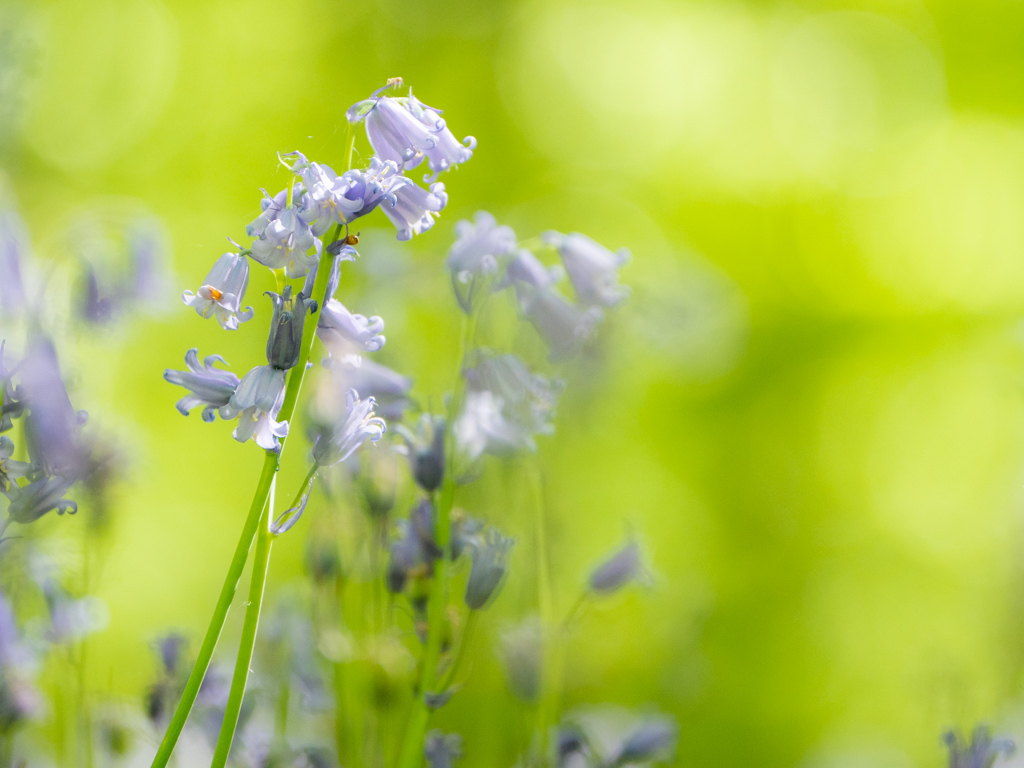
Thanks Brenda! Perhaps Terry's idea for a different aspect ratio can help with the cut off flowers.
Regarding the little fluff, that was in the photo. This is the original out of the camera. |
Apr 3rd |
6 comments - 8 replies for Group 78
|
6 comments - 8 replies Total
|