|
| Group |
Round |
C/R |
Comment |
Date |
Image |
| 78 |
Sep 18 |
Reply |
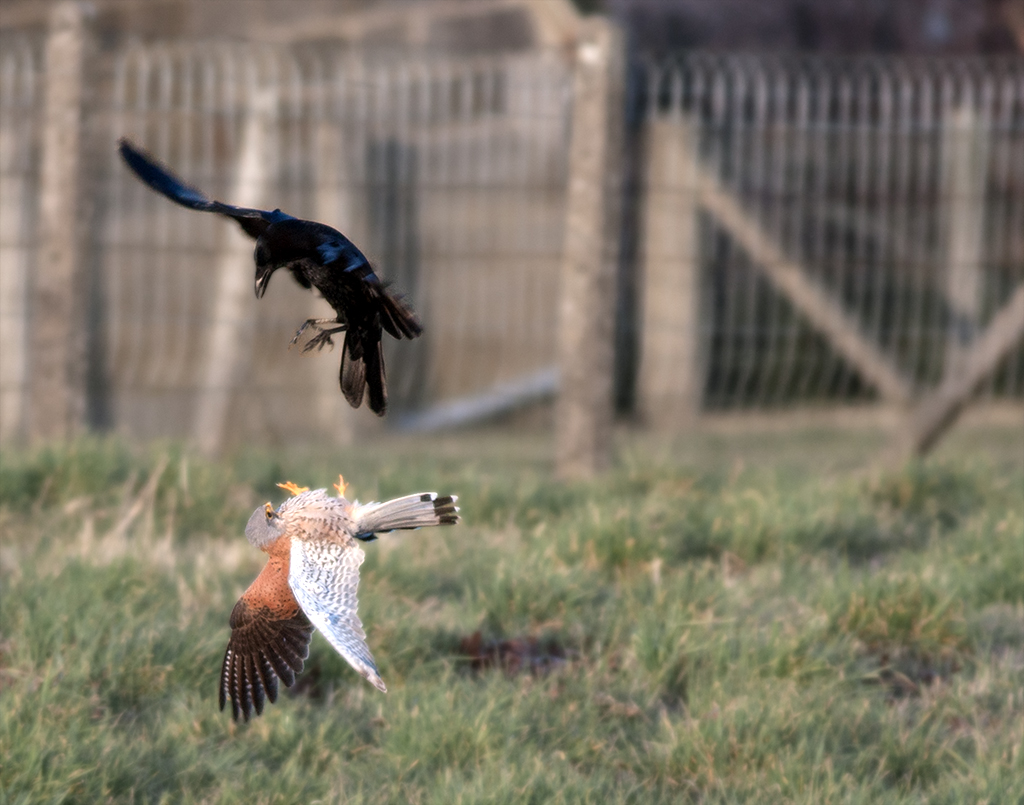
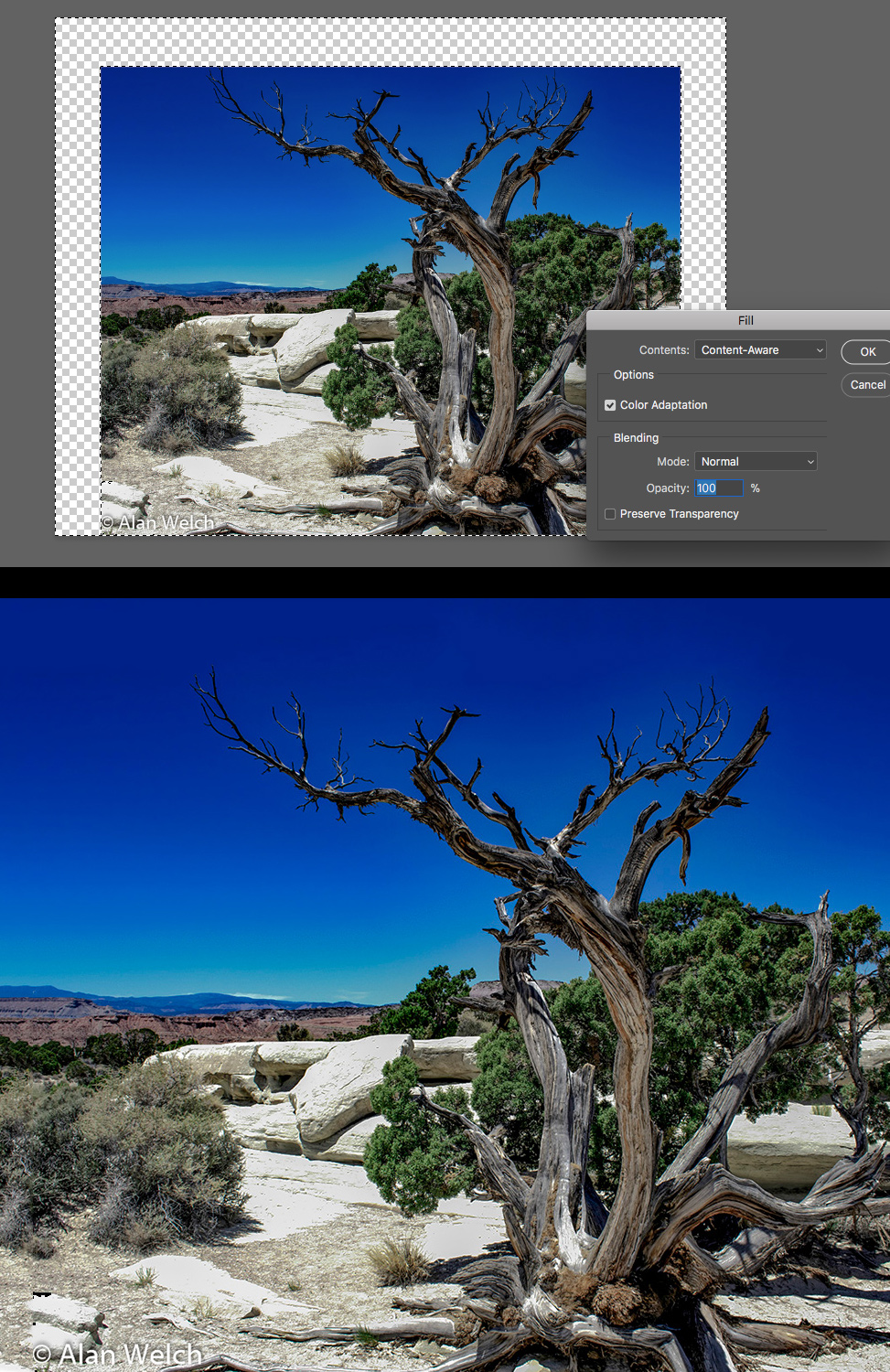
The colors look better to me in this one. I still think you can get a little room around especially on top using Content Aware fill.
If you have not used it before, you just increase the canvas size of the image which creates empty space. Then select the empty space and go to Edit->Fill and where it says "Contents" you can change "Forground Color" (or background) to "Content Aware" which tries to fill in using hints from the rest of the photo. Works well for uniform skies like this.
This feature is only available in more recent versions of Photoshop (or using creative cloud version)
|
Sep 6th |
 |
| 78 |
Sep 18 |
Reply |
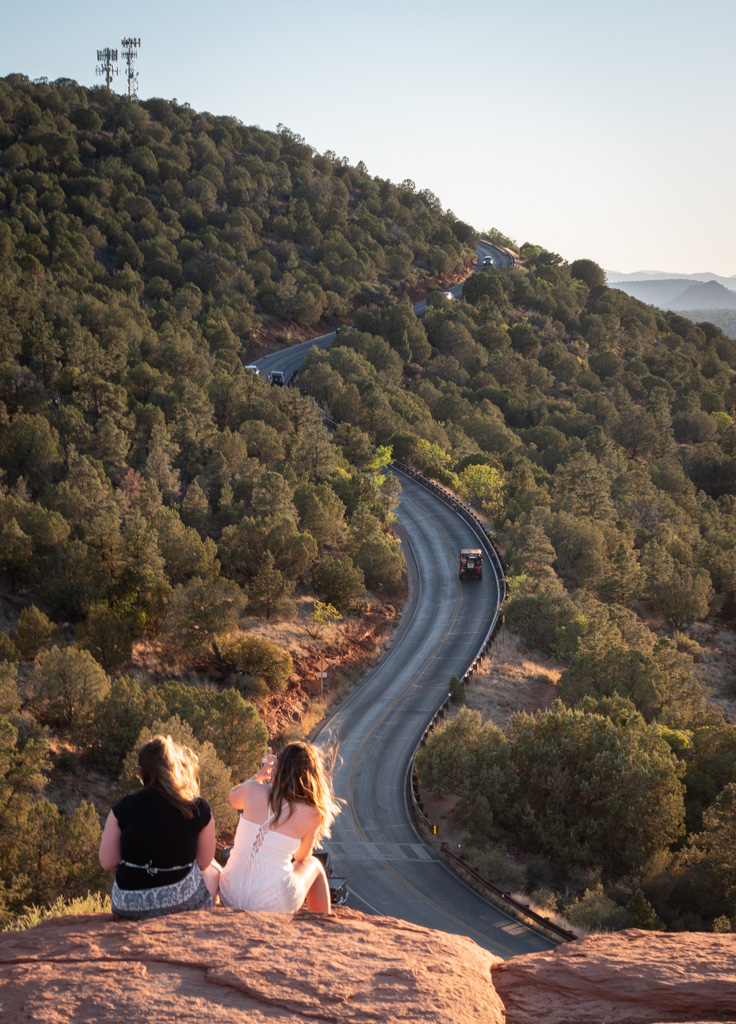
Thanks Dave. Good thought on the knee, didn't notice that at first.
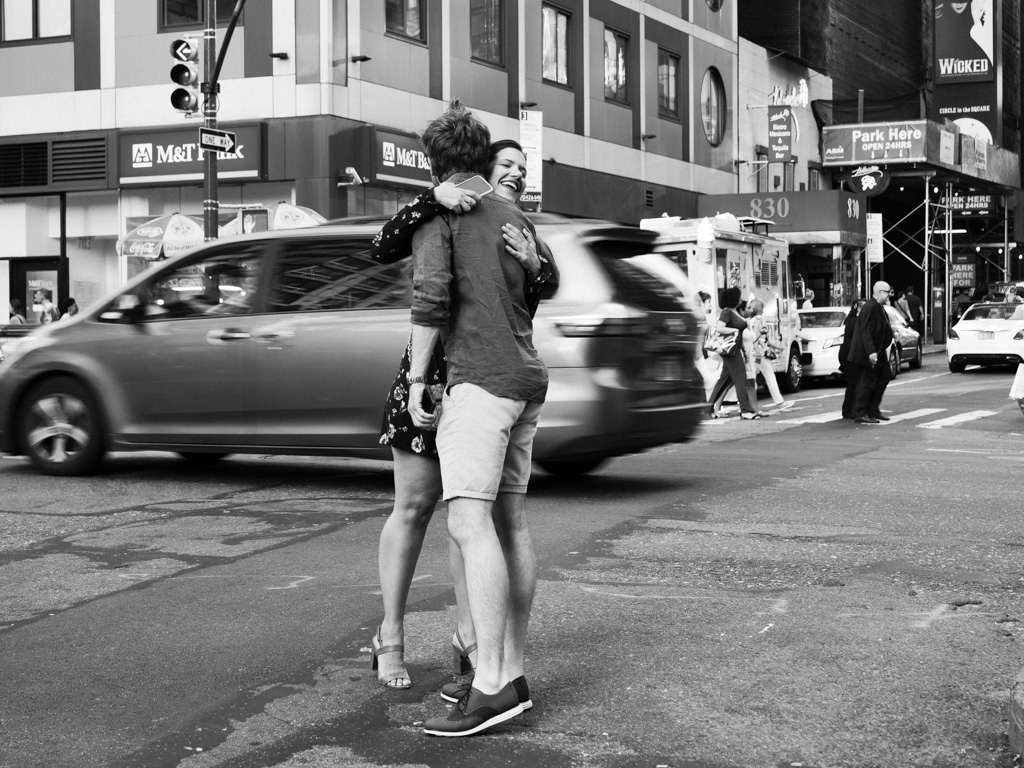
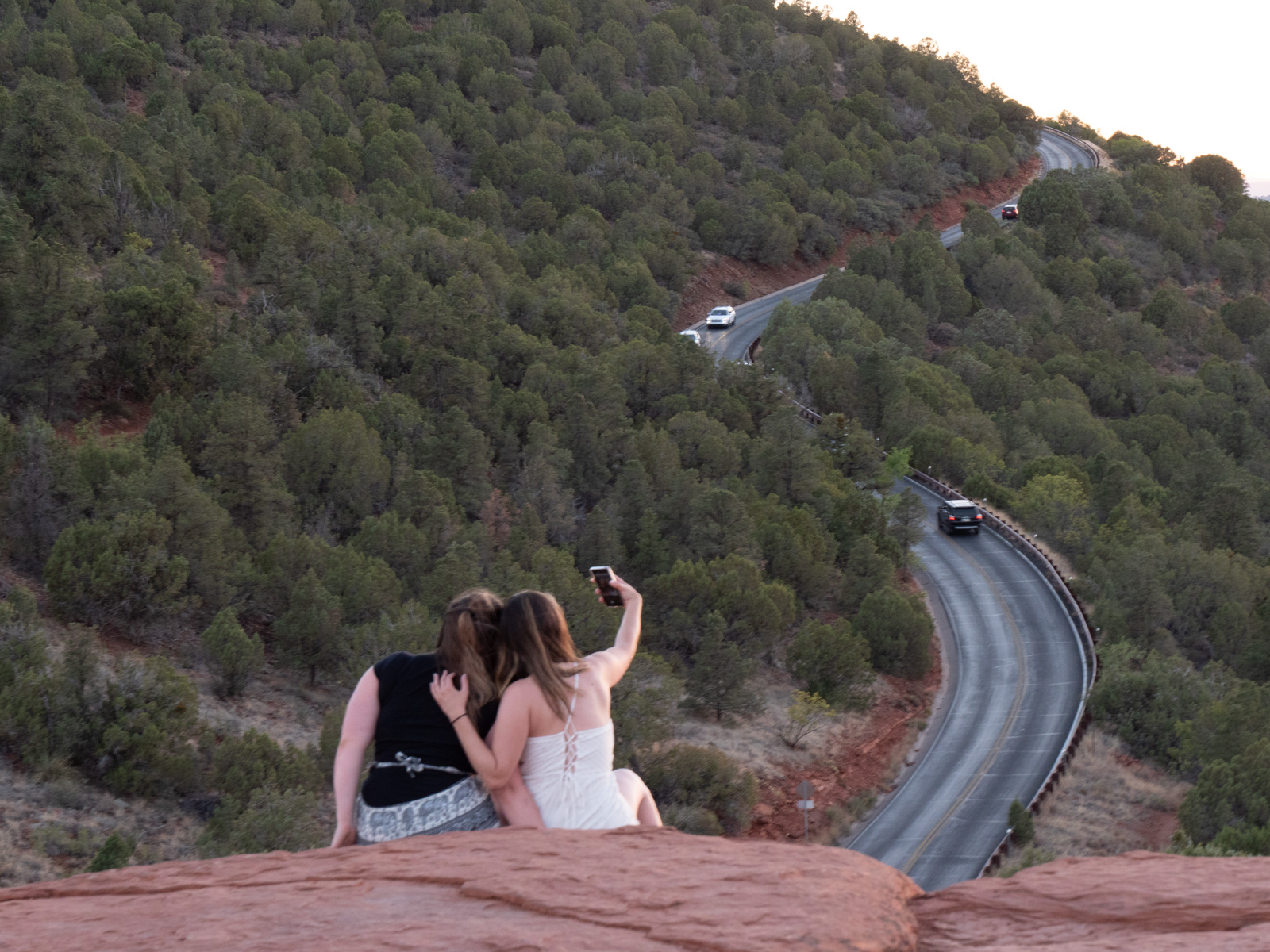
I think there are definitely a few narratives here. Interestingly, one of them which I personally experienced was watching how people were tied to their devices during such a beautiful moment in nature. In fairness the same could be said of me with my camera to my face ;-)
Here's a shot just before this one, where the women were taking a number of pics. In that case, I think the towers and cars add to this very different story. Though if that was the angle I was going for, would have been better to get the ladies with their phone up vs. looking out over the road. |
Sep 6th |
 |
| 78 |
Sep 18 |
Reply |
I appreciate the edits and alternate image, thanks Richard. |
Sep 6th |
| 78 |
Sep 18 |
Reply |
Jason Kravitz
Thanks Brenda, looks like Alan an Richard have done a good job of demonstrating some alternate processing taking these ideas in consideration. |
Sep 6th |
| 78 |
Sep 18 |
Reply |
Thanks Alan for your suggested edits. |
Sep 6th |
| 78 |
Sep 18 |
Comment |
This is an insightful image that draws me in to the scene. I can see why you chose to display it in your home.
Thanks for sharing your views on the composition and adding tension which does make for a more dynamic photo.
You mentioned darkening the blue in the sky before converting to B&W. Was that to bring out more detail in the clouds? |
Sep 3rd |
| 78 |
Sep 18 |
Comment |
Beautiful blue hour exposure Abdo. The neon lights and decorations on the buildings add a great touch as well as the motion of the car lights.
I like how you got the trail of car lights streaming in two lanes while in two other lanes the cars are stopped at the traffic light.
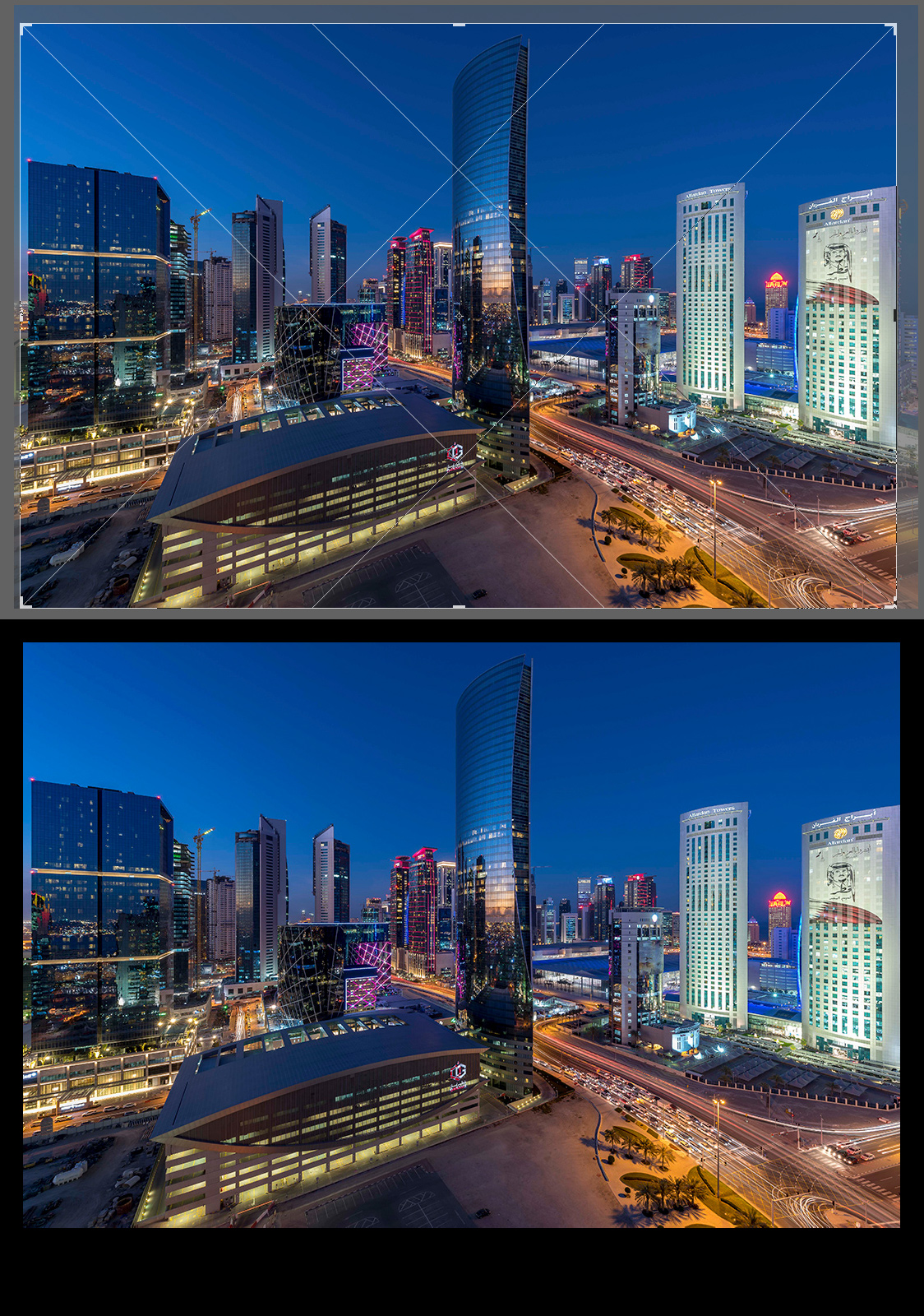
I played around with the composition looking at different overlays (thirds, diagonal, golden ratio etc). One idea is to crop in a bit tighter on the right so the intersection of the diagonal lines aligns with the edges of various buildings. For example, the center ones go through the logo on the front building and left side of the center building.
This also creates a nice diagonal line and plane along the road and left side of buildings to the center one.
Though it does push the building into the edge of the frame which is maybe not so desirable either. But does offset that center building just enough to add some interest.
Really in that case it is a matter of personal preference but perhaps an idea for experimenting. |
Sep 3rd |
 |
| 78 |
Sep 18 |
Comment |
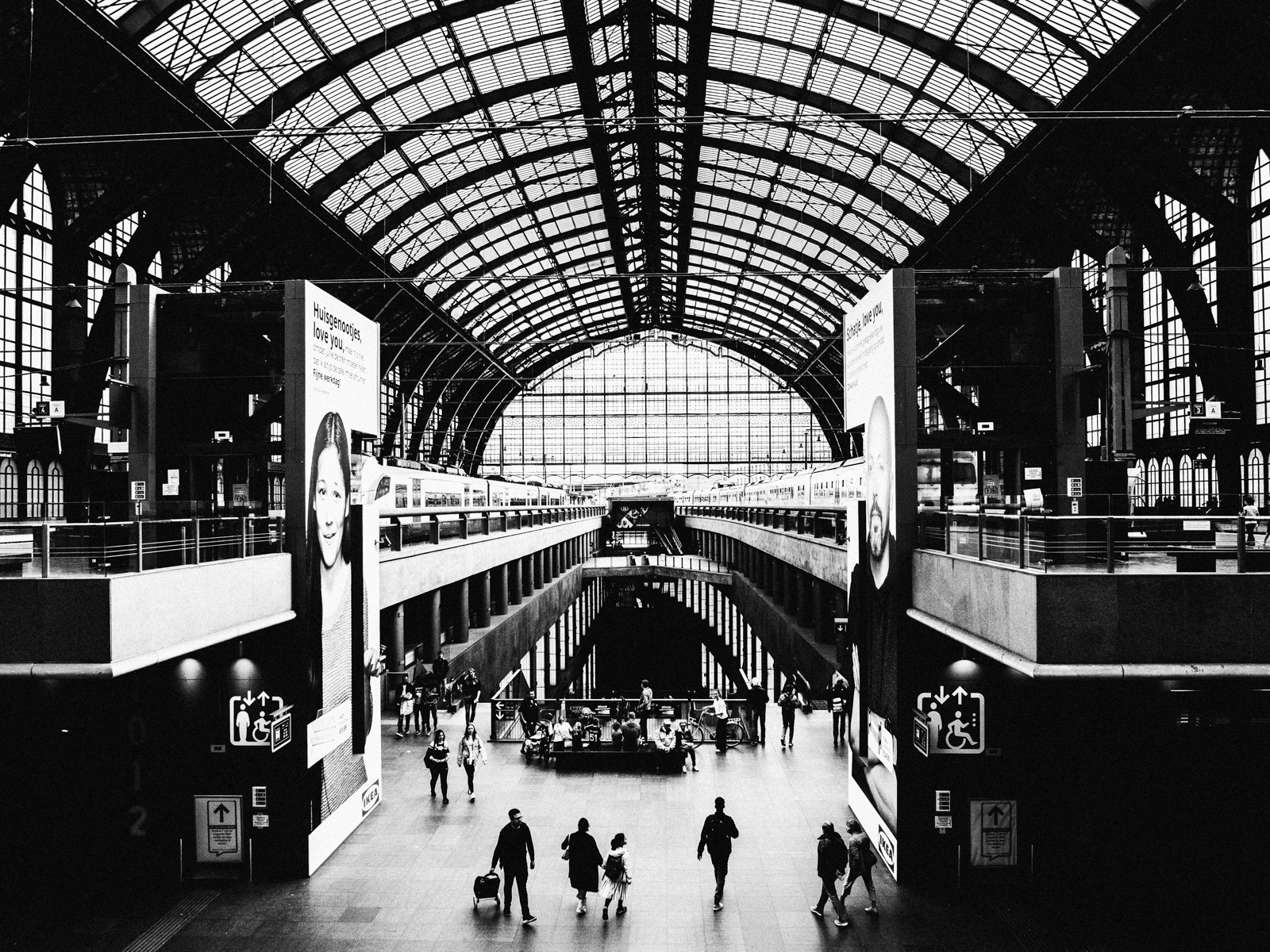
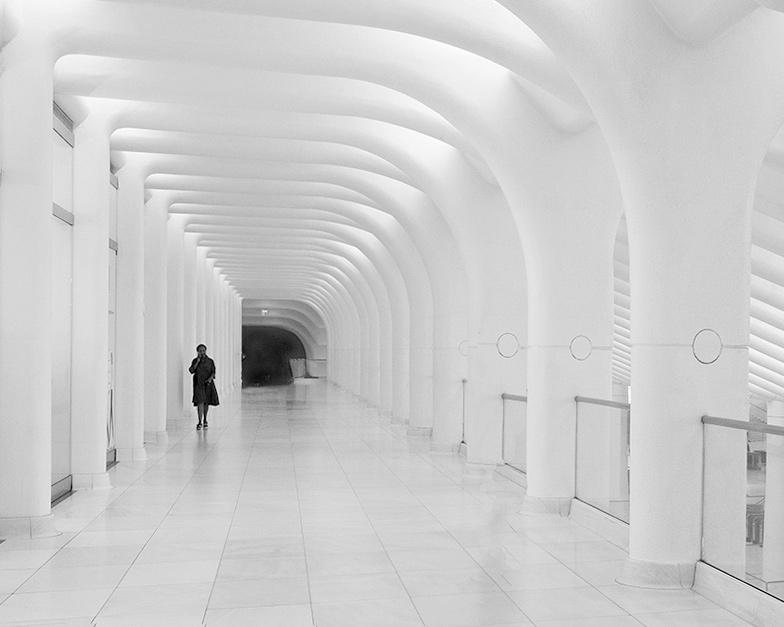
This architecture is unique and has a futuristic quality. I think your choice of removing the extra people and going to monochrome enhances the effect.
But then I find the right side to break the illusion somewhat as it takes me into a different kind of space / technology than the stark hallway.
Maybe consider cropping out the right side to bring the attention to the hallway. It also seems to tilt a bit to the left. Here's a cropped slightly rotated concept. |
Sep 2nd |
 |
| 78 |
Sep 18 |
Comment |
Based on your intention to show the dynamic movement of the group, I think you did a good job. I find that the women walking out of the edge of each side of the frame adds some symmetry. Having only one might take away from that.
I also really like the contrast of their colorful outfits to the drab dull stones they carry. Bringing life to this otherwise repetitive and strenuous task.
I wonder if you could shoot this place again, how changing your vertical position relative to the people might change things. For example giving more sky, or less sky and more of the stones (thus also changing where the horizon frames the people).
|
Sep 2nd |
| 78 |
Sep 18 |
Comment |
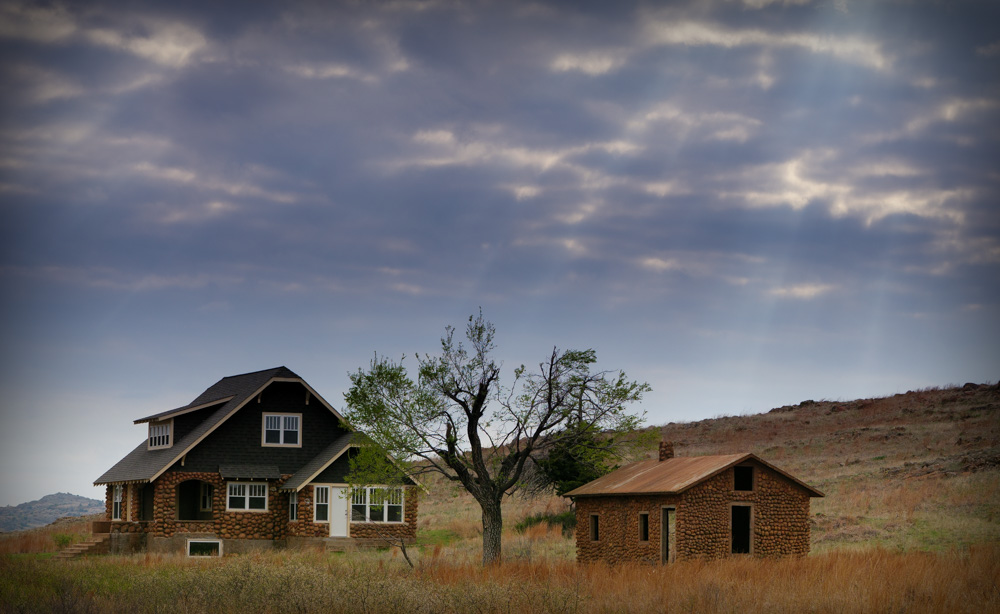
A beautiful natural scene Alan. My first thought similar to the other feedback was the crop being tight. Fortunately, since the sky is fairly uniform, you should able to expand the canvas and context fill to give it more space on top.
Having recently traveled to the southwest, I also was taking some photos of twisty trees and trying to find the best composition to show the trees and their surroundings in an interesting perspective. I don't know if I really found my optimal shot but would be curious if other folks had suggestions on different viewpoints for this type of scene to get a more compelling image. |
Sep 2nd |
| 78 |
Sep 18 |
Comment |
Wow! Beautiful colors and shapes here Brenda. Excellent work. It looks almost like it was painted to me. Did you use some filters or post processing to get a flatter matte kind of look or was that the natural out of camera effect?
I guess if I were looking for any small criticism, I might be tempted to clone out that lone droplet to the right of the ring. But really quite remarkable either way.
One other question... when taking a series of photos like this, how do you decide which is "the one". In other words I'm sure you had several that were also impressive but chose this one. Any insights there from your perspective? |
Sep 2nd |
6 comments - 5 replies for Group 78
|
6 comments - 5 replies Total
|