|
| Group |
Round |
C/R |
Comment |
Date |
Image |
| 57 |
Oct 20 |
Reply |
Thanks, you're so kind. |
Oct 14th |
| 57 |
Oct 20 |
Comment |
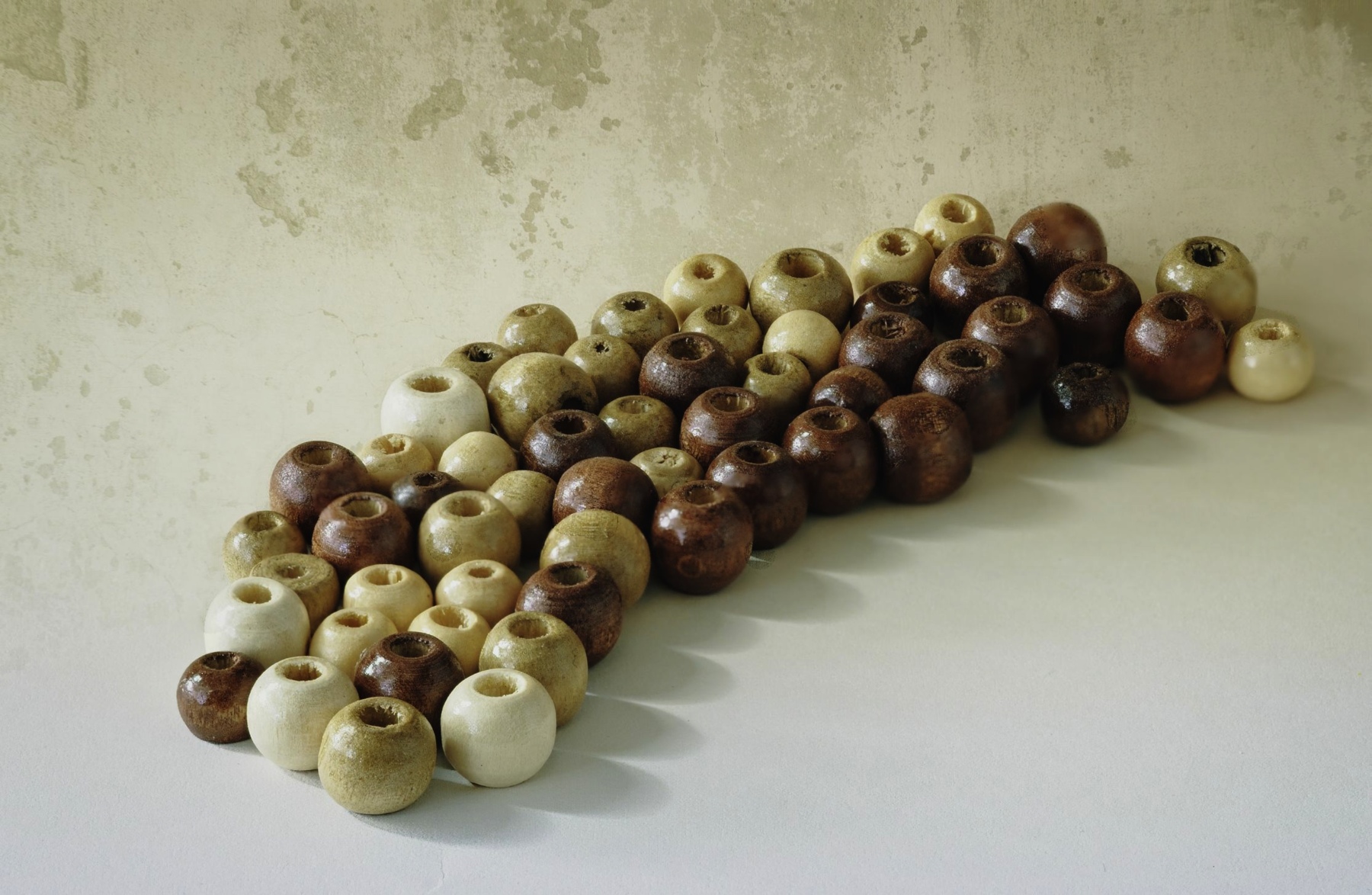
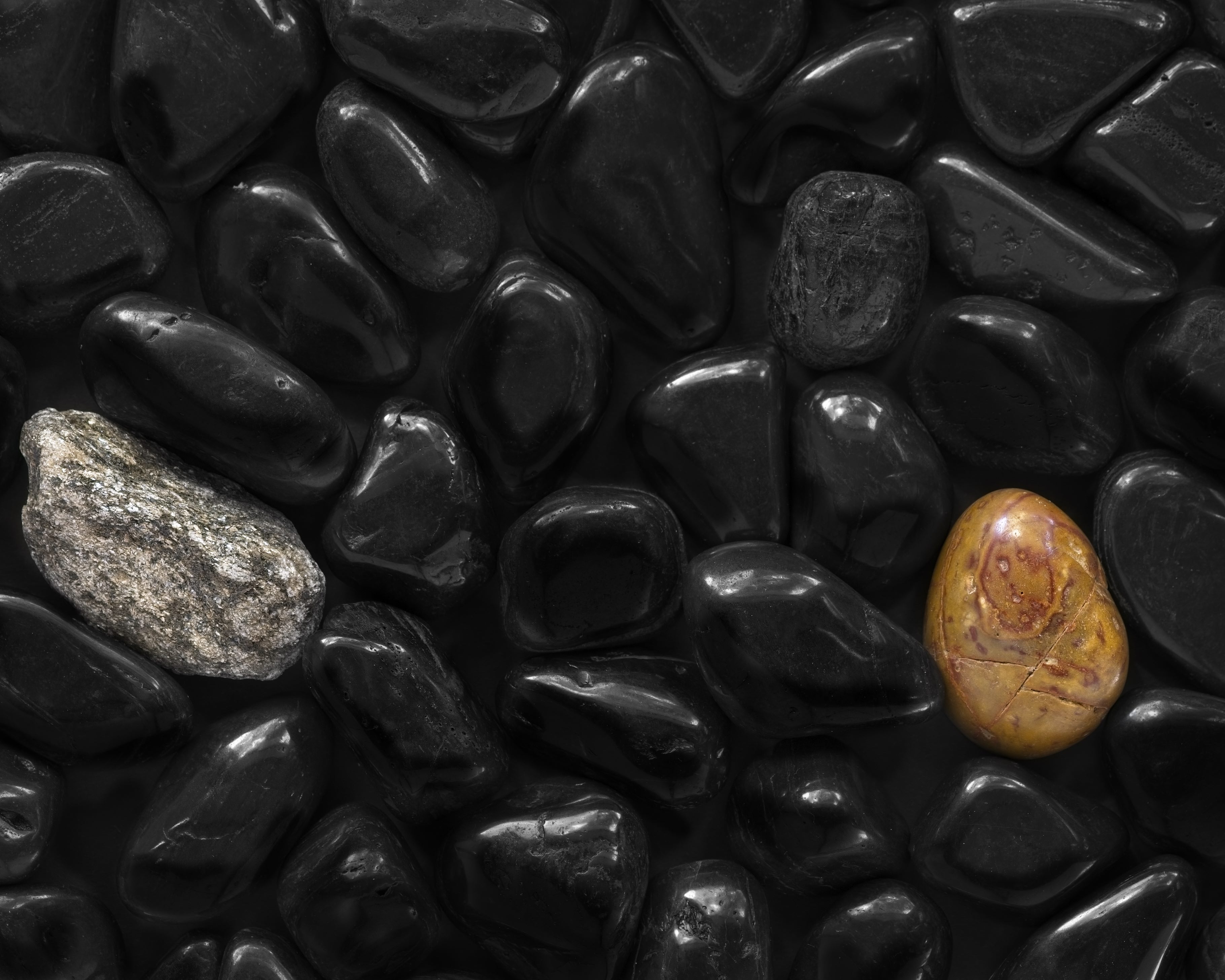
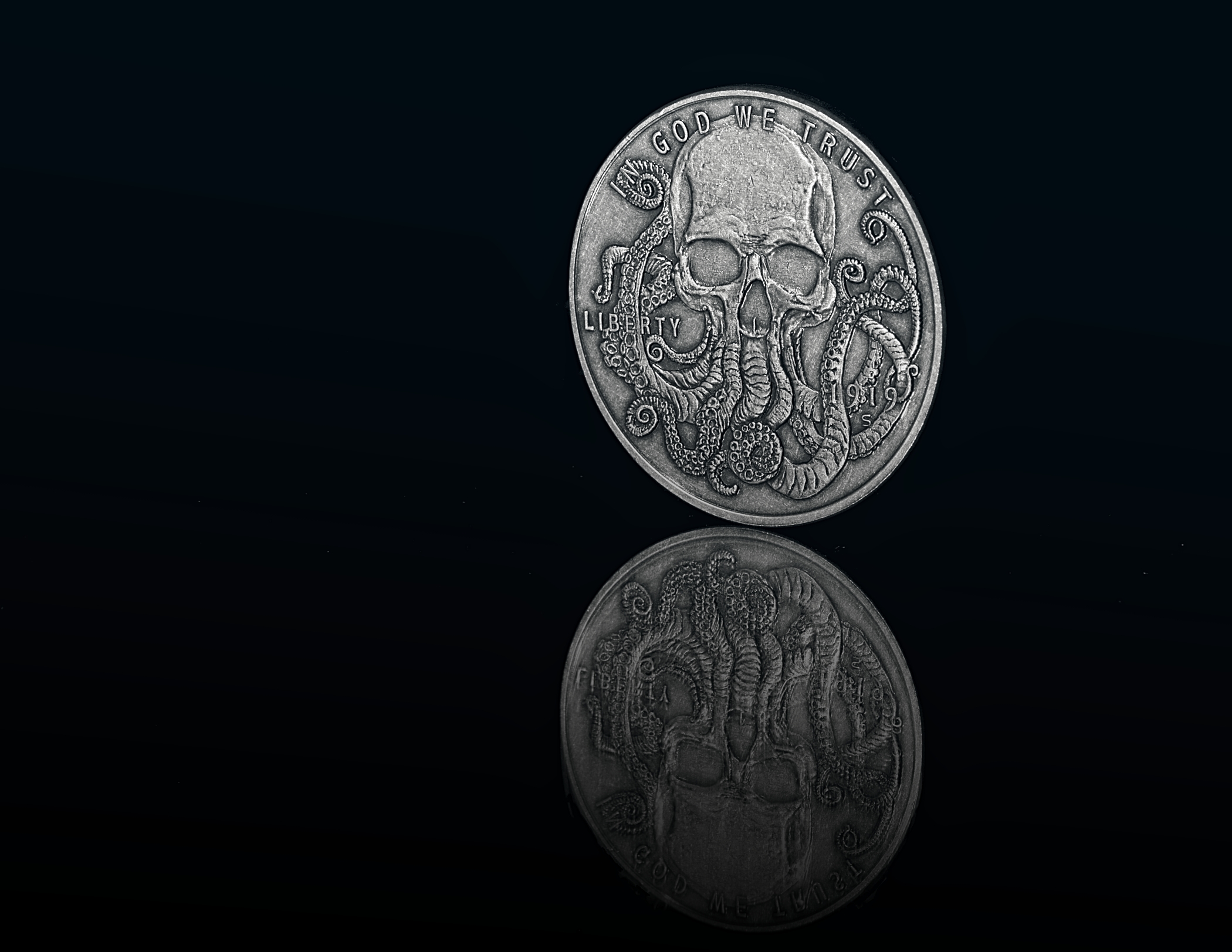
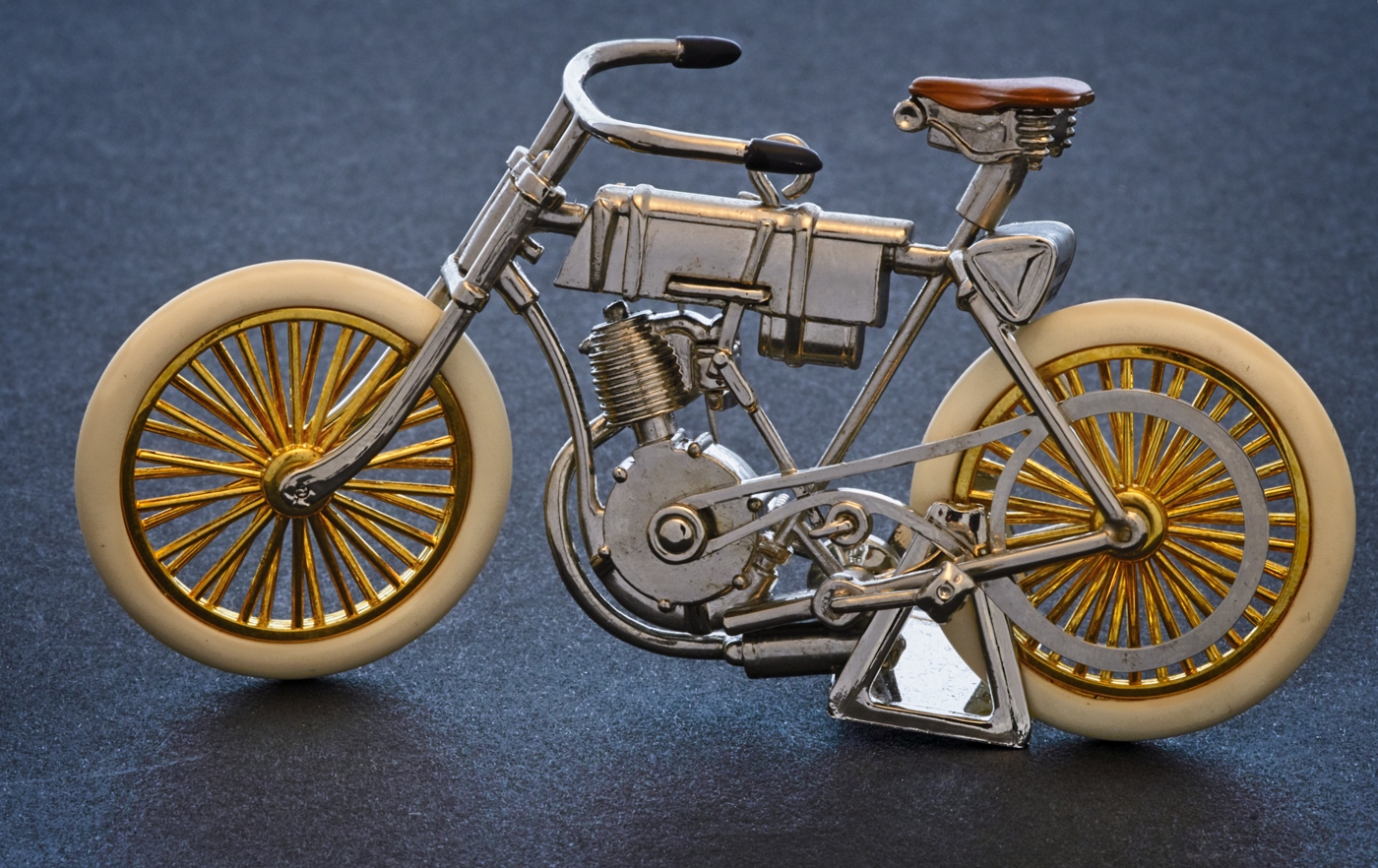
Nice detail on the coins face, and a good exercise in critical focusing since f4 doesn't give you much room to work with. I like the side lighting but you might try toning down some of the highlites, esp on the edges. That dark shadow on the right side could be filled in with a white card, giving you a little more detail |
Oct 13th |
| 57 |
Oct 20 |
Comment |
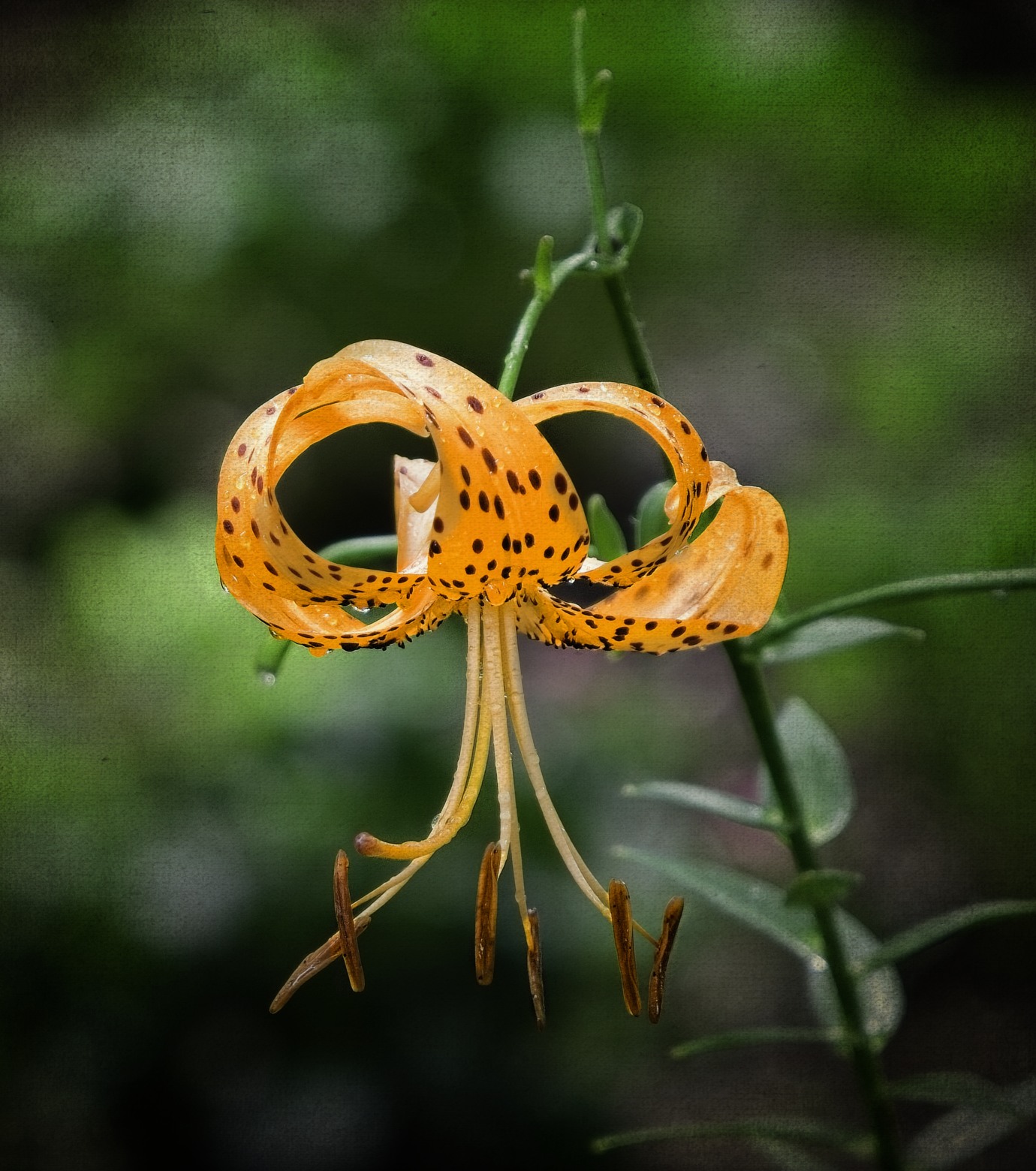
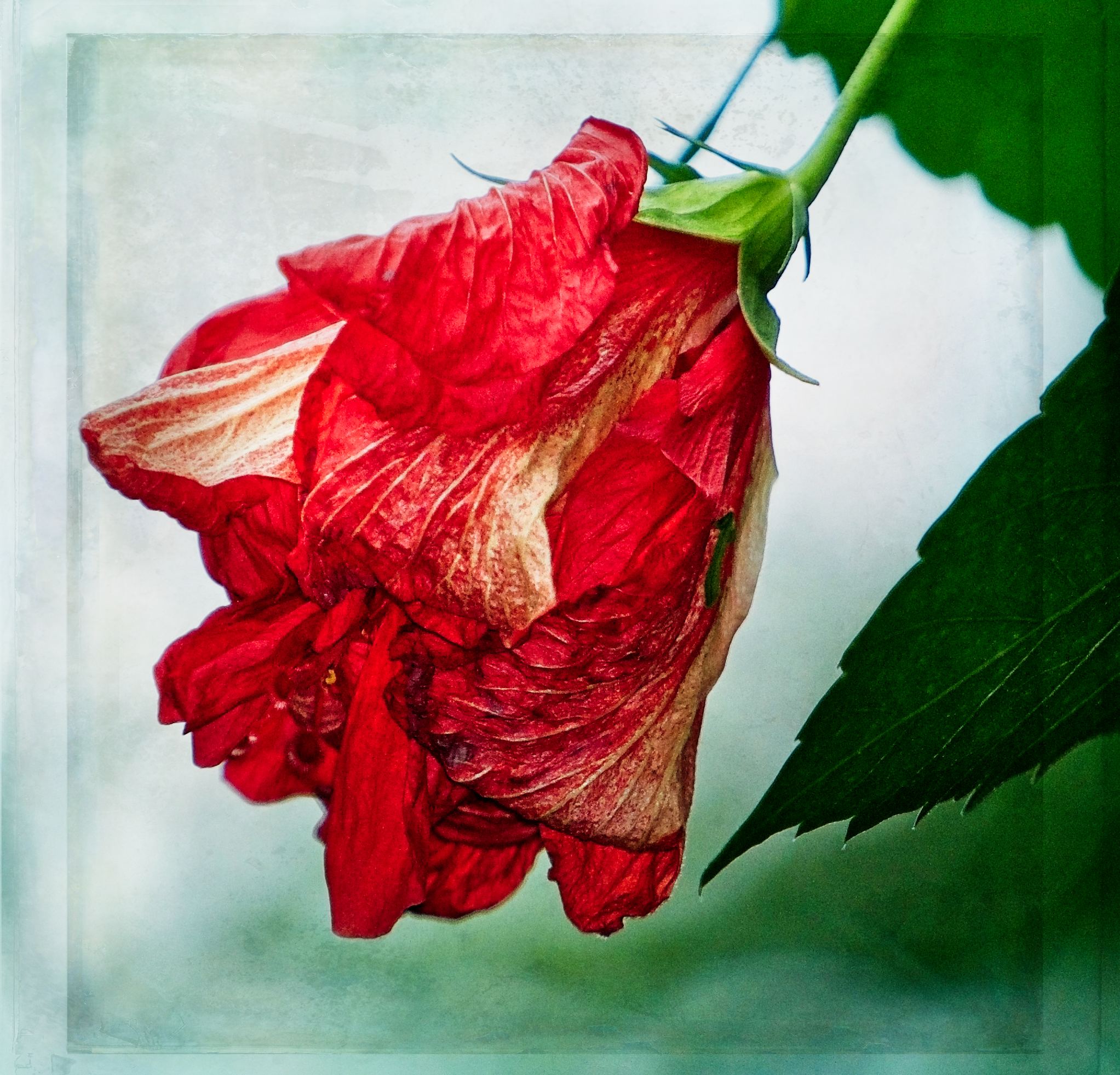
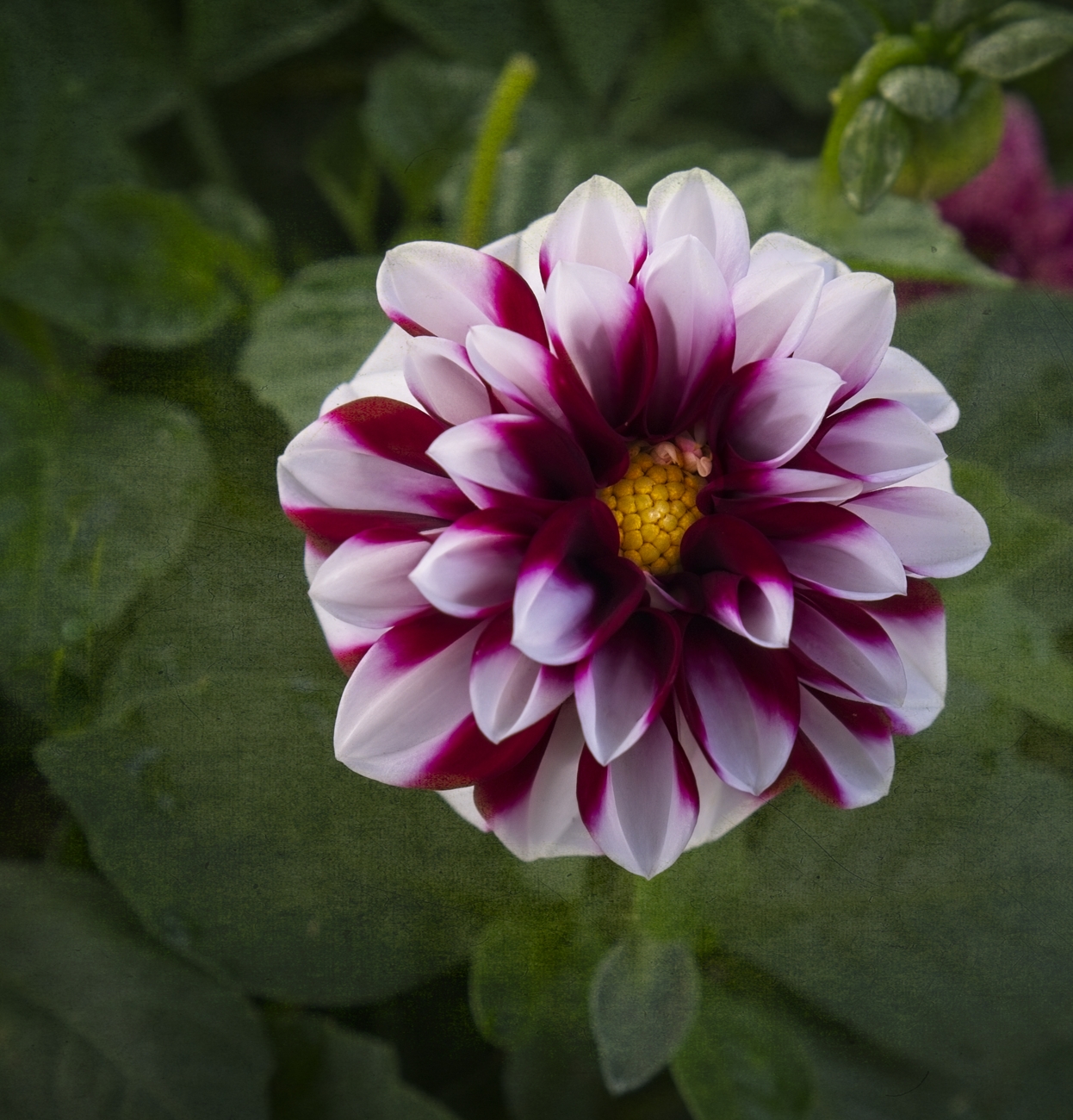
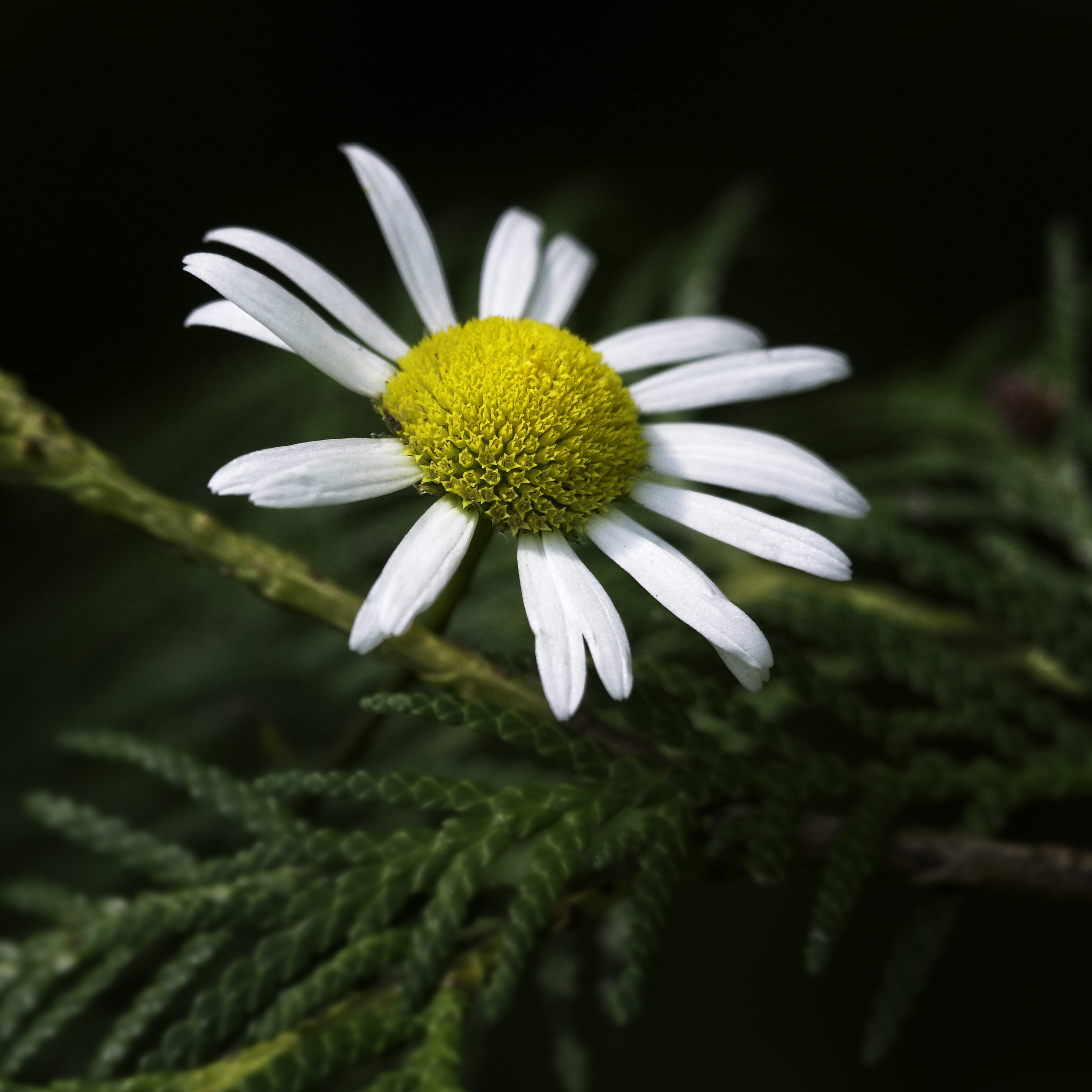
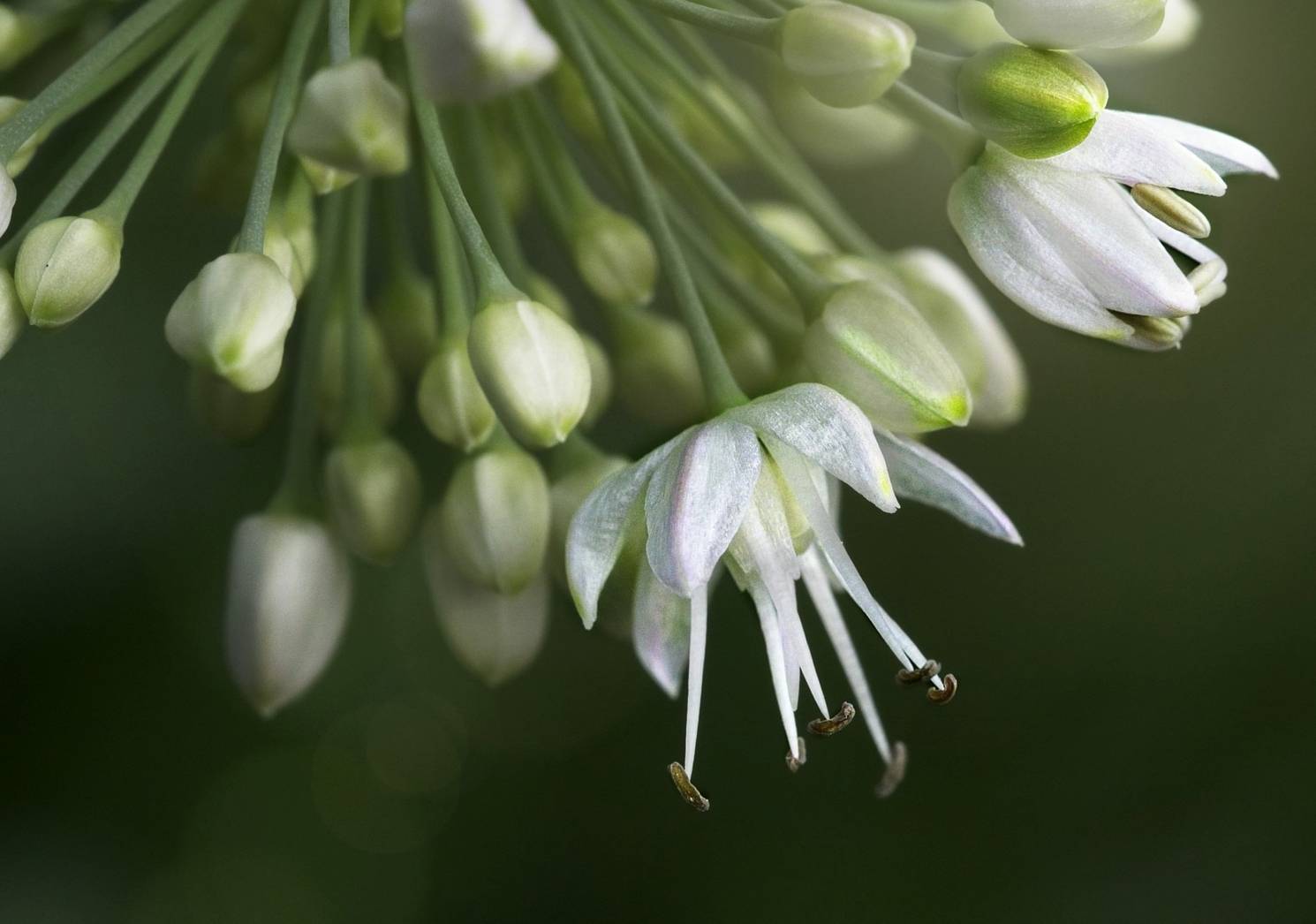
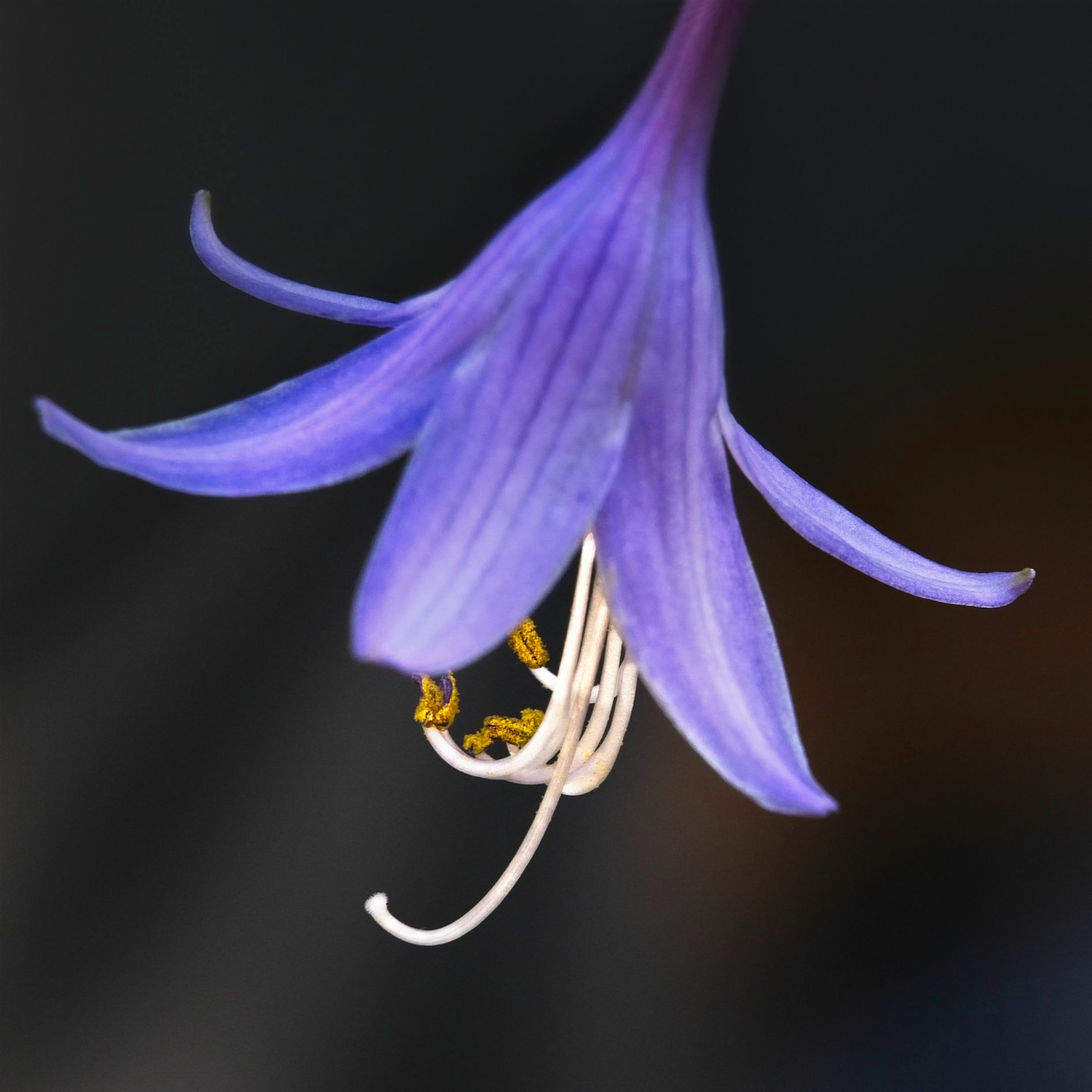
Nice image, I understand how you feel. Flowers make such great subject matter but for me also, seems like my shots never look as good as what others do. It almost looks like you may have started you focus stacking to far back, say that because the petals in front/middle don't look in focus and that's were the viewers eye wants to go. And since the back petals look good, maybe its going to take more than 16 images to get this whole thing in focus. Also, to me many of the petals look over exposured which I know can easily happen when stacking, since it's an additive process. May try purposely, underexposing each photo by 1/3 - 1/2 stop. That lower corner, mmm, interesting. What caught my eye more than the corner brightness was the sharp edge between the petal and the green background. Was this from the stacking process or the cut-out process when you replaced the background. Maybe if you softened that edge with a soft blur brush, it wouldn't be that noticeable. Maybe try a vignette instead of a crop to reduce that corner distraction. |
Oct 13th |
| 57 |
Oct 20 |
Comment |
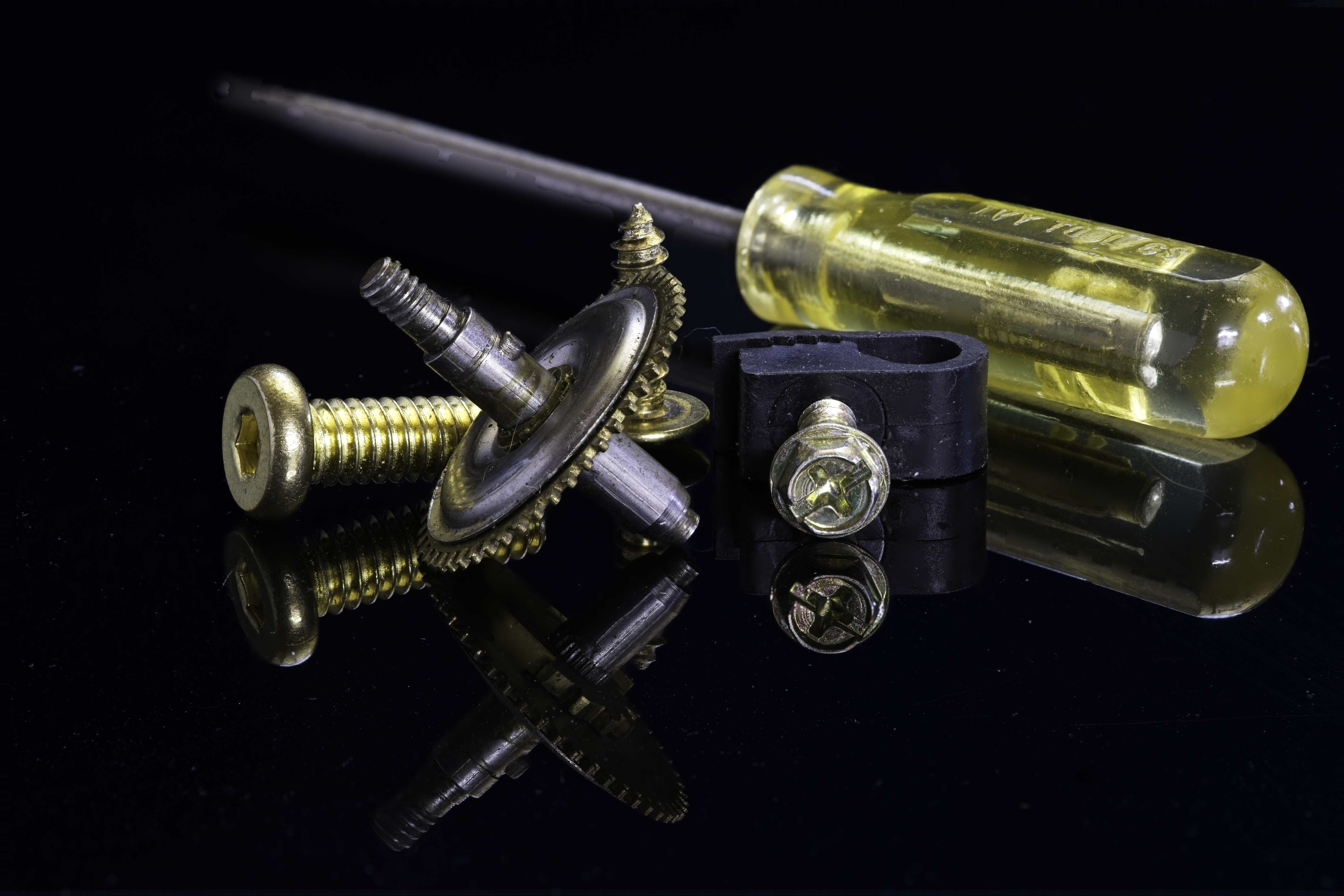
I love old rusty stuff to photograph; rust gives such great texture. I'm glad you were able to get the text in focus, really helps tell the story. Not sure what f-stop you used, seems like there is fairly shallow DOF. I understand what what Cindy is saying about those out of focus elements in the foreground but I agree also with Jessica that they help frame the image and maybe their curved nature was one of the things that attracted your attention. Since they are fairly bright also, maybe making them darker would keep the viewers eye moving toward the middle. Their shape almost makes be think that maybe when this machine operated, these things rotated. So if you wanted to get really wild, if your software can do it, add a motion blur just to those elements. Would expand your storyline if people thought the machine was operational. Just sayin........ |
Oct 13th |
| 57 |
Oct 20 |
Comment |
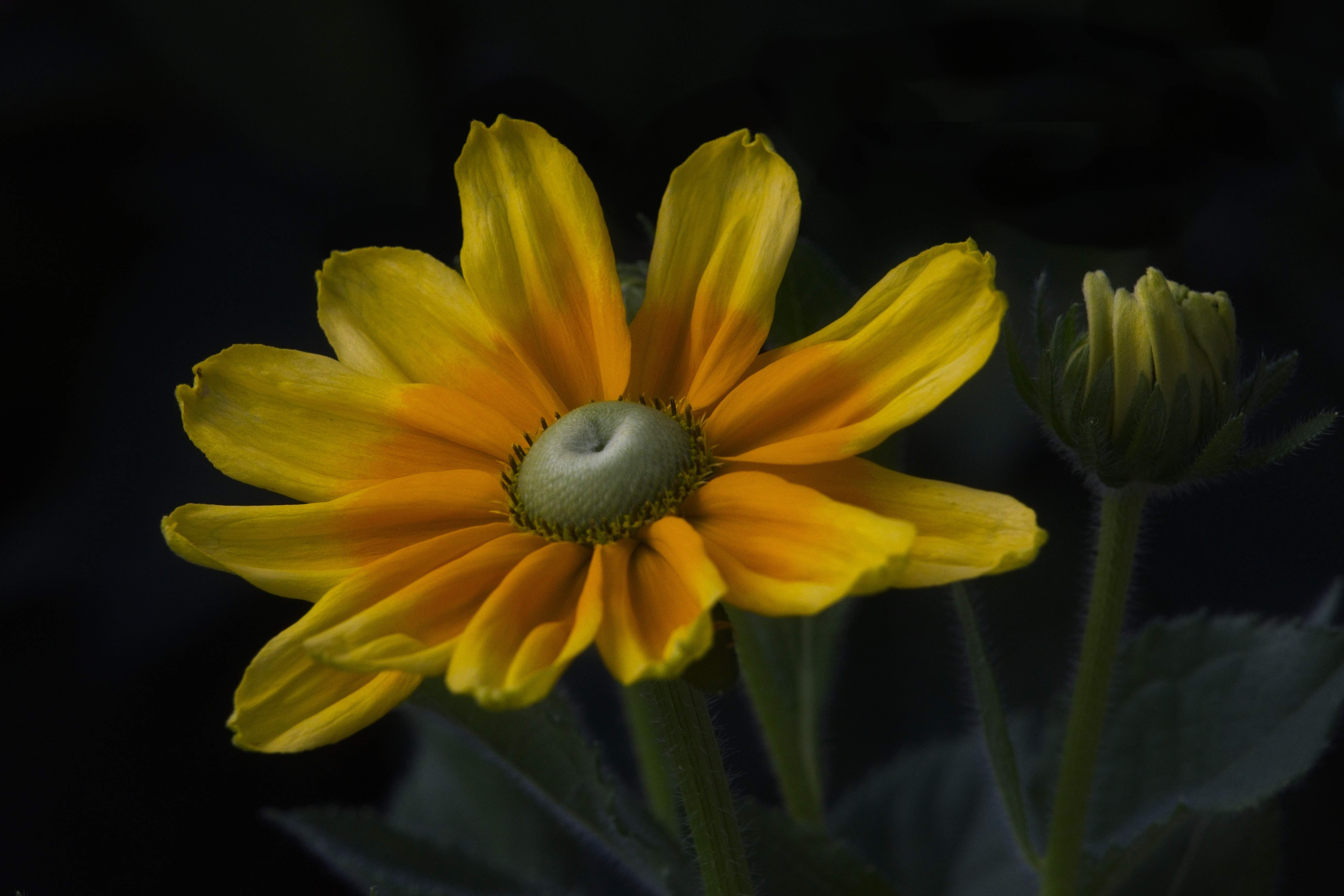
Very nice image, well done. The in-camera stacking worked great, esp. with the 3.2 aperture, giving you nice separation and background bokeh. |
Oct 13th |
| 57 |
Oct 20 |
Comment |
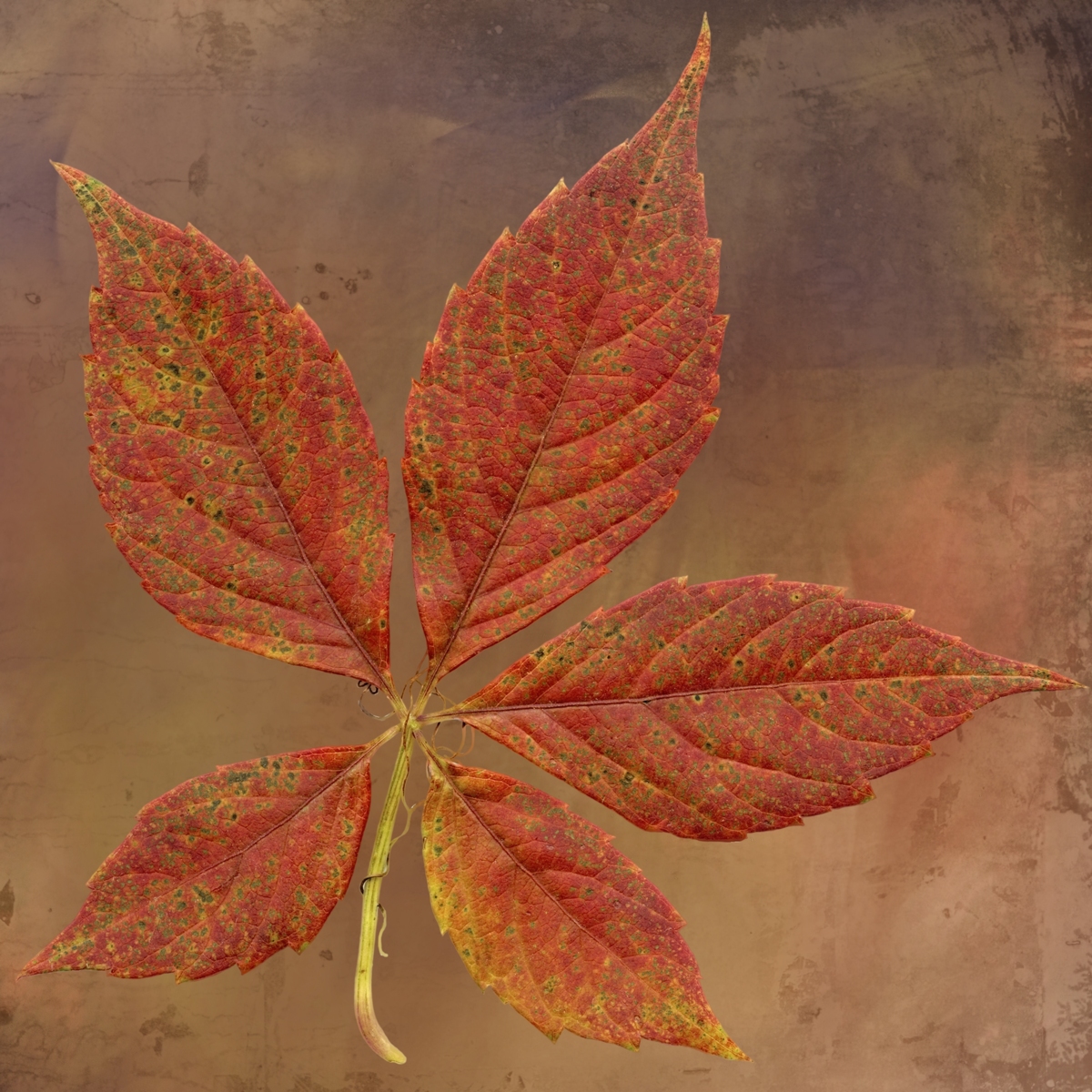
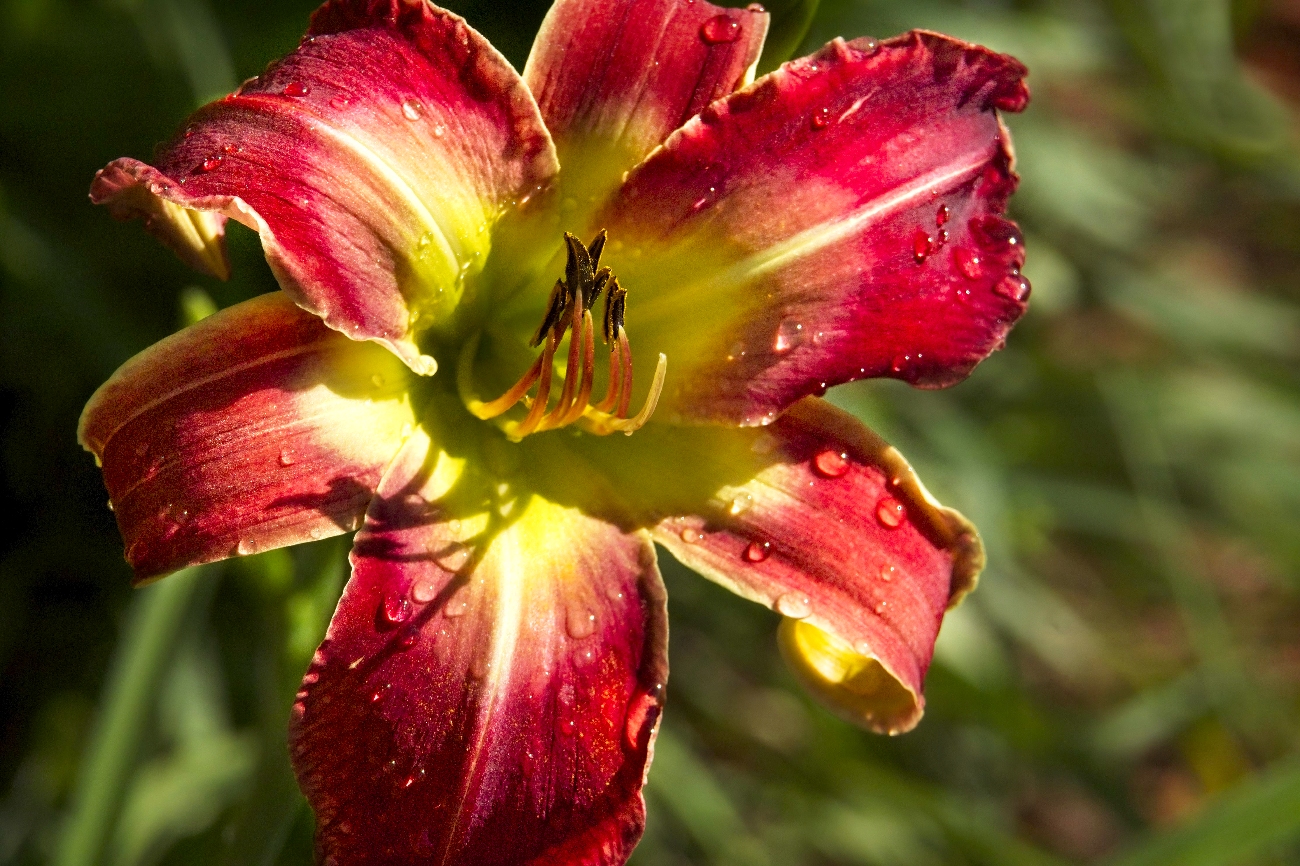
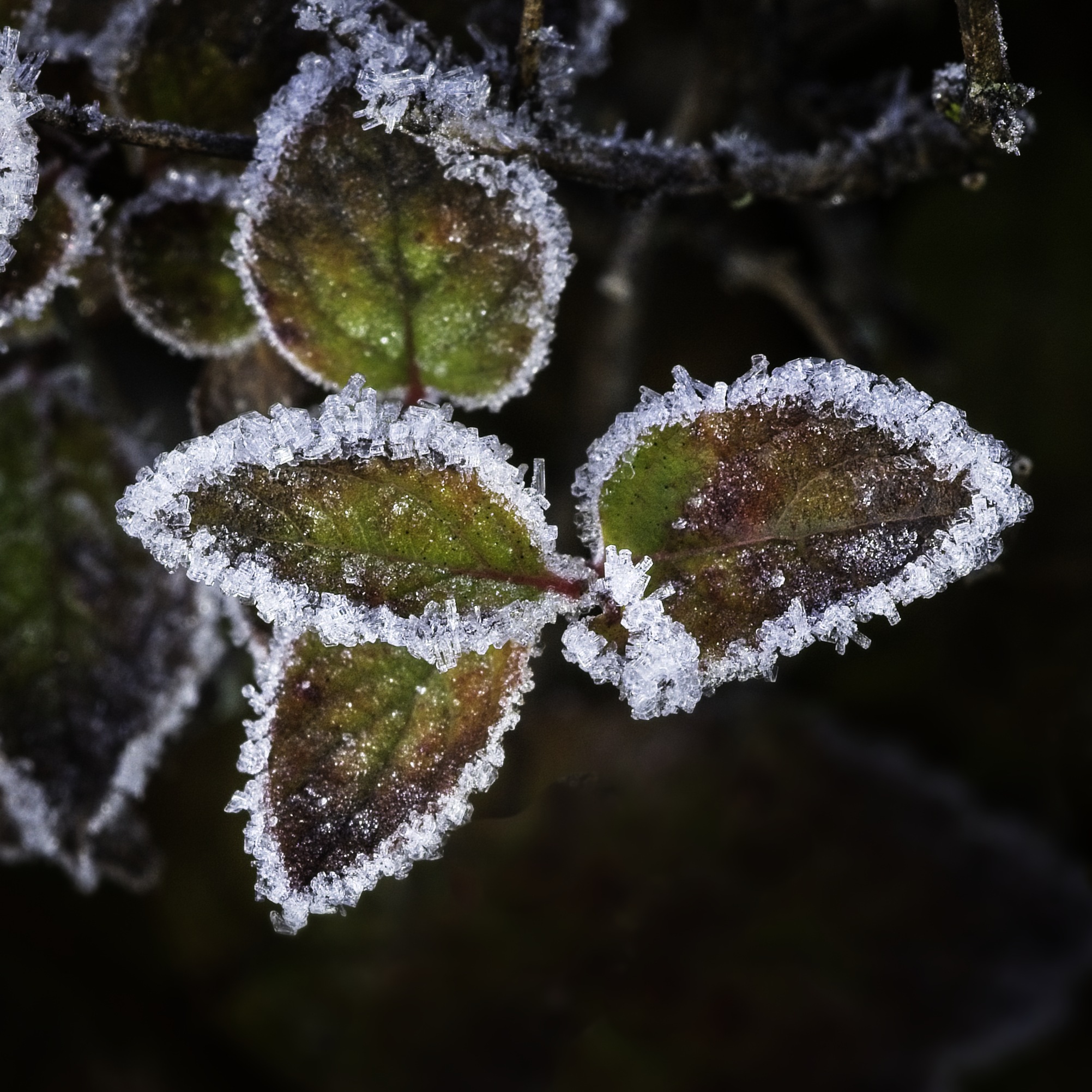
I like the vertical format, fits with the climbing vine. I agree, the rains impact on saturation really adds to the photo. I'm amazed that you were still able to get detail in the leaves with ISO 6400. The vine making a great leading line. I agree that the image seems a little dark; that brown side on the right especially. Maybe you could brush in some brightness just on that side. Also, maybe with you HSL sliders, bump up the luminosity of the red/orange channels, make the leaves a little brighter. |
Oct 13th |
| 57 |
Oct 20 |
Comment |
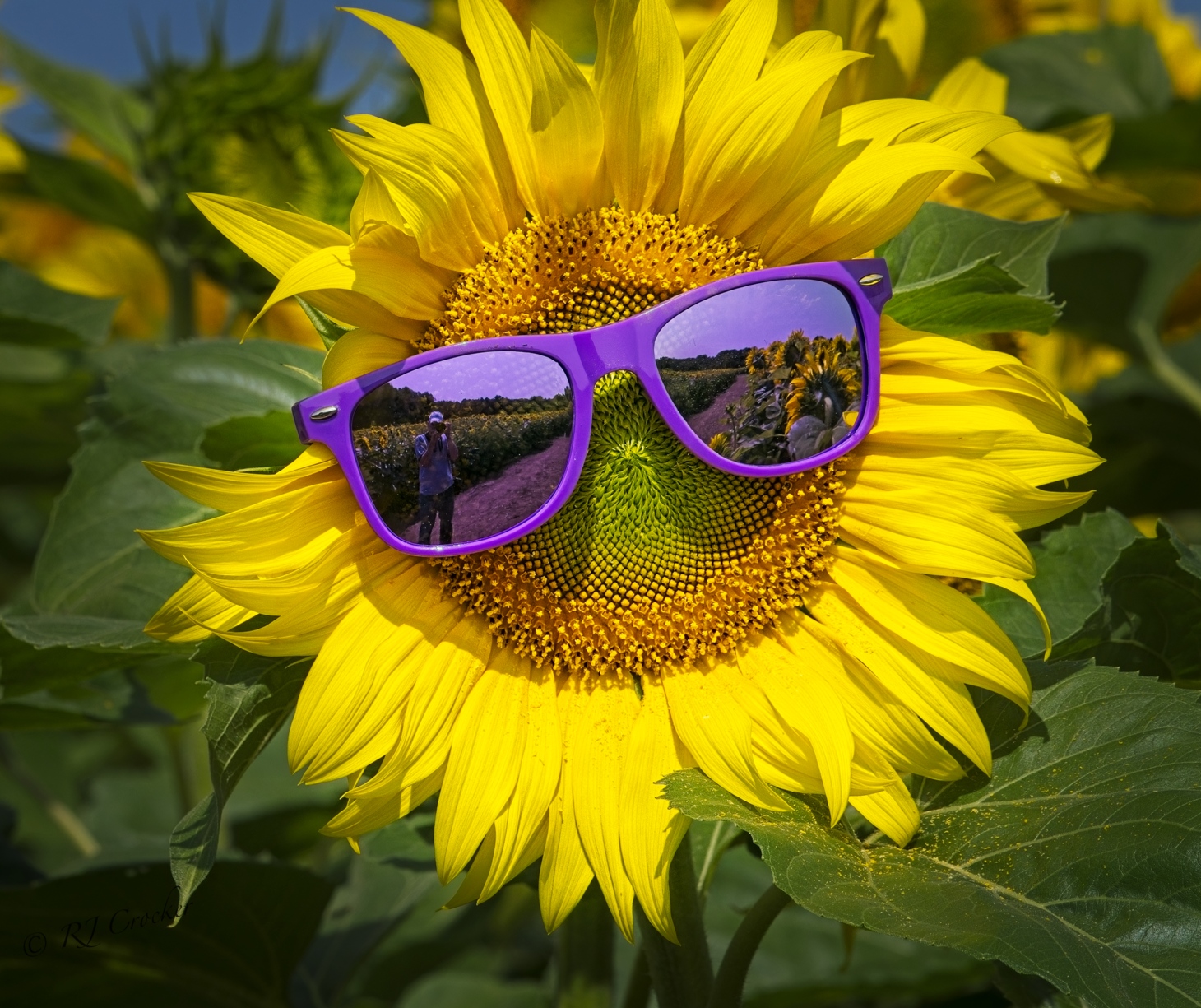
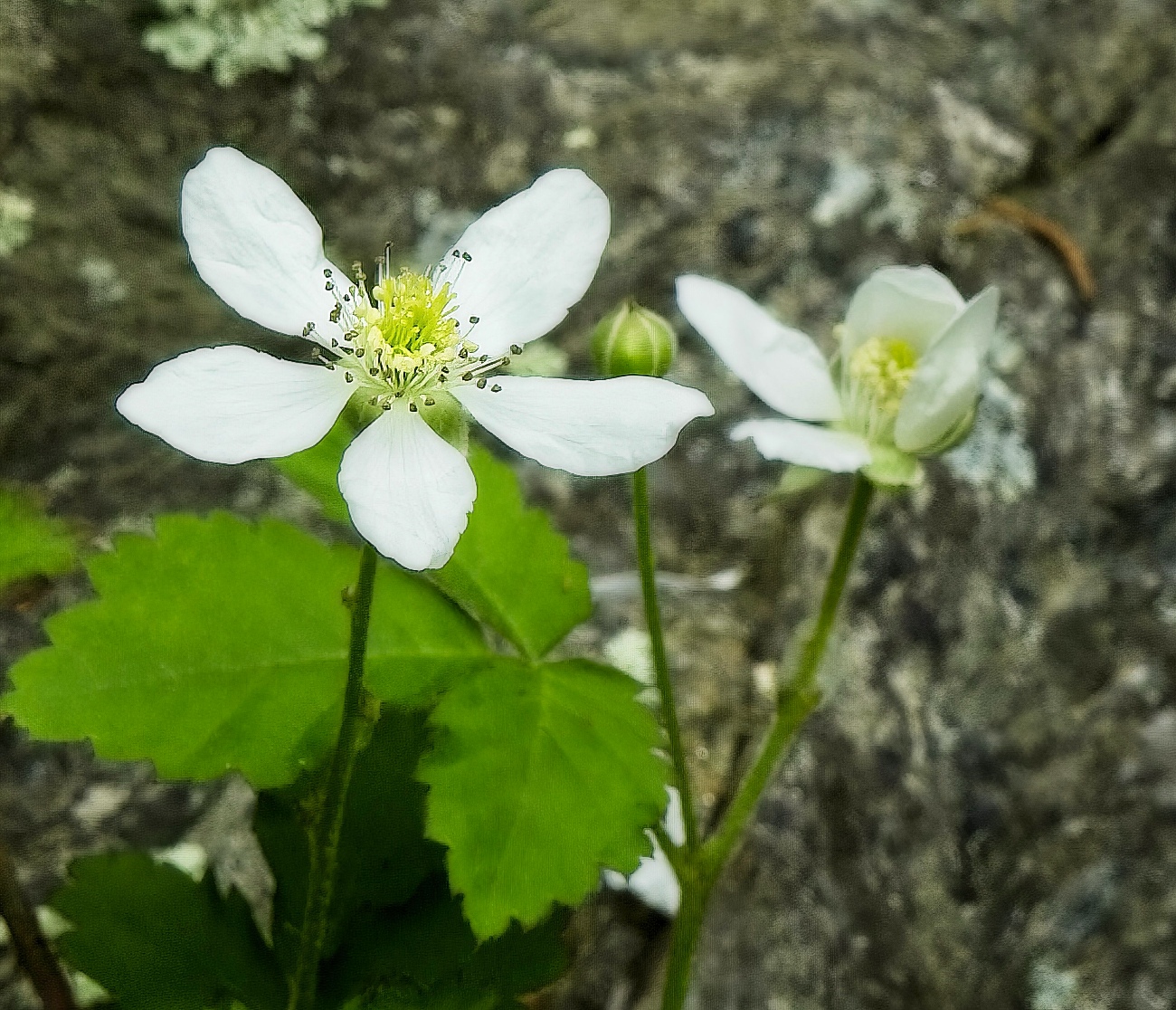
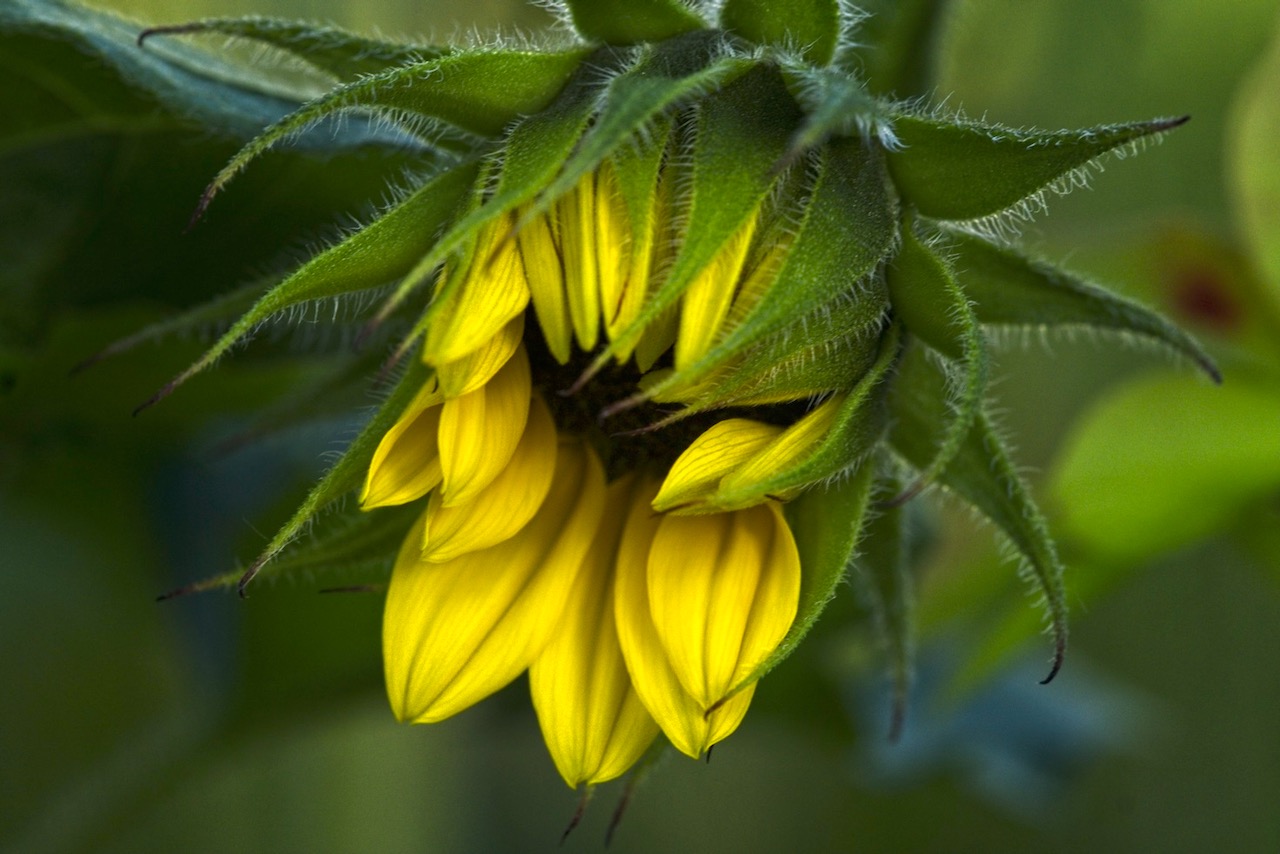
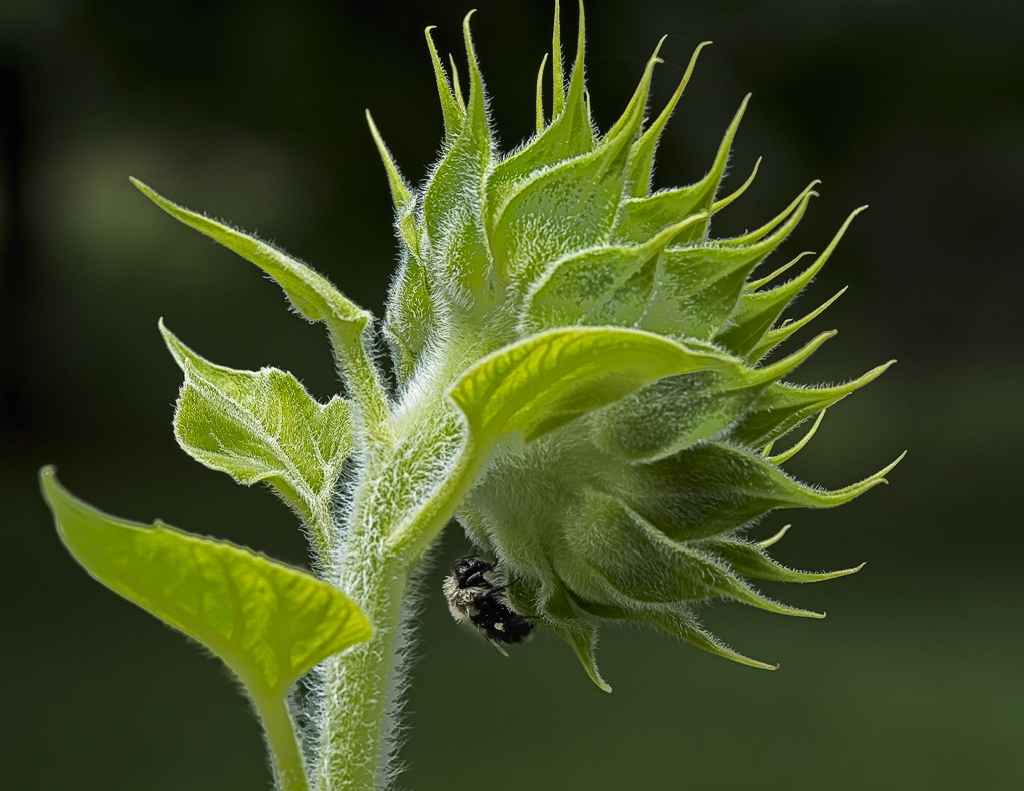
Nice shot, good composition. I luv shooting sunflowers; front or back, it always an interesting photograph. Glad you were able to get good exposure on the green 'seeds' in the middle; this area often suffers from under exposure in my images. Looks like you probably cropped the image to get the square format (or the phone did it for you), so I think a centered image would be OK. Since your phone probably gave you a jpeg image, editing the background lights and darks may be difficult. Maybe a vignette might help keep the viewers eye moving more to the center. |
Oct 13th |
| 57 |
Oct 20 |
Comment |
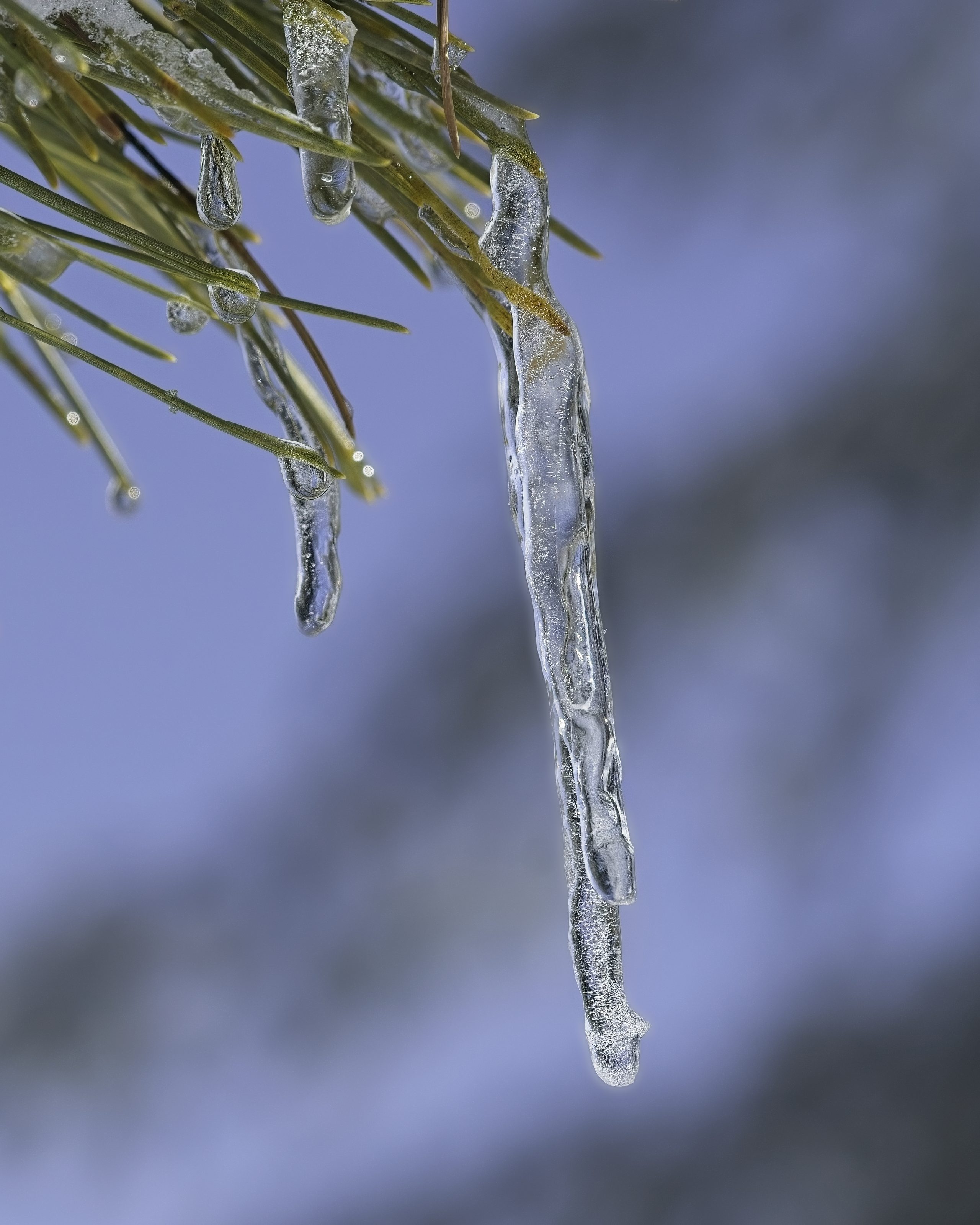
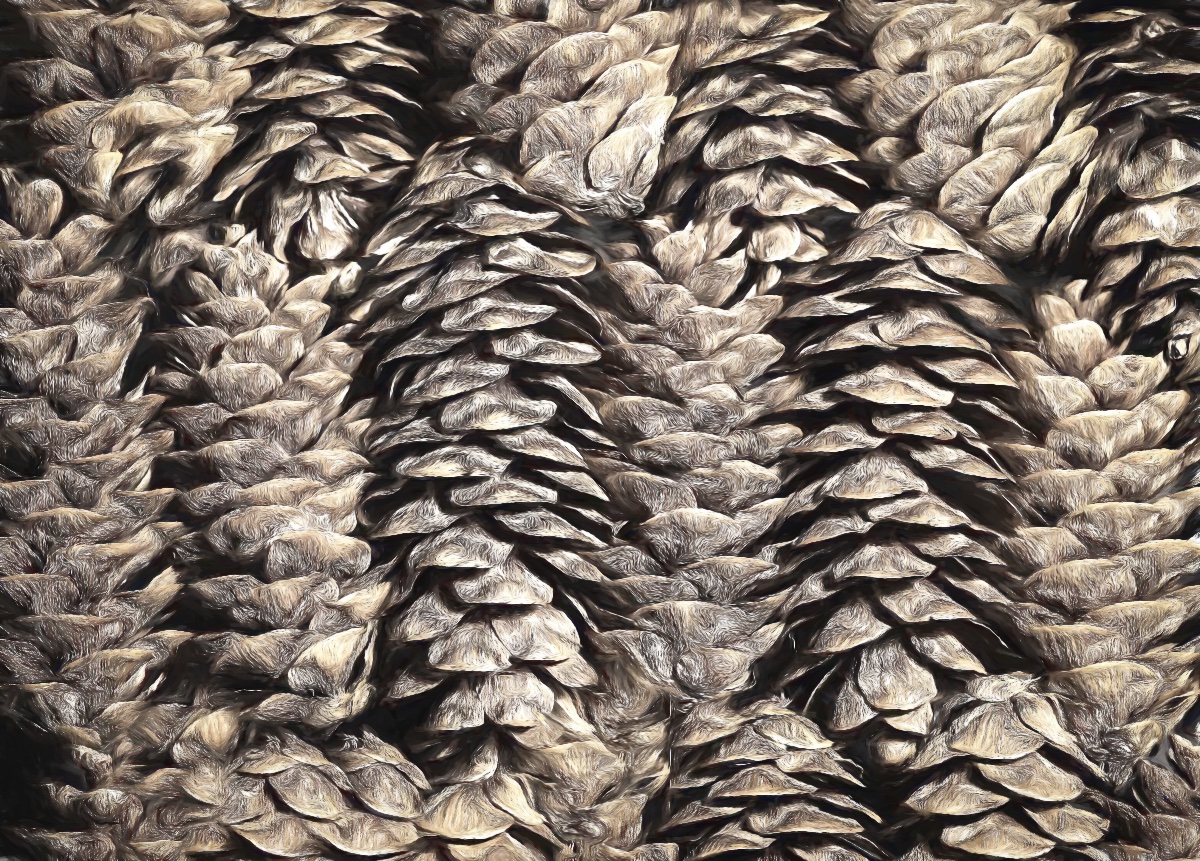
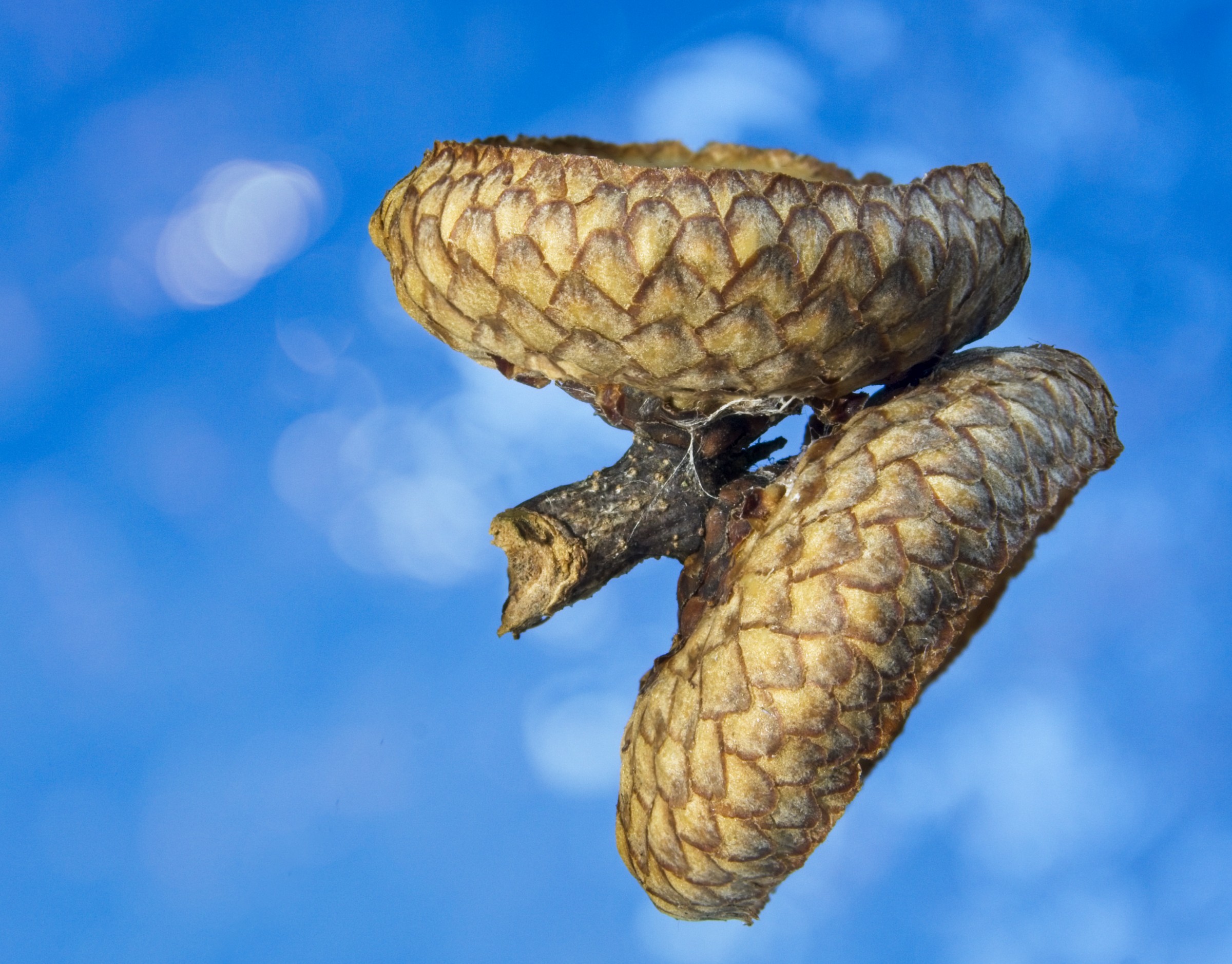
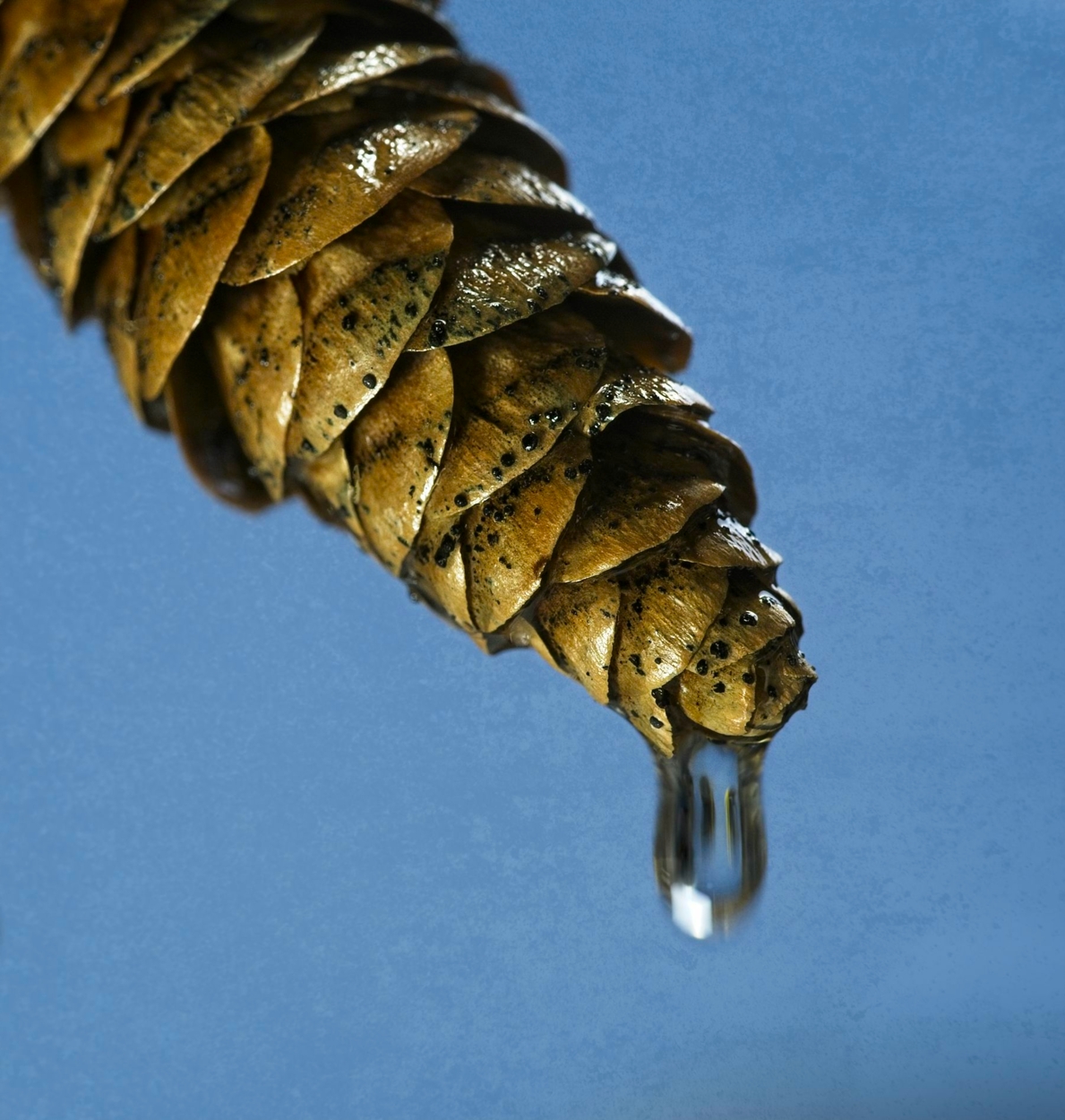
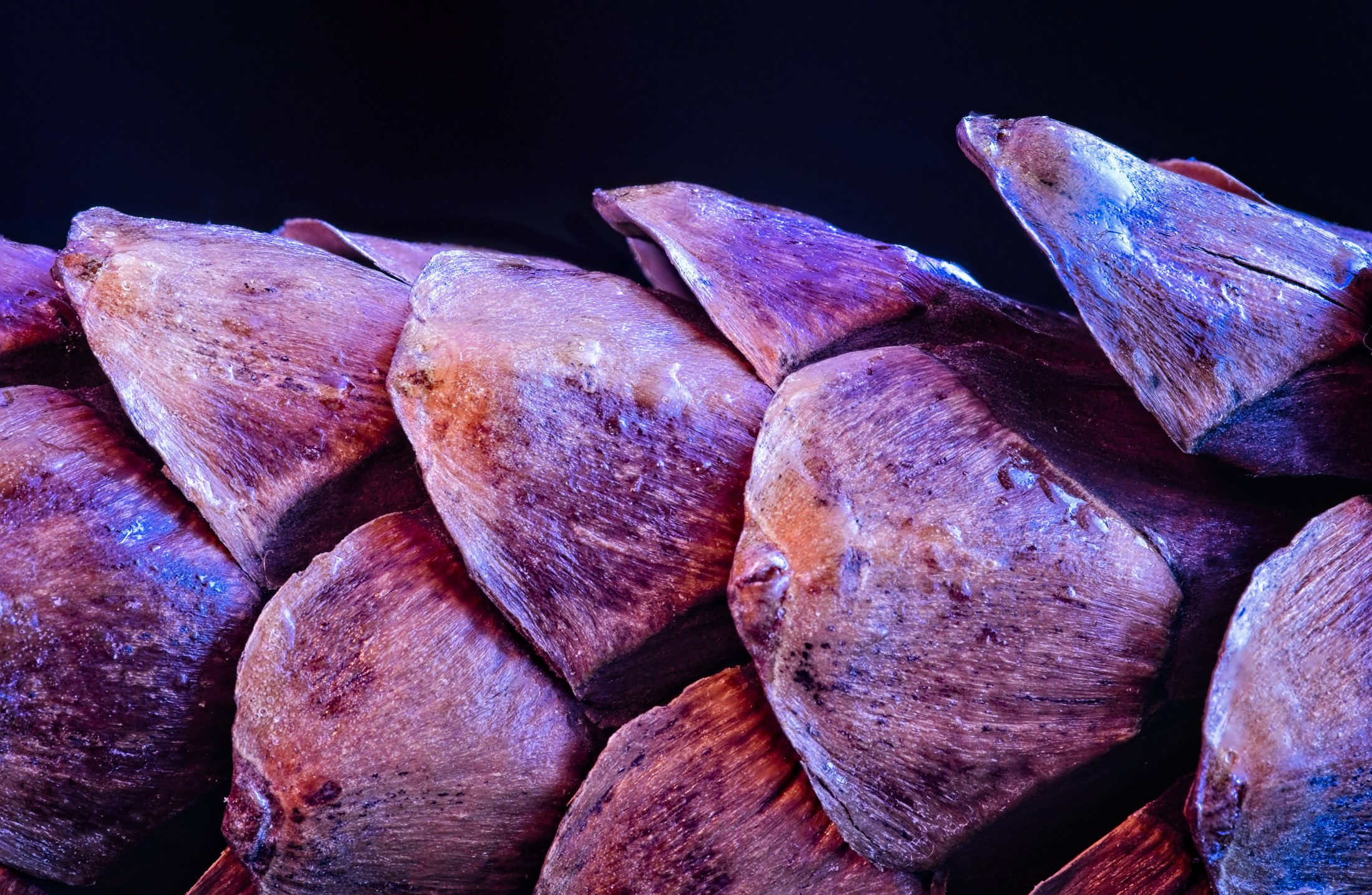
Hi Marcela, for sure dealing with ambient rain/snow is tricky. In this case, as I mentioned above, I wanted the drop to be blurred to show motion. Because it was moving, and a second after I pressed the shutter, the drop fell off the cone. This shot was a classic case of compromise with the good 'ole Exposure Triangle. A smaller aperture would definitely show more of the cone. Matter of fact, I did some shots at f10 and f11. But I lost a lot of light, and it extended my shutter speed to the point were the drop was gone before the exposure was finished. As I mentioned to Jessica, I would probably have to use one or more flashes to solve some of these issues. Maybe one flash to light the pine cone, one for the background, and I guess one for the water drop. Whew, I only have one working flash right now, so that set up you will not see anytime soon, haha. |
Oct 13th |
| 57 |
Oct 20 |
Reply |
Thanks Jessica for the input. Since I wanted to have that long, stretched out drop, I used that slow shutter speed (1/20). The drop was in continuous motion during this exposure, which blurred it while it was stretching. I would have had to use one or more flash units to freeze that motion, which I was not set up to do. Working with flash, esp more than one, is a skill that I still need a lot of work on. <;-) |
Oct 13th |
| 57 |
Oct 20 |
Reply |
Hi Cindy, thanks for the input. Yes, for sure getting the entire pine in focus would have been great but I was constrained by shutter speed and the lights I had available. The background is a textured, paper background, that's what your probably seeing more than noise. |
Oct 13th |
7 comments - 3 replies for Group 57
|
7 comments - 3 replies Total
|