|
| Group |
Round |
C/R |
Comment |
Date |
Image |
| 78 |
Jan 19 |
Reply |
Thanks Alan. |
Jan 15th |
| 78 |
Jan 19 |
Comment |
Hi Jason,
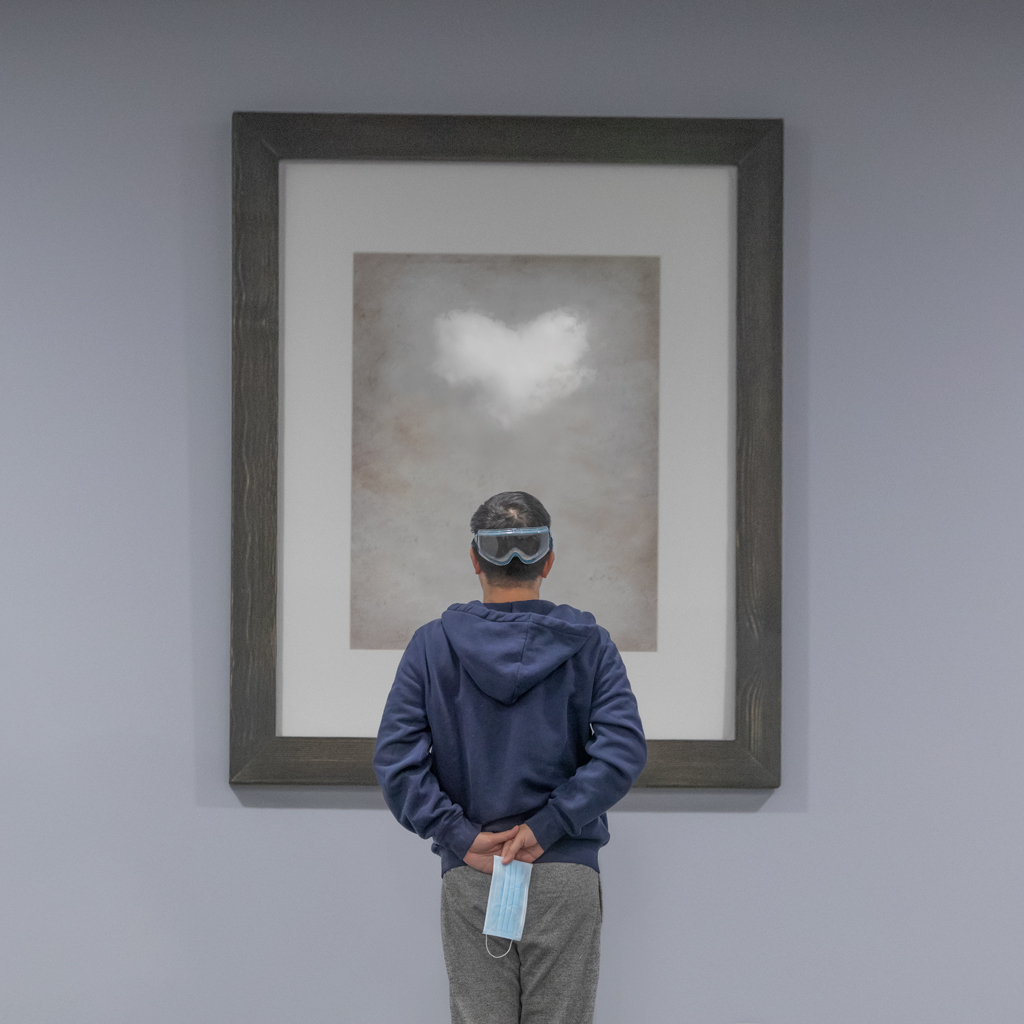
Jason always has sunshine with his picture... :-) Nice work.
I was hoping to try my version of post-processing, but end-up I don't have time. Given the other folks have provided great suggestions, so I just gave up that idea.
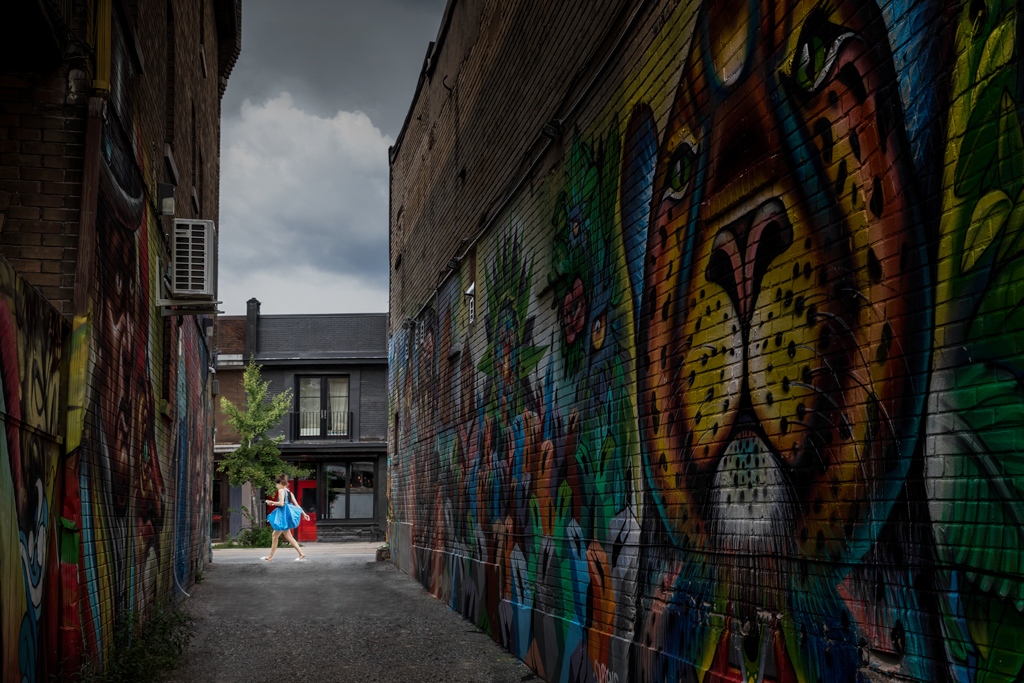
The crop of Dave and the later crop of Sunil are great. I like them. But they become another nice pictures. How to maintain a signature of Jason? That is still a question... In that sense I do like to include the lake, but I also agree that the lake is a bit distracting.
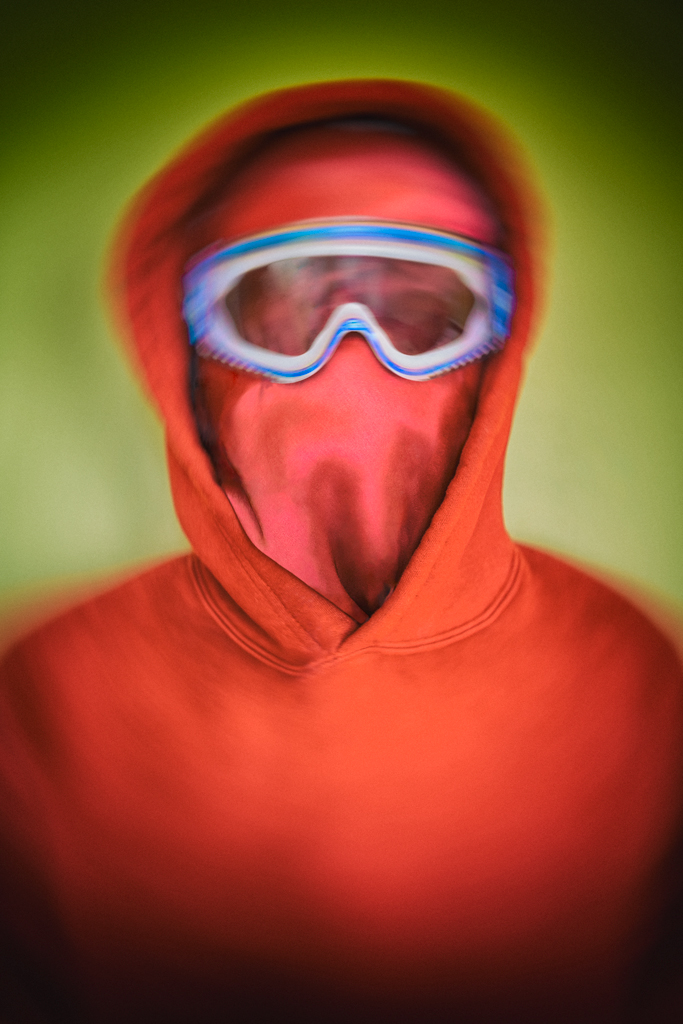
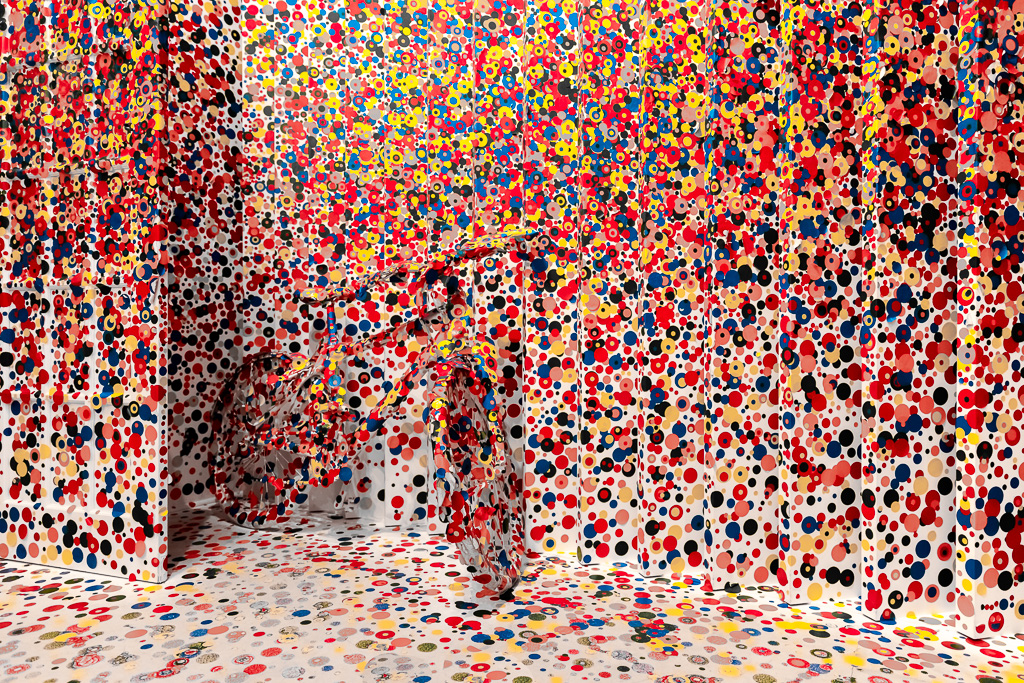
I saw some discussion of the AI filter this month, even I am not that favor of visible filters, I think that it might be interesting to try the filters on this picture? i.e. making it a bit more abstract, on the line of the road, and the shape of the cloud?
Thanks for sharing your sunshine, Jason. Cheers. |
Jan 14th |
| 78 |
Jan 19 |
Reply |
You have magic hands... :-) Looks good to me. Thanks. |
Jan 7th |
| 78 |
Jan 19 |
Comment |
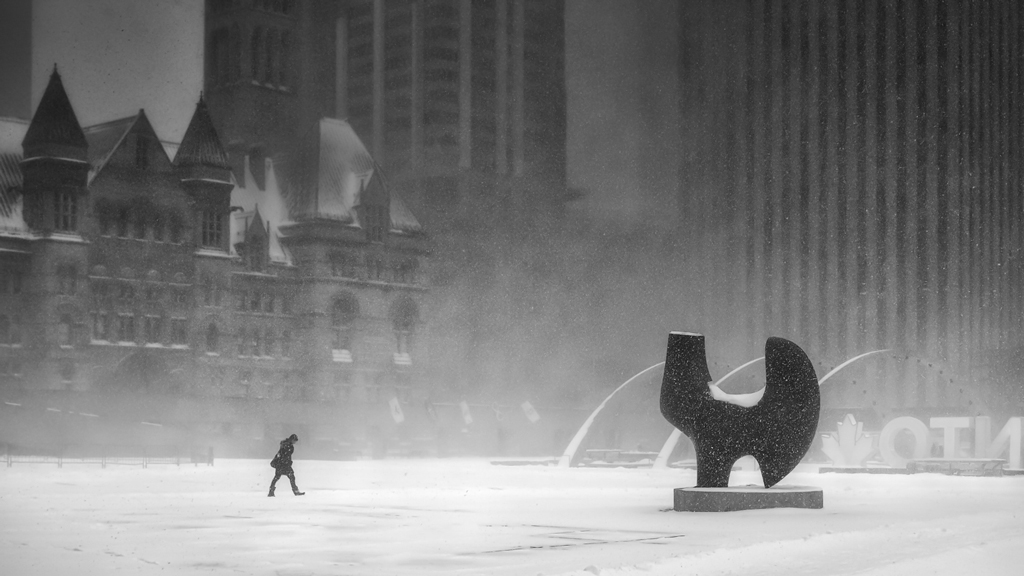
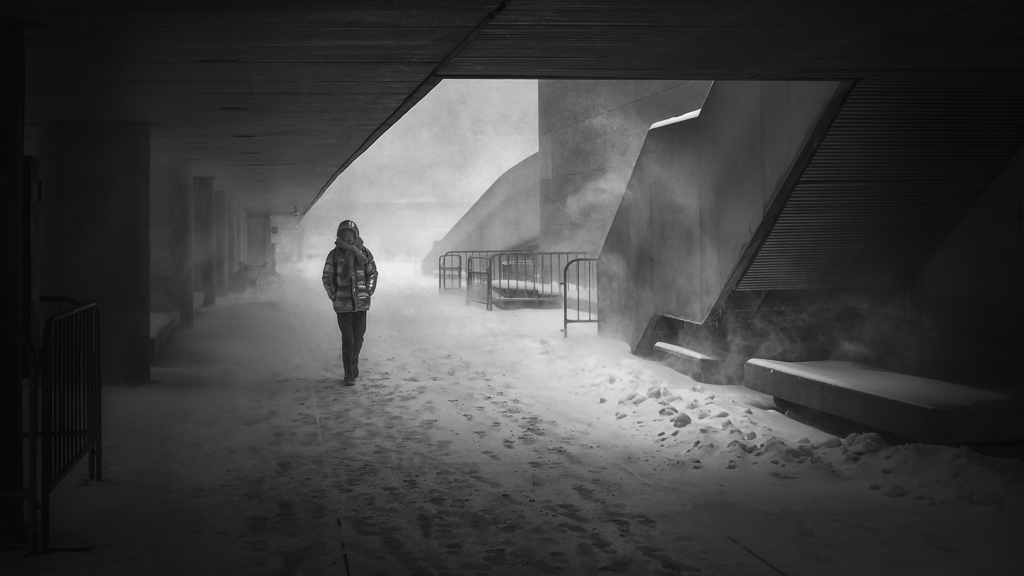
Hi Alan, it is a peaceful and well exposed image. Well done.
I hope that you are doing well soon. I wish that I have the chance to see you and shoot pictures with you in Las Vegas. But due to my tied schedule and your appointments with the DRs, I haven't contacted you further.
All the best in 2019, and hope that in my next visit, we can go shooting together. Cheers. |
Jan 5th |
| 78 |
Jan 19 |
Reply |
The IA clear filter looks good. Thanks. |
Jan 5th |
| 78 |
Jan 19 |
Comment |
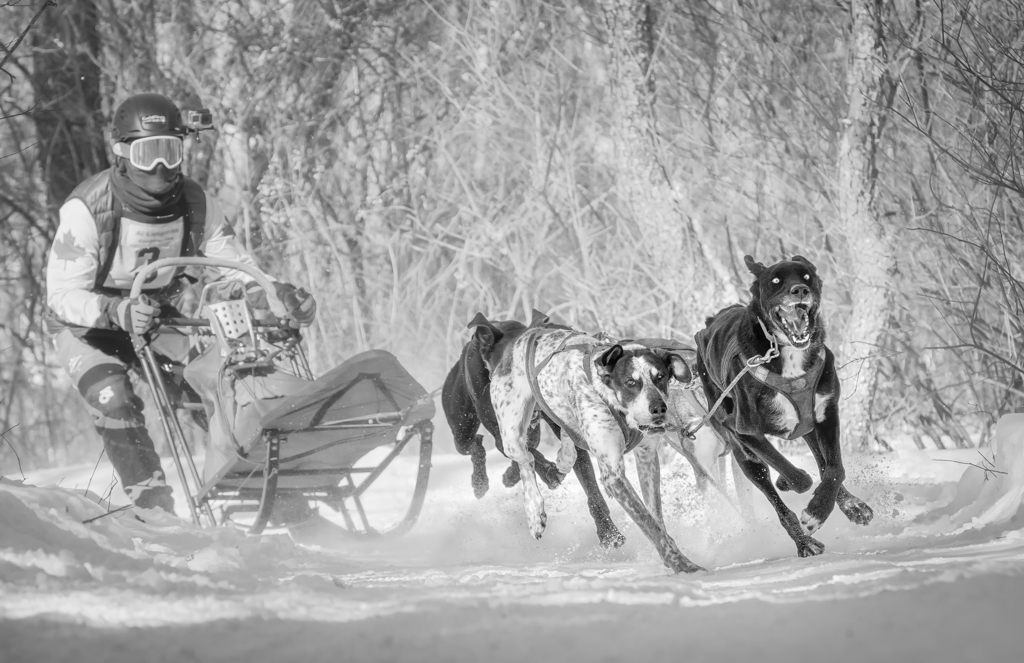
Wow...no words... :-)
It is time for teaching us a lesson of the end to end post-processsing, cloning, layer and masks, sharpening and noise reduction. For shooting, I want to know how to focus on the moving subjects. Thanks in advance... :-)
If... I have to say something need to improve, I think that the water is not consistence btw left and righ hand side... :-)
Cheers for the great work.
|
Jan 5th |
| 78 |
Jan 19 |
Comment |
Hi Sunil, a well captured work. The good things have been mentioned by the folks, so I just save the words.
For the improvement, IMO, cropping the left side a bit is a should-do thing. That improves.
For some reason, I like the Dave's crop the most...
I thought about that...why? Maybe Dave's crop put Monk as the main subject, and main focus. In terms of the oval shape, it is very close to the edge of the frame, so I don't think that it adds in much values. I thought that could be the reason why Dave's crop looks better in my view.
However, if you want to show that the Monk is in the center of a circle, then maybe keeping oval shape with Brenda's crop looks better? or even go back to your orignal crop to put the Monk at the center of the frame? :-)
Well, at the end, I have No idea. :-) it depends on what you want to show. Either of the three versions looks good to me. My personal pick will be Dave's crop.
|
Jan 5th |
| 78 |
Jan 19 |
Reply |
Thanks Sunil. |
Jan 5th |
| 78 |
Jan 19 |
Reply |
Thanks Dave for your crop and suggestion.
I agreed that the light on the edge is a bit distracting. Good catch. However, I do like to give the frame some space to breath. In that sense, I might crop less in combination with darkening the light to reduce the distraction.
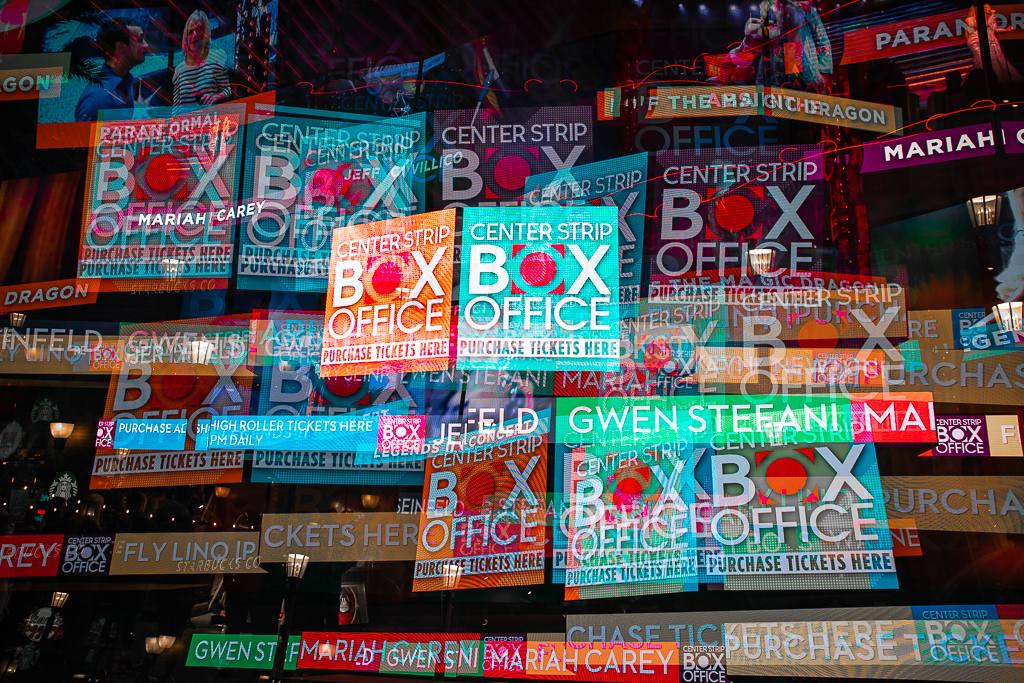
For the photoshop. I heard different voices, one says it is not easy, the other says possible. I have roughly tried that before, and I though that it looked different from the in camera multiple exposure. In other worlds, the multiple exposure looks differently between ps and in camera, at my current skill level.
Maybe I haven't tried well enough. The reason why I said that is because, in digital world, the so called 'in camera' multiple exposure, is indeed digital blending in camera. So the photoshop should be able to do the same work. Am I right on that? So I believe that I can find the way to do it purely in PS. Will give it a try when time permits... :-)
|
Jan 5th |
| 78 |
Jan 19 |
Reply |
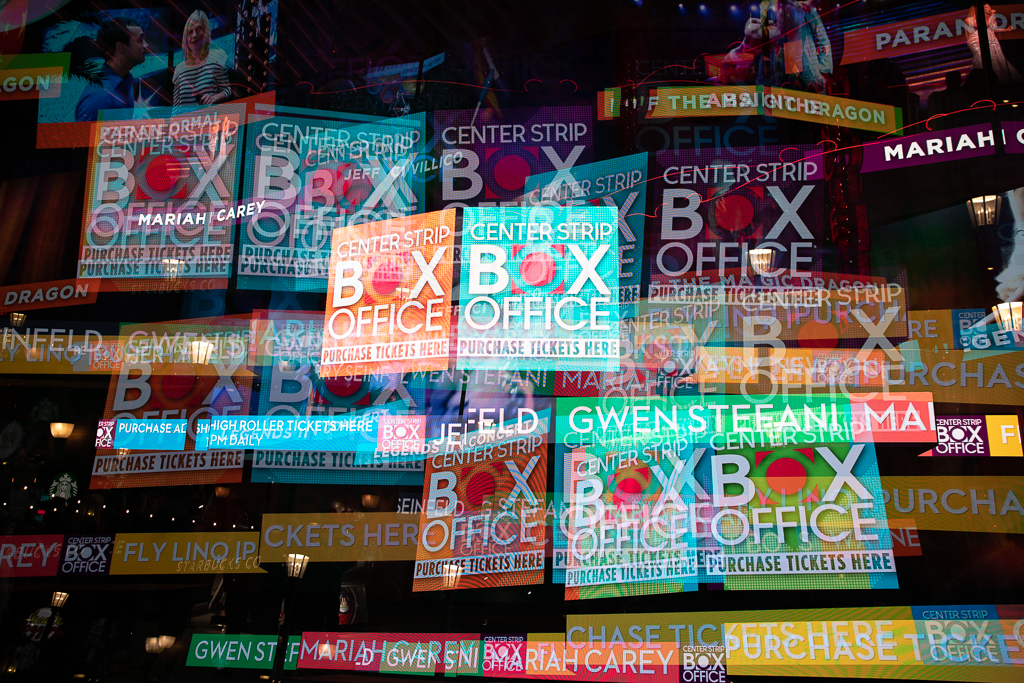
Thanks Brenda,
As requested, please find the original file, without any adjustment. |
Jan 5th |
 |
| 78 |
Jan 19 |
Reply |
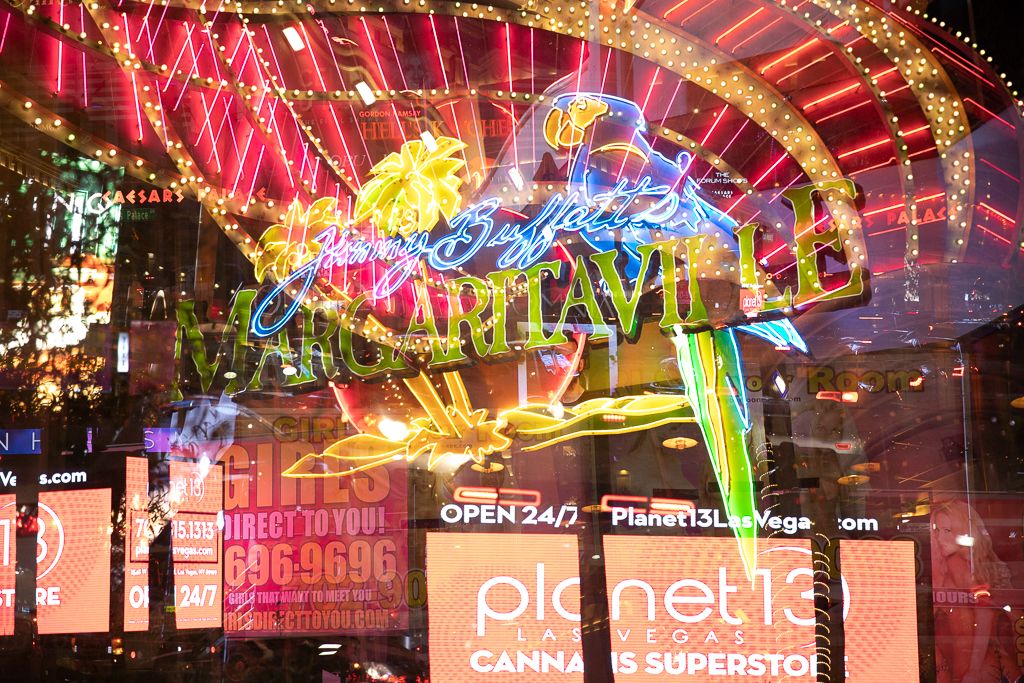
This is the example that I took with different focal length...after I left the box office, and realized that when thinking how to improve it.
Original file. No change, no adjustment.. |
Jan 5th |
 |
| 78 |
Jan 19 |
Reply |
Thanks Jason. I agreed that it would be good to change different focal length to give the output a bit more dynamic. I realized it after I left the scene and I had tried that in other locations. Different focul lenght should work particular well in this picture to break the repeating partern.
Thanks for the suggestion.
|
Jan 5th |
| 78 |
Jan 19 |
Reply |
Filters, even I used them a lot, but I am not in that business, particularly when the change is easily observed. My original thought is that a photo should like at least that it was out from a camera... This version is the most I like, and it changes my mind a bit on the use of filters. It is creative, and I like it.
As the other friends mentioned, it is a well photographed picture yet the scene is well seen somewhere else. So doing something creatively like this makes the picture more interesting. Well done. |
Jan 5th |
| 78 |
Jan 19 |
Comment |
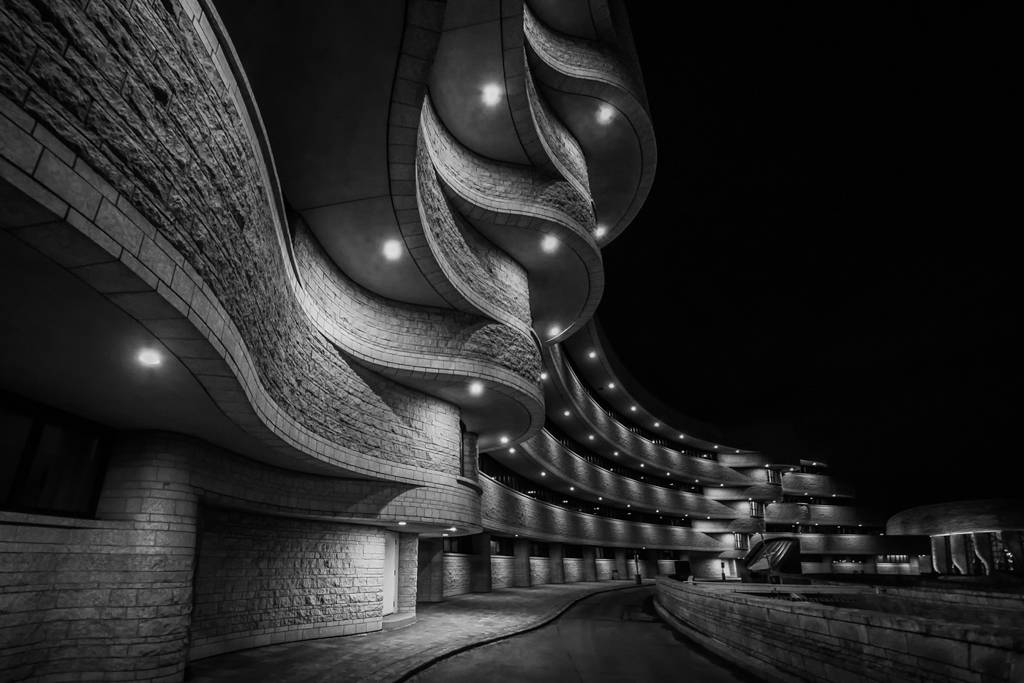
You are the master of and both nightscape and cityscape...cheers... |
Jan 2nd |
5 comments - 9 replies for Group 78
|
5 comments - 9 replies Total
|