|
| Group |
Round |
C/R |
Comment |
Date |
Image |
| 6 |
Nov 19 |
Reply |
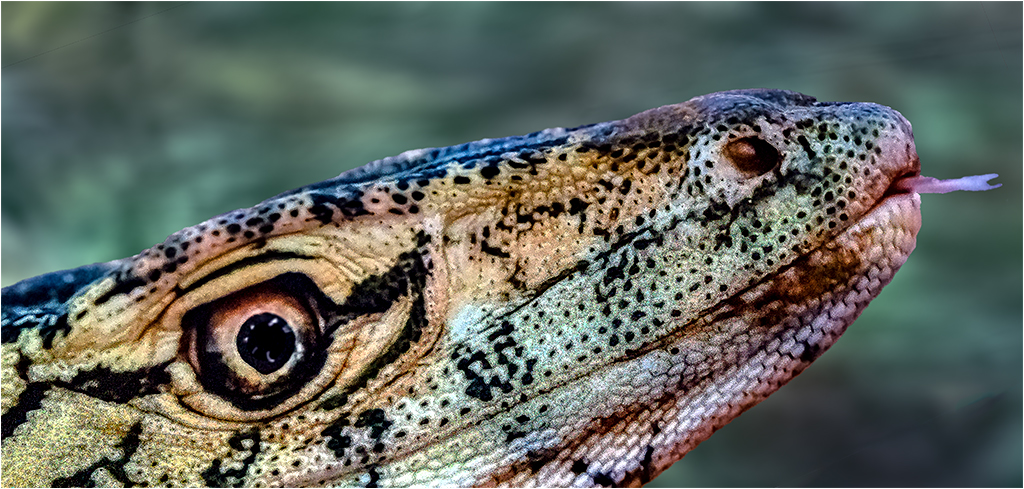
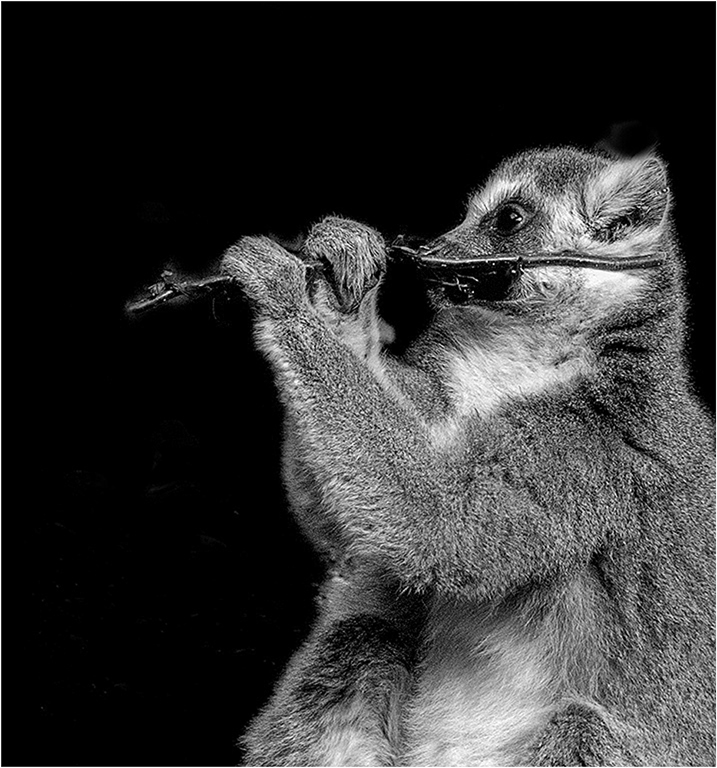
Yes, In PS it's fairly easy. In this image though I found I had to do a fair amount of pixel selection and erasing, because there was not a lot of contrast difference between the background and he oblect. The precise procedure is simple: select the object, place it of a separate layer. In PS do "ctrl T," (with a Mac "cmd T," and simply adjust the size of the lizard. Then go to the layer beneath the lizard and clone out the old lizard, or create a new background layer. |
Nov 20th |
0 comments - 1 reply for Group 6
|
| 21 |
Nov 19 |
Reply |
Brian, Thank you.
Thank you |
Nov 20th |
| 21 |
Nov 19 |
Comment |
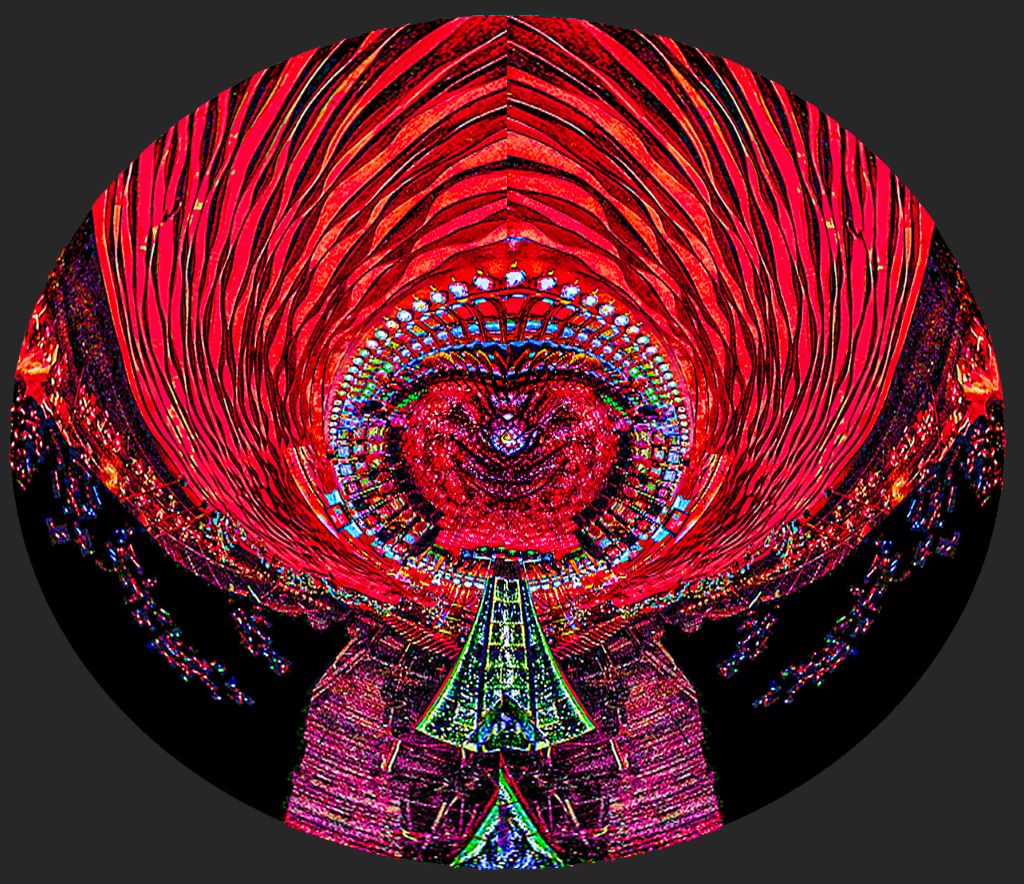
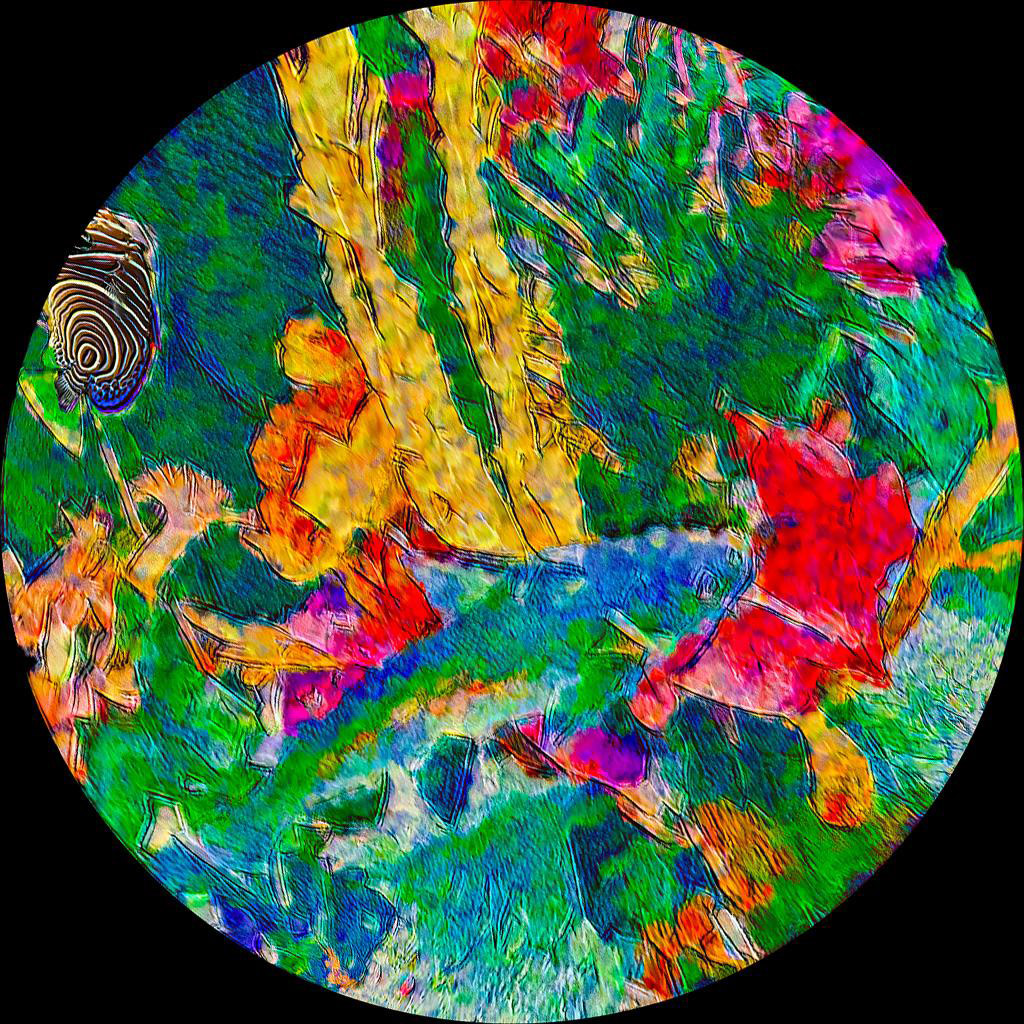
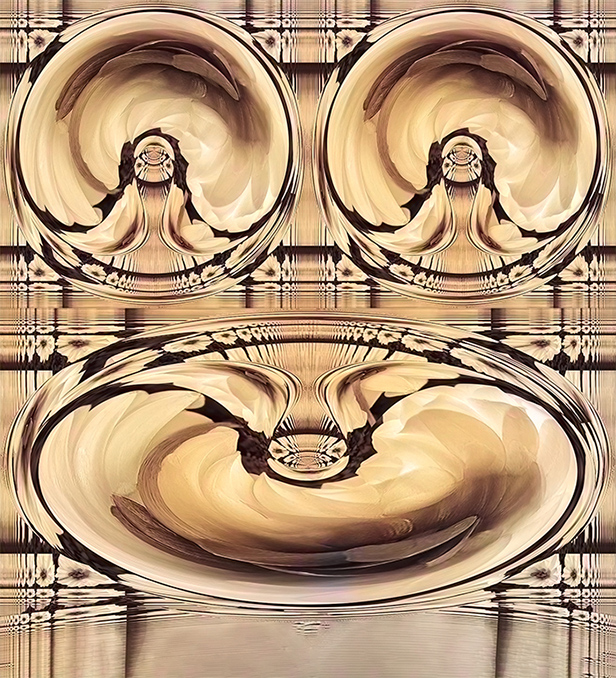
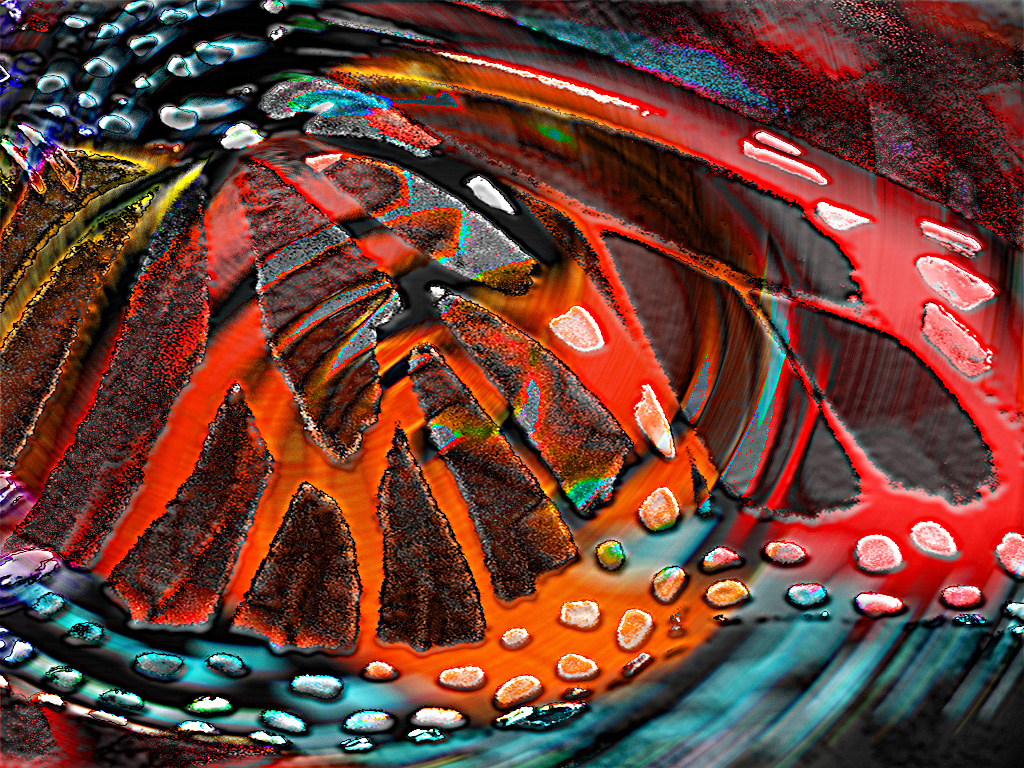
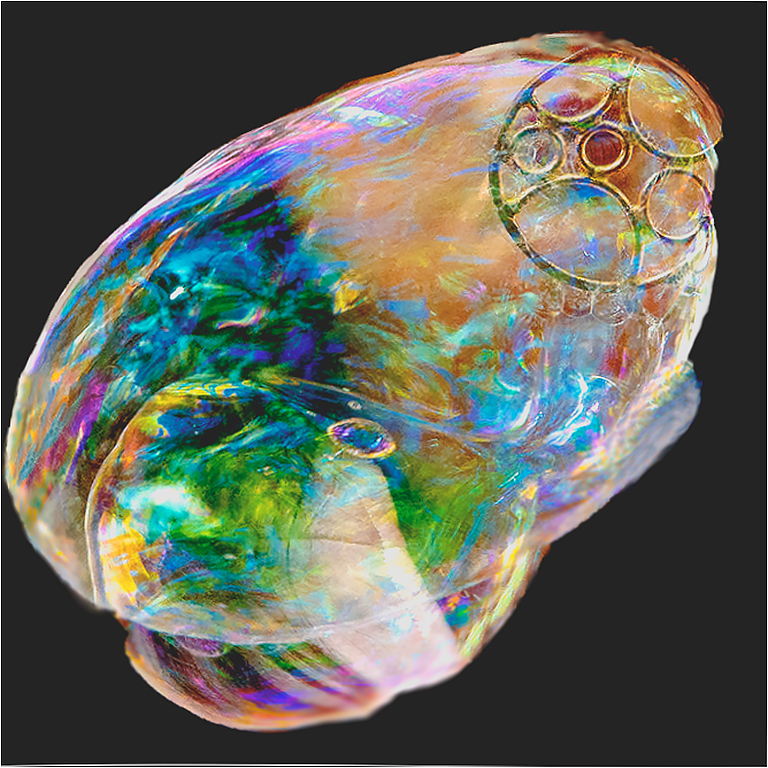
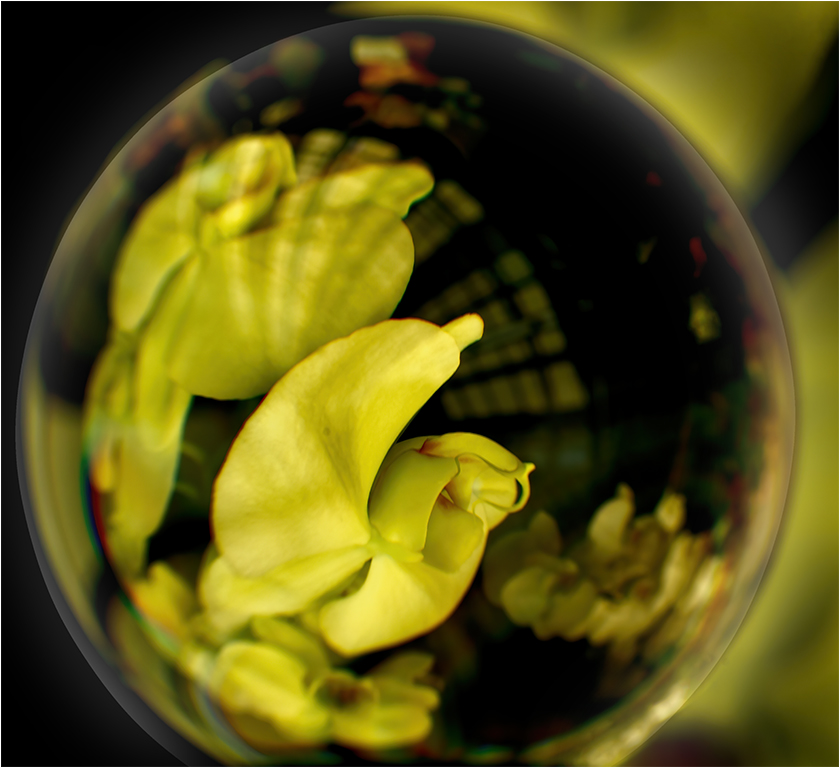
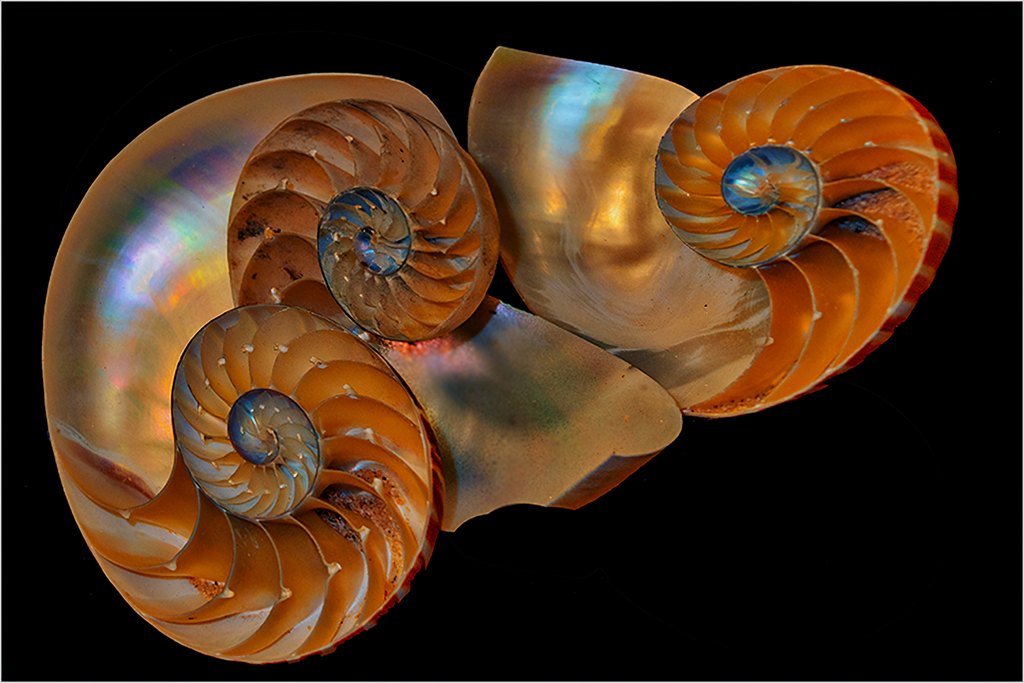
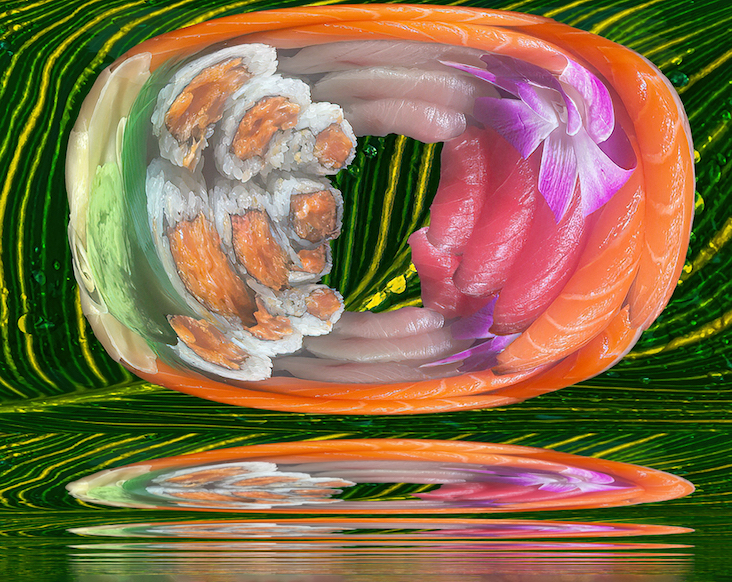
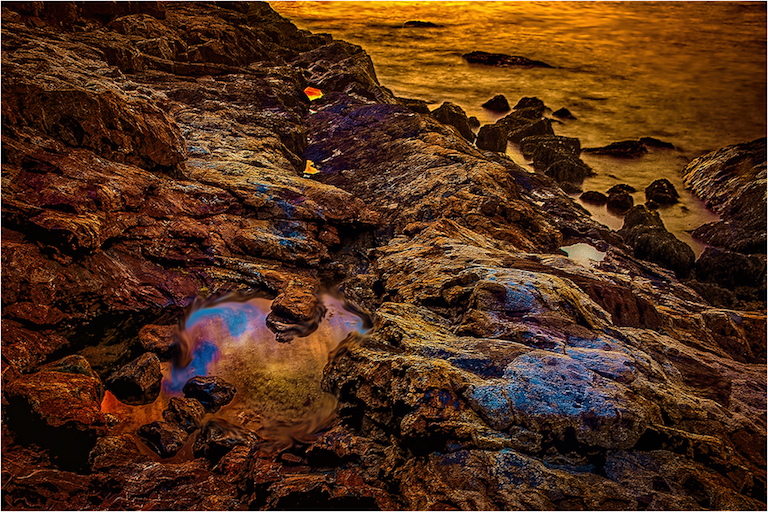
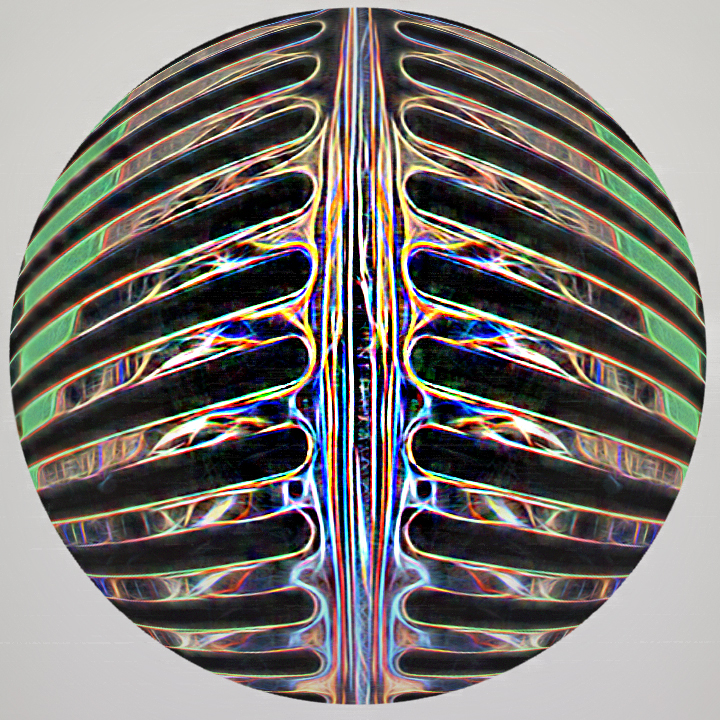
Joan, I applied a soft blur and sharpened the inside. I don't know what technique you used, but after applying the spherize filter, I used a circular clone brush to clone to another layer. That took a few seconds. I made a soft mask on the inside and applied the blur to the outside, to give a feeling of depth. My look does not have the color you have, but you can play around and use variations of this technique to get the look you want. |
Nov 12th |
 |
| 21 |
Nov 19 |
Reply |
Joan, I forgot to add that we should be flattered because the judge thought that our work was good enough to hang in a museum. |
Nov 12th |
| 21 |
Nov 19 |
Reply |
Joan, I forgot to add that we should be flattered because the judge thought that our work was good enough to hang in a museum. |
Nov 11th |
| 21 |
Nov 19 |
Reply |
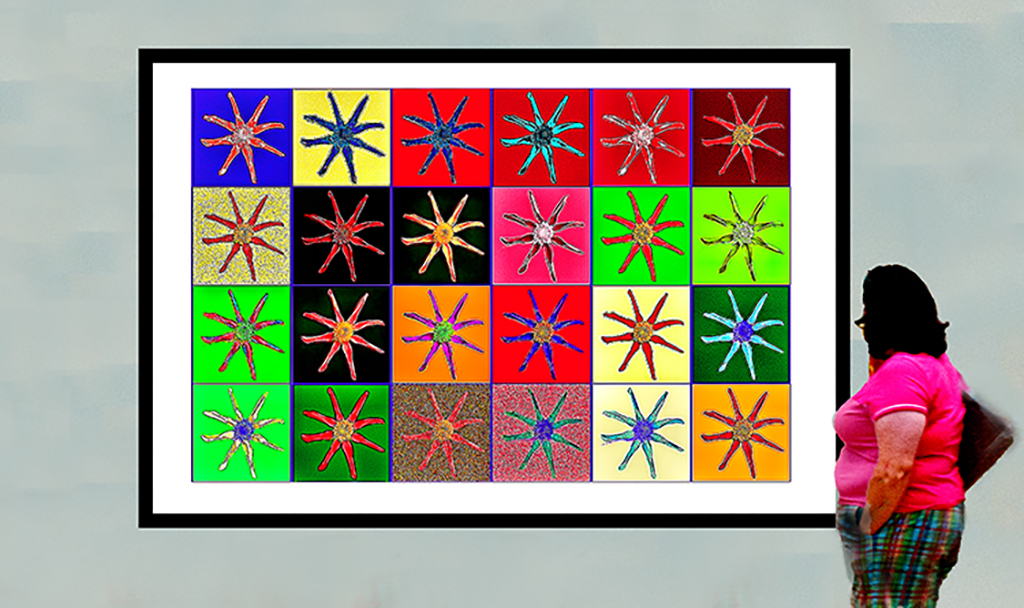
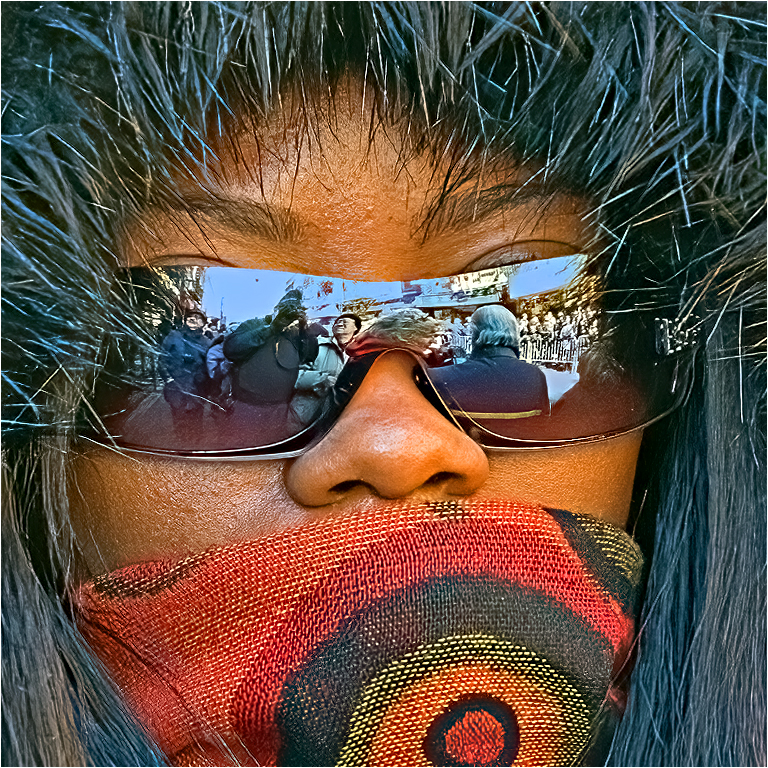
Thank you. That is her pocket book. I guess I should have eliminated it.
I think that getting concepts and inspiration is one of the great things about this group. |
Nov 11th |
| 21 |
Nov 19 |
Reply |
Hi Brian,
Joan's image looks fine to me, either as a vertical or horizontal. Though if you squeezed my fingers, the vertical looks a tad unbalanced. I think Joan's image is one in which an even number of spheres works. I cannot think of which sphere I would remove, and adding might look a bit crowded. |
Nov 11th |
| 21 |
Nov 19 |
Comment |
Hi Steve,
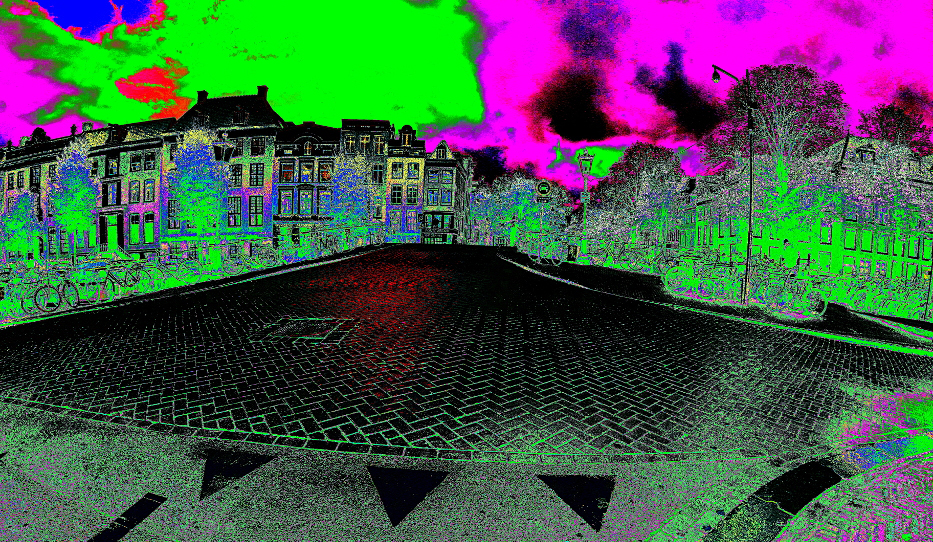
I agree with Susan's comments. I think it is a really interesting image, with detail that seems to change every time I look at it. For me, the sky keeps drawing my eye away from the detail in the lower portion of the image. I made a small crop, that to my eye makes the sky a tad less dominant. |
Nov 11th |
 |
2 comments - 5 replies for Group 21
|
| 53 |
Nov 19 |
Reply |
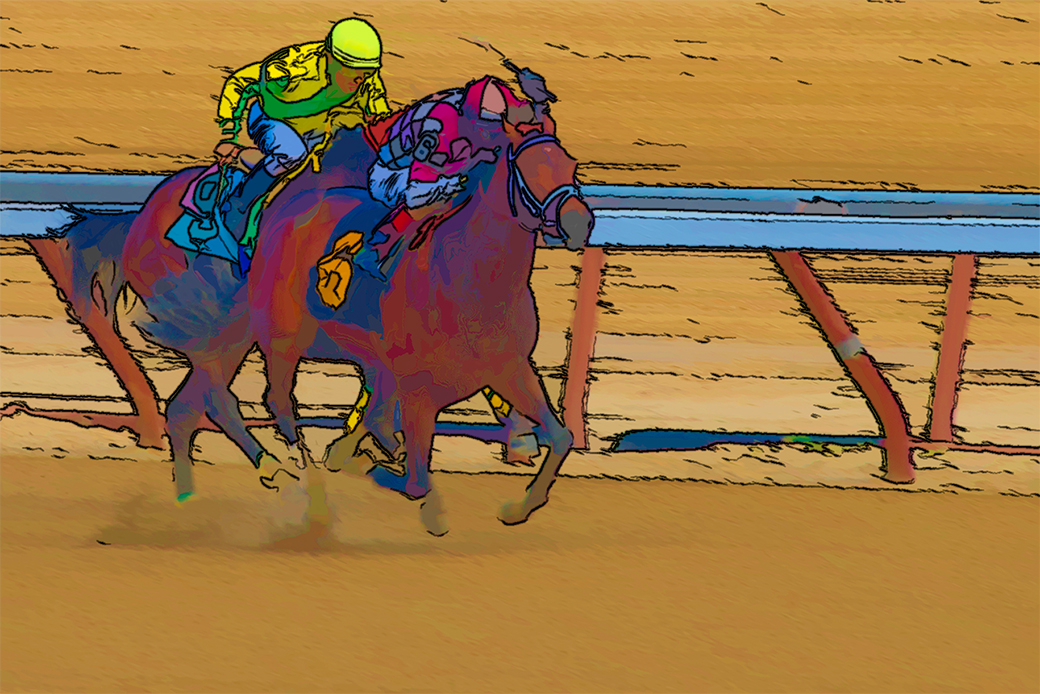
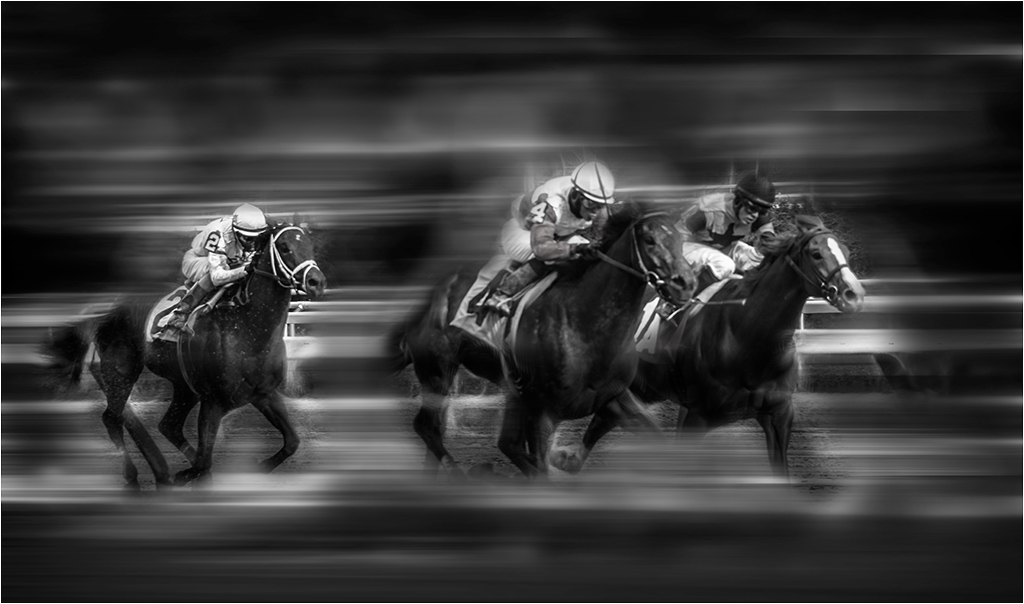
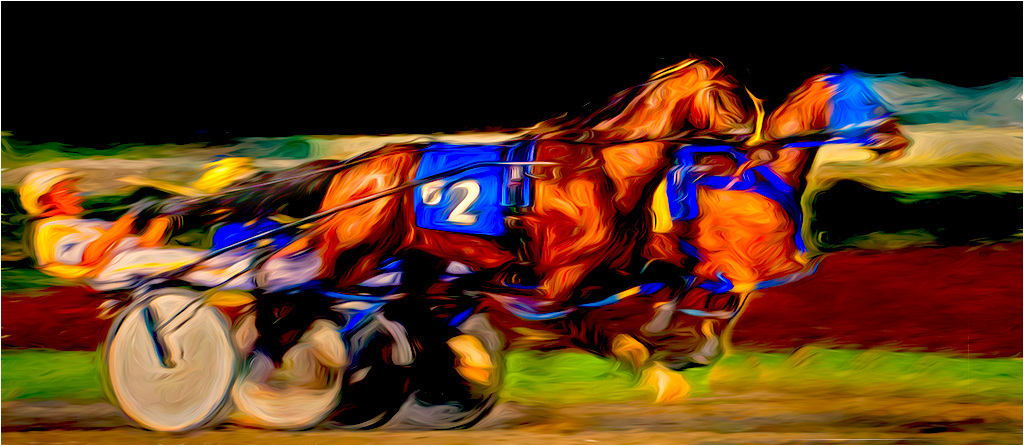
Did you intend that pun? The horse looks more like a stallion to me. ;-)
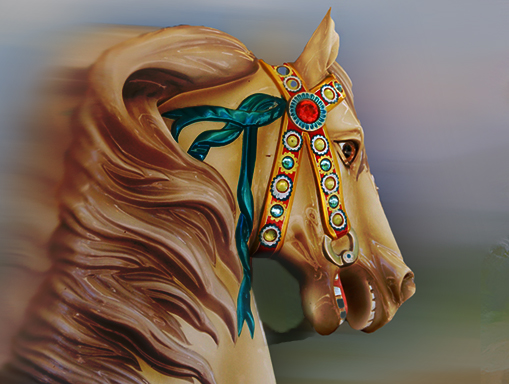
Seriously though, I was using your image to learn ways to use the new path filter in PS 2020. I changed the blend mode to lighten with 100% opacity. I was trying to give an illusion of motion, and enrich the colors in the horse. Just a suggestion. |
Nov 12th |
 |
| 53 |
Nov 19 |
Comment |
Tom,
I like the concept of your image. Since you asked for suggestions, I took the liberty of doing a different approach to your image. I used the path blur filter in CC2020), and applied a reduced opacity color burn to the horse, and a different opacity color burn to the background. I also played with the smudge tool to smooth out the horse and the path blur. I then sharpened just the face of the horse, using the sharpening tool. To me the result is an evil horse. |
Nov 12th |
 |
1 comment - 1 reply for Group 53
|
| 65 |
Nov 19 |
Comment |
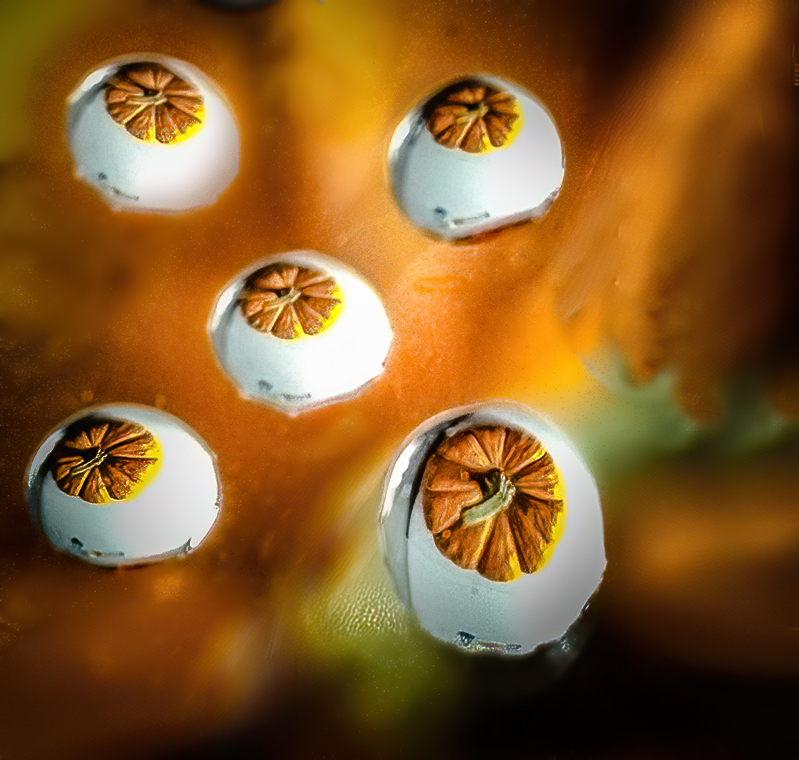
As an additional comment: I really the way you composed this image. I too thought of eggs floating with pumpkin stickers. If this was my image, I would have made only five of the water drops. As for removing the noise, I used Topaz DeNoise AI, which I found very controllable. I made selections of the noisier areas, put each on a separate layer, and applied differing strengths of noise reduction to each. |
Nov 17th |
 |
| 65 |
Nov 19 |
Comment |
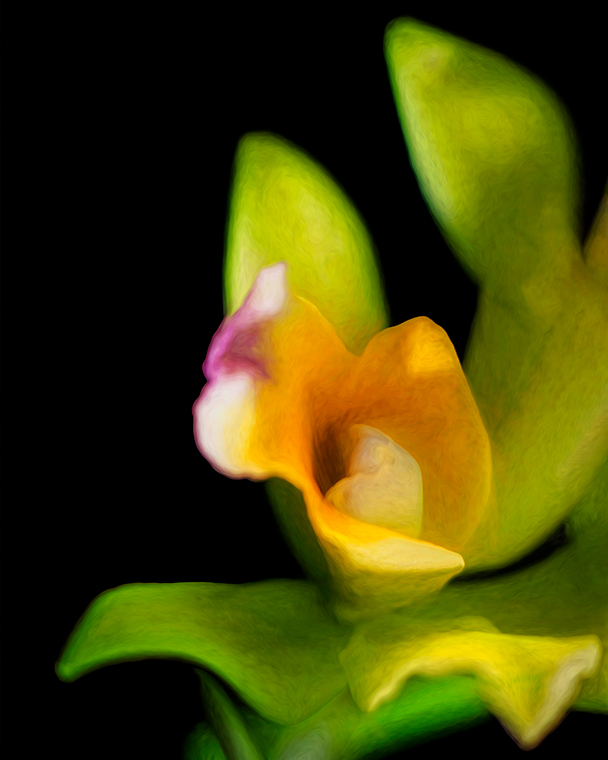
Lynn, I agree with Charlie that you have indeed presented us with a truly beautiful image. To my eye your image would be more dynamic if presented as a vertical and flipped horizontally. It is my habit to let the image tell me what to do. I like that we mostly have different tastes. that is why we have a broad variety of colors and models of cars. As the maker, it is your vision that counts. |
Nov 17th |
 |
| 65 |
Nov 19 |
Reply |
Charlie, I think that all photography is not the same. Just a few examples: There is forensic photography; fashion photography; scientific, catalog, and event photography; in addition to our art photography. All of which are judged by different standards. But the one thing they mostly have in common is that they must fit the purpose for which they are shot. Yes, I know there are many differing opinions. As part of my eternal learning process, I have taken workshops with a photographer, who believes in the pure f64 concept. I have also taken workshops with Denise Ippolito, and Allison Shaw, both of whom believe that alterations and interpretations are perfectly acceptable, provided they improve the image in the maker's eye. In my opinion, simply because an image has been interpreted, and altered, doesn't mean that the image cannot be judged. In my opinion, art is something that one either likes, dislikes, or can be improved. Please see my comment on Lynn's image. |
Nov 17th |
| 65 |
Nov 19 |
Reply |
Oscar, I freely admit to going over the top. I was simply trying to illustrate a concept. Also when redoing a jpeg file that is 73 DPI, the redo may very well have artifacts. |
Nov 16th |
| 65 |
Nov 19 |
Comment |
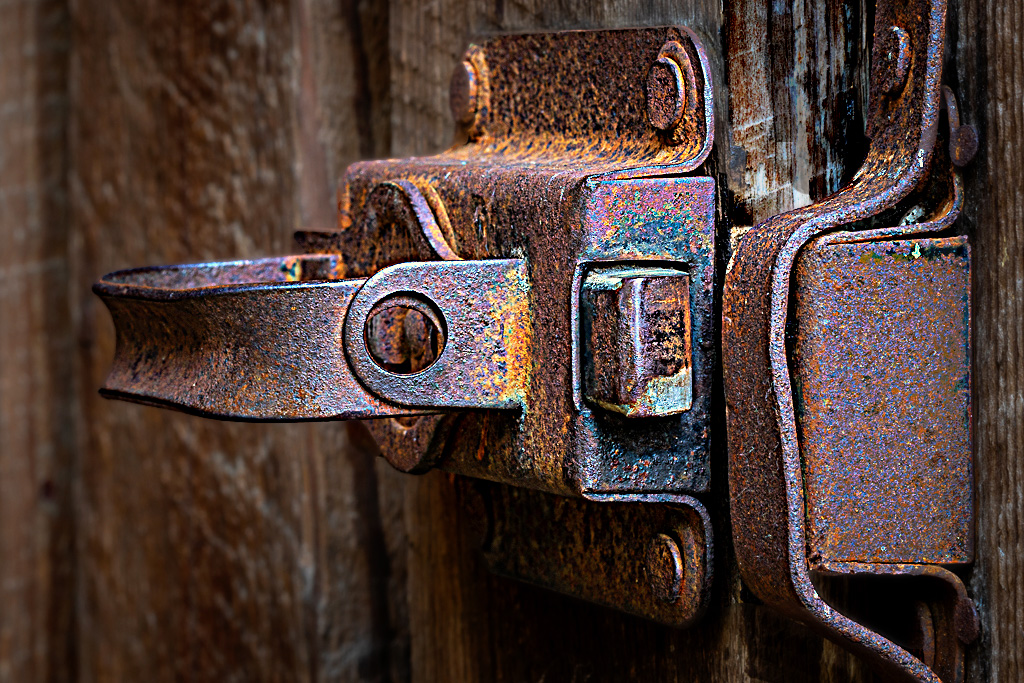
Oscar, You have a good eye. If this was my image I would have applied a Gaussian blur to the left portion of the background, and sharpened the foreground. In my VF I did that and brightened the image with a levels correction. The problem I have with my VF, is that there is a lot of noise on a portion of the hatch. Since I felt that rust and grunge go together, I left most of the noise. But, that isa personal preference. |
Nov 15th |
 |
| 65 |
Nov 19 |
Comment |
Hi Angela,
There is a neat tutorial on making raindrops at:
https://www.bing.com/videos/search?q=Water+drops%2c+PS+tutorial&&view=detail&mid=51D08E78D4DFAF06A9F651D08E78D4DFAF06A9F6&rvsmid=F6C70B1443853B854944F6C70B1443853B854944&FORM=VDQVAPV .
I do much of my macro work between f13 and f32, depending on the look I am seeking.
Also you might want to look at Topaz DeNoise AI. You can download a thirty day trial. John Barclay offers a 15% discount on Topaz. I have used Topaz products for many years. I also think that its support is very good, although it is by email. |
Nov 15th |
4 comments - 2 replies for Group 65
|
| 79 |
Nov 19 |
Comment |
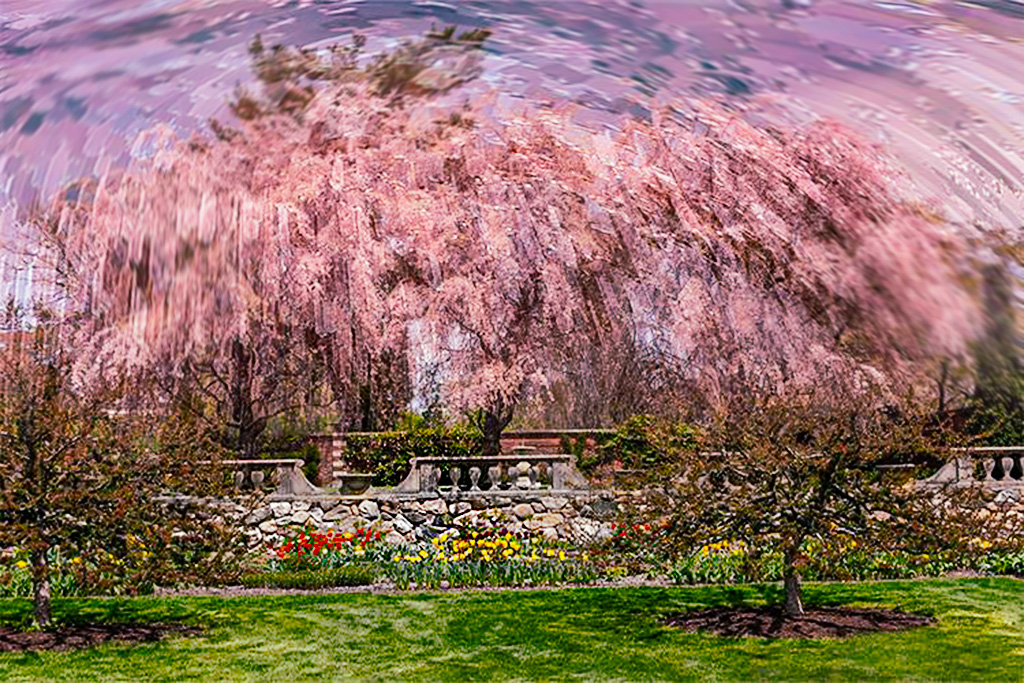
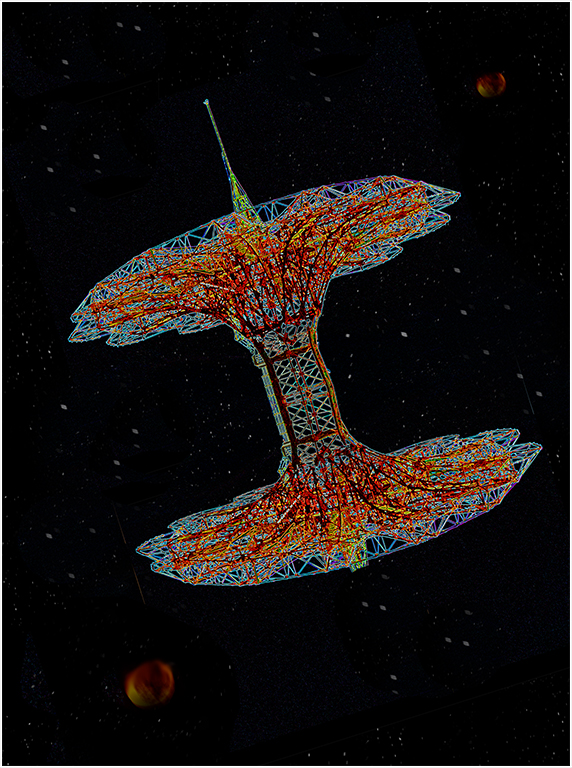
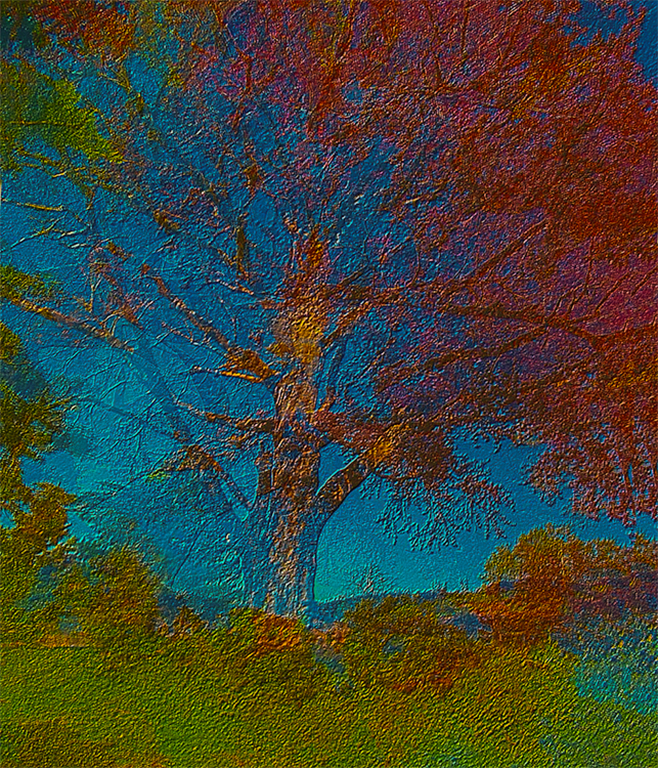
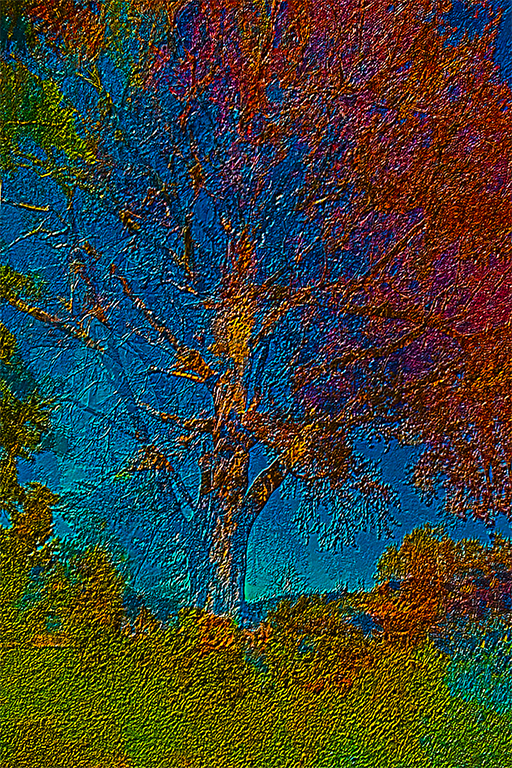
It is indeed an awesome image. You did a really nice job in post. I would like to see all of the tree. Have you considered a fish eye lens? I don't know if one is available for your camera, but there are some decent generics that require an adaptor. You will have to use it in manual mode, but focus is not usually an issue with a fish eye, or semi fish eye. Amazon has them. They range in price from $99.00 to $999.00. |
Nov 22nd |
| 79 |
Nov 19 |
Comment |
It is indeed an awesome image. You did a really nice job in post. I would like to see all of the tree. Have you considered a fish eye lens? I don't know if one is available for your camera, but there are some decent generics that require an adaptor. You will have to use it in manual mode, but focus is not usually an issue with a fish eye, or semi fish eye. Amazon has them. They range in price from $99.00 to $999.00. |
Nov 22nd |
| 79 |
Nov 19 |
Comment |
It is indeed an awesome image. You did a really nice job in post. I would like to see all of the tree. Have you considered a fish eye lens? I don't know if one is available for your camera, but there are some decent generics that require an adaptor. You will have to use it in manual mode, but focus is not usually an issue with a fish eye, or semi fish eye. Amazon has them. They range in price from $99.00 to $999.00. |
Nov 20th |
3 comments - 0 replies for Group 79
|
10 comments - 9 replies Total
|