|
| Group |
Round |
C/R |
Comment |
Date |
Image |
| 29 |
Nov 18 |
Reply |
Yes, and love doing these; it sometime gets a bit exciting and we of course have to be cautious:-) |
Nov 16th |
| 29 |
Nov 18 |
Reply |
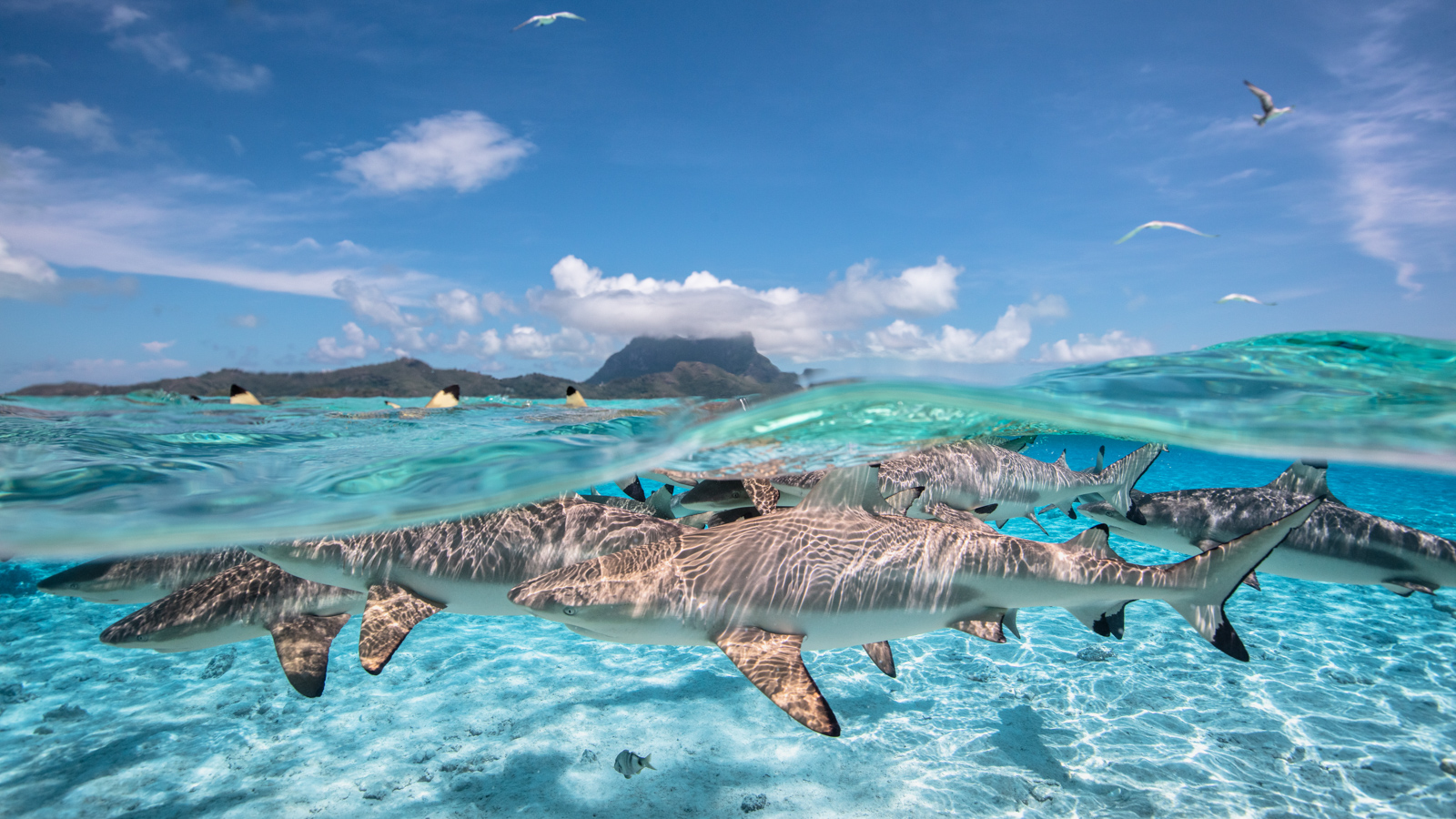
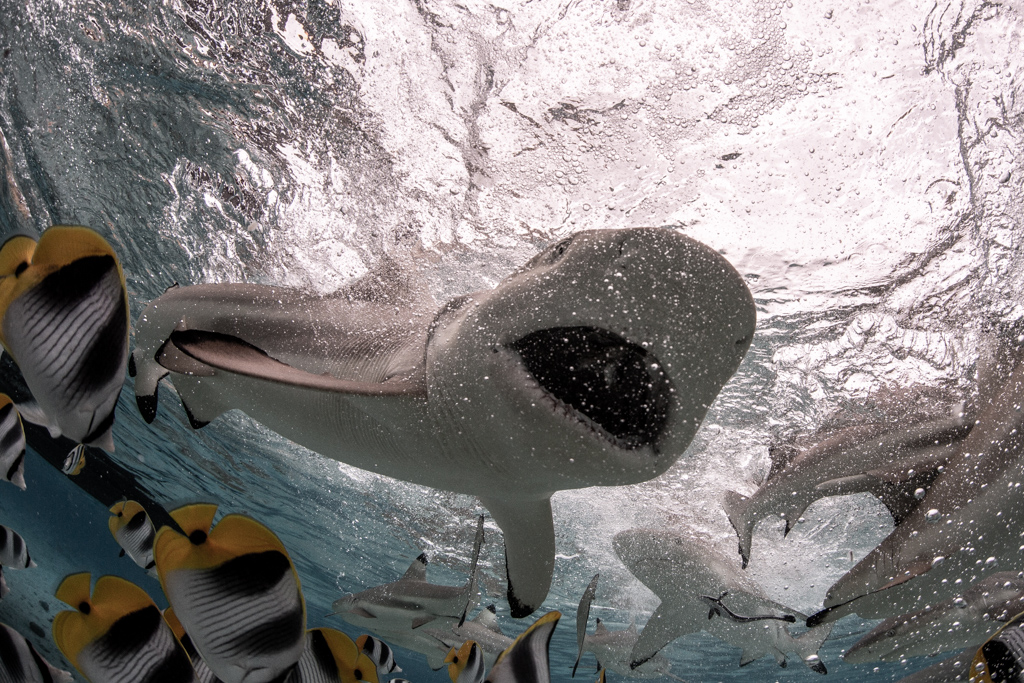
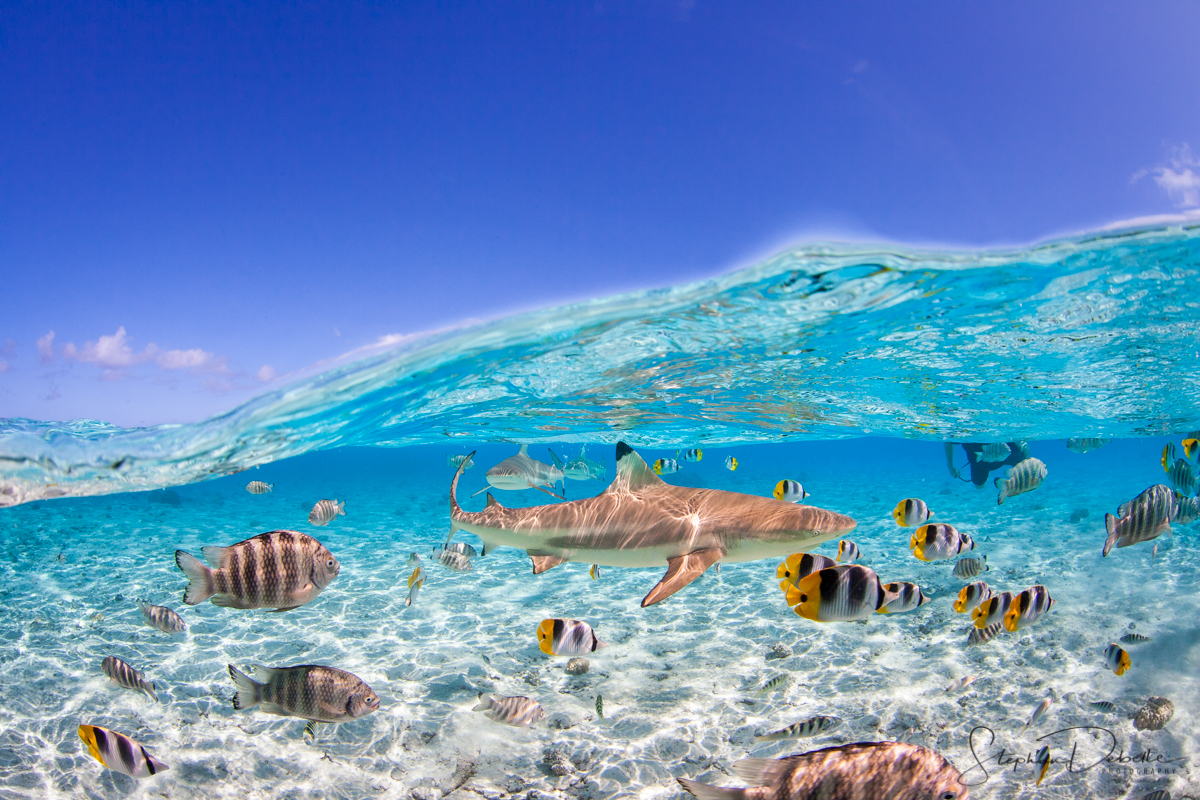
Yes, that is a snorkeler - Usually they are more in the foreground as the idea is to get the sharks between the lens and people. |
Nov 16th |
| 29 |
Nov 18 |
Reply |
Yes, I usually have a slight blur at the edge but that is how it comes out. No tricks, another challenge is the water marks that can really be apparent on some of the shots - I usually have a high reject rates on these images. |
Nov 16th |
| 29 |
Nov 18 |
Comment |
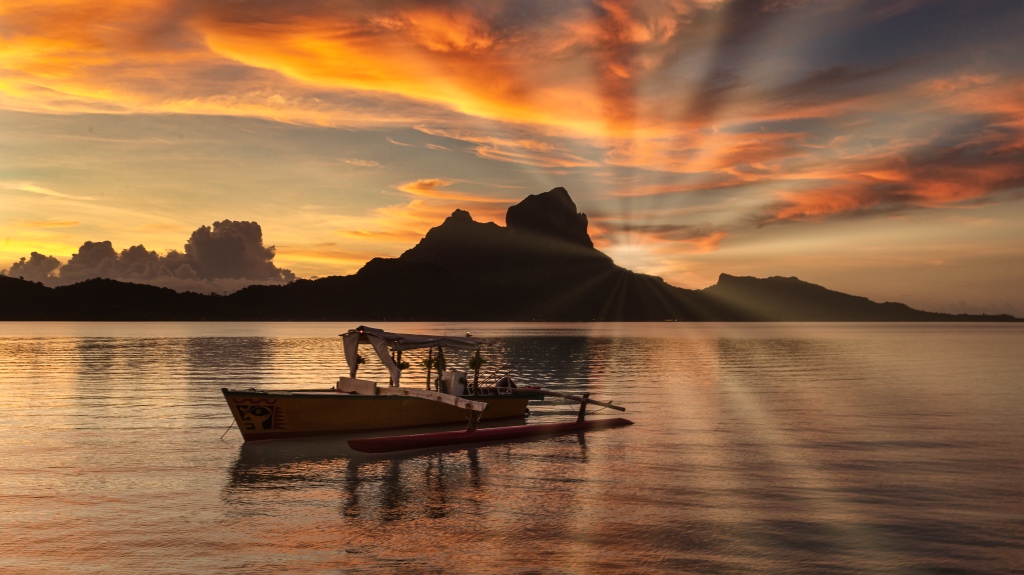
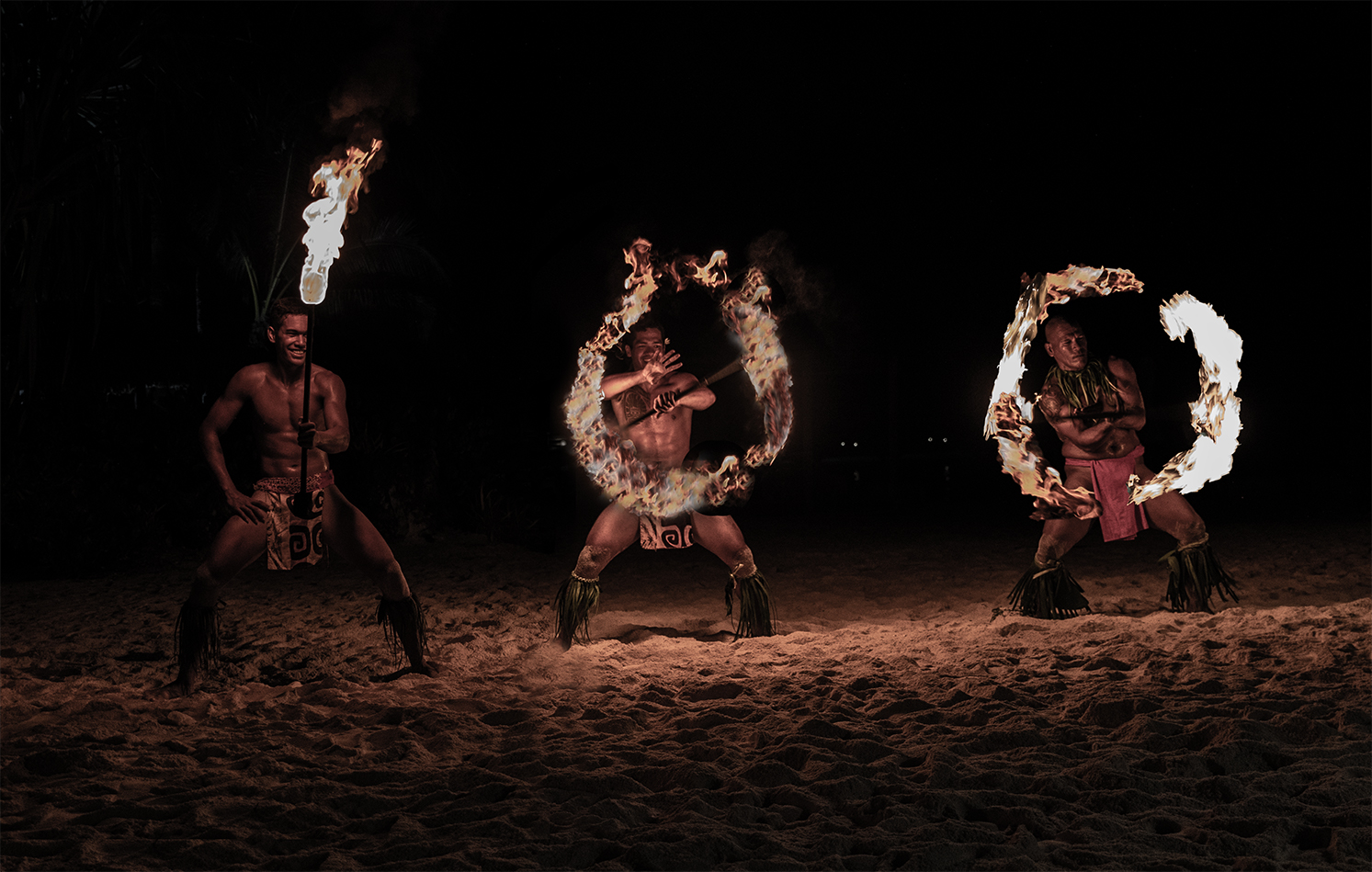
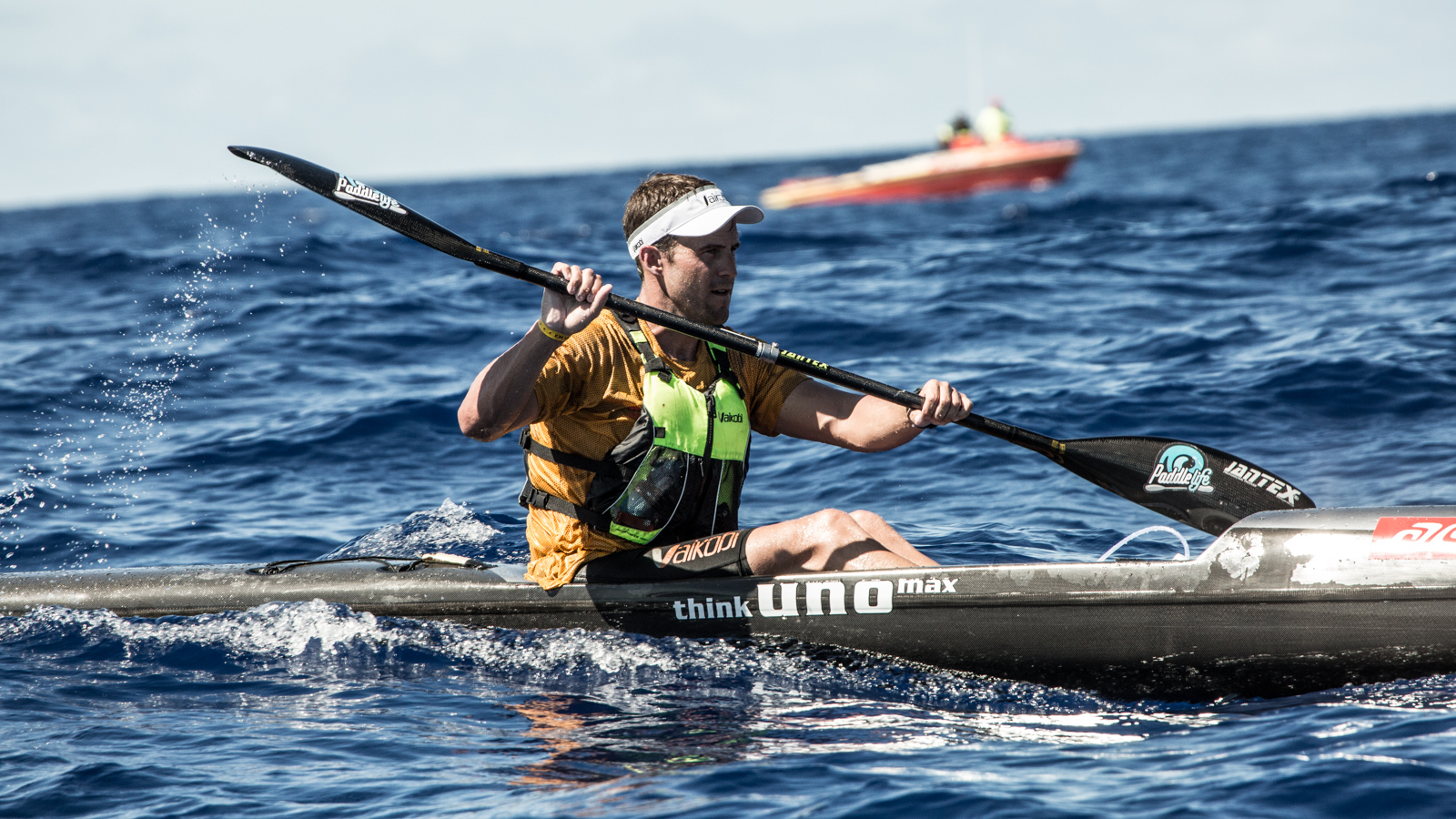
I like the composition & scene, not a big fan of the plastic kayaks simply because they are not natural but they do fit in the scene. I would have perhaps removed some of the shadow on the 3 guys to make them more visible - The big orange buoy is a bit distracting to me. |
Nov 16th |
| 29 |
Nov 18 |
Reply |
Thanks for pointing out the bright spot, somehow it is reflecting the sun and I should have removed it. Fish often get cut, do not add or remove any but may be I could have removed this one:-) . |
Nov 16th |
| 29 |
Nov 18 |
Reply |
I don't mind the crop, I usually crop based on the original to maintain something can be printed on a standard size. I do find the image a bit saturated though:-) |
Nov 16th |
| 29 |
Nov 18 |
Reply |
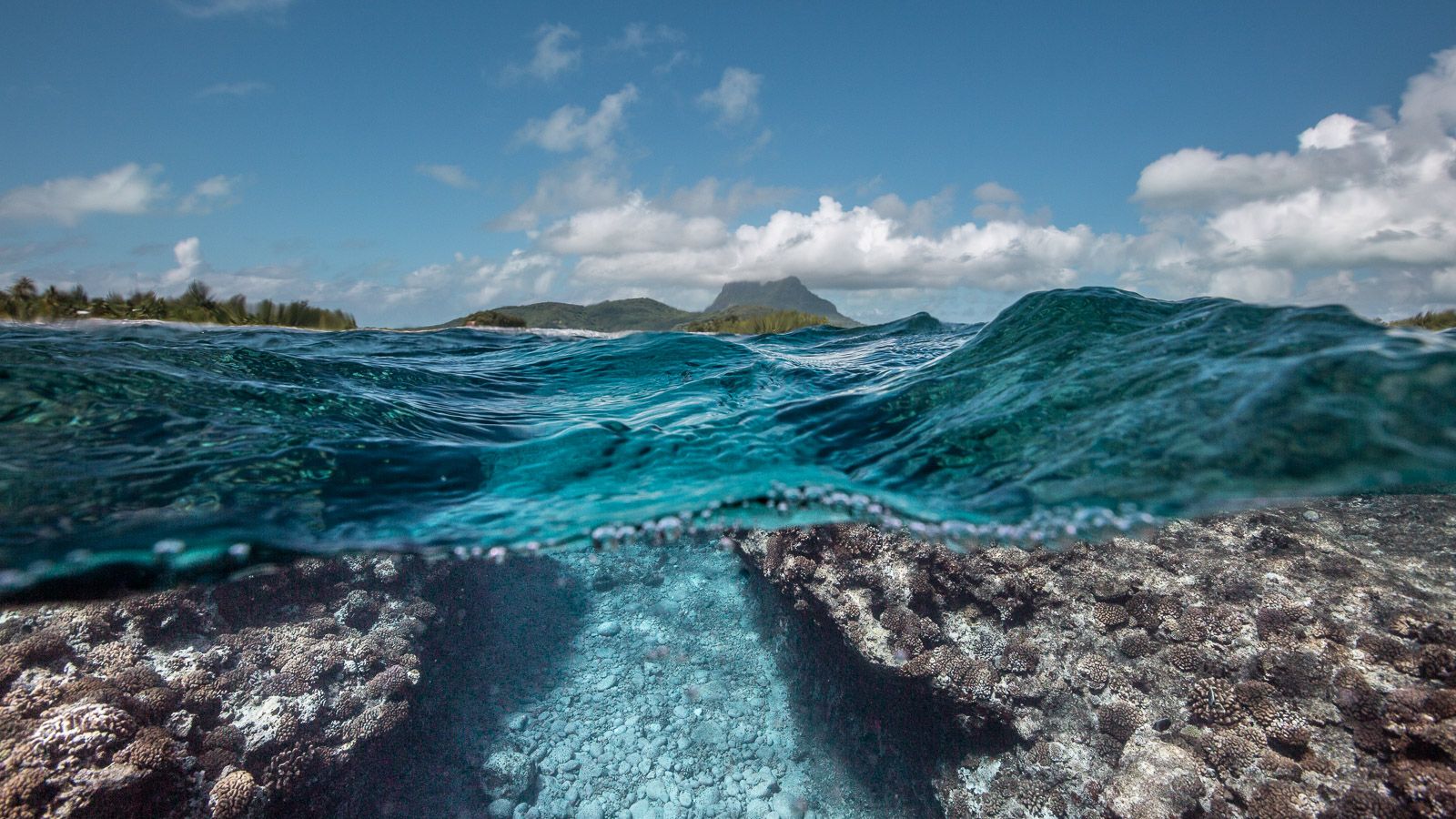
Hi Bob, this particular area is a spot where we can find many black tips sharks and butterfly fish but there is no coral - We can find coral closer to the reef but can't say the coral here is spectacular:-(
I recently processed more of these images and actually used the radial filter to adjust the bottom colors, shadows highlights etc and then brush out the area where I don't wish to have it apply. Seems more efficient and faster than using the brush to follow the curve and every photo so that is a good trick:-) |
Nov 16th |
| 29 |
Nov 18 |
Comment |
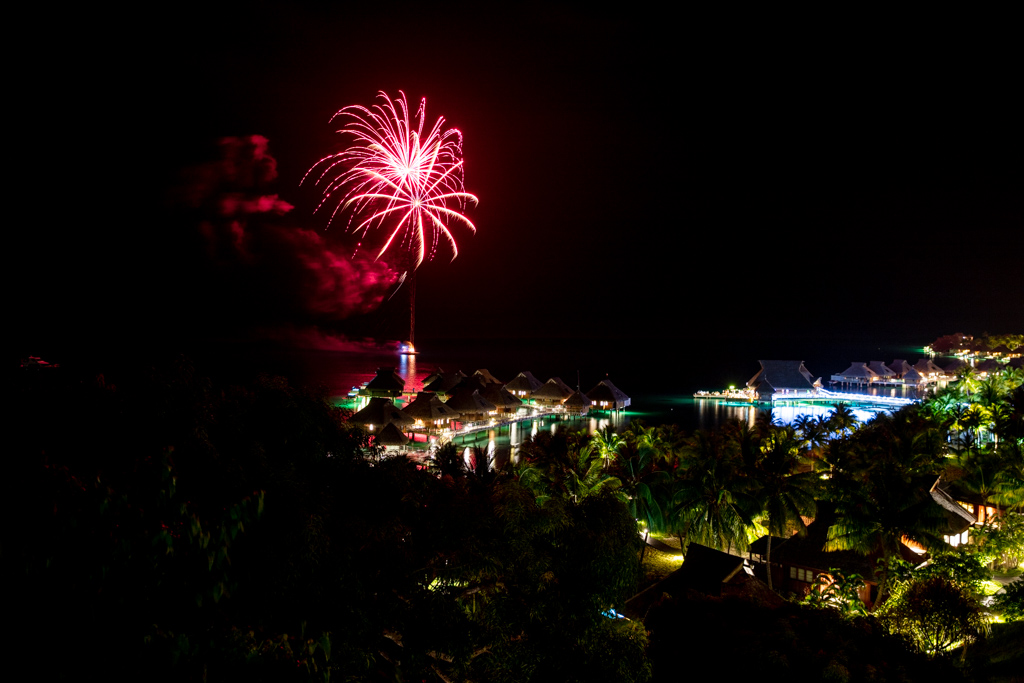
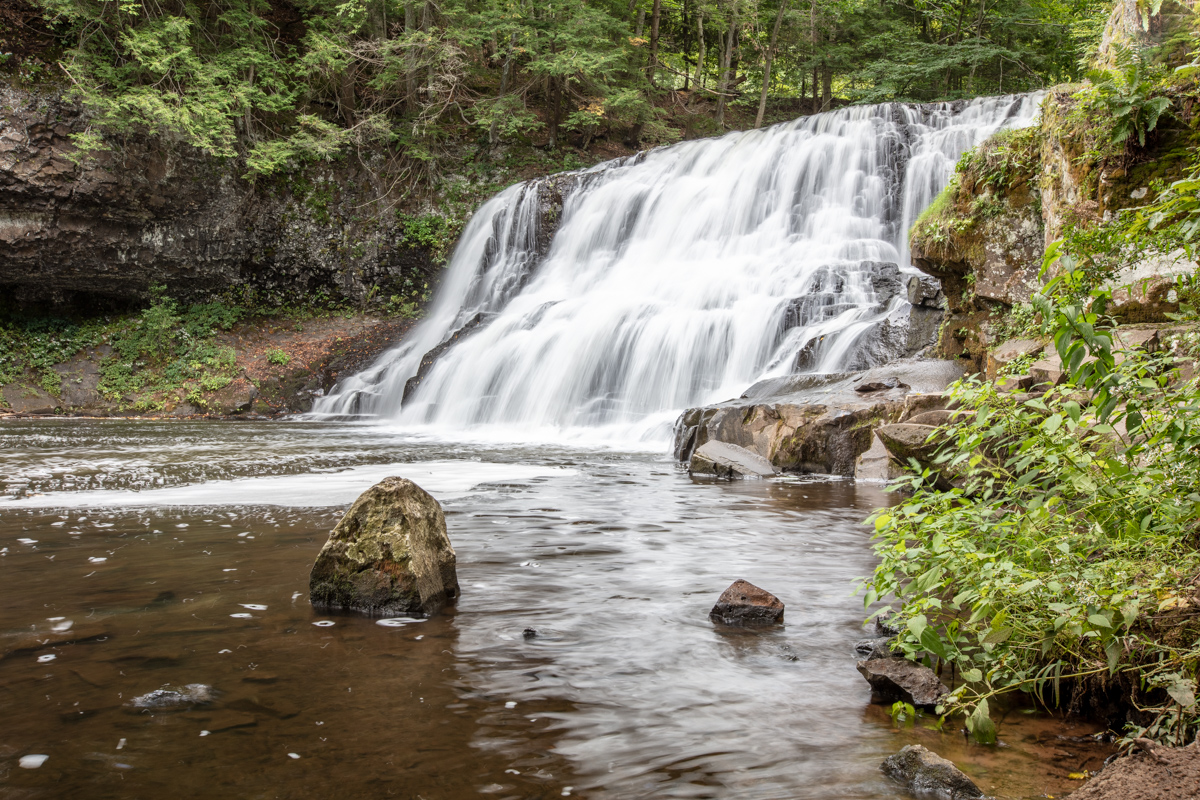
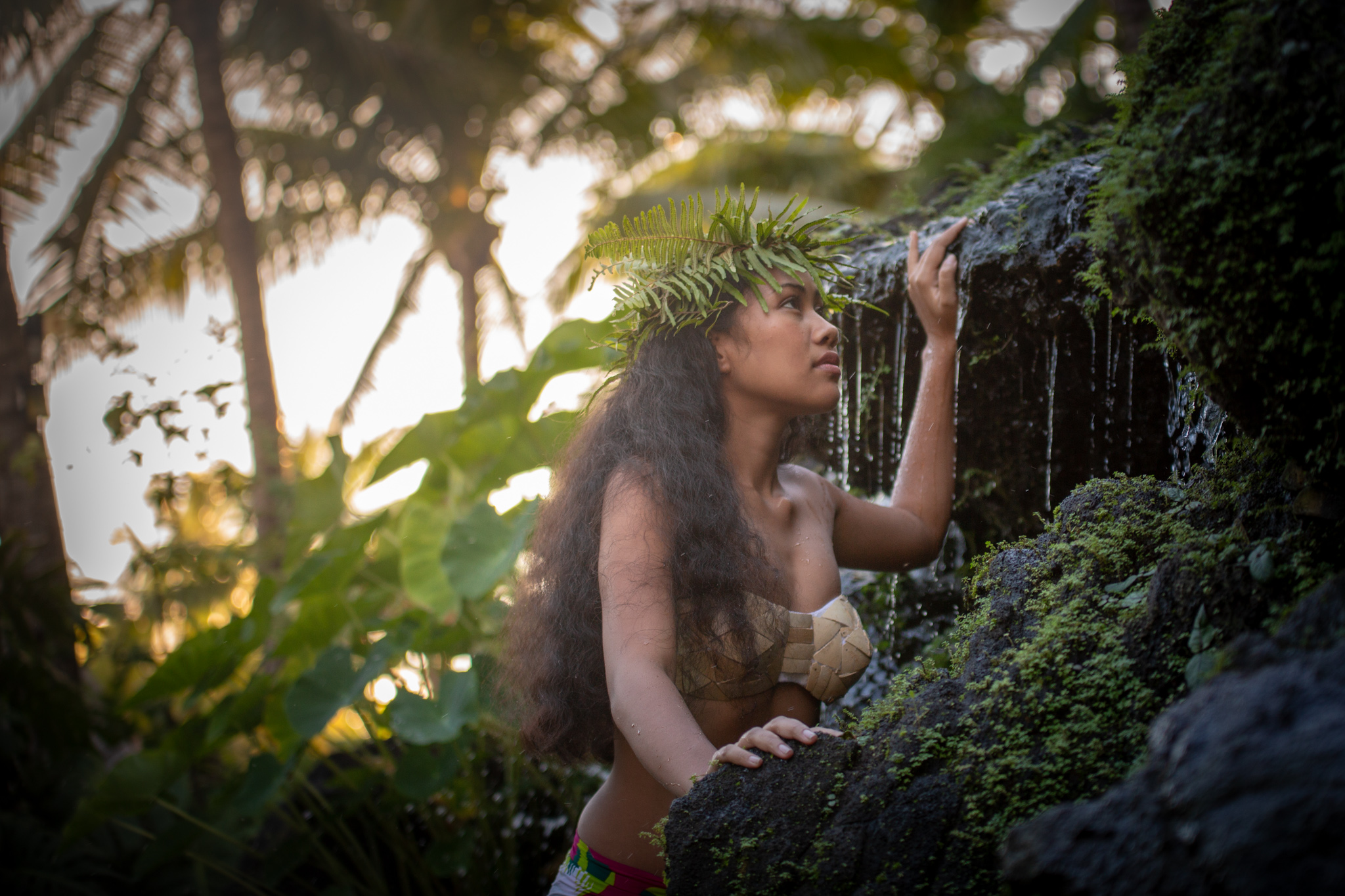
Great shot, like it as is but there was many ways to have transformed this photo, B&W more dramatic would have been one but again nothing to change is necessary, the capture is beautiful. |
Nov 7th |
| 29 |
Nov 18 |
Comment |
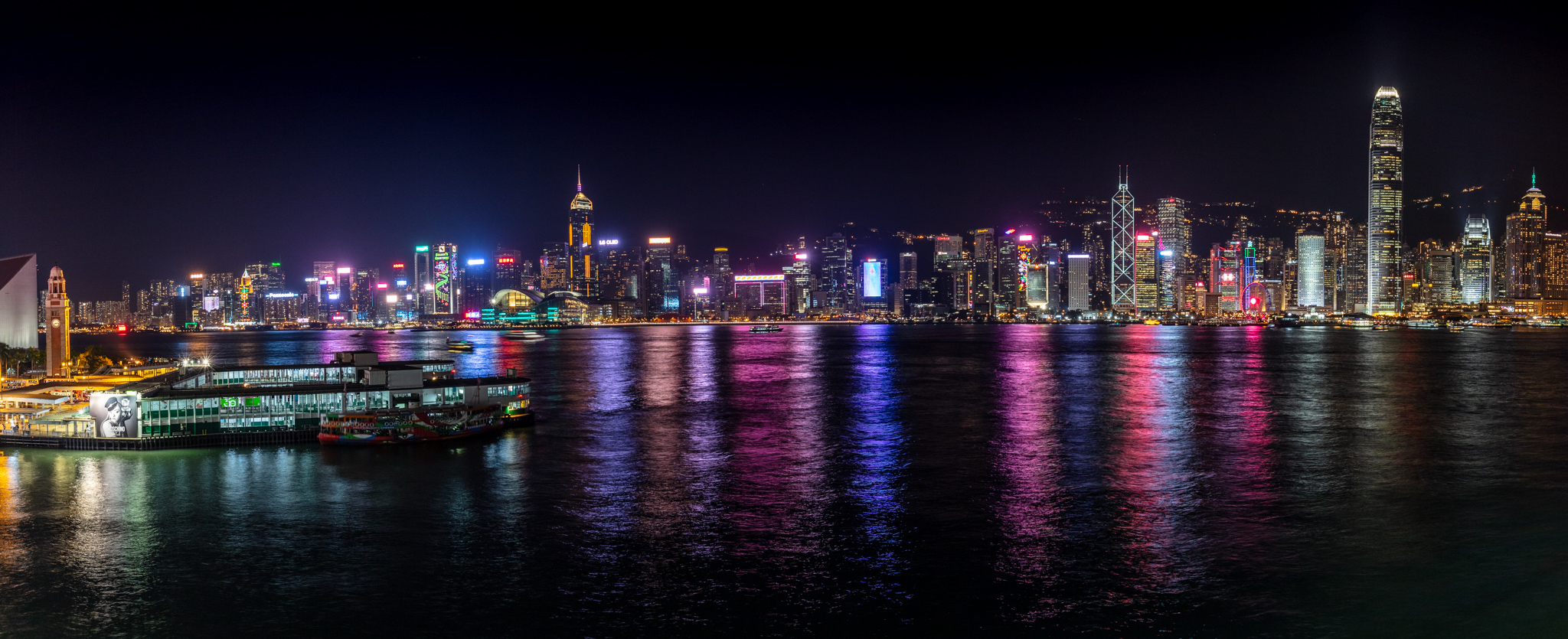
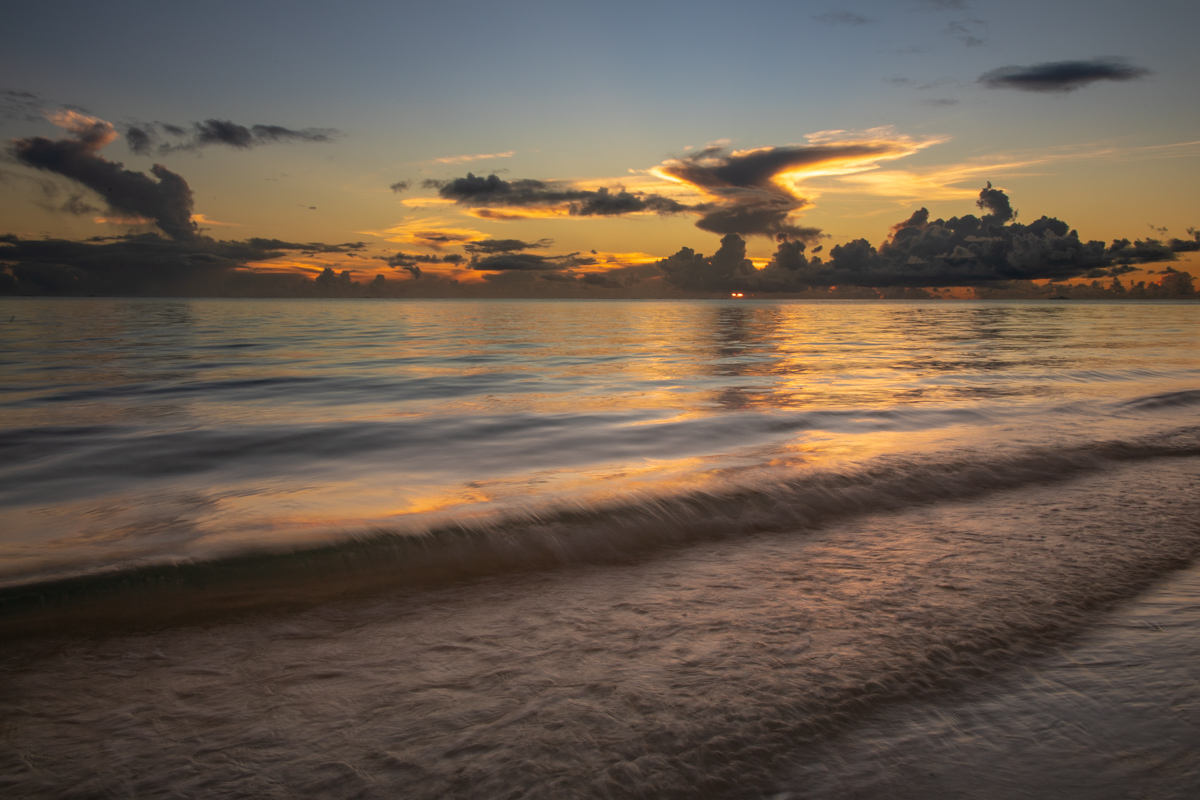
Love the shot! - The background building doesn't not bother me, it does fit in, however perhaps I would have removed the green line which tends to distract me a bit. With lightroom, perhaps I would have pushed the HDR look a tad? |
Nov 7th |
| 29 |
Nov 18 |
Comment |
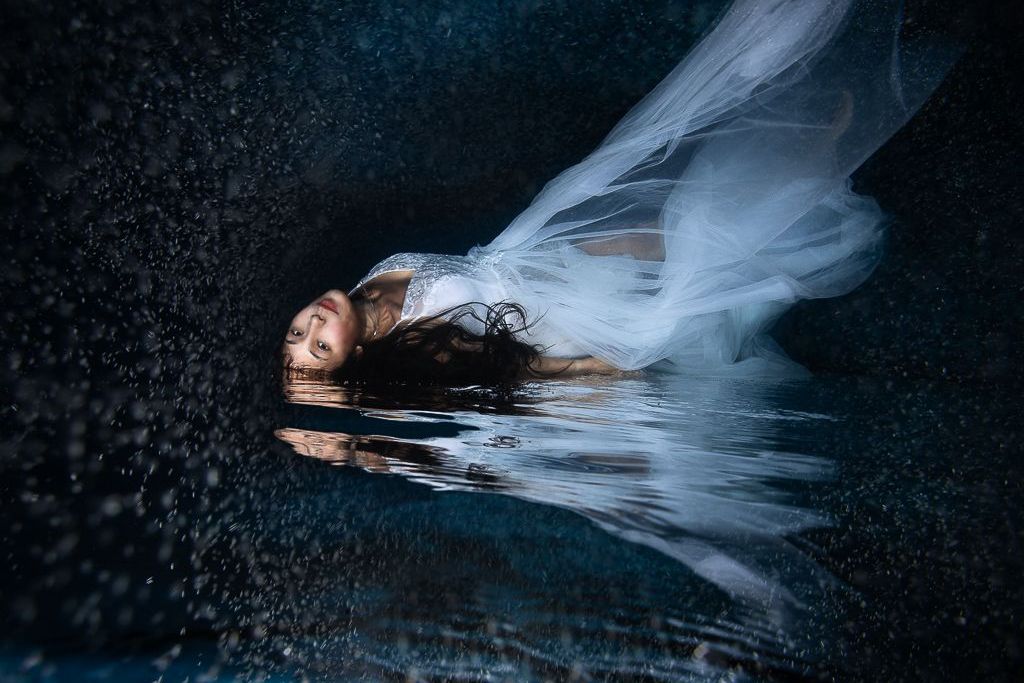
This is not an area or something I do but I find it very interesting and like the end result. It looks like a drawing/sketch, while the original before editing was perhaps something common, the transformation gave it a spark. |
Nov 7th |
| 29 |
Nov 18 |
Reply |
Thank you Karen! These images require mush color retouching between the top and bottom . They are especially challenging dur to splashing on water lines & drops on the dome. We do these 2-3 times a months and spend more time retouching these than normal all submerged photos. Clarity is essential for me in my opinion, not the artsy type shallow depth of field photos - I aim to have my clients & sharks as clear and detailed as possible. I was interested in the feedback as I am upgrading equipment and moving from a Ikelite + Canon 5D MK II to a Canon 5D MK III with a Nauticam housing. From some very early testing, I can see much improvement in light handling from the camera, especially in sun facing conditions .
I posted this one to get a better idea about general perception & light/color management between top and bottom. |
Nov 7th |
| 29 |
Nov 18 |
Comment |
Hi, yes they are real - no photoshop, essentially interested in the color treatment which is always challenging in these. I normally use Lightroom to work with the brush to adjust the bottom area of the photo. The strange apparition you are seeing, white streak top center/right? these are slight scratches on my dome and they sometime show - I normally remove them:-) . You can a swimmer in the background but the idea is to have more closeups of people with the sharks in the foreground. |
Nov 4th |
5 comments - 7 replies for Group 29
|
5 comments - 7 replies Total
|