|
| Group |
Round |
C/R |
Comment |
Date |
Image |
| 75 |
Apr 18 |
Reply |
Thanks Ed. Hopefully you will be able to pickup some tips about Lightroom through this group. |
Apr 20th |
| 75 |
Apr 18 |
Comment |
Thanks for the pointers Rob.
|
Apr 19th |
| 75 |
Apr 18 |
Comment |
Thanks for the pointers Rob.
|
Apr 19th |
| 75 |
Apr 18 |
Reply |
That would make it too easy Charlie, then everyone could do it! ;)
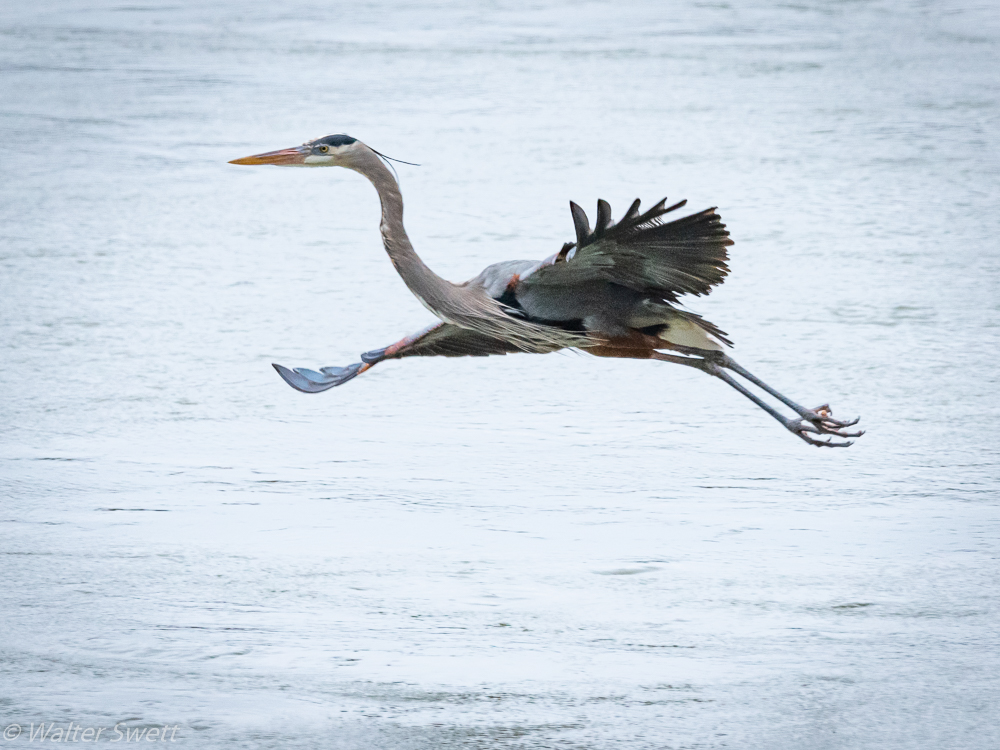
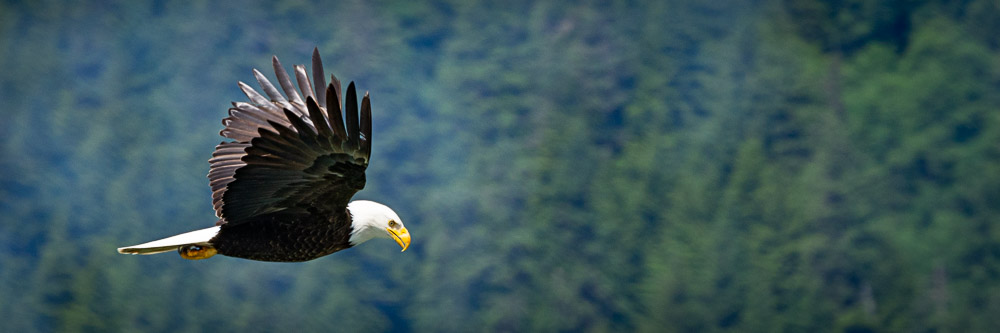
I am not a flying bird expert, but a few things to keep in mind are: generally you need a shutter speed of 1/1200 or faster to freeze motion; stop your lens down 1 - 2 stops from wide open which is generally the sharpest part of the lens; use continuous high speed shutter; AF-C.
Hope this helps. Good luck! |
Apr 13th |
| 75 |
Apr 18 |
Reply |
Some things to consider - using aperture priority will lock in the fstop you select and the camera will adjust the shutter speed to allow an exposure based on the fstop and ISO you choose. Shutter priority will lock in the shutter speed you choose and the camera will adjust the fstop based on the shutter speed and ISO.
If you want to "freeze" motion, you will need a fast shutter speed.
You can increase your depth of field by stopping down, or using a smaller aperture (i.e. f/16 will give you greater depth of field than f5.6).
If you have never tried it before, you may want to consider setting your camera to AUTO ISO and manually setting your shutter speed and f/stop. This will allow the the f/stop and shutter speed to remain constant while the camera will automatically adjust the ISO based on the setting you choose.
Here is a link that will help you with setting the AUTO ISO if you don't know how to do that
http://imaging.nikon.com/support/digitutor/d610/functions/autoisocontrol.html
Try playing with that and see how you like it. |
Apr 12th |
| 75 |
Apr 18 |
Comment |
Rob,
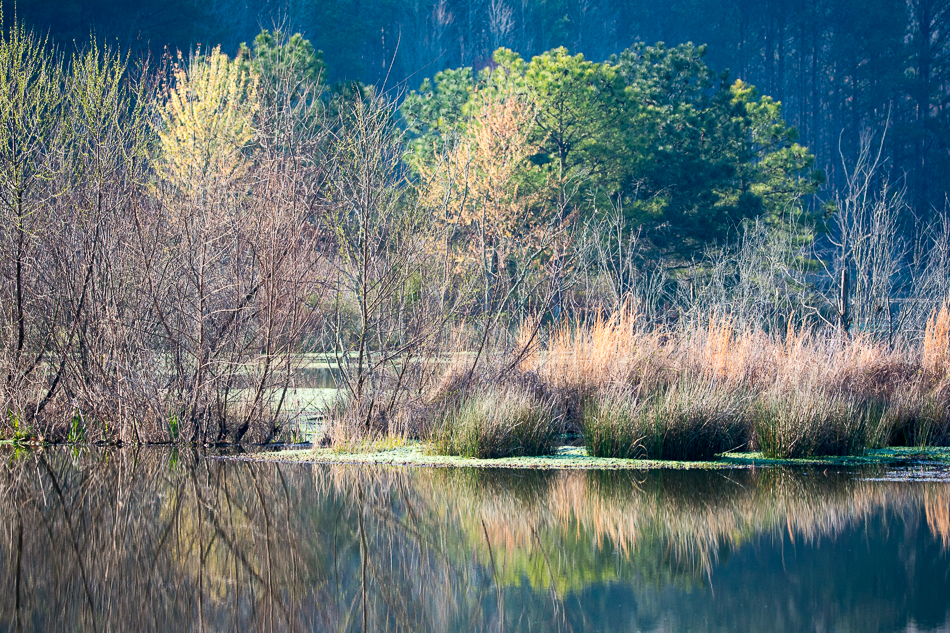
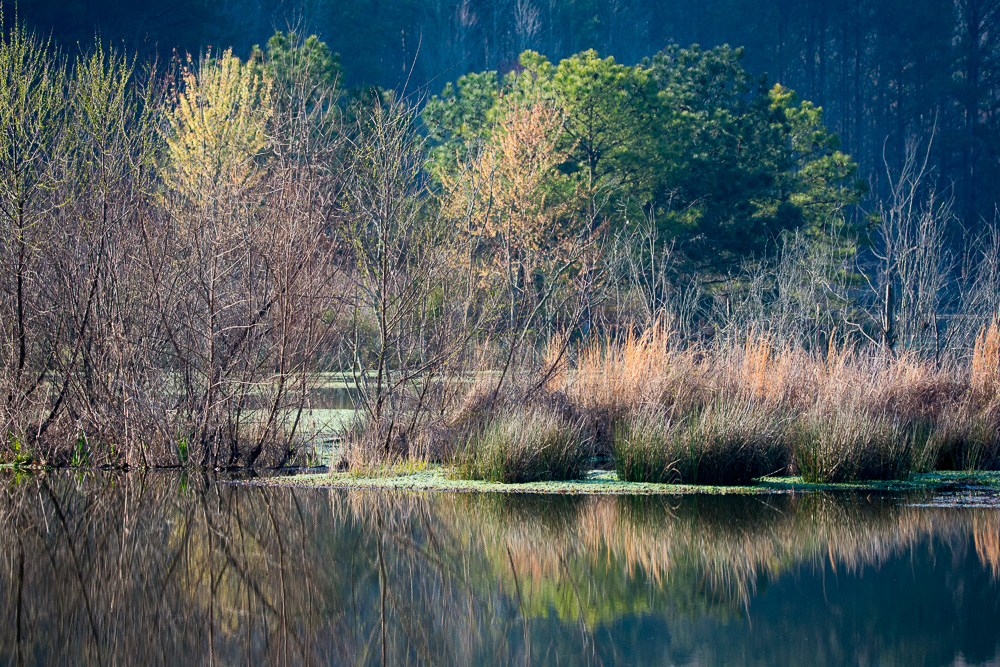
I've taken your suggestion and made adjustments to whites and blacks and increased the vibrance. I like the effects of those changes, thanks.
I did not try to do anything to the background shadows in either the original or this version. |
Apr 12th |
 |
| 75 |
Apr 18 |
Comment |
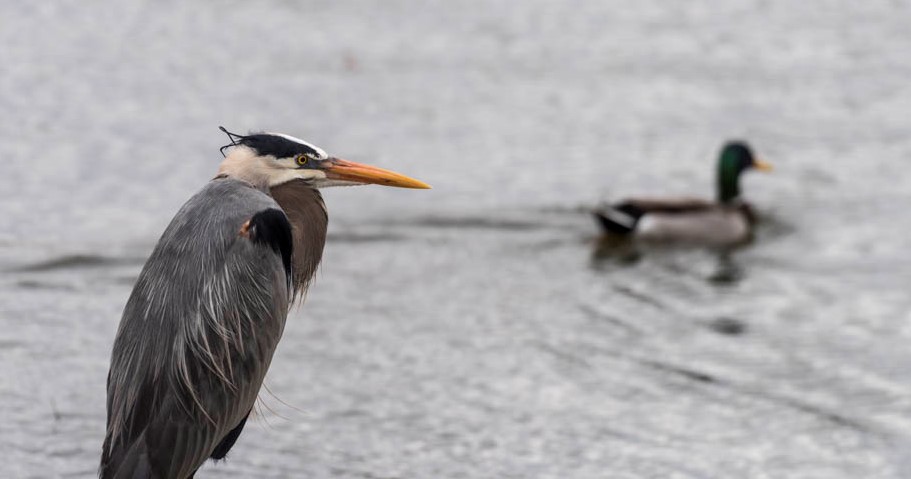
The heron's eye and feathers are very sharp and he gives me the feeling that he is looking at the swimming mallard and thinking "What are you doing? This is my turf?"
I agree with Rob that additional depth of field to bring the male mallard into focus would have helped. You didn't say, but I suspect this was shot in aperture priority mode.
Some options that would allow the same exposure, but increased dof would be to switch to manual exposure and increase the ISO to 800 at f/11 or ISO 1600 at f/16. As there was not a lot of action or motion to freeze, another option would be to slow the shutter speed by one or two stops, increase the f/stop accordingly and keep the ISO lower; or a combination of slowing the shutter speed by one stop to 1/400, increase ISO by one stop to 400 and use an f/stop of f11.
I tried a slightly different crop to eliminate the female mallard and to try and keep the emphasis on the heron and swimming duck.
|
Apr 12th |
 |
| 75 |
Apr 18 |
Comment |
Rob,
A very nice image. I like the curved lines that draws one deep into the crevice. The repetition of the sediments layers mirrors the pathway really strengthens the composition from bottom to top. The light coming in from the top adds additional interest as well. Excellent depth of field shows the texture of the walls from front to back. All this leads one to ask - what is around the next corner?
Great job.
|
Apr 12th |
| 75 |
Apr 18 |
Comment |
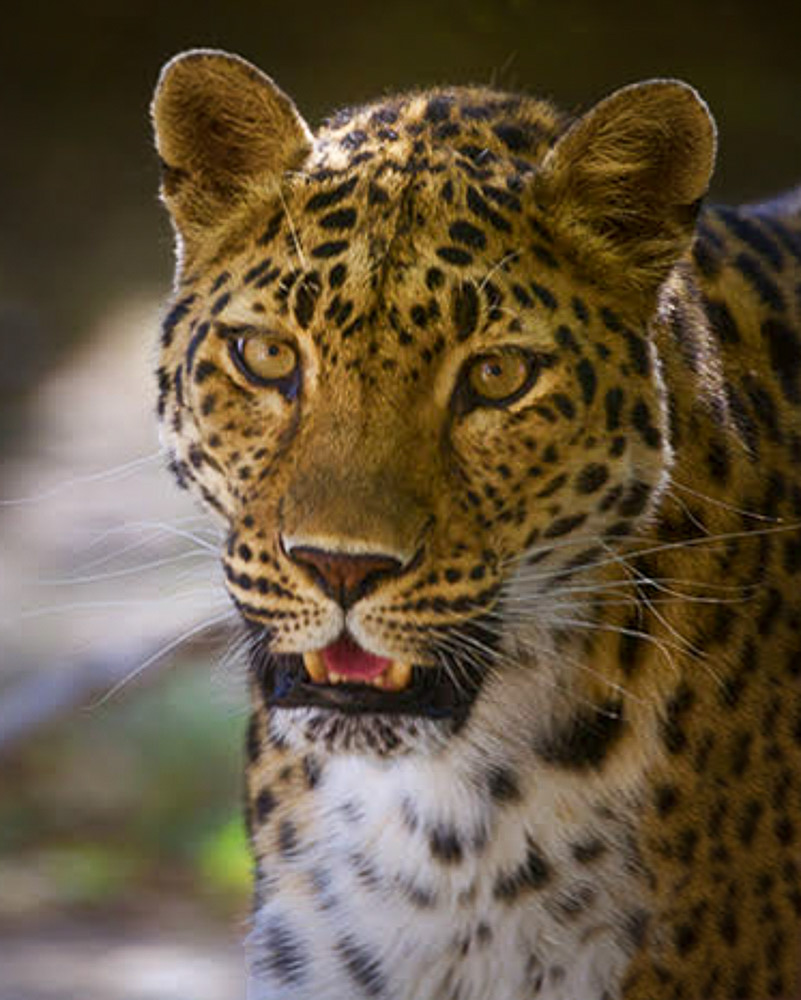
Catherine - I really like this photo. The details are fantastic. The back lighting works very well because of the way it creates separation from the background and highlights the small hairs around the ears and cheeks. I too would like to see a little more space under the cat's chin and think there is just a little too much yellow in the fur.
One way to deal with the wall that intrudes into the bottom corner would be to clone it out. I'm only a novice with Photoshop, but I am attaching my effort to "fix" the wall to allow a little more space under the chin.
|
Apr 12th |
 |
6 comments - 3 replies for Group 75
|
6 comments - 3 replies Total
|