|
| Group |
Round |
C/R |
Comment |
Date |
Image |
| 66 |
Mar 18 |
Comment |
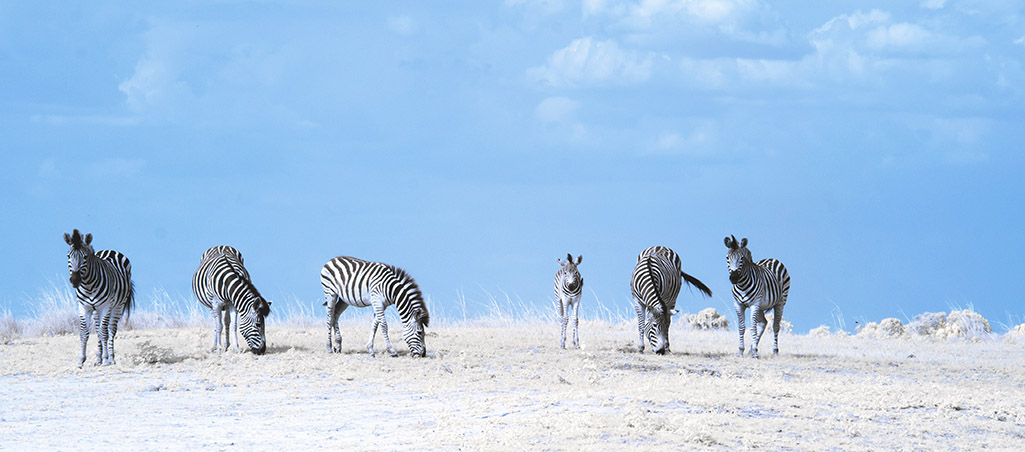
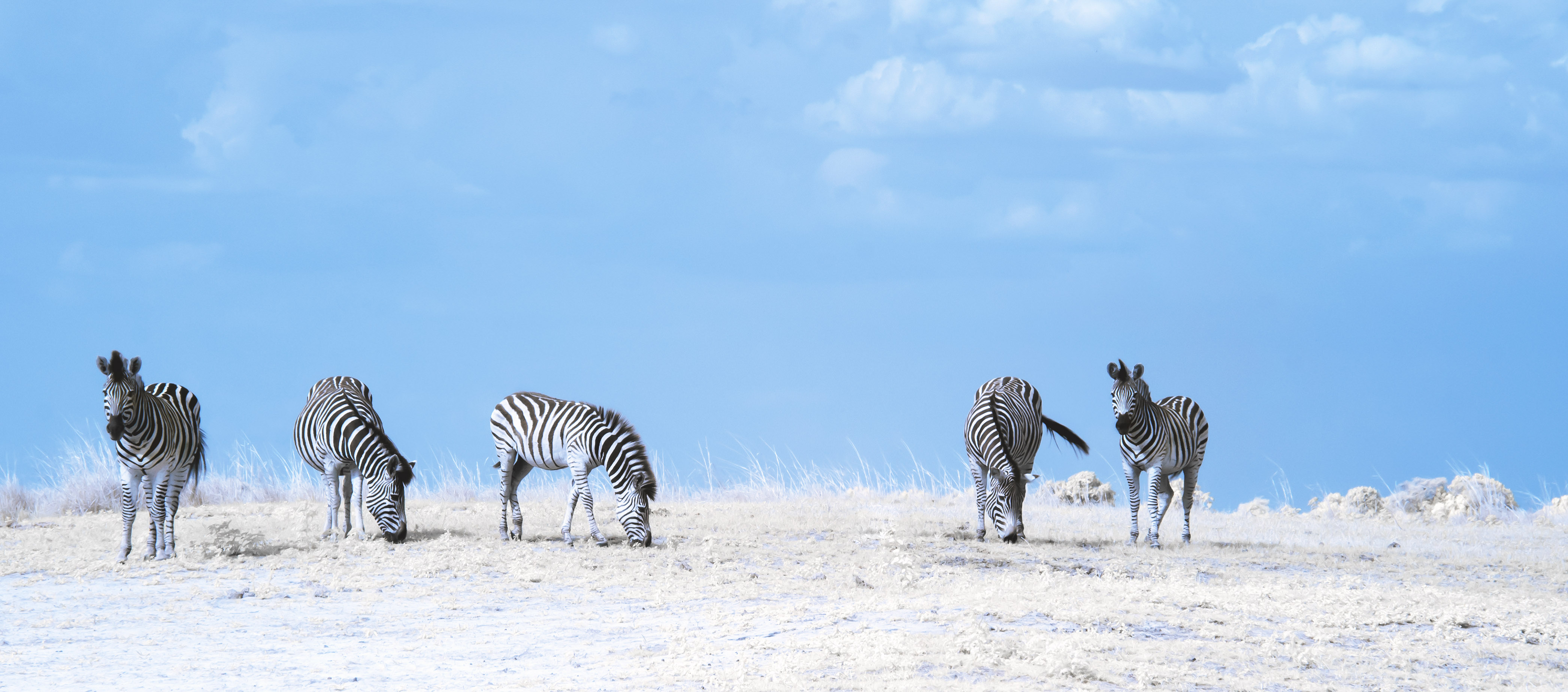
Here is my final version of the Zebras. The baby was removed, animals de-blued, sky cleaned of dust spots and the grass tinted a bit green, and finally it was spot sharpend. I decided against cropping it more as its already very narrow and just wide enough to still look good in print. Decided against using vignette and detail enhancing presets, because it would loose some of its softness and I think it is not a good image for that technique. Thank you all for your help. |
Mar 14th |
 |
| 66 |
Mar 18 |
Reply |
Sorry, my comment was not well put. In the image I do not see any tell tail signs such as foliage that indicates to me that this is an IR image, with some foilage I believe it would be a stronger image.
|
Mar 11th |
| 66 |
Mar 18 |
Comment |
This is a nice image and has wow factor in my view, it is done very well.
The only suggestion I have is to maybe add a super narrow light colored frame around the image, so the bottom portion is more separated from the background when viewing it digitally. I would not add a frame in the printed version.
Thank you for asking for my feedback.
|
Mar 9th |
| 66 |
Mar 18 |
Comment |
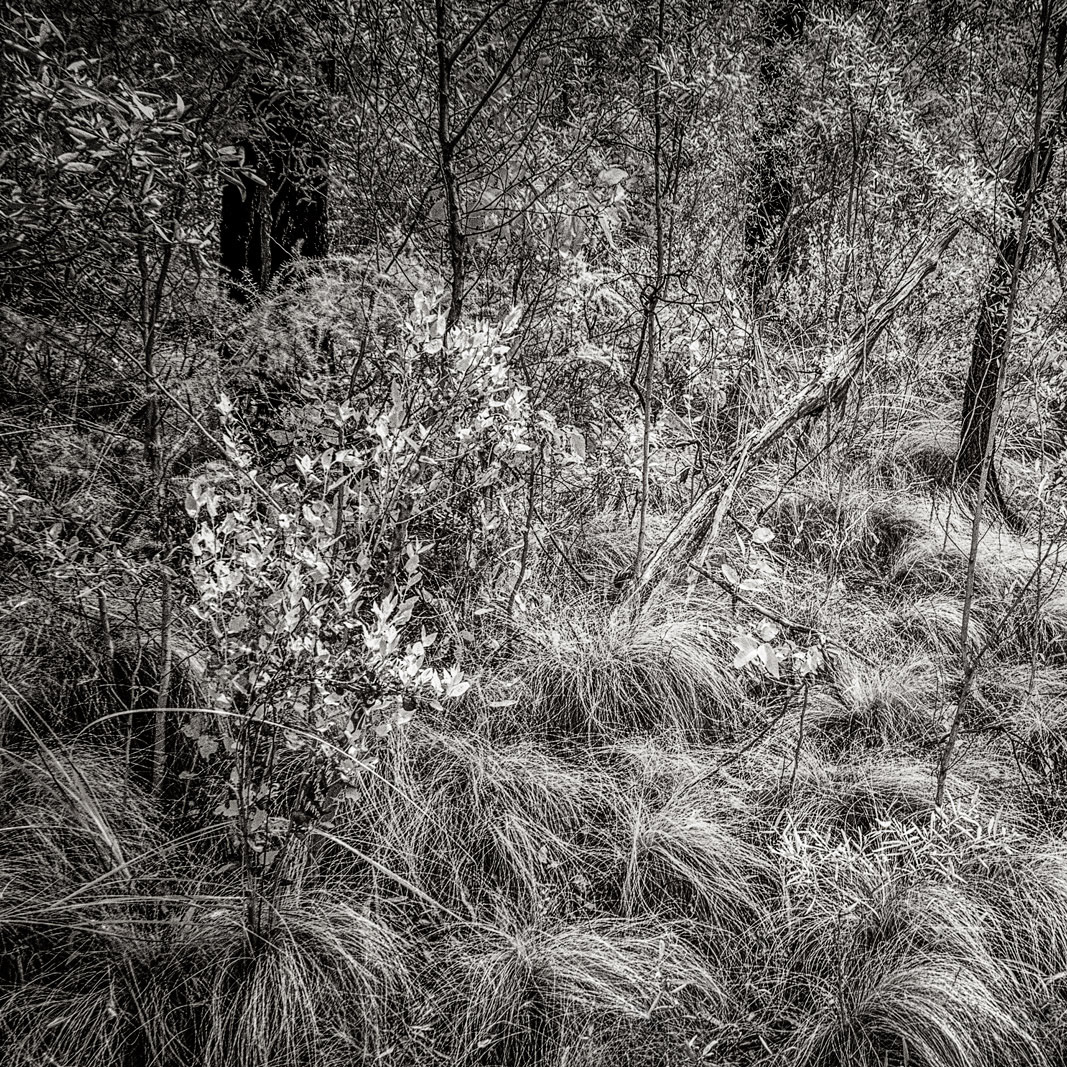
I have a similar comment as Gary. My eyes started examining the image in the center and then followed along the outside without finding a point of interest. I find the image buzzy and interesting and a good representation of the foliage which is done well.
You could try cropping the image into a square and thereby making the bush on the left side your focal point.
Thank you for asking for my feedback.
|
Mar 9th |
 |
| 66 |
Mar 18 |
Comment |
This is a good shot of a street scene. It is a great B&W, but I do not see any indication that it started its live as an IR image. I like the contrast and tonality.
Only because you pointed it out, I notice the gentleman's hand position, evidence that you flipped him I do not see. The only suggestion I have for you is to look after the light spots on the sidewalk and the light and dark spots in the upper right hand corner - but that just me being picky.
Thank you for asking for my feedback.
|
Mar 9th |
| 66 |
Mar 18 |
Comment |
Having lived in Nevada for several years, I know what those sandstorms feel like. The clouds are soft and well done, the mountains give my eyes a chance to look around, and the car in the distance completes the image for me.
Thank you for asking for my feedback.
|
Mar 9th |
| 66 |
Mar 18 |
Comment |
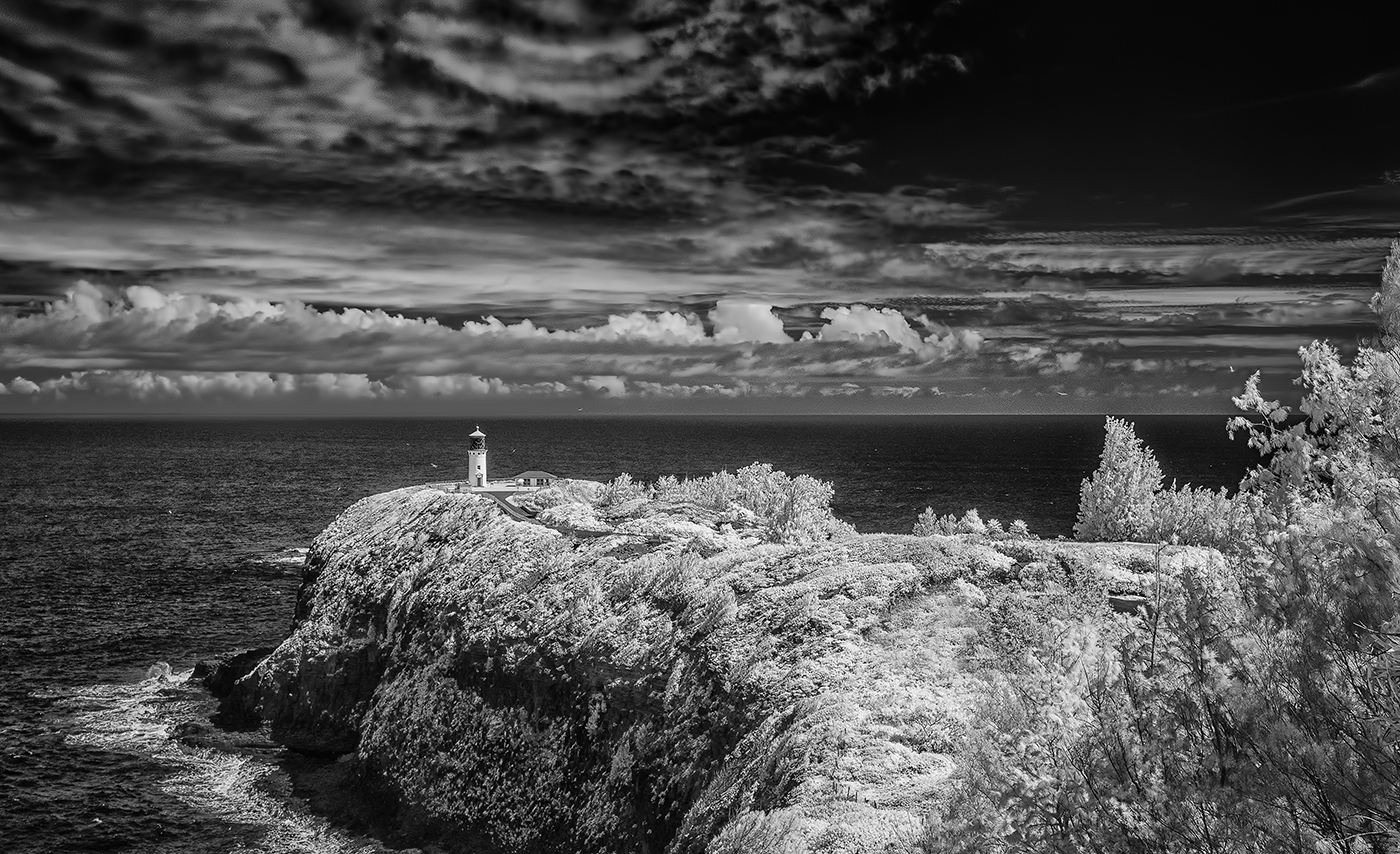
I like the subject and feel of this image. The centered horizon works well as does the position of the lighthouse. I like using Nik software's detail extractor and I occasionally use it in selective areas. In is image I notice that the clouds are very sharp, a fuzzy line developed on the horizon both in the left quarter. Following the horizon line to the right, the clouds are softer. Looking over the image more closely I notice more fuzziness in the upper right section of the image. My general feeling is that is feels a bit to pushed for me.
I tend to look at images from left to right and often flip my images horizontally to get a second look. Thank you for asking for my feedback.
|
Mar 9th |
 |
| 66 |
Mar 18 |
Reply |
Thank you Palli & Gary.
I am not a fan of the baby zebra in my image and after looking at your suggestion Palli to improve its legs I come to realize that it should not be in the image. The baby is not on the same focal plane as the rest of them, therefore just out of the range of being sharp, and five is a more pleasing number.
I like your suggestion Gary to add more interest into the foreground with Nik's detail extractor, and maybe a tiny bit in the clouds. I tried the vignette filter, but I'm not sure about using it in this case. It highlights the center and makes the zebras on either end to dark and the color to blue. I will revist it and see what I can do.
|
Mar 9th |
6 comments - 2 replies for Group 66
|
6 comments - 2 replies Total
|