Activity for User 909 - Michael Jack - dmichael.jack@gmail.com

avatar
Avatar

Close this Tab when done


520 Comments / 105 Replies Posted

  = Current Round   = Previous Round
Group Round C/R Comment Date Image
36 Jan 25 Reply I use opacity to blend in the color Jan 19th
36 Jan 25 Comment I can't tell on my screen how much of the image is in the dark, but if there is much there for sure I could crop it. Kudos for the story you are trying to tell. Without your explanation I would have no idea what the bright spots are, however, so I agree with Larry about making them a bit larger. I think one thing that would really help the next time you do this is to use an aperture of f18-22 to get a starburst effect of the lights. That would help the image as well. Jan 12th
36 Jan 25 Comment It is getting difficult, if not impossible, to determine what equipment was used to take the image. I have seen some 40 inch wide prints from an iPhone image that had incredible detail. This image appears to me to have sharpness, shadow detail and accurate color. I like your crop up from the bottom. I tend to agree with Larry's comment about the formations. One is bright and one is in the shadows. If you had the opportunity to move way to the right to bring the formations closer together, I think that may have worked. Jan 12th
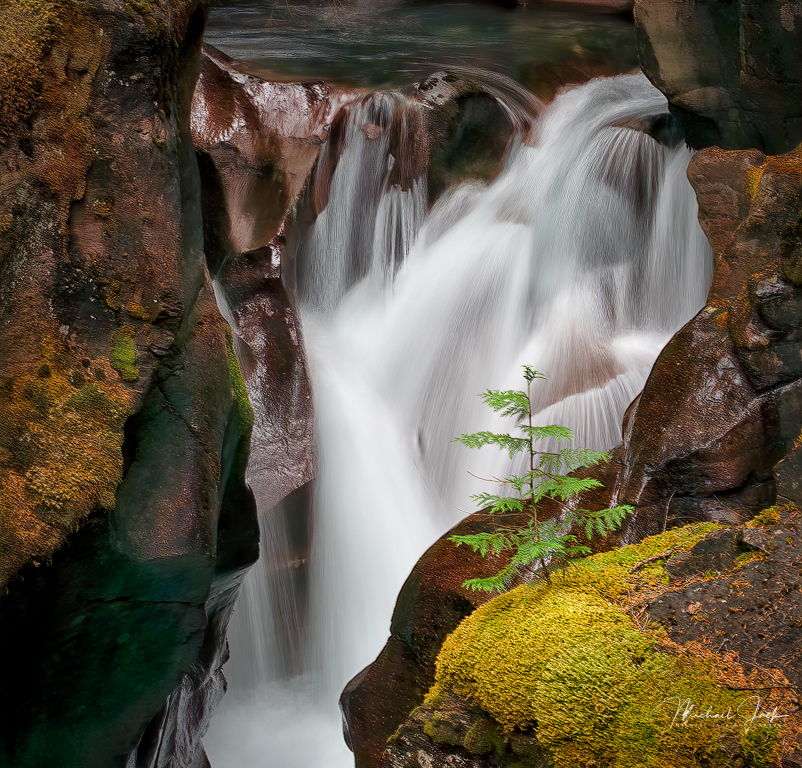
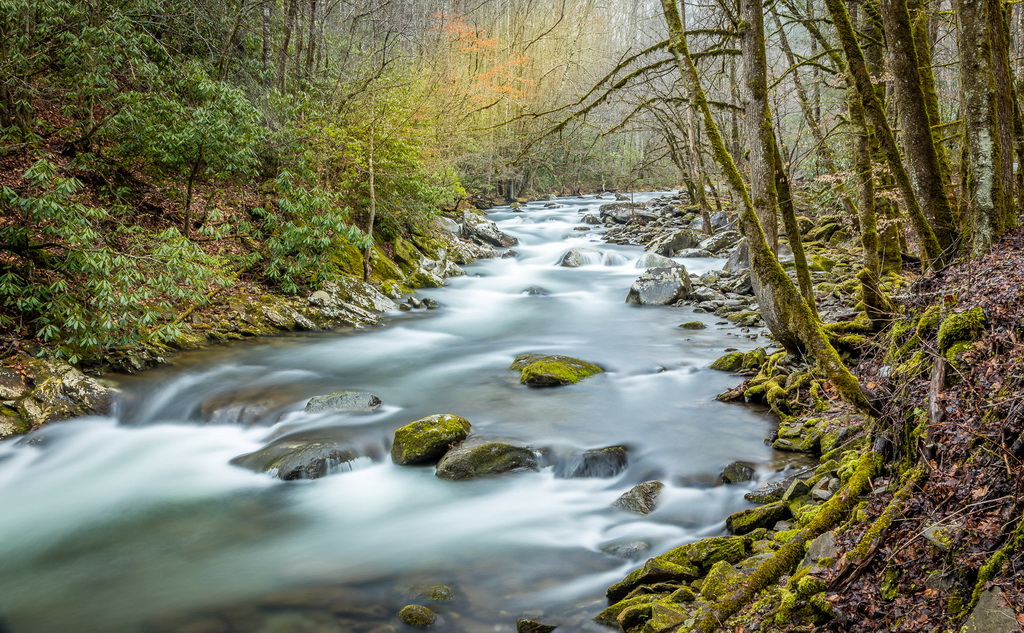
36 Jan 25 Comment I like your choice of shutter speed because it gives a real sense of the turbulence of the water. The rain/fog creates a real sense of moodiness which you retained in your processing. To me eye, the crop seems a little tight - I would have liked to see all the falls on the left and the merge of the two falls on bottom right. Jan 12th
36 Jan 25 Comment This image is an eye feast. The lily pads lead to the docks which lead out to the platform and then the reflections bring me back to the lily pads. I love the moody palette and reflections of the sky in the water. I agree with Larry that the rocks have to go. Jan 12th
36 Jan 25 Reply I added some clarity and dehaze in LR Jan 12th
36 Jan 25 Comment I agree with Larry that it feels a bit unbalanced and would consider either your flat image approach or bringing out more color and interest on the left side of the image to give the eye a chance for more balance. I like the realistic colors in the image and the sharpness of the tress. There is one other remedy for a bright sun: Create a blank layer in PS, then select the color next to the blown out area, paint the blown out area with that color and then blend it into the layer below. Jan 5th
36 Jan 25 Comment I think you picked the right time of day to maximize the colors, and like the way you balanced the image in the frame. The bird popped out to me in the reflection, but I had to look more closely to see it on the branch. I don't know if you could have moved to isolate it more, but that would be my only suggestion. I like the way the reflection of the cloud in the water framers the bird. Jan 5th
36 Jan 25 Reply I think you are spot on now that I am looking at my image versus your crop. Jan 5th

6 comments - 3 replies for Group 36


6 comments - 3 replies Total


95 Images Posted

  = Current Round   = Previous Round
Group 36

Jan 26

Dec 25

Nov 25

Oct 25

Sep 25

Aug 25

Jul 25

Jun 25

May 25

Apr 25

Mar 25

Feb 25

Jan 25

Dec 24

Nov 24

Oct 24

Sep 24

Aug 24

Jul 24

Jun 24

May 24

Apr 24

Mar 24

Feb 24

Jan 24

Dec 23

Nov 23

Oct 23

Sep 23

Aug 23

Jul 23

Jun 23

May 23

Apr 23

Mar 23

Feb 23

Jan 23

Dec 22

Nov 22

Oct 22

Sep 22

Aug 22

Jul 22

Jun 22

May 22

Apr 22

Mar 22

Feb 22

Jan 22

Dec 21

Nov 21

Oct 21

Sep 21

Aug 21

Jul 21

Jun 21

May 21

Apr 21

Mar 21

Feb 21

Jan 21

Dec 20

Nov 20

Oct 20

Sep 20

Aug 20

Jul 20

Jun 20

May 20

Apr 20

Mar 20

Feb 20

Jan 20

Dec 19

Nov 19

Oct 19

Sep 19

Aug 19

Jul 19

Jun 19

May 19

Apr 19

Mar 19

Feb 19

Jan 19

Dec 18

Nov 18

Oct 18

Sep 18

Aug 18

Jul 18

Jun 18

May 18

Apr 18

Mar 18

Close this Tab when done