|
| Group |
Round |
C/R |
Comment |
Date |
Image |
| 36 |
Aug 20 |
Comment |
Appreciate everyone's comments. They always lead to improvements in the image. |
Aug 15th |
| 36 |
Aug 20 |
Reply |
You should be good. Thanks for clarifying. |
Aug 15th |
| 36 |
Aug 20 |
Reply |
You might try this technique
Create a new blank layer
Select the brush tool and select a color of the sunset near the area blown out
In the new layer paint the blown out/overexposed area with the selected color.
Use the opacity slider and check blend modes to blend in to look natural |
Aug 15th |
| 36 |
Aug 20 |
Comment |
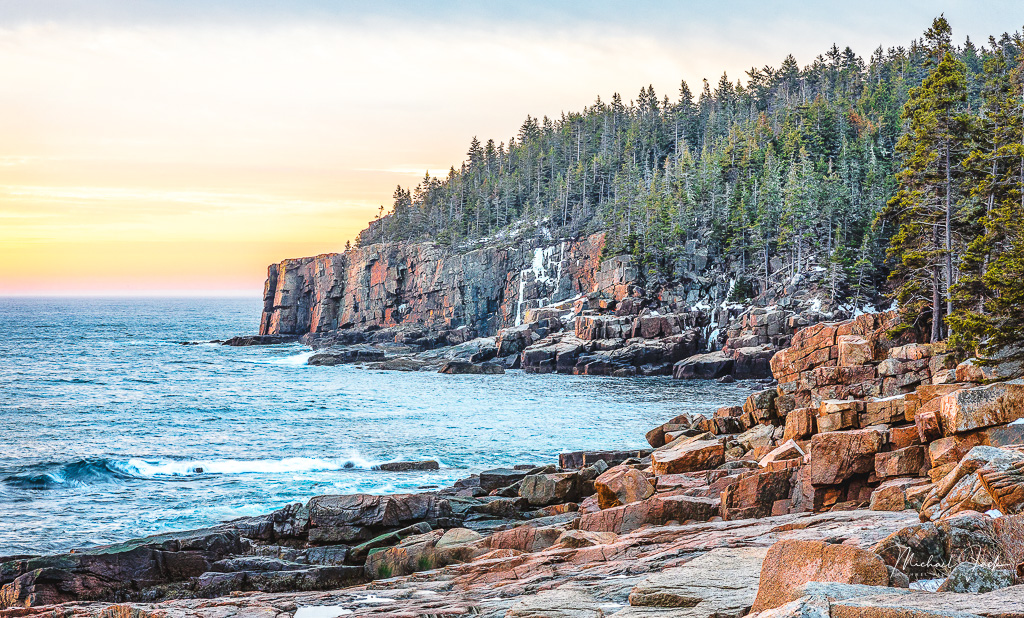
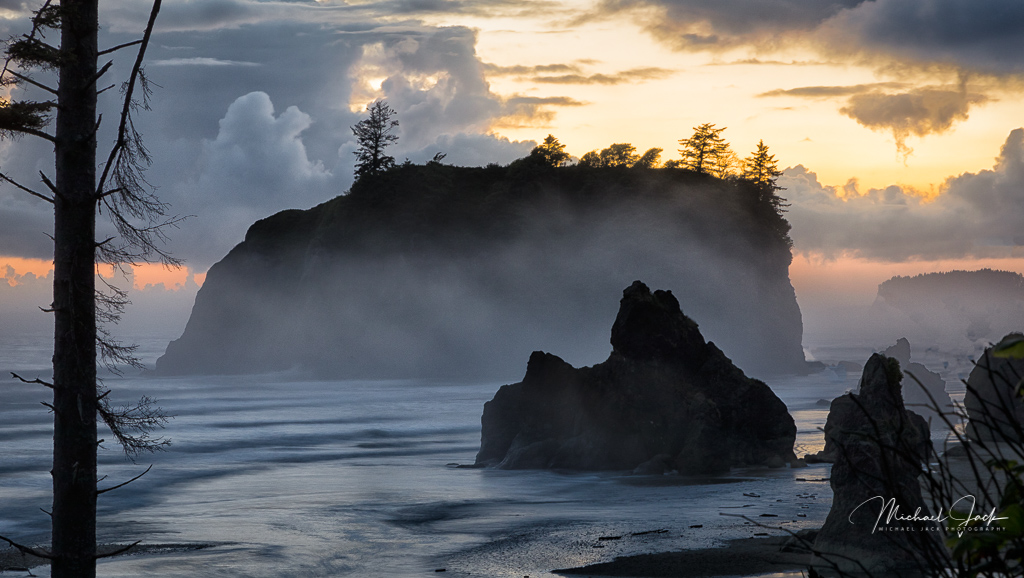
Awesome image, Arne. This image is a feast for the eyes. Placing the iconic rock in the center to me is an excellent choice. Bringing out all the leading lines pulls the eye into the scene. The rocks on the side keep the eye moving within the image and all the elements in the image give it great balance and symmetry. The sun just adds interest to the image. I like the cropping and the burning or vignetting you did to also keep the eye in the image. My only suggestion is to consider upping the contrast a bit to make the rocks pop more. |
Aug 11th |
| 36 |
Aug 20 |
Comment |
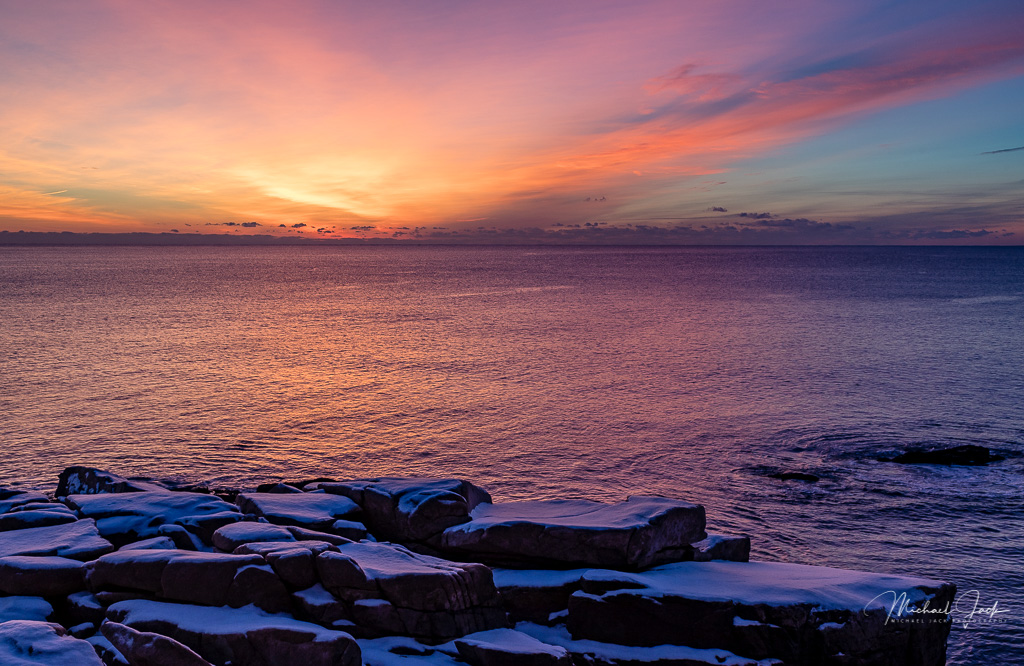
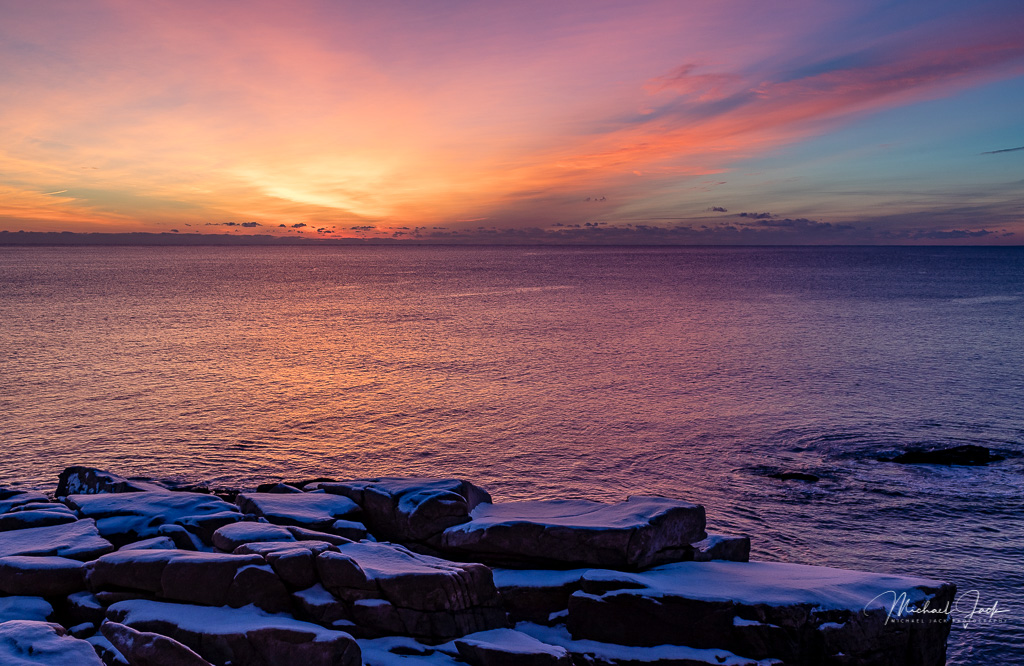
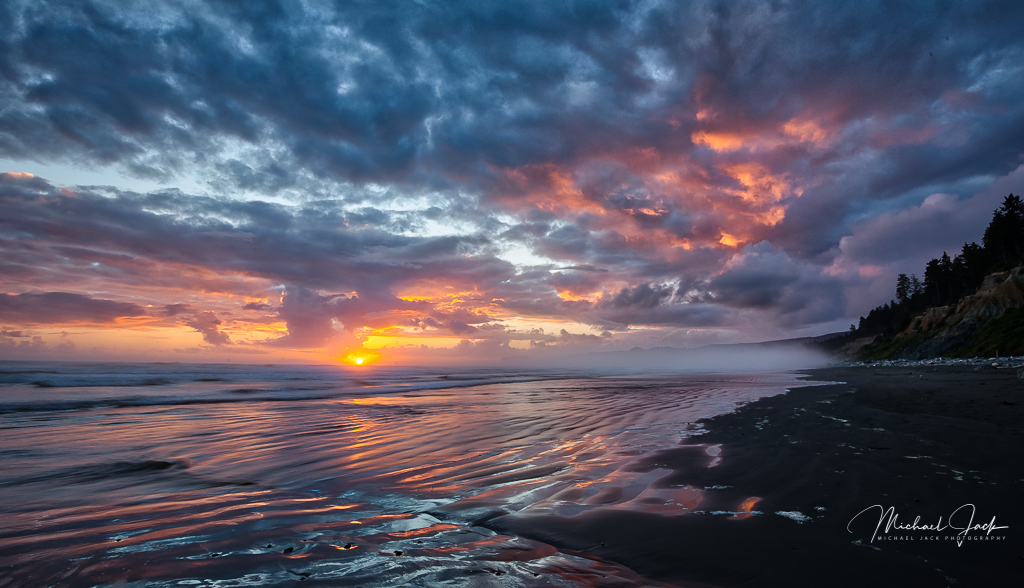
Debbie, another welcome to the group. I am late to the party so it appears you have many helpful comments. Overall, I think this is a well seen image and the exposure seems to be the best choice if you want the wave action and compromise somewhere between a overexposed sky and underexposed rocks. Given there is not a lot of interest in the sky above the sun and the same for the beach, I would consider cropping down a bit from the top and up from the bottom, maybe eliminating the portion of the wave running upward in the lower right which to me is a bit of a distraction. I like the fog-like reflection of the sun on the water. If there is not too much noise in the shadows, I would consider trying to bring out just a bit of the texture of the rocks and cliffs. Maybe you did, but I wonder what the scene would look like if you varied the shutter speed to say something like 1/4 sec to give more of a smooth motion to the waves. There is a way in PS to blend out the brightness of the sun. If you might be interested, just reply. |
Aug 11th |
| 36 |
Aug 20 |
Comment |
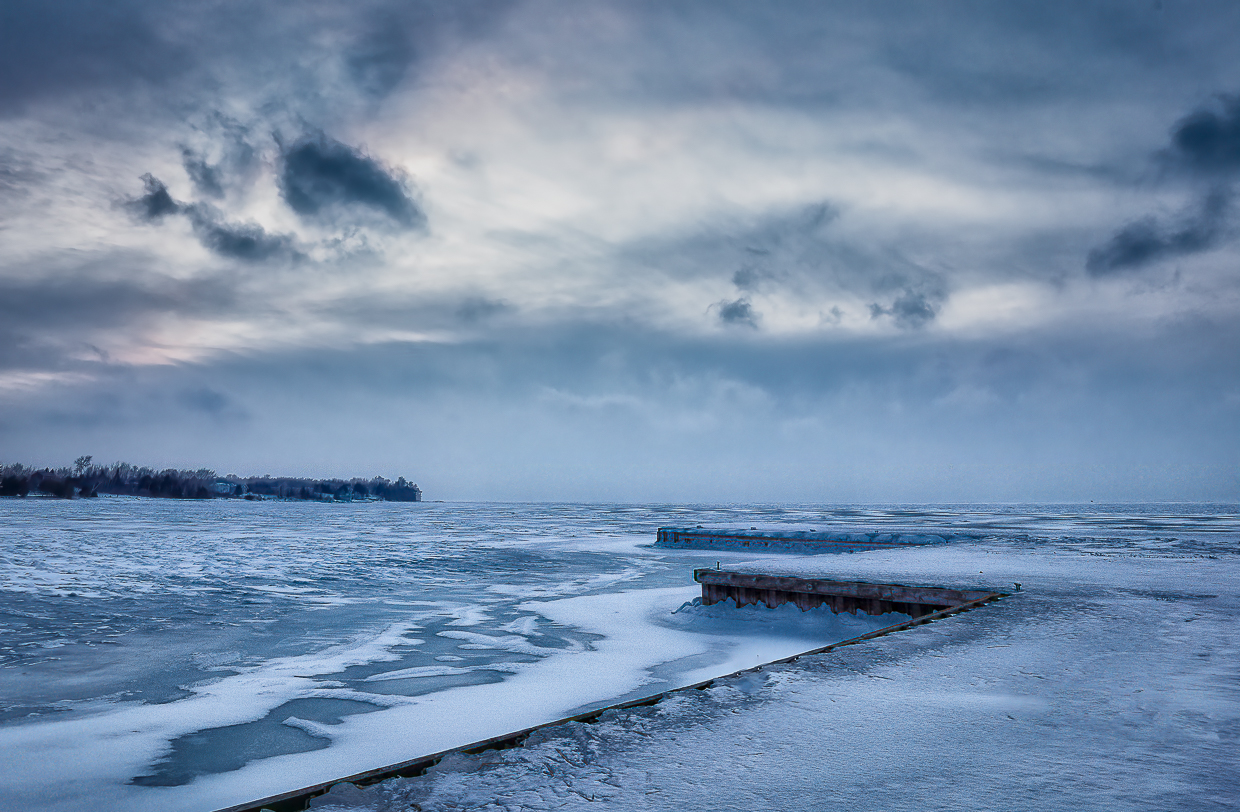
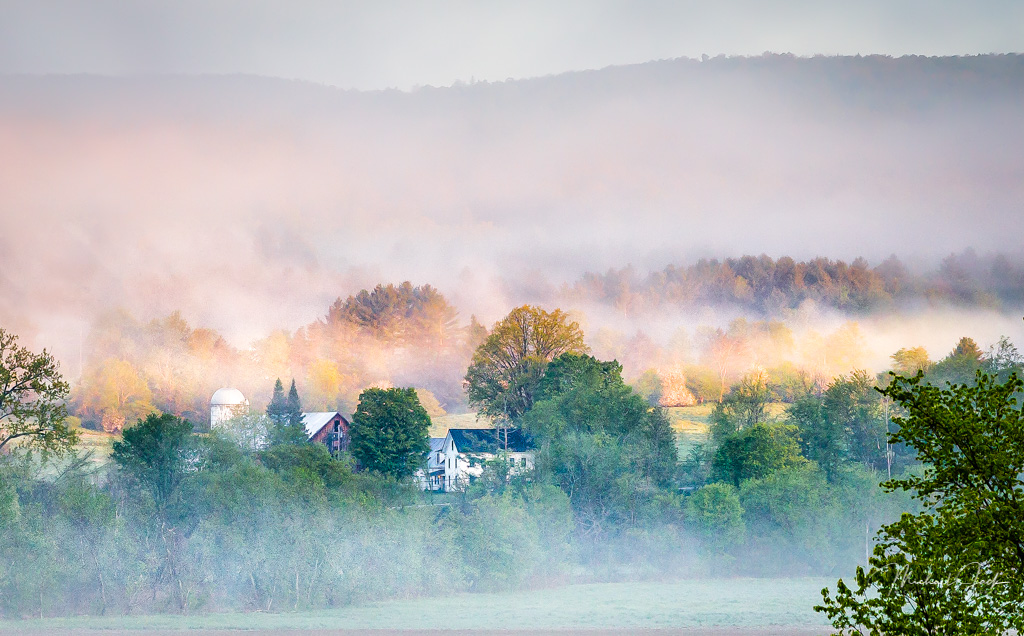
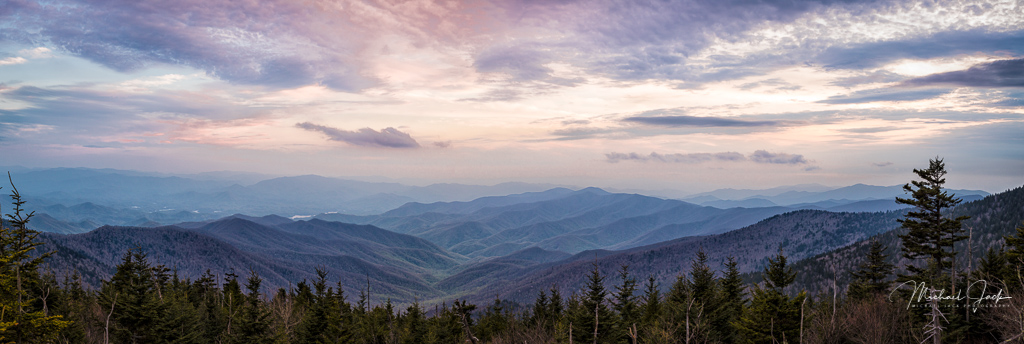
I really like the composition. The upward slope adds energy and the sunlite bush is balanced by the dark brush on the right. I have images where the color of the sky is reflected in the snow so that is a personal preference, I think. However, to my eye in this scene it does look a bit off because it would be reflecting a portion of the sky that probably does not have that full hue. Again, to my eye the sky looks over processed which for me creates an artificial banding look. I would consider pulling back the saturation a bit to get a more natural look. Just me. |
Aug 2nd |
| 36 |
Aug 20 |
Comment |
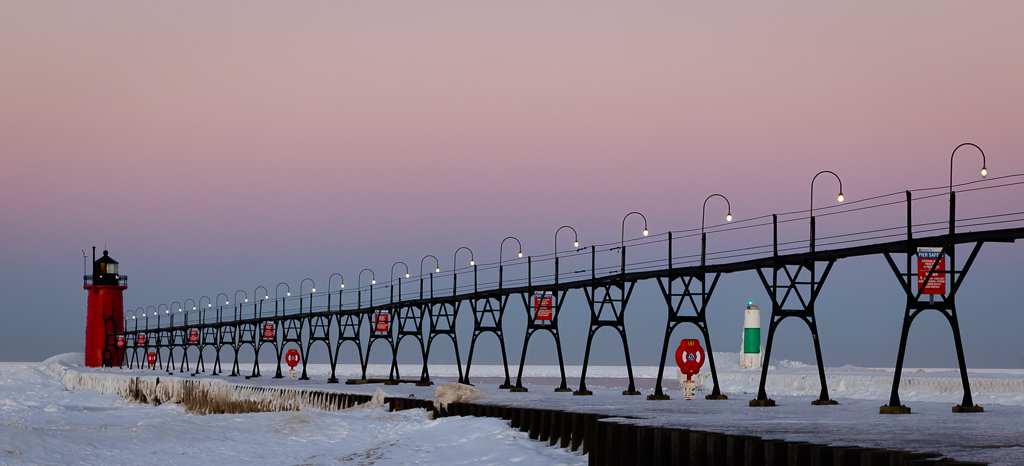
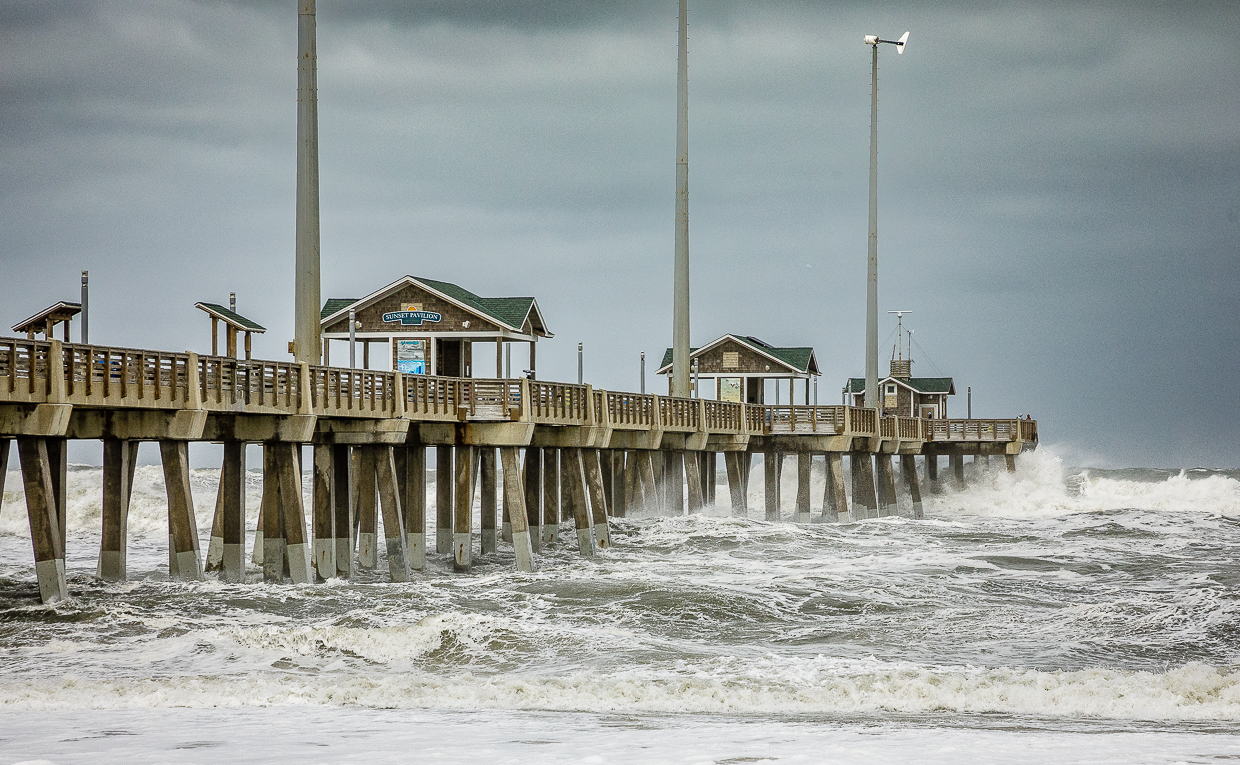
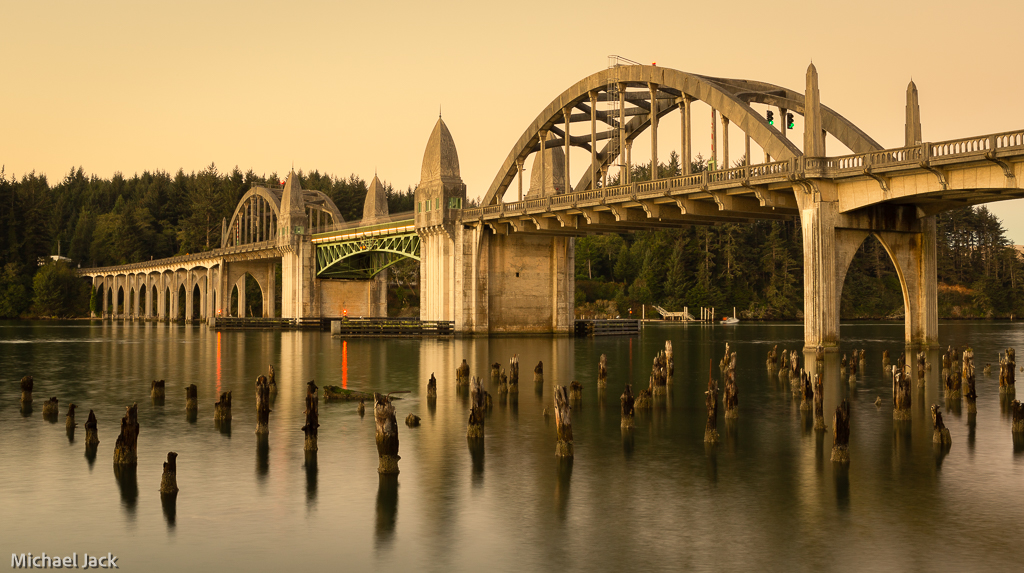
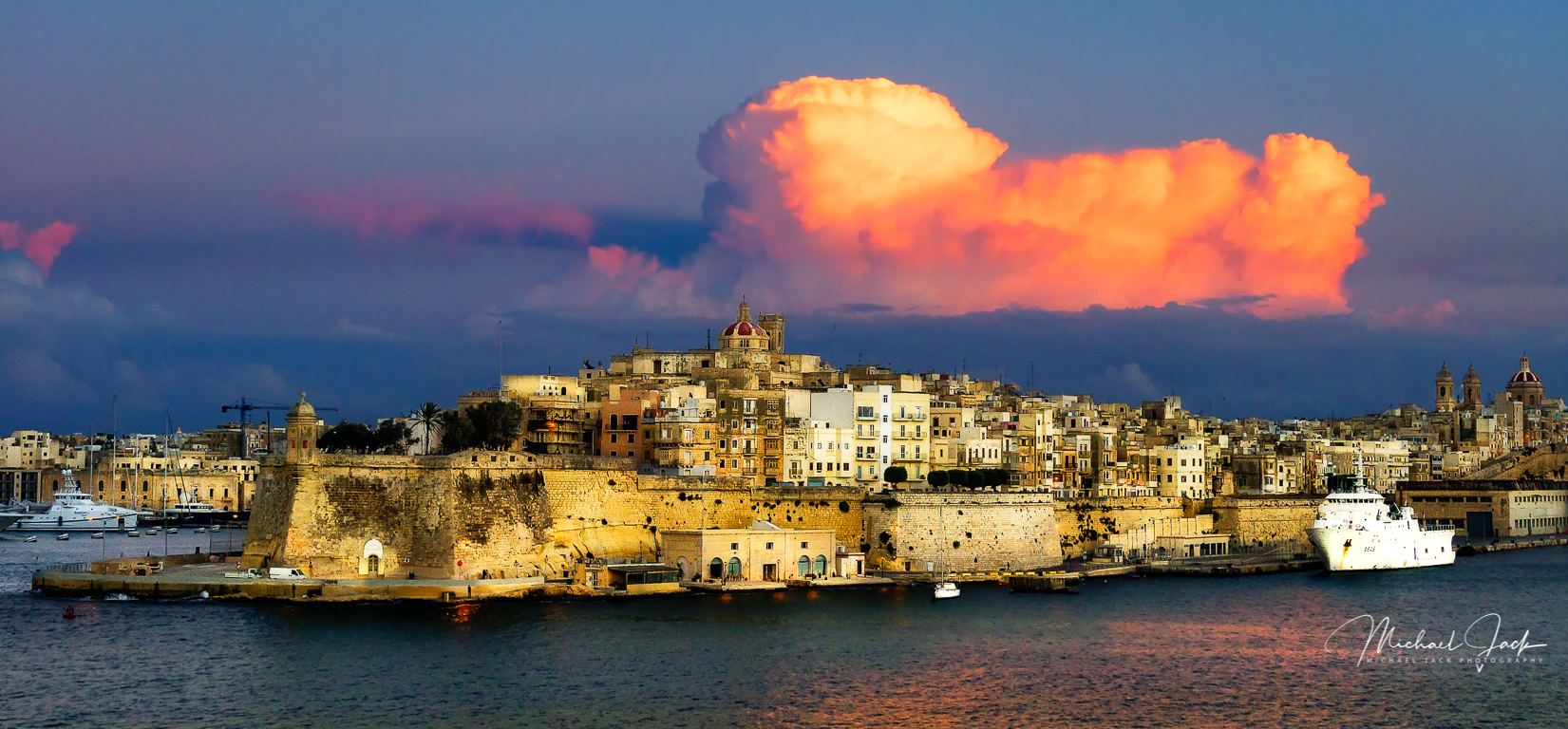
Great color in this image. I agree with some of Larry's comments but see just the color of the cables and not a hue in the sky. Stellar work on post processing the clouds - love the effect. I too would like to see a bit more of the image at the bottom so the building is not sitting on the bottom of it. Is that a bird in the upper left? Is so, I think I would clone it out. I would also consider burning the bright concrete support on the left to match the light on the right and dodge in a bit more light if the farthest part of the bridge. This would be a great image for a travel brochure but with your sky work would not qualify for a travel competition. |
Aug 2nd |
| 36 |
Aug 20 |
Comment |
I agree with most of Larry's comments including considering widening the focal length to balance the distance between the falls and the edge of the image. This would give the falls on the left a bit more breathing room and balance it with the upper falls. To my eye your post processing was very well done even for a mid-day shot. The dark blue skies bring out the color in the cliffs. I like you included the trees to provide a bit of a base and foreground. I am surprised you got a nice flow of the falls with a 1/90 sec shutter speed. I like the look though. |
Aug 2nd |
| 36 |
Aug 20 |
Comment |
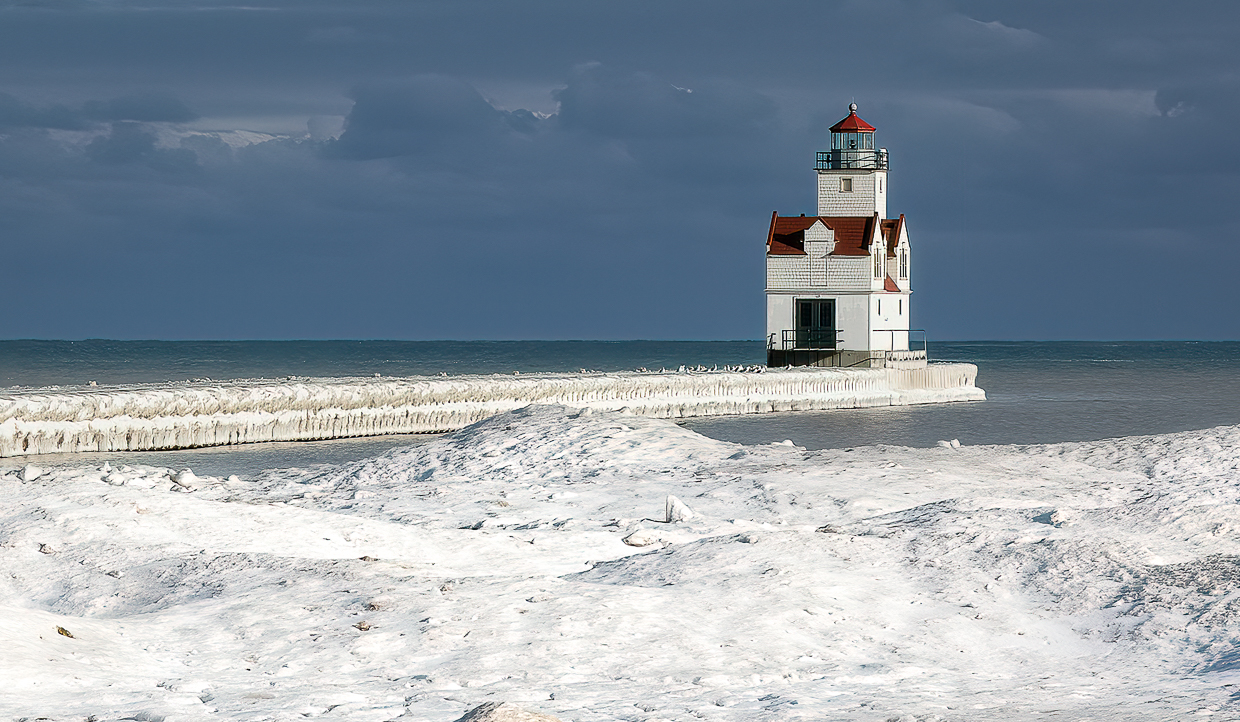
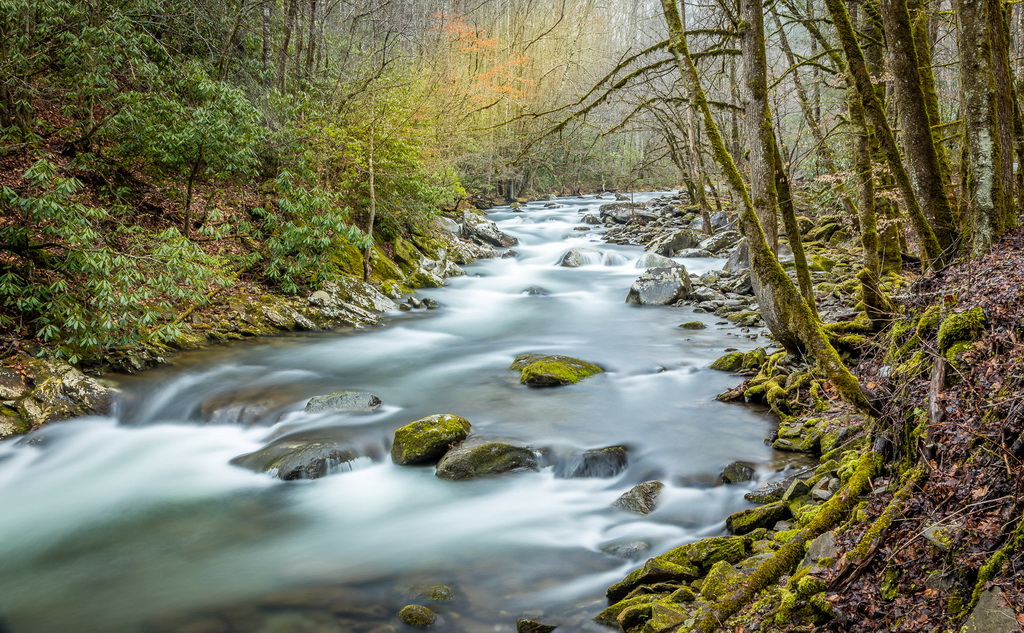
Very creative and nicely done, Larry. I like your choice of shutter speed which created the curved lines in the water which keep my eyes from going out of the image and lead me to the structure. I agree with everyone's comments about straightening the building. If your dodging brought out the building more, that was a good choice. I might consider adding a bit of LR texture or clarity just to the structure to add detail to it. Always enjoy your description of the scene. |
Aug 2nd |
7 comments - 2 replies for Group 36
|
7 comments - 2 replies Total
|