|
| Group |
Round |
C/R |
Comment |
Date |
Image |
| 70 |
Jun 19 |
Reply |
Hi Todd,
Have you tried a new 'Texture Slider' in latest version of Lightroom and Photoshop. This feature works between sharpness and clarity. Adobe has done a great job on this. |
Jun 23rd |
| 70 |
Jun 19 |
Reply |
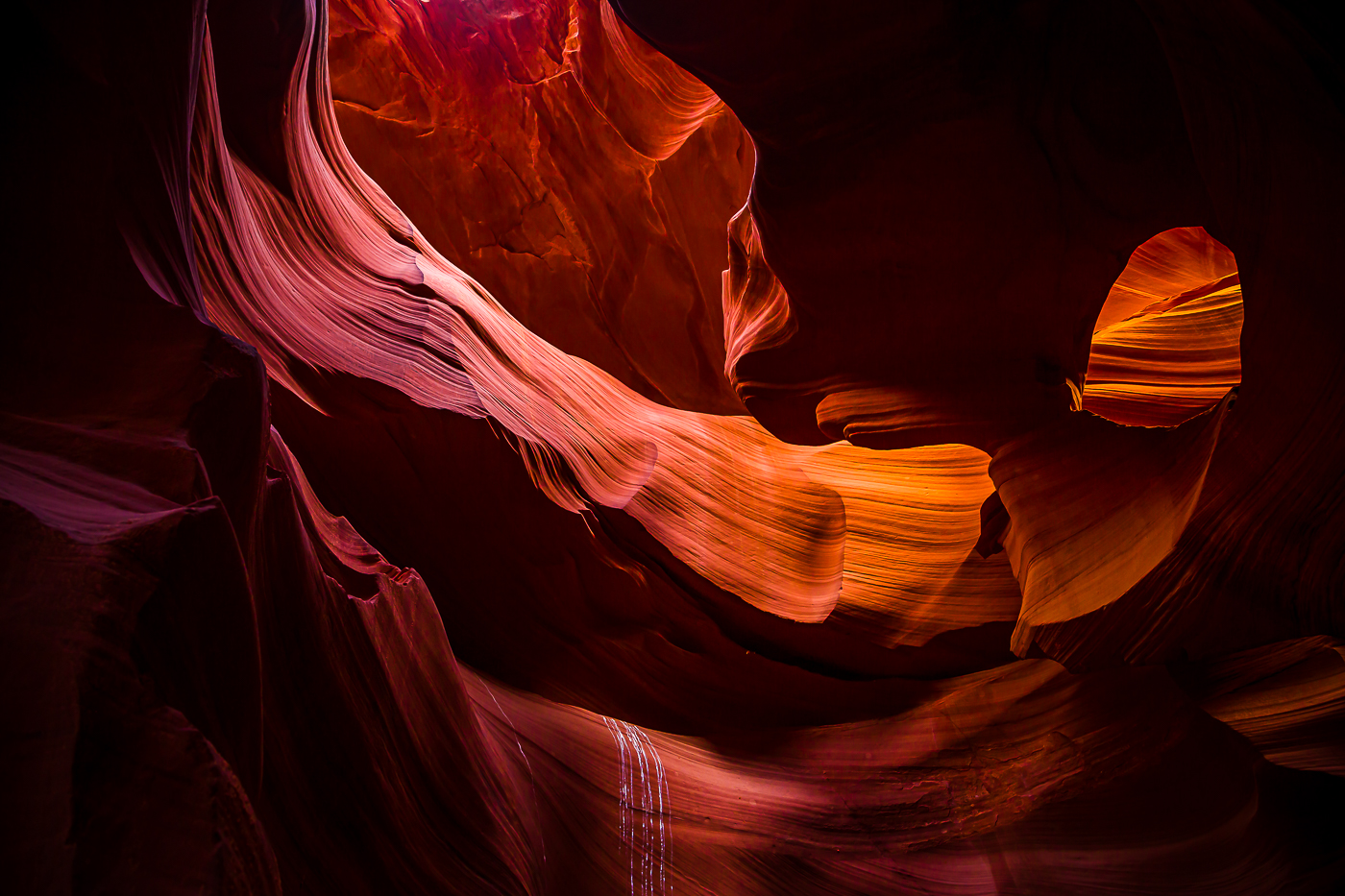
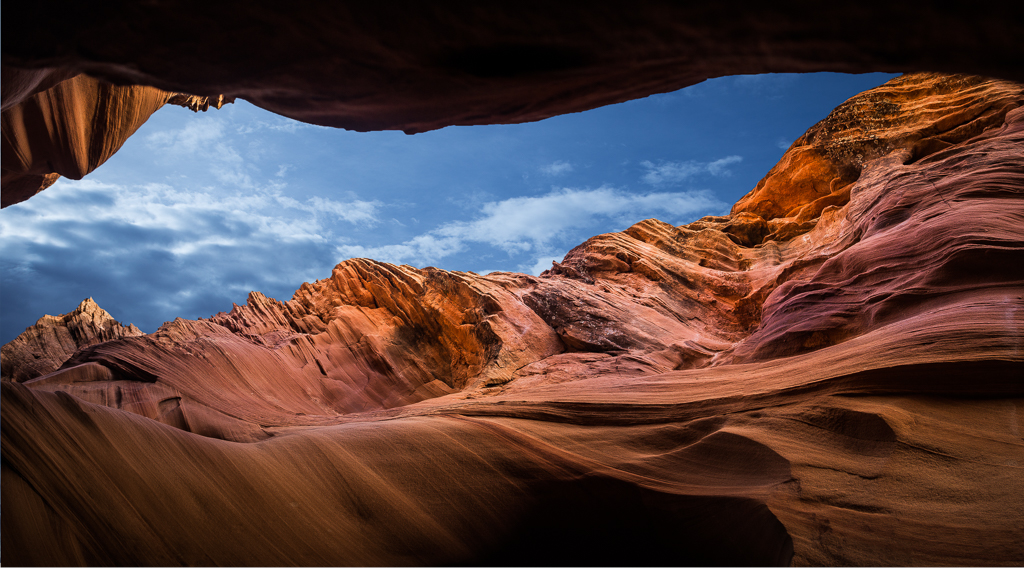
Thanks Lamar. Indeed it was far from a perfect shot. I still have hundreds of other Canyon images. It's time to scrutinize and re-polish them for the next level of editing excellence. I am in progress learning how to apply Luminosity Mask for premium edge sharpness and clarity. |
Jun 23rd |
| 70 |
Jun 19 |
Reply |
Thanks for comments Tod. |
Jun 23rd |
| 70 |
Jun 19 |
Reply |
Hi Judy,
You make me learn the word 'coax'. The pressure to shoot was not only to stand on uneven formations but other visitors also waiting for us photographers to pass. My guide said there would be more photographers during summer especially those chasing Ray of Light among the slots. Thanks Judy. |
Jun 23rd |
| 70 |
Jun 19 |
Reply |
Yes, the overhanging rock is a bit too dark. When I review it carefully, it does not add any significant value to the overall composition as I expected. Originally, this part was a bit blurry due to camera shake. I should have used tripod. My constraint was the standing positions. It was a bit awkward to stand still among the rocks. Thanks for your feedback. |
Jun 23rd |
| 70 |
Jun 19 |
Reply |
PW: I am a bit confused with the orientation... were you pointing to the sky from below? Is this the natural angle of all these strata.
FG: This is a natural angle of the strata. You can see the sky among the canyon slots. I think what make you confuse is my post editing flaw. This is image is panoramic merge from several shots. My lense was not wide enough for the frame. The sky was too flat, so I changed the sky from my sky image collections. Unfortunately, it is too sharp. Indeed, the sky does not look natural. I should have adjust the mask transparency and allow a bit of the original sky texture to make it more natural. Thanks for your feedback. |
Jun 23rd |
| 70 |
Jun 19 |
Comment |
Hi Judy,
I agree with all friends in this group that the interest areas of this image is the tire tracks. Strong leading lines towards the green area at the end. To me, these are the interest areas and ultimate fixation point. I like this simple but effective composition. I just make a bit of experiment here by cropping it a bit tighter - to expose the strong parts of the image composition. I appreciate your photographic eyes to spot these interesting objects. |
Jun 23rd |
 |
| 70 |
Jun 19 |
Comment |
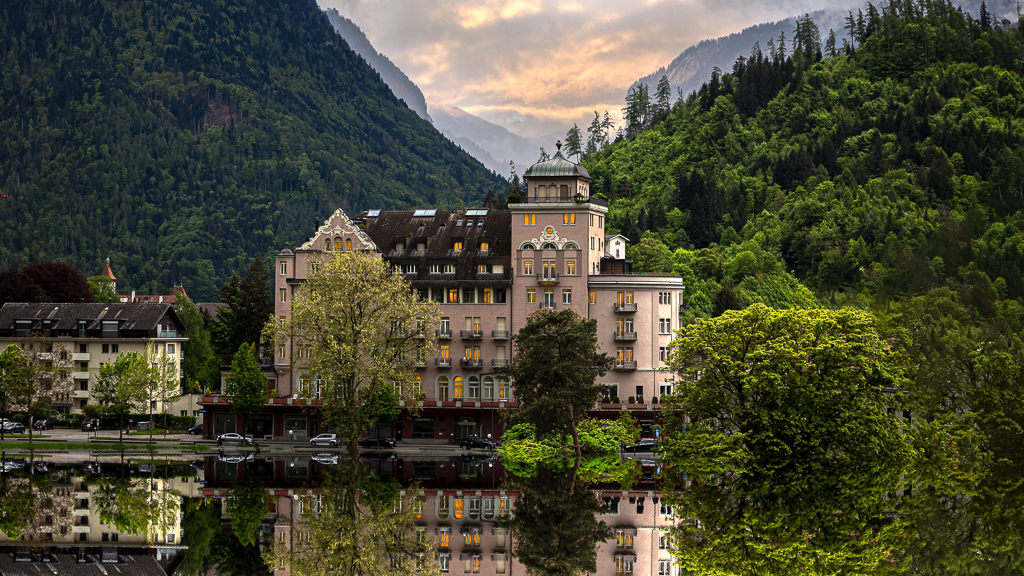
Hi Kathryn,
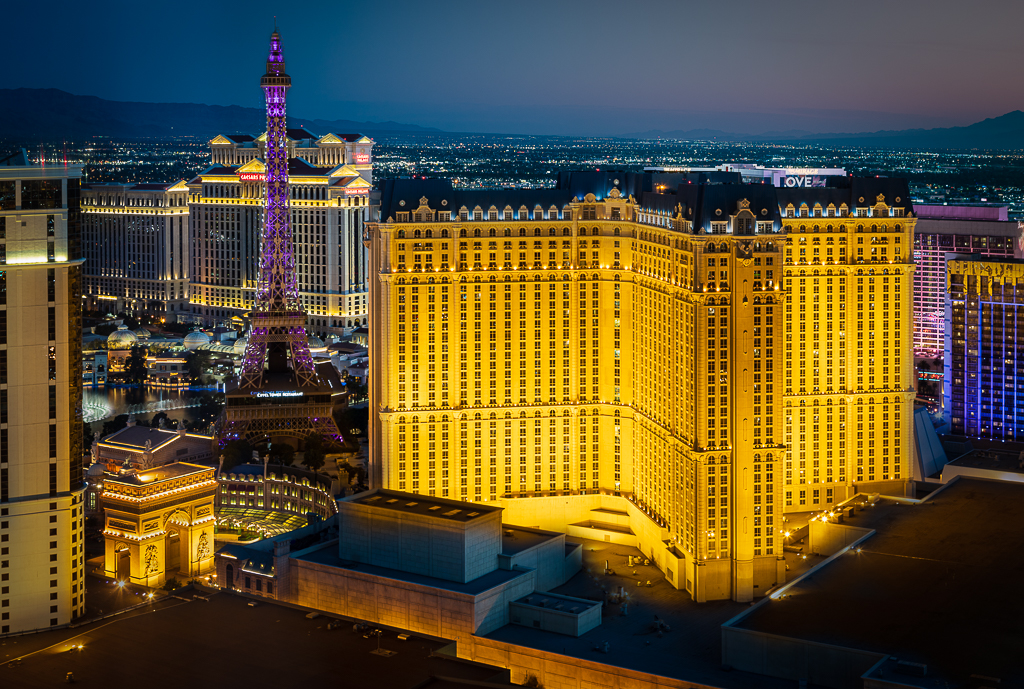
I trade off my Sony A5100 and was not happy with the sharpness of the images. Your A6000 appears to be much better than A5100.
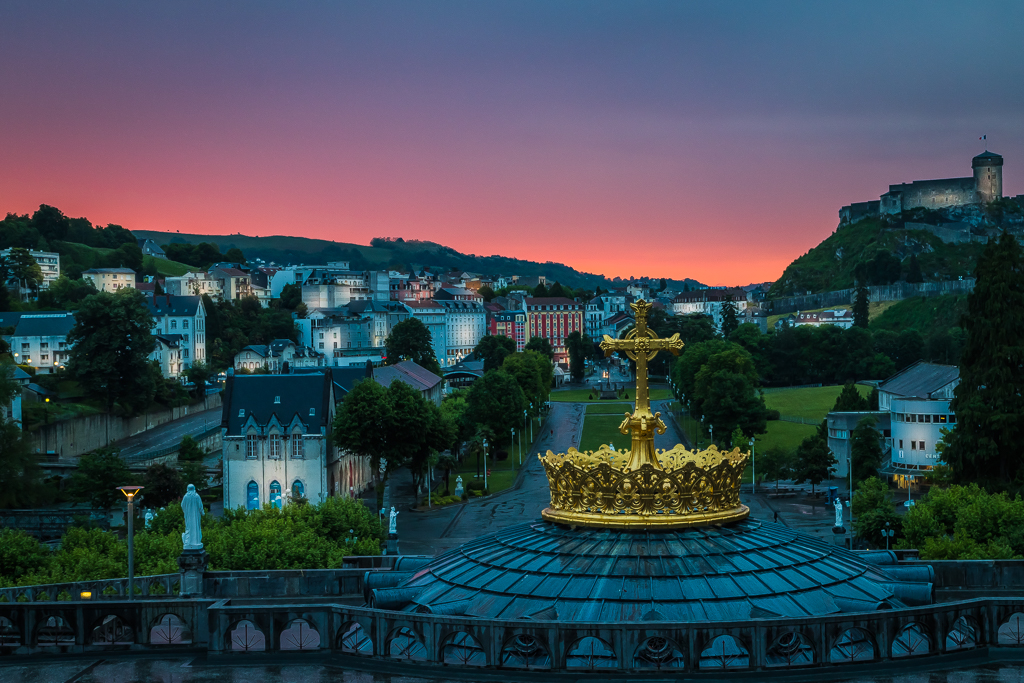
What brings impact to me here is the sharpness of the building structure and its ornament. This is an ultimate focal point of the scene to me. I love the smooth purple sky.
The foreground trees is a bit distracting to me. However, you deserve my empathy. This could be the best position for you to shoot safely. I never want to trade my safety even for the best shooting frame.
My suggestion. You could crop the foreground a bit, and make it a bit more blurry and lighten up to make it less obvious. Explore more of the purple sky by pulling more red channel. Hopefully, viewers attention would tend straight to the focal point and up to the purple sky.
Nice shot Kathryn. |
Jun 5th |
| 70 |
Jun 19 |
Comment |
Hi Glen,
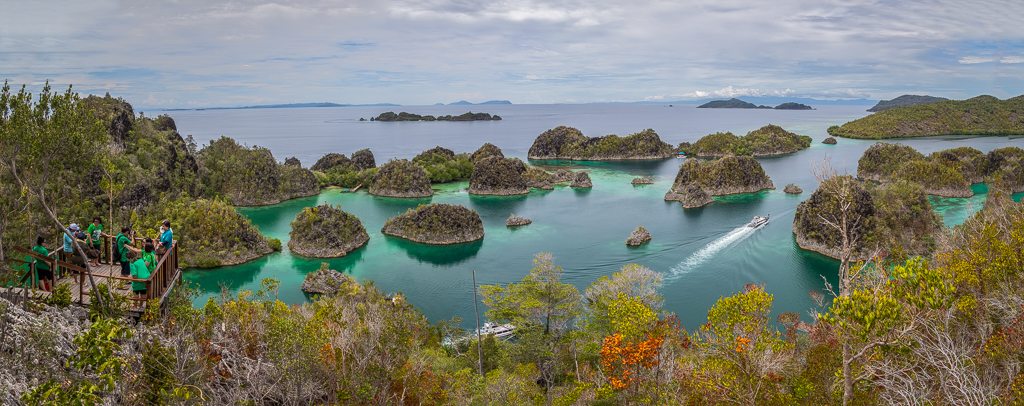
Before reading your explanation, I guess already that this image was not taken by drone but likely by Chopper (Helicopter). I spent years working offshore riding choppers. Unfortunately, I was not that keen with photography at that time.
The impact of the image to me is the crispy sharp of the aquamarine blue barrier reef. You have done a nice editing here to make it more punch. I love how you set the color harmony. I notice a good element of Technical Excellence here. To me, this is the focal point of the image.
My suggestion. I am not sure if you also have some shots to the right of this barrier reef. If you do I might suggest you stitch and include more scene to the right of the barrier reef and make it as center point of the composition of the frame.
Nice crispy shot Glen. |
Jun 5th |
| 70 |
Jun 19 |
Comment |
Hi Todd,
I can really feel your passion in Lansdscape Photography after reviewing your website toddpaigephotography.com. Surely, I have a lot of question about web site as I have been long wanting to have the same. But, let me first concentrate on this month posting.
What brings impact, to me, was the curves and the texture of the sand dune. To me, it's an effective composition where you position the curve diagonally in the frame. Another thing that I like so much is the sand dune color harmony and how you explore the shadows to make them look more dimensional.
My suggestion is to soften the whole back ground (black and color mountain) and black bushes at the foreground. Both are a bit distracting to me.
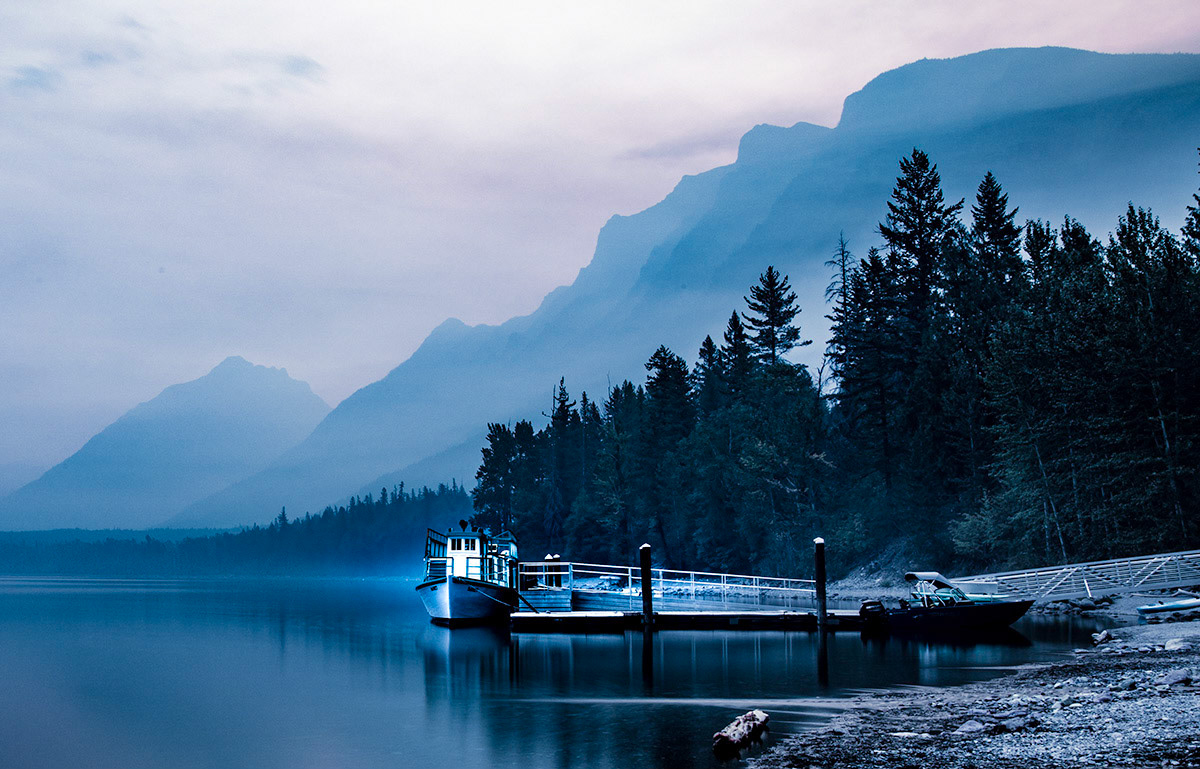
IMHO, I love how you edit the scene into layers like what you have done for 'Lake Mcdonald, Glacier National Park'. Softer foreground and softer background.
Nice work and congratulation for the website Tod! |
Jun 5th |
 |
| 70 |
Jun 19 |
Comment |
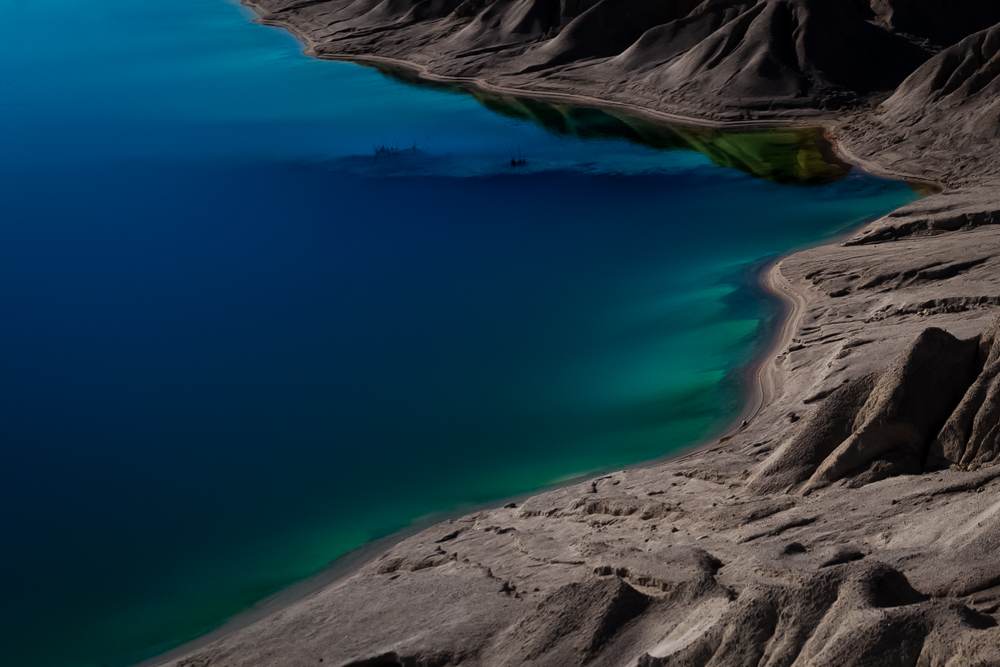
My first impression was this is a Composite Image. I feel the uniqueness of this photo after reading your explanation. I like your creativity to post process it to a duotone image. To me, you have done such a great job. No input for improvement. |
Jun 5th |
| 70 |
Jun 19 |
Comment |
Hi Pierre,
You make me learn a new thing here. Full Spectrum - Astro Conversion.
I just came back from a photography hunting with friends that love to capture Milky Way. Your posting this month make me learn a dedicated Full Spectrum camera for Astro photography.
My question is what's the benefit of shooting landscape with Full Spectrum Camera? Your time to share would be greatly appreciated. |
Jun 5th |
6 comments - 6 replies for Group 70
|
6 comments - 6 replies Total
|