Activity for User 901 - Frans Gunterus - fransgunterus.psa@gmail.com

avatar
Avatar

Close this Tab when done


870 Comments / 772 Replies Posted

  = Current Round   = Previous Round
Group Round C/R Comment Date Image
70 Feb 19 Comment Judy and Pierre,

Thanks for your positive feedbacks. See you in March posting.

Regards
Frans Gunterus
Feb 25th
70 Feb 19 Comment Hi Judy,

I think you must have been very lucky to get this symmetrical object. A house with its unique roof, green door like a nose with two red framed windows like eyes. It's a perfect cartoon face. This link is one of so many articles about shooting symmetry in photography. https://expertphotography.com/symmetry-in-photography/

I would likely position the house right at the center of the frame. Include more room for sky above the cross. Brightened the main object a bit as a center of the interest area. Shoot from high angle to include the grass as foreground. And, depending on its overall composition, I might want to include part of the stone wall for more solid foreground.

Very interesting object.
Feb 13th
70 Feb 19 Comment Hi Kathryn,

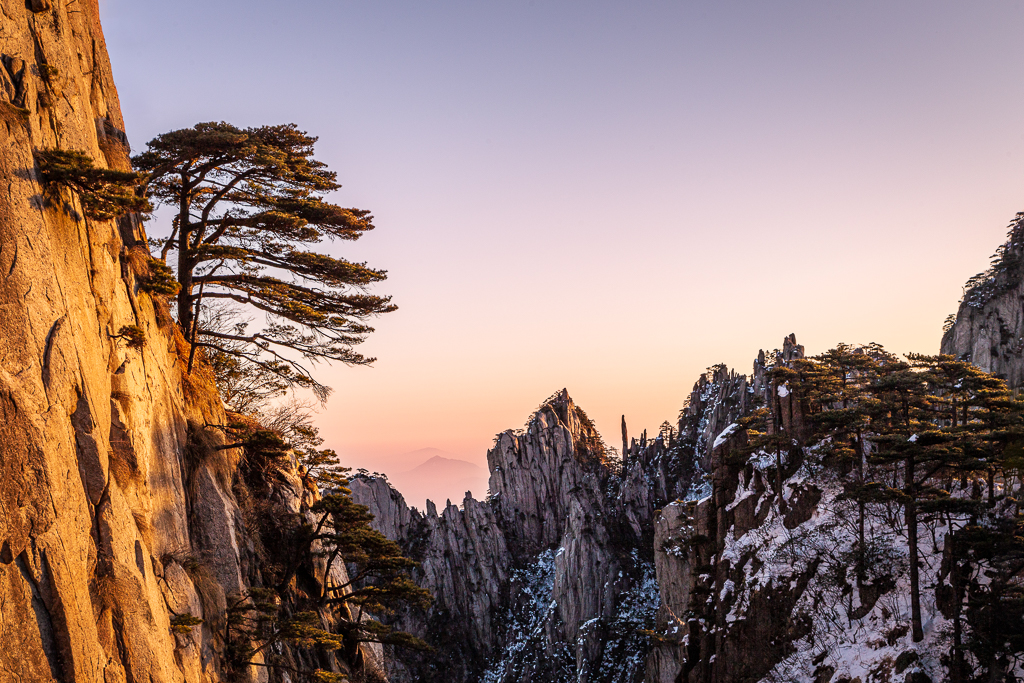
To me, you are successful in this image. I saw almost all outstanding elements in this image. Impact, Technical Excellence, Creativity, Composition, Presentation, Color Harmony, Interest Area, Light, Technique and the story. You have them all in this image.

No suggestion. Job well done.
Feb 13th
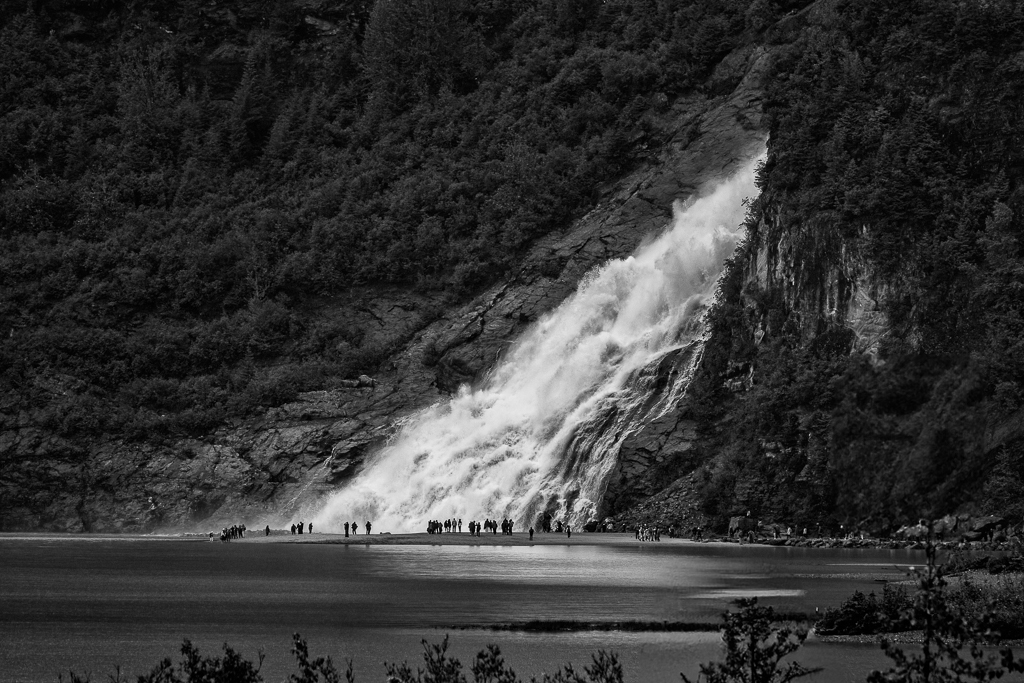
70 Feb 19 Comment Hi Glen,

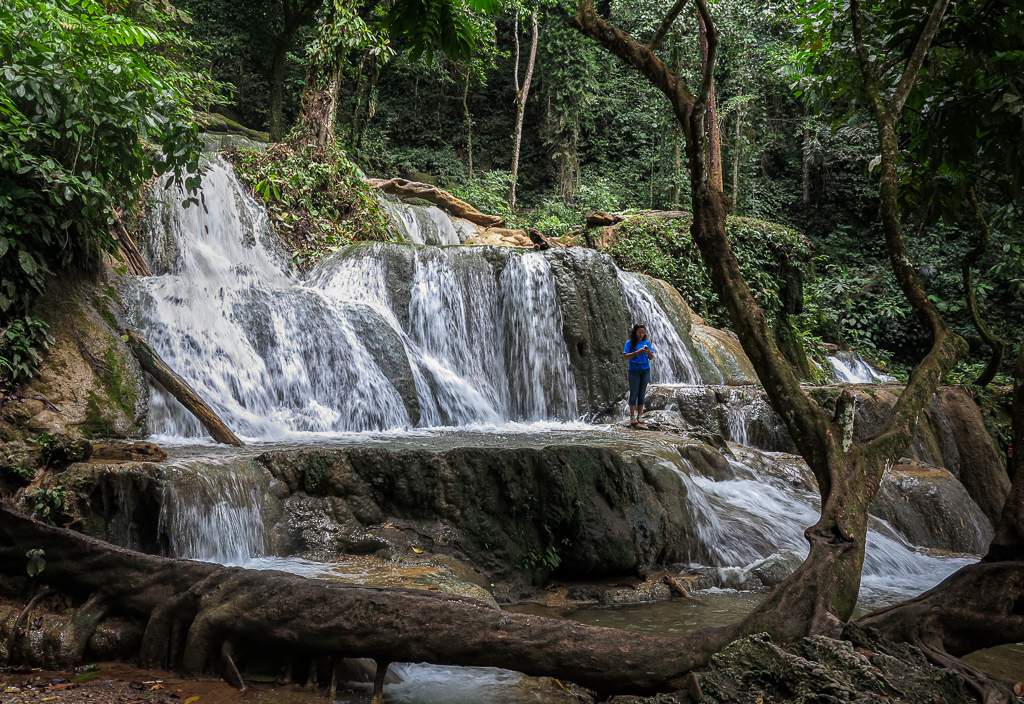
Your last edition is just perfect to me. You allow the bright side at the center and darkened its vicinity to draw more attention. My eyes are traveling from bottom of the fall ... all the way to bright opening at the top ...
My only input for improvement is to crop the foreground a bit.
Feb 13th
70 Feb 19 Comment Feb 13th
70 Feb 19 Comment Hi Todd,

To me, the composition is just perfect. And, I really appreciate your efforts and creativity to get this image. The moon is outstanding with its starburst at f/16.

Room of improvements. I would darkened the stones at the foreground. Just leave the bright side along the edge of the stones and part of the gravel. This way the foreground is not competing with the interest area which is the moon and the hill side at the background.

Feb 13th
70 Feb 19 Comment Hi Pierre,
I like Lamar 'humble' comment: I would not call this result better, but it might be a direction to pursue in addition.
I tend to agree with Lamar suggestion to make it more B&W. But I prefer to smooth out part of the foreground with a bit of cropping.
Feb 13th
70 Feb 19 Reply Hi Glen,

Thanks for your comments. I am now learning Image Analysis (IA) under Senior PSA tutor. He said, indeed, IA is some how individual. It depends individual sense of beauty. Likely, we have some similarities of sense of beauty.
Feb 13th
70 Feb 19 Reply Hi Todd,

Thanks for your comments. Your suggestion to crop a bit off the right side is well recognized. As matter of fact I intentionally leave that part to allow room for comments. :) I appreciate you pointed out.

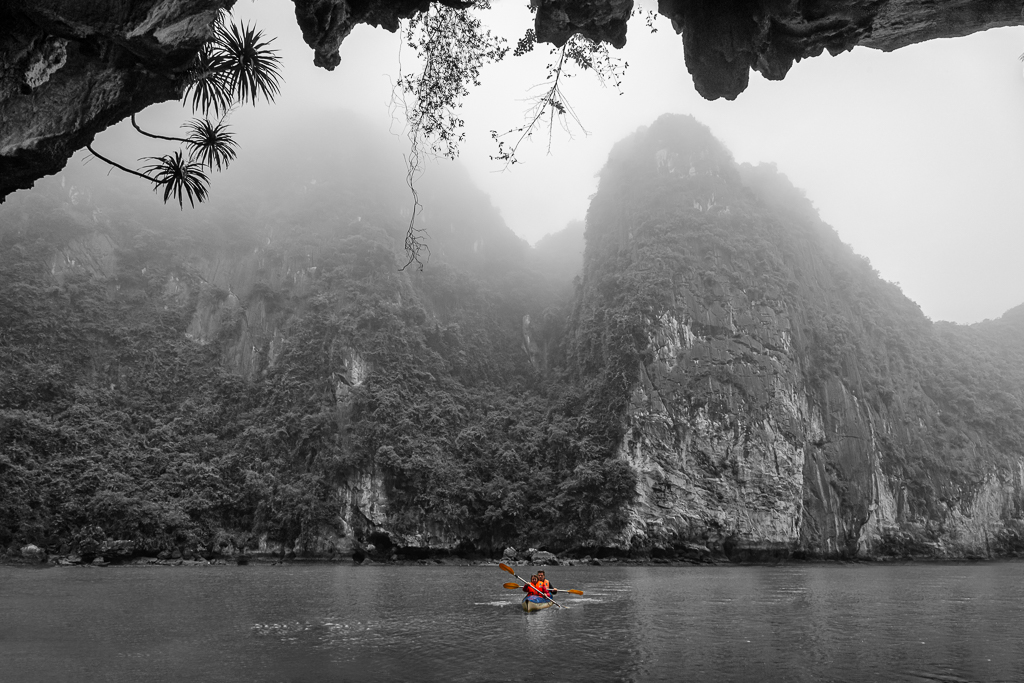
You suggest to wait for a while until the kayak a little further out. I got similar feedback from my local tutor. But I just cannot do that because I took the photo from another boat to follow the stream of other visitors. The place were so crowded. Look at the original image before I removed a part of land on the left corner and another boats at the right of the image.

I almost reject this image from my collections. The key learning to me, be considerate when you want to delete your stock images. I found this image is most interesting among all my Vietnam Photo trip after thoughtful consideration of post-processing.
Feb 13th
70 Feb 19 Comment Hi lamar,

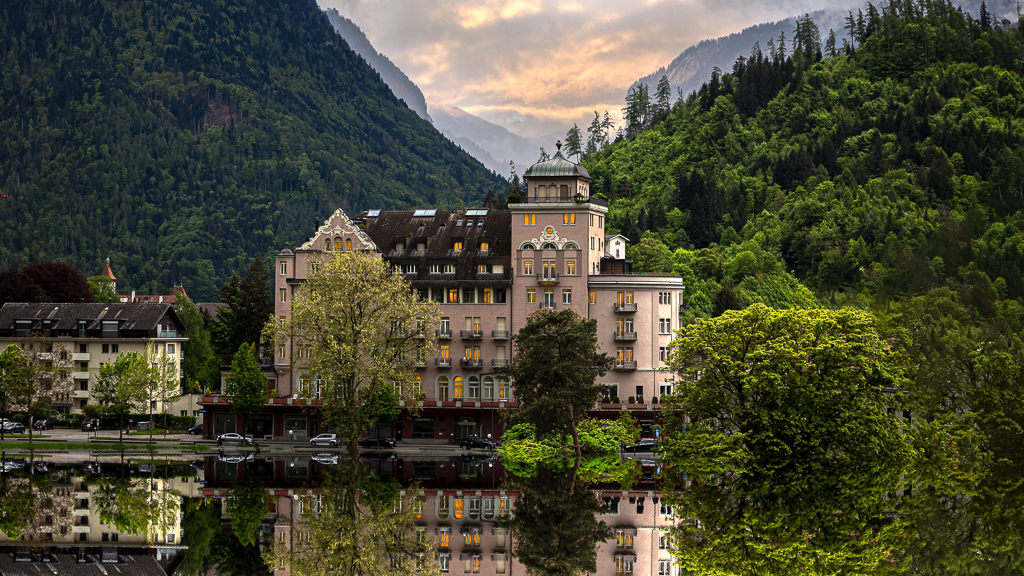
I agree with Kathryn. Nice colors and nice composition, espescially the horizon line at the background is placed proportionally.
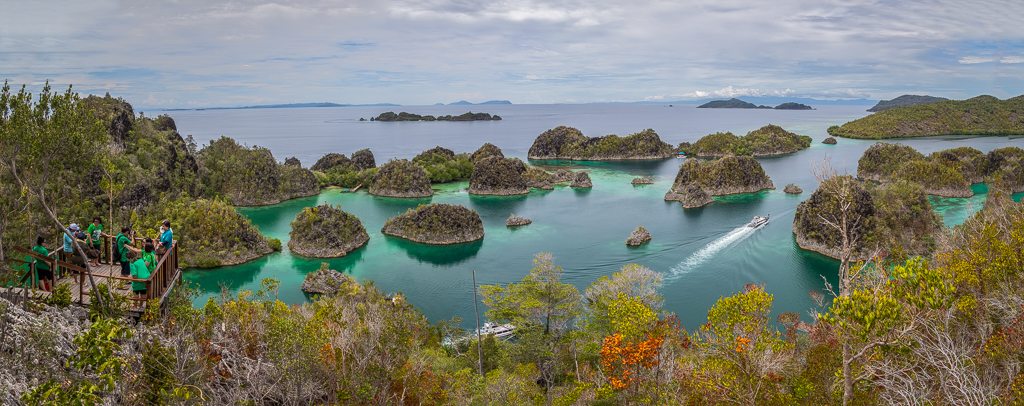
My suggestion. I would darkened the white spot on top of the left hill which was a bit distracting. Increase the shadow a bit to light-up the dark areas. And, if time permits I would wait until the boat get into the water way and brightened the boat trail like the red arrows.

Feb 8th
70 Feb 19 Reply Lamar,

Thanks for your comments. The overhang plants, originally, was very thin almost invisible. I increase its thickness by applying Filter> Poster Edges in Photoshop. But the image (layer) must be in 8 bits/ channel.
Feb 8th
70 Feb 19 Comment Hi Pierre,
Thanks for your comments. I purposely prepared 3 versions of this image to get group opinions. Full Colored, B&W and you called it hybrid. Please find the full colored version as per your request.
Feb 8th

9 comments - 3 replies for Group 70


9 comments - 3 replies Total


181 Images Posted

  = Current Round   = Previous Round
Group 10

Apr 26

Mar 26

Feb 26

Jan 26
Group 34

Apr 26

Mar 26

Feb 26

Jan 26

Dec 25

Nov 25

Oct 25

Sep 25

Aug 25

Jul 25

Jun 25

May 25

Apr 25

Mar 25

Feb 25

Jan 25

Nov 24

Oct 24

Sep 24

Aug 24

Jul 24

Jun 24

May 24

Apr 24

Mar 24

Feb 24

Jan 24

Dec 23

Nov 23

Oct 23

Sep 23

Aug 23

Jul 23

Jun 23

May 23

Apr 23

Mar 23

Feb 23

Jan 23

Nov 22

Oct 22

Sep 22

Aug 22

Jul 22

Jun 22
Group 70

Apr 26

Mar 26

Feb 26

Jan 26

Dec 25

Nov 25

Oct 25

Sep 25

Aug 25

Jul 25

Jun 25

May 25

Apr 25

Mar 25

Feb 25

Jan 25

Dec 24

Nov 24

Oct 24

Sep 24

Aug 24

Jul 24

Jun 24

May 24

Apr 24

Mar 24

Feb 24

Jan 24

Dec 23

Nov 23

Oct 23

Sep 23

Aug 23

Jun 23

May 23

Apr 23

Mar 23

Feb 23

Jan 23

Dec 22

Nov 22

Oct 22

Sep 22

Aug 22

Jul 22

Jun 22

Apr 22

Mar 22

Feb 22

Dec 21

Nov 21

Oct 21

Sep 21

Aug 21

Jun 21

May 21

Apr 21

Mar 21

Feb 21

Jan 21

Dec 20

Nov 20

Oct 20

Sep 20

Aug 20

Jun 20

May 20

Apr 20

Mar 20

Feb 20

Jan 20

Dec 19

Nov 19

Oct 19

Sep 19

Aug 19

Jun 19

May 19

Apr 19

Mar 19

Feb 19

Jan 19

Dec 18

Nov 18

Oct 18

Sep 18

Aug 18

Jun 18

May 18

Apr 18

Mar 18
Group 90

Oct 25

Sep 25

Aug 25

Jul 25

Jun 25

May 25

Apr 25

Mar 25

Feb 25

Jan 25

Dec 24

Nov 24

Oct 24

Sep 24

Aug 24

Jul 24

Jun 24

May 24

Apr 24

Mar 24

Feb 24

Jan 24

Dec 23

Nov 23

Oct 23

Sep 23

Aug 23

Jul 23

Jun 23

May 23

Apr 23

Mar 23

Feb 23

Jan 23

Dec 22

Nov 22

Oct 22

Sep 22

Aug 22

Jul 22

Jun 22

Close this Tab when done