|
| Group |
Round |
C/R |
Comment |
Date |
Image |
| 77 |
Mar 25 |
Comment |
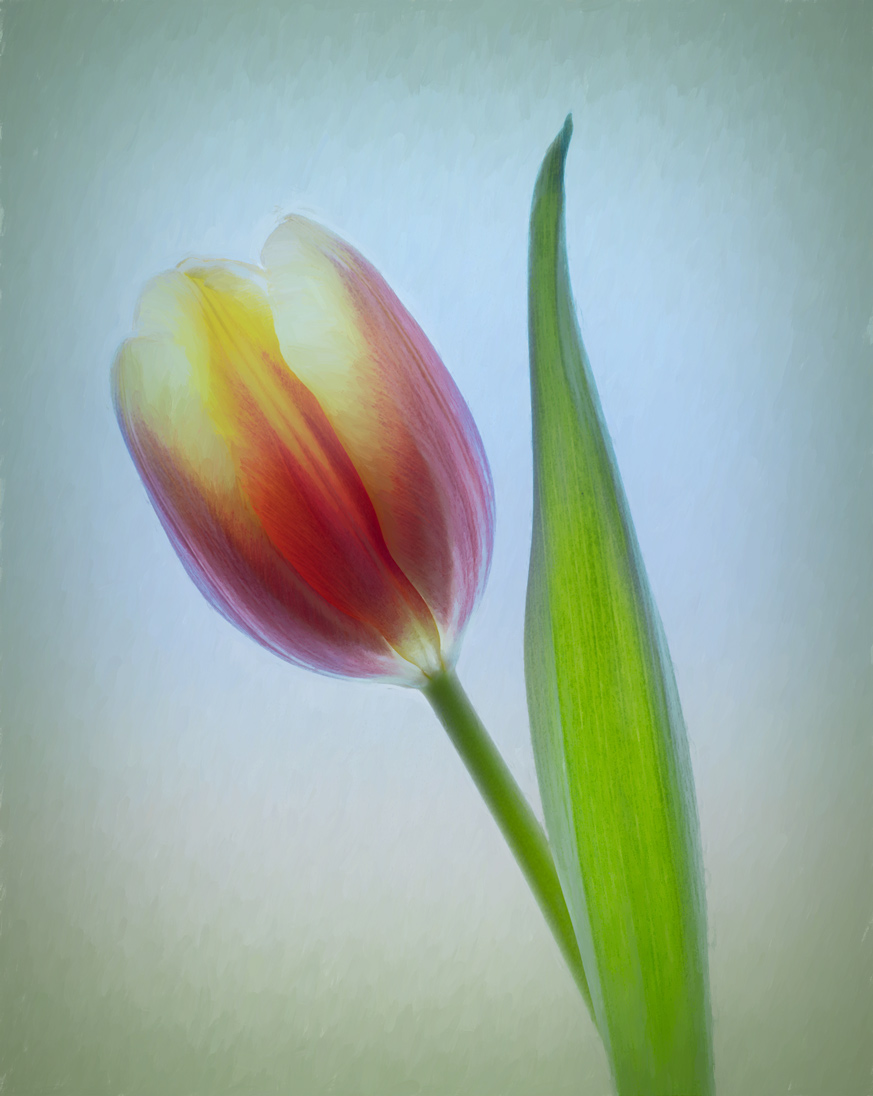
This is a beautiful image. I like that you have the tulip at an angle. The background you developed is perfect. I really love the colors and texture. The background almost looks like a watercolor. That inspired me to add a watercolor look to the entire image. Also, I wanted to make the tulip a little more translucent.
I duplicated the initial layer and selected the tulip to an additional layer. Back on the second layer, I took the selection of the tulip and used Edit > Fill > Content Aware Fill to remove the tulip from the background. Now the tulip layer was ontop of the filled background. I put the tulip layer in Darken Blending Mode and added a mask to the Tulip layer. On the mask, I used a small soft brush to paint with black at 20% opacity over the light areas at the top of the tulip, so the blue background would slightly show through. After stamping up, I took the result into Topaz Impressions 2 to finish the watercolor look.
Thanks for the lovely image. I think I will go purchase some tulips! The squirls ate all the tulip bulbs I planhted! Pesky cute rats!
|
Mar 22nd |
 |
| 77 |
Mar 25 |
Comment |
Rita, you picked a wonderful subject. Indeed, it does bring back mamories, so many memories.
I apprecia te the placement of the bike in the image. The imaginary bike rider is peddaling forward. It seems to me that the monochrome was an excellent choice, to bring back a past memory.
I had to play with your image. So I used the original, and then selected the bike with PS Select > Subject and the Polygonal Lasso tool. I then took the bike alone into Topaz BW and selected the Platinum V preset. After saving that monochrome of the bike, I put the layer at 47% opacity with a Dissolve blending mode. That was to add roughness to the shiny parts of the bike. Selecting the bike again, I added a
layer mask and thwwked parts of the bike to hide the dissolved layer. Next, I stamped up and took that new layer into NIK Color Efex Pro and applied a Vintage preset with film type 2 and an Indian Summer preset with Method 4 and saved. I took the new layer into Topaz BW again, and applied Platinum V with a vignette to focus attention on the bike.
Thank you for presenting this nostalgic image. |
Mar 22nd |
 |
| 77 |
Mar 25 |
Comment |
OMG Jan! As is normal for you, this image is spectacular. In my opinion, it is worthy of a display in an art museum. The addition of the house and the birds brings out the astounding sense of this scene. Great work! |
Mar 22nd |
| 77 |
Mar 25 |
Reply |
I'm not sure what plant they are from. The image was probably taken at Brookgreen Garden in SC. They have tons of different plants, all beautiful!
I really like your rendition, and think it is much better than my original interpretation. Thank! |
Mar 22nd |
| 77 |
Mar 25 |
Comment |
What a beautiful sunset catch Mary. I love the colors and the geometry of it.
In my opinion, This would make a beautiful panoramic image. I cropped a bit off the bottom and more off of the top. What do you think? |
Mar 13th |
| 77 |
Mar 25 |
Comment |
I love your image. It captures farm life during the winter with beautiful authenticy. I really appreciate your inclusion of the falling snow. It truly adds to the scene.
There are a few things that I would change. First, the wide path at the bottom of the image carries too much weight for my tastes. While the path is critical to the story, it outweighs the buildings that define the image.
Secondly, I find the placement of the barn in the center of the image to be distracting. I want to see more of the field and the sky. The field has some interesting features.
As an example, I cropped to the left and down and used a crop extension at the top, with Content Aware Fill, to add sky and move the buildings down a bit in the image and place the barn at the upper left power point. Finally, again in PS, I used an Edit > Sky Replacement and put the resultant lay8er at 35% opacity and Blending Mode to Lighten. That added a bit more interest to the extended sky while it perserved the snow fall. |
Mar 13th |
 |
5 comments - 1 reply for Group 77
|
5 comments - 1 reply Total
|

















































































































