|
| Group |
Round |
C/R |
Comment |
Date |
Image |
| 17 |
Oct 23 |
Reply |
Thank you. If you read my description, you will see how I processed this image. |
Oct 12th |
| 17 |
Oct 23 |
Comment |
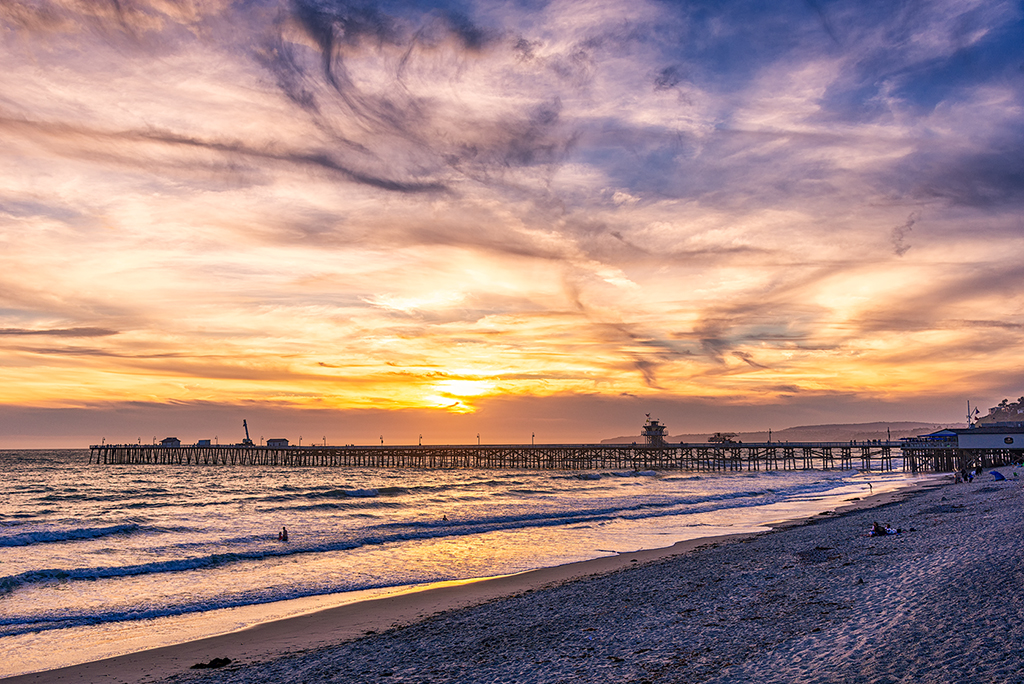
What a beautiful and colorful bridge. I think the got the angle right. I'm wondering if you cropped this image? I would like to see a bit more space on both sides of the bridge and below the bridge. |
Oct 3rd |
| 17 |
Oct 23 |
Comment |
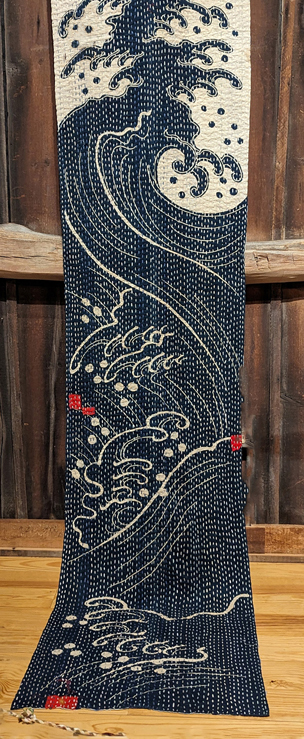
It's a beautiful Japanese quilt. I would love to see a bit more at the top so that the red item isn't right on the edge, or you might consider cropping just below the red object. Also, there is a stain near the upper left of the quilt. You might consider cloning the stain out so that it doesn't draw the eye.
I did a really quick clean up of the stain. It needs more care than I gave it. Do you think removing the stain improves the image? |
Oct 3rd |
 |
| 17 |
Oct 23 |
Comment |
There are a lot of interesting gadgets and details in this image. However, my eye doesn't quite know where to focus. You might consider doing several smaller crops of this image focusing on specific sections of the image.
I attached one possible smaller crop. What do you think" |
Oct 3rd |
 |
| 17 |
Oct 23 |
Comment |
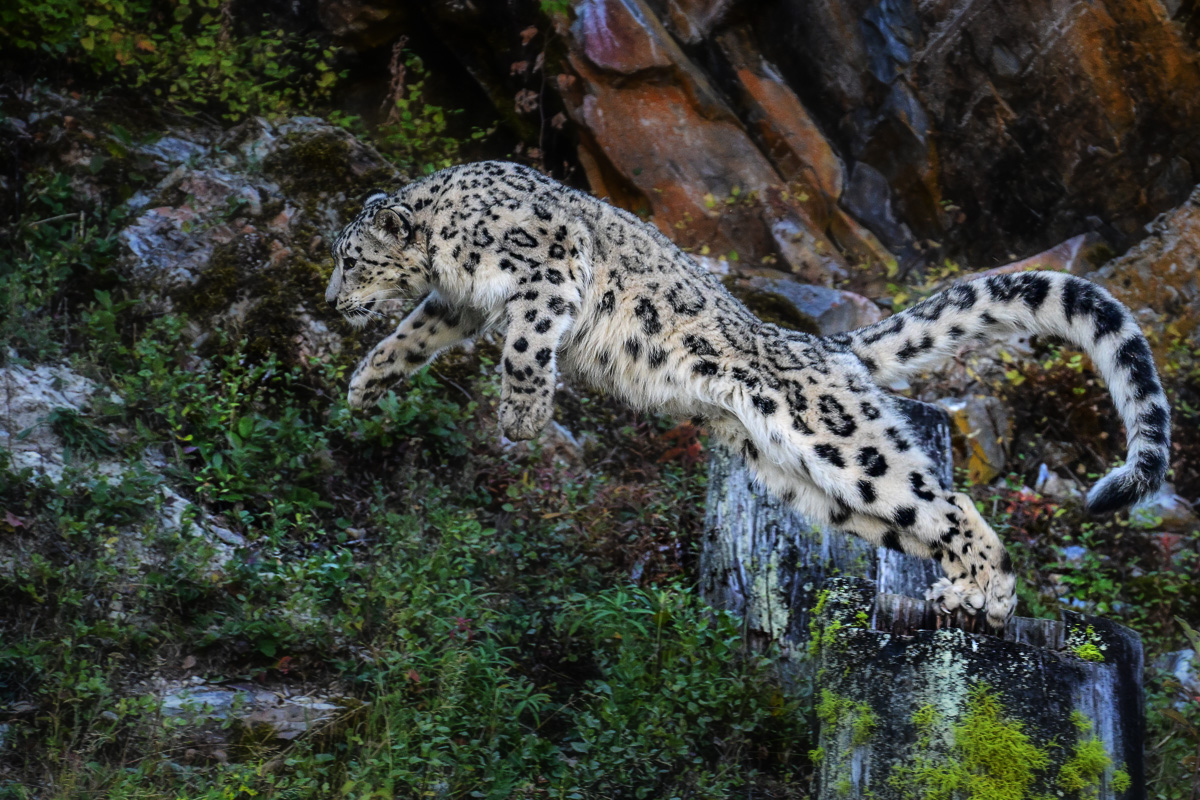
What a great catch of the leopard in action. The background is quite busy detracting from the leopard. You might want to consider blurring and darkening the background. I did a really quick edit using a curves layer to darken the background and a gaussian blur of 10 px. at 30% opacity to soften the background detail. A more careful edit is called for. What do you think? |
Oct 3rd |
 |
| 17 |
Oct 23 |
Comment |
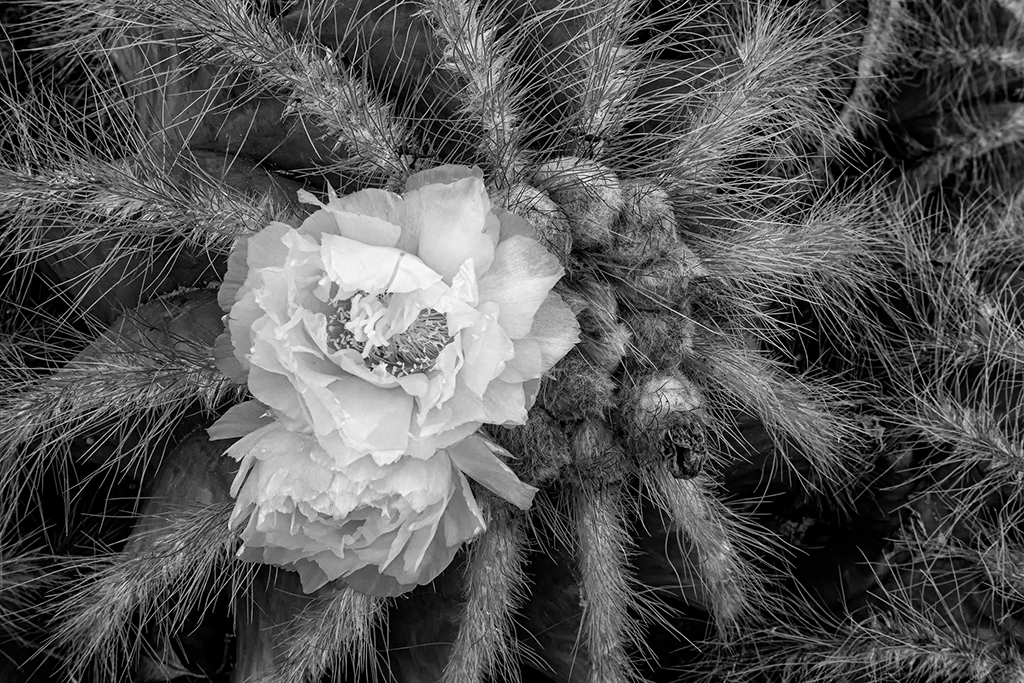
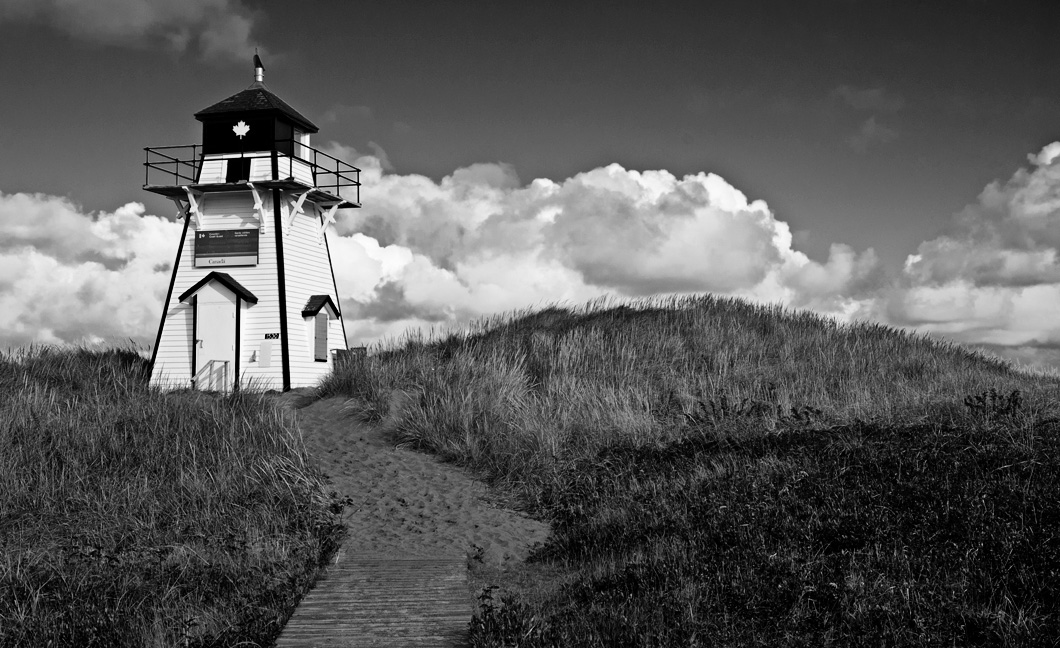
Black and white does suit this image. You might want to consider cropping a bit off the top and adding additional clarity to make the texture in the grass more pronounced. I added clarity using the high pass filter in PS. What do you think? |
Oct 3rd |
 |
5 comments - 1 reply for Group 17
|
5 comments - 1 reply Total
|