|
| Group |
Round |
C/R |
Comment |
Date |
Image |
| 17 |
Feb 23 |
Comment |
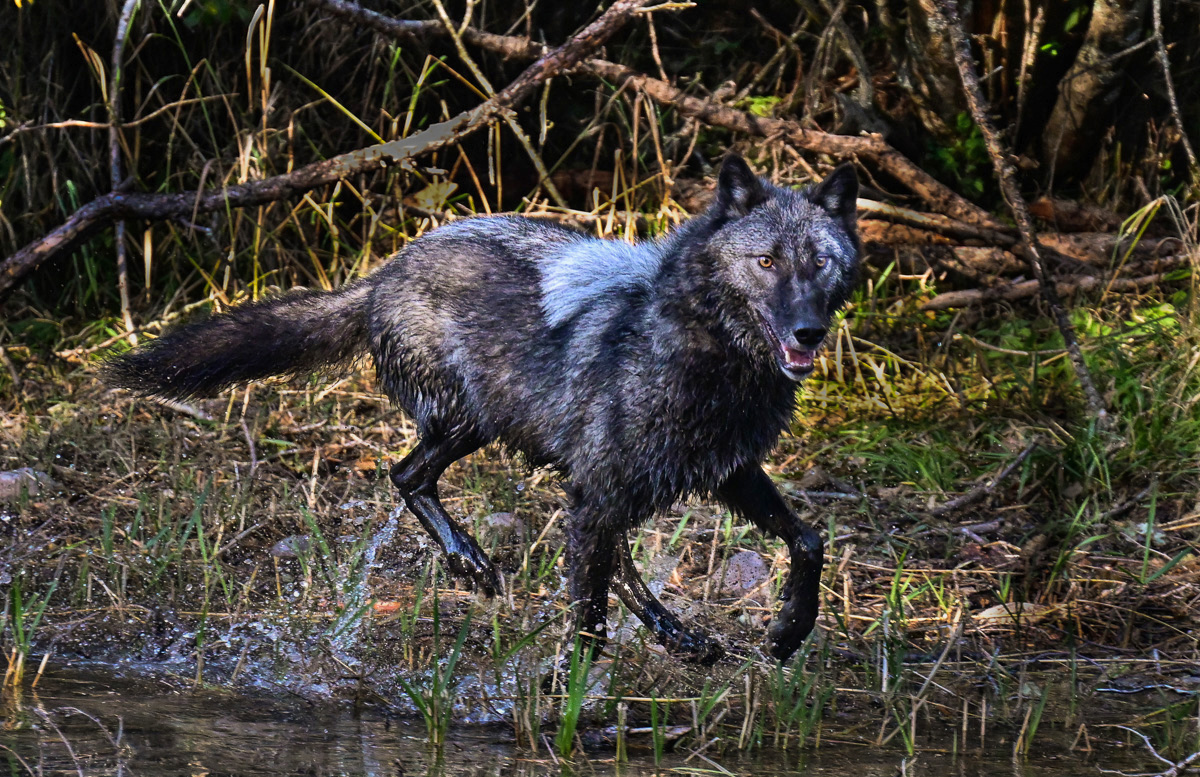
Great wildlife capture. You did a remarkable job of capturing the wolf looking at you. Other than what has already been said about the gray spot, the only suggestion I have is to bring out the detail on the wolf a bit more. I used the NIK detail extractor at 10% to bring out a bit more of the detail in the dark parts of his fur. Did that help any? |
Feb 20th |
 |
| 17 |
Feb 23 |
Comment |
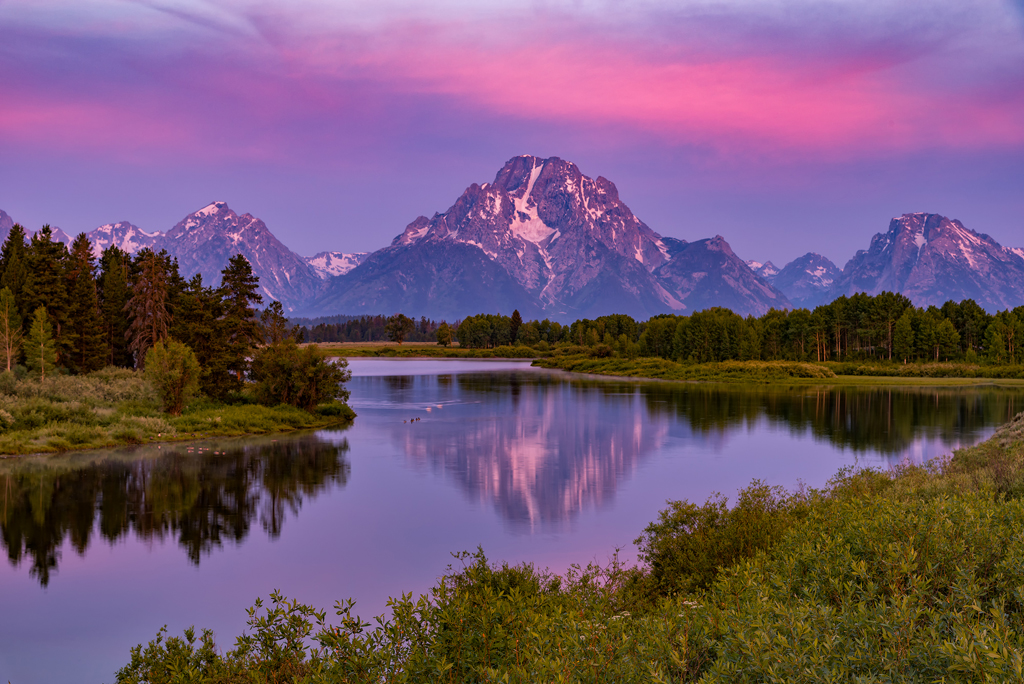
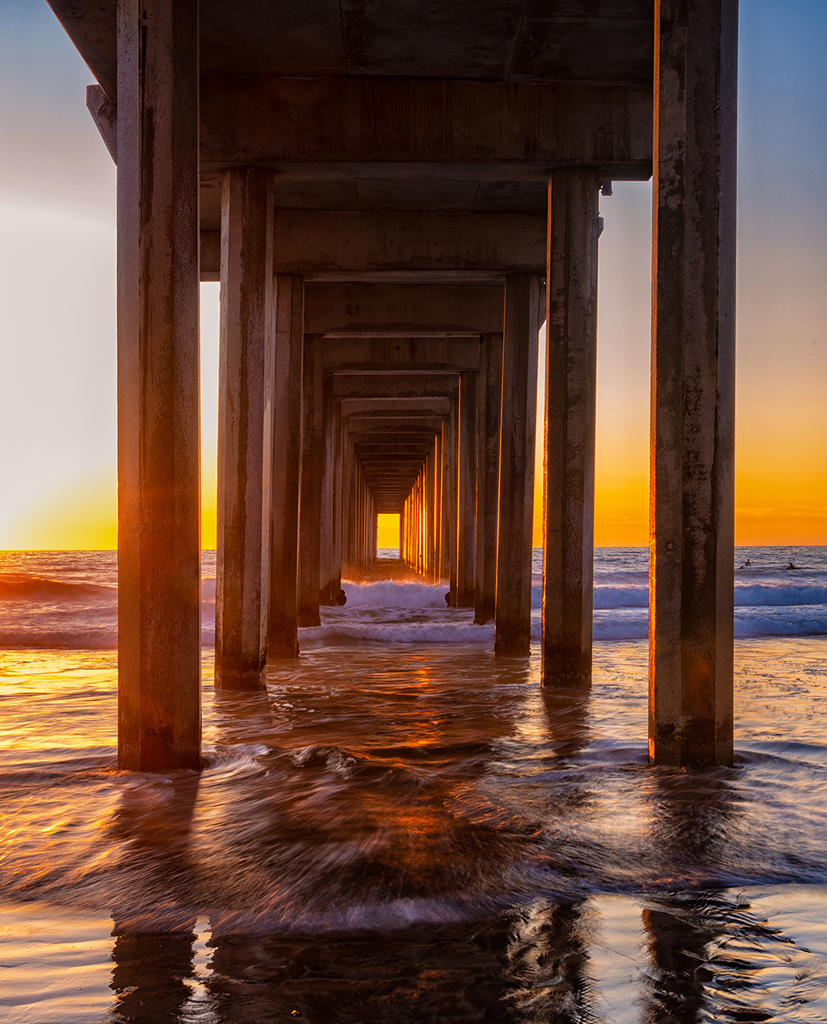
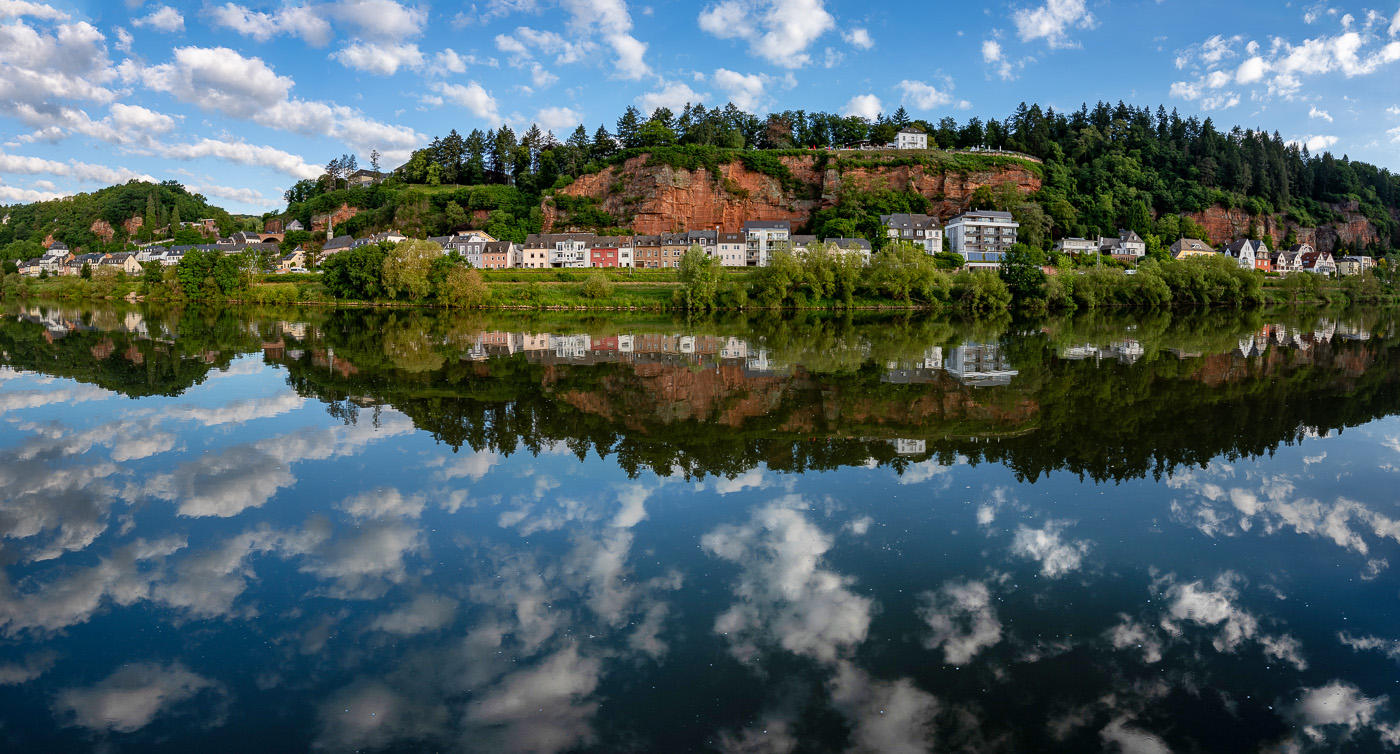
This is a very effective image. Your timing was perfect in catching a mirror reflection due to the stillness of the water. You might consider lightening the vary dark shadowed area at the bottom of the image. To my eye, the darkness in the bottom portion creates too much visual weight and draws my eye to the bottom of the image rather than leading to the focal point.
I did a hasty lightening of the dark area. What do you think? |
Feb 20th |
 |
| 17 |
Feb 23 |
Reply |
The NIK filters (now called DXO) are third party filters that can be used in Photoshop. The detail extractor can expose details in both the shadows and highlights that were previously not visible. I use it at a very low opacity, usually 5%. |
Feb 20th |
| 17 |
Feb 23 |
Comment |
I wish you had given more information about this photo. What camera? Post-processing? What was your intention, what were you trying to capture?
You certainly did capture her singing her heart out! I think that might be more evident if you cropped out some of the extraneous stuff in the background.
What do you think? |
Feb 3rd |
 |
| 17 |
Feb 23 |
Comment |
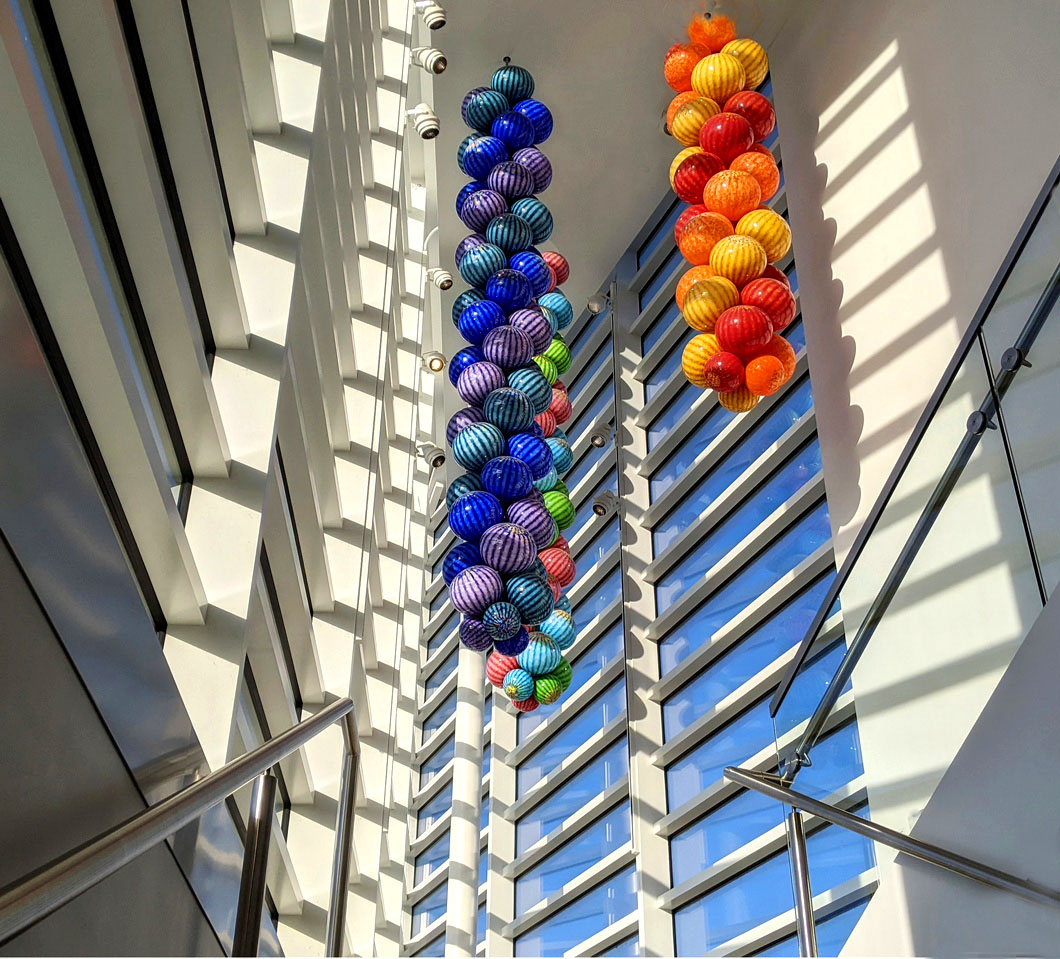
I love this image! Initially I thought that I would crop it more, but after studying it, I think your crop is right on. I think you hit the nail on the head with this composition. You did not mention any post processing which tells me you probably let the phone have the last word. I think this image would be more of an attention grabber if you increased the contrast and saturation.
What do you think? |
Feb 3rd |
 |
| 17 |
Feb 23 |
Comment |
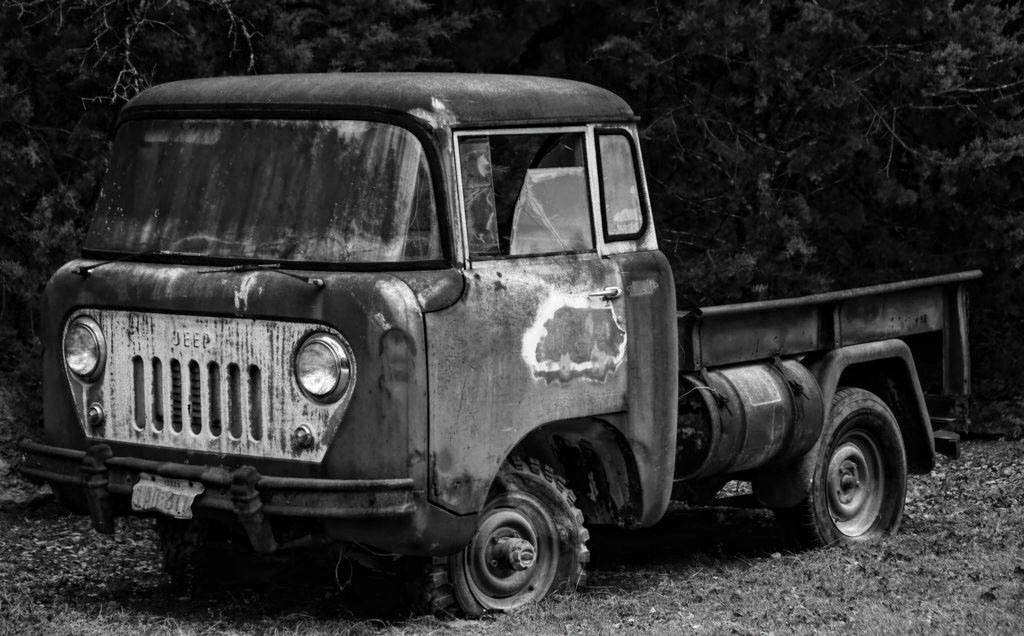
This rusty old truck is a perfect subject for monochrome. I love your angle showing the front and side of the truck. To my eye, the crop is too tight. I would like to see more room all around the truck, especially in front of it so that it feels like it has a place to go.
Did you do any other post processing than converting to monochrome? You might want to consider adding some clarity or tonal contrast in LR or PS. I personally like the NIK detail extractor at a very low (5%) strength. You might also consider darkening the branches above the truck and the light grass below it.
What do you think? |
Feb 3rd |
 |
| 17 |
Feb 23 |
Comment |
I wish you had given a bit more information about this image. What was your intention when taking the shot, camera settings, post-processing etc.?
This image has a lot of dynamic range, so it does lend itself to a black and white image. I love black and white and convert many of my images to monochrome. I think this image might POP a bit more if you increase the contrast so that the tonal range includes pure black and pure white.
I see a lot of alternative sub-compositions in this picture. Both the upper right and left quadrants of the image could make very effective compositions. I struggle a bit with this image as composed. My eye just doesn't quite know where to look. That is why I asked what your intention was when taking this photo. |
Feb 3rd |
6 comments - 1 reply for Group 17
|
6 comments - 1 reply Total
|