|
| Group |
Round |
C/R |
Comment |
Date |
Image |
| 24 |
Feb 22 |
Comment |
I learned something new. I had no idea there was a Rain Effect filter in Photoshop. I agree that using the filter improved the mood of the image.
You might want to consider cropping the image a bit, especially on the left. The front tire of the car is a distraction for me that keeps drawing my eye. |
Feb 12th |
| 24 |
Feb 22 |
Reply |
In my opinion, it looks much better. |
Feb 6th |
| 24 |
Feb 22 |
Comment |
I personally don't think the shadow side of the wing is too bluish. I'm just wondering how the image would look if you lightened the shadows a bit and brought out the detail on the underside of the wing just a little. |
Feb 2nd |
| 24 |
Feb 22 |
Comment |
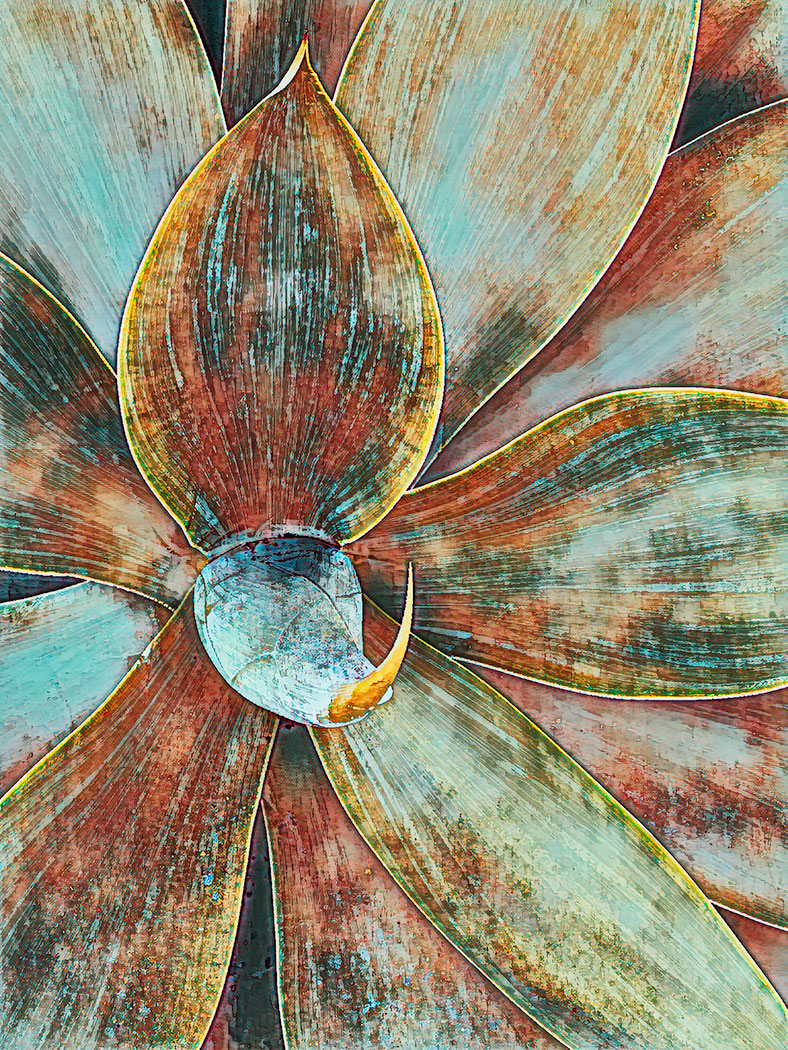
Since this is somewhat of an abstract image, you might consider playing around with rotating the image to see if doing so makes the image more interesting. |
Feb 2nd |
| 24 |
Feb 22 |
Comment |
Great eye for seeing a photograph here. The ice crystals are quite beautiful. I would like to see the original image before cropping. I'm not sure this is the most effective crop. The ice trail leading to the crystal at the top leads my eye away from the primary subject right out of the image. Maybe cropping differently would make this image more effective. |
Feb 2nd |
| 24 |
Feb 22 |
Comment |
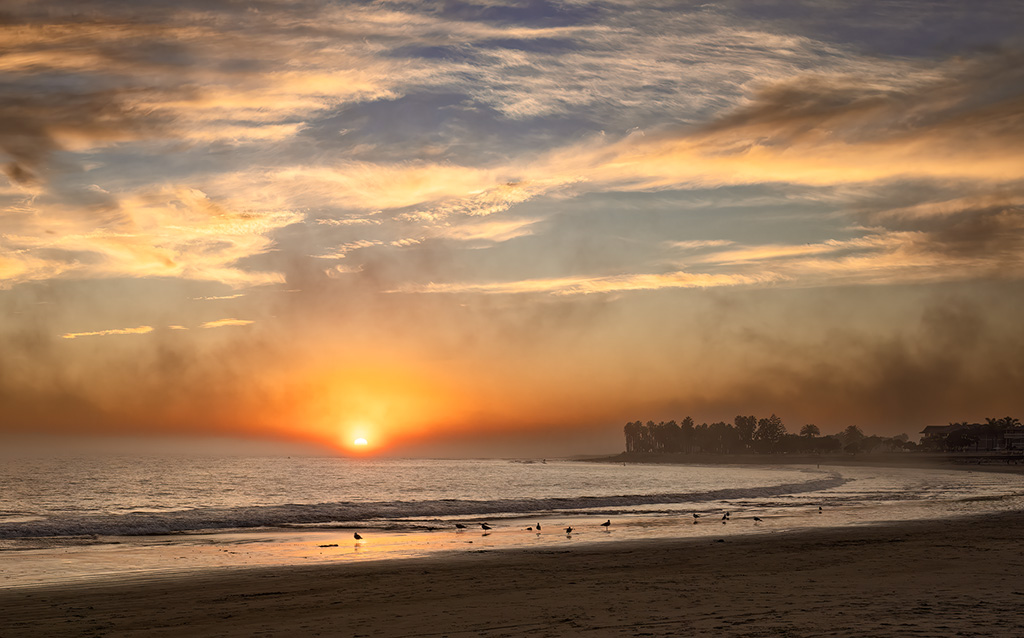
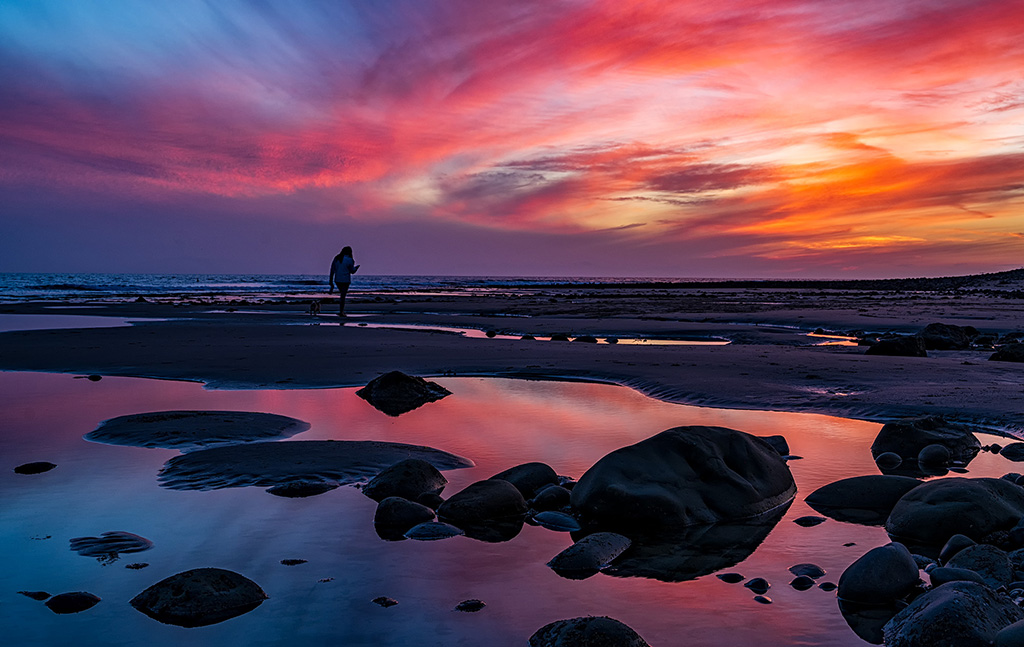
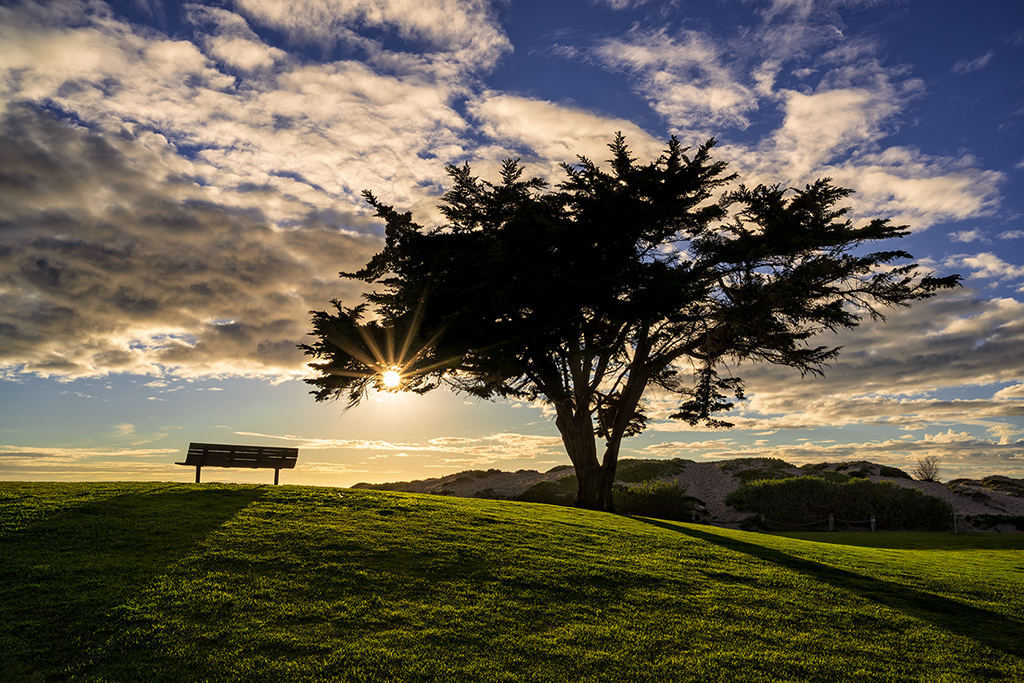
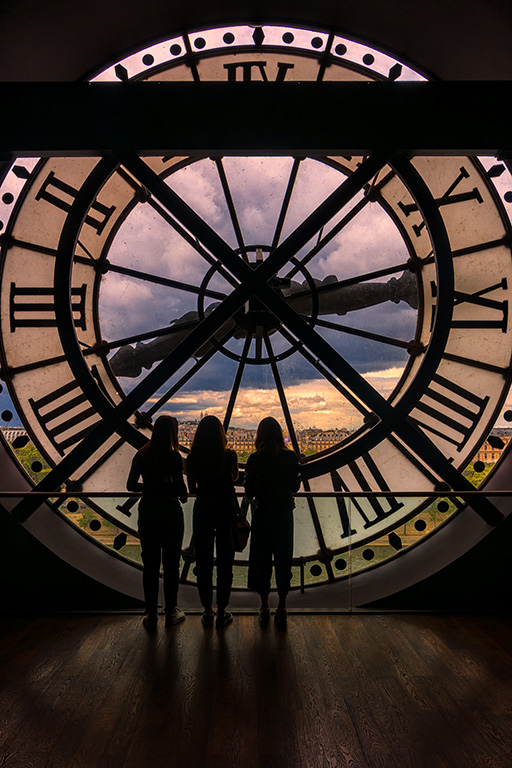
I really like the concept and composition behind this image. To my mind, it is not quite a true silhouette because I do see some color and texture in the dark part of the image. You might consider darkening the shadow area so that no color or texture is visible. You might also want to consider cropping about 1 1/2 inches from the bottom. To my eye, there is more negative space than is necessary.
If you don't want to darken the shadow area more, you might consider lightening the shadows just a bit so that the image isn't hovering between being a silhouette and not a silhouette. |
Feb 2nd |
5 comments - 1 reply for Group 24
|
5 comments - 1 reply Total
|