|
| Group |
Round |
C/R |
Comment |
Date |
Image |
| 24 |
Dec 21 |
Comment |
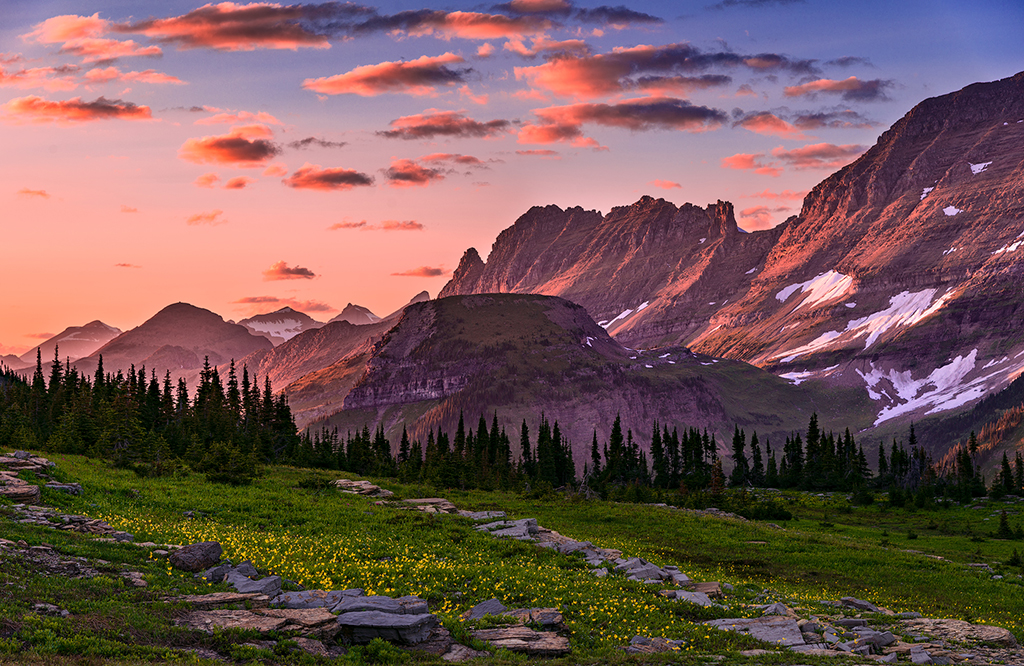
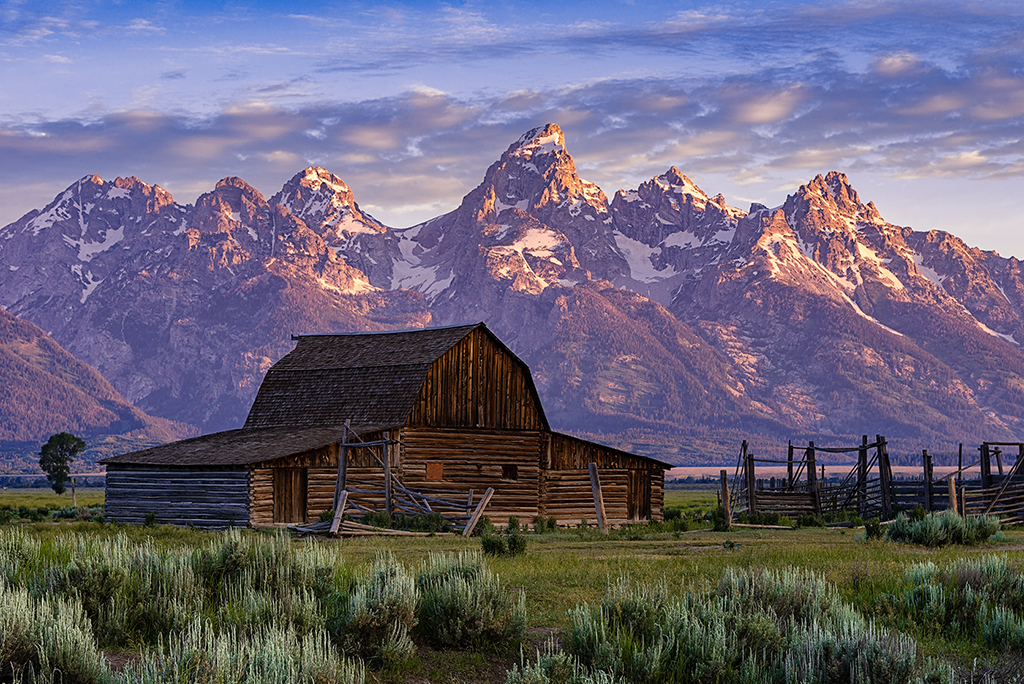
Adding more sky to the top was a good idea. Filling the light blue spot on the left really helped the image. I know there is a tool in either LR or PS that can be used to eliminate the bluish tinge (chromatic aberration?) on the right. I just can't remember what tool it is. As always, I'm sure there is a video that can help.
I would also consider cropping the image with a bit more space at the bottom so that the fenceposts do not appear cropped off. You do have room in the original to leave a bit more space. |
Dec 23rd |
| 24 |
Dec 21 |
Comment |
I agree with all previous comments. Since the image is shown on a black background, you might consider lightening the fabric on the lower right just a little so that it doesn't disappear into the black background. |
Dec 23rd |
| 24 |
Dec 21 |
Comment |
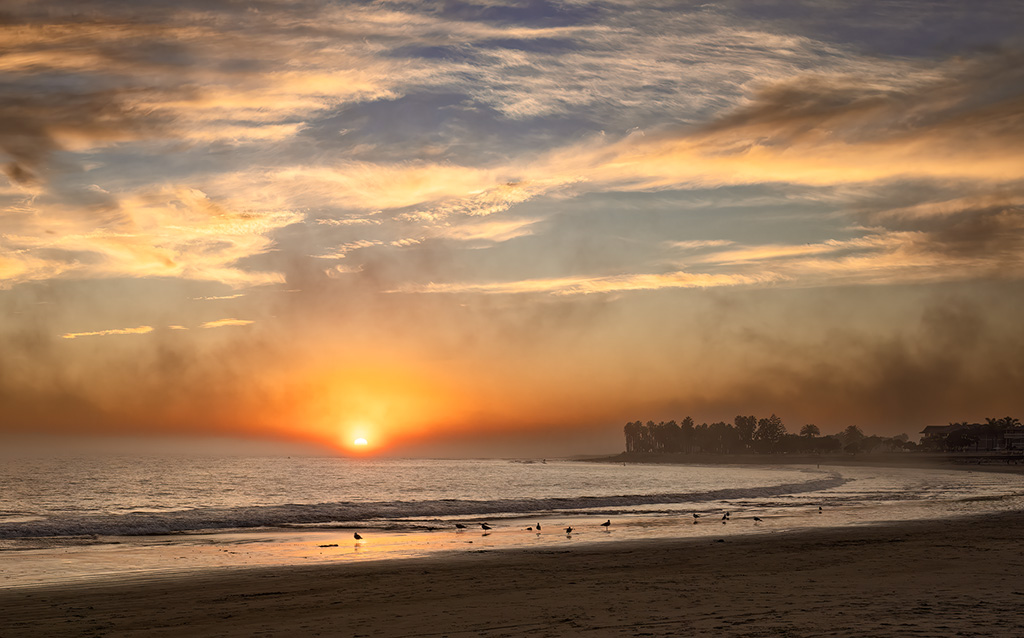
I also agree with Gaetan. Simplifying the image makes it much more effective. In simplifying it, you would have to be very careful with the edges of the birds so that they don't look like they have been cut out a pasted into the image. Unfortunately, if you make such a significant edit, the image could not be entered into wild life or nature categories of a competition. |
Dec 23rd |
| 24 |
Dec 21 |
Comment |
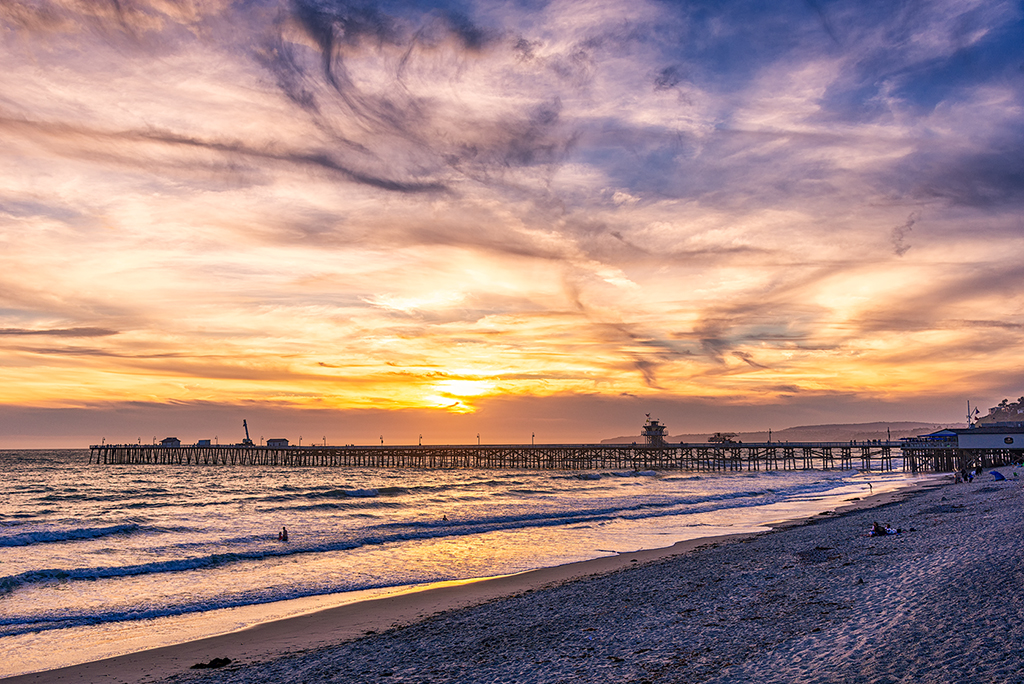
You have many elements that make for an interesting image...the dock, the hill, the sky, the water. I'm not sure however that the composition works as well as it could. You have a great diagonal leading line with the dock and railing. However, the line leads the eye to the far right of the image, almost out of the image. Perhaps this would be a more effective image if you shot from a different angle so that the leading line took you into the picture instead of almost out of the picture. |
Dec 23rd |
| 24 |
Dec 21 |
Comment |
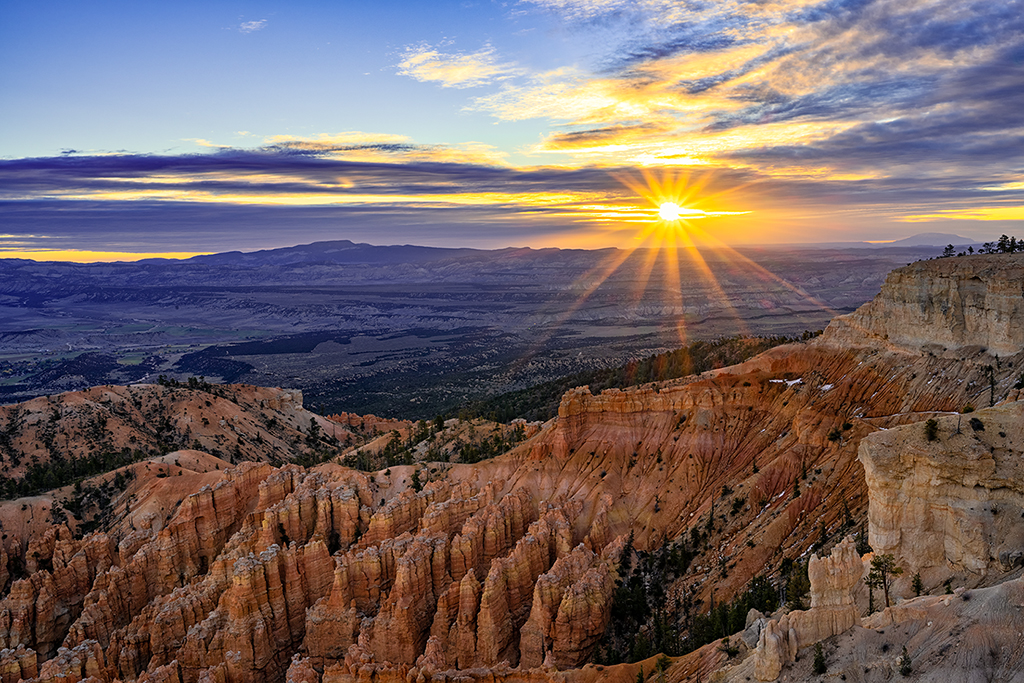
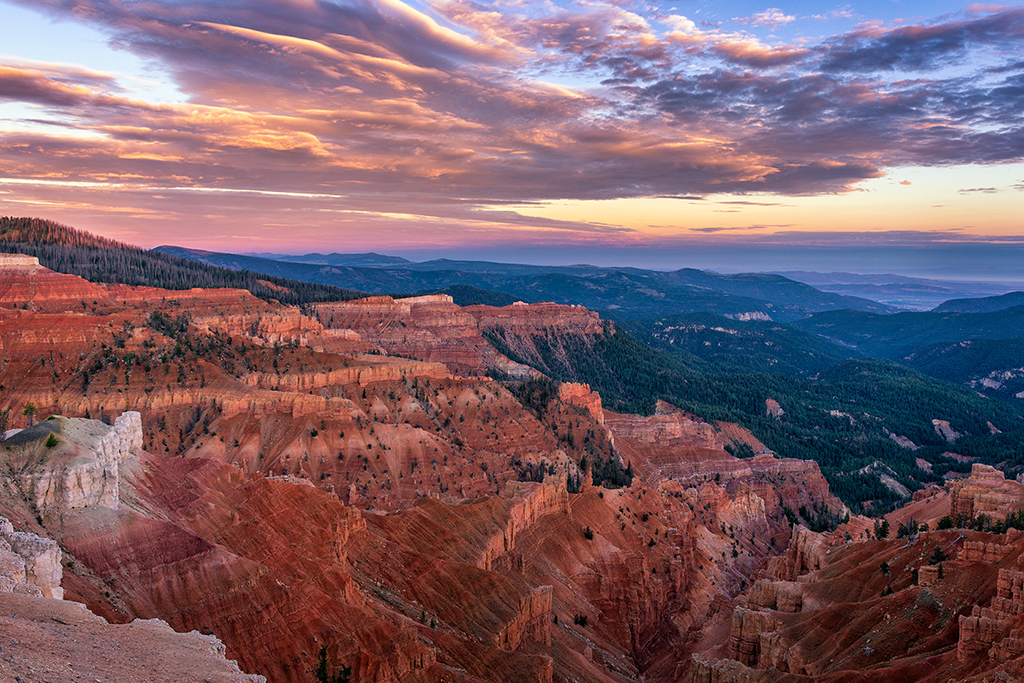
I'm assuming this is Bryce Canyon. I was just there myself. I don't know if it is just my monitor, but the image seems to me to have an overall yellow colorcast. You might want to consider using the selective color or color balance tool in PhotoShop to correct the overall colorcast. Or, you might consider adjusting the hue of the sky so that it is more blue and less cyan. |
Dec 23rd |
| 24 |
Dec 21 |
Comment |
I did notice a halo along the edges of the darkest sections of land. You might want to consider removing those halos. There are many good YouTube videos showing different ways to remove halos. |
Dec 23rd |
| 24 |
Dec 21 |
Reply |
Yes, it is the same canyon facing east. The Bryce Point lookout extends quite a distance out into the canyon so that there are views from three sides. It was not the same day, however. |
Dec 2nd |
6 comments - 1 reply for Group 24
|
6 comments - 1 reply Total
|