|
| Group |
Round |
C/R |
Comment |
Date |
Image |
| 24 |
Jul 20 |
Comment |
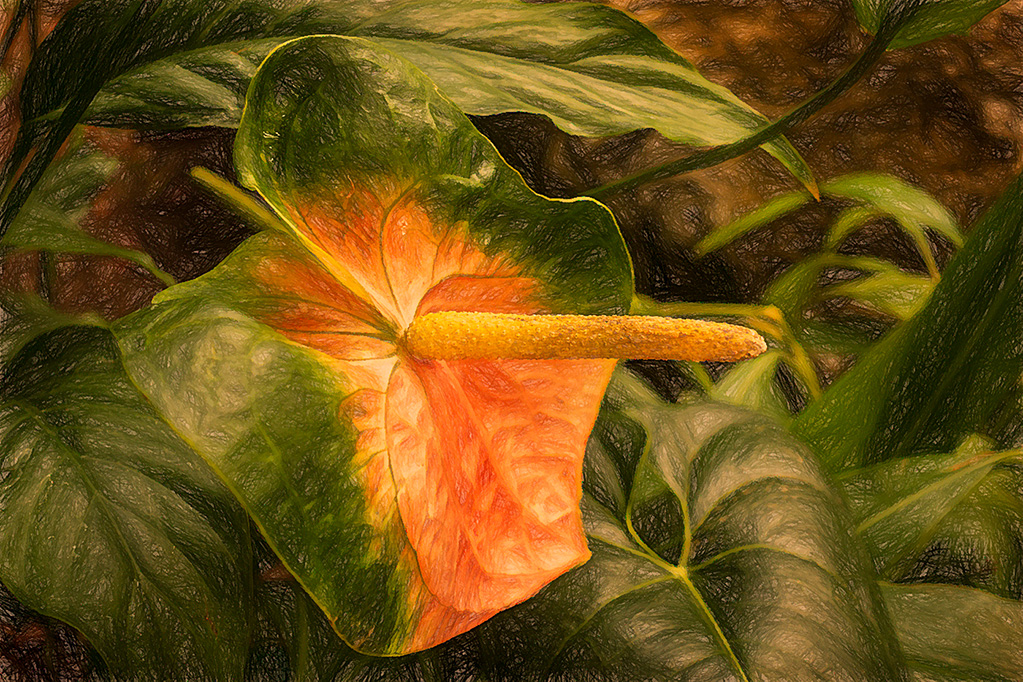
I personally like the darker version a bit better. The other seems a bit bright and overexposed to my eye. |
Jul 9th |
| 24 |
Jul 20 |
Comment |
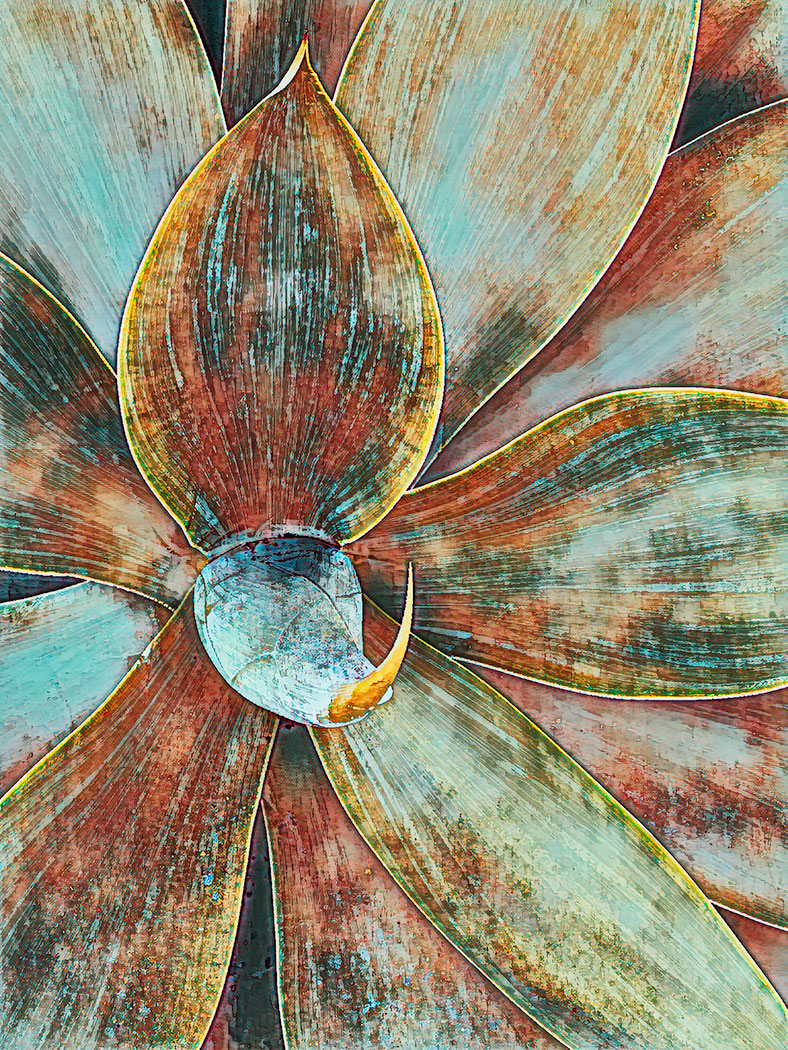
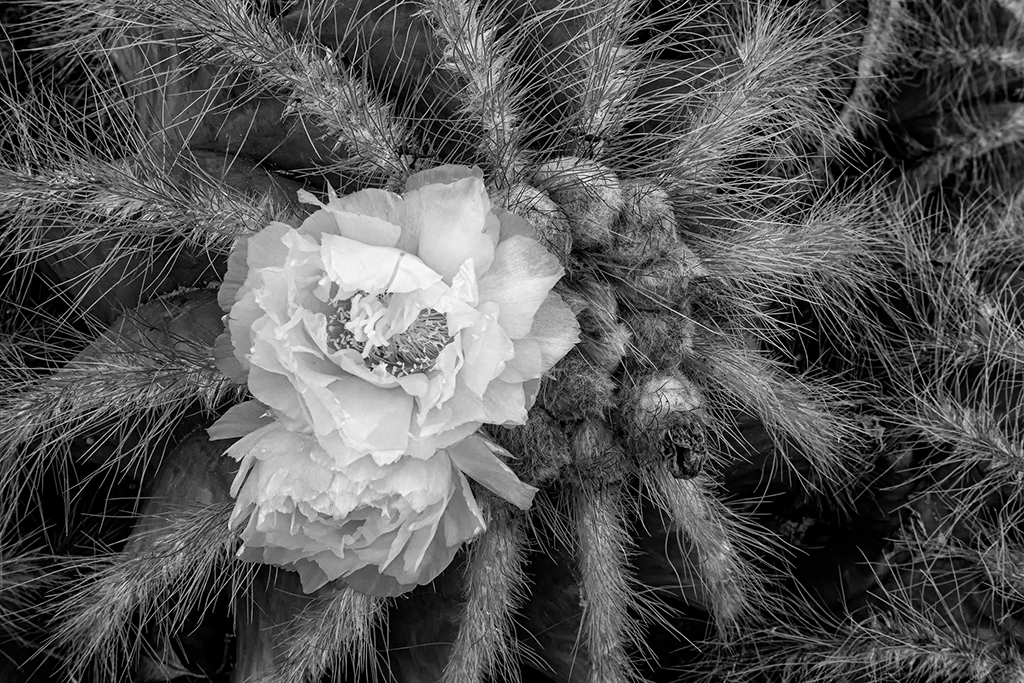
I personally feel like you cropped the image to much especially on the bottom. The seeds almost touch the edge of the frame which leads my eye out the bottom of the picture. |
Jul 9th |
| 24 |
Jul 20 |
Comment |
I don't mean to be repetitive, but I would crop the left side as others suggested. I think the image would have more impact if the giraffes were not directly in the center. |
Jul 9th |
| 24 |
Jul 20 |
Comment |
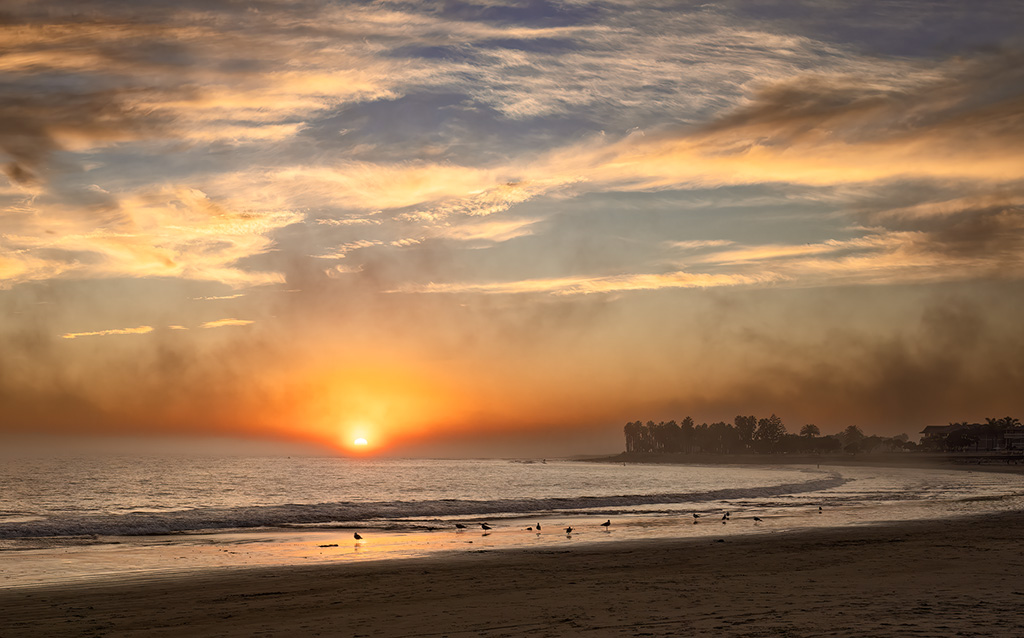
The image is far more striking with the new sky. I think that was a good idea. However, to my eye, it does look like you added a new sky. There is a very definite blue "halo"along the entire horizon line. I also see smudges in the lower part of the sky where trees were probably removed. As you mentioned yourself, some of the trees are blurry from cloning.
I also like the crop of your original waterfall since the horizon is not in the center of the image. Maybe this sky would work if you left the waterfall image uncropped.
I have never added the sky from one image to another, so I don't know if there is a way to enlarge the original sky image so that you can use only the upper portion and not have to deal with cloning out and moving trees. I just bought a program from Topaz Labs called Gigapixel AI. With such a program you might be able to up rez your phone shot so you can crop without losing too much resolution. Or maybe, you should search for a new sky image to use with the falls.
One other thing to consider since the light differed between your two images is doing some light painting. You might consider making a luminosity mask of the brightest parts of the waterfall and painting in a hint of the color in the sky. If this were the natural sky, some of the color would be reflected in the waterfall.
|
Jul 3rd |
4 comments - 0 replies for Group 24
|
4 comments - 0 replies Total
|