|
| Group |
Round |
C/R |
Comment |
Date |
Image |
| 24 |
Aug 18 |
Comment |
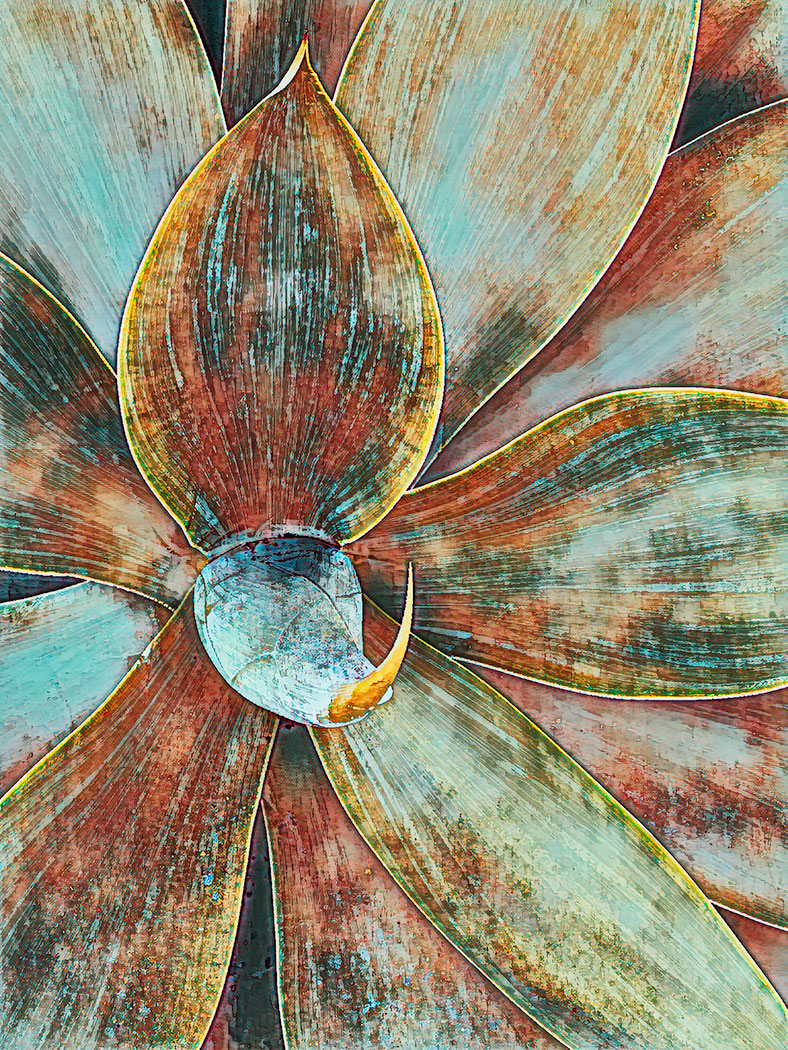
I know nothing about macro photography except that limited depth of field can be an issue. You could try focus stacking, taking several images with the focus adjusted to different points then blend the images together in Photoshop or other external software designed for that purpose.
You might want to remove that little bright spot in the lower right portion of the image. It creates a distraction. |
Aug 8th |
| 24 |
Aug 18 |
Comment |
I agree that the engineer is an essential element to this image creating a sense of scale. You might want to consider adjusting the hue of the blue so that the sky doesn't have a cyan tone. I used the detail enhancer in NIK filters to add some definition to the water spray and the clouds.
When looking at this image in Photoshop on my monitor, it seemed a bit out of focus. Is that just me?
|
Aug 8th |
 |
| 24 |
Aug 18 |
Comment |
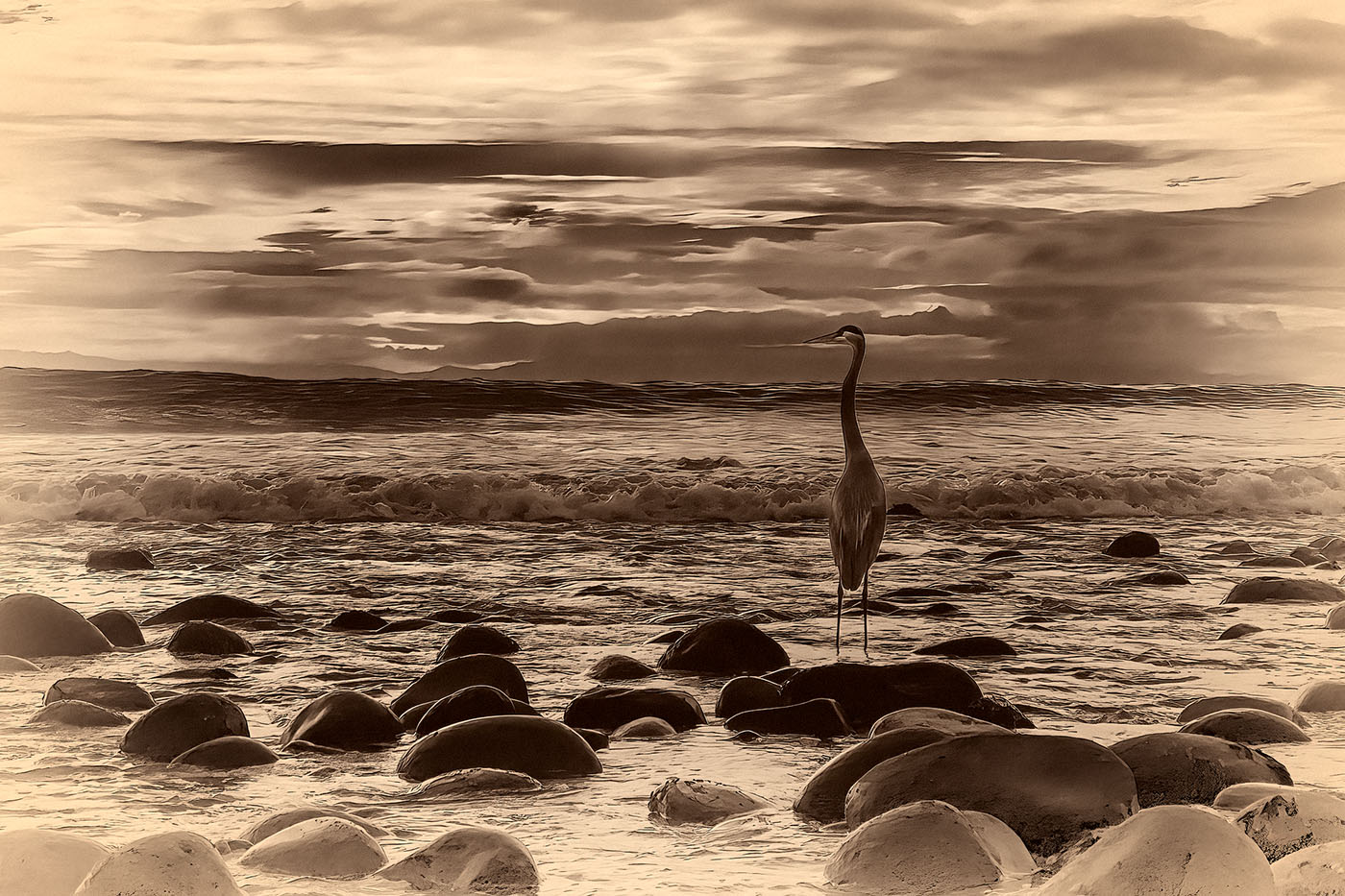
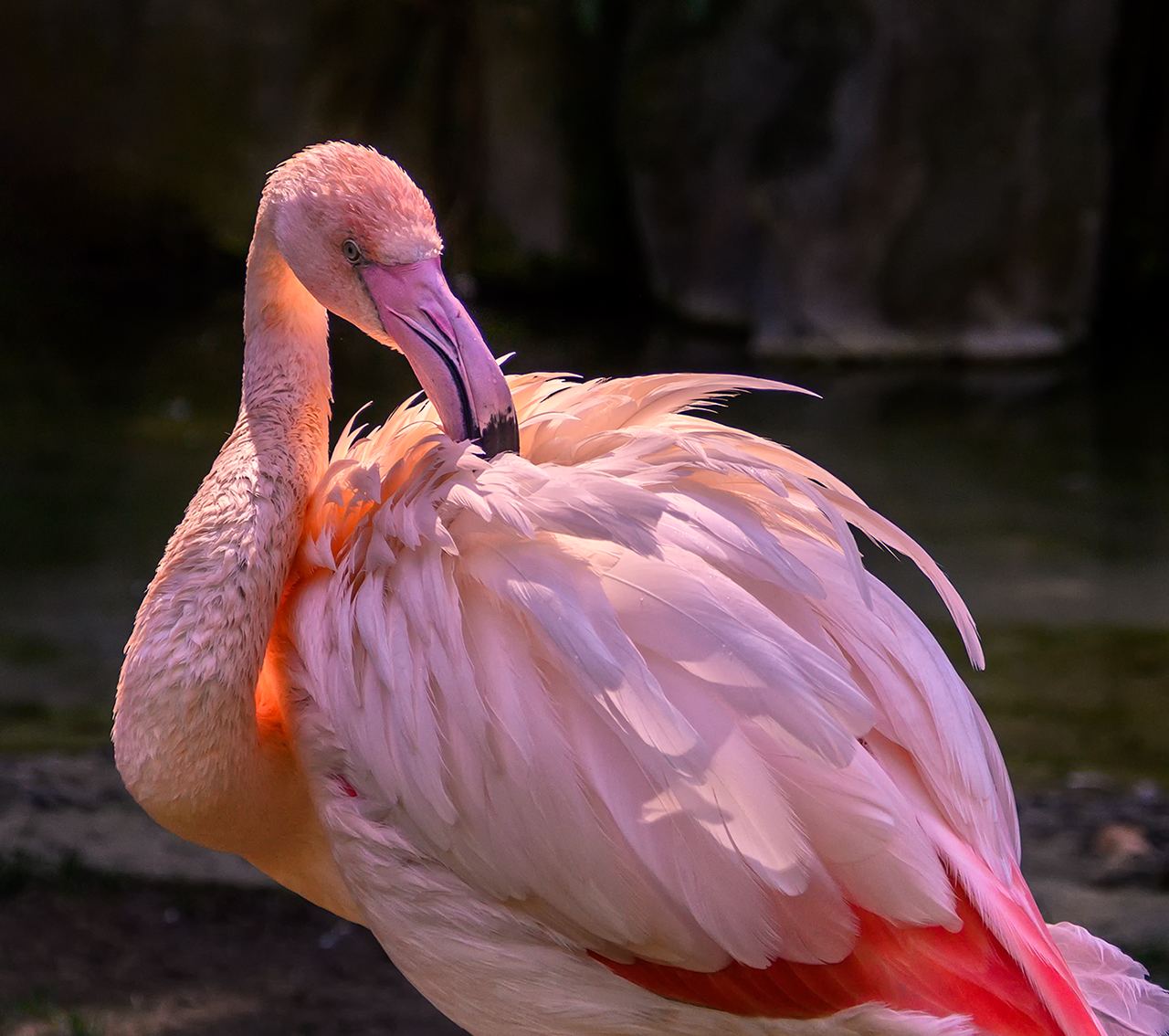
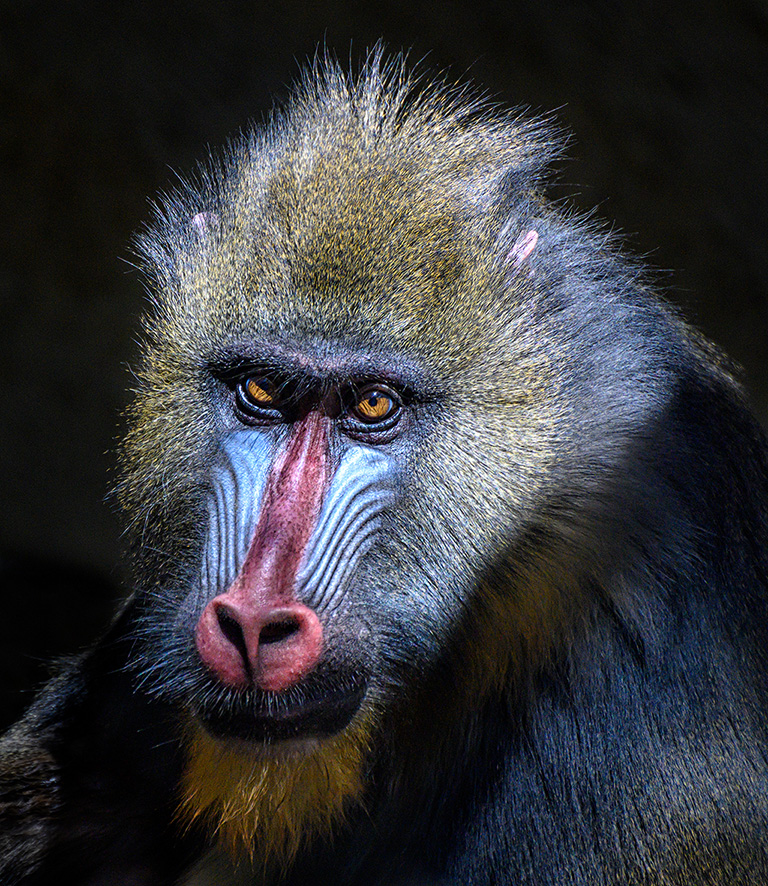
I love this image. Your crop is perfect. I made a few minor adjustments. I used NIK filters for tonal clarity and detail enhancement. I then created a black mask and painted those adjustments just onto the bird. I also added some red saturation to make the image a bit more vibrant.
|
Aug 8th |
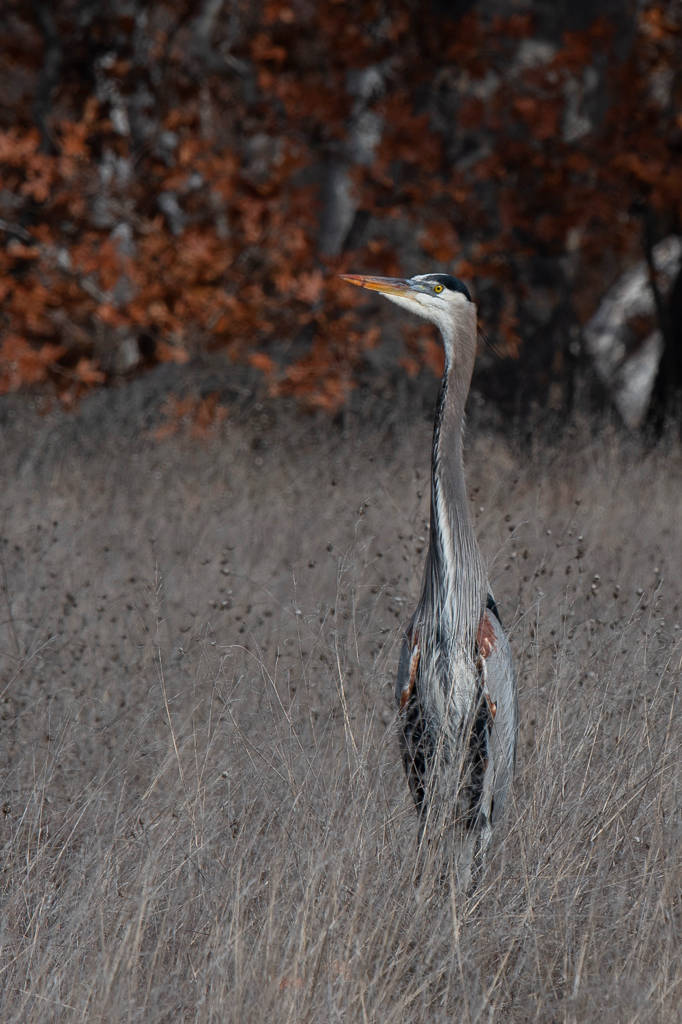 |
| 24 |
Aug 18 |
Comment |
I agree that you have a good eye to have seen the possibilities in this shot. I did a few minor adjustments that might improve its impact. First I straightened the image so that the vertical lines are actually vertical. I did this with the transform/skew tool in Photoshop. I applied two NIK filters to enhance tonal clarity and detail. I also used the hue/saturation tool just to make the yellow helmet pop a bit.
|
Aug 8th |
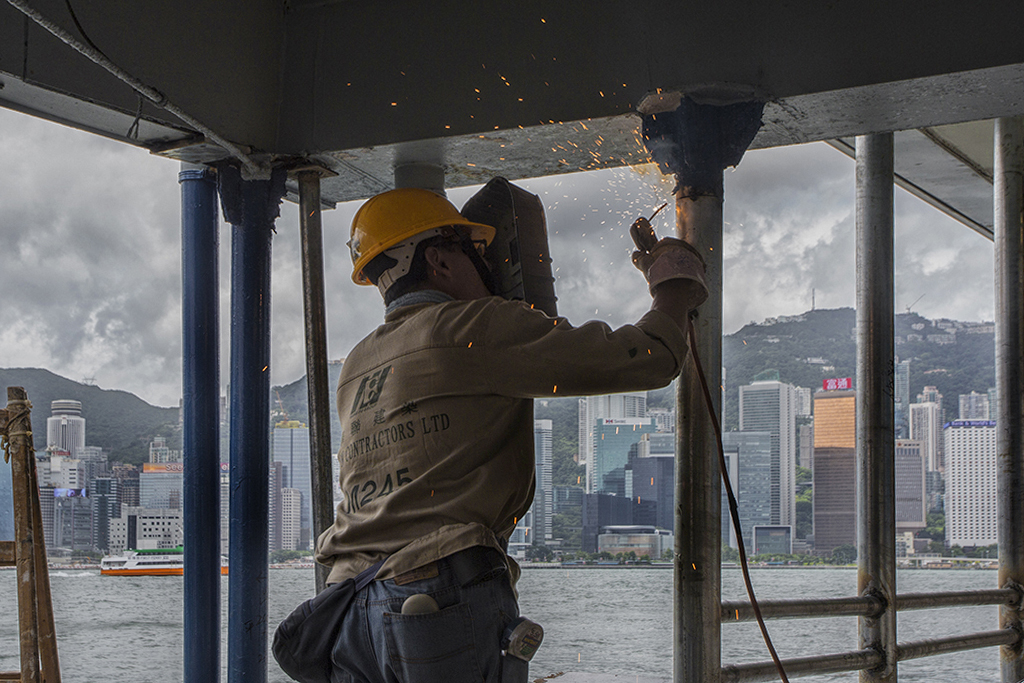 |
| 24 |
Aug 18 |
Comment |
I like this composition. If possible, I would have shot the image from a bit more to the left so that the entire rock was visible through the arch. It might not have been possible to do that.
Could you please elaborate on what you did to the sky? |
Aug 8th |
| 24 |
Aug 18 |
Comment |
I personally find it somewhat distressing that the bee is out of focus. For me, the bee is the primary subject not the flower. You might want to try using the camera shake reduction tool in Photoshop. It could possibly help. If you google it, you will find videos and tutorials on how to use the too.
I would also try cropping several inches off the left side of the image. It is basically negative space and is not necessary to the effectiveness of the image.
|
Aug 8th |
6 comments - 0 replies for Group 24
|
6 comments - 0 replies Total
|