|
| Group |
Round |
C/R |
Comment |
Date |
Image |
| 5 |
Jan 24 |
Reply |
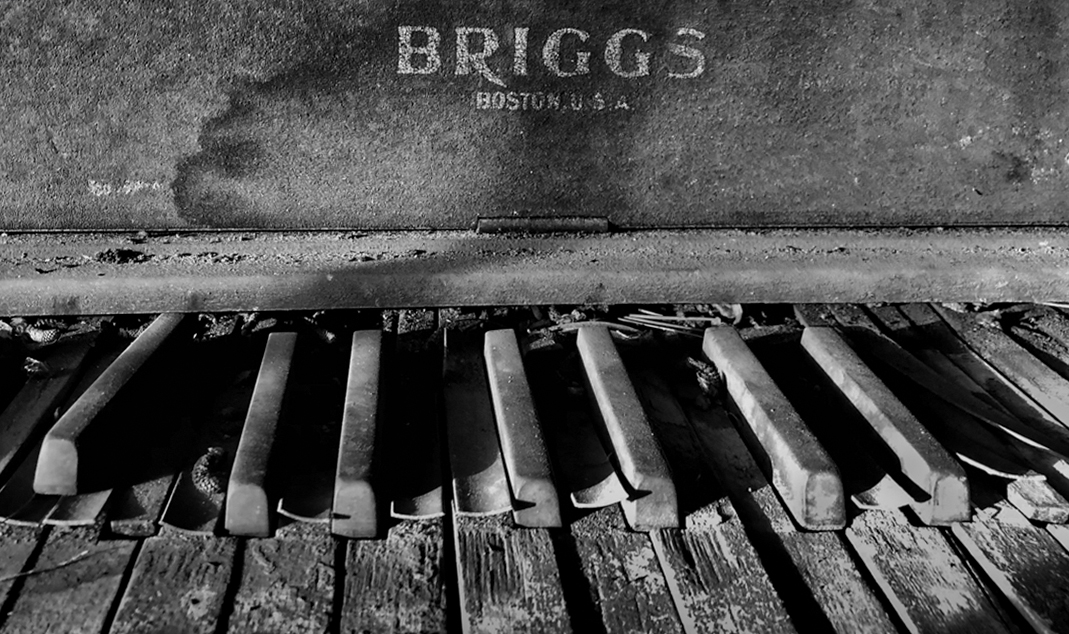
Sophia, do you use Photoshop? If you do, right click on the crop tool. The second icon is perspective crop, click on that. Right click on the top left corner and drag it to the bottom right corner. There will be a grid. Click and drag the right side to make the line go across the top of the letters. Then drag the bottom line to make the grid line go across the bottom of the black keys. Click the check mark.
Under filter, click on Camera Raw filter. Drag the contrast slider and drag the texture slider. That will do it. Jim |
Jan 11th |
| 5 |
Jan 24 |
Comment |
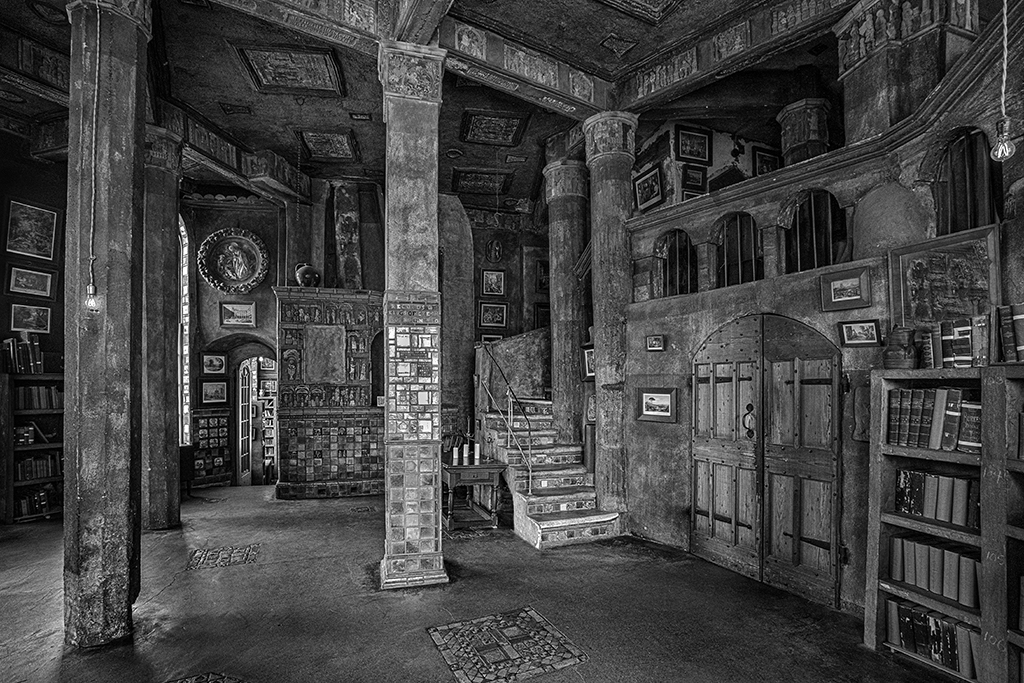
Sophia, you have captured the aging and neglect of what is forgotten and abandoned in the attic. What you have is a strong statement of your artistic talent. I would like you to consider adjusting the contrast. The contrast is harsh, which tells one story. There may be other stories told by what light reveals and shadows hide. I suggest that you do post-processing to get the BRIGGS Boston label level. I like the Perspective crop tool in Photoshop. I reduced the contrast increased the texture. Let me know what you think. Jim |
Jan 10th |
 |
| 5 |
Jan 24 |
Comment |
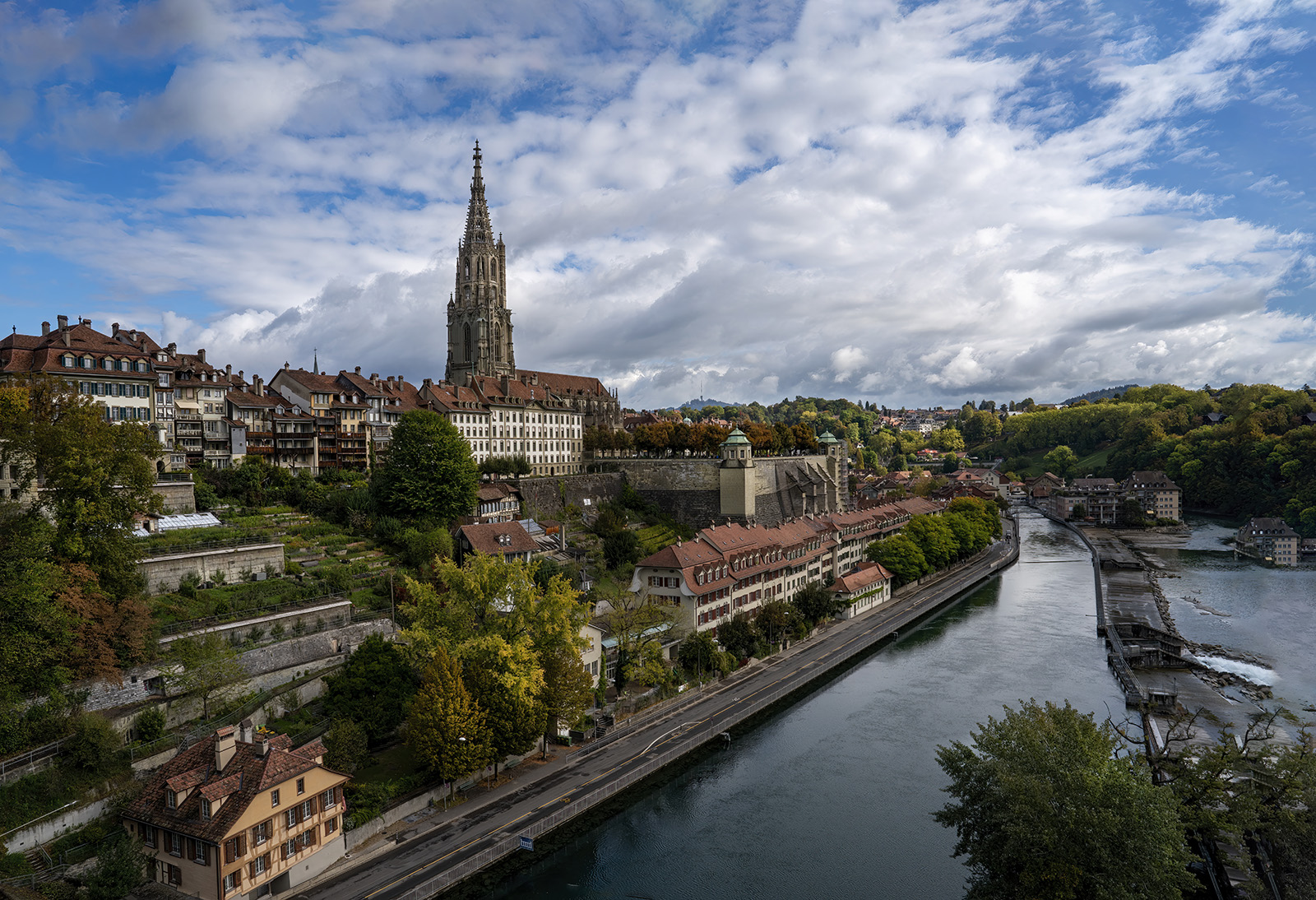
Barbara, thank you for seeing this. I'll try to lighten the tree with leaves and leave the dead tree and clutter alone. Because the sun is low in the sky and off the right edge, I lightened the top and right side of the tree, leading the interest back to the center of the image.
Jim |
Jan 9th |
 |
| 5 |
Jan 24 |
Comment |
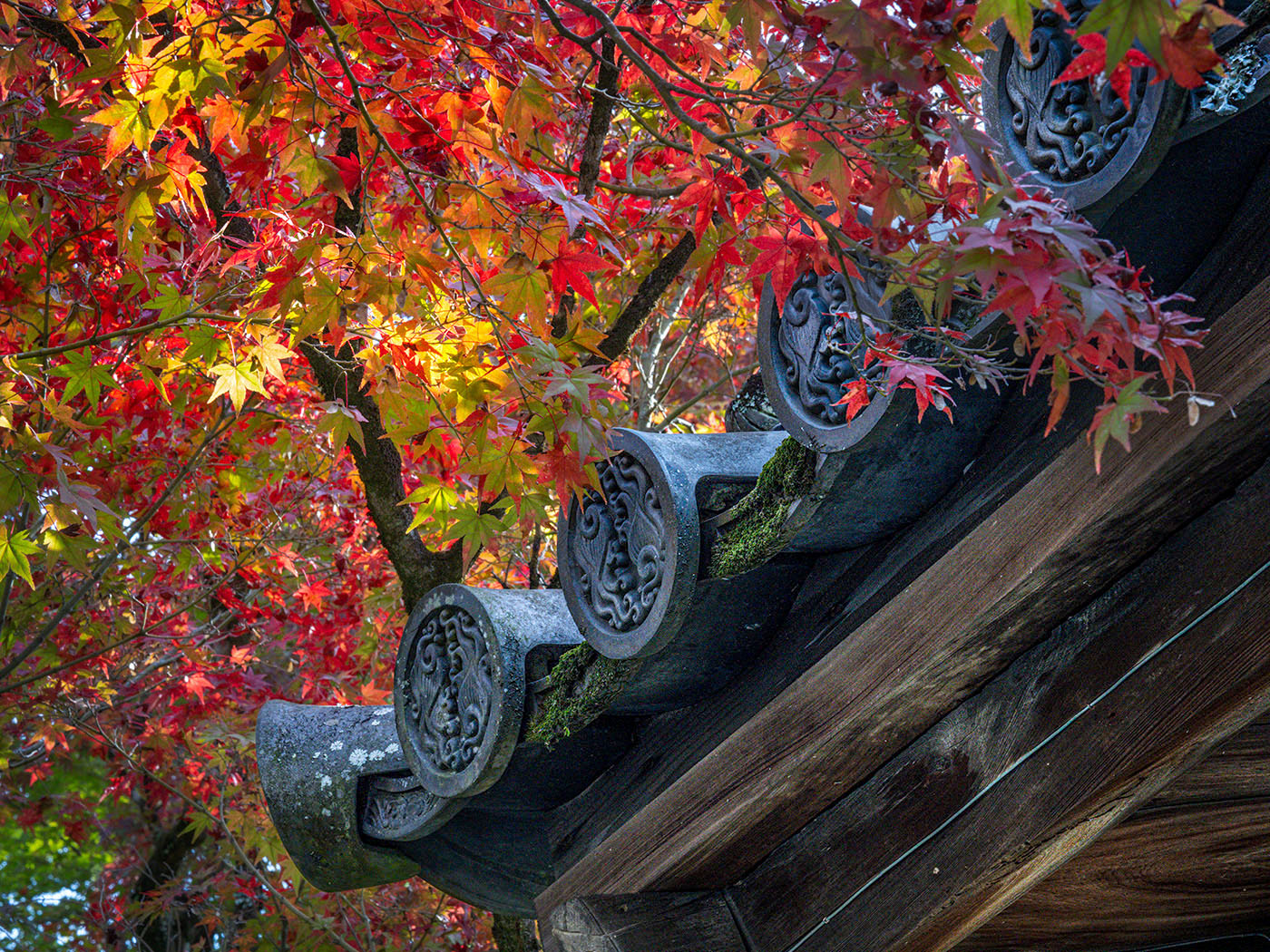
Mark, the fall colors are so rich. It reminds me of my years in New Hampshire. I like the angle on the roof, especially the detailed end plates on the roof caps. Minimal does leave a dark bottom right corner. In Photoshop Camera Raw filter I increased the highlights and brought out the diagonal lines of the roof line and brightens the bronze plates. Let me know if you think this helps. Jim |
Jan 6th |
 |
| 5 |
Jan 24 |
Comment |
David, this is a good action shot. It shows the rugged and steep climb. I remember the judges in Tri County Camera club always suggested that when there is a lot going on in the background, have someone in a red jacket be in the photo to keep the interest on that subject. If I had any suggestion it would be to use the dodge tool to lighten the shadow across the biker's face. Nice shot. Jim |
Jan 6th |
| 5 |
Jan 24 |
Comment |
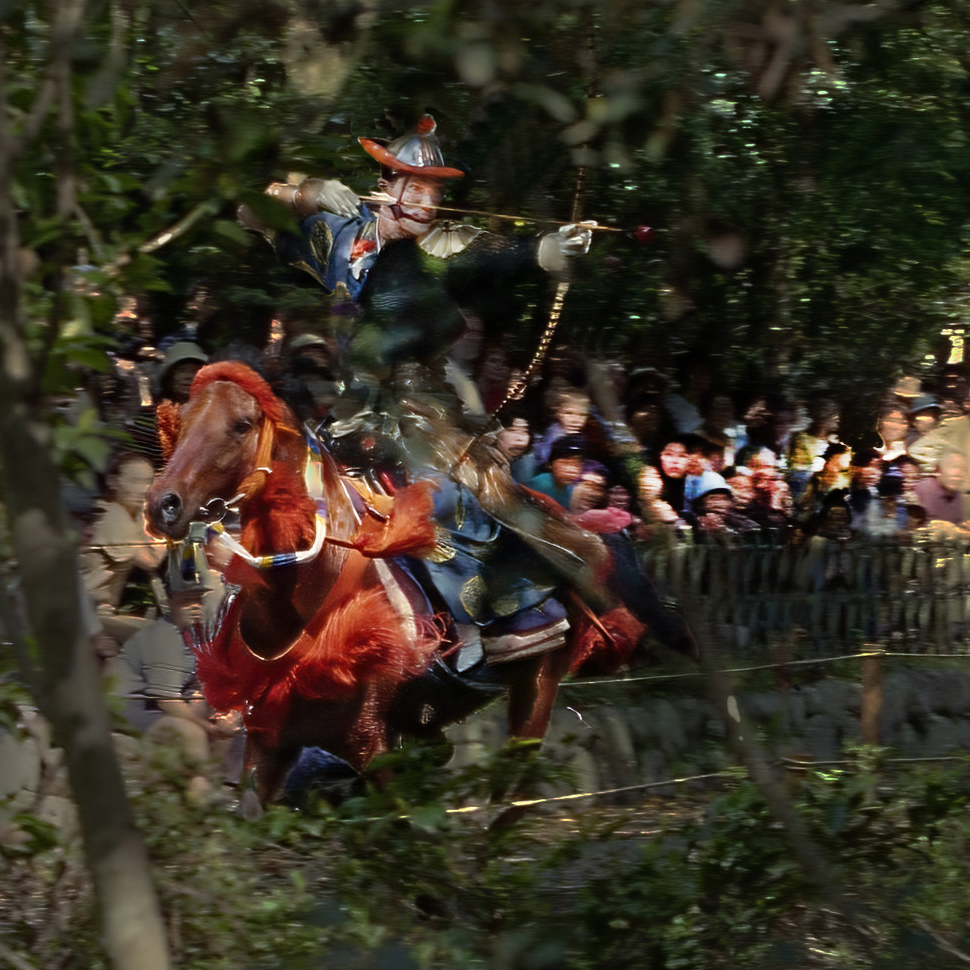
Richard, this is a great action shot. I took the liberty of using the dodge tool to lighten the crowd. To me, having the crowd distracts from the dark undefined background and better defines the moment that the archer is ready to shoot. Then I used the clone tool to remove background around the archer's face and helmet. Jim |
Jan 3rd |
 |
| 5 |
Jan 24 |
Comment |
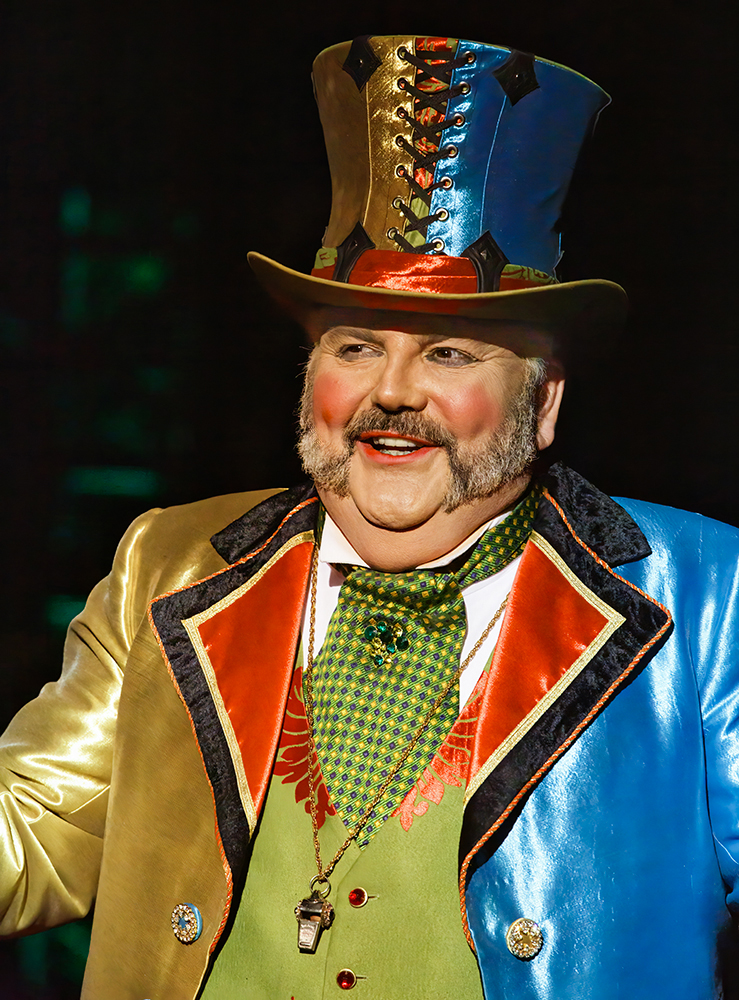
Pete, what fun to have this circus memory. I like all that you did. At first I wasn't sure what the spot and shadow was on his cheek, then I saw it was the microphone. In Photoshop I used the "remove tool" and came up with this. Let me know what you think. Jim |
Jan 3rd |
 |
| 5 |
Jan 24 |
Comment |
Barbara, I like this image also. Because you save your photos as GIF, I can't do anything in Photoshop. There are a few spots on the calf's bridle that could be cleaned up. Thank you for sharing this. Jim |
Jan 3rd |
7 comments - 1 reply for Group 5
|
| 15 |
Jan 24 |
Comment |
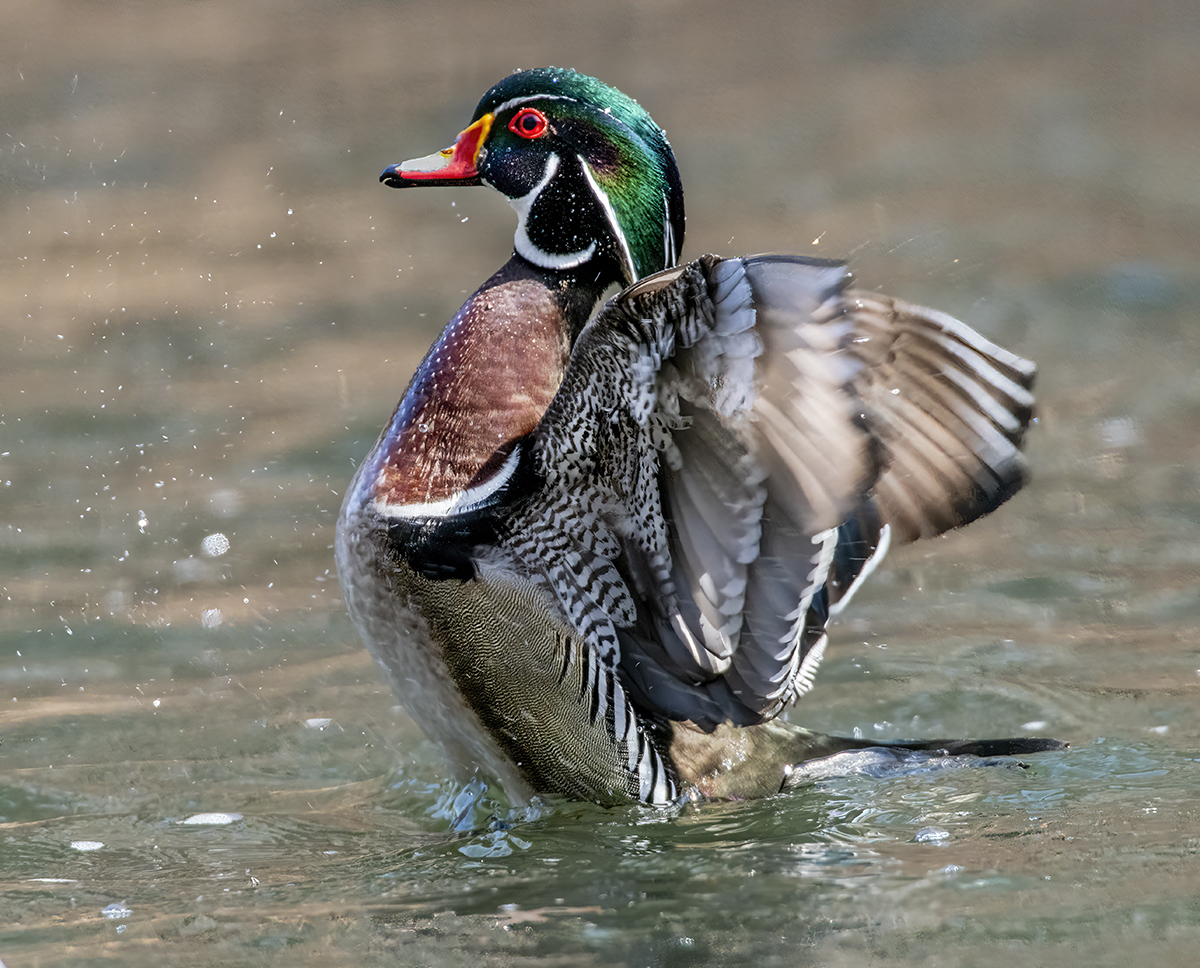
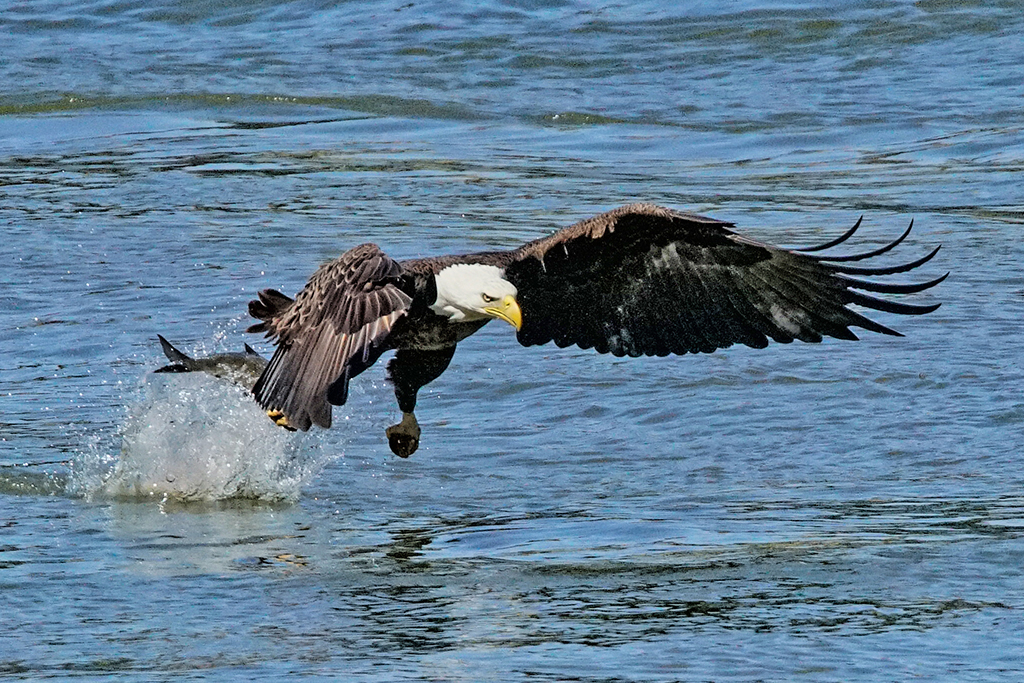
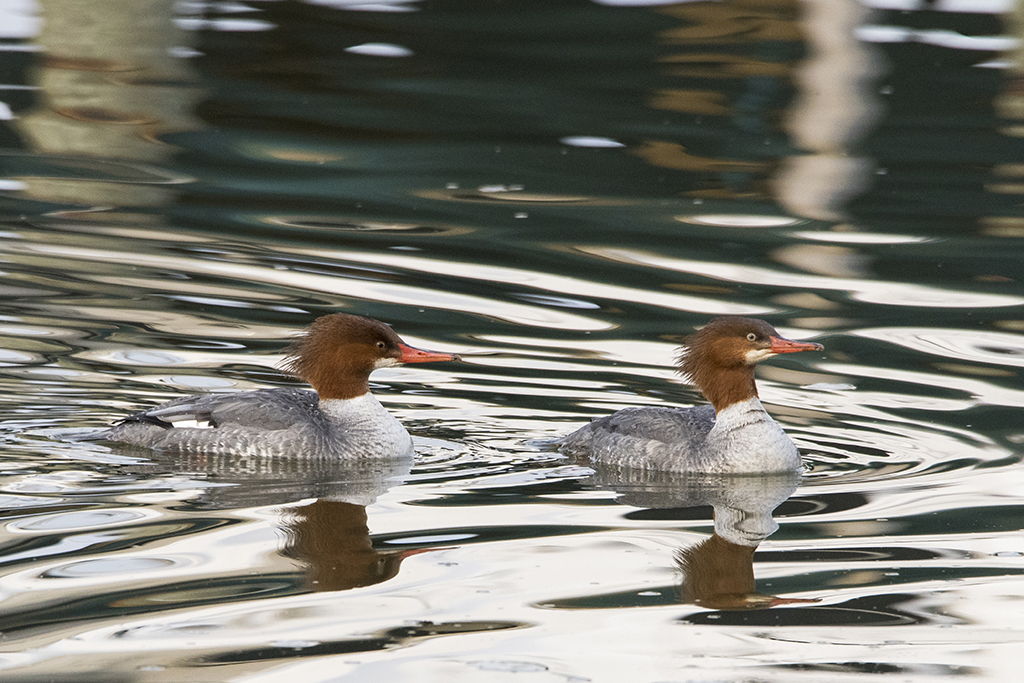
Randall, this is a great action shot. Not knowing the water fowl of Iceland, it's good to know what kind of duck this is. What you did in post-processing brings out the rich color of the Eider duck and the spray of water. Nicely done. Jim |
Jan 6th |
| 15 |
Jan 24 |
Comment |
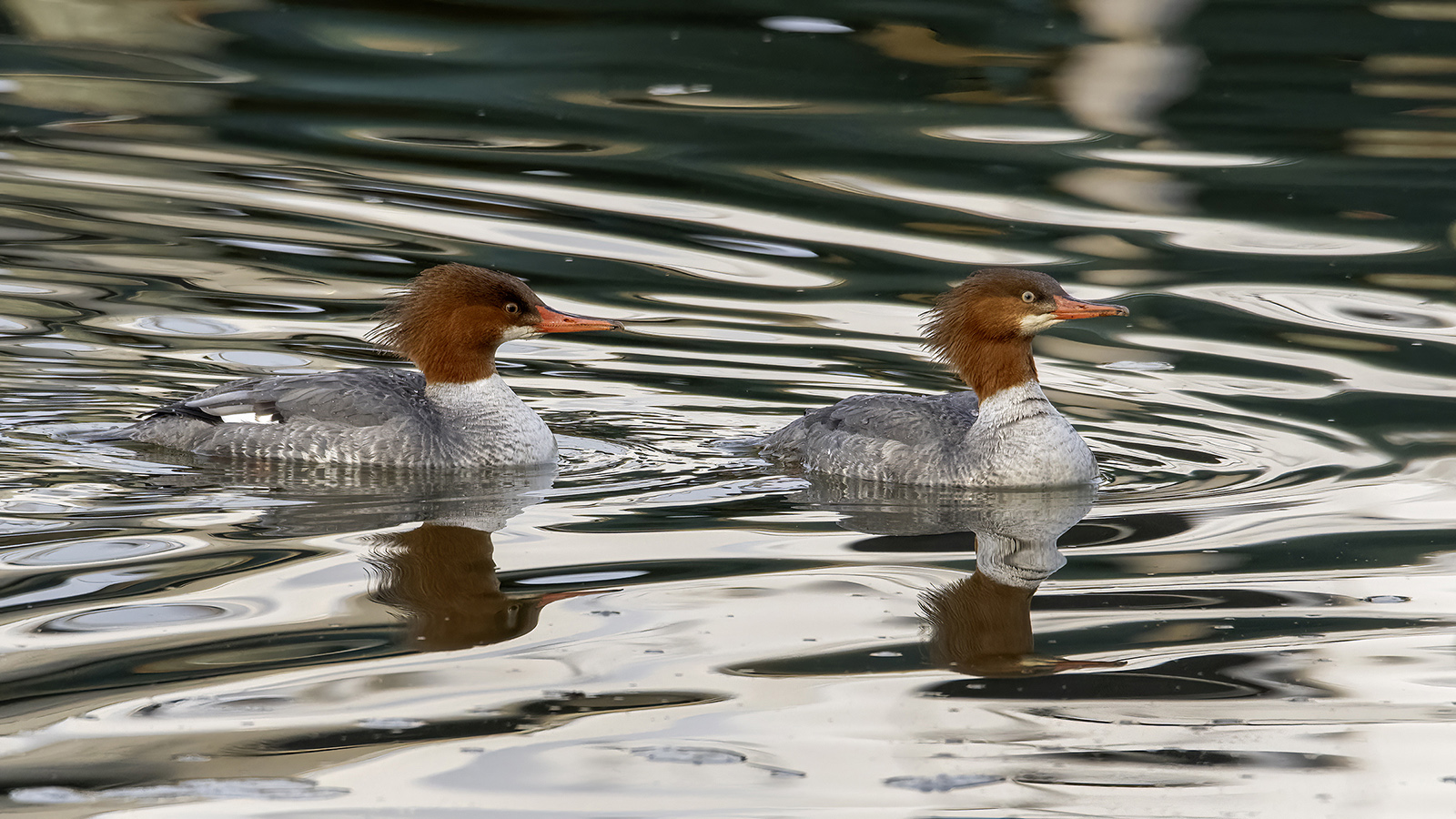
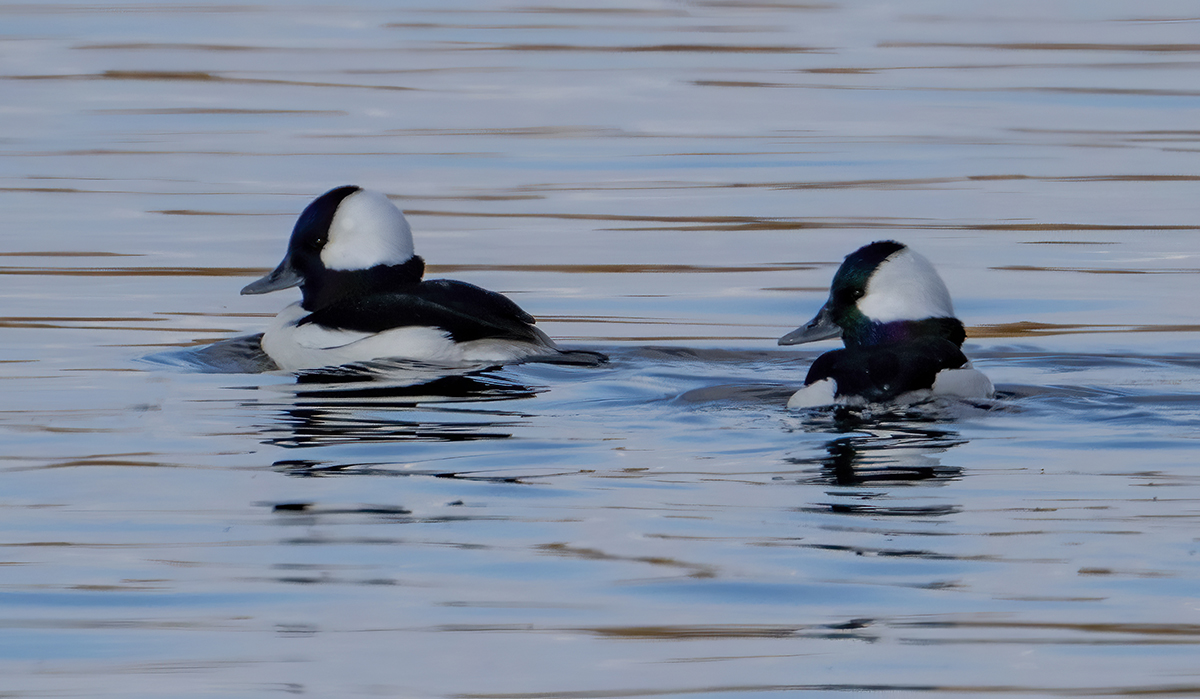
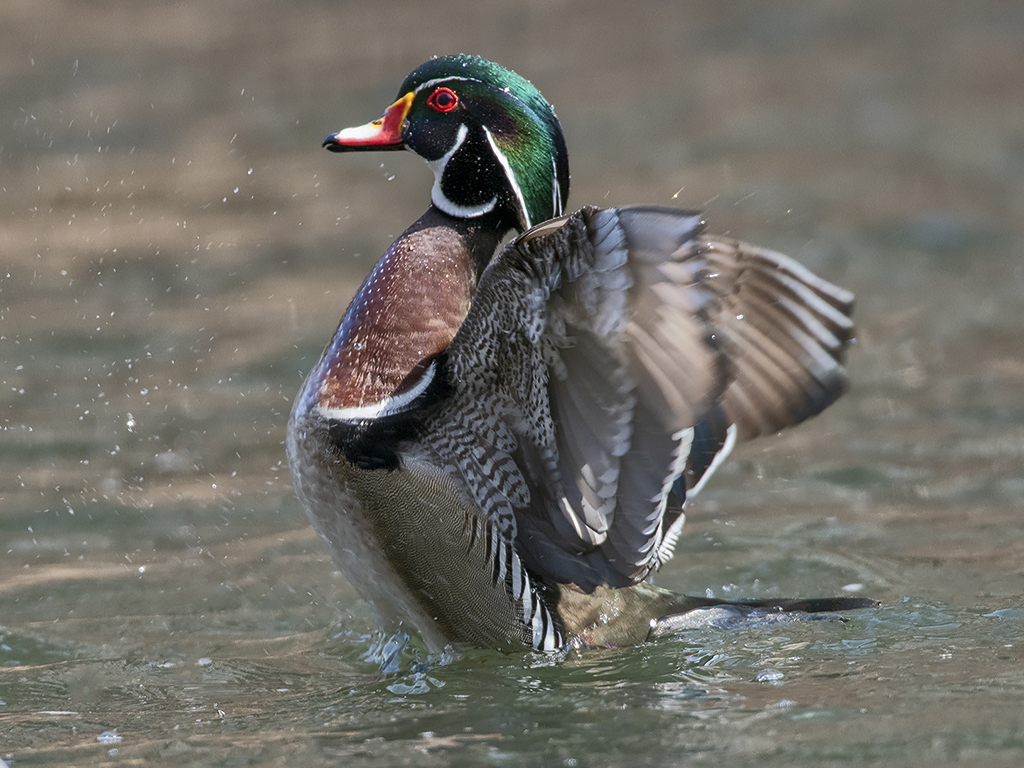
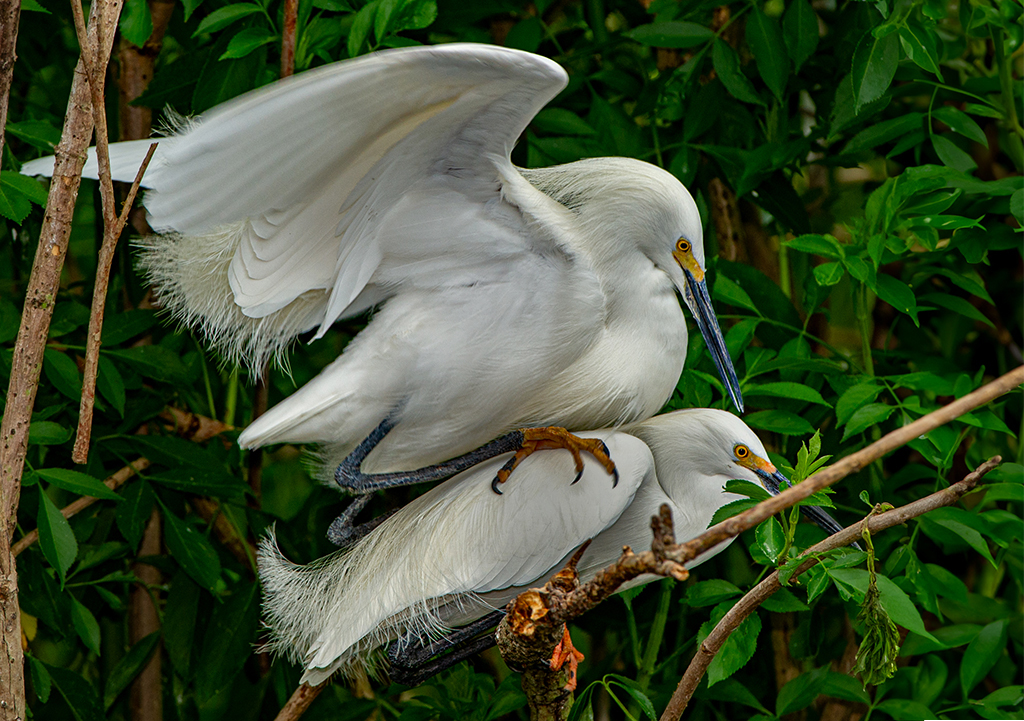
Isaac, you got an outstanding photo. I find the details in white plumage are challenging for this dark background. I used the dodge tool in Photoshop to go over the female's wing and the male's body under the wing. Let me know if this brings out more detail. Jim |
Jan 6th |
 |
| 15 |
Jan 24 |
Comment |
Mike, this interaction is a fine subject for our bird Digital Discussion. I agree with Isaac's crop to make it more intimate and it brings more attention to the bird. Jim |
Jan 6th |
| 15 |
Jan 24 |
Comment |
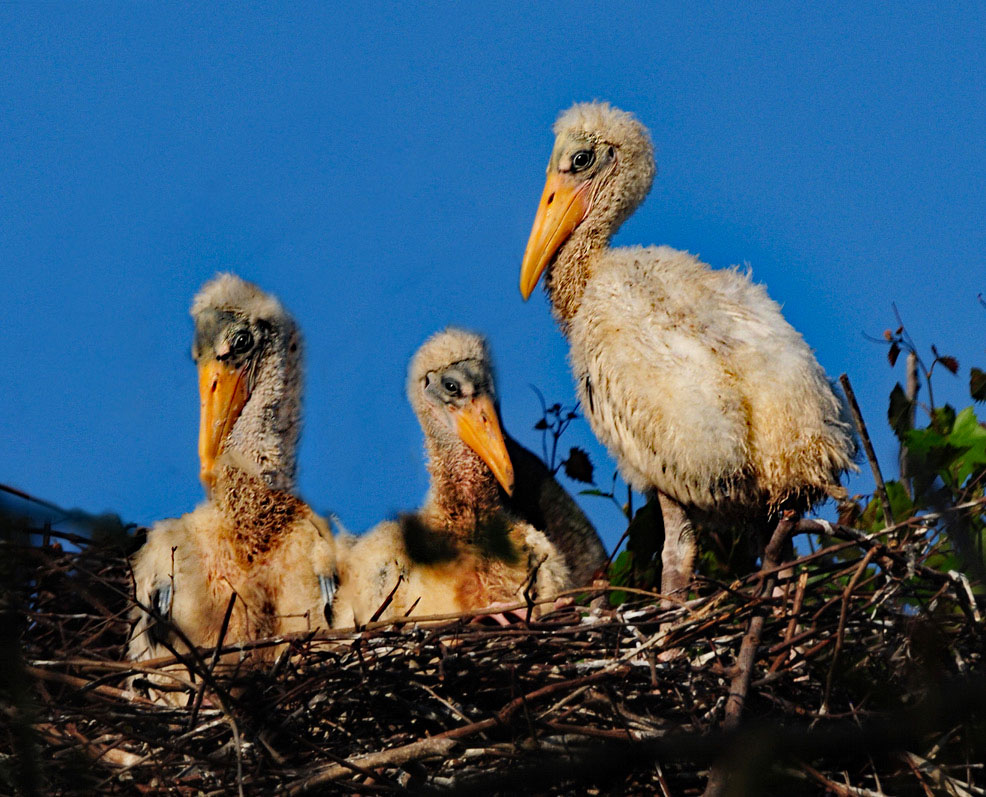
Kathy, this is a great photo of the wood stork chicks. Because the photo was taken in early morning, you have a deeper blue sky and good saturation. I suggest using the dodge tool to lighten the shadows on the middle chick. Let me know what you think. Jim |
Jan 6th |
 |
| 15 |
Jan 24 |
Comment |
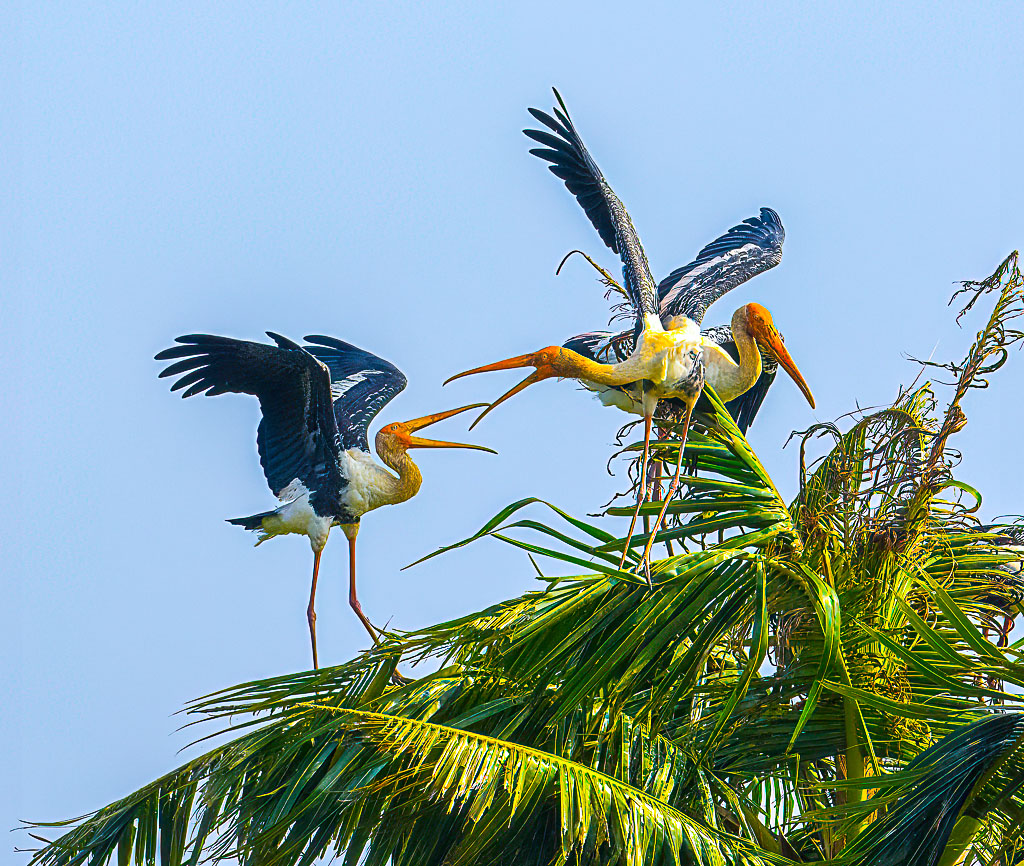
Sarita, your choice of one stork bothering the pair of storks is a good action shot. I made some adjustments in Photoshop Camera Raw filter - I lowered the highlights, adjusted the temperature to make the sky blue, used dehaze and increased the saturation. Let me know what you think. Jim |
Jan 6th |
 |
| 15 |
Jan 24 |
Comment |
Pei-Fen, I like the details of your entry. I am not concerned with the sunset or autumn orange in the ripples. When you darkened the water you lost a lot of detail in the clear water splash. Nicely done. Jim |
Jan 6th |
| 15 |
Jan 24 |
Comment |
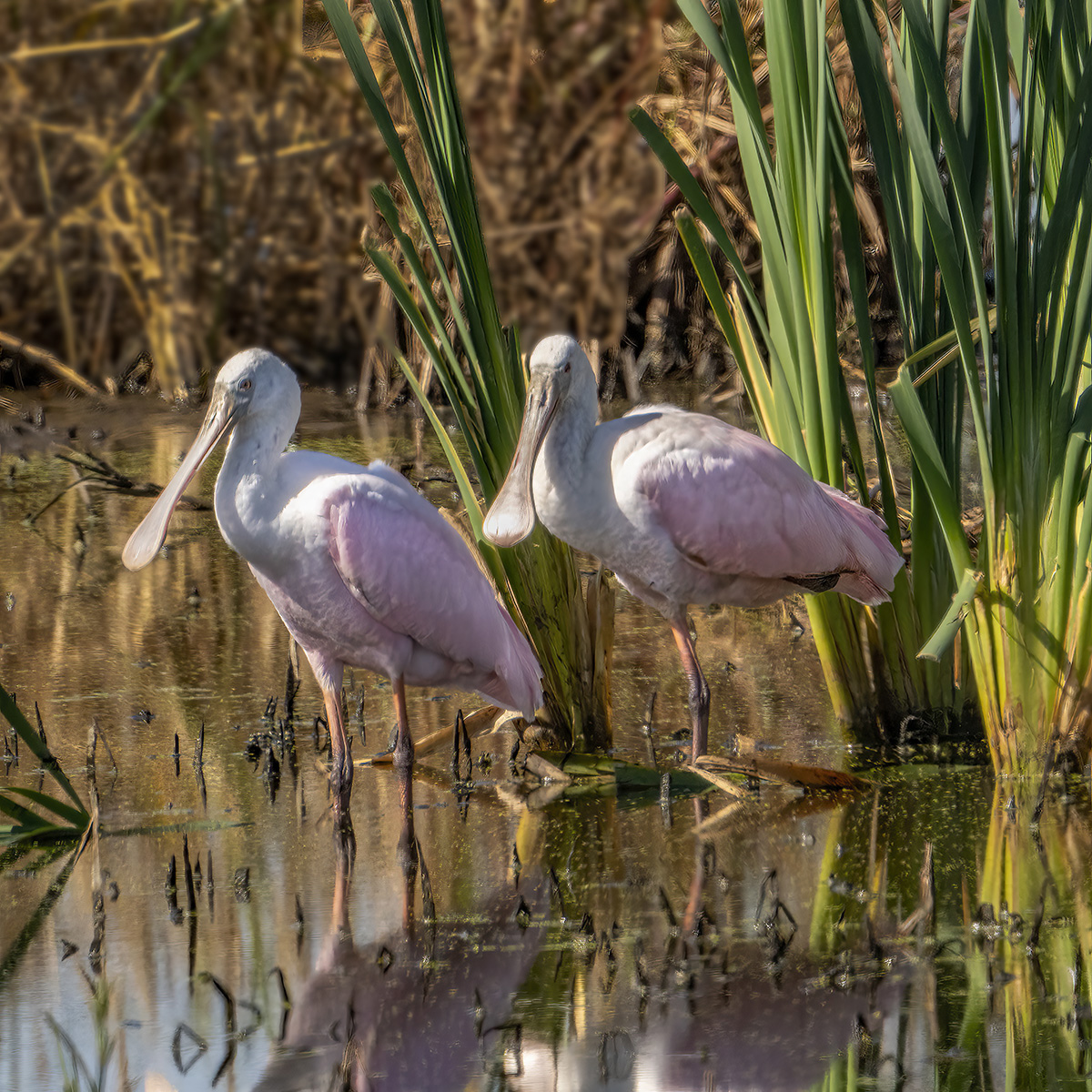
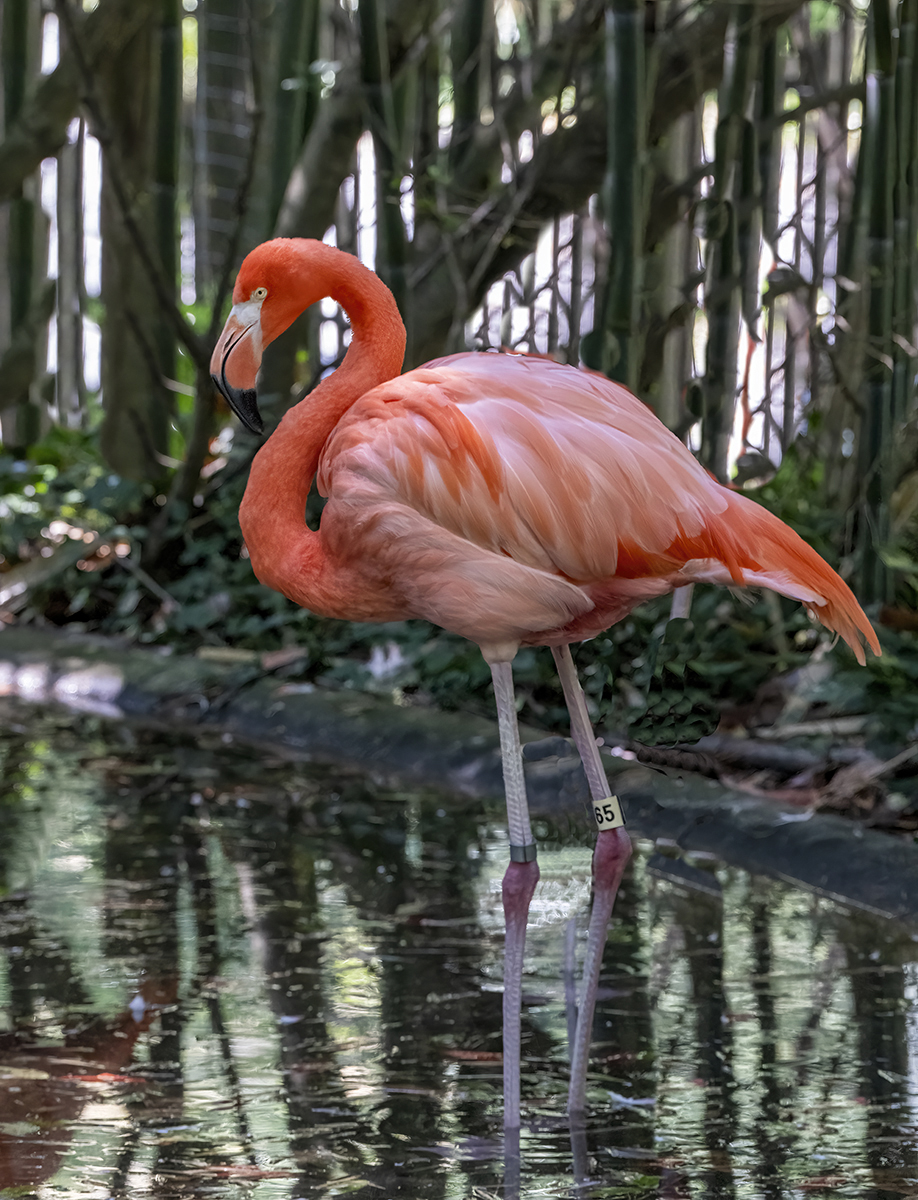
Isaac, thank you for your review. The zoo has very limited access for walking around to get a better angle for photographers. I realize that I cannot enter this in a nature or wildlife exhibit. I've always wondered if it is better to have a bird which does not have binocular vision look at me so I don't see either eye, or if the bird looking at me with one eye straight at the camera is preferred. From my entries, you see I prefer profiles. Jim |
Jan 1st |
7 comments - 0 replies for Group 15
|
14 comments - 1 reply Total
|