|
| Group |
Round |
C/R |
Comment |
Date |
Image |
| 5 |
Jun 23 |
Reply |
Isaac, yes, I did the crop to make it more intimate, however Oliver Morton did the additional sharpening. I'm sending you a photo from their next chapter for DD#15 July. Jim |
Jun 27th |
| 5 |
Jun 23 |
Reply |
I'm on vacation this week. Pouring rain so I can reply to DD#5
Let's connect next week. Jim |
Jun 12th |
| 5 |
Jun 23 |
Reply |
Pete, please tell me about Photoshop Generative Fill. How do I find it in Photoshop or get it? Is there a tutorial? Jim
drjimhorn@comcast.net |
Jun 12th |
| 5 |
Jun 23 |
Reply |
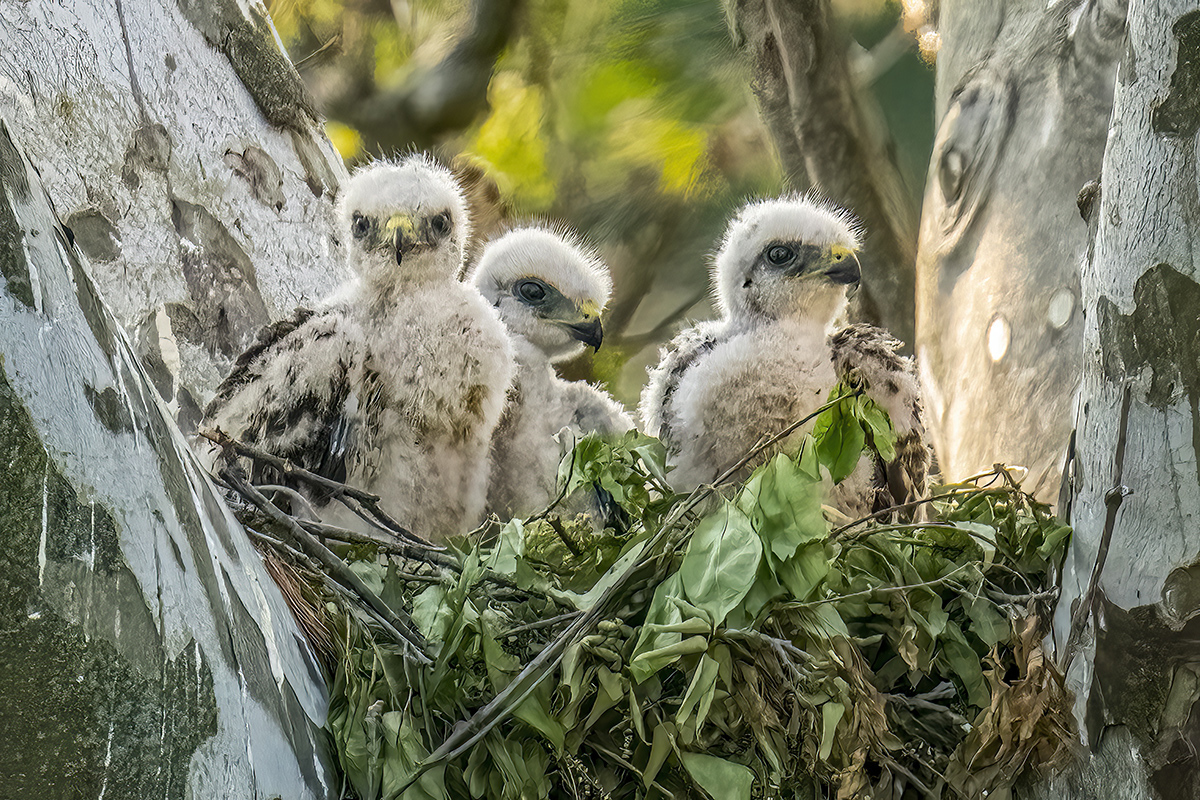
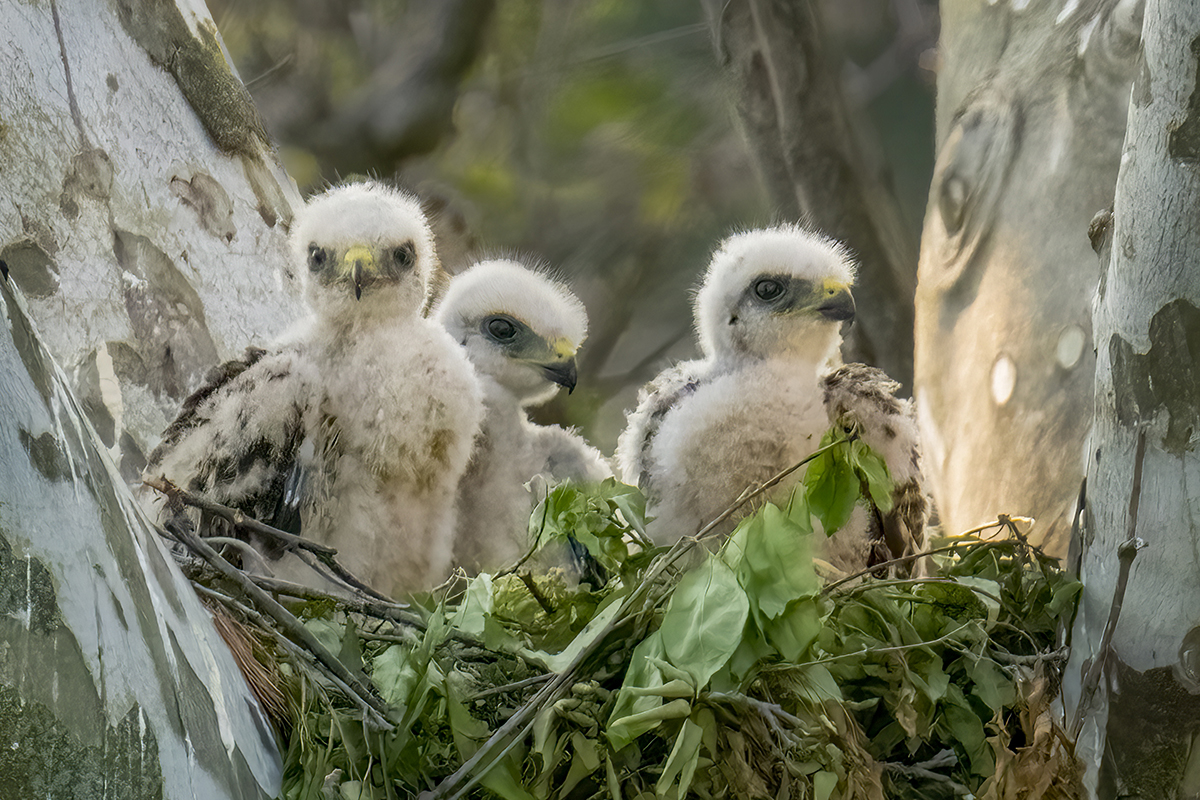
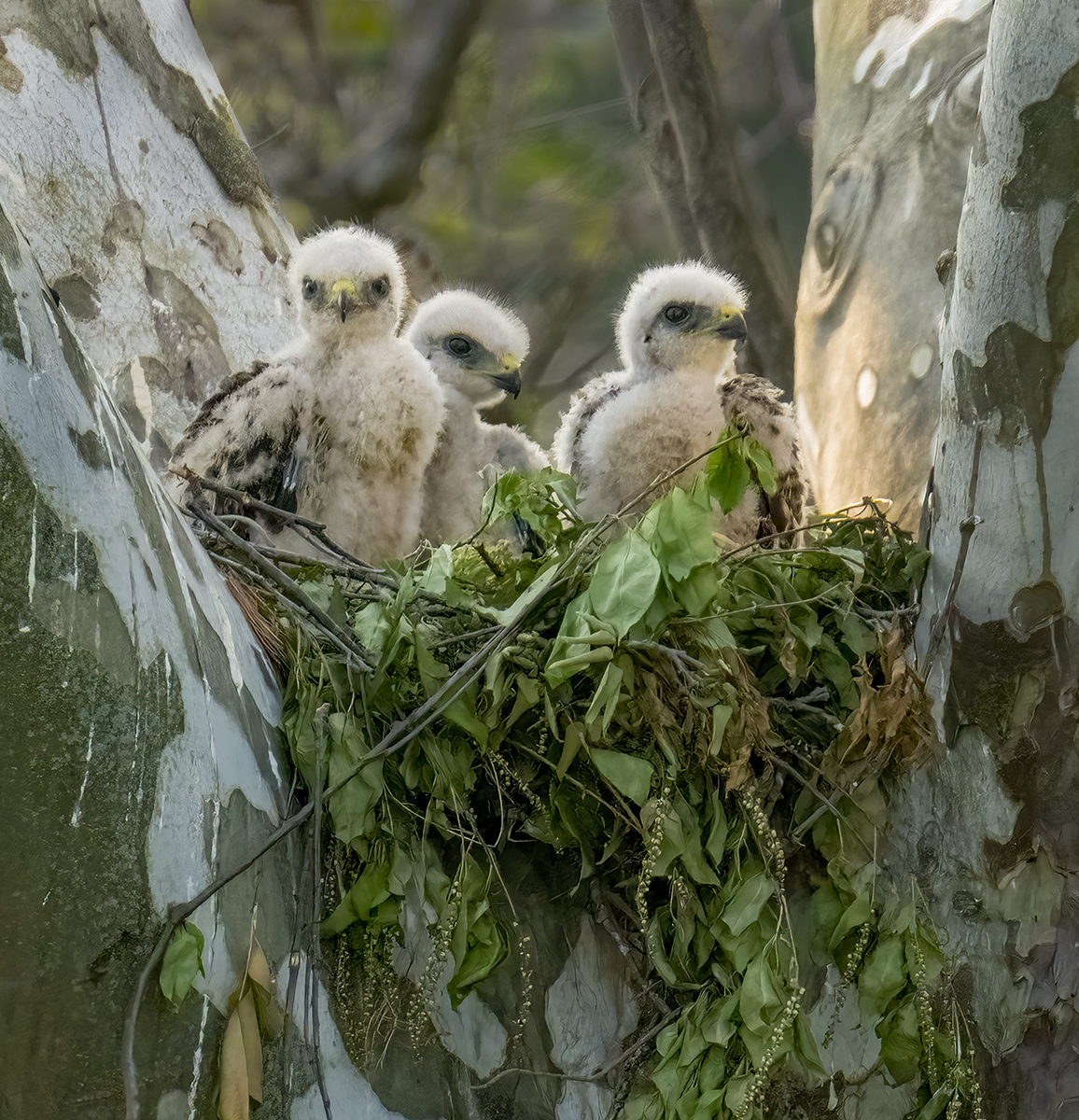
Pete, I like what you've done. I considered changing the hue of the tree from a warm cinnamon tone from direct sunset light to a shadowy B&W gray. The chicks seem to be over sharpened, whatever that means, removing the softness of the down feathers. Maybe less sharpening and not as much unsaturation.
I think your work is an improvement. Thanks. Jim |
Jun 12th |
| 5 |
Jun 23 |
Comment |
David, looking better each time one of DD#5 photographers adds their personal touch. Thanks. Jim |
Jun 6th |
| 5 |
Jun 23 |
Comment |
Thanks for all of your suggestions. I like the way this is turning out. Jim |
Jun 3rd |
 |
| 5 |
Jun 23 |
Reply |
Richard, I tend to agree with you. I will crop off as much of the nest needed to put the interest on the three chicks. Thanks. |
Jun 2nd |
| 5 |
Jun 23 |
Comment |
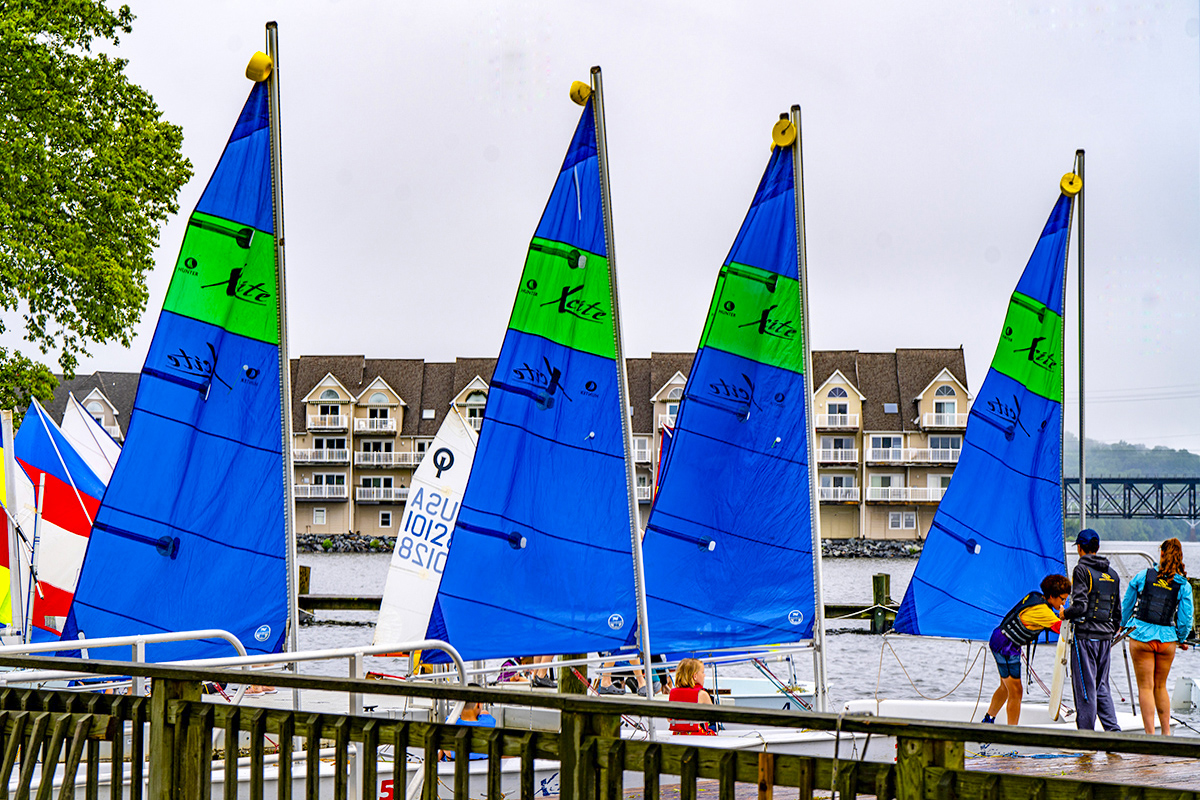
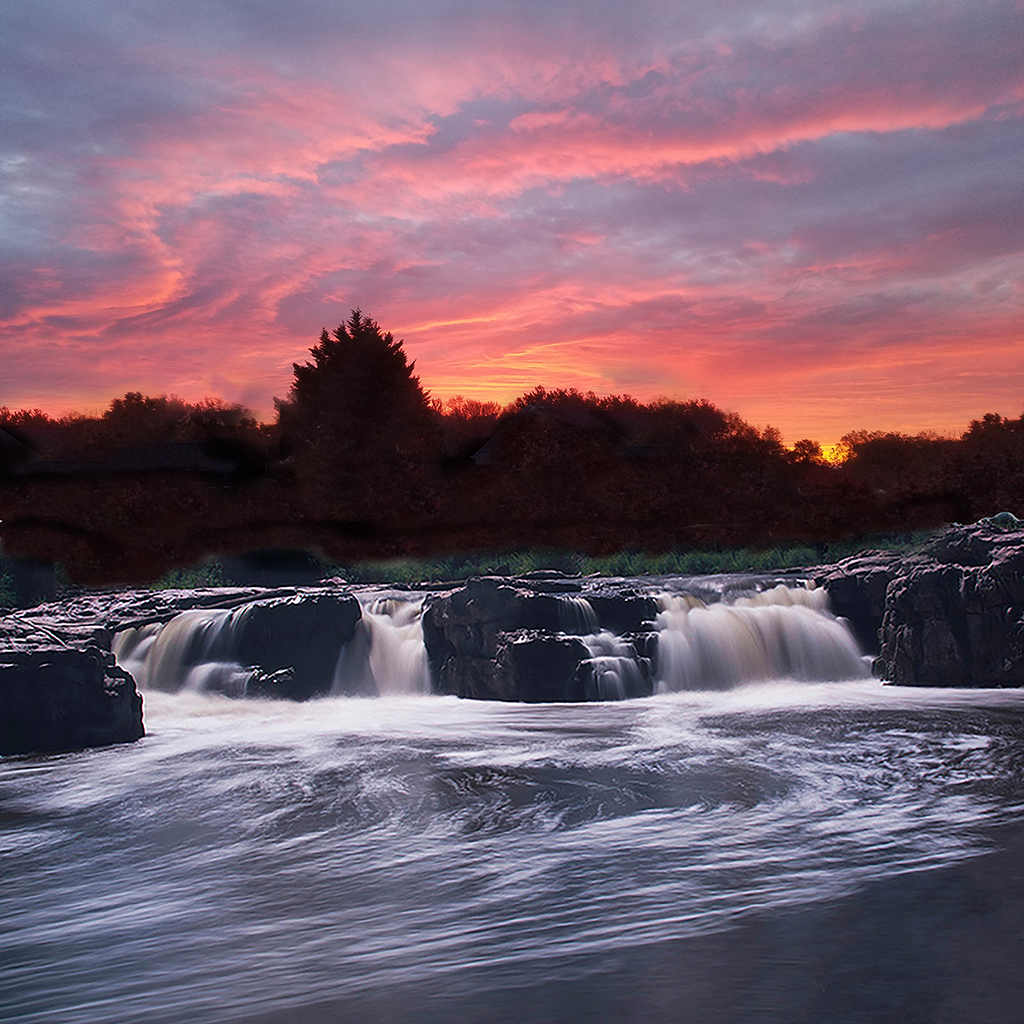
Richard, this has so much interest - everywhere. The boats are distinctive yet similar sails, same kind of boats. The sunset colors are very rich. Very well presented. Jim |
Jun 2nd |
| 5 |
Jun 23 |
Comment |
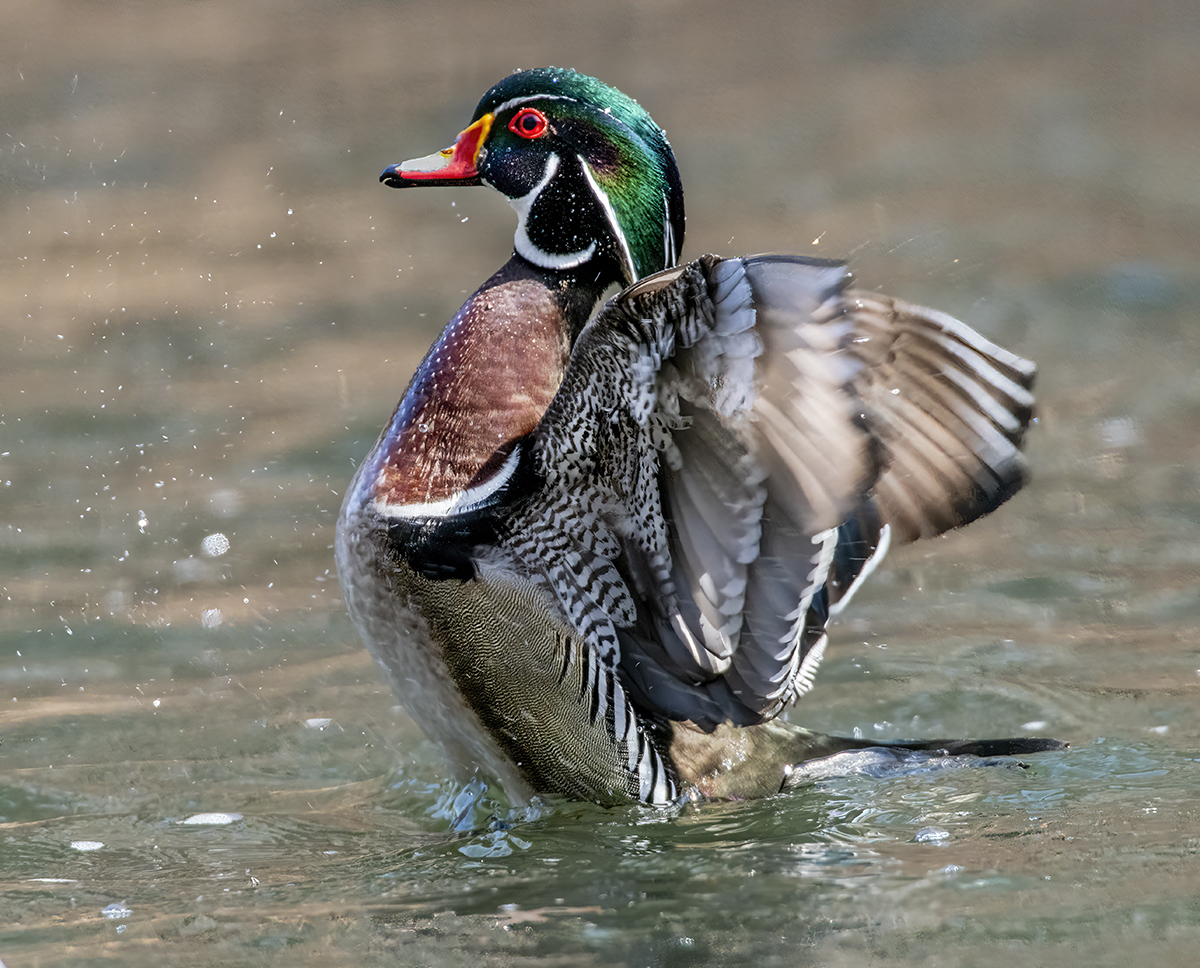
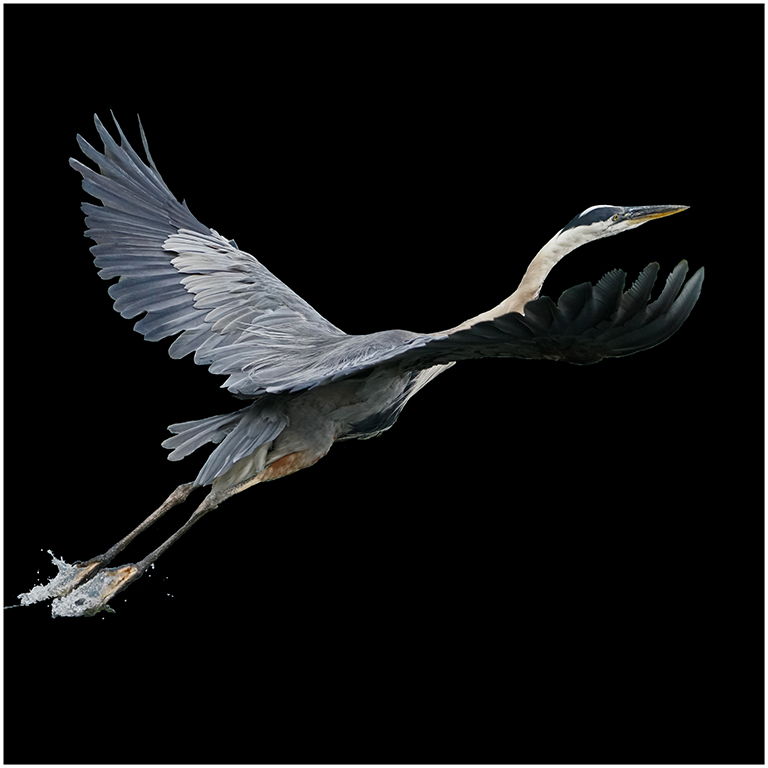
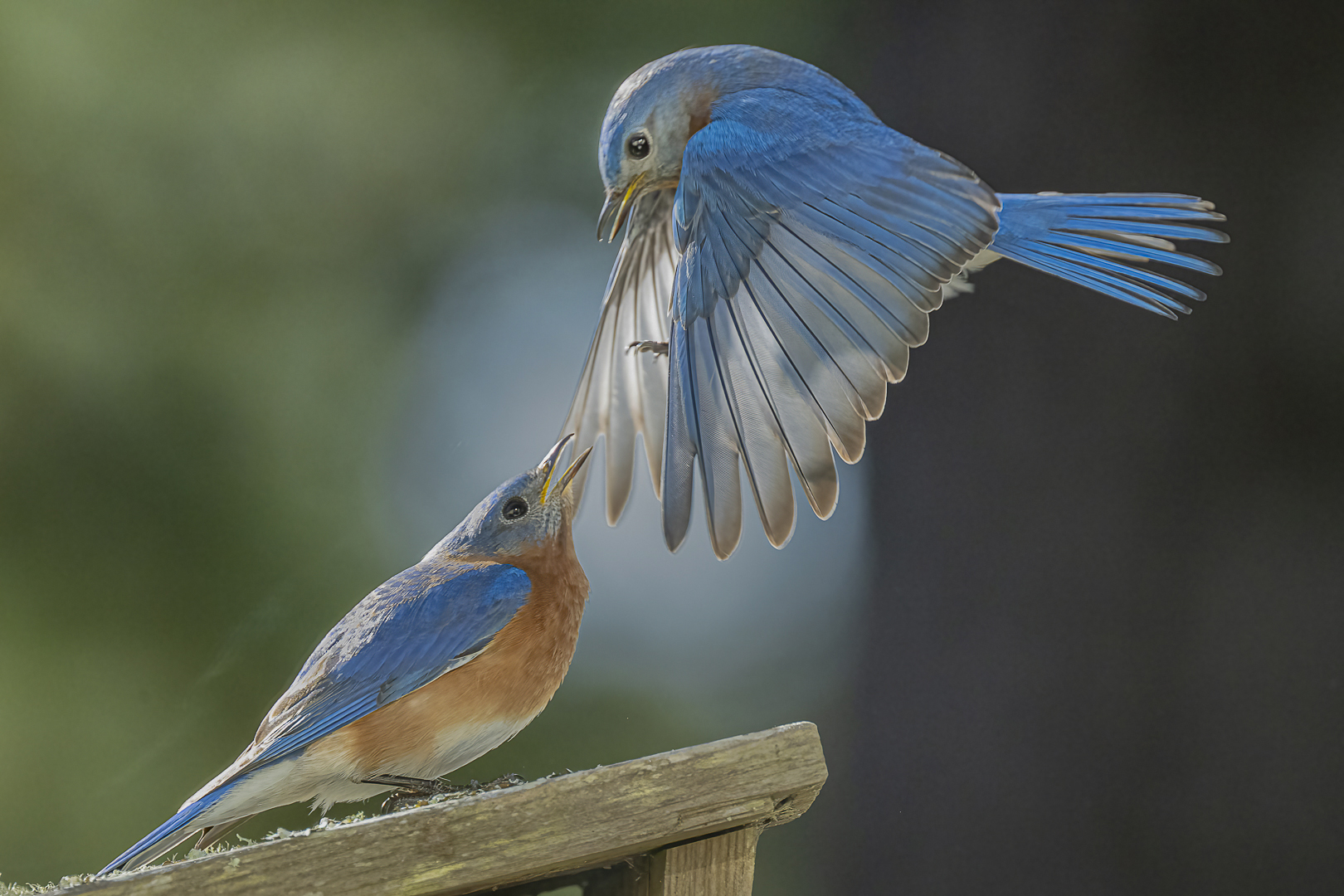
Sophia, this is a great project. This is a great photo and I like the moment of feathers fully spread out in the beating of the wings. I see highlights, almost blown out. I suggest that you try using the burn tool set on highlights and about 10%. Another approach is to use filter>Camera RAW and then reduce highlights, reduce whites. I also increased the dehaze slider. Let me know if you like what this does. Jim |
Jun 2nd |
 |
| 5 |
Jun 23 |
Comment |
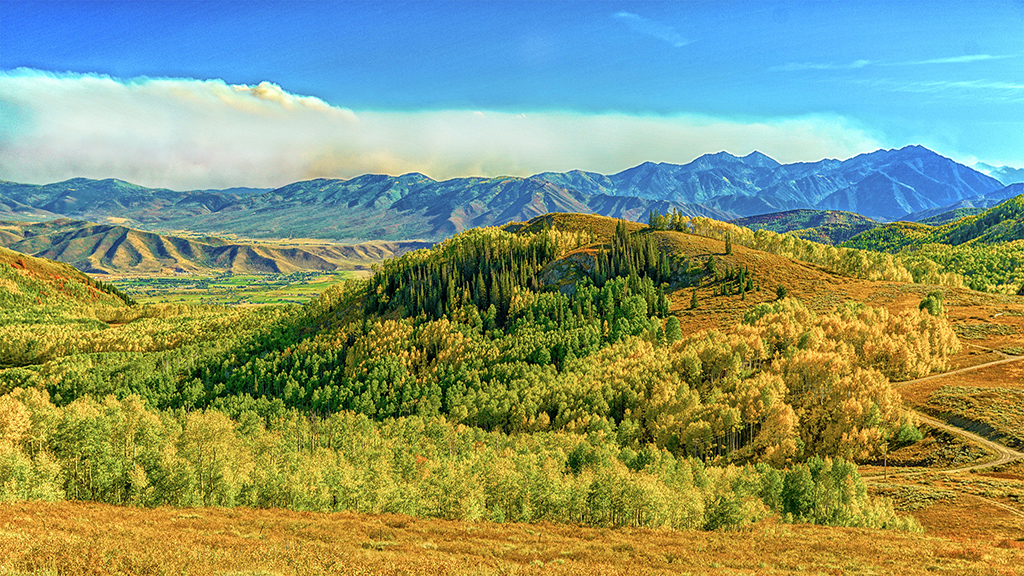
Mark, how fortunate you are to have views like this in New Zealand. (I had to look up Skippers Canyon). The contrast of beams of sunlight and stormy darkness coming really gets the attention. I might clone out the telephone pole next to the bend in the road, even consider taking out the paved road.
Thank you for posting this one. Jim |
Jun 2nd |
| 5 |
Jun 23 |
Comment |
Pete, I really like what you've done with this. With the f/2.8 shallow depth of field and the oyster chucker's knife showing us where to look - there is only one place of interest. If there was one improvement I'd like to see, it's in the color distortion inside the programming of Photoshop that darkens everything with a shadowy blue-gray hue, especially with the burn tool.
Do you or anyone else have a suggestion for how to keep the correct hue, especially warm colors, when darkening and lowering the exposure? Jim |
Jun 2nd |
| 5 |
Jun 23 |
Comment |
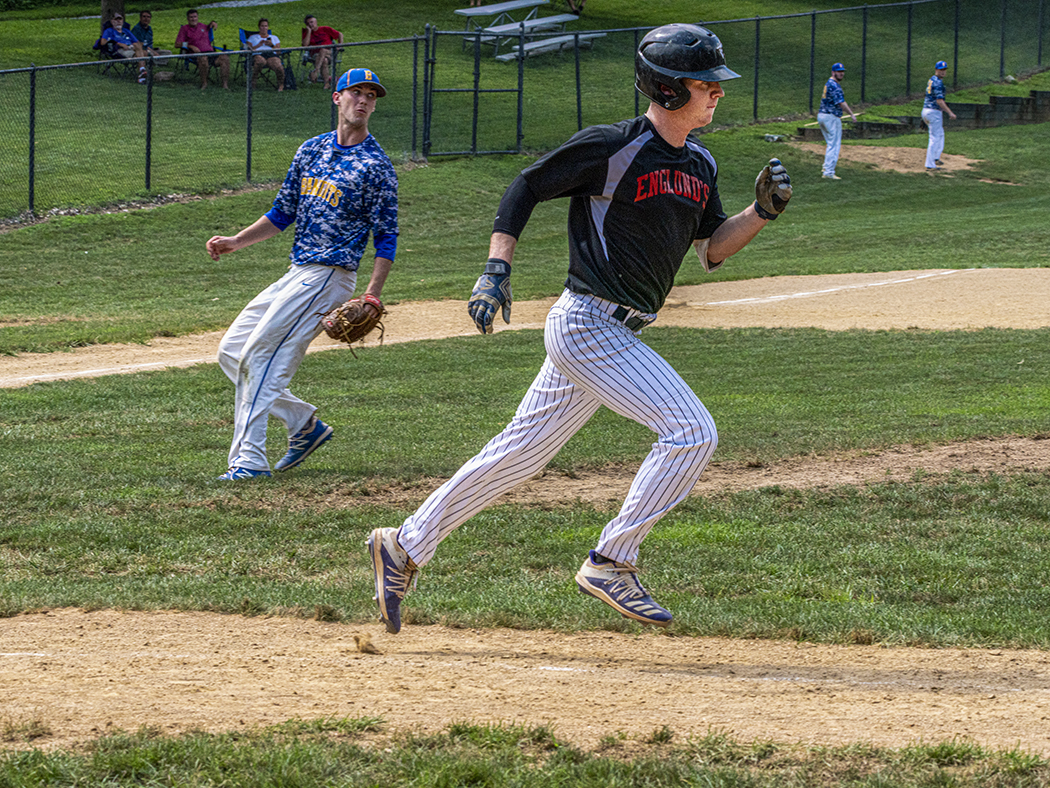
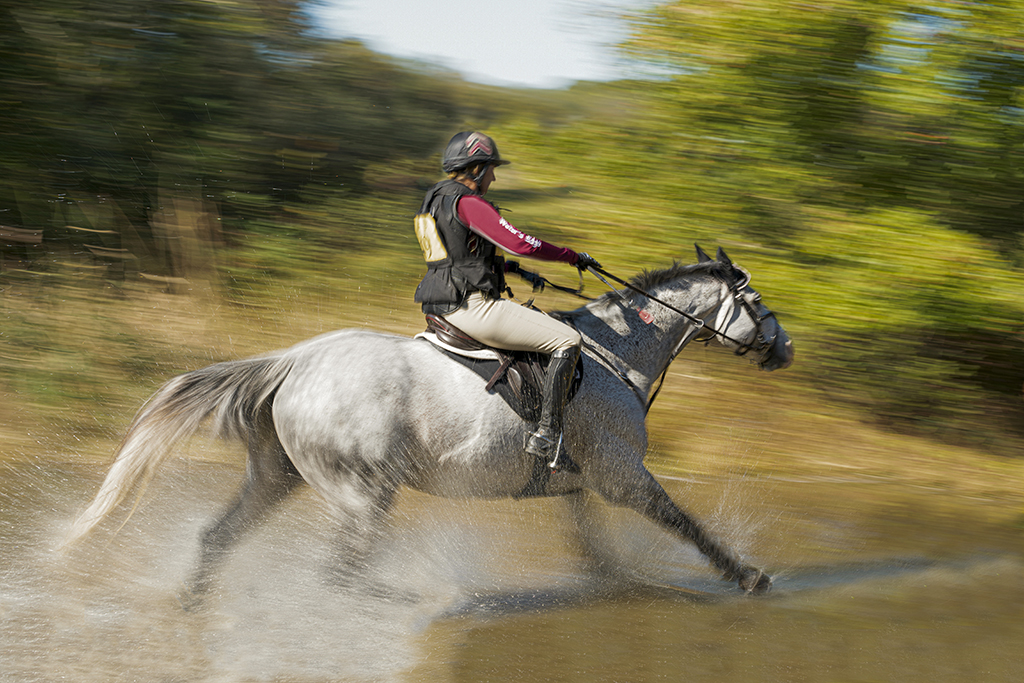
David, you added great action to a good color photo made better in B&W. I have not used the radial blur tool. I wonder what it would look like if the center of the tool was placed behind the last racer. The center of the photo seems to be exploding outward. If the blur started behind the racers, it might look like they are following each other through the curve. Jim |
Jun 2nd |
| 5 |
Jun 23 |
Comment |
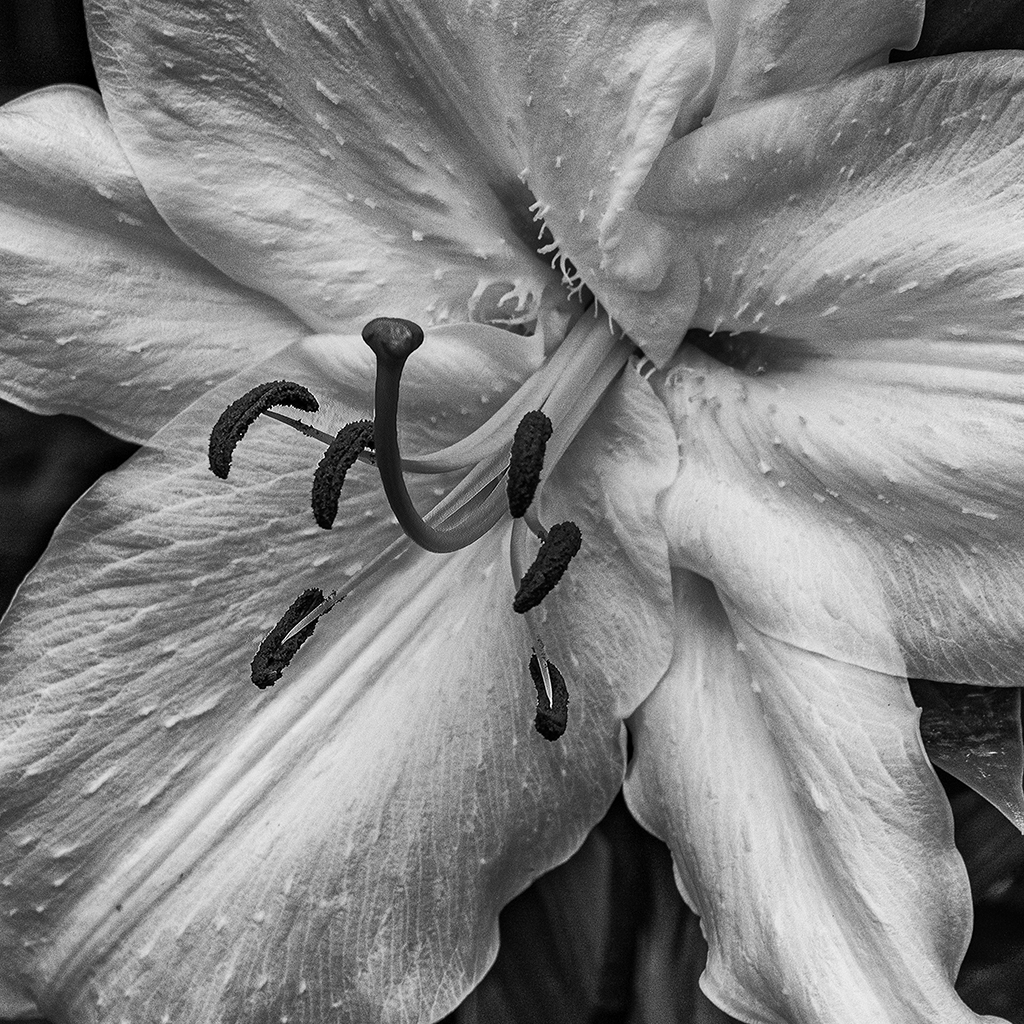
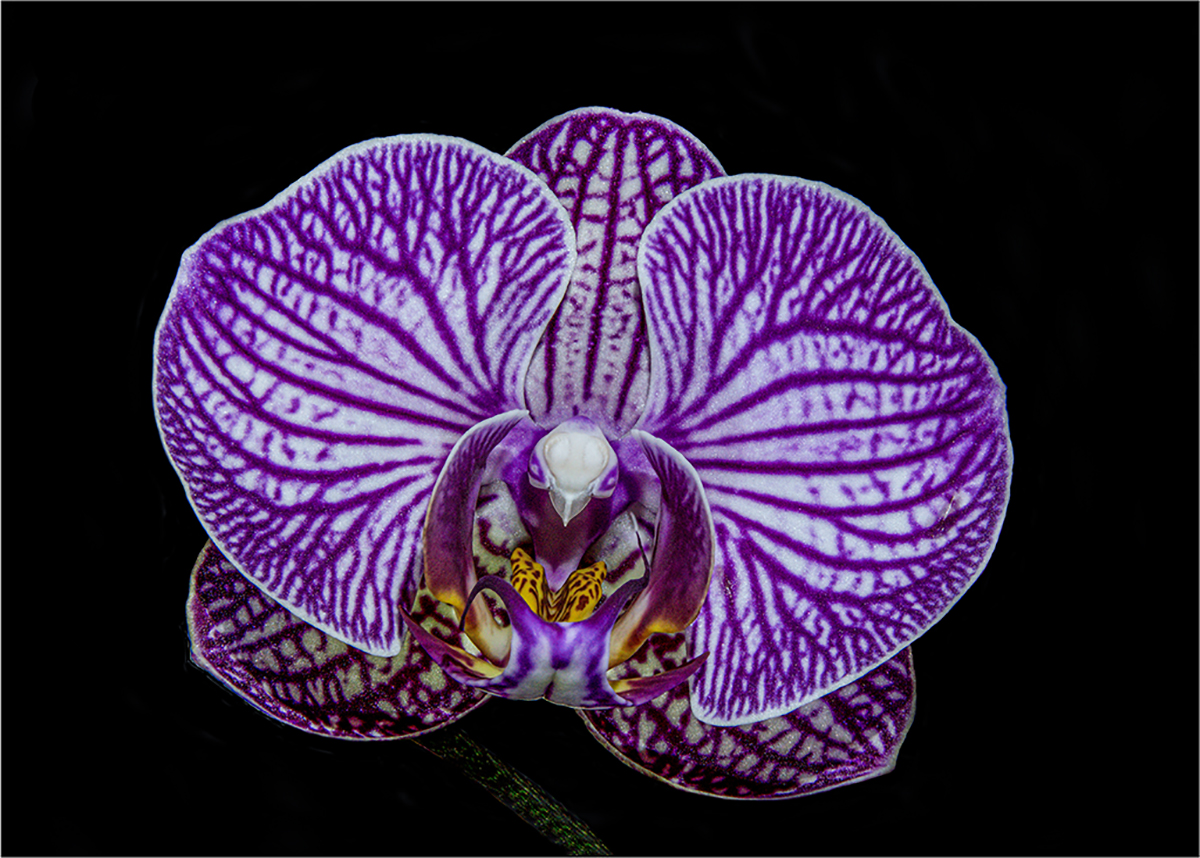
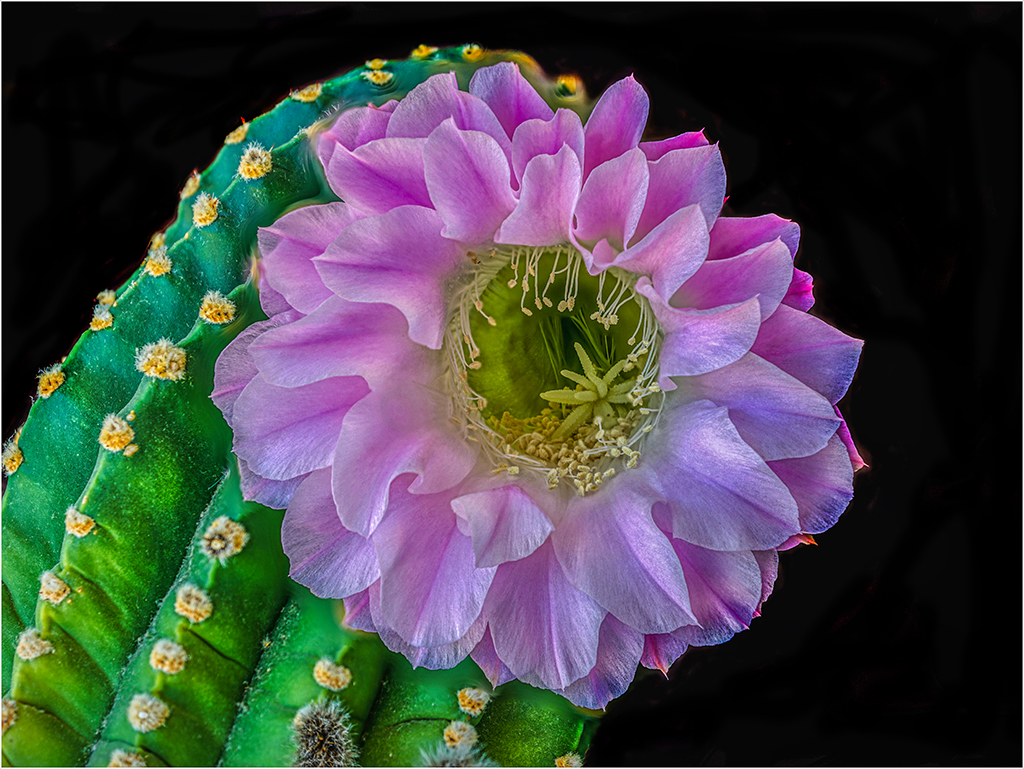
Barbara, like the rest of our group, we are sure that the swirls add to the beauty of the flower. I am distracted by the way that the swirls and the stem on the rose have a black swatch that almost separates them. I would use the smudge tool to extend the swirls over to the stem. Because you saved this photo as a .GIF I can't edit your photo to show you what I have in mind. Jim |
Jun 2nd |
| 5 |
Jun 23 |
Reply |
Sophia, yes, the adult female enlarges the nest with green leaved vines as the hawk chicks grow. Within two days, the green leaves are brown and shriveled. As for your suggestions on the photo, I agree that the background needs to be darker. I desaturated the background and used the burn highlights tool to make the background recede. Let me know what you think. Jim |
Jun 2nd |
 |
8 comments - 6 replies for Group 5
|
8 comments - 6 replies Total
|