|
| Group |
Round |
C/R |
Comment |
Date |
Image |
| 5 |
Sep 22 |
Reply |
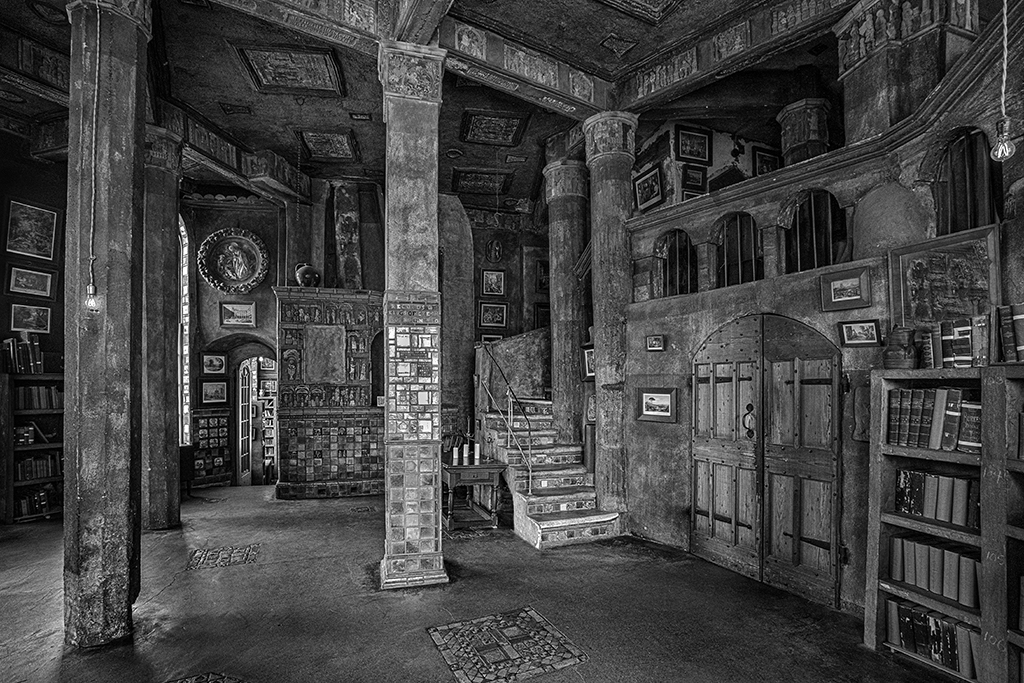
David, how do you easily rectify the hall? Well, how should I try to do it? Jim |
Sep 7th |
| 5 |
Sep 22 |
Reply |
Oliver, I am impressed with your knowledge of Photoshop. I just found Puppet Warp and see how easy it is to use. Thanks.
Jim |
Sep 7th |
| 5 |
Sep 22 |
Reply |
Richard, I like what you did. The models that the Photography Meet Up uses don't like looking at the camera. Thanks again for your work and explaining the steps. Jim |
Sep 1st |
| 5 |
Sep 22 |
Reply |
Pete, I agree. My idea just didn't work out as a finished photo. |
Sep 1st |
| 5 |
Sep 22 |
Comment |
Richard, you caught a great moment in the lives of these youg monks. I have to wonder if the books they are going through are on the approved reading list because they examine the books so intently. The light filtered through the leaves of the tree gives an added effect to students reading in the shade. I think the third monk is fine, but the dark blob behind is troubling. I used the clone tool to remove it and smudge tool to even it out. Thanks for letting me know about Neutral filters. I found the depth blur, downloaded it and used it. Let me know what you think. Jim |
Sep 1st |
 |
| 5 |
Sep 22 |
Comment |
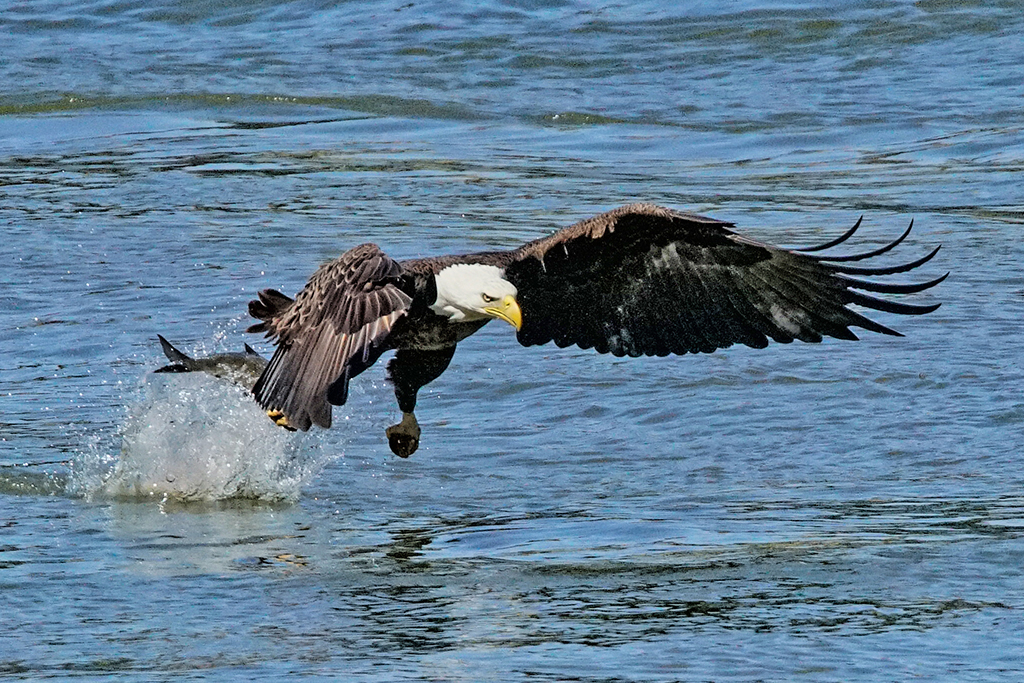
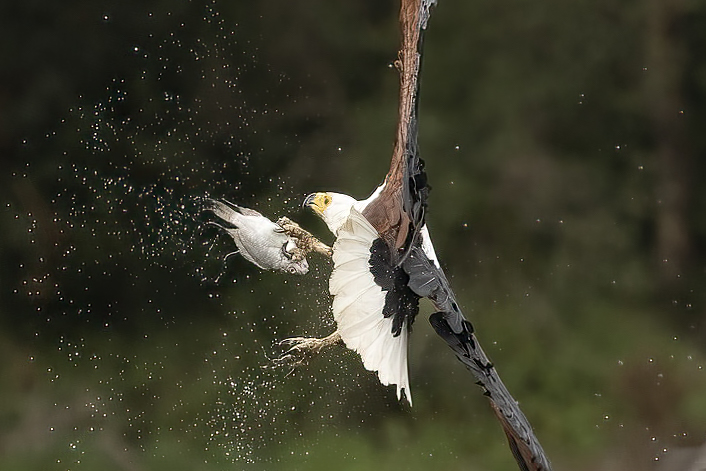
Sophia, this is a great shot. Hard to decide how to crop massive wings when the fish in the talons is the story. You captured a better image than you thought. I used Topaz Sharpen AI and brought out so much more detail. I cropped it tight on the fish, water spray and talons. Let me know what you think of this tighter shot. Jim |
Sep 1st |
 |
| 5 |
Sep 22 |
Comment |
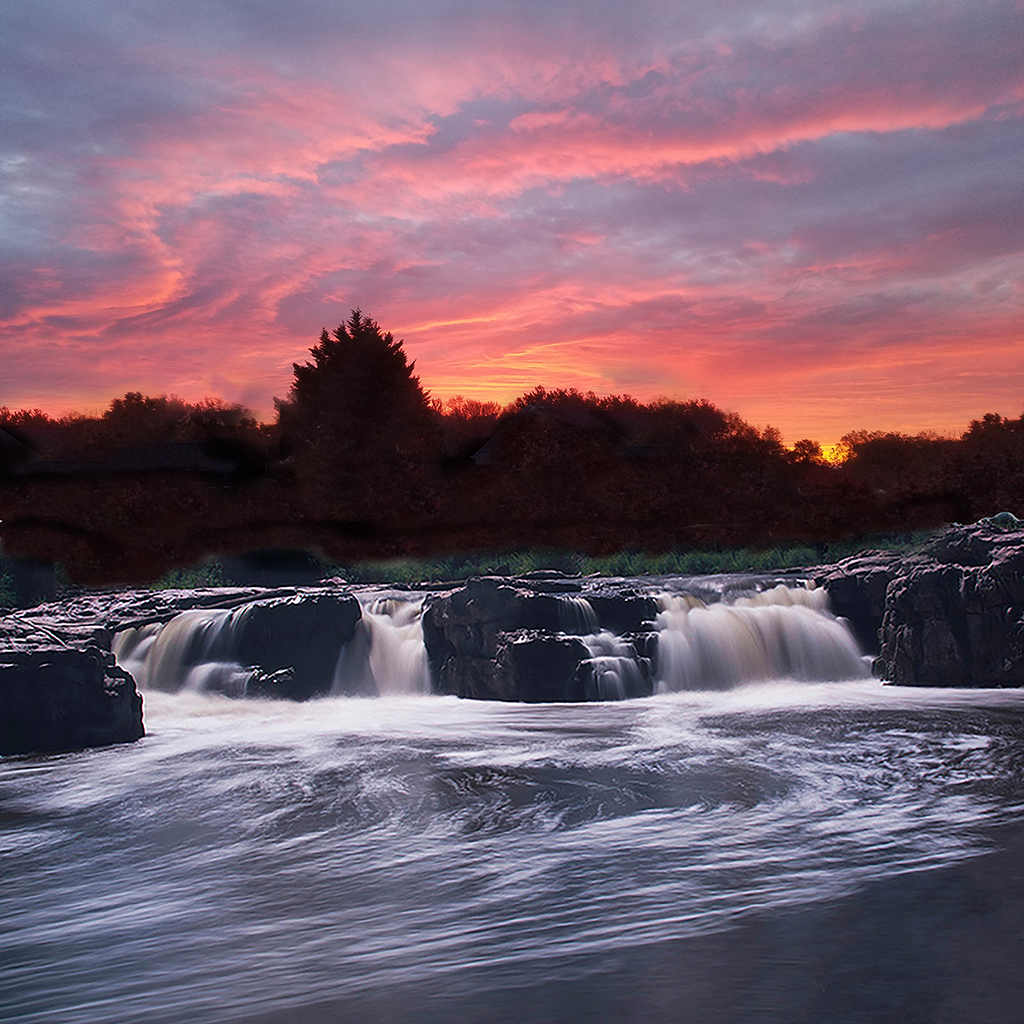
Mark, there is a lot of appeal in every part of this image. I think you have more texture and tonality in B&W. I wonder what this might look like if you added a Circular Polarizing Filter to make the clouds pop. The left third of your photo seems blurry or smudged. You might think about cropping it because it doesn't add anything. |
Sep 1st |
| 5 |
Sep 22 |
Comment |
Pete, this is great. There's so much dust flying around. It seems you added some dust to some places. The expression on the woman in the background tells the story. Too bad you didn't keep (or use content aware move tool) to include the back doors of the 18 wheeler. This demolition derby is Toys-R-US. I did this from your original to include the trailer, let me know what you think. Jim |
Sep 1st |
 |
| 5 |
Sep 22 |
Comment |
David, you caught a great moment. I think the A7Riv tracking is fine, just needing some DeNoise because the background is so dark. I see a lot of green on her face and on her right arm, green that is not in the original. I took your original and used Photoshop dodge tool on shadows to lighten her face, left leg and arm. It kept the original skin tone. Let me know what you think of this approach. -- I also used the clone tool to take out the bright background spots by her shoulder and right foot. Jim |
Sep 1st |
 |
| 5 |
Sep 22 |
Comment |
Barbara, this is such a great improvement from the original. The tonality is warm, bright and the colors are rich. The shadow frame lifts the photo off the background. I love the expression. A sad clown that's colorful touches us in a special way. Thank you for sharing. Jim |
Sep 1st |
6 comments - 4 replies for Group 5
|
6 comments - 4 replies Total
|