|
| Group |
Round |
C/R |
Comment |
Date |
Image |
| 5 |
Aug 22 |
Comment |
Pete, this brings it together. Thank you for doing this.
Is there a difference between Adobe Camera Raw and Photoshop 2022 Camera Raw Filter? Jim |
Aug 7th |
| 5 |
Aug 22 |
Reply |
I agree with you and David that I cropped out too much of the natural setting and "blue hour" moment. |
Aug 4th |
| 5 |
Aug 22 |
Reply |
Thank you all for your feedback. I agree with you that I cropped out too much of the natural setting and "blue hour" moment. |
Aug 4th |
| 5 |
Aug 22 |
Reply |
You got a great photo, sharp and good exposure under difficult conditions. Well done. |
Aug 4th |
| 5 |
Aug 22 |
Reply |
Barbara, just as the best photo is with the camera you have, the best composition is with what you've got. I like your results. |
Aug 4th |
| 5 |
Aug 22 |
Comment |
Richard, I agree. You have a photo worth printing and framing. I think that your work on the mountains is spot on, however I think you also lightened the foreground.
In Photoshop I used the selection tool for the lake and everything below it. Camera Raw filter I lowered highlights, lowered shadows, lowered whites and slight increase on saturation.
|
Aug 2nd |
 |
| 5 |
Aug 22 |
Reply |
David, amazing results. Please tell me step-by-step how to find and use the Content Aware Move (and Content remove) tool in PS 2022. You can email me at drjimhorn@comcast.net |
Aug 2nd |
| 5 |
Aug 22 |
Comment |
Sophia, I am glad that you are submitting this in a contest. Beause you asked for suggestions and simple instructions, here goes. In Photoshop on your original, open Camera Raw filter. Use these sliders only
highlights +100%
shadows +50%
whites +50%
Texture +25%
Let me know what you think.
|
Aug 2nd |
 |
| 5 |
Aug 22 |
Comment |
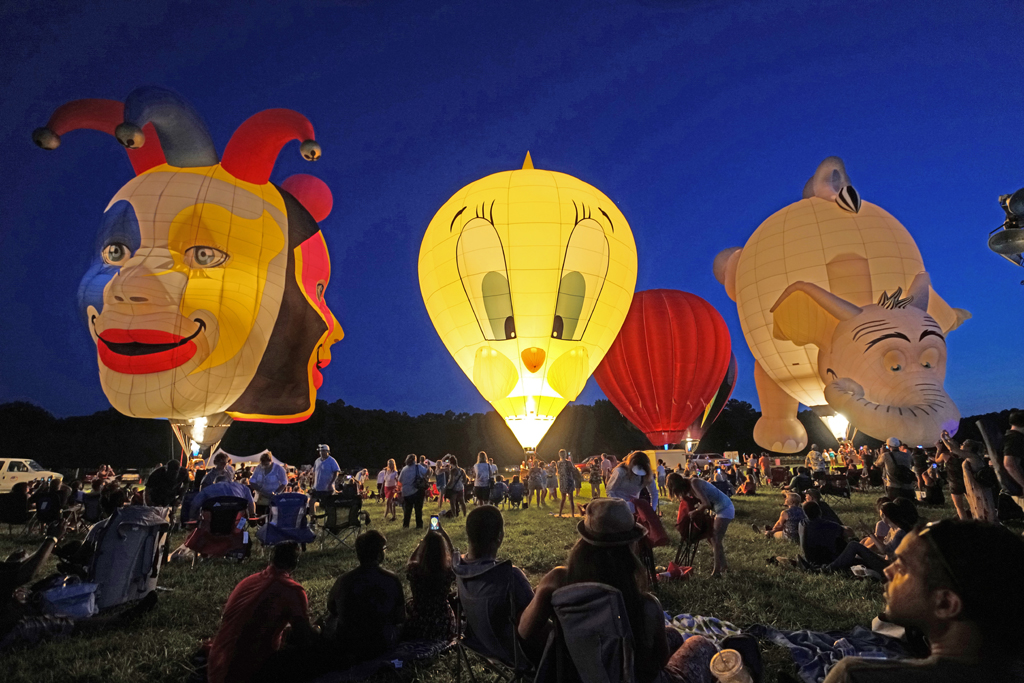
Mark, this is very intriguing, especially if I let my anthropomorphic imagination loose - Snuffleupagus comes to mind. I like the variations of green, blue-green, brown and purple in your vegetation. |
Aug 2nd |
| 5 |
Aug 22 |
Comment |
Pete, I like your white final version of My Friend Mark Jester, especially as he is photographed as a mime in costume look of "white-face" to make it a realistic performance. I can see a hint of white-face make-up. It works for me. |
Aug 2nd |
| 5 |
Aug 22 |
Comment |
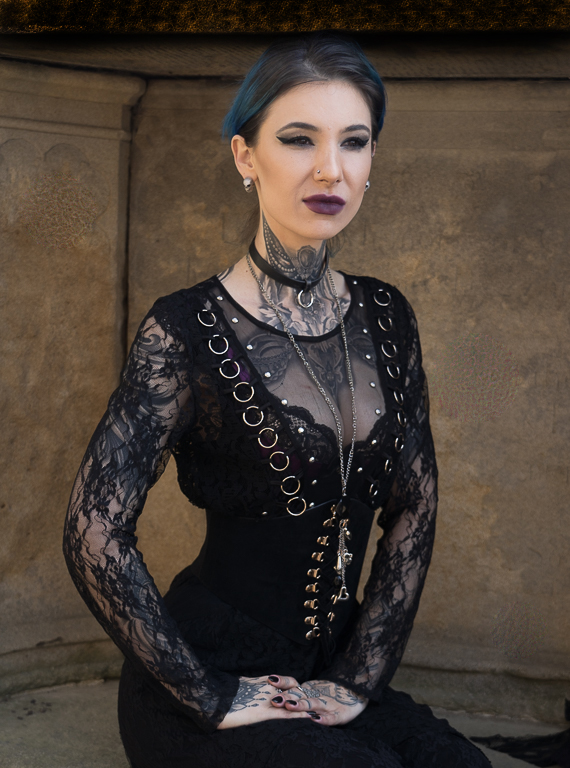
David, this is a stunning portrait, full of character and interest. I was distracted by the top surface of the building and cleaned up distracting lines. I also used the clone tool to enlarge the pupils from her existing iris. I used the dodge tool to lighten her hair to give it separation from the background. I did not think that your vignette helped. I attempted to use the smudge tool to push back her enlarged bottom lip.
To answer your question, yes, changing people's appearance is good - but giving a model instructions about opening eyes and drawing in lips is better.
Let me know what you think. |
Aug 2nd |
 |
| 5 |
Aug 22 |
Comment |
Barbara, I agree with the support you're getting for monochrome and for your composition.
The story telling might have the next step - "darn" it (I think that's what you call repairing the hole in a sock). Perhaps yarn threaded into a needle might allow you to do something different with the empty space at the bottom right. Yarn in an "S" curve would add more interest than the angles of the open scissors. A length of yarn threaded into the eyelet of a needle that's stuck in the cloth next to the sock near the hole might work. |
Aug 2nd |
7 comments - 5 replies for Group 5
|
7 comments - 5 replies Total
|