|
| Group |
Round |
C/R |
Comment |
Date |
Image |
| 5 |
Jun 22 |
Reply |
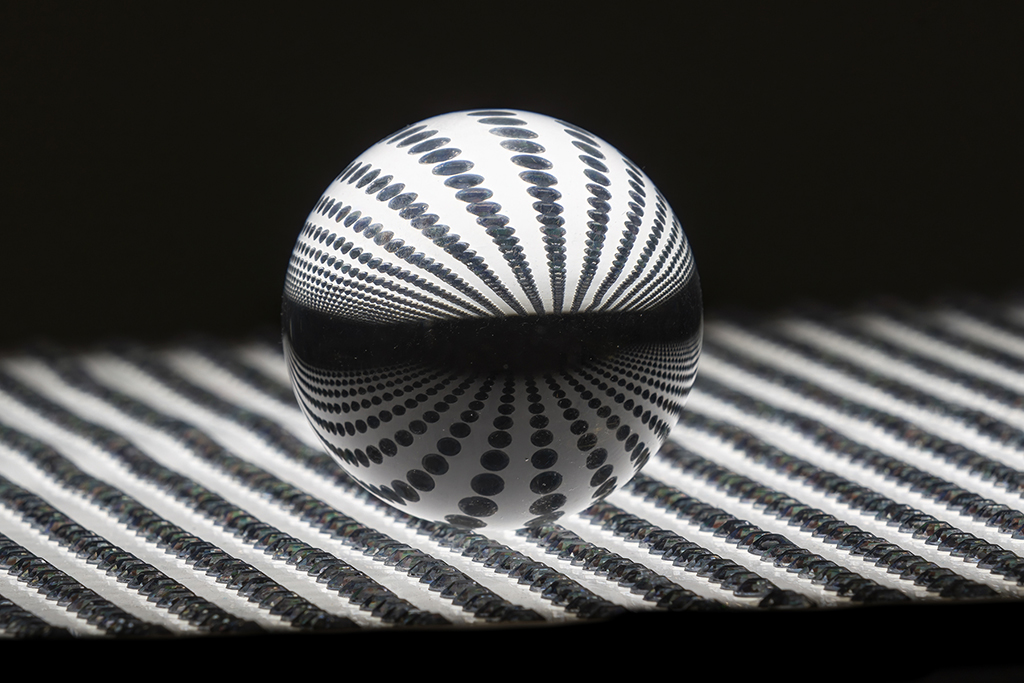
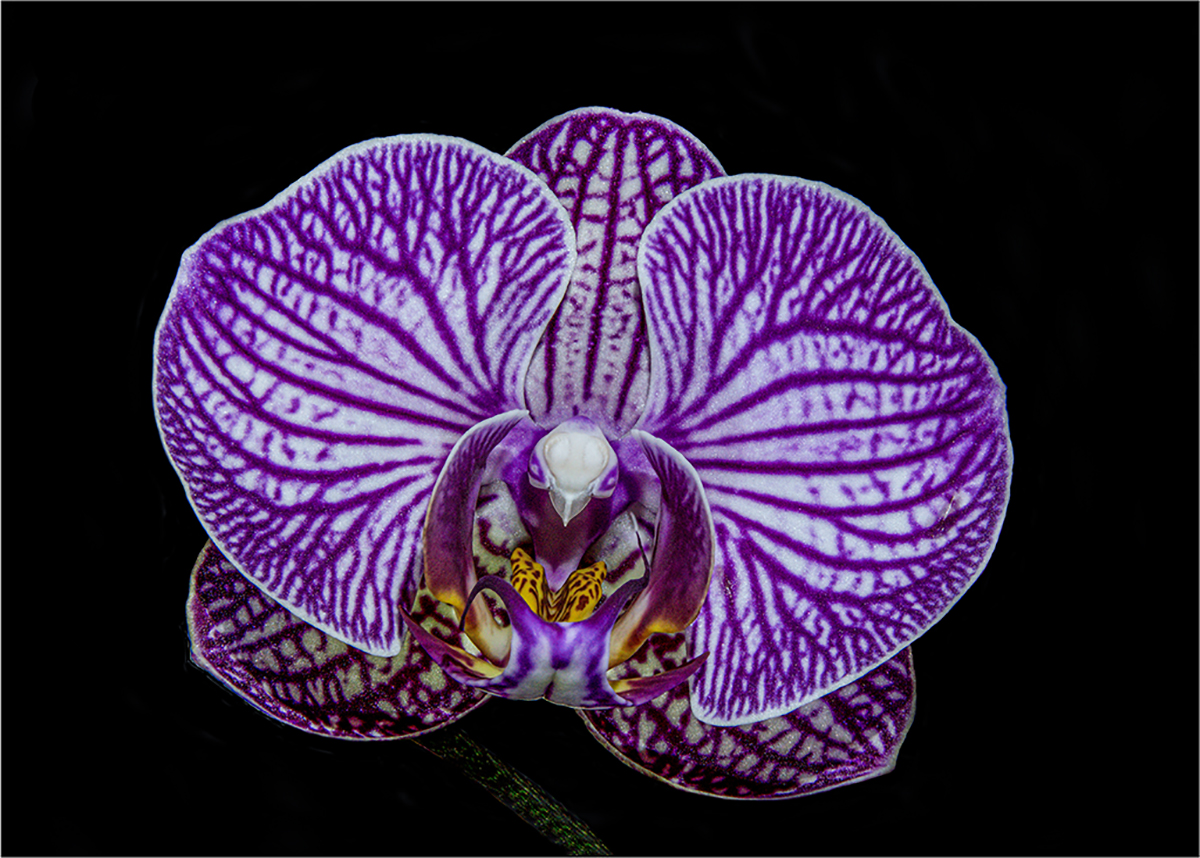
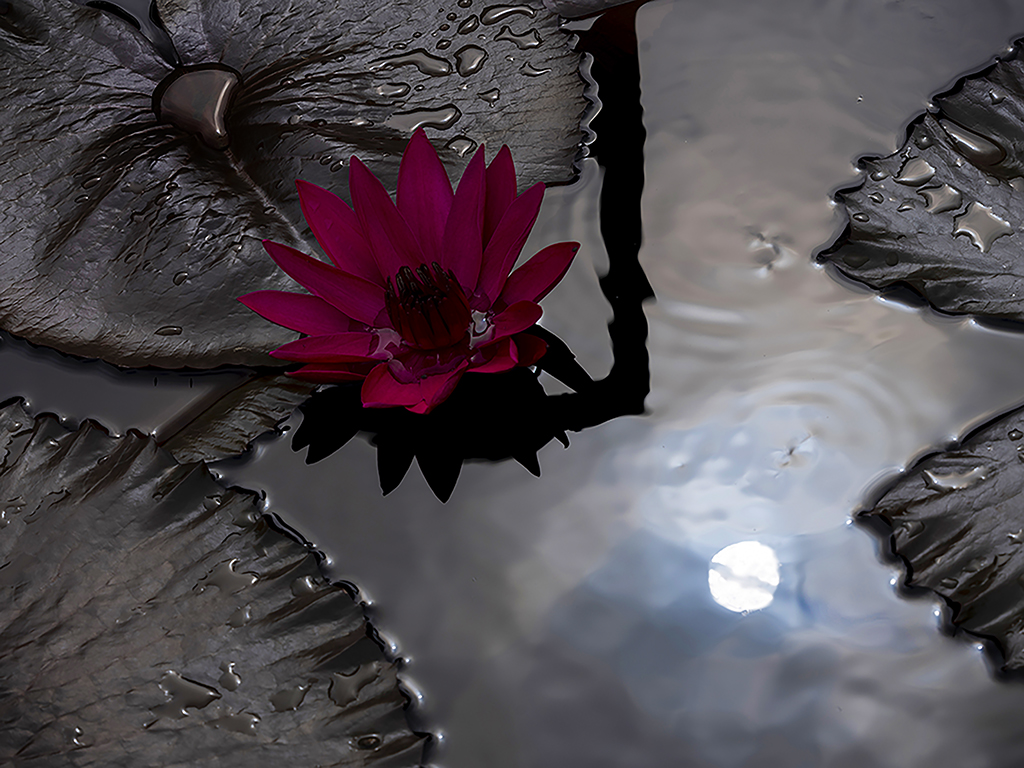
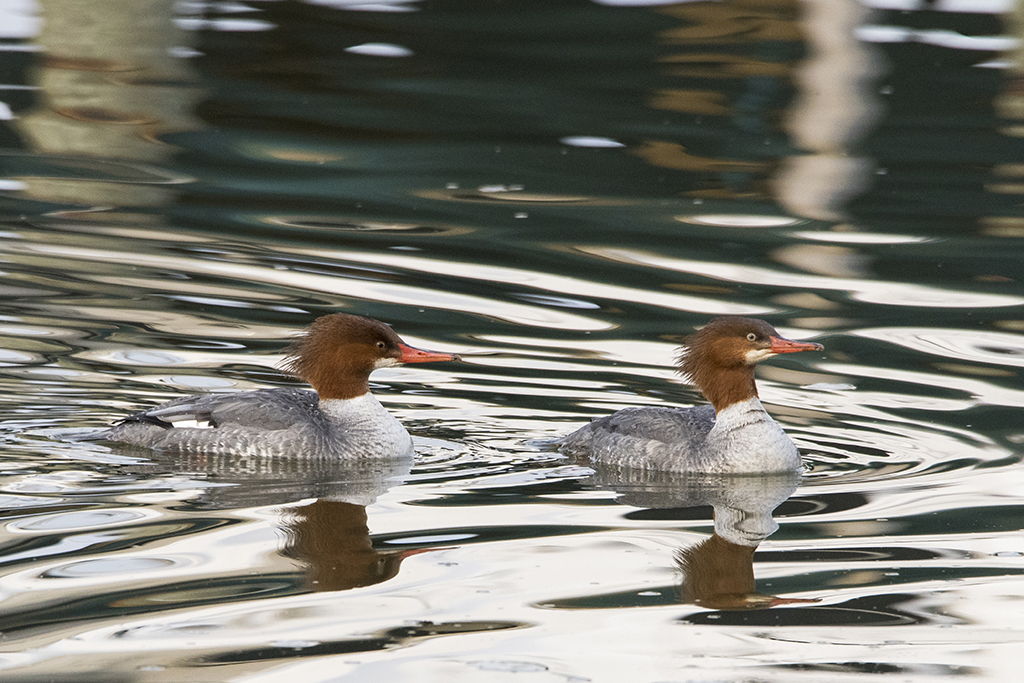
What Barbara saw as a smile now looks like a fish's mouth, eye and fins to me with your "orb" filter. Jim |
Jun 5th |
| 5 |
Jun 22 |
Comment |
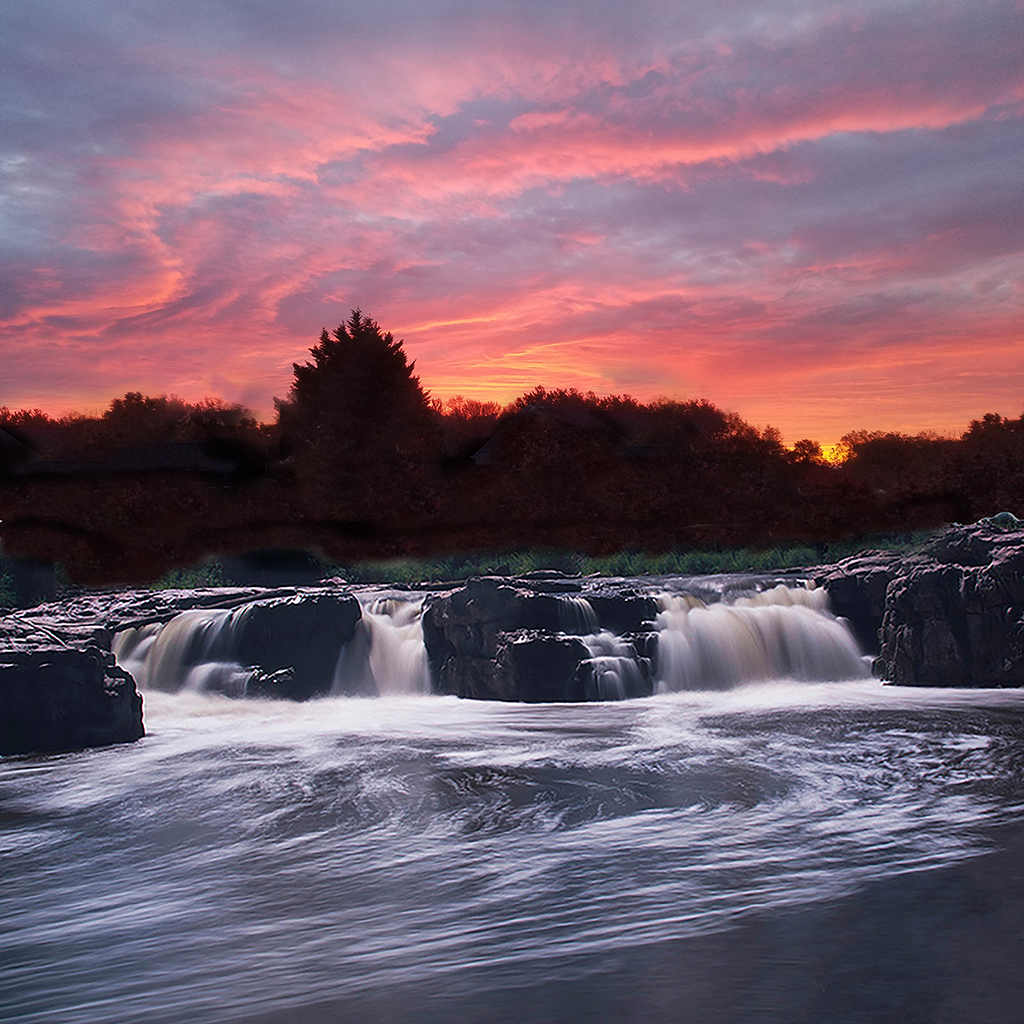
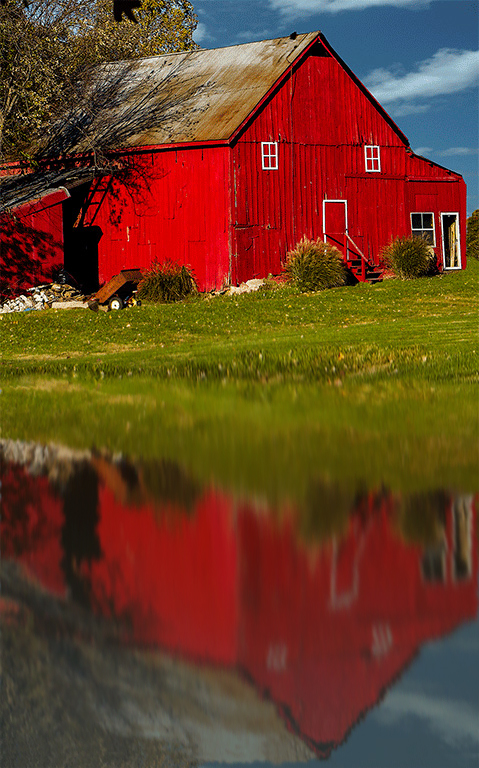
Barbara, I was able to use Mark's edit in Photoshop using the smudge tool. I kept the diameter large and just clicked and dragged it down. Does this reflection, and make the "pond" look level and more realistic to you? Jim |
Jun 5th |
 |
| 5 |
Jun 22 |
Comment |
Sophia, I recommend the Neewer Professional heavy duty carbon fiber 360 gimbal ($15 of on Amazon now). The top tripod is Really Right Stuff's Versa line of carbon fiber. I got the long tripod to get my camera above my head for shooting eagles straight up in treetops. Jim |
Jun 5th |
| 5 |
Jun 22 |
Comment |
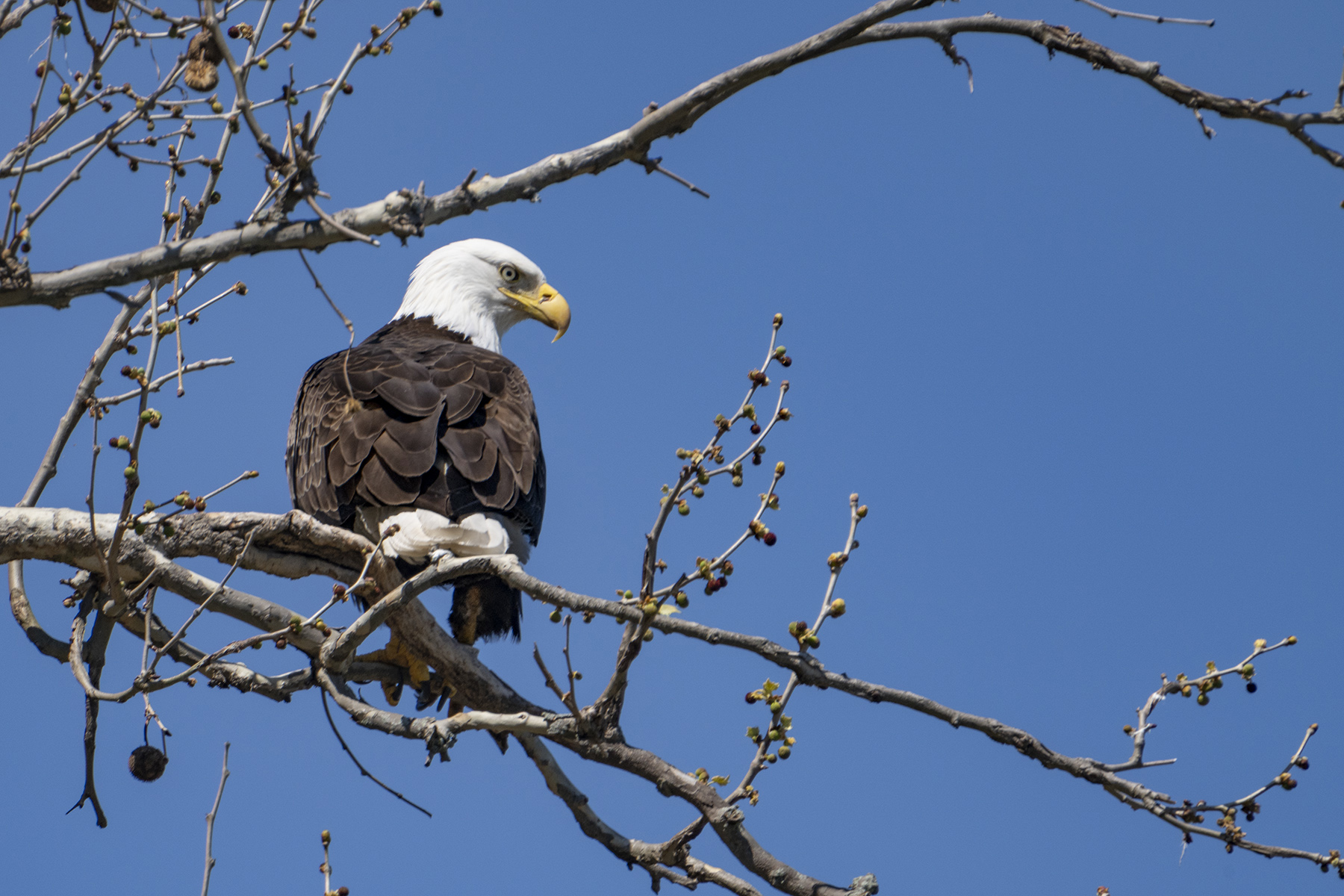
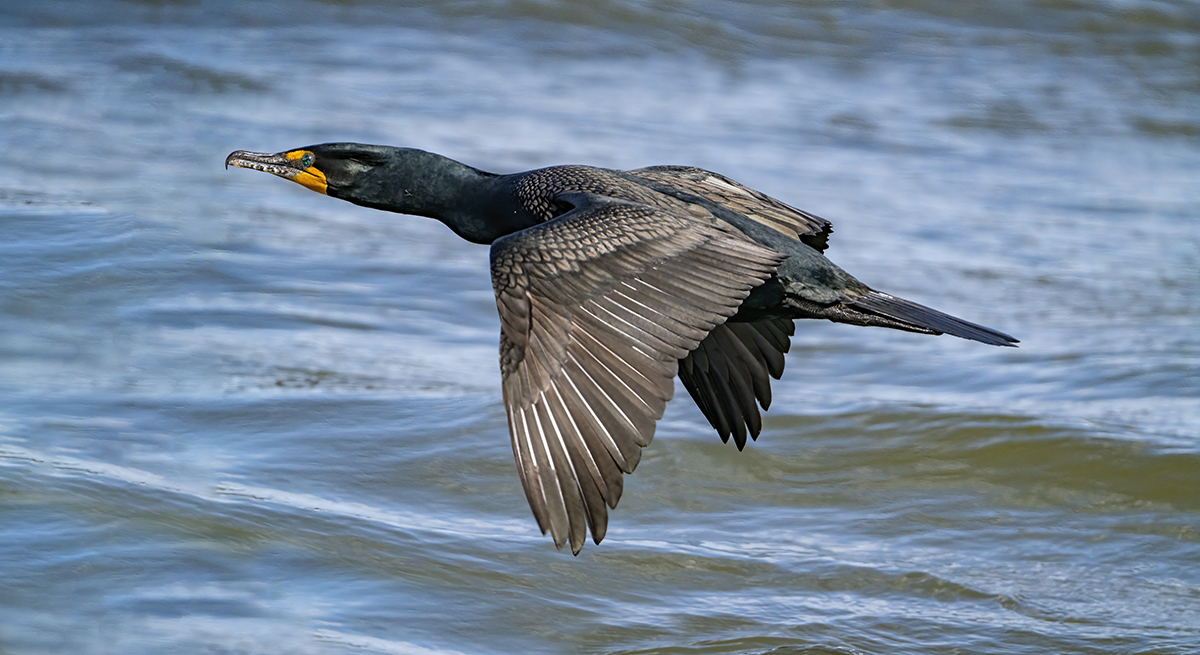
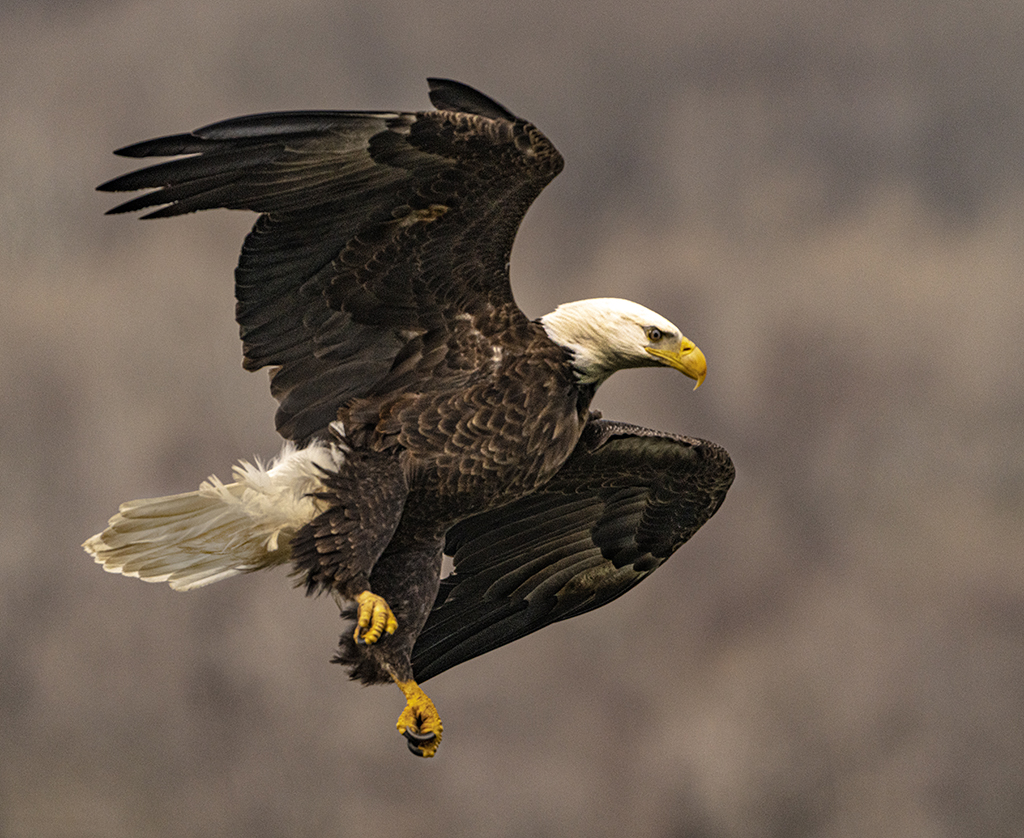
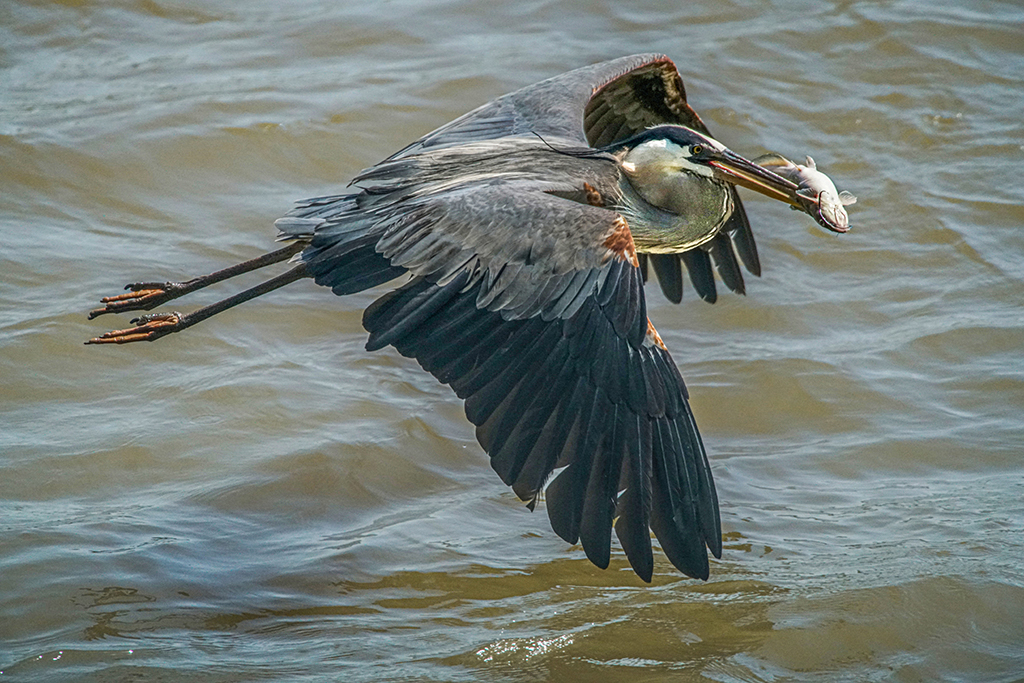
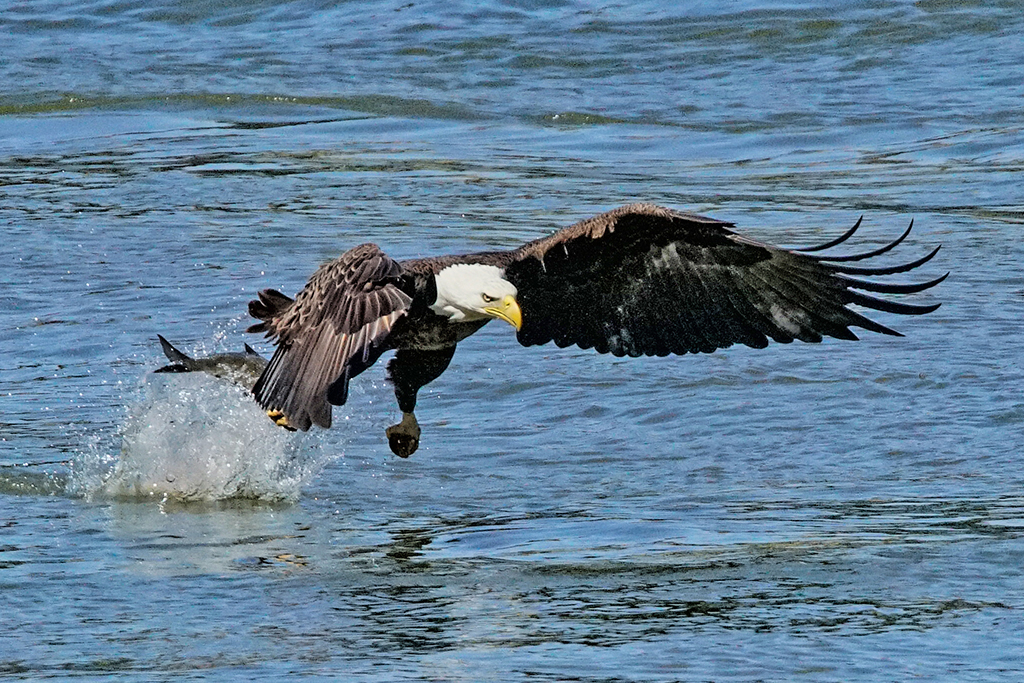
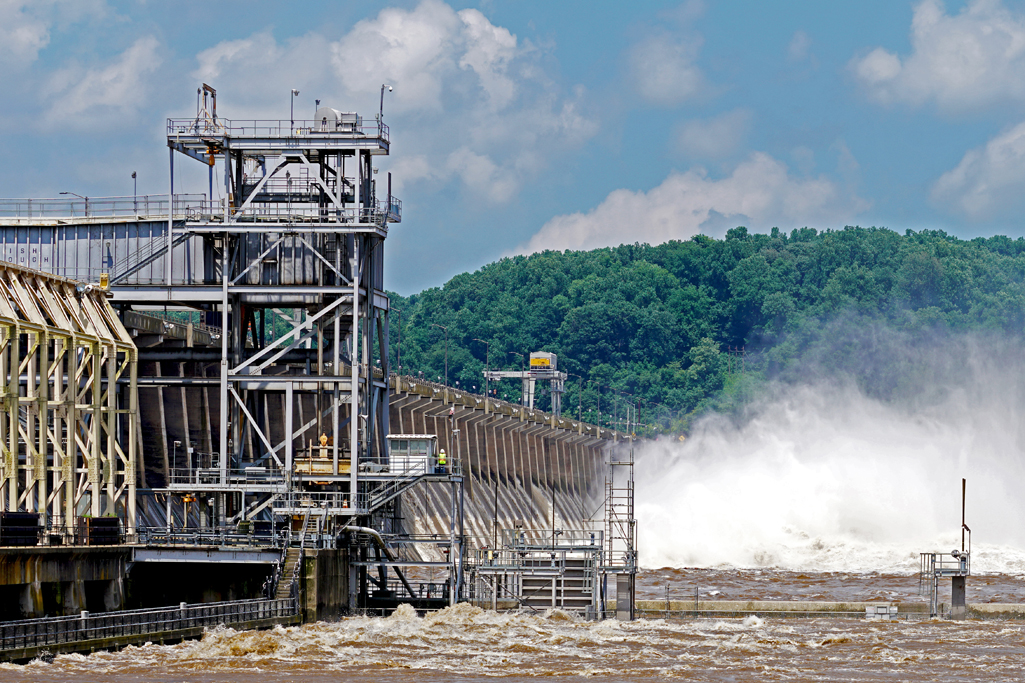
Sophia, thank you for finding the eagles at Conowingo Dam. I like what you captured - very true to life, great action moment.
Thank you for doing the blending in Lightroom on my eagles. I use Photoshop. The best technique I've found is Photoshop>Filters>Camera RAW Filter, slide the shadows to very light to reveal all the details in the feathers which are amazing, then hit the "Auto button" and get this.
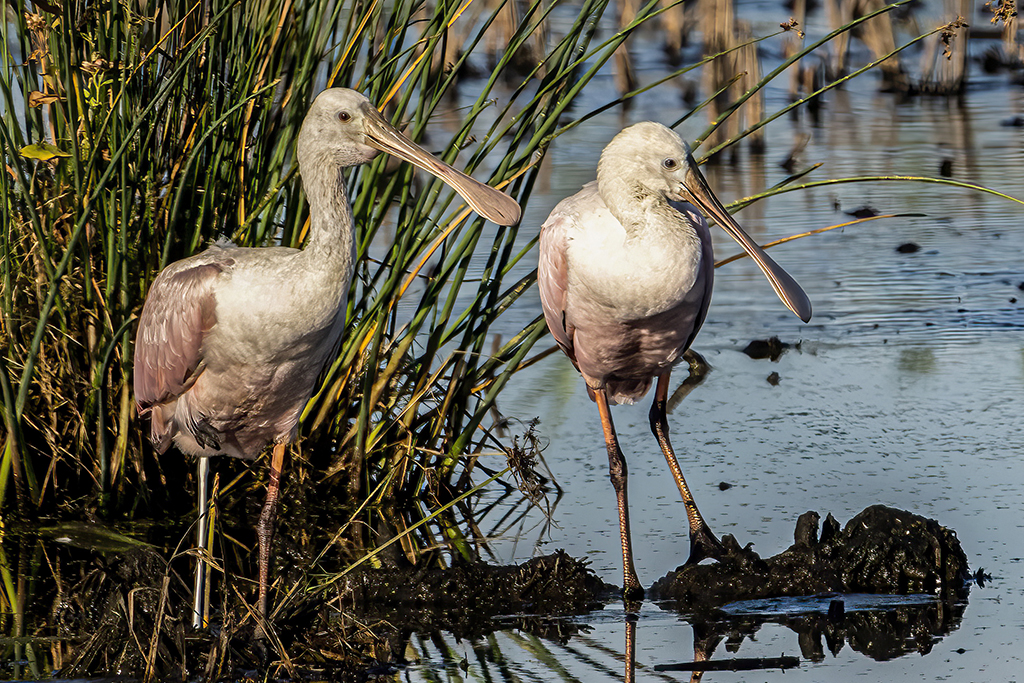
FYI - I noticed the water not being level, so I changed it.
Please reach out to me at drjimhorn@comcast.net or (410)652-1575. I'd love to learn what you do in Lightroom. Jim
|
Jun 5th |
 |
| 5 |
Jun 22 |
Comment |
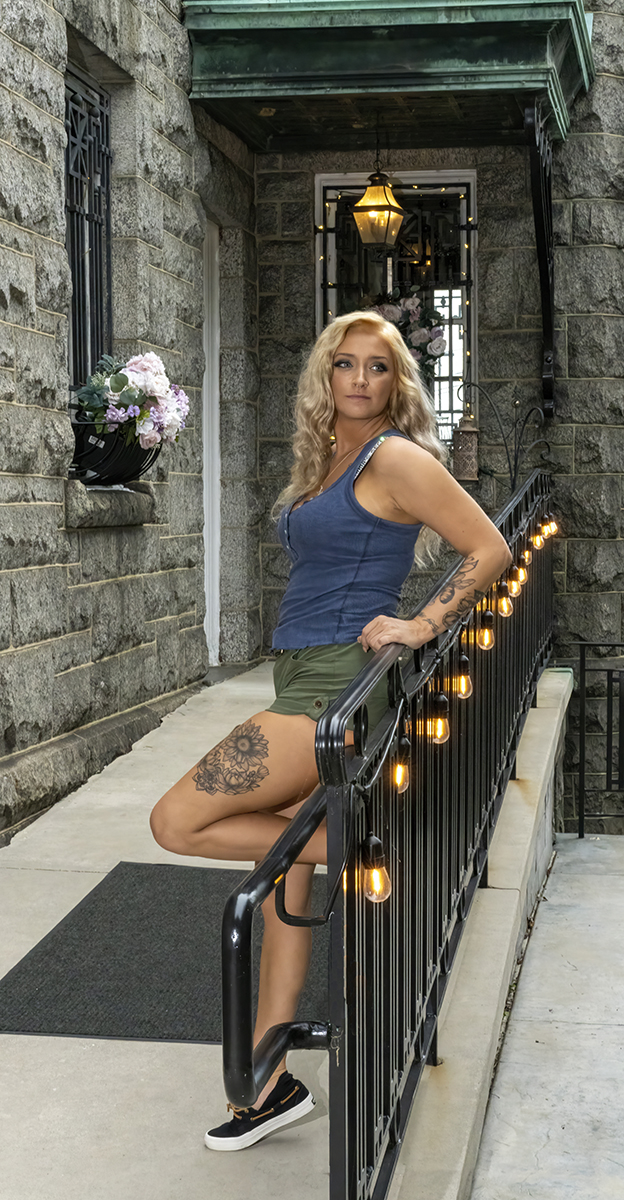
Richard, the expression is fantastic for such a great day. Very well done. I don't know what the original is like, but I think you did some good work to lower the brightness. I did a little work with the dodge tool to brighten and soften the shadows on her face. Let me know if you see a difference and if you like it. Jim |
Jun 1st |
 |
| 5 |
Jun 22 |
Comment |
Mark, I thought about this challenge. I am drawn to the texture of the wood, thinking there is more to this conversation. In Photoshop I selected the wood, increased texture, clarity and highlights. I think it brings out the turquoise/copper coloration and adds depth to the wood. Let me know what you think of this. Jim |
Jun 1st |
 |
| 5 |
Jun 22 |
Comment |
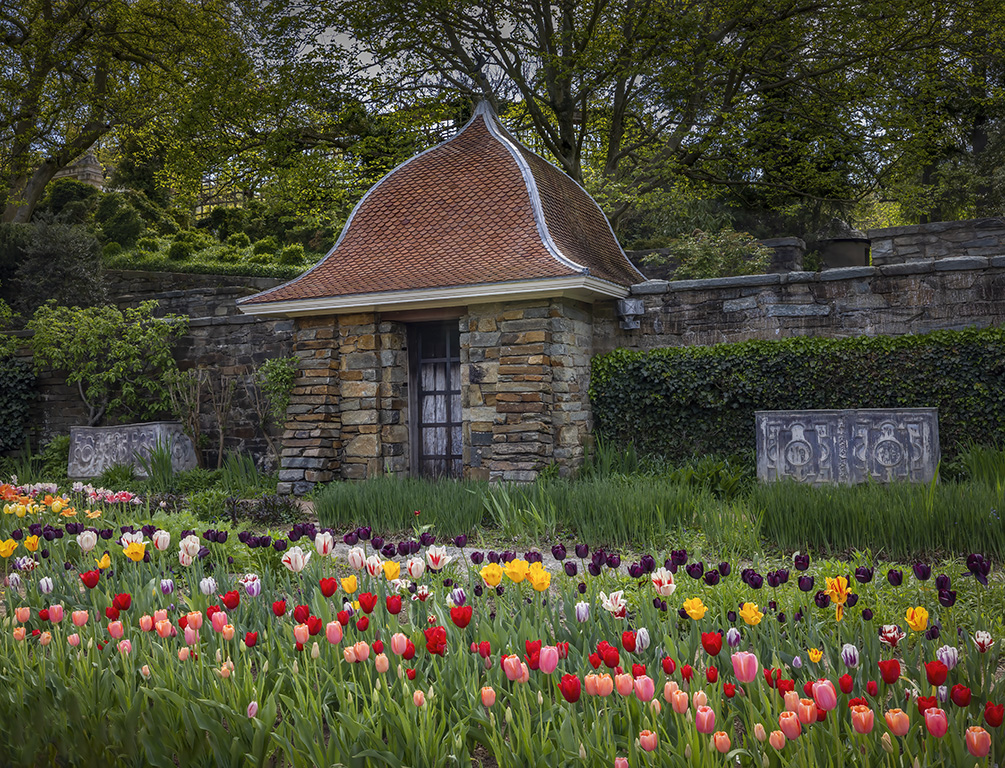
Oliver, lovely peaceful place. I like how you caught the sunlight on the upper level garden and down below on the tulips. Your post-processing is very good. I see the chair in the original.
I am interested in the stone carving on the two boxes (sarcophagus?) and am wondering if highlighting them with the dodge tool helps. What do you think? Jim |
Jun 1st |
 |
| 5 |
Jun 22 |
Comment |
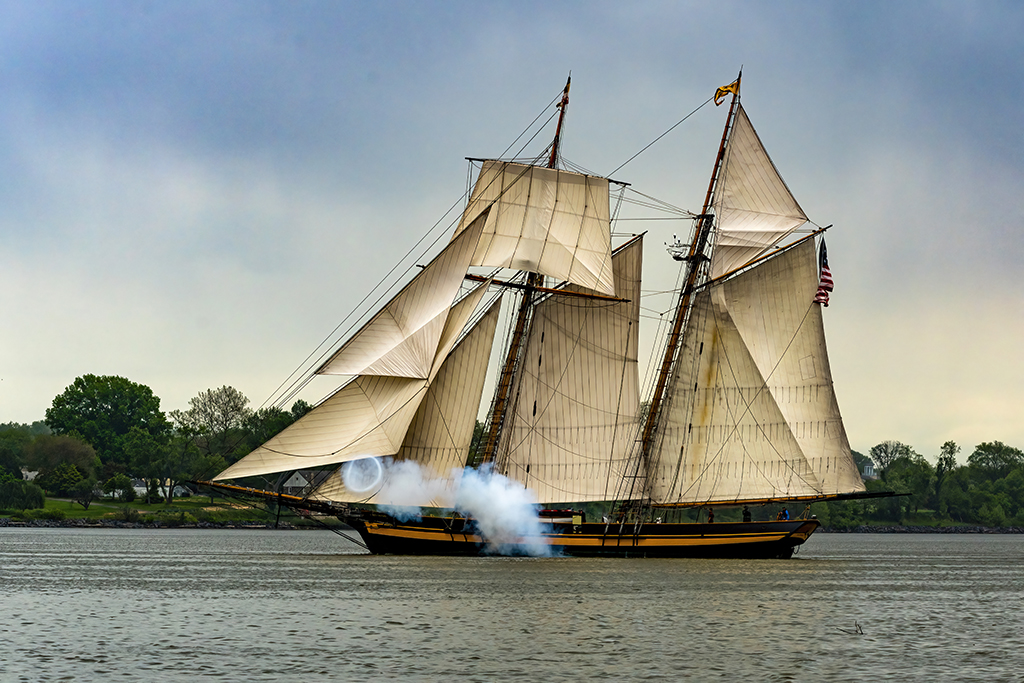
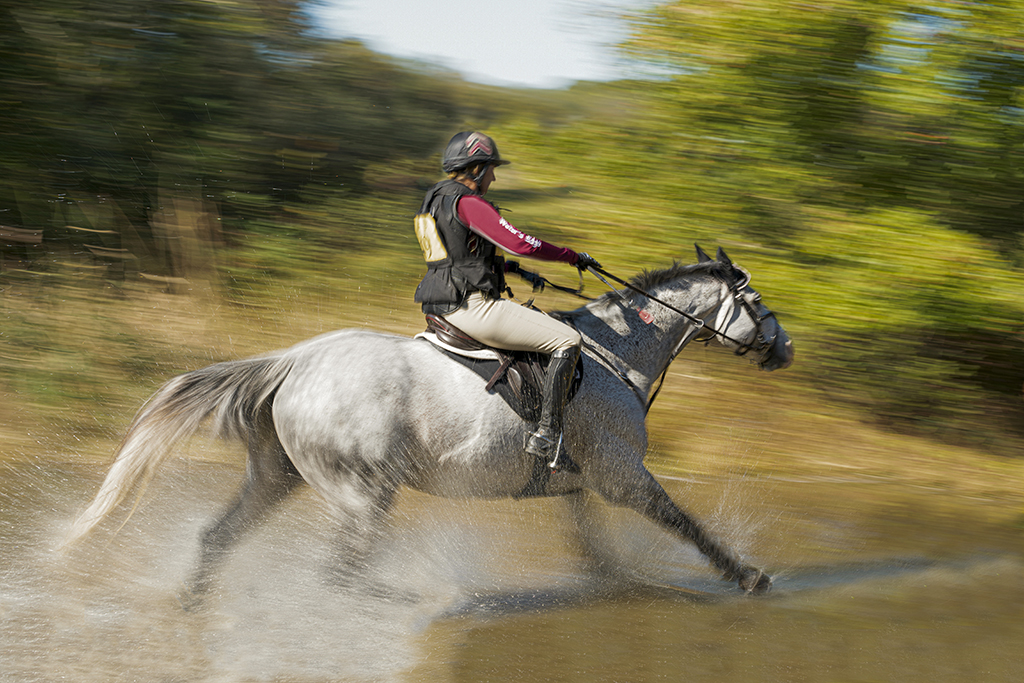
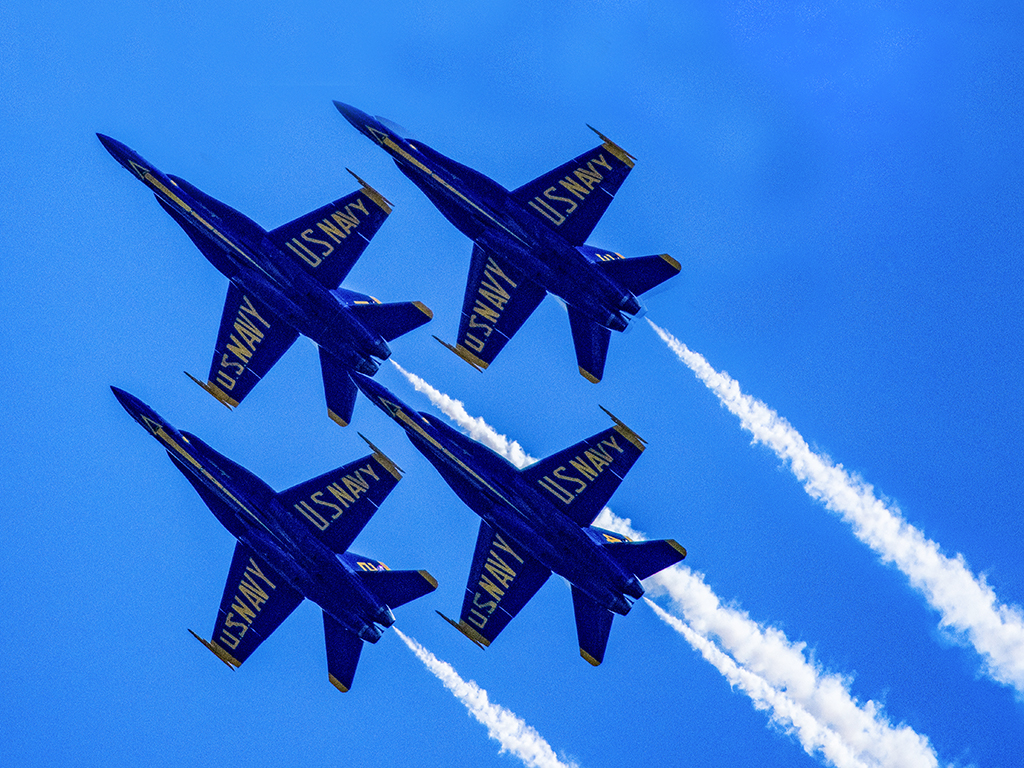
David, I like this action shot and admire your skills to tighten the shot. Glad you protected the camera. Must have been loud too.
The background looks hazy, perhaps foggy. It seems that was the weather. Have you tried the dehaze slider in Camera RAW Filter? Jim |
Jun 1st |
| 5 |
Jun 22 |
Comment |
Barbara, I am impressed with your idea of adding a reflection to this bold red barn. I notice a texture of your distort>ocean ripple makes it look like a carpet.
I have used Photoshop smudge and blur tools, dragging/pulling them vertically. NOTE: there are selections and % box to these tools in the top tabs. Good luck (I was not able to edit your photos which are not RGB) Jim |
Jun 1st |
8 comments - 1 reply for Group 5
|
8 comments - 1 reply Total
|