|
| Group |
Round |
C/R |
Comment |
Date |
Image |
| 24 |
Apr 22 |
Reply |
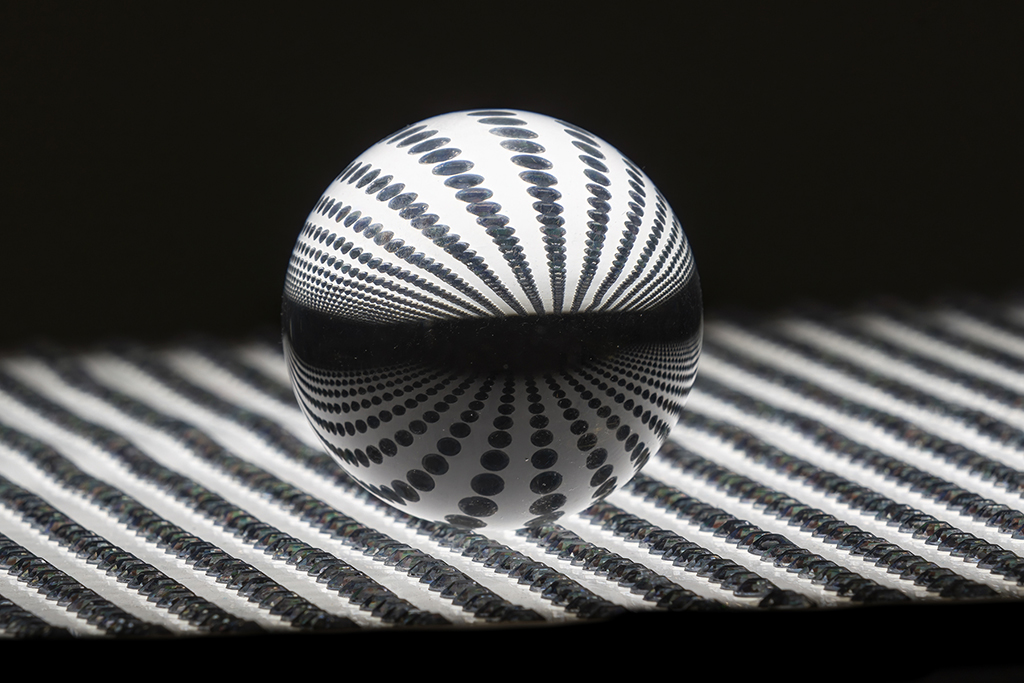
Sam, I wanted the background top half in black, with the horizon line of background level with the equator of sphere showing the inverted image in the crystal ball.
I guess that's not as important to the rest of the group wanting something as a middle or center. Jim |
Apr 26th |
| 24 |
Apr 22 |
Comment |
Sam, this is a gorgeous place and special moment that you captured. I am intrigued with the way that the bright red shows through the branches of the tree. It looks like red Christmas lights circling around the tree. It is clearly in the original also. I'm just not sure it looks natural, but it must be. Jim |
Apr 13th |
| 24 |
Apr 22 |
Comment |
Awesome! Well done. Jim |
Apr 9th |
| 24 |
Apr 22 |
Comment |
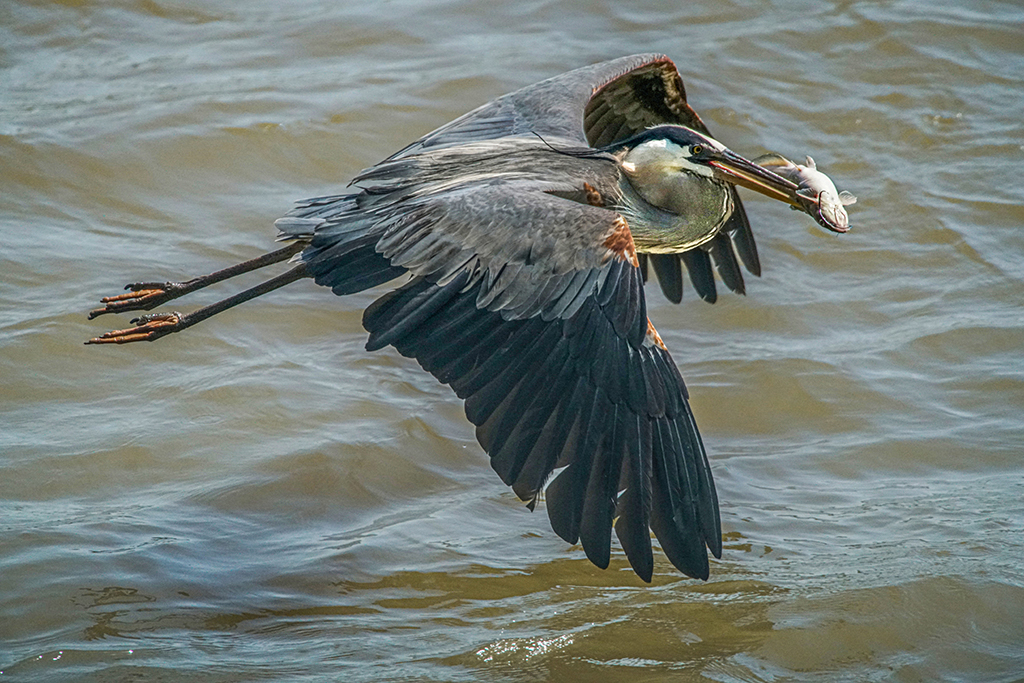
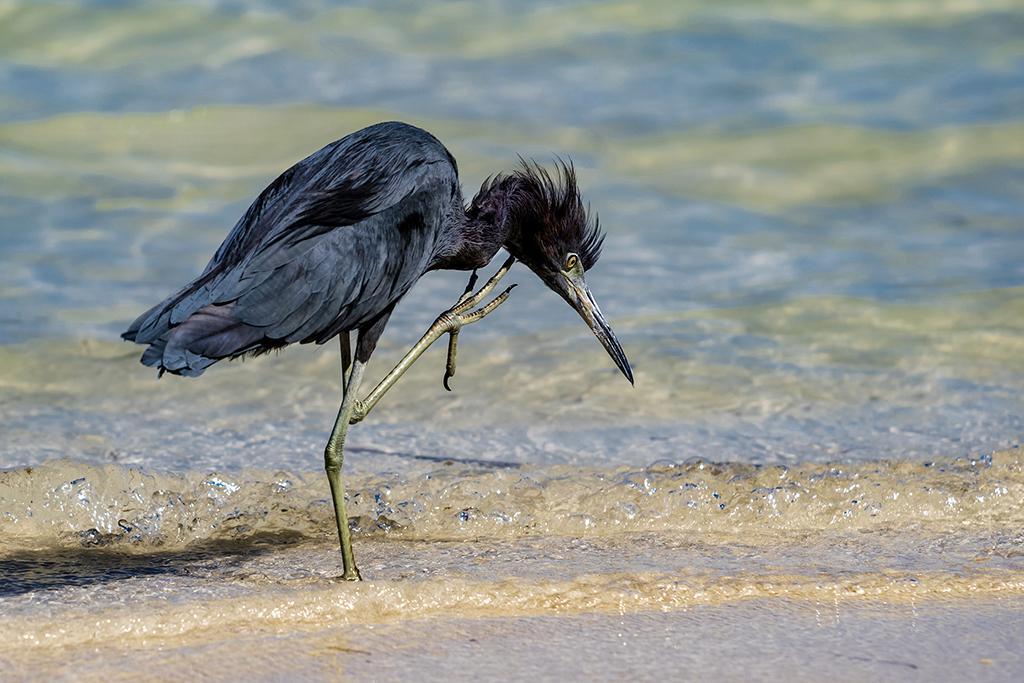
Carol, welcome to Digital Dialogue #24. Your photo of this shore bird caught the moment very well. The bird is sharp, good exposure and in action, you got the reflection. Nature photographers want to see these things.
I have some suggestions. The sky doesn't help and it has dust artifacts (consider cleaning your sensor). I would crop there. Another suggestion is to crop off 20% of the right side. Most nature action shots leave more room on the side where the animal is going - so the bird can "step into" or "fly into" the next moment.
Our Digital Dialogue encourages questions. To know the species of bird, you might ask or guess. The eye of this wading bird looks like a Solitary Sandpiper, but the legs are yellow like a Greater Yellow Legs. So, we can ask for some help and visitors to our webpage may know for certain what it is -- Who knows what kind of bird is this?
Jim Horn |
Apr 9th |
| 24 |
Apr 22 |
Reply |
I also like my photo's underside reflected details on the crystal ball. You darkened that enough so that the details of the whole bottom half of the reflection could not be seen. Jim |
Apr 2nd |
| 24 |
Apr 22 |
Reply |
Gaetan, thank you for presenting this perspective. My impression is from an early lesson of experienced photographer's critique -- "dead center is dead." While the contrast is sharper, it is static. placing it off-center would create a subliminal desire to move it, therefore a little dynamic. Thanks for doing this.
What do you think of my comments on your edit? Jim |
Apr 2nd |
| 24 |
Apr 22 |
Comment |
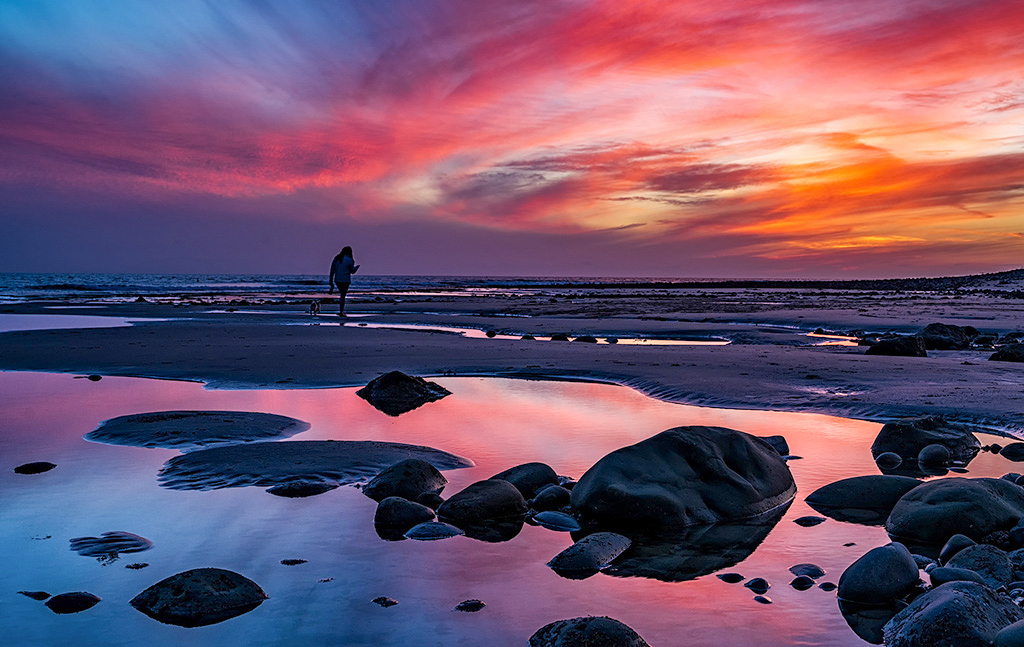
In Photoshop, use the Quick Selection Tool (oval with paintbrush). Click on a spot below the horizon, swipe it all over the lower half. This gives "dancing ants" lines on the bottom half. Go to Filter>Camera RAW filter. You will find sliders. Take the exposure sider to the right (lighten) about +1.35 EV or so until you like it.
Then deselect Ctrl+D or use Select on the very top line (left of Filter). Save and you've got it. Jim
|
Apr 1st |
| 24 |
Apr 22 |
Comment |
Laura, I like what you have done with this sunset. The woman with her dog adds a lot to this. Someone else is enjoying it. I would take it one step further and increase the exposure of the lower half of the photo. If you had separation of the woman and dog from the sand shadows, the silhouette would be fine. I realize this changes a lot, but let me know what you think. Jim |
Apr 1st |
 |
| 24 |
Apr 22 |
Comment |
Gaetan, I like the way you captured the textures of the fungus/mushrooms. The stem, the underside and the cap are all very different. I see the edges of the mushroom as overexposed. I would darken the entire photo and use some contrast to bring out the details in those textures. If you want to try this, resubmit it or post it in a comment.
The mushroom in the foreground is soft and so is the background. This helps bring the interest to the center zone. I also notice that every fungus/mushroom is cut off by an edge. This helps to spread the interest across the entire photo. Jim |
Apr 1st |
| 24 |
Apr 22 |
Comment |
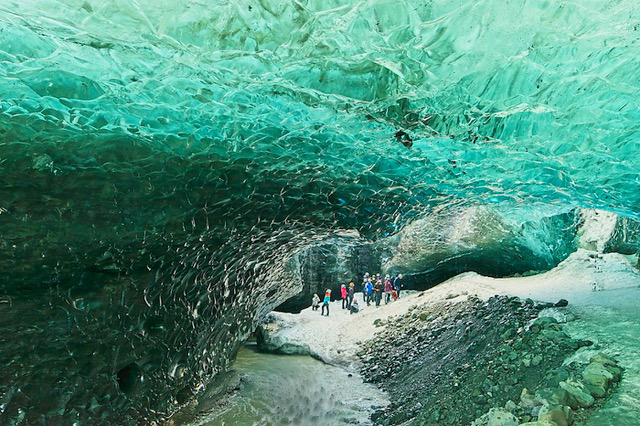
Albert, I like the narrative behind this popular site in Iceland. Yes, there is a too that would give the stream movement - but it's not the blur tool (that just makes it fuzzy). The tool in Photoshop that I used is the smudge tool, set at 10% strength. I just clicked on water and dragged it downstream. What to you think? Jim |
Apr 1st |
 |
7 comments - 3 replies for Group 24
|
7 comments - 3 replies Total
|