Activity for User 893 - Jim Horn - drjimhorn@comcast.net

avatar
Avatar

Close this Tab when done


560 Comments / 232 Replies Posted

  = Current Round   = Previous Round
Group Round C/R Comment Date Image
24 Feb 22 Comment Gaetan, this is a spectacular sunset. I like everything about the exposure, colors, focus - all of it. One suggestion is to have had the woman step to the left, or you step to the right to give separation between the woman and the plants behind her. I think that if she were closer to you, larger in the field of view, it would help even more. Jim Feb 7th
24 Feb 22 Comment Laura, you did the sun flare clean-up very well. Your effort to brighten the grass on the hillside to show both of the dynamic shadows - from the tree trunk right and the bench to the left - helps make this image pop.
As usual, what you do with sunsets skies is amazing.
Jim
Feb 7th
24 Feb 22 Comment Sam, this photo tells the story. I'm glad the car was not struck by the downed tree. The rain effect helped bring out the dense rain. If you caught a tree partially down, or in the moment of falling, it would have helped.
Hope everyone was safe. I will put up your other photo - before the rain effect so everyone else can see the difference.
Jim
Feb 7th
24 Feb 22 Comment Albert, great capture of frost on your window. I hope you were inside your home. I like the colors in the background, especially aware of the rainbow sheen of refracted light through all those crystals. I agree with Laura that the line of frost to the partial crystal cluster is distracting. I would crop the photo just below that crystal cluster, letting the line of frost end at the top. Jim Feb 7th
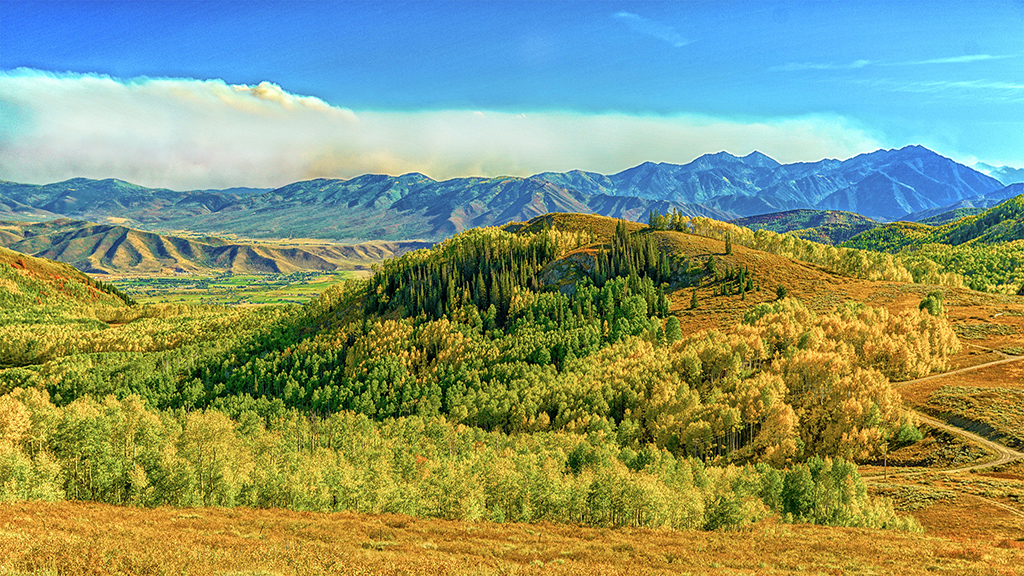
24 Feb 22 Comment Tam, your landscape is breath-taking. I like the rolling mountainsides and cloud shadows drifting across them. The exposure is spot on for the light and dark areas. I am curious why you used +0.7EV exposure compensation when you were in manual mode. Selecting f/16 was ideal to get the distance and foreground in focus. Well done. Jim Feb 7th
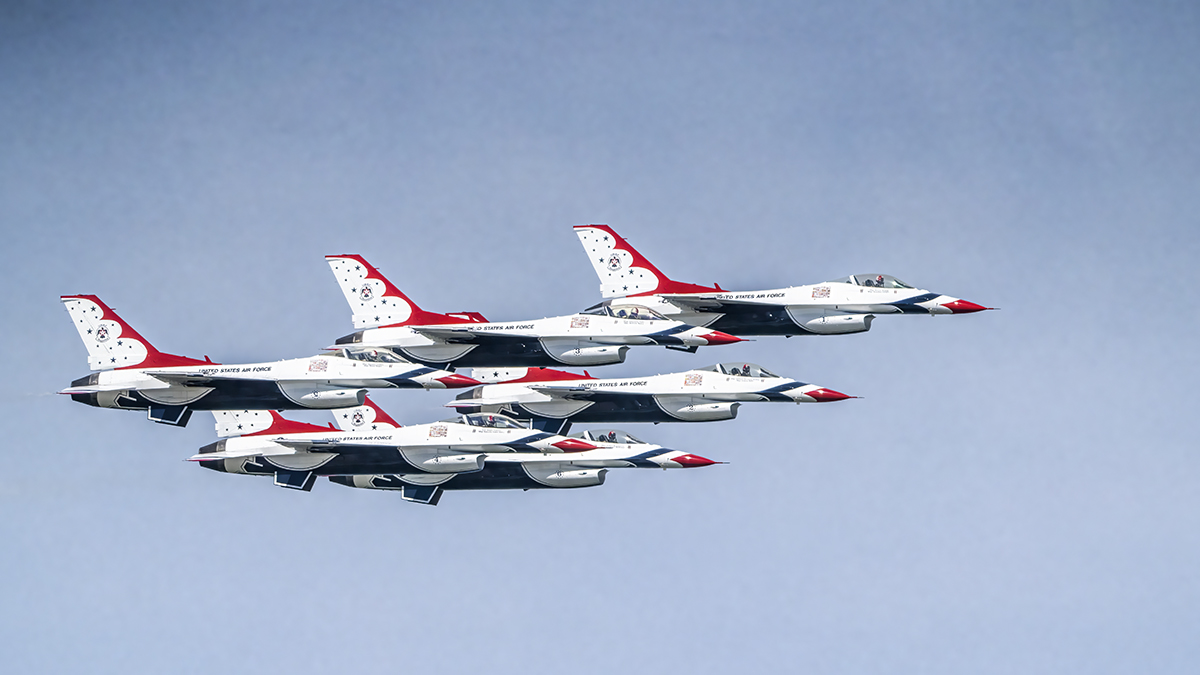
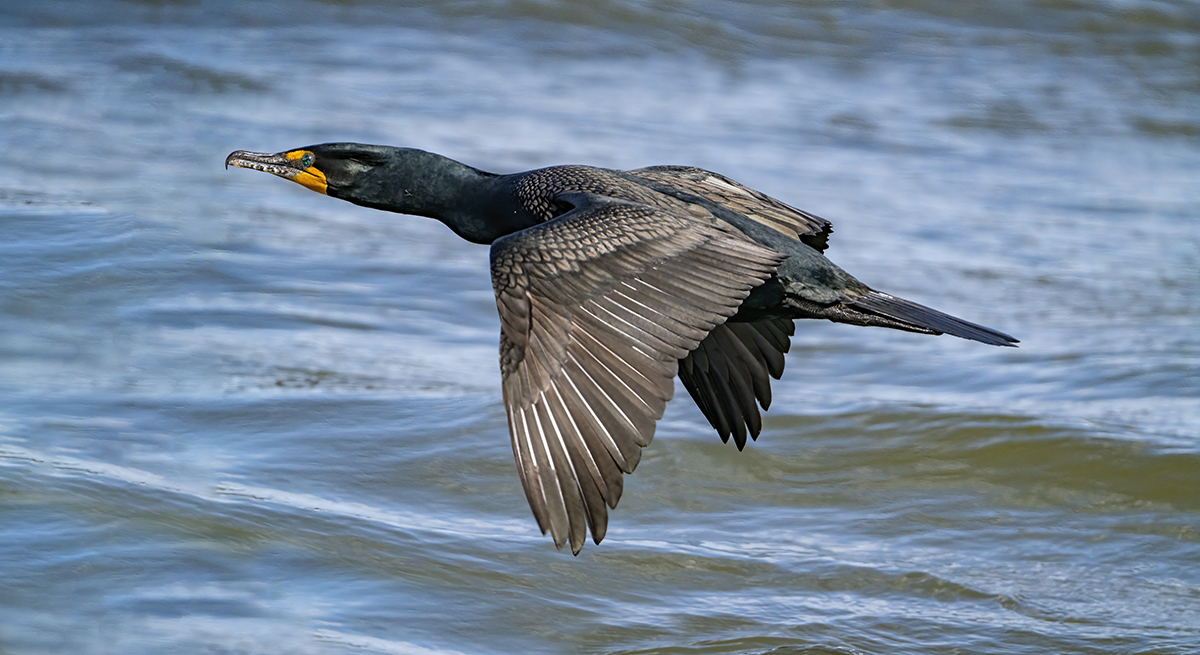
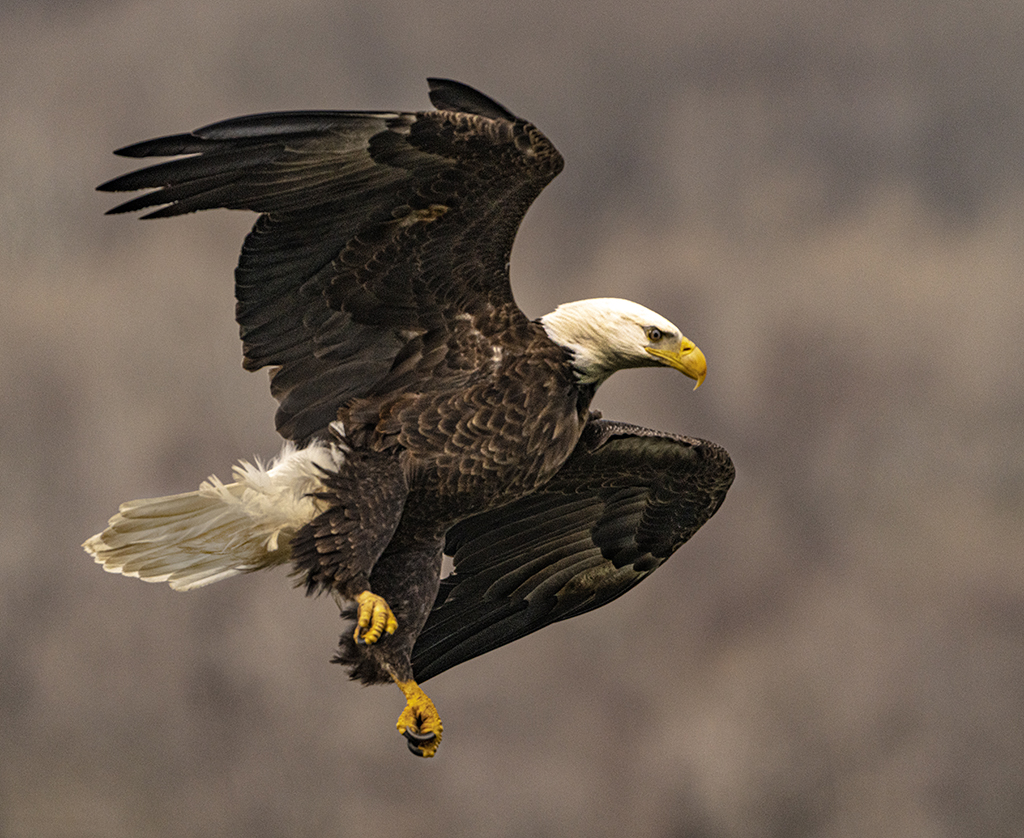
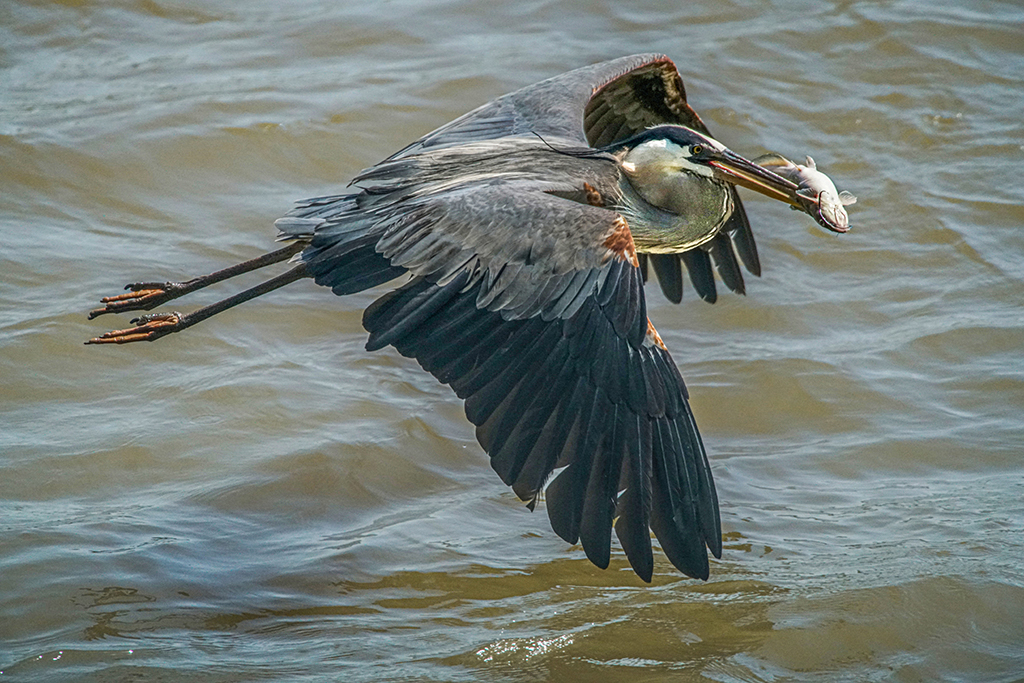
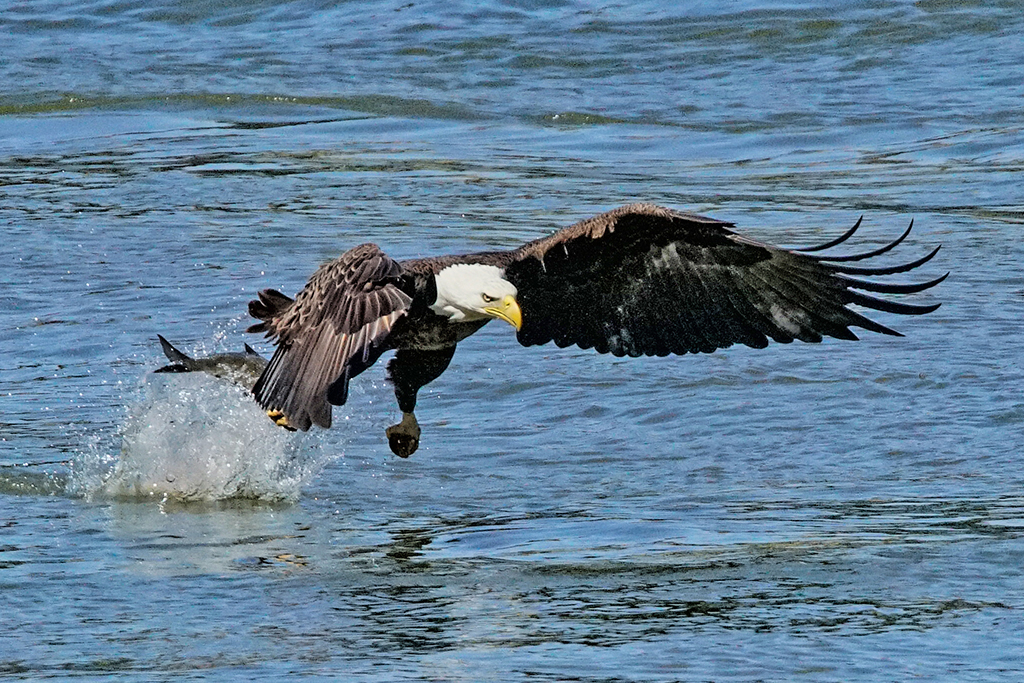
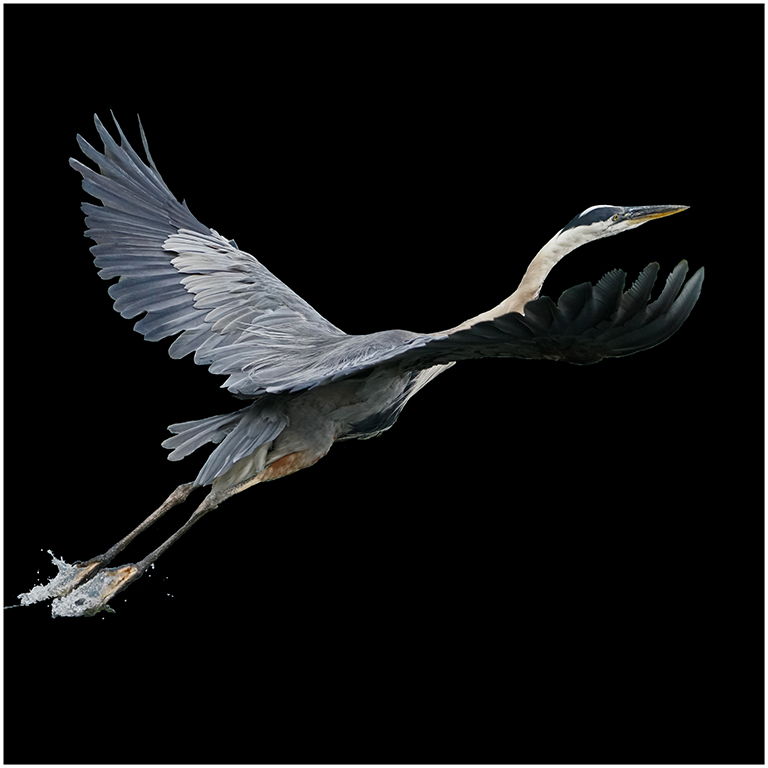
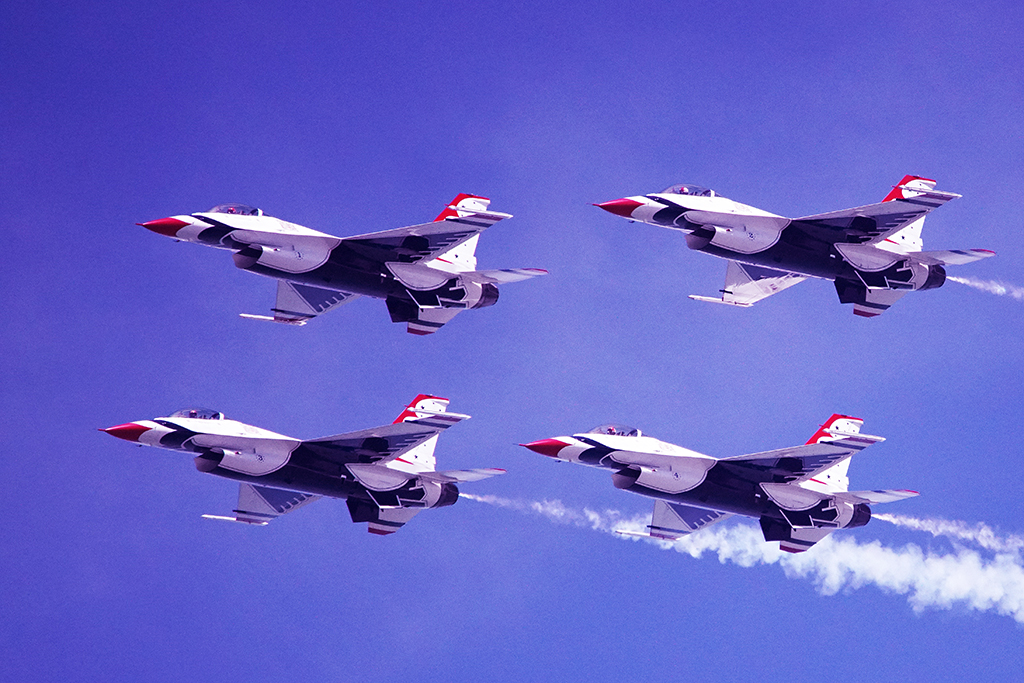
24 Feb 22 Reply Laura, in Photoshop Camera RAW, I reduced the blue. Then I selected the area under the wing and used Sharpen AI for motion blur. How's this? Jim Feb 6th

5 comments - 1 reply for Group 24


5 comments - 1 reply Total


91 Images Posted

  = Current Round   = Previous Round
Group 05

Aug 24

Jul 24

Jun 24

May 24

Apr 24

Mar 24

Feb 24

Jan 24

Nov 23

Oct 23

Sep 23

Aug 23

Jul 23

Jun 23

May 23

Apr 23

Mar 23

Feb 23

Jan 23

Nov 22

Oct 22

Sep 22

Aug 22

Jul 22

Jun 22
Group 15

Aug 24

Jul 24

Jun 24

May 24

Apr 24

Mar 24

Feb 24

Jan 24

Dec 23

Nov 23

Oct 23

Sep 23

Aug 23

Jul 23
Group 24

May 22

Apr 22

Mar 22

Feb 22

Jan 22

Dec 21

Nov 21

Oct 21

Sep 21

Aug 21

Jul 21

Jun 21

May 21

Apr 21

Mar 21

Feb 21

Jan 21

Dec 20

Nov 20

Oct 20

Sep 20

Aug 20

Jul 20

Jun 20

May 20

Apr 20

Mar 20

Feb 20

Jan 20

Dec 19

Nov 19

Oct 19

Sep 19

Aug 19

Jul 19

Jun 19

May 19

Apr 19

Mar 19

Feb 19

Jan 19

Dec 18

Nov 18

Oct 18

Sep 18

Aug 18

Jul 18

Jun 18

May 18

Apr 18

Mar 18

Feb 18

Close this Tab when done