|
| Group |
Round |
C/R |
Comment |
Date |
Image |
| 24 |
Jan 22 |
Reply |
Laura, when Sam used the clone tool he copied the top of his son's head into the sky. That's why it wasn't in the original. Jim |
Jan 24th |
| 24 |
Jan 22 |
Comment |
Sam, this is a great photo of your son and daughter-in-law. I love the expressions they share, expecting a child soon.
You did great work with cloning and bringing out the sky.
There is an artifact of your son's head appearing just above him. I went into Photoshop and used the content aware spot healing tool several times and think this blends in well. Let me know if you think it's OK. Jim |
Jan 12th |
 |
| 24 |
Jan 22 |
Reply |
Better? Jim |
Jan 9th |
 |
| 24 |
Jan 22 |
Comment |
Gaetan, I used the dodge tool and burn tool and cropped some off the bottom. Does this look better to you? Jim |
Jan 7th |
 |
| 24 |
Jan 22 |
Comment |
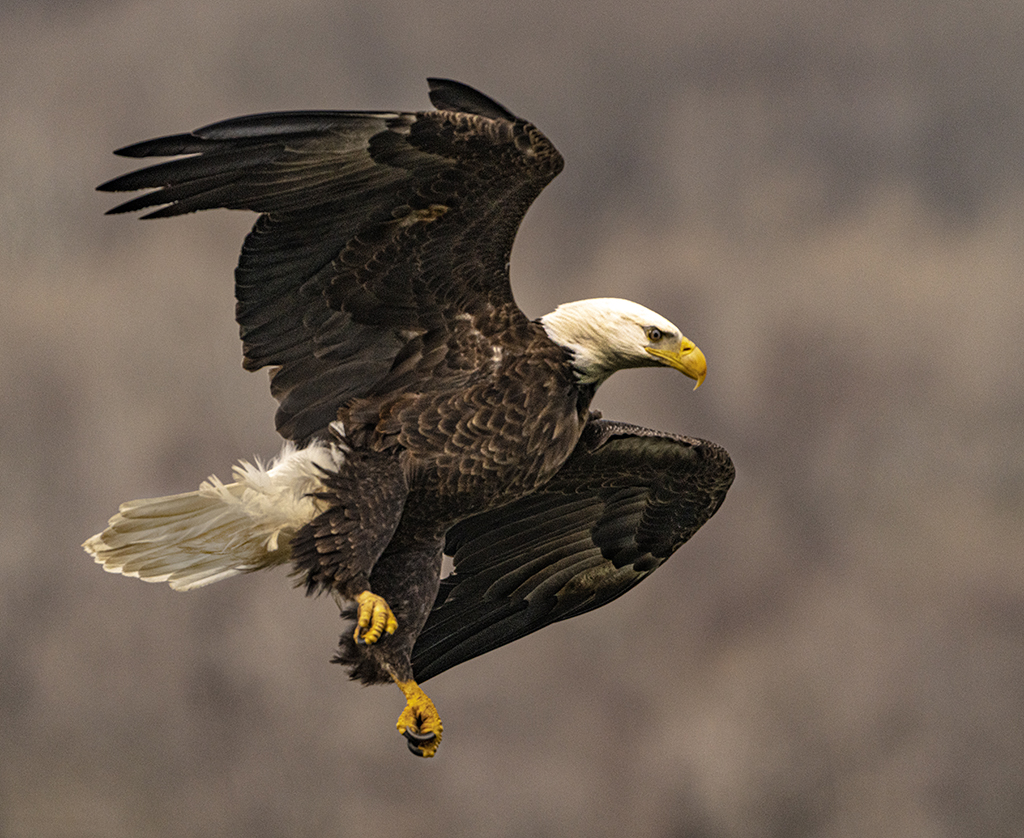
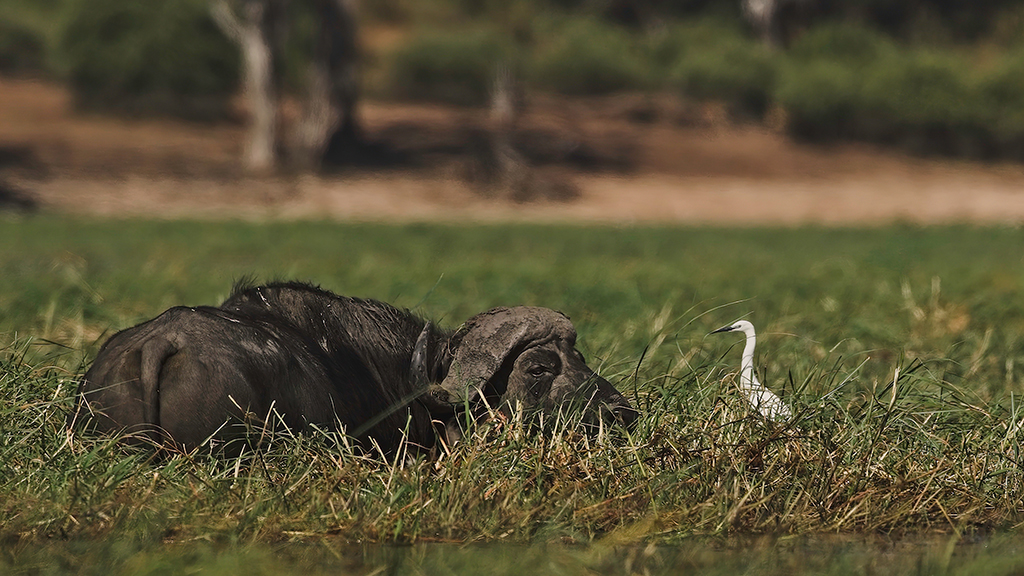
Albert, you have an exceptional encounter here. Seeing that you cropped this severely, I put your photo in Topaz Gigapixel AI and double the size. Then I cropped it closer to keep the quality of focus and content. Let me know what you think. Jim |
Jan 7th |
 |
| 24 |
Jan 22 |
Comment |
Gaetan, the butterfly is species I am not familiar with. Is it unique to Mautirus? Thank you for sharing this. I like what you did to darken the background. More could be done with burn tools and other methods that keep the pixel integrity.
One suggestion is to carry an LED flashlight/penlight so that you can illuminate butterflies and bees. Some flashlights have straps to hold the light on your forehead - it shines where you look. You might try to use the dodge tool on the butterfly. Jim |
Jan 6th |
| 24 |
Jan 22 |
Comment |
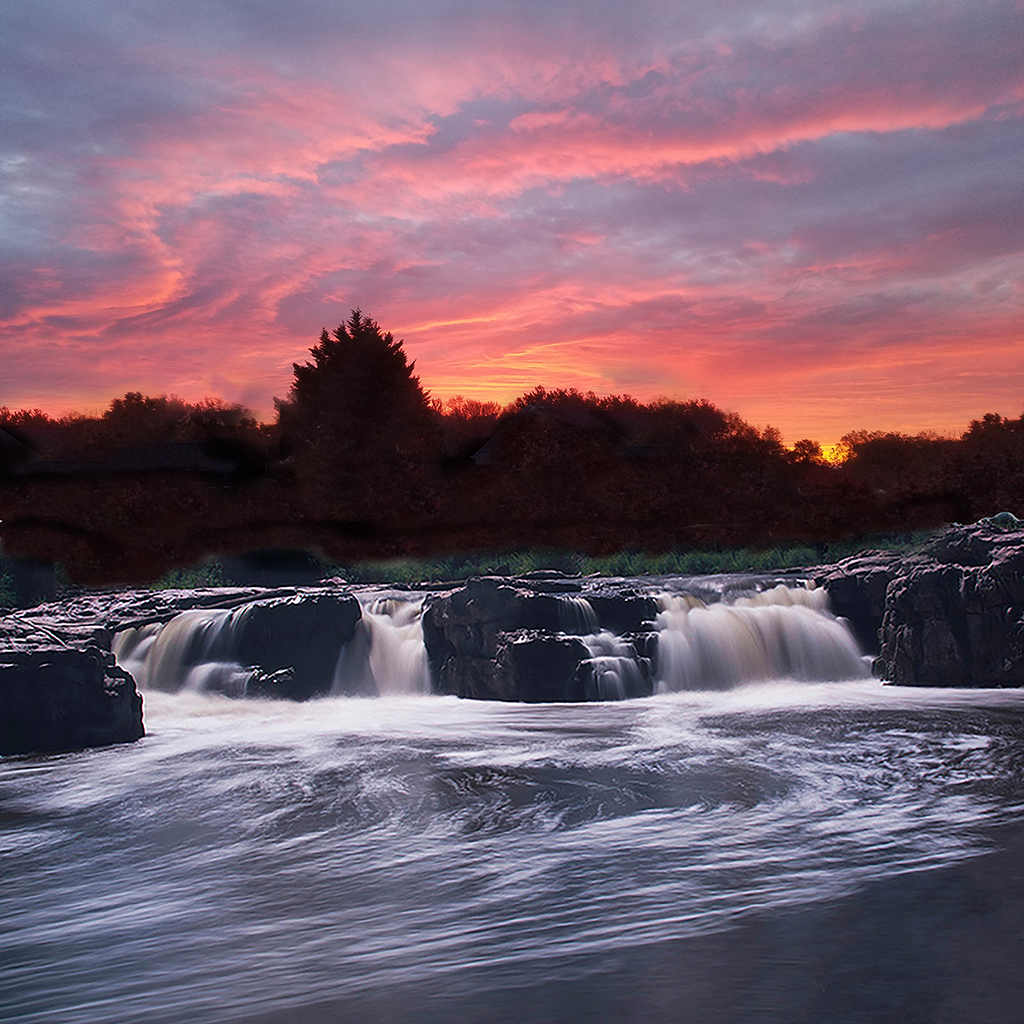
Laura, you do amazing work to bring out the best in sunsets and sunrises. Your work to clean up foot prints and dust spots is clean, natural and not noticeable. Your best work was cleaning up footprints that were both in light and in shadow. I bet you had to magnify it to the lowest pixel level to get it right. That's hard work. Well done. Jim |
Jan 4th |
| 24 |
Jan 22 |
Comment |
Tom, this is a great macro of the cello head. I like the textures and qualities of the woods. I am concerned about the light specks and artifacts in the highlights on the tuning pegs. I used Photoshop to clean up the specks and healing brush on the highlights. I also used Topaz DeNoise and Sharpen to bring out the wood textures. Let me know if you I've helped or did something to make it unnatural. Jim |
Jan 4th |
 |
| 24 |
Jan 22 |
Comment |
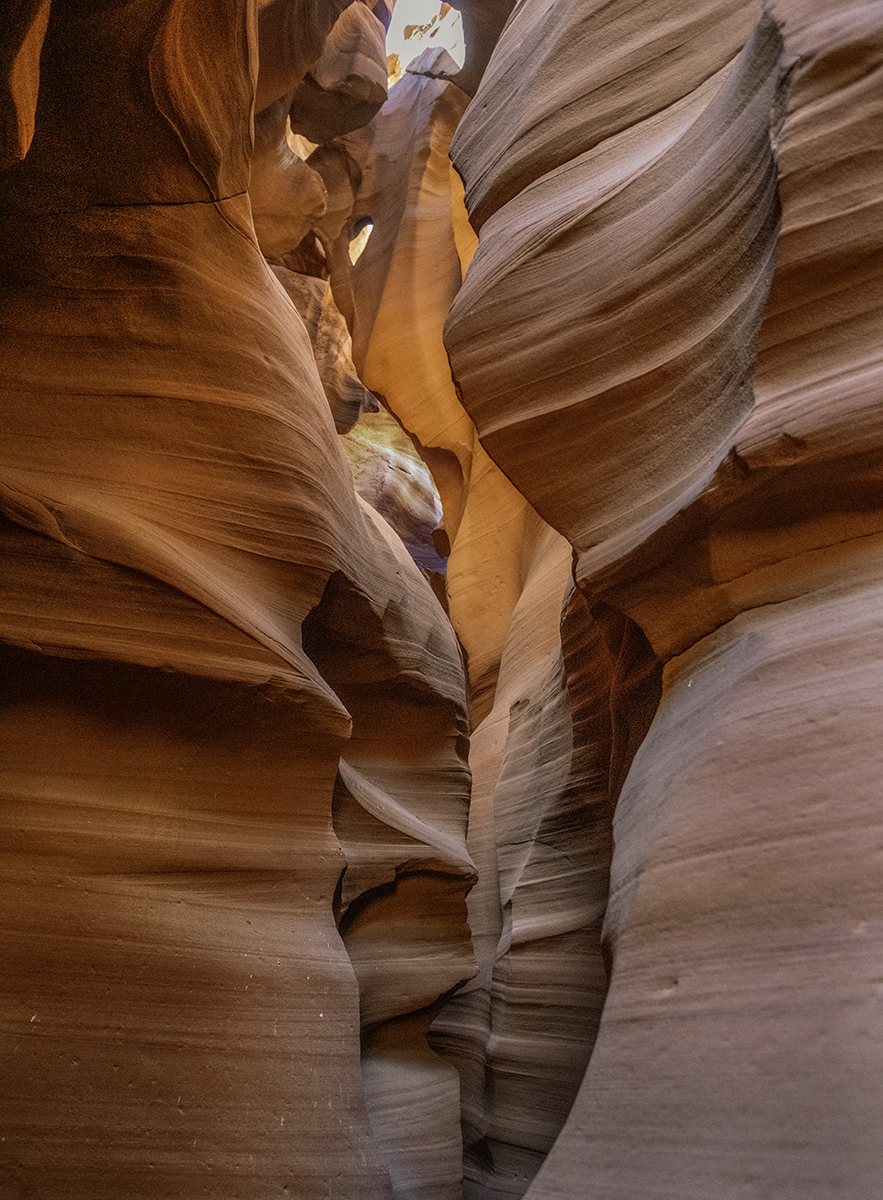
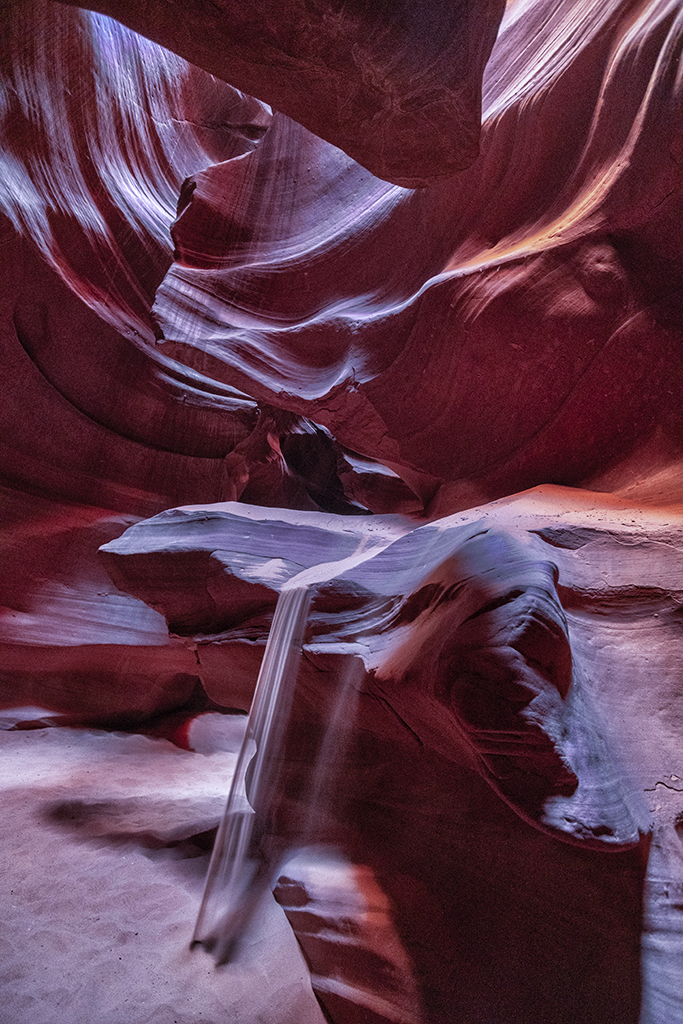
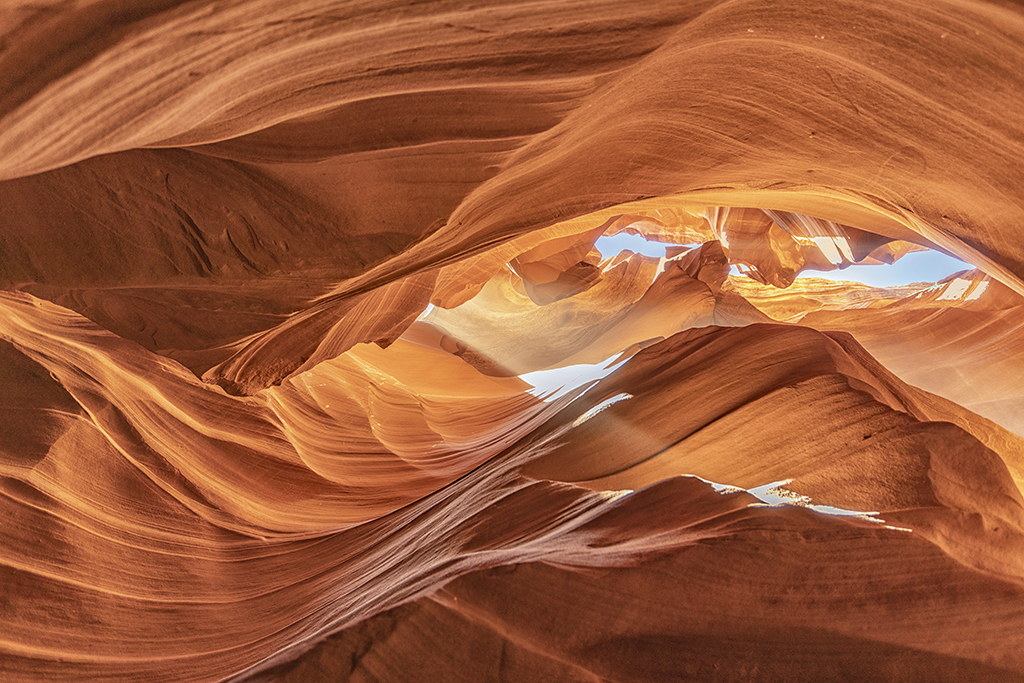
Tam, you have some amazing photography of the Upper Antelope Slot Canyon. You give special attention to bringing out vibrant colors and saturation - different from what is natural. I encourage you to keep making artistic choices of bold colors - deep blue, red and yellow as if this is modern art.
There are some streaks in the red that you might want to clean up.
If you didn't alter the colors, I would be concerned that the structures are not in sharp focus. Jim |
Jan 4th |
7 comments - 2 replies for Group 24
|
7 comments - 2 replies Total
|