|
| Group |
Round |
C/R |
Comment |
Date |
Image |
| 24 |
Dec 21 |
Reply |
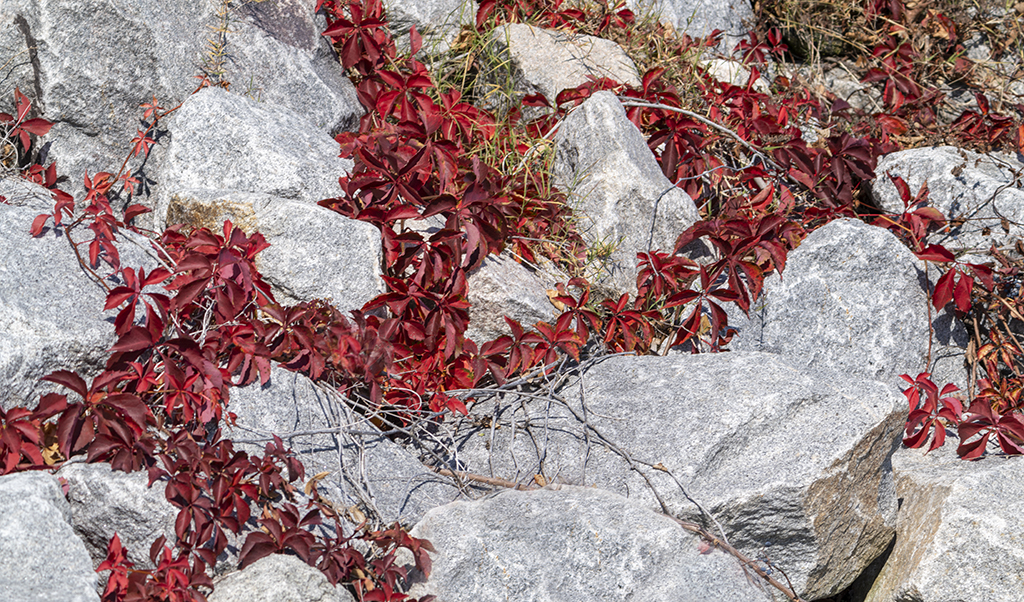
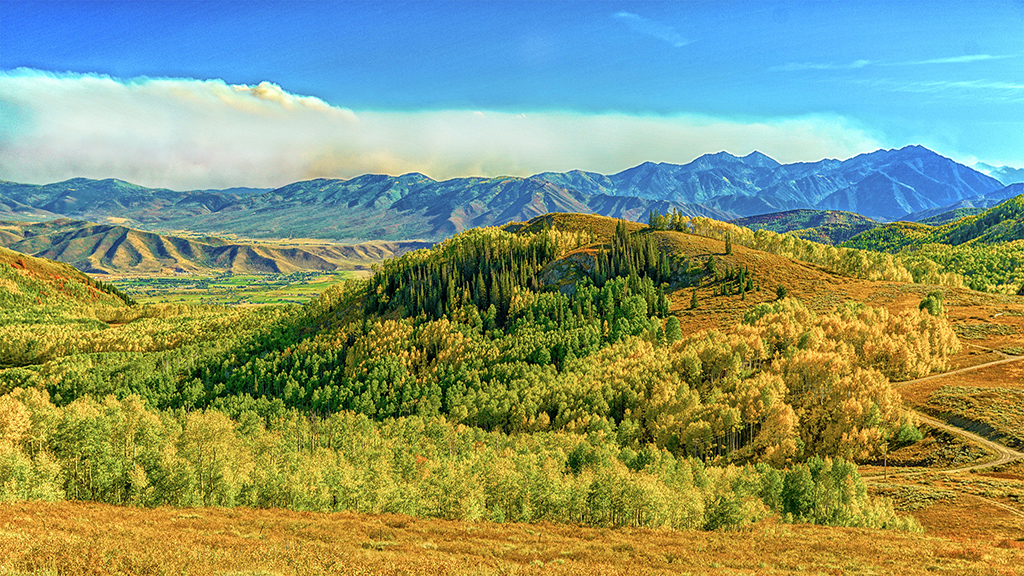
The variety of vegetation does have interest. While there is no single subject, I think the landscape is the subject. Jim |
Dec 7th |
| 24 |
Dec 21 |
Comment |
Sam, I agree with Tom - great white pelican. How fortunate you have been to photograph these pelicans. You have two focused very well for a great action shot. It must have been crowded for so many pelicans to be in one spot. The only improvement would be to rely on the cooperation of the pelicans to pose together or pose individually. Jim |
Dec 6th |
| 24 |
Dec 21 |
Reply |
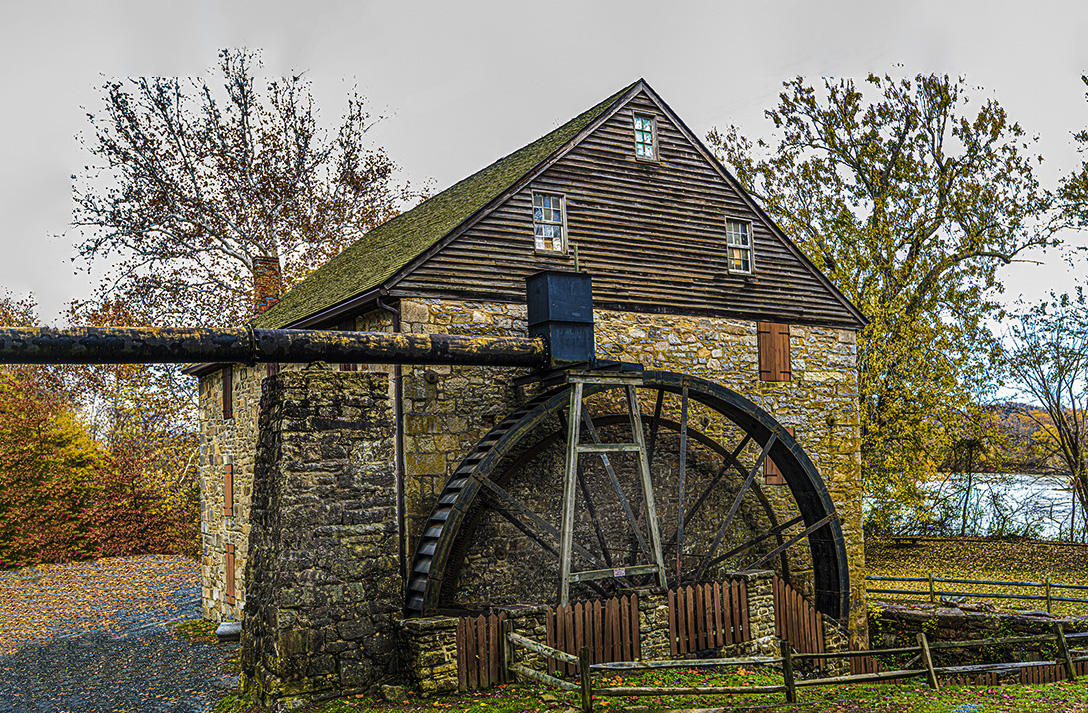
Tom, I appreciate your suggestion. As it was, I cloned out the cars from the parking lot, but there were more obstructions to the left that would have been difficult to clout.
So I did the same thing that I did for Sam's comment to expand and fill to the left. Let me know what you think. Jim |
Dec 5th |
 |
| 24 |
Dec 21 |
Reply |
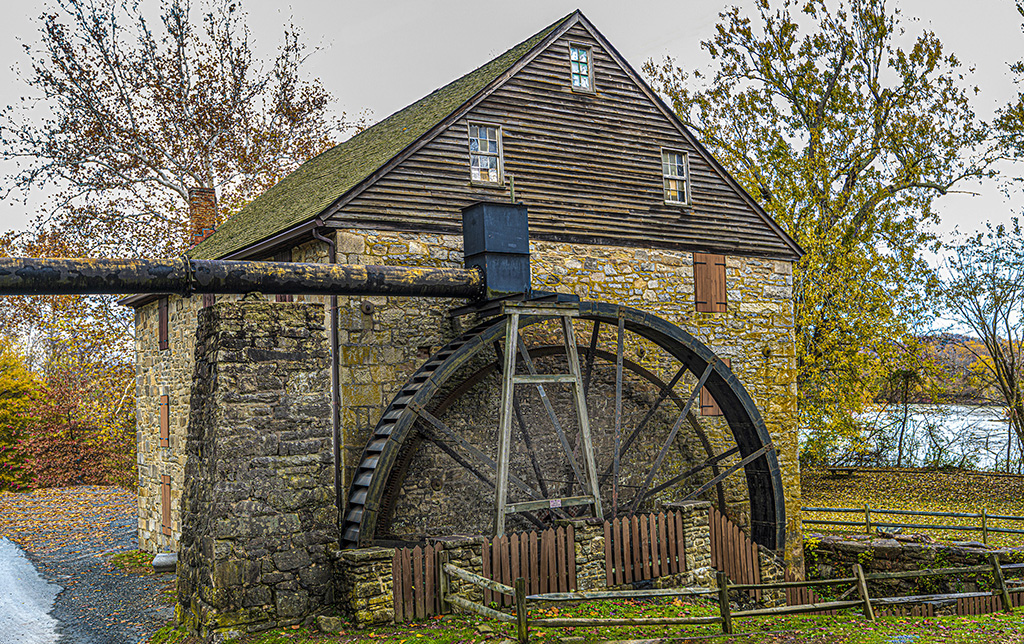
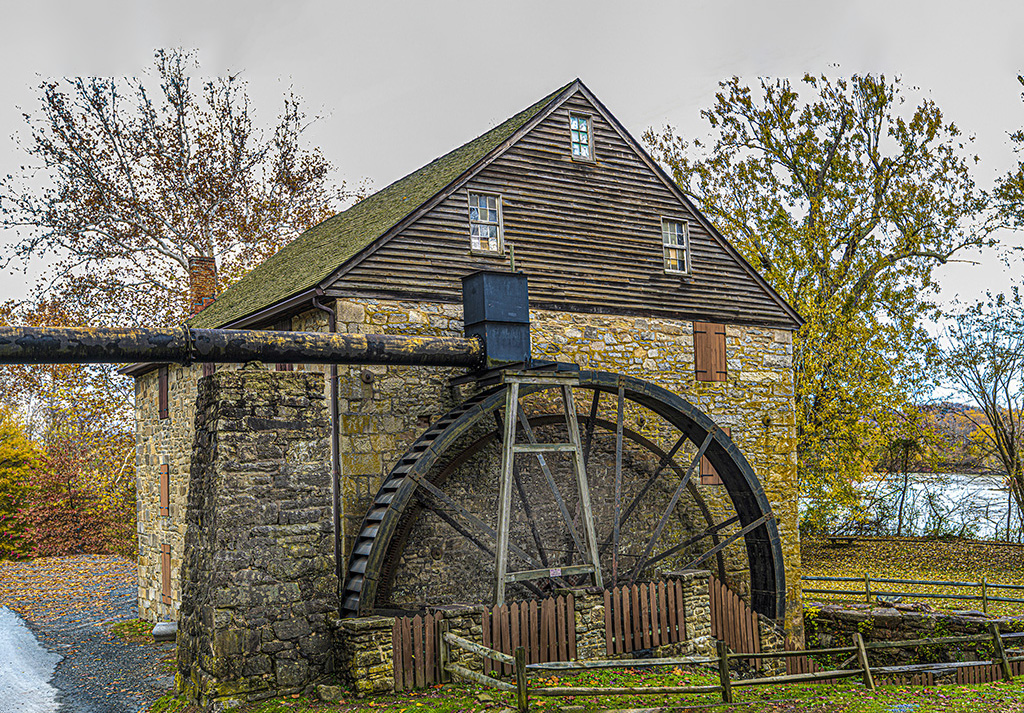
Sam, I opened it Photoshop, made a duplicate layer, clicked content-aware, hit crop and lifted the top area about 10%. It filled in the sky and here's the result. |
Dec 5th |
 |
| 24 |
Dec 21 |
Reply |
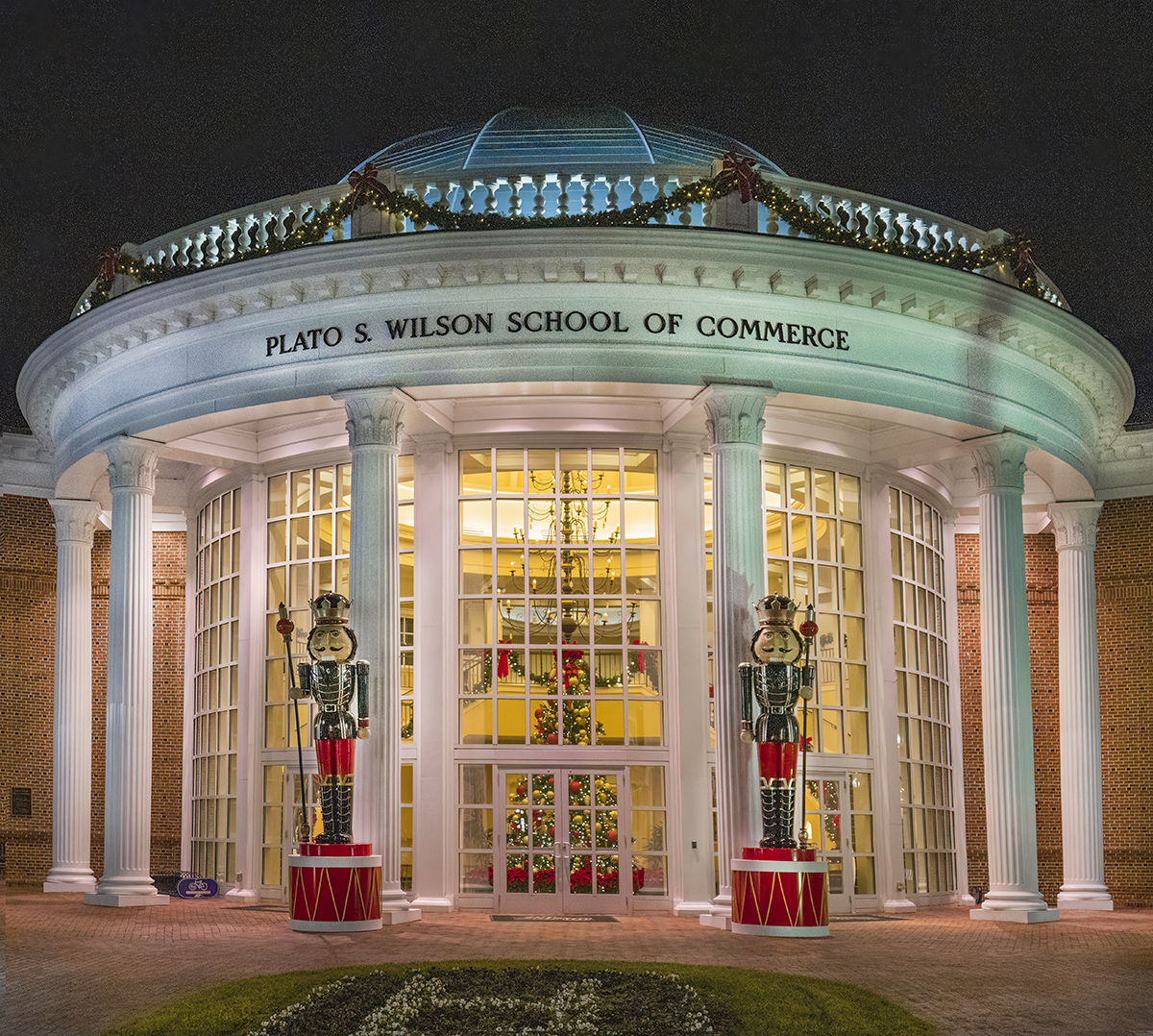
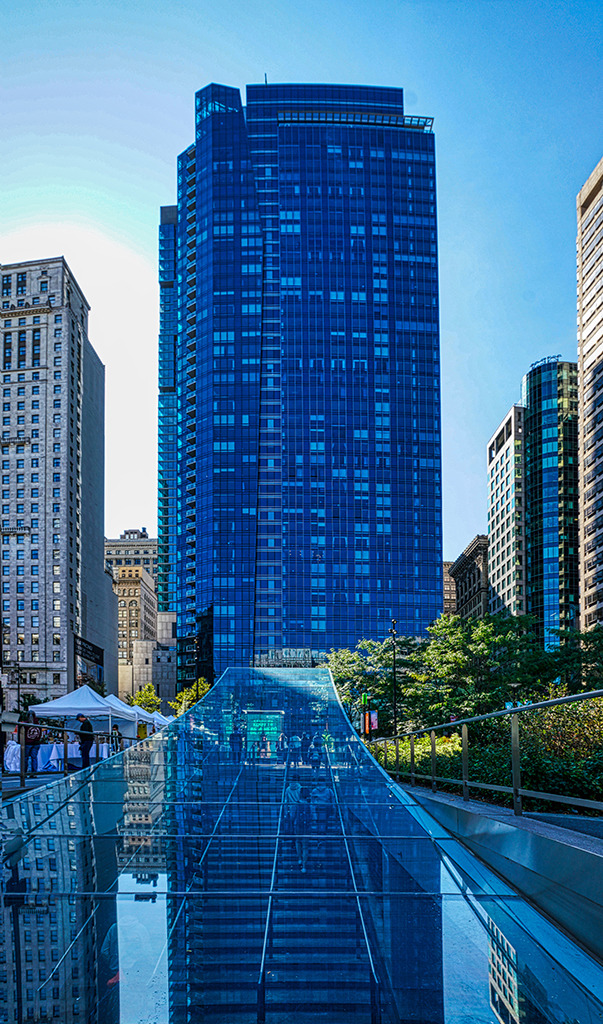
Sam, I lost room at the top when I corrected for vertical distortion "keystoning" and I thought that the gray sky was too much negative space. I agree, there should be more room at the top. Thanks for the help. Jim |
Dec 5th |
| 24 |
Dec 21 |
Comment |
|
Dec 4th |
| 24 |
Dec 21 |
Comment |
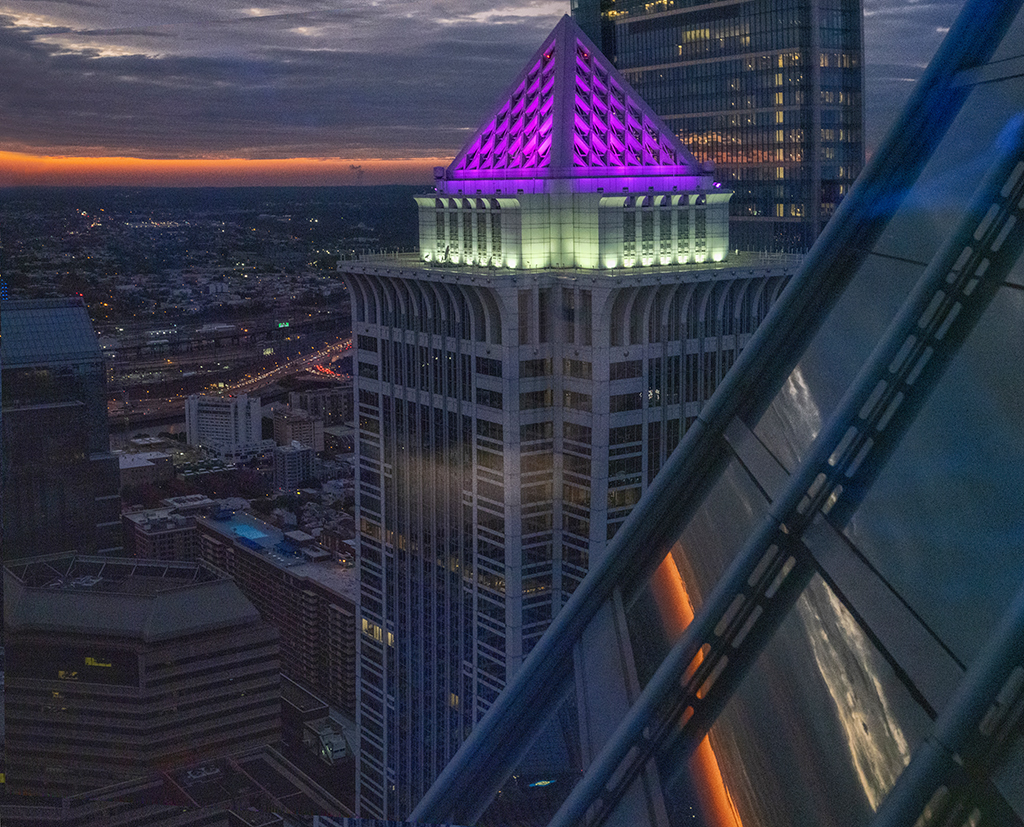
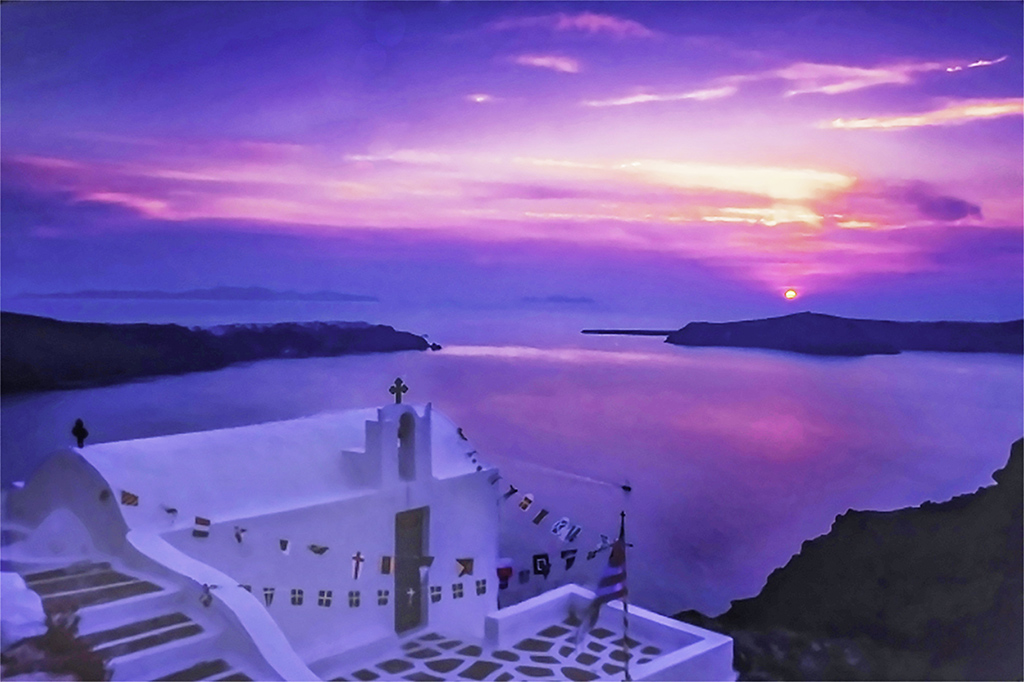
Albert, because you entered this before, I have taken a serious attempt to make it satisfactory for you. In Photoshop, I increased the size of the photo to 10"x6". Using Camera RAw filter I went to the Color Grading and put midtones> HSL> highlights> blending> and balance> to the far right. In color Mixer I made purple -30 and magenta -30. In Basic, I selected Auto. I used the dodge tool to whiten the building.
Is this what you were looking to do? Jim |
Dec 4th |
 |
| 24 |
Dec 21 |
Comment |
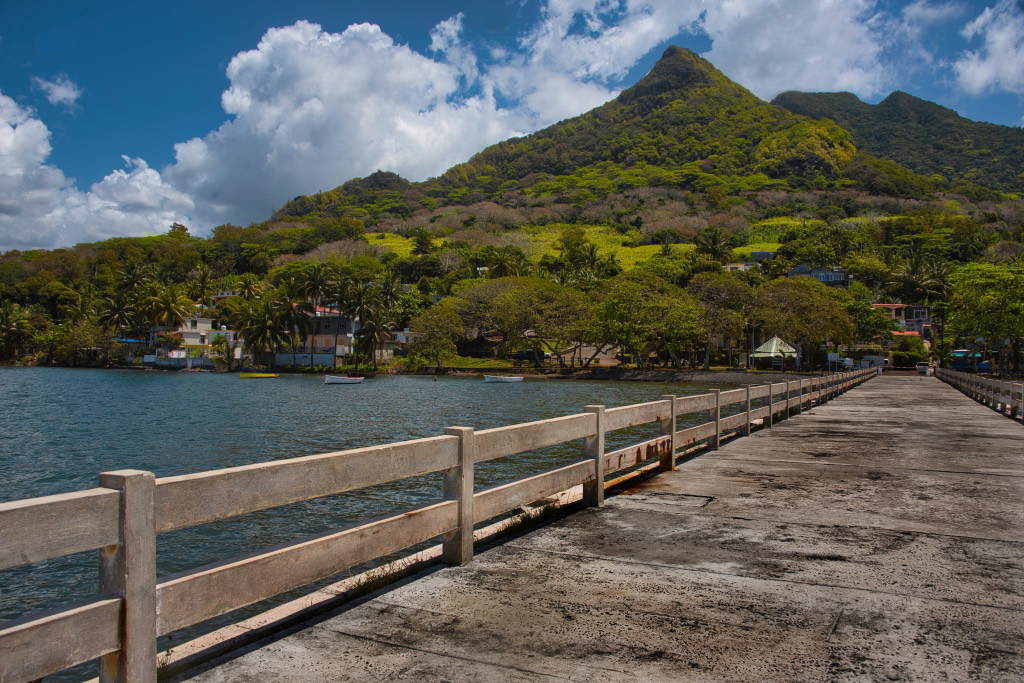
Gaetan, this is a great photo of the water and hillside. Your post-processing for the entire photo is great. I like the weather-beaten appearance of the original better that what you have because the saturated color of the dock grabs all of the interest. I selected the area of the dock, de-saturated the color and evened it out with burn and dodge tools. I think this darker dock leads the attention to the upper half and lets the water get some attention. Let me know what you think.
Jim |
Dec 3rd |
 |
| 24 |
Dec 21 |
Comment |
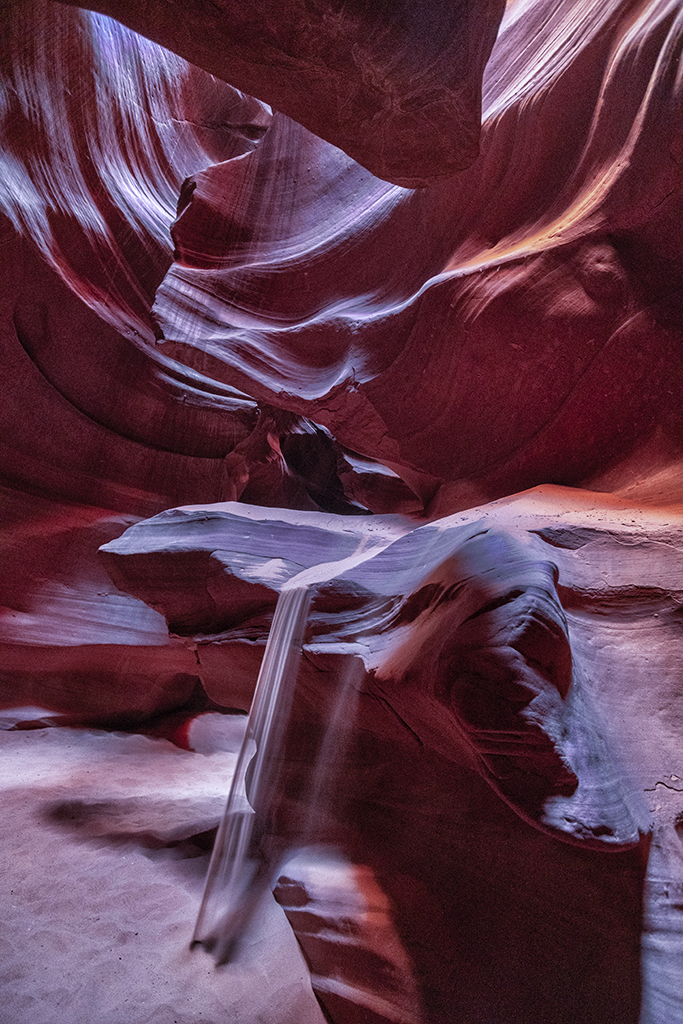
Laura, The sunstar is very well done. Your original is very well done and your post-processing is exceptionally well done - as you usually do in your sunrise/sunset landscapes. Is this the same canyon as last month's photo - only facing east? |
Dec 2nd |
| 24 |
Dec 21 |
Comment |
Tom, I really like this. The highlights show the soft peach fuzz and reveal the subtle tones and textures of the cloth background to give it depth - a place for the basket to rest.
Well done. Jim |
Dec 2nd |
| 24 |
Dec 21 |
Comment |
Tam, what a great view. I like the way you captured the deep ravine through the arch. The colors are very vivid, saturated. I know this is your style and it works for this image with the aspen in full color and the rich tones in the rock. Well done. Jim |
Dec 2nd |
7 comments - 4 replies for Group 24
|
7 comments - 4 replies Total
|