Activity for User 893 - Jim Horn - drjimhorn@comcast.net

avatar
Avatar

Close this Tab when done


560 Comments / 232 Replies Posted

  = Current Round   = Previous Round
Group Round C/R Comment Date Image
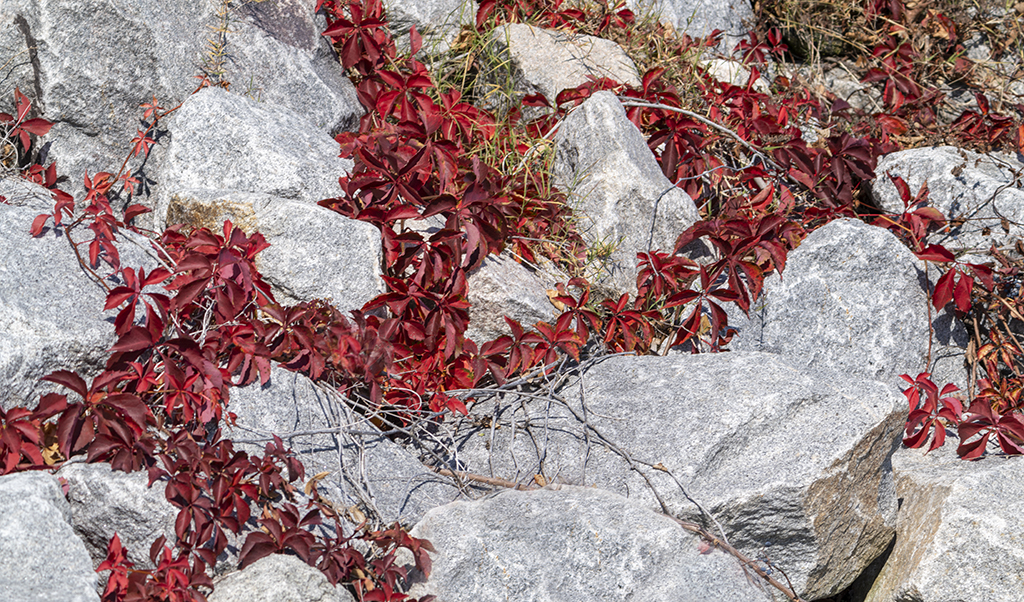
24 Sep 21 Comment Sam, I like your compositions. Adding the flowers was a good idea for the negative space in the lower right corner, but I think the leaves should be darker to blend in with the rest of the photo. Jim. Sep 11th
24 Sep 21 Reply Laura, thank you for your suggestion. Here's my next rendition. Sep 11th
24 Sep 21 Reply Laura, thanks for the closer examination. I'll clean it up.
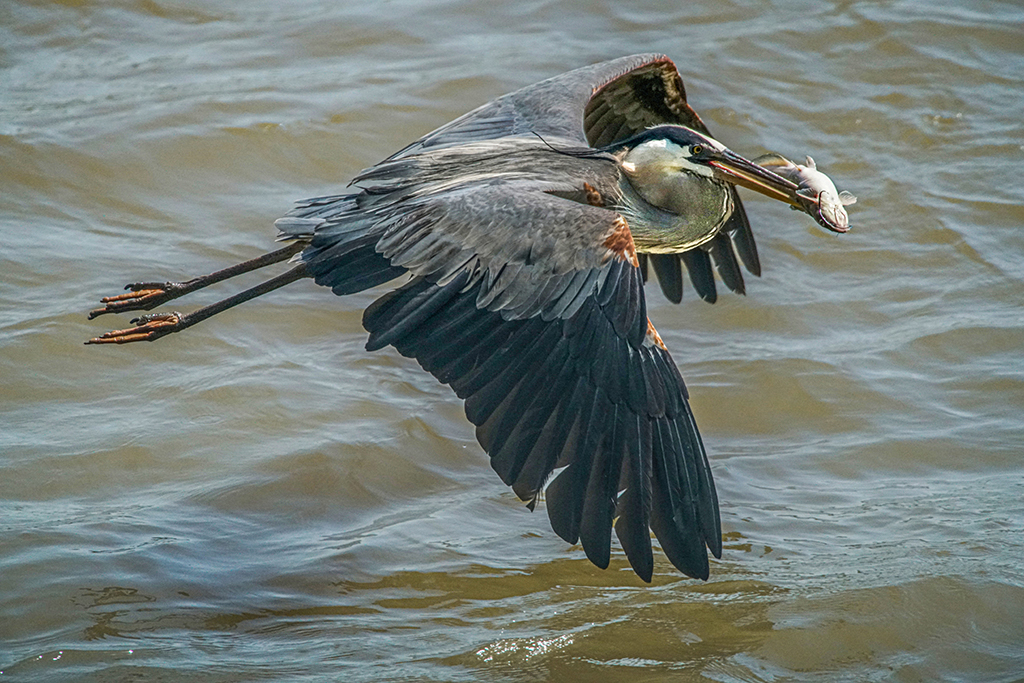
I assume that only the wings need to have the yellow desaturated - not the beak, talon or anywhere on the falcon. Jim
Sep 8th
24 Sep 21 Comment Laura, you are in a great niche and doing very well with it. I like the depth, the "S" curve of the wave, motion and everything about it. The backlit waves are gorgeous!
I understand that the surfer is backlit and a fill flash is out of the question at that distance. I used the dodge tool to lighten the surfer's face (about 19% midtones) and top of the arms. Let me know your thoughts on this. Jim
Sep 5th
24 Sep 21 Comment Tam, great balance. Symmetry is a great theme for this. Your lighting is well done, catching the faces just right. If you would have moved to your left, you would reposition the hands and umbrella handle to get separation. As it is, the hands of the sisters obscure the profile of the sister on the right.
Last month you received a comment about shooting in bursts. That's continuous shooting at 6-12 frames per second. This might have given you a split seconds before and after which might have had the hands and face separated where you stood.
You should try shooting this way. Professionals use bursts for this reason.
Jim
Sep 3rd
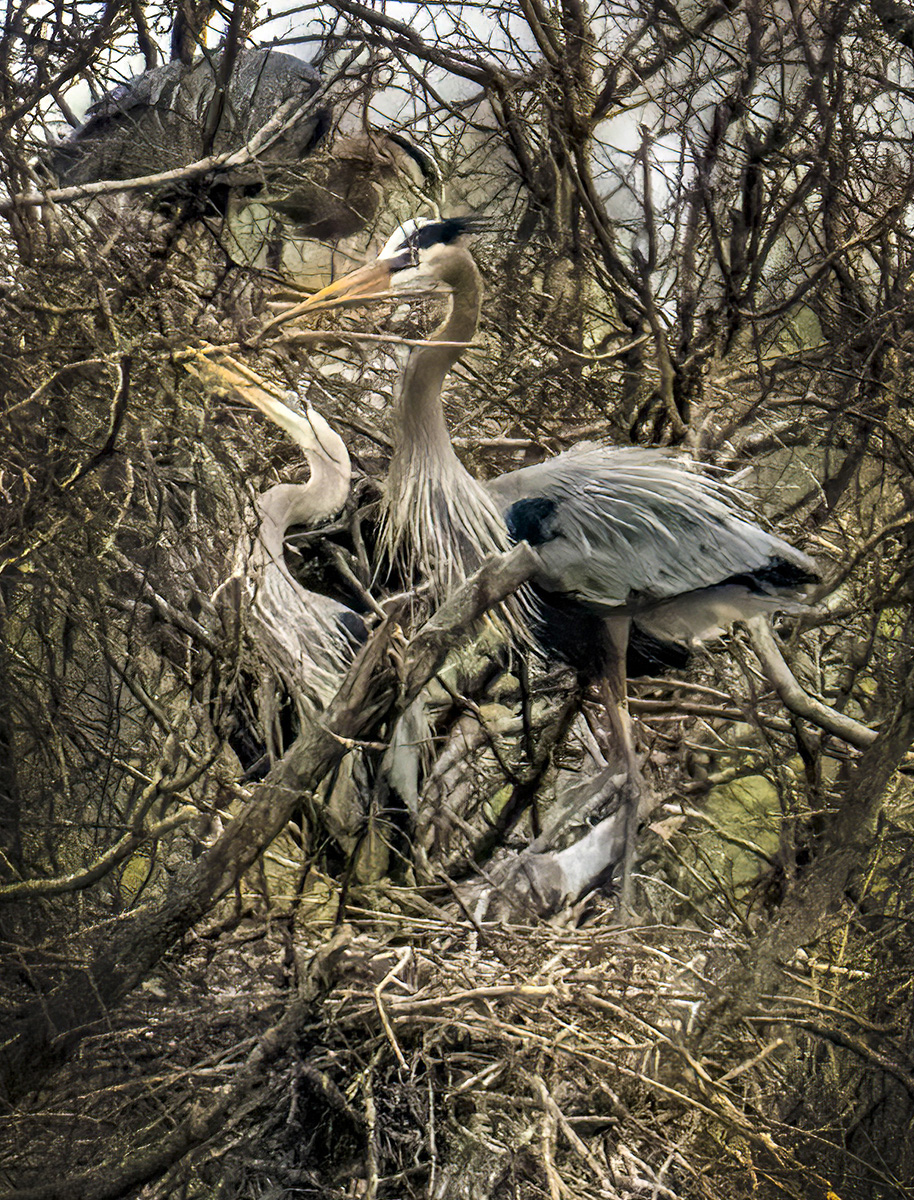
24 Sep 21 Comment Steven, fascinating patterns in the branches. The original has better separation. I don't know which post-processing tools you have. In Photoshop I would try Camera Raw Filter to darken the highlights, lighten shadows, add texture, add clarity. I even used the dodge tool to lighten the darkest section and burn tool to darken the tree trunk.
After all of the details are brought out, do what you want to express what you wanted.
Jim
Sep 2nd

4 comments - 2 replies for Group 24


4 comments - 2 replies Total


91 Images Posted

  = Current Round   = Previous Round
Group 05

Aug 24

Jul 24

Jun 24

May 24

Apr 24

Mar 24

Feb 24

Jan 24

Nov 23

Oct 23

Sep 23

Aug 23

Jul 23

Jun 23

May 23

Apr 23

Mar 23

Feb 23

Jan 23

Nov 22

Oct 22

Sep 22

Aug 22

Jul 22

Jun 22
Group 15

Aug 24

Jul 24

Jun 24

May 24

Apr 24

Mar 24

Feb 24

Jan 24

Dec 23

Nov 23

Oct 23

Sep 23

Aug 23

Jul 23
Group 24

May 22

Apr 22

Mar 22

Feb 22

Jan 22

Dec 21

Nov 21

Oct 21

Sep 21

Aug 21

Jul 21

Jun 21

May 21

Apr 21

Mar 21

Feb 21

Jan 21

Dec 20

Nov 20

Oct 20

Sep 20

Aug 20

Jul 20

Jun 20

May 20

Apr 20

Mar 20

Feb 20

Jan 20

Dec 19

Nov 19

Oct 19

Sep 19

Aug 19

Jul 19

Jun 19

May 19

Apr 19

Mar 19

Feb 19

Jan 19

Dec 18

Nov 18

Oct 18

Sep 18

Aug 18

Jul 18

Jun 18

May 18

Apr 18

Mar 18

Feb 18

Close this Tab when done