|
| Group |
Round |
C/R |
Comment |
Date |
Image |
| 24 |
Oct 20 |
Reply |
Laura, yes, I do know that I can't enter this in the Nature Division, but there is an option to enter it in PIDC.
Here is the most recent PDF from August 2020 - Guide for Nature Division Judges. Go to
https://psa-photo.org/index.php?nature-division and then click on the PDF download. It shows some great examples of what is accepted. Jim |
Oct 11th |
| 24 |
Oct 20 |
Reply |
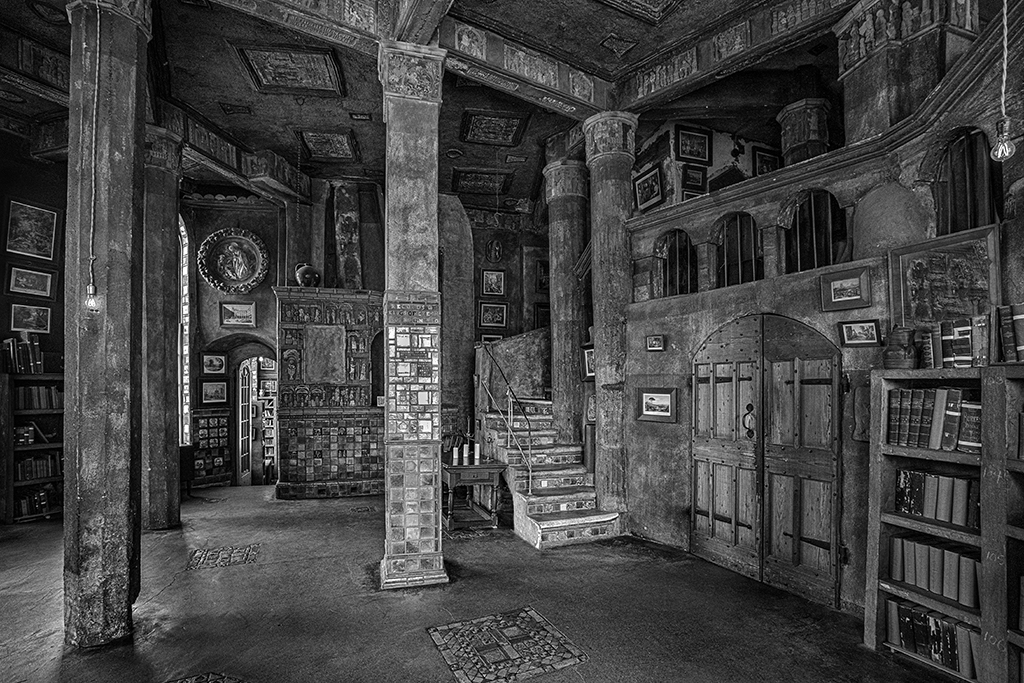
Laura, I used Photoshop Camera Raw Filter to adjust shadows, highlights, whites and blacks. I didn't see the distortions, but ran this through Silver Effects Pro 2 - filter 16, maximize dynamic range. Is this all B&W and better for you?
Jim |
Oct 11th |
 |
| 24 |
Oct 20 |
Reply |
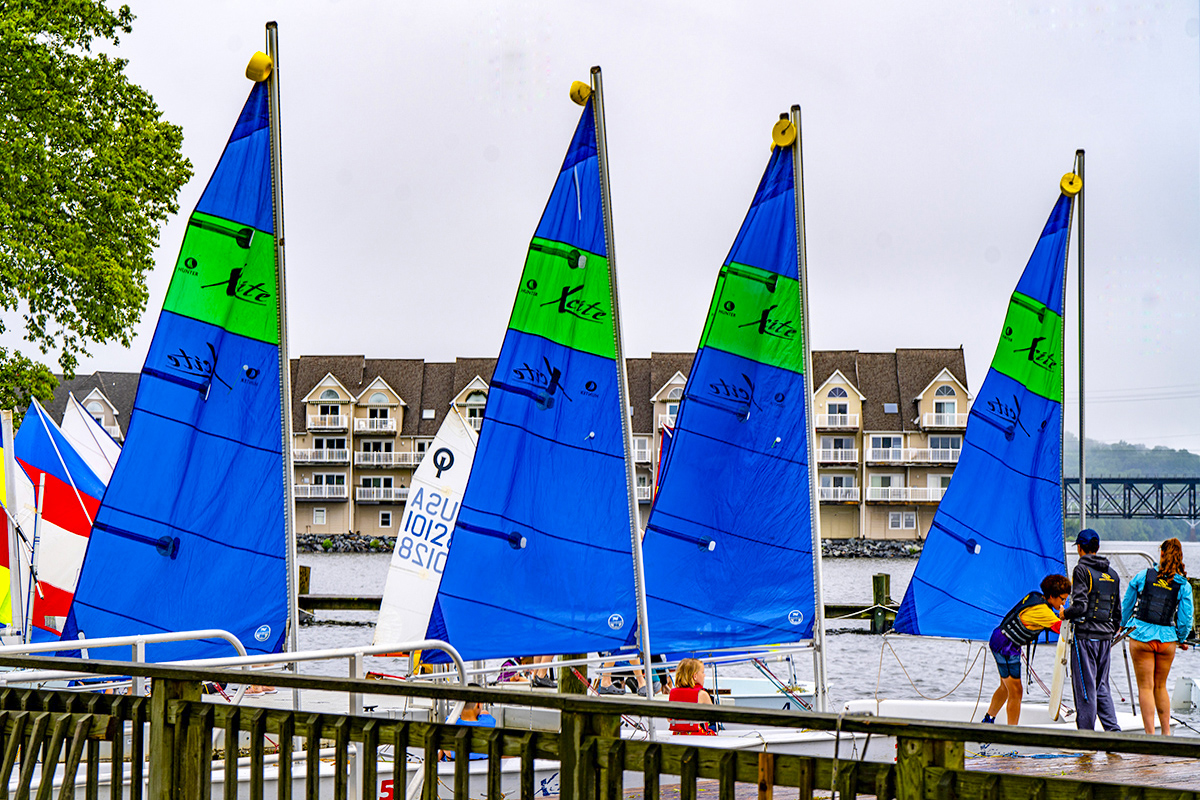
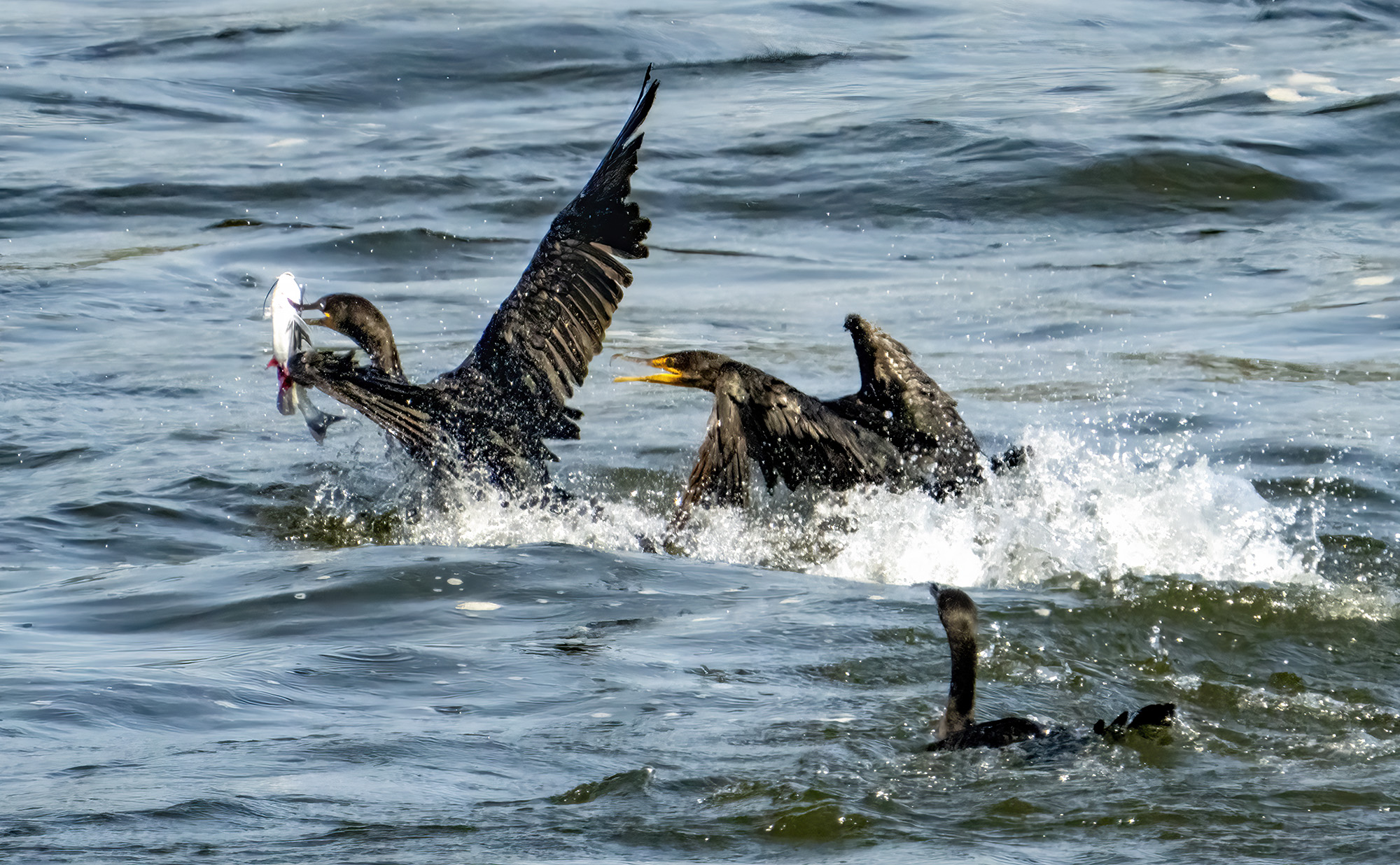
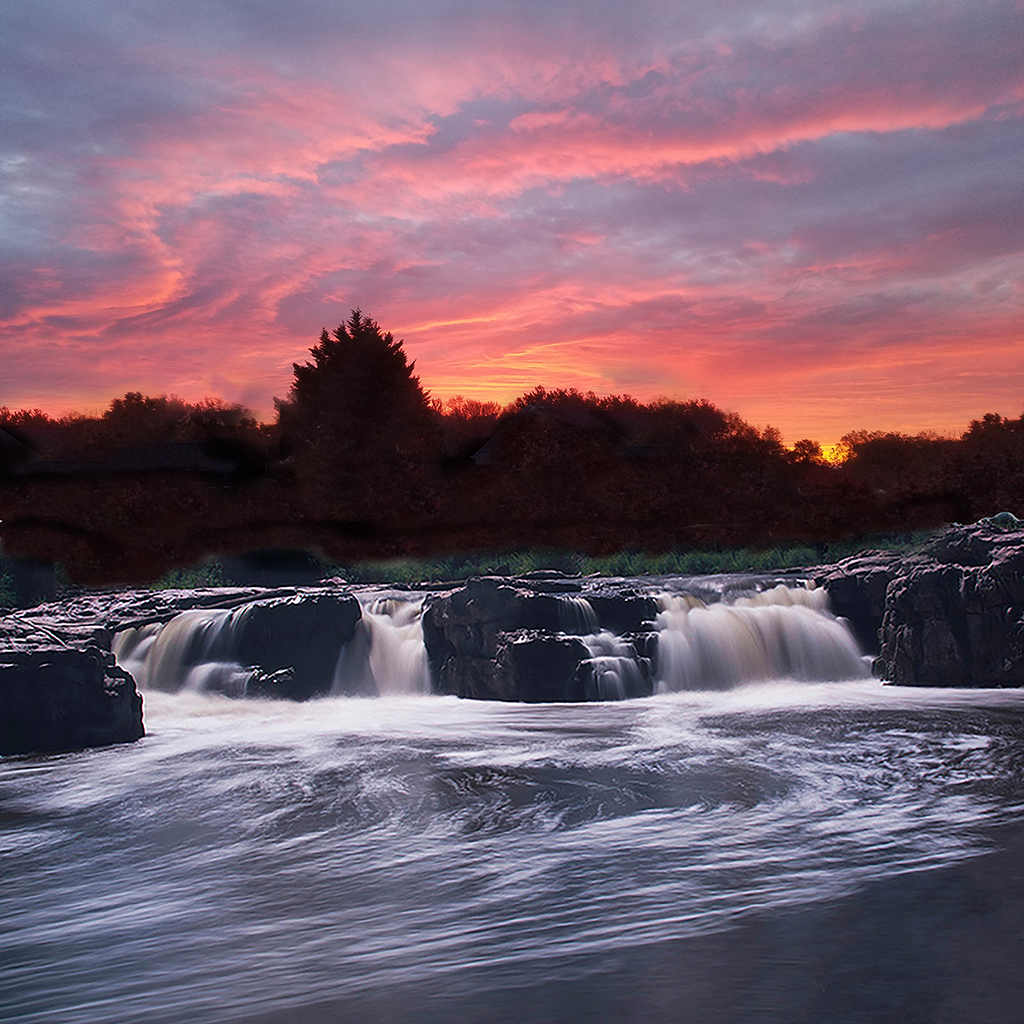
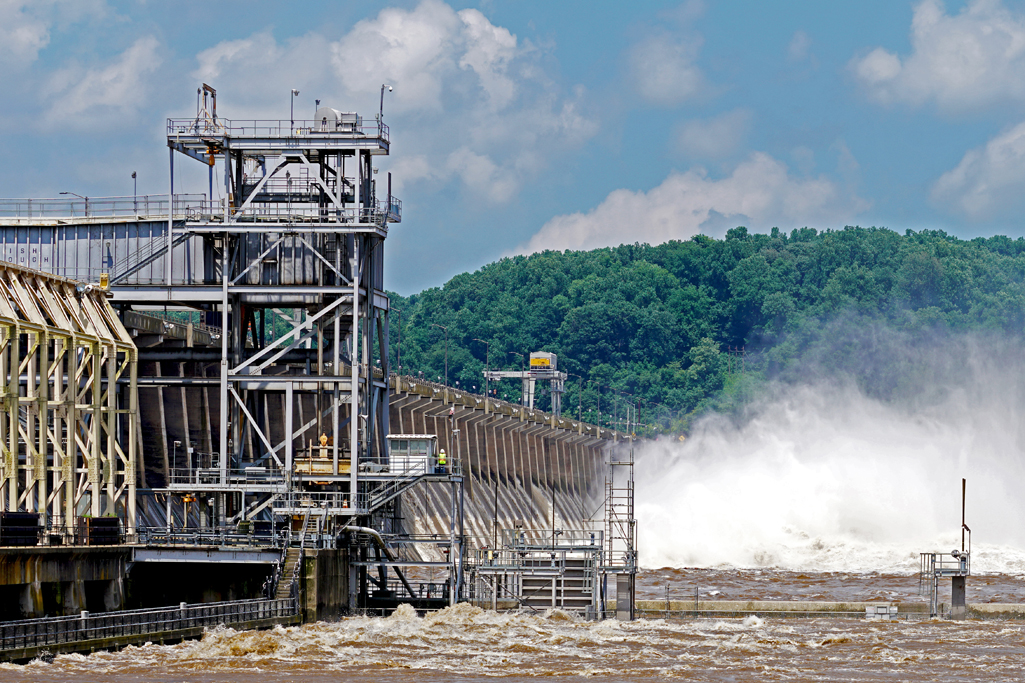
Tab, I watched the video - that is a great help. As far as your color selection of aqua/turquoise - that would be good for shallow tropical salt water. This was taken at fresh water, Susquehanna River at the Chesapeake Bay. I'll just look at other photos with water I like, select it in Photoshop and then drop in this photo. You have been very helpful. I think I need to put in a lot of practice on this. Jim |
Oct 10th |
| 24 |
Oct 20 |
Comment |
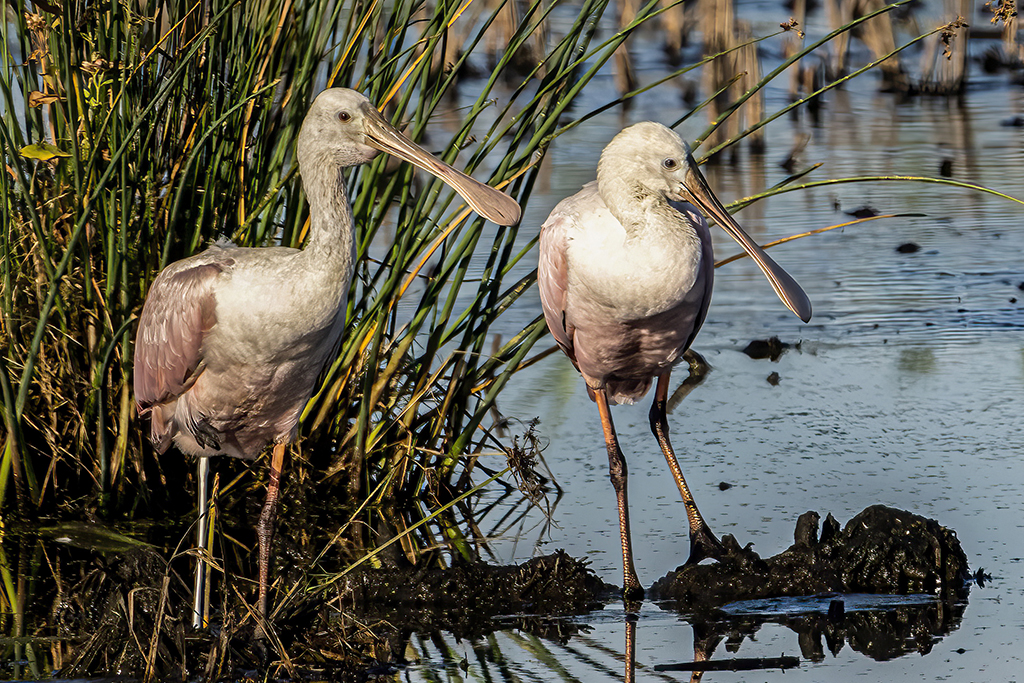
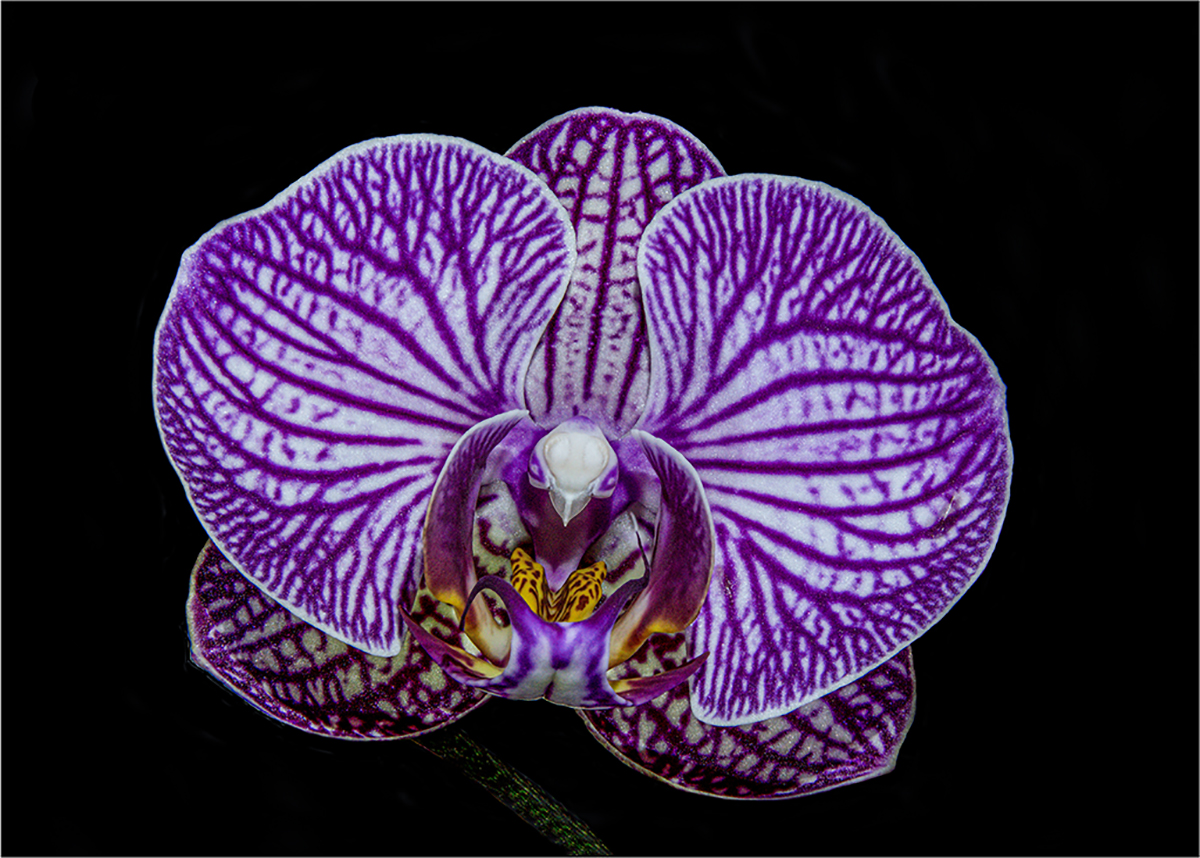
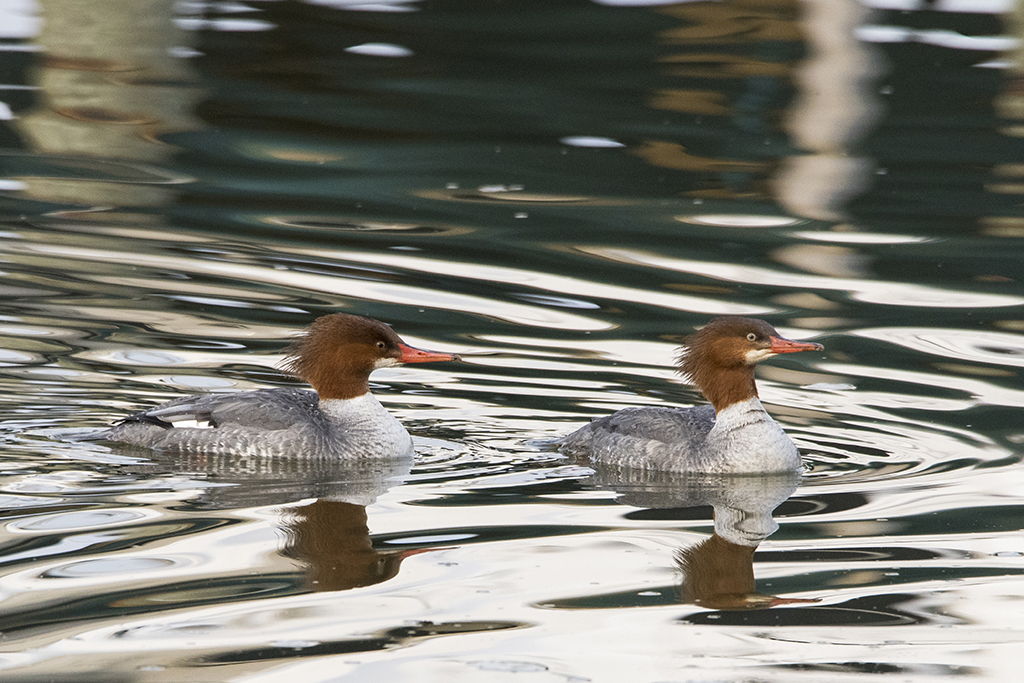
Sam, I like how the subjects are in their natural black and white, surrounded by striking colors of the flowers. What you did in Photoshop to keep the bokeh and darken the rest of the leaves is excellent. I even like the unexpected deep purple artifacts around the blurred leaves, adding depth and a mystical element to the background/setting. Jim |
Oct 5th |
| 24 |
Oct 20 |
Comment |
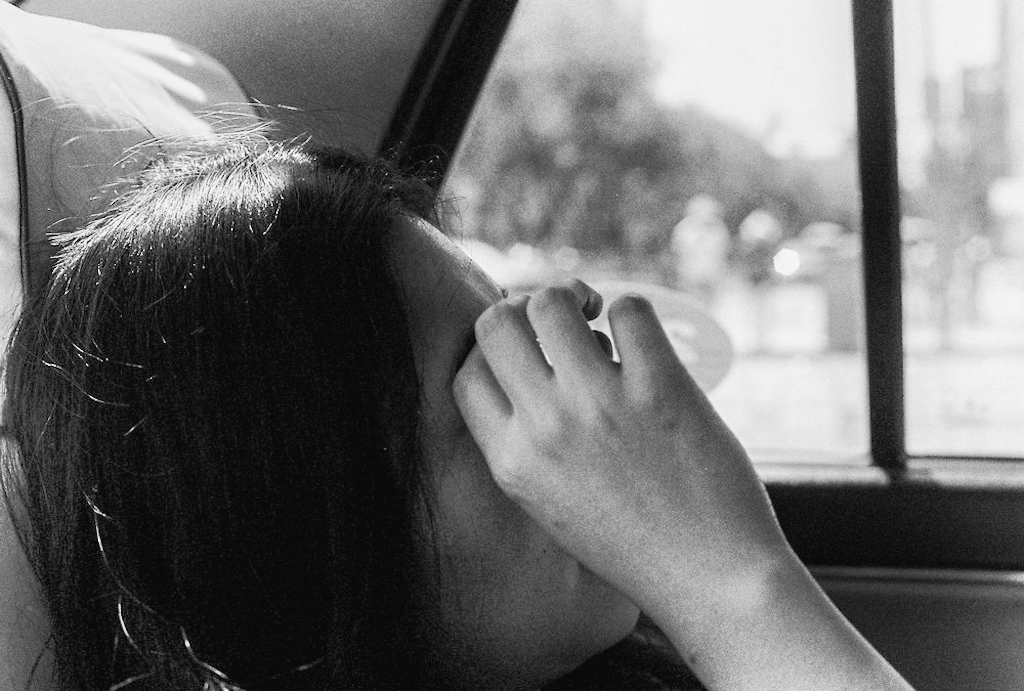
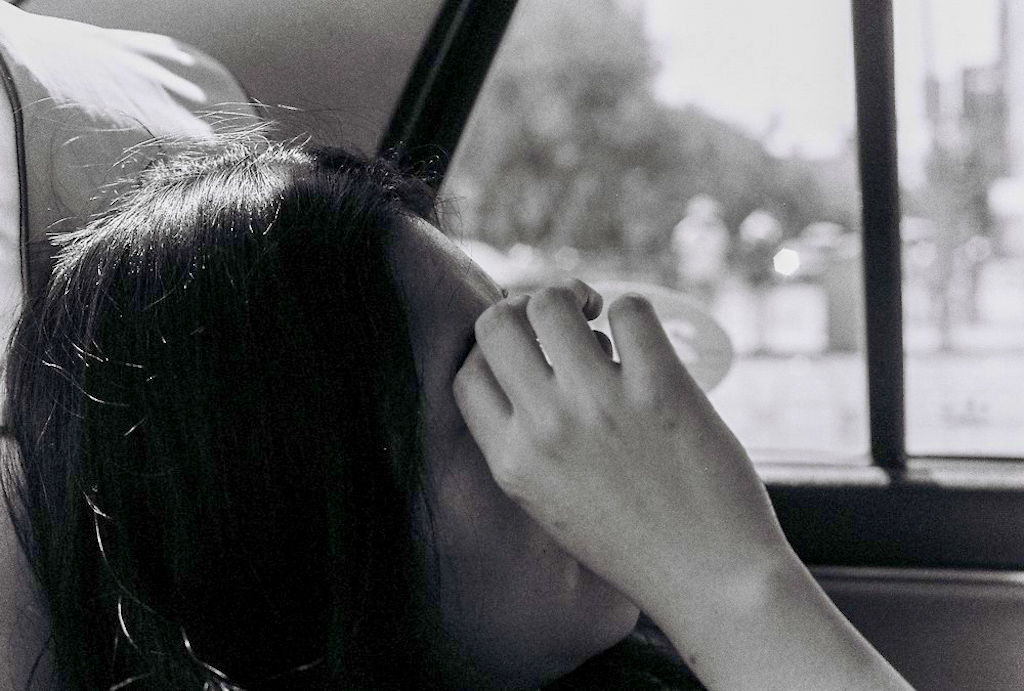
Steve, thank you for submitting a photo from the past that you want to use to get you started in portrait work. I know others who are brilliant at portraits and I envy them. One thing that all of them say must be there in a good or great portrait is eyes/eye. I wish you had another photo that did not have her hand covering her eye. Without any post-processing, your photos have blown-out whites (reflection on the seat above her head). Her head and facial are so dark that you can't see details. The one feature that stands out is her hand, and that is slightly out of focus.
I used Photoshop Camera Raw Filter to reduce whites, reduce blacks, reduce highlights and reduce shadows. Let me know if this is a better likeness of what you saw in 2014 in the taxi. Jim |
Oct 2nd |
 |
| 24 |
Oct 20 |
Comment |
Tab, this PIDC is also an eye-catcher.Everything is sharp, vivid colors, captivating. One thing I noticed in the final version is either noise or overpixelized texture on the lower third of the photo. Jim |
Oct 2nd |
| 24 |
Oct 20 |
Comment |
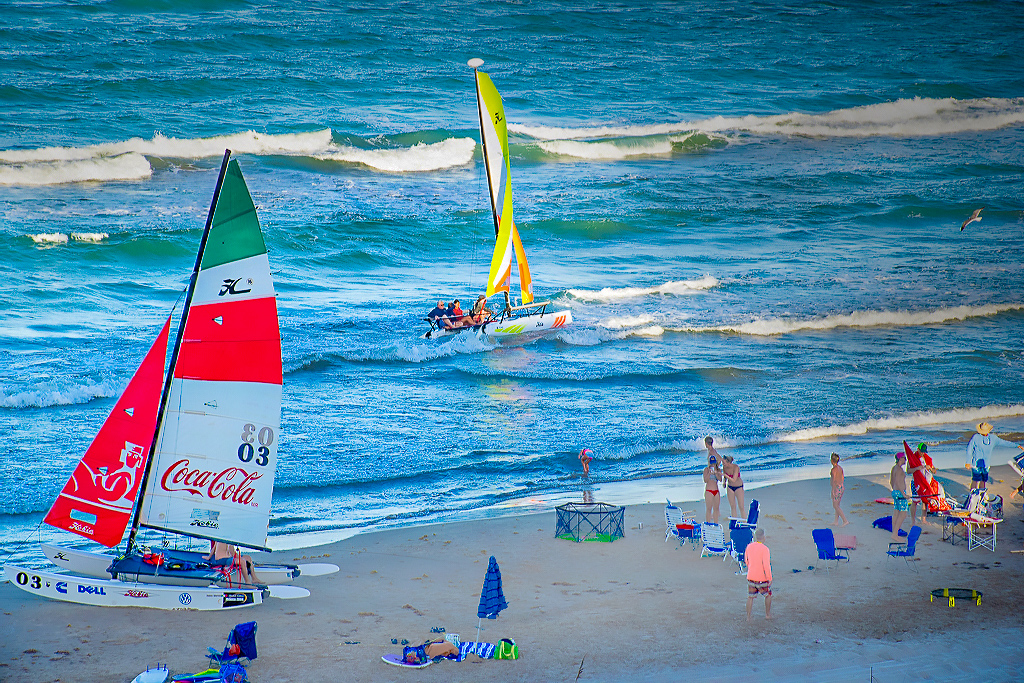
Thorro, I like how the photo came out in such creative colorization. Reading what you wrote, I think you wanted attention on the people and boats. To use the "natural colors" I would use Photoshop gradient tool, neutral density, to darken from the top right corner to the bow of the yellow sail boat. Then use the dodge tool (wide brush stroke) to brighten the shadow from bottom left across the beach, people and boats. I would use the burn tool to darken the blown whites in the wave. Increase vibrance and saturation.
It doesn't have wild colors, but brings bright colors where you want them.
Let me know if I messed up your rendition or improved it.
Jim |
Oct 2nd |
 |
4 comments - 3 replies for Group 24
|
4 comments - 3 replies Total
|