|
| Group |
Round |
C/R |
Comment |
Date |
Image |
| 24 |
Aug 20 |
Reply |
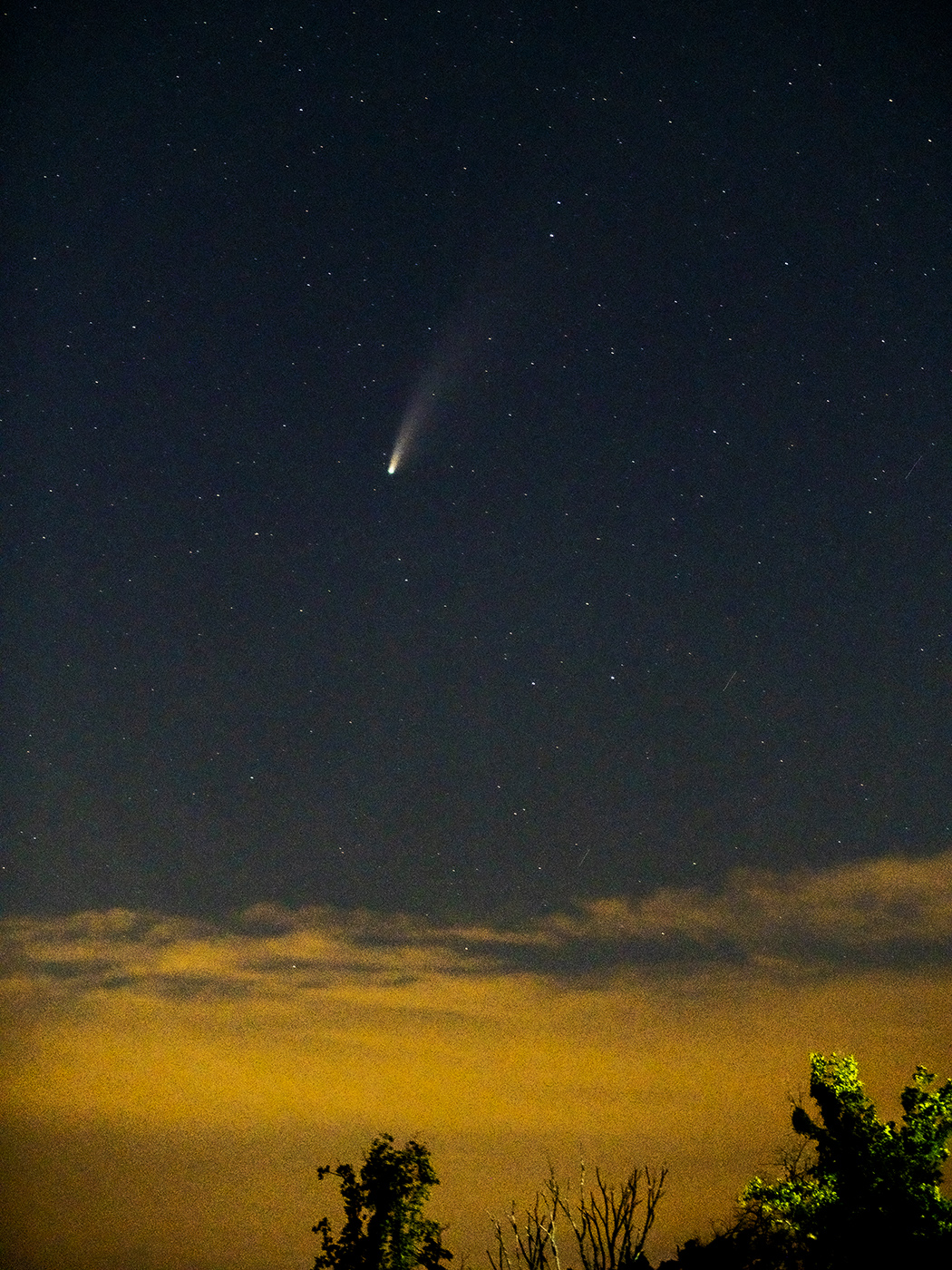
Sam, I just learned that "Sequator" is a very good stacking program for astral photography and it it reduces noise. It is a free download. I have several comet photos. When I get some free time I may try it and see what it can do. Jim |
Aug 12th |
| 24 |
Aug 20 |
Reply |
Thorro, I redid the main image using another photo which has some interest at the bottom with trees that point to the comet. I lightened it significantly and cropped it. What are your thoughts on this image? I still have the cropped photo of comet only. Jim |
Aug 8th |
| 24 |
Aug 20 |
Reply |
Laura, I redid the main image using another photo which has some interest at the bottom, lightened it significantly and cropped it. What are your thoughts on this image? Jim |
Aug 8th |
| 24 |
Aug 20 |
Reply |
Thorro, thank you for your suggestion. I strongly considered posting the cropped comet as the main image with the horizon to show the landscape scale and perspective. Posting this on a black webpage obscures the photo
|
Aug 6th |
| 24 |
Aug 20 |
Reply |
Laura, the purpose of the clouds and tree top is to show the scale of the comet landscape. I already did the cropping closer - just click on Original 2. Jim |
Aug 4th |
| 24 |
Aug 20 |
Reply |
Laura, thank you for your honesty. I do find that your background has many blown out spots that are very distracting and take away interest from your flowers. Jim |
Aug 4th |
| 24 |
Aug 20 |
Comment |
Tab, I love the swirls of the flower petals around the bees gathering pollen and nectar. I can imagine the bees dancing and buzzing with lots of activity. Your choice of f/16 was very good for increasing the depth of field. Well done. |
Aug 4th |
| 24 |
Aug 20 |
Comment |
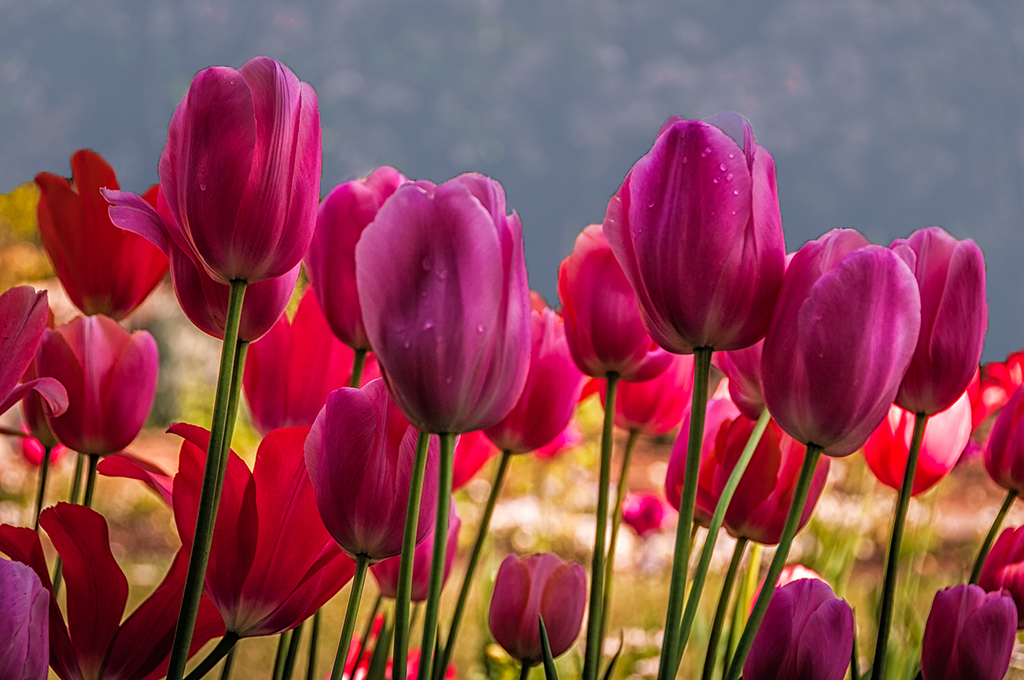
Laura, your palate of colors is great in this photo. Your photographic skills are spot on.
I was distracted with the background. I used the quick selection tool to isolate the background. The first adjustment layer was brightness/contrast to darken the blown out flowers behind the tulips. The second adjustment layer was exposure. I darkened it and used the offset and gamma sliders to make it look like a foggy day. Then I used Camera RAW filter to increase the haze to make it a thicker fog and used the temperature to make it bluish gray for fog.
Let me know what you think of the results. Jim |
Aug 4th |
 |
| 24 |
Aug 20 |
Comment |
Sam, I am very impressed with all you did to creatively bring these images and shapes into the final version. Your choice of monochrome for the zebra motif is great. I like your attention to detail to put the bridle on the zebra. I wonder if there is a way to make the street crossing stripes brighter or increase the contrast. There a few spot distractions in the path just in front of the noses of the three zebras on the left. Visualizing this one shows the creative and fun side of you. Jim |
Aug 4th |
| 24 |
Aug 20 |
Comment |
Thorro,
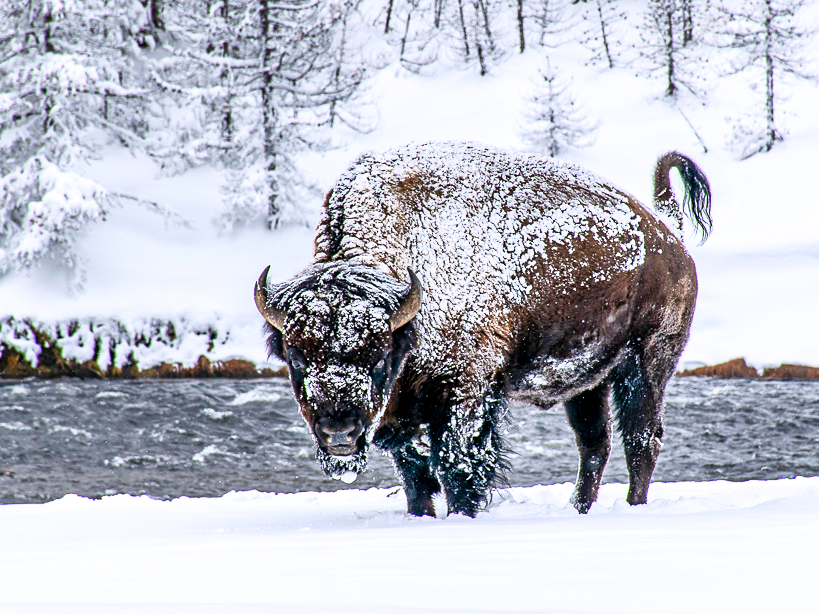
Taking photos of black objects in white snow is very difficult. You did well, but I agree with what Larry suggested. There are adjustment sliders to highlights, shadows, whites and blacks in the Camera RAW filter in Photoshop which can bring out rich colors in the face and body.
The largest format ratio for our webpage is 4:3 (Most of our photos are 3:2) I did those things. Let me know what you think. Jim |
Aug 4th |
 |
4 comments - 6 replies for Group 24
|
4 comments - 6 replies Total
|