|
| Group |
Round |
C/R |
Comment |
Date |
Image |
| 24 |
Jun 20 |
Reply |
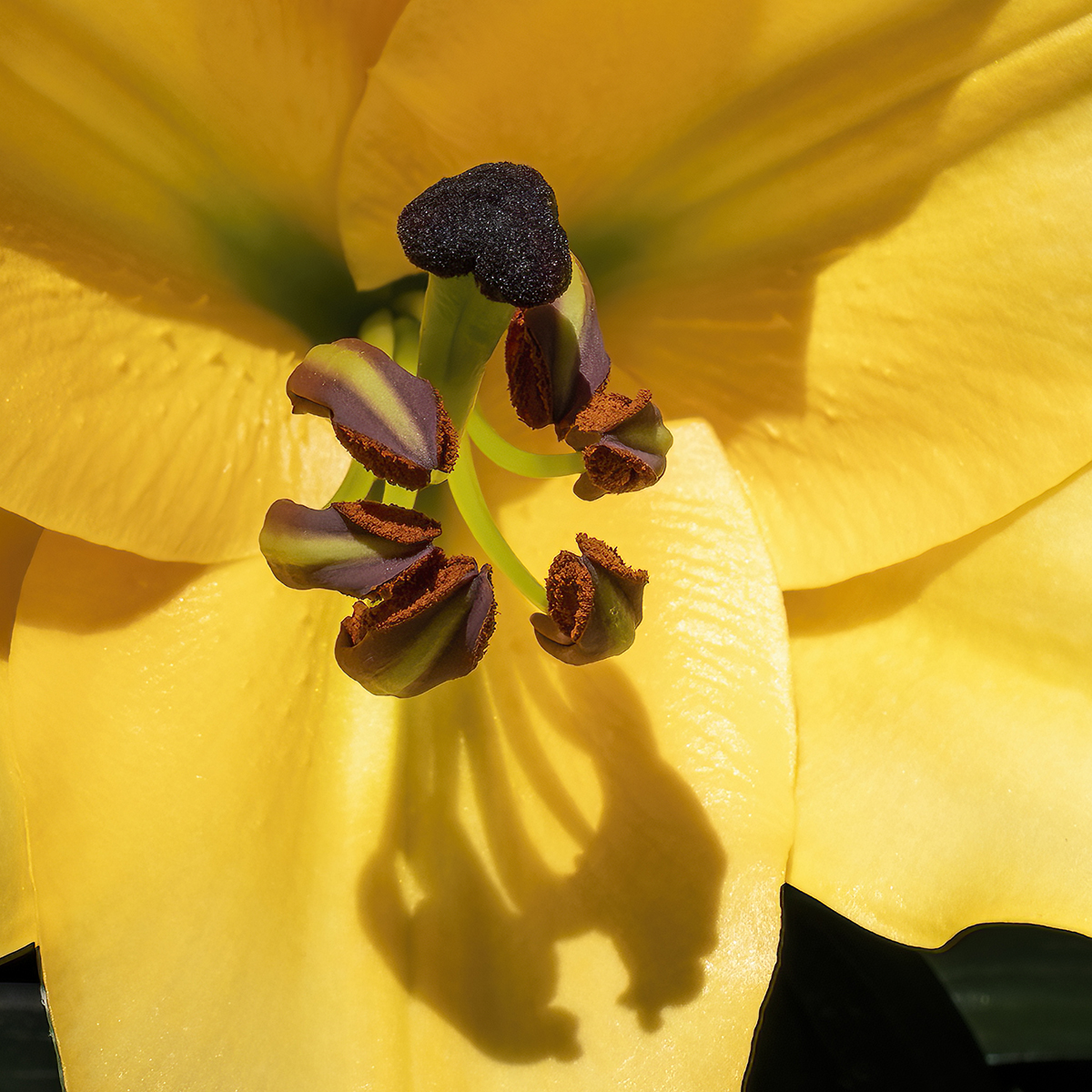
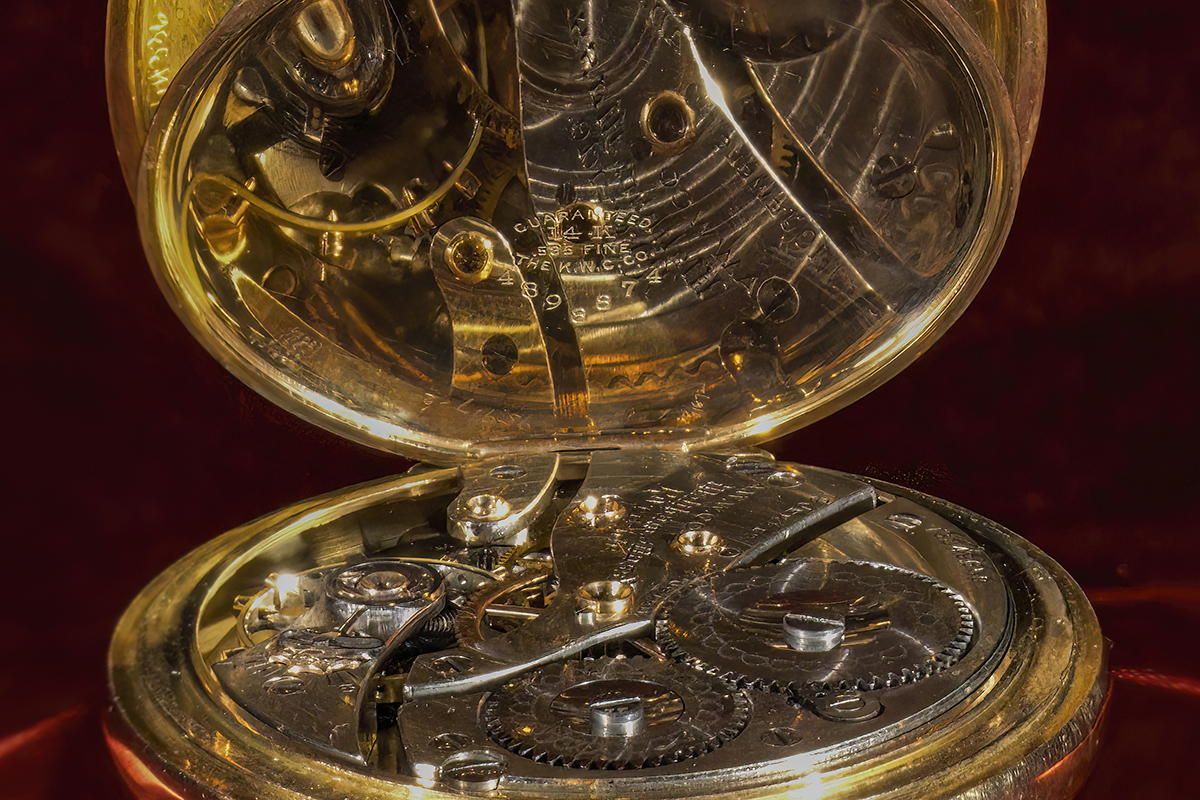
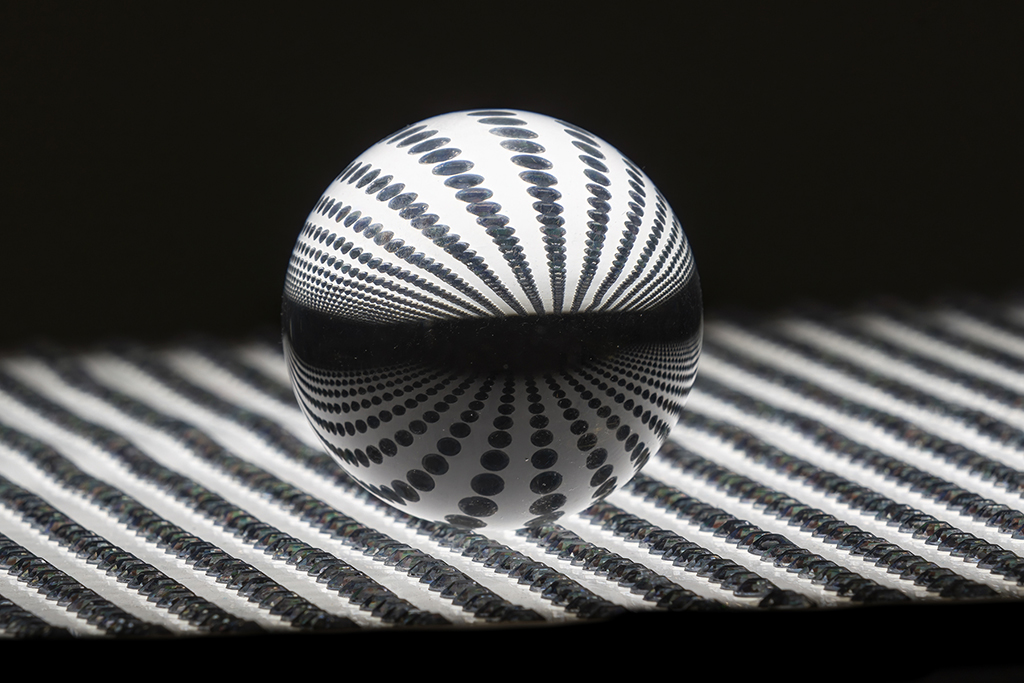
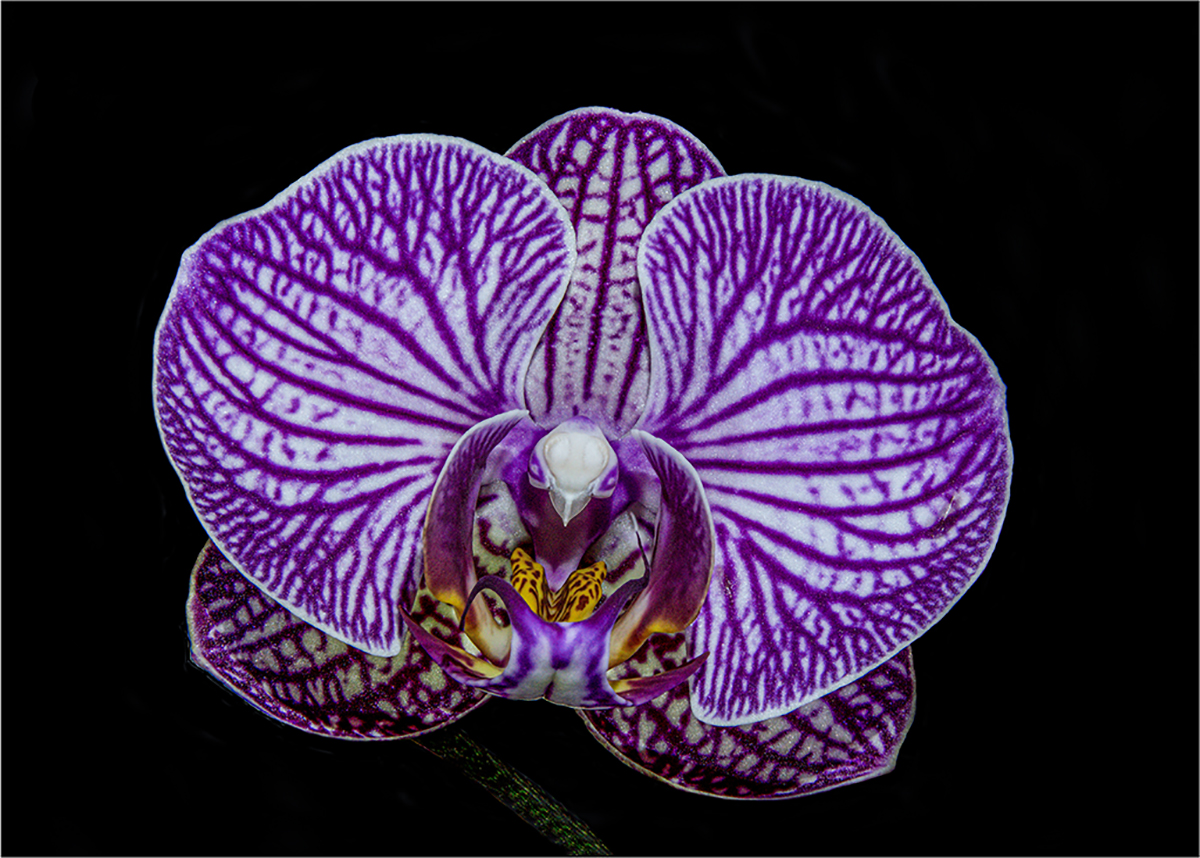
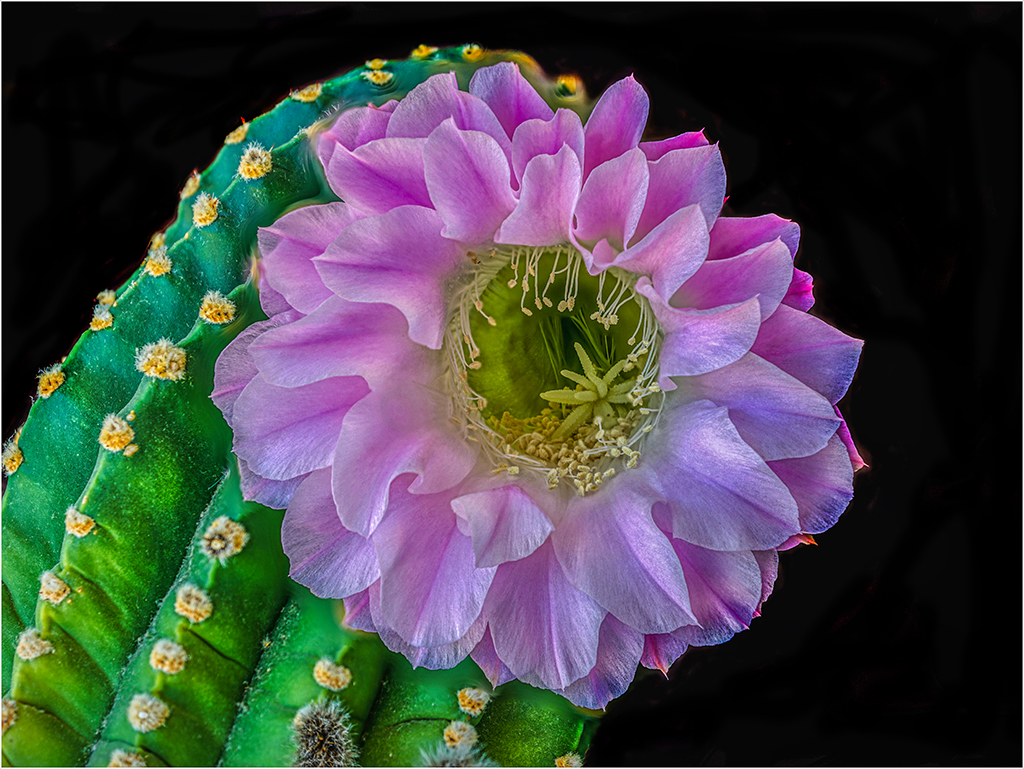
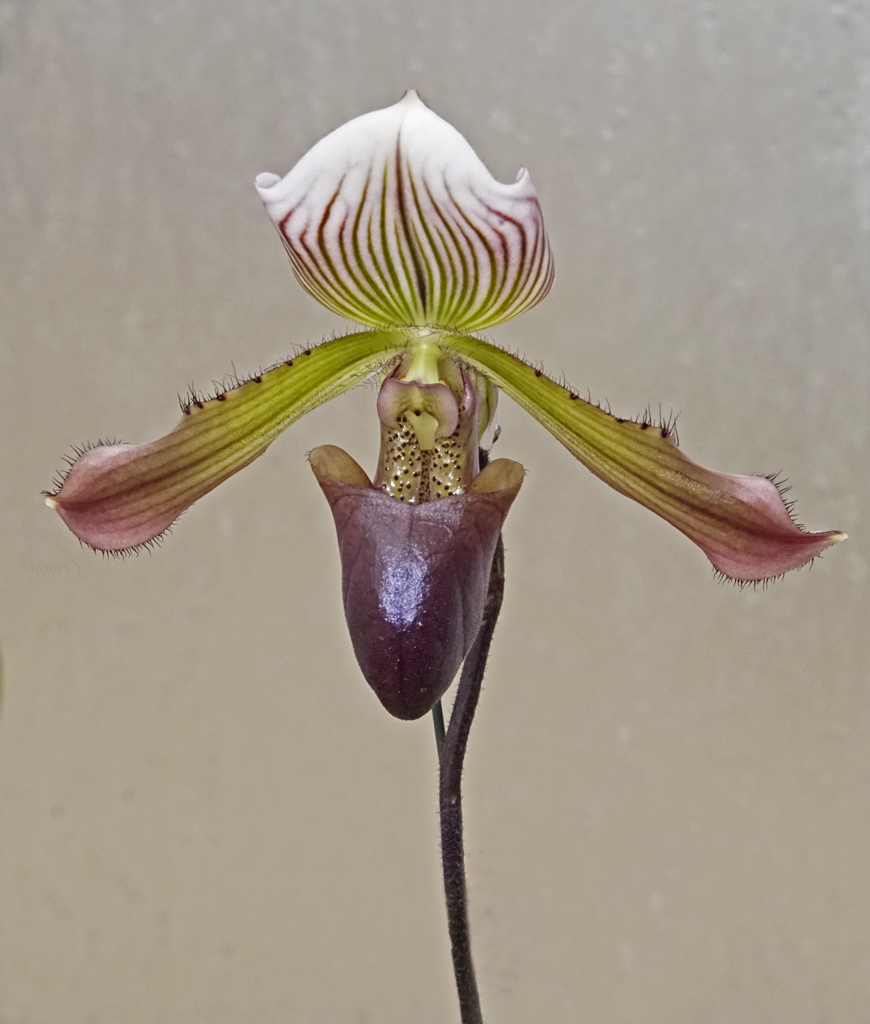
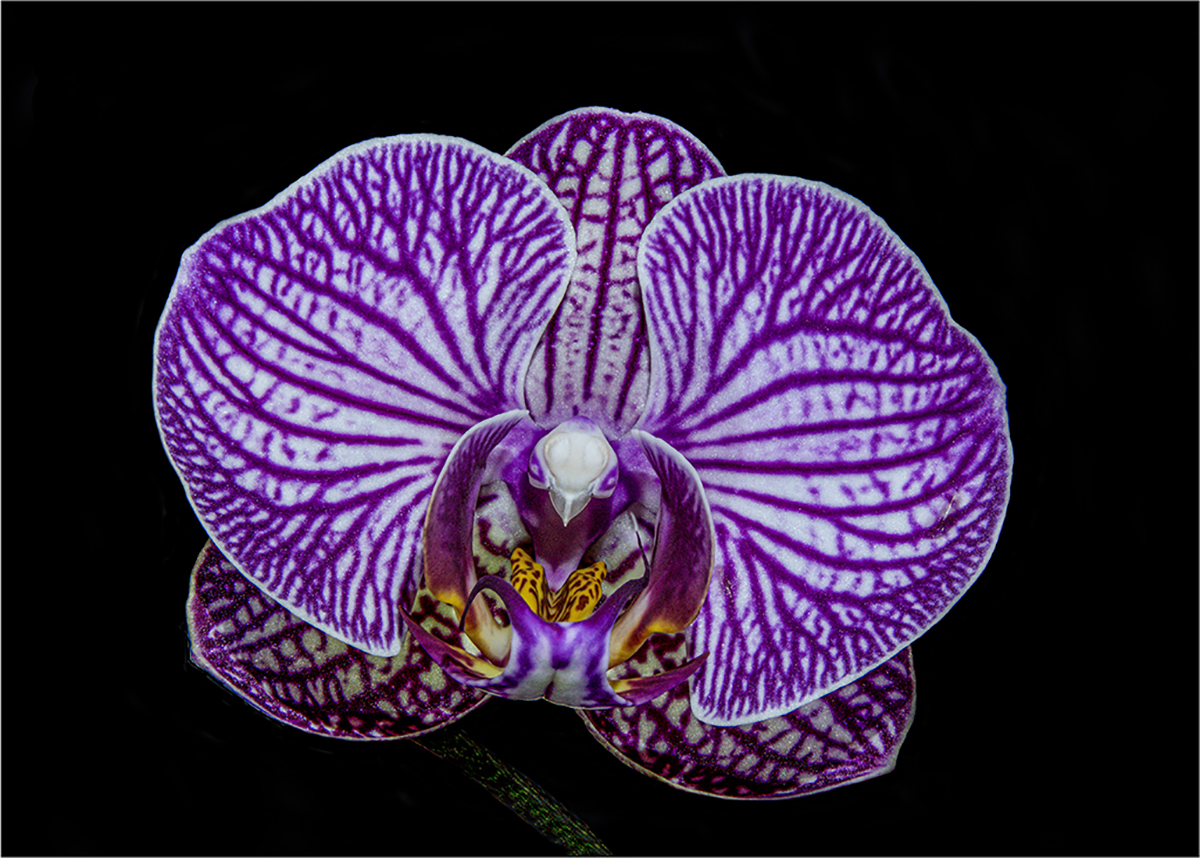
Tab, thank you for your comments. I do recommend Helicon Focus. It is reasonably priced for the lifetime ownership, and I think they provide updates. Lighting was me hand-holding my LED flashlight to eliminate shadows. For a neutral background, I still like the shower door on original 3 (which was my first main entry). To me, a background of ferns could be distracting - unless they were way out of focus. Jim |
Jun 17th |
| 24 |
Jun 20 |
Reply |
Laura, thank you for your comments. I think this helps a lot.
Because the changes are significant for the final, I swapped the main image. You can see this up top and below in my reply to Beverly. Jim |
Jun 13th |
| 24 |
Jun 20 |
Reply |
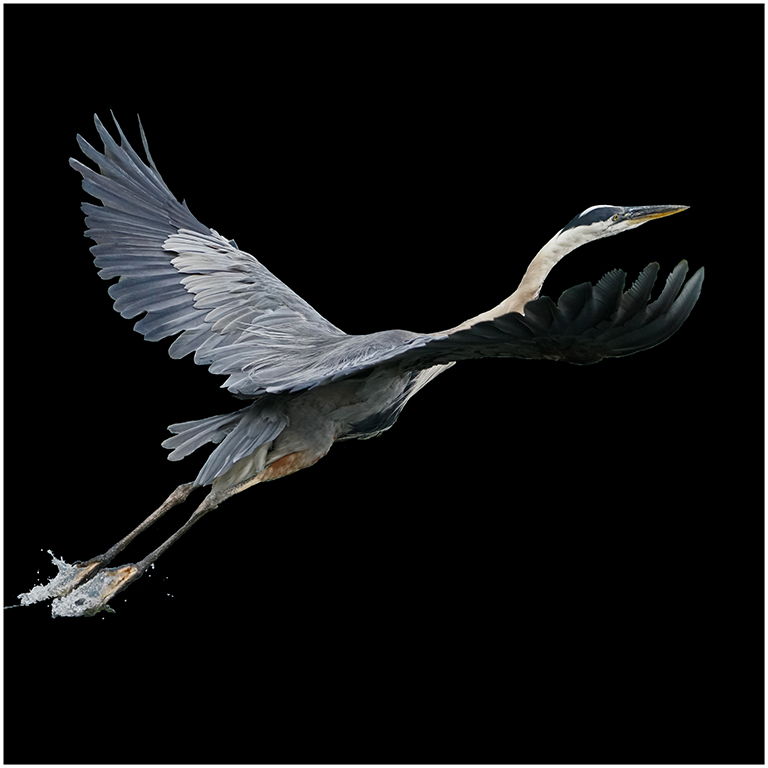
Beverly, thank you for your comments. I had a zoom member critique last evening with Baltimore Camera Club. Several had the same suggestion that you and Laura had. I decided to use a black background like Laura Lee Bartholomew suggested. It make it stand out more.
Because the changes are significant for the final, I swapped the main image. Here it is in this space. Jim |
Jun 13th |
 |
| 24 |
Jun 20 |
Reply |
Rajdeep, it's good to hear from you after the cyclone.
I tried blending following a YouTube instruction for an hour and don't know of good resources for textures. If you are proficient at this, use the new bulletin board (top of our page) and tell us how you would do it. Jim |
Jun 8th |
| 24 |
Jun 20 |
Comment |
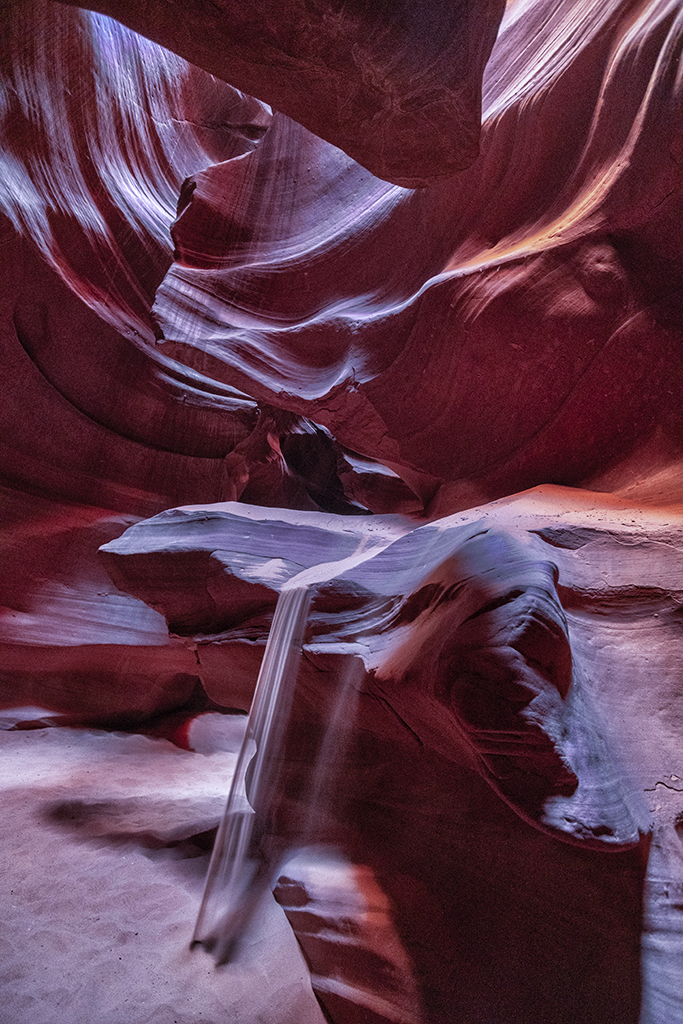
Donna, in Photoshop I used the magic lasso to select the sunbeam. In layers, I chose adjustment layer exposure, made a new magic lasso on the same sunbeam, used adjustment layer for brightness. After that I used the clone tool trying to clean up the bordering lines. Let me know if you think this is better,
Jim |
Jun 4th |
 |
| 24 |
Jun 20 |
Comment |
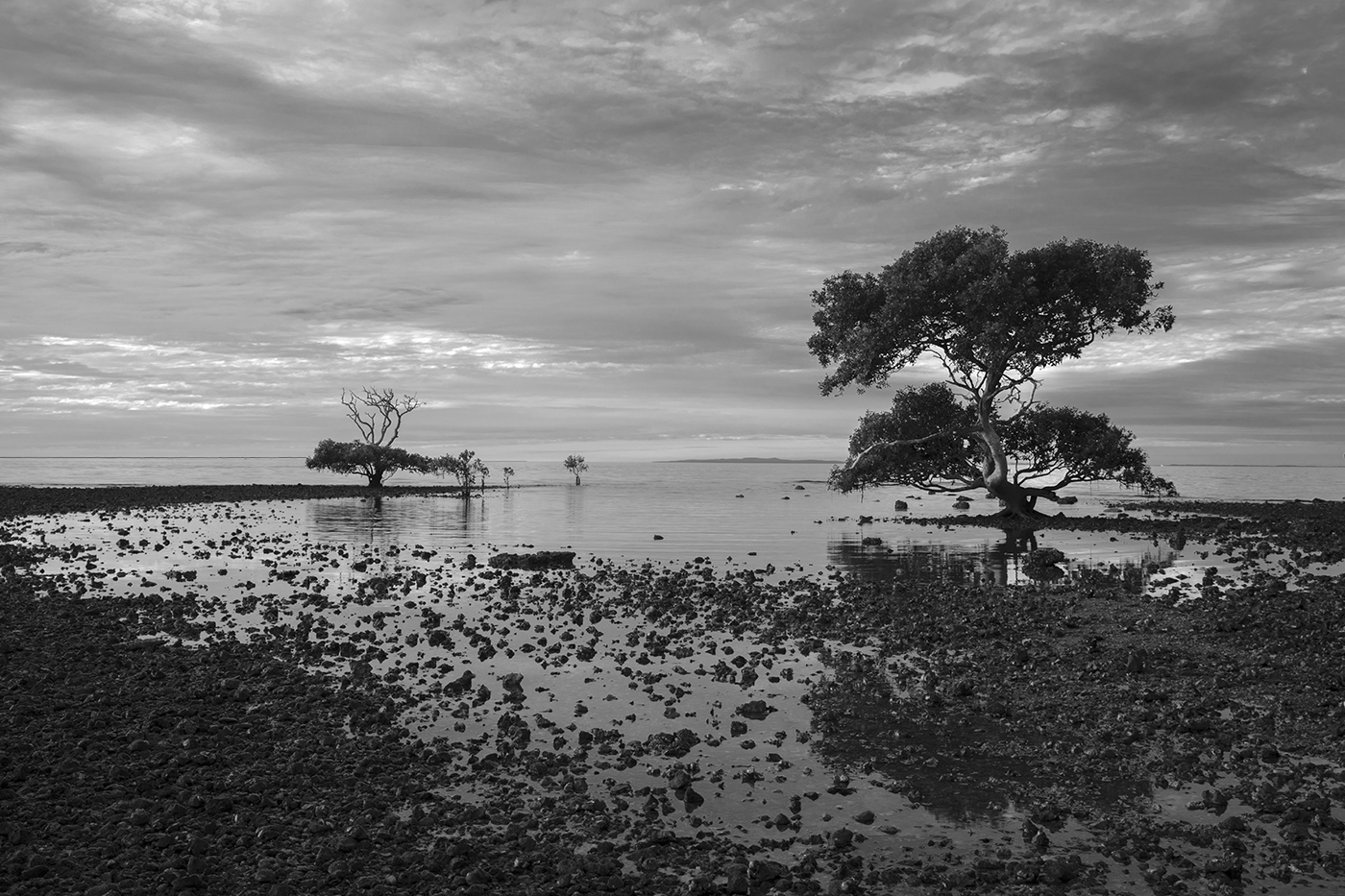
Sam, you captured a unique cross-section of a part of the world I've never seen. The beach, the trees, are so different. Thank you for the landscape.
Because the water and sky have the same tones, it's difficult to make out the horizon, except for the small strip of land in the center and line on the right. I'm wondering if darkening the horizon line on the left might help. I used the paint brush, medium gray, 1 pixel wide on the horizon What do you think? Jim |
Jun 4th |
 |
| 24 |
Jun 20 |
Comment |
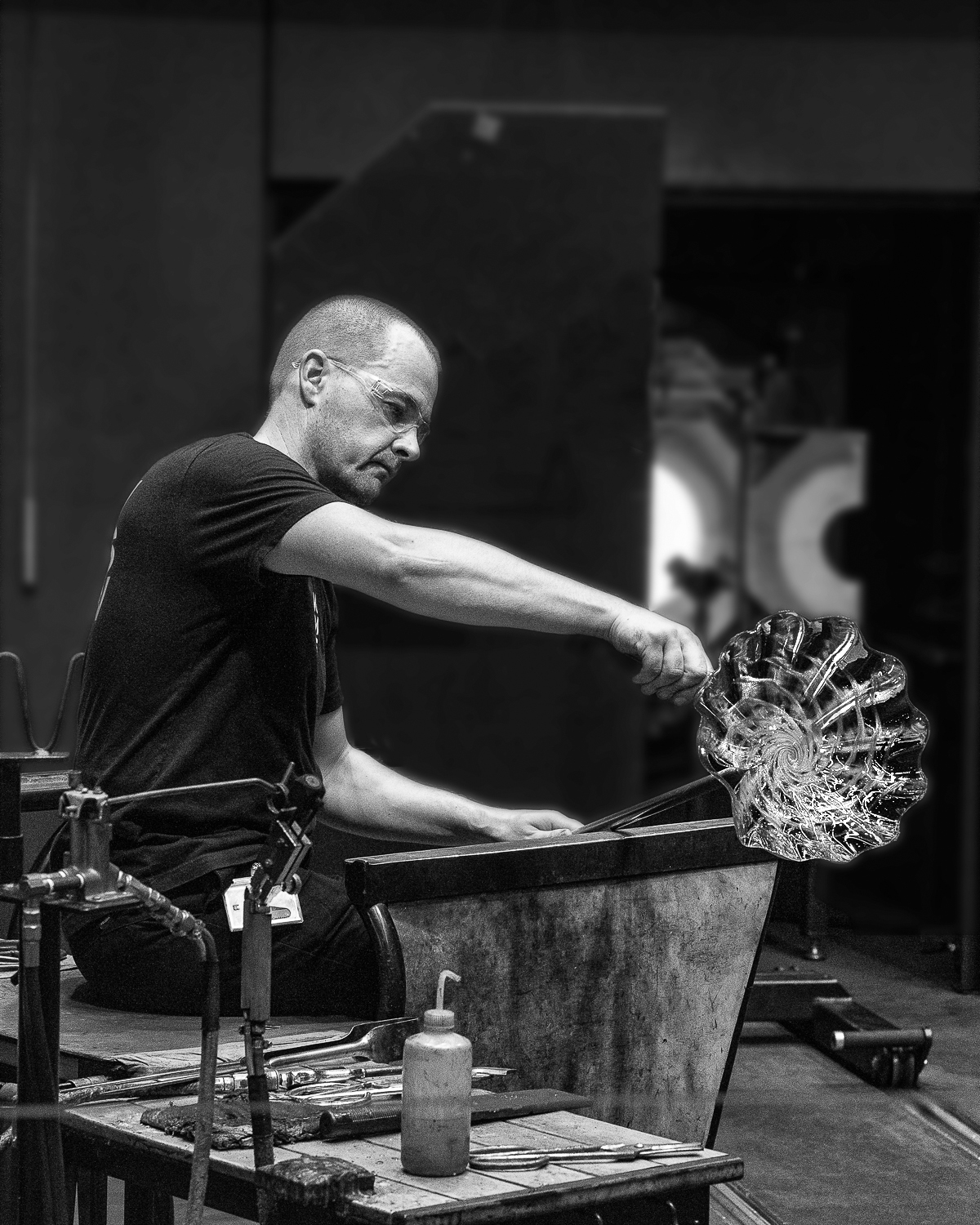
Tab, you accomplished so much in defining the depth by blurring the background. I went a little further and used the clone tool to take out the bracket and box. I also used the dodge tool to brighten the glass, bringing more detail to that marvelous swirl. Let me know what you think. Jim |
Jun 2nd |
 |
| 24 |
Jun 20 |
Comment |
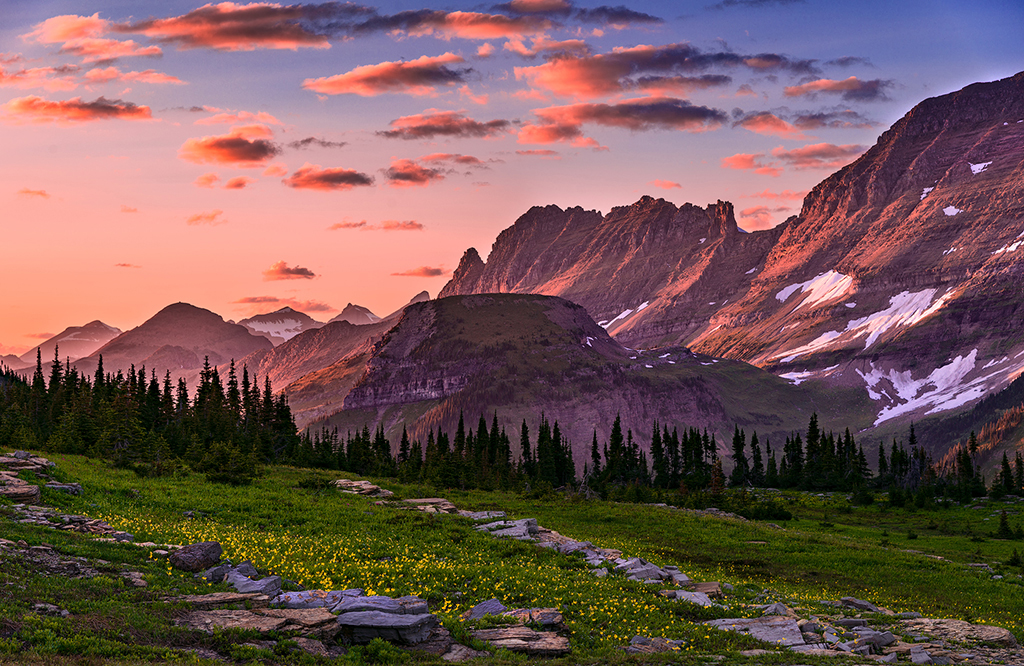
Laura, I like your idea of highlighting the diagonal stone path, so I tried that using the dodge tool on it. I think this brings out the yellow wildflowers too. I used the dodge tool on the very top layers on the very top of the rock-face on the far right just to get more attention on the texture of the right side. Jim |
Jun 2nd |
 |
| 24 |
Jun 20 |
Comment |
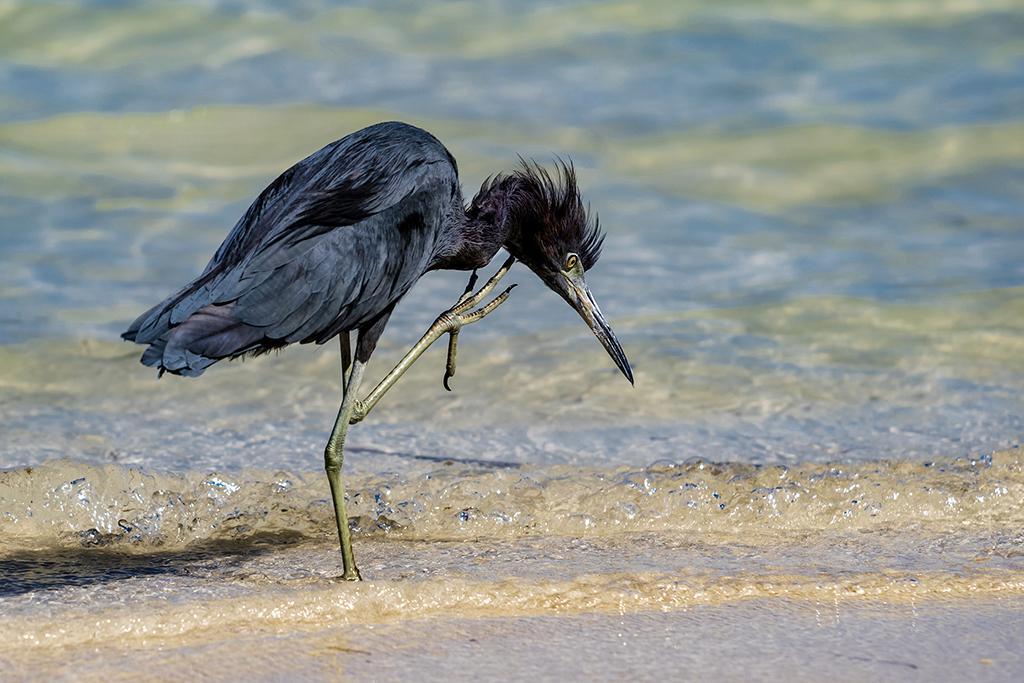
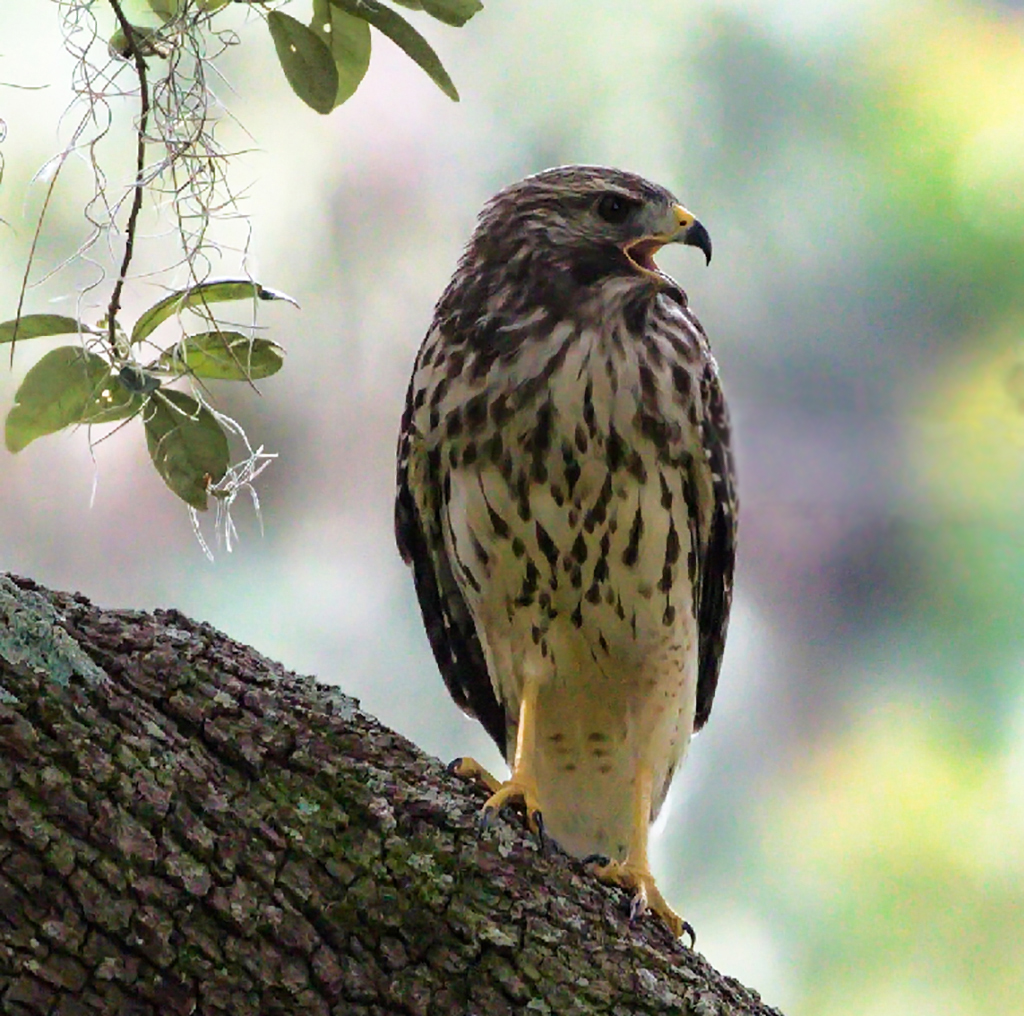
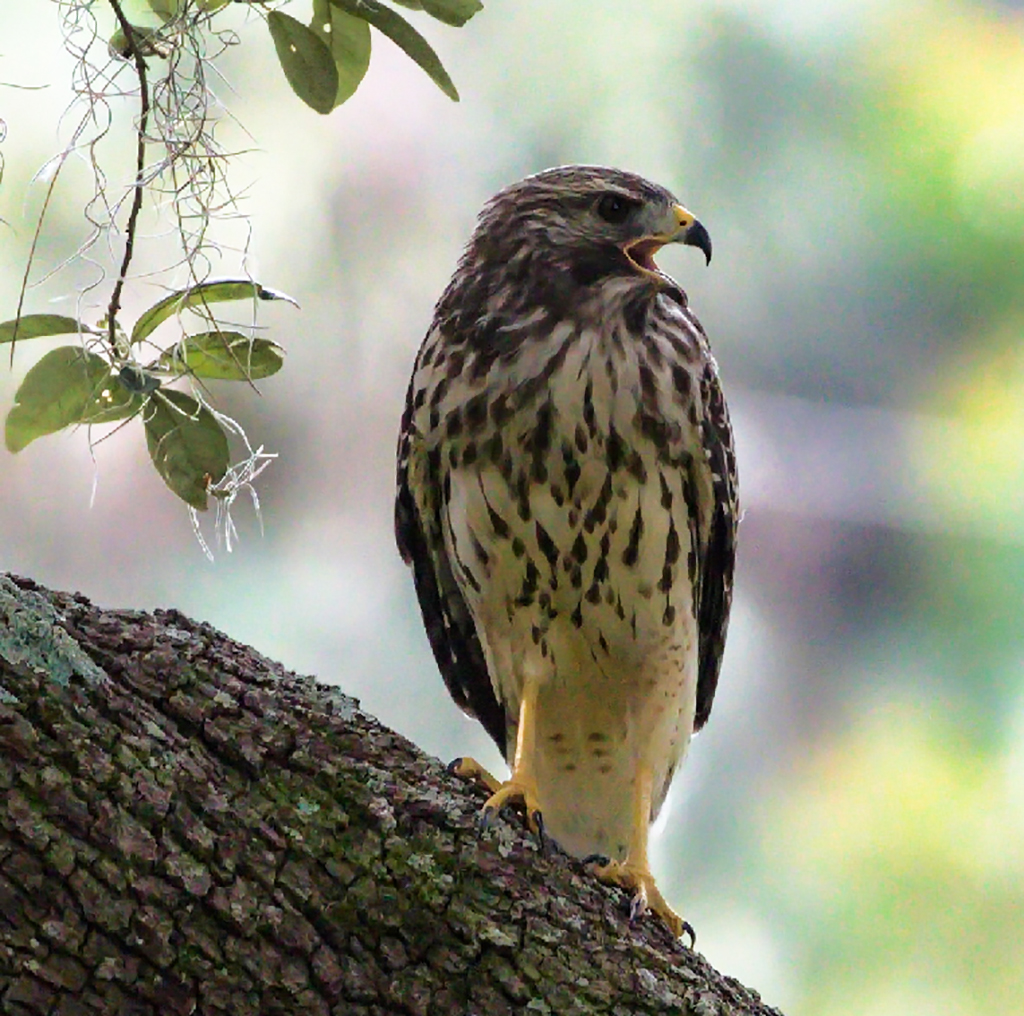
Donna, you did very well to capture the detail, tack sharp focus on the hawk and great bokeh (background way out of focus). I thought that the bright background was making the hawk dark. I thought the right side could be cropped to bring the attention to the hawk bark and very interesting Spanish moss. I increased the exposure and added contrast and clarity in Photoshop Camera Raw filter. I tried to do something with the bright band of sunlight that sweeps to the right of the hawk. I didn't find anything that worked. Perhaps other in Digital Dialogue have good ideas and techniques.
Jim |
Jun 2nd |
 |
| 24 |
Jun 20 |
Comment |
Sue, you have done very well to make this look like it is very deep in the ocean. the only suggestion that I have for our webpage which has a black background is to consider a border. I added one pixel on each side of the canvass, keeping your image size the same. Let me know if this sets it off or if you want the black background to be an extension of the deep ocean. I am adding it to the original column. Jim |
Jun 1st |
6 comments - 4 replies for Group 24
|
6 comments - 4 replies Total
|