|
| Group |
Round |
C/R |
Comment |
Date |
Image |
| 24 |
May 20 |
Reply |
Tab, I am impressed with your results. Learning by trial and error gets easier when you take notes. Thank you for this joining DD#24 and for keeping the conversation going. Jim |
May 25th |
| 24 |
May 20 |
Comment |
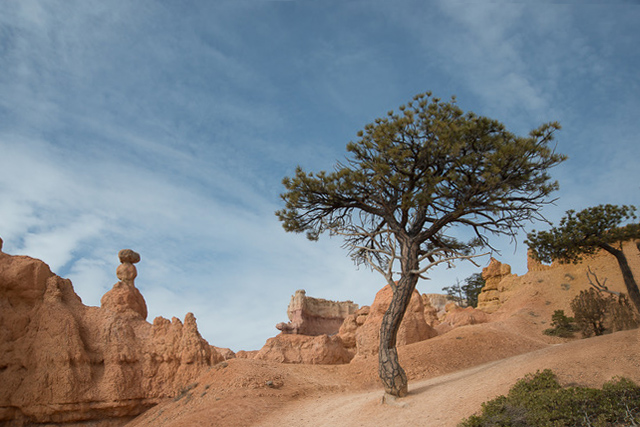
Here's the clone painting.
From here you can do your Photoshop adjustments.
Jim |
May 6th |
 |
| 24 |
May 20 |
Comment |
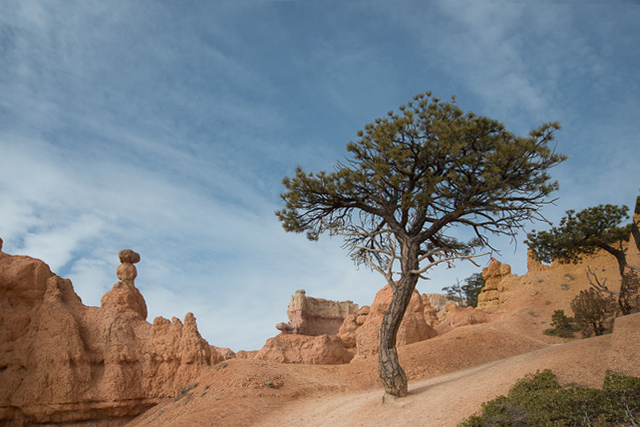
Tab, OK. Got it. Working with your original, here's how I do the PS transform tool.
Layer>duplicate layer.
Edit>transform>distort
you'll see a white border with boxes on corners and sides.
Drag the top left corner left to stretch the hoodoo straight. To correct the right hoodoo and keep the tree, drag the right corner right a little, and drag the bottom right corner left to straighten the right hoodoo. Yes, the lower right corner is messed up. Layer>flatten. Then use the clone tool to drag original material from the trunk and sand to cover the cut corner. Let me know what you think. Jim |
May 6th |
 |
| 24 |
May 20 |
Reply |
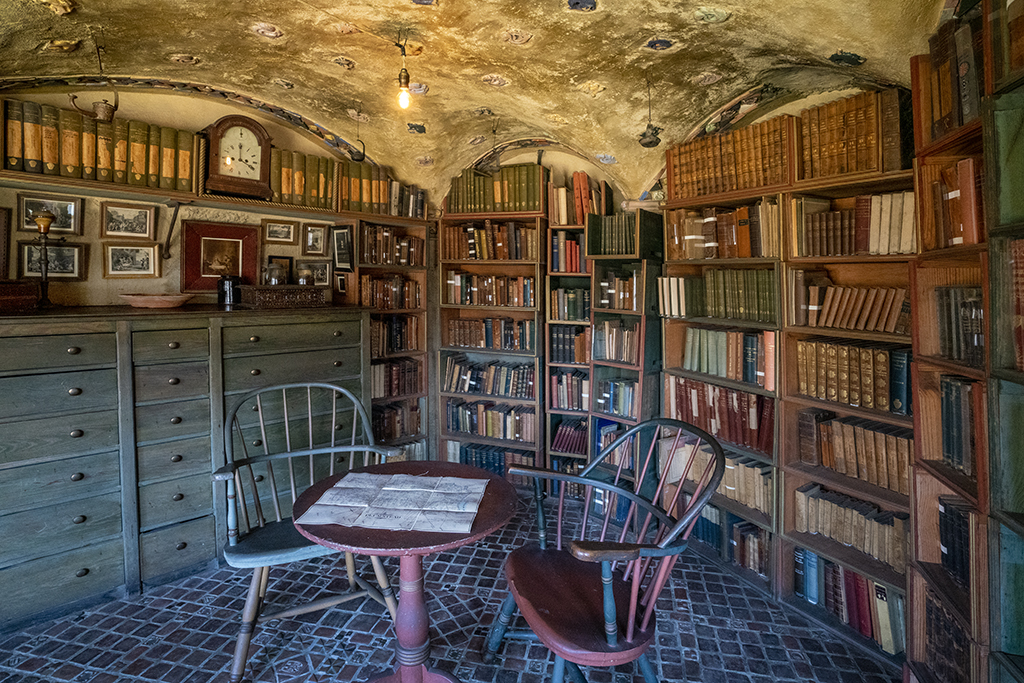
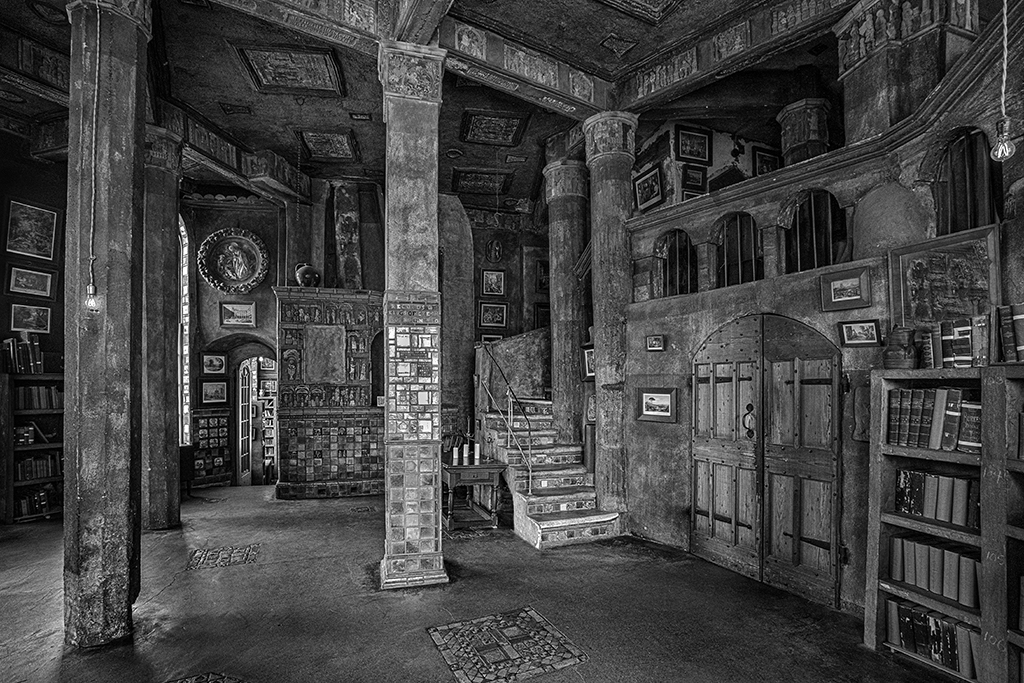
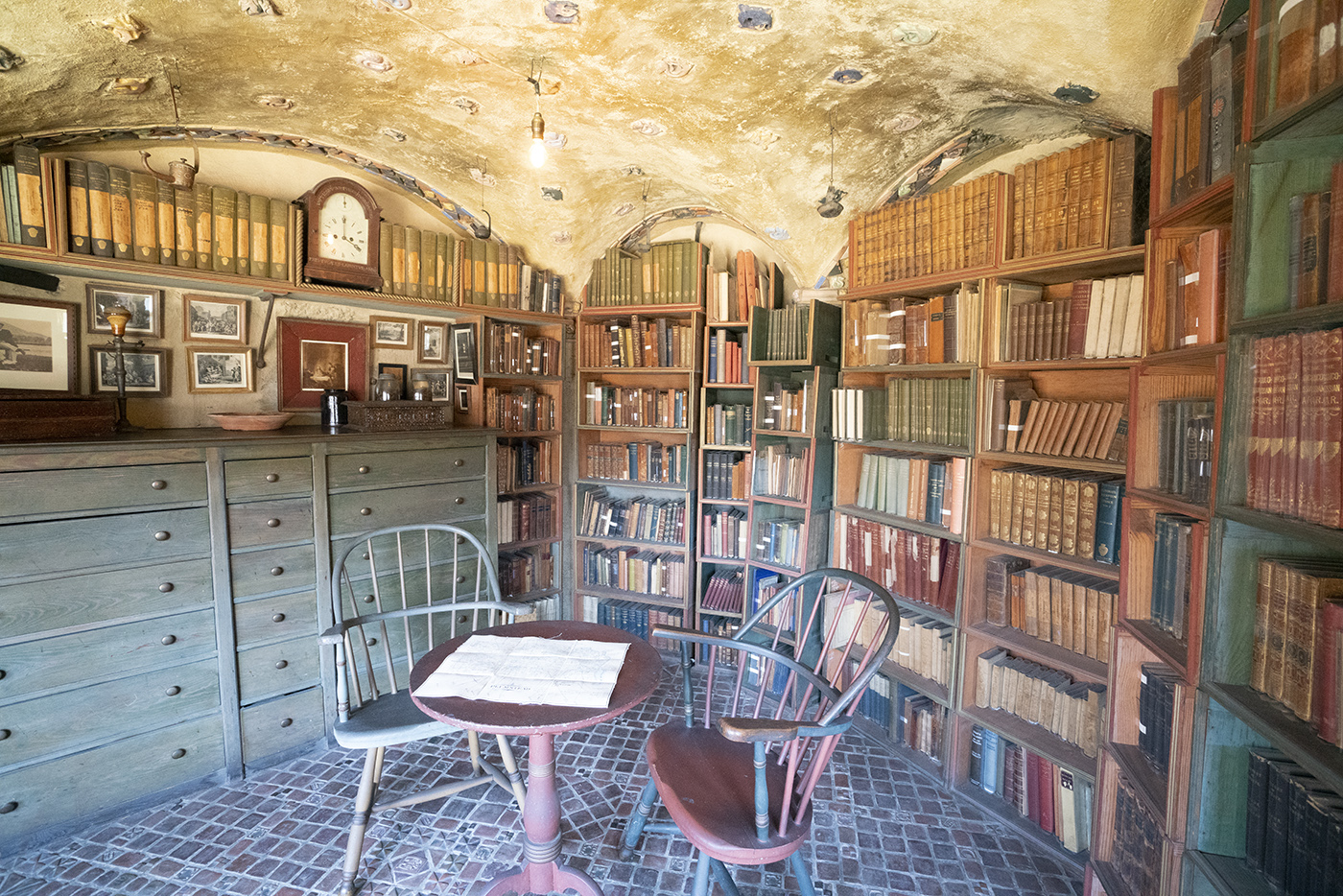
Rajdeep, thank you for your critique. Yes, I would have loved to have a human dressed in 1906 attire to be in this room. It was a guided tour, very rushed. I'm glad that I got one bracketed shot in. The reason that I went with the color was to show the unique hues of the color of the tile and painted cabinets in this distinctive castle. I know that distinguished and experienced photographers prefer monochrome for the rich tonality and texture - which is everywhere in this one.
Look at my Fonthill castle entry from last month too - which is a B&W - as my reason to do color this month.
Welcome to DD#24 - Jim |
May 6th |
| 24 |
May 20 |
Comment |
Tab, thank you for your detailed conversation. Here's what I did in taking the photo. No flash. I took RAW bracketed 0-+1
Here is the original +1EV. Notice, the left chair is teal and the right chair is warm burgundy. The grout in the floor tile is blue. Yes, there is red in the floor, but it's maroon. In lieu of flash, I used ISO 6400 and might have used noise reduction in Photoshop. |
May 6th |
 |
| 24 |
May 20 |
Comment |
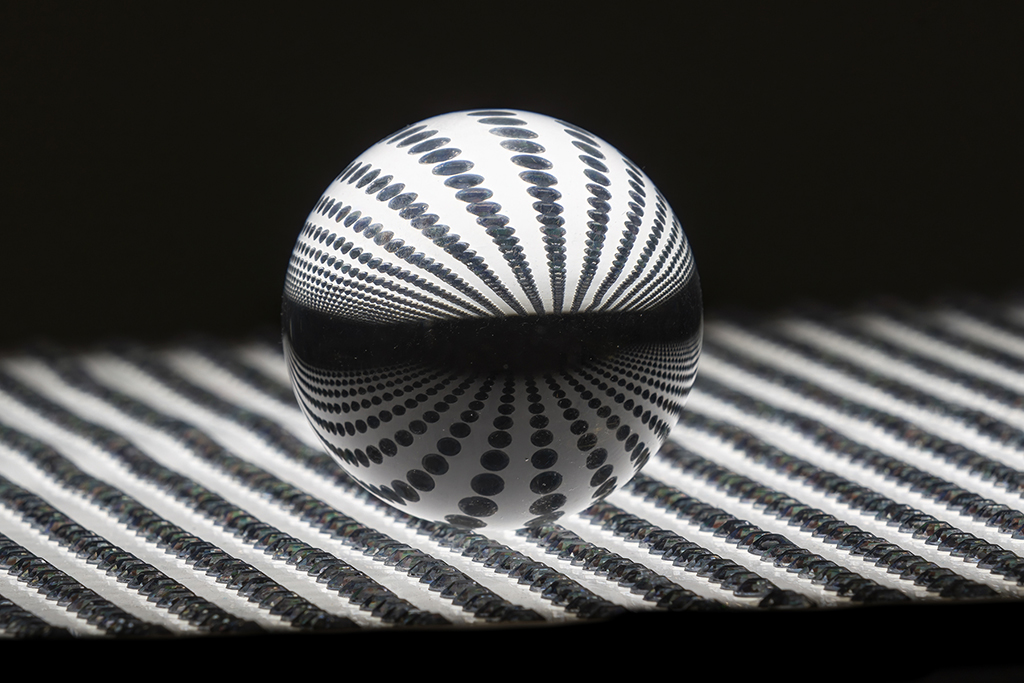
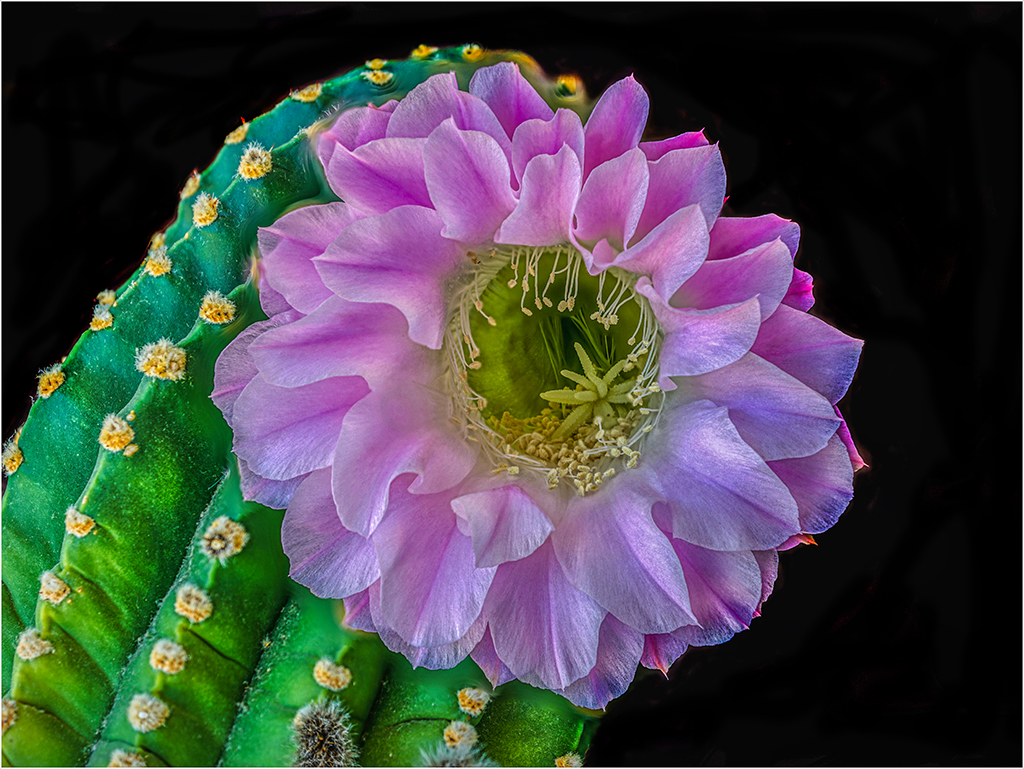
Donna, your sister did you a favor. I like what you did with this. I like what you did, the lighting is great, and the focus of the flowers inside the glass ball is sharp.
I wondered if all of the rest of the space was necessary. I cropped off as much of the background. Because the DD#24 webpage is black, I extended the canvass by 5 pixels on each side to give it a border. Because this comment box is white, as administrator I could add this as "original 2" Look for it on the bottom of the right column.
Let me know if you like this style.
Jim |
May 5th |
| 24 |
May 20 |
Comment |
Rajdeep, You captured so much in this one image. It does tell how people are packed and colors are thrown.
I found it overwhelming. As I looked for a point of interest, I found the face of the boy - priceless expression. The people behind him are all looking in his direction. There is very little on the right. In Photoshop I cropped out the right and empty bottom. Let me know if this improves the story with more emphasis on faces. Jim |
May 5th |
 |
| 24 |
May 20 |
Comment |
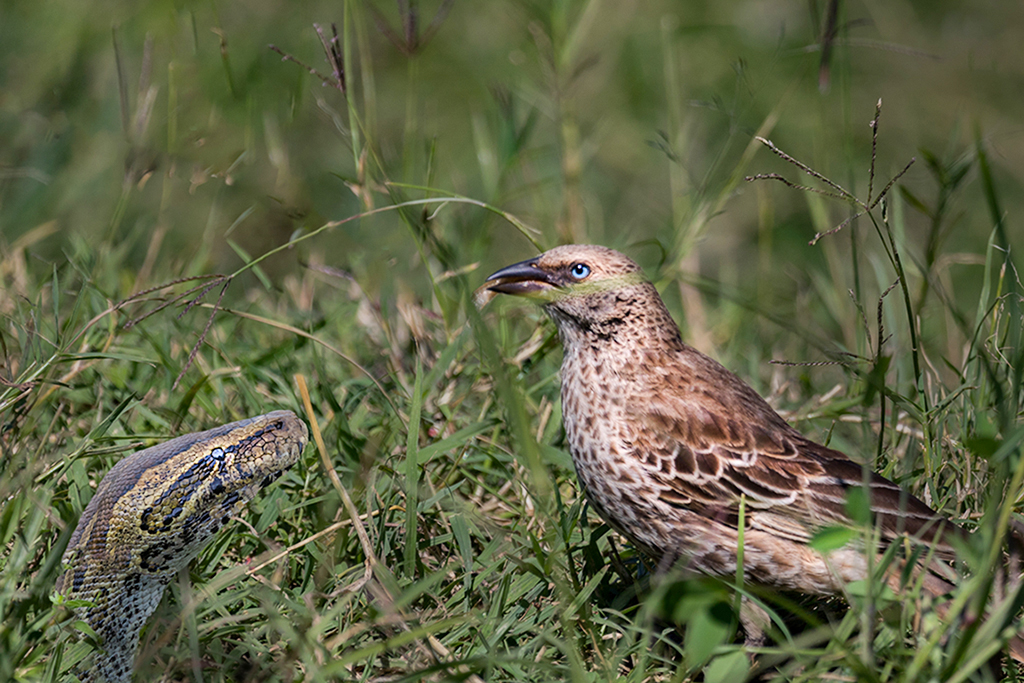
Sam, what an interesting idea. I like how you merged the backgrounds and foregrounds as they overlap very well. I think one of the more noticeable feature is the reflection of the clouded sky that fills the eye of the python.
I noticed the the python seems to have been cut off at an angle. I used the clone tool in Photoshop to extend the neck down the the bottom edge. Let me know if this looks better or if it looks "photo-shopped" Jim |
May 5th |
 |
| 24 |
May 20 |
Comment |
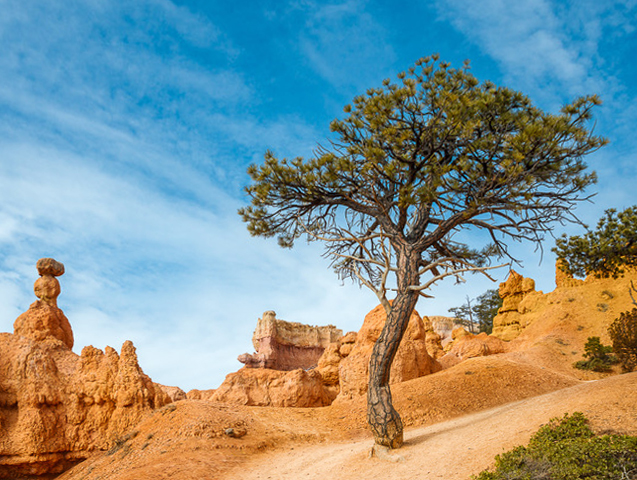
Tab, I loved being in Bryce Canyon, but sadly I only had two days. What I remembered distinctly were all of the hoodoos are vertical, plumb and distinctive. Your use of the 30mm lens has a distortion which I adjusted in Photoshop. Let me know if this makes it like what you saw or if I distorted it, not to your liking. Jim |
May 5th |
 |
7 comments - 2 replies for Group 24
|
7 comments - 2 replies Total
|