|
| Group |
Round |
C/R |
Comment |
Date |
Image |
| 24 |
Mar 20 |
Reply |
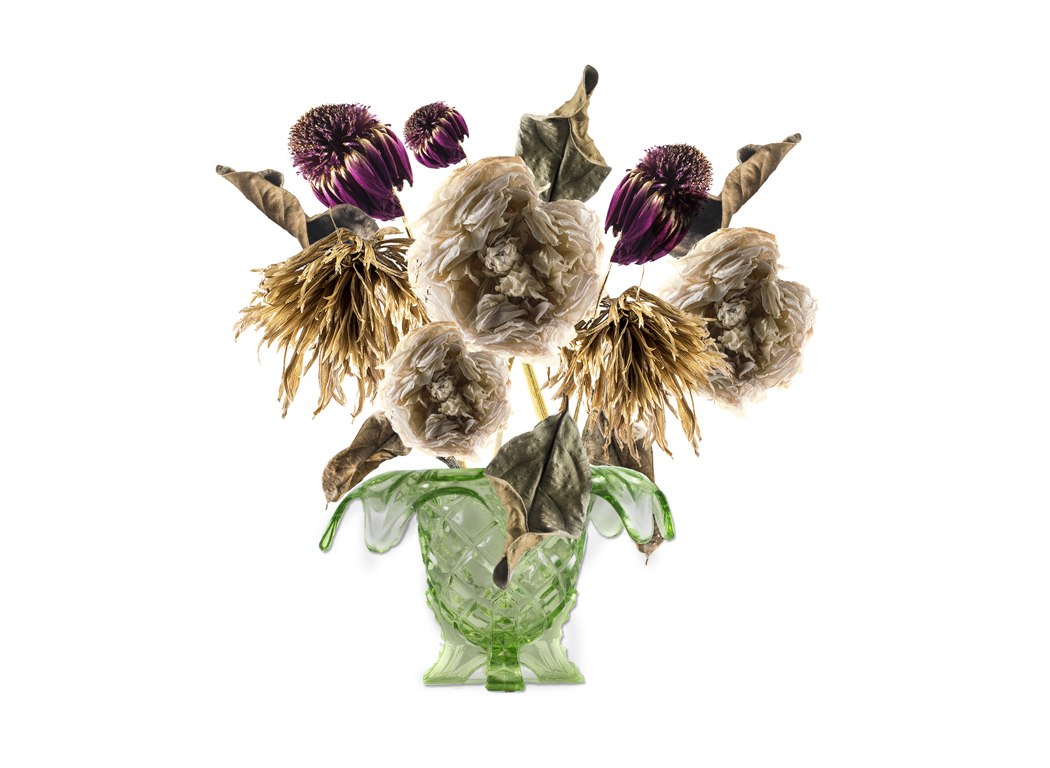
Sue, for this photo, you can use the dodge tool to darken the vase - which is where the glare and highlights obscure the details. I did not do gamma correction or overall exposure changes. Compare Untitled 2 Jim to Untitled 3 Jim and let me know which is better. Dr. Jim |
Mar 26th |
 |
| 24 |
Mar 20 |
Comment |
Laura and Sue,
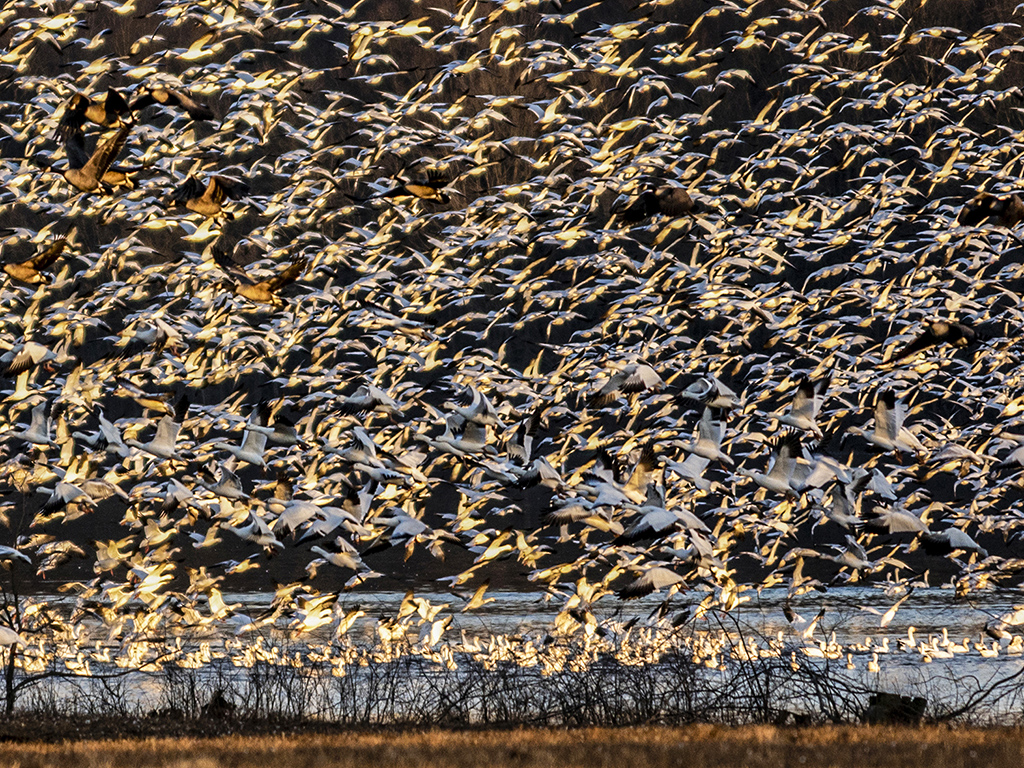
I took your suggestion and came up with this crop.
Thanks for your fresh perspective.
Dr. Jim |
Mar 26th |
 |
| 24 |
Mar 20 |
Comment |
Donna, I'm sure you are trying all you can think of and I thank you for reaching out to me again. I suggest that you find a camera club or photographic meet-up near you. Perhaps you may find someone who had the same experience with their Canon 5D.
You can also look for a camera store near you and just take it in for them to look at. They may do this evaluation for free.
I hope you find someone who knows the 5D and can help you.
Dr. Jim |
Mar 12th |
| 24 |
Mar 20 |
Reply |
Donna, I have several thoughts. Put your focus on spot (not wide or zone). Depress the shutter. You should see the focus change. If what you see is blurry it could be one of these problems.
There should be a tiny tiny wheel on your viewer (glass eyepiece you look into) to adjust the diopter (far sighted to near sighted) to correct vision when you're not wearing glasses. Let's assume that the lens focus is correct. Turn the diopter wheel until it is in focus. Take a photo and compare your manual focus to what your camera does.
If the diopter is correct, and the subject is out of focus, you may need to service your camera and/or lens. Dr. Jim
|
Mar 5th |
| 24 |
Mar 20 |
Comment |
Sam, your selection of the glowing edges filter is very interesting. I like the mirror image balance of the copy. I like how the statue and both ballerinas look up at a central point. This ties it together. I don't consider this to be a crazy piece of work.
I assume that you had to create a floor and have a back-light casting shadows to the foreground. That's a good feature to give it space and depth. You put some thought and consideration into it. Dr. Jim |
Mar 4th |
| 24 |
Mar 20 |
Comment |
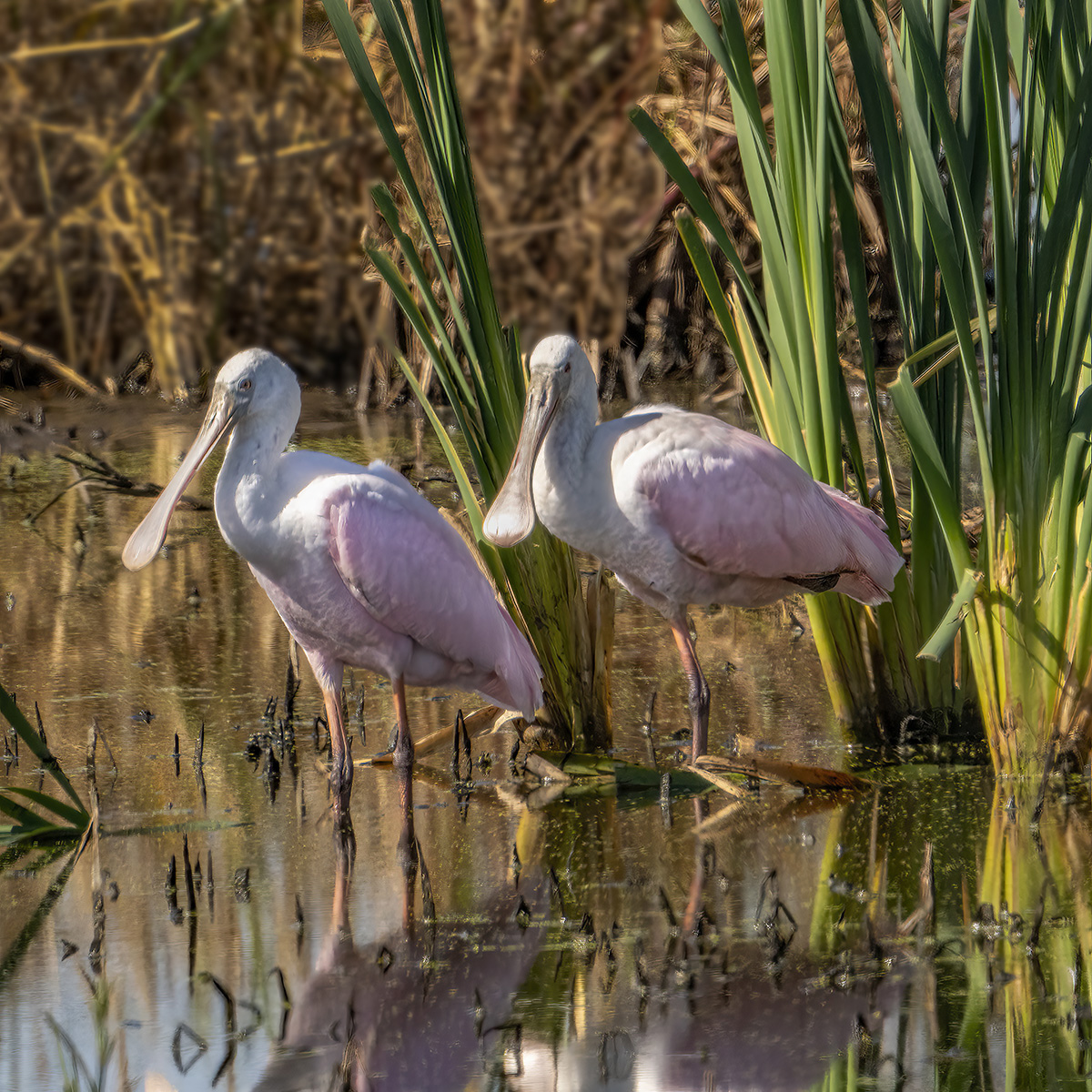
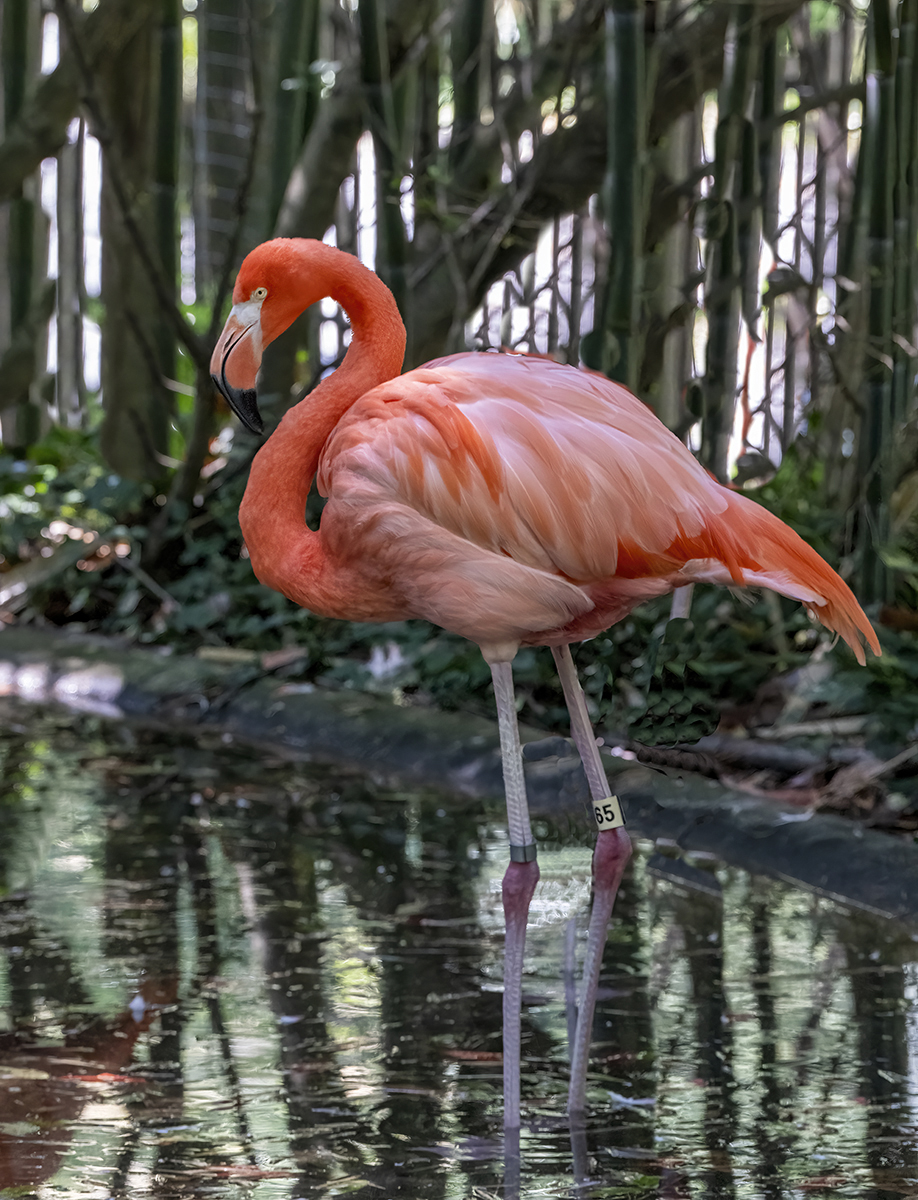
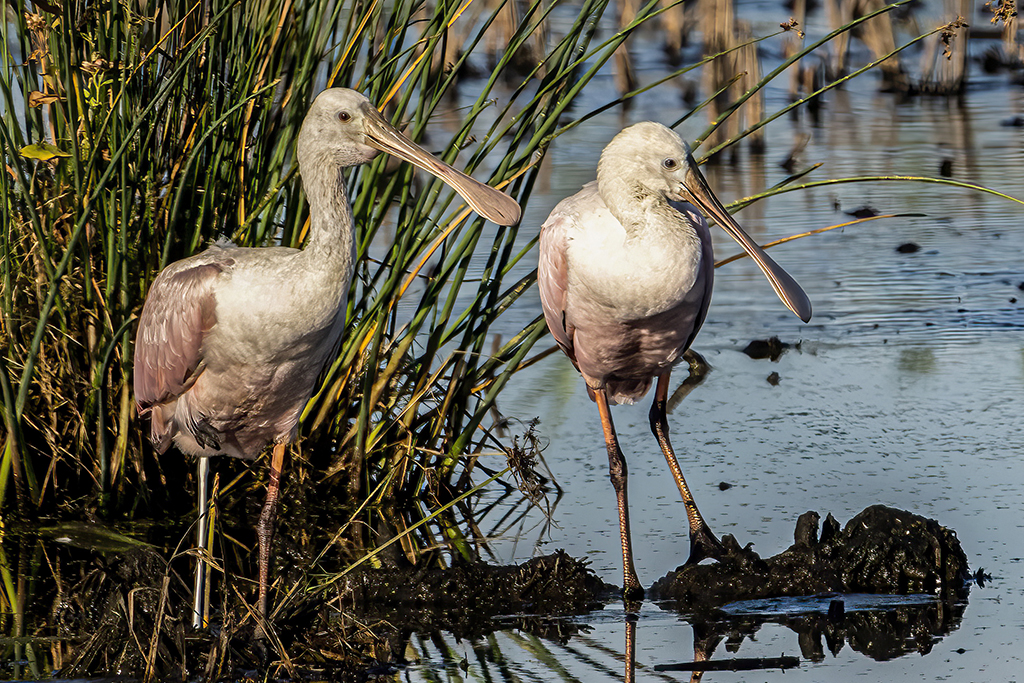
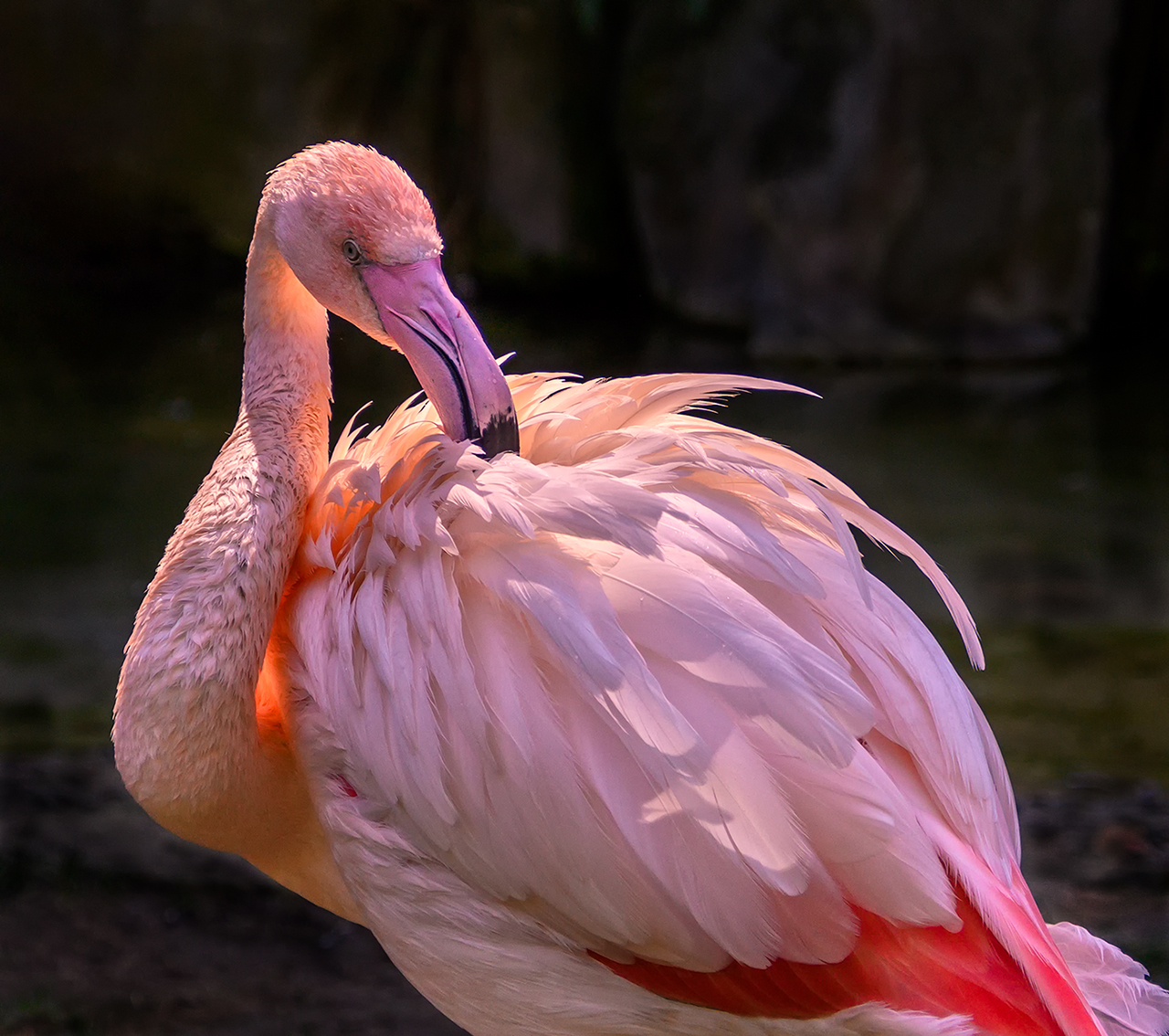
Laura, this photo is very well done. You have great Bokeh to blur out the background, bringing more attention to the sharp detail of the flamingo. Regarding the dark like that Donna saw, I think that is a natural way that feathers part and I wouldn't change that. In Photoshop, I used the burn tool (shadow selection) and darkened the background. There is an orange round area on the neck. I tried to use blend techniques to paint over it but preferred what I did using the clone tool to overwrite that spot. Let me know what your think. Dr. Jim |
Mar 3rd |
 |
| 24 |
Mar 20 |
Comment |
Donna, Thank you for the reminder of what is familiar with Florida. I like how you can walk right up to the wading birds. Here on the Chesapeake, they fly away as soon as you point your lens at them. Nice photo. It seems it was a foggy morning of solitude. You eliminated harsh shadows and highlights on this, which helps. You focus is OK, just missing the sharp details. It still fits the mood. Dr. Jim |
Mar 3rd |
| 24 |
Mar 20 |
Comment |
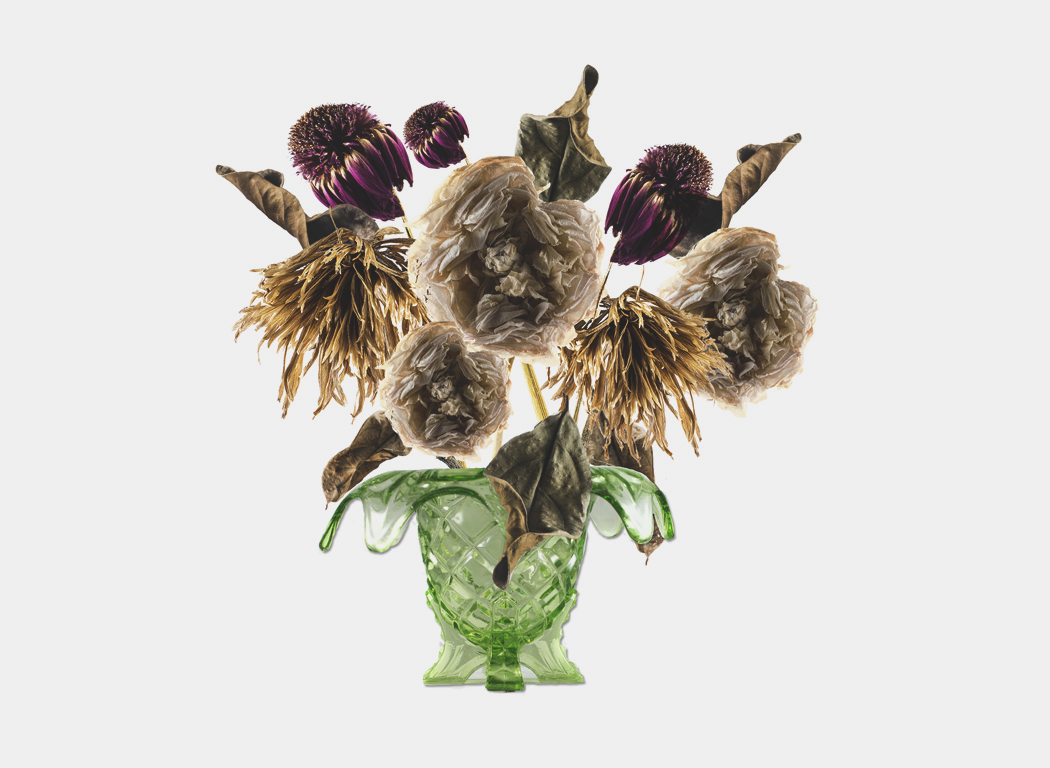
Sue, you did an exceptional job of capturing dried out flowers in an arrangement that illustrates the poem. I did find that the very bright white background did not give clean separation on the white flowers from the background. In Photoshop I used the burn tool around the edges of the lowest dead leaf and around the edges of the "white" flowers. The vase is very bright too. I used an adjustment layer to lower the exposure level, offset and gamma correction. Let me know what you think. Dr. Jim |
Mar 3rd |
 |
6 comments - 2 replies for Group 24
|
6 comments - 2 replies Total
|