Activity for User 893 - Jim Horn - drjimhorn@comcast.net

avatar
Avatar

Close this Tab when done


560 Comments / 232 Replies Posted

  = Current Round   = Previous Round
Group Round C/R Comment Date Image
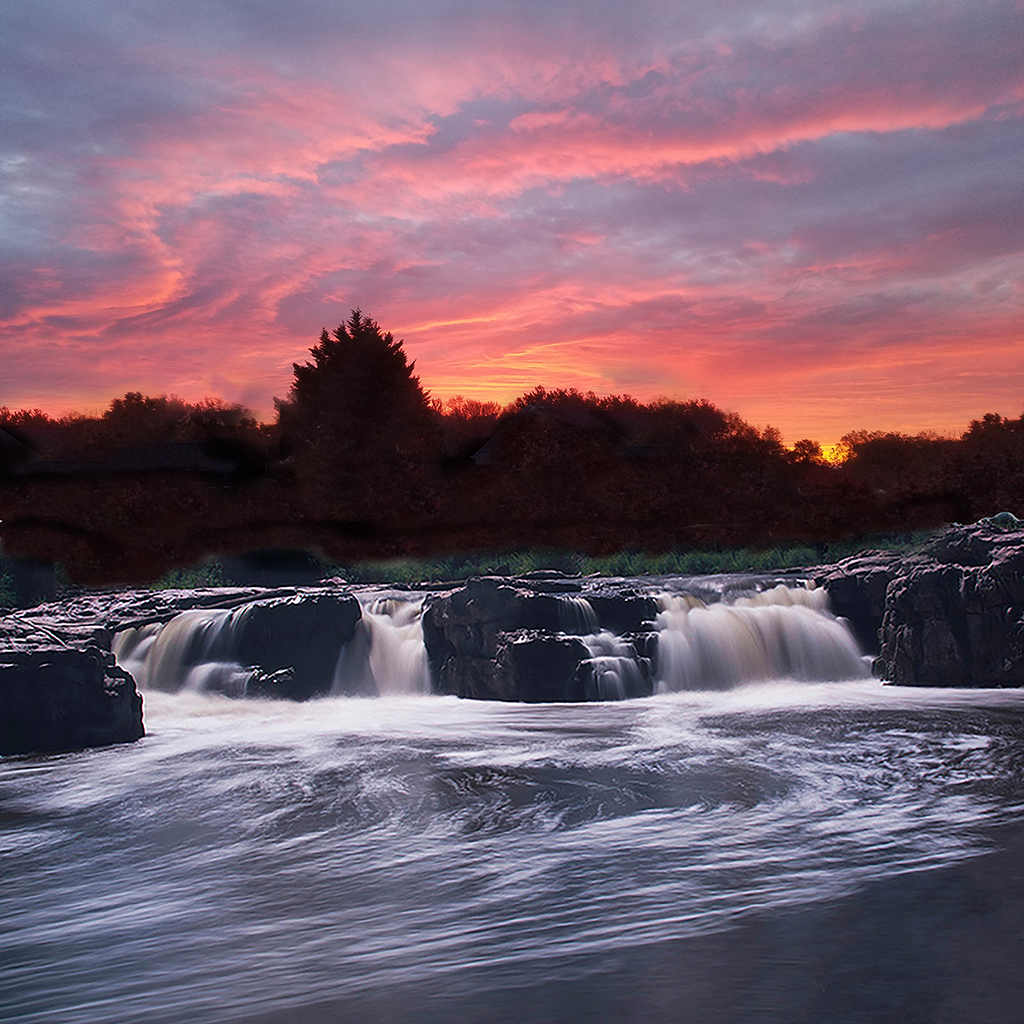
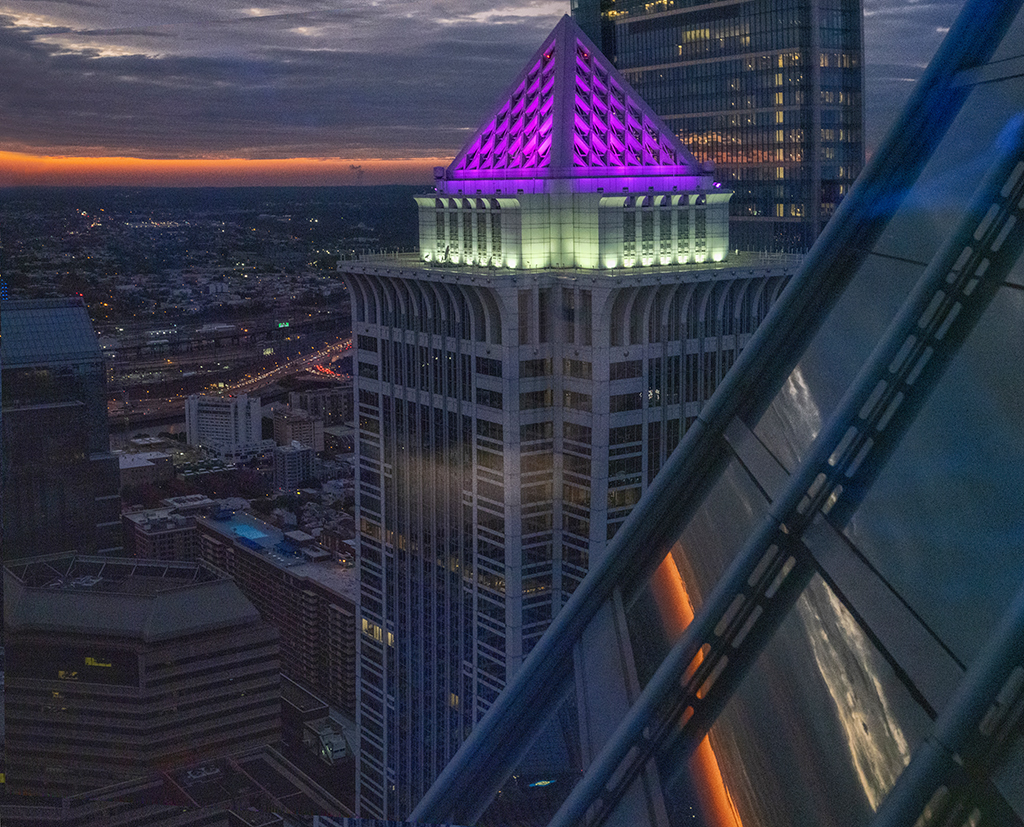
24 Nov 19 Comment Laura, I looked up the terms for PSA Photojournalism entries for S4C and came up with this. In Photoshop I used the burn tool set for midtones, radius 2 and 100% hardness to darken the bright sky. It takes a lot of burning at the pixel level, but the sky looks like twilight. Then I used Aurora HDR to lighten shadows and darken highlights. Let me know what you think. Dr. Jim Nov 9th
24 Nov 19 Reply I found that the banding on the top left is difficult to correct, so I used the healing brush in Photoshop. The blue tinge is the actual color - shows up in HDR and dehazing. Dr. Jim. Nov 4th
24 Nov 19 Comment Sue, The textures of the track, grasses and trees reveal a great deal. I hope to get to Australia to walk it and feel it. You did very well in the post-processing to get all the details of foreground and distance. Well done. Dr. Jim Nov 1st
24 Nov 19 Comment Jim, I love the sweeping lines, textures and the way you evened out highlight and shadow in HDR. I admire your commitment to reach this isolated spot before sunrise to set up for it. Well done. Dr. Jim Nov 1st
24 Nov 19 Comment Laura, you did this at just the right moment. Your settings are optimal for this image because the stilt walker was keeping her balance and the child was posing. You don't need faster settings unless your subjects are moving faster.
I was a bit distracted by the bright blue, so I used the clone tool to remove it. A friend told me about an HDR program that works on one photo - Skylum/AuroraHDR. I got it and used it on your photo. Let me know if you like it. |
Dr. Jim
Nov 1st
24 Nov 19 Comment Sam, I like the unique mood of this photo of the woman walking in the mist. Removing the road markings must have helped. I see negative space on the left side and was distracted by the drainage grate and sidewalk patch, so I cropped it and used Photoshop clone tool to take out the distractions. Let me know what you think. Dr. Jim Nov 1st
24 Nov 19 Comment Kumar, I had no idea that there was such a spectacular canyon in India. You carry the interest in the sky down the canyon to the foreground. You don't have harsh shadows which helps a lot. It seems that the focus is a bit soft throughout the photo, so I have no suggestions to bring out details except to suggest post processing sharpening (which is what I did in Photoshop using smart sharpen twice) Dr. Jim Nov 1st

6 comments - 1 reply for Group 24


6 comments - 1 reply Total


91 Images Posted

  = Current Round   = Previous Round
Group 05

Aug 24

Jul 24

Jun 24

May 24

Apr 24

Mar 24

Feb 24

Jan 24

Nov 23

Oct 23

Sep 23

Aug 23

Jul 23

Jun 23

May 23

Apr 23

Mar 23

Feb 23

Jan 23

Nov 22

Oct 22

Sep 22

Aug 22

Jul 22

Jun 22
Group 15

Aug 24

Jul 24

Jun 24

May 24

Apr 24

Mar 24

Feb 24

Jan 24

Dec 23

Nov 23

Oct 23

Sep 23

Aug 23

Jul 23
Group 24

May 22

Apr 22

Mar 22

Feb 22

Jan 22

Dec 21

Nov 21

Oct 21

Sep 21

Aug 21

Jul 21

Jun 21

May 21

Apr 21

Mar 21

Feb 21

Jan 21

Dec 20

Nov 20

Oct 20

Sep 20

Aug 20

Jul 20

Jun 20

May 20

Apr 20

Mar 20

Feb 20

Jan 20

Dec 19

Nov 19

Oct 19

Sep 19

Aug 19

Jul 19

Jun 19

May 19

Apr 19

Mar 19

Feb 19

Jan 19

Dec 18

Nov 18

Oct 18

Sep 18

Aug 18

Jul 18

Jun 18

May 18

Apr 18

Mar 18

Feb 18

Close this Tab when done