|
| Group |
Round |
C/R |
Comment |
Date |
Image |
| 24 |
Oct 19 |
Comment |
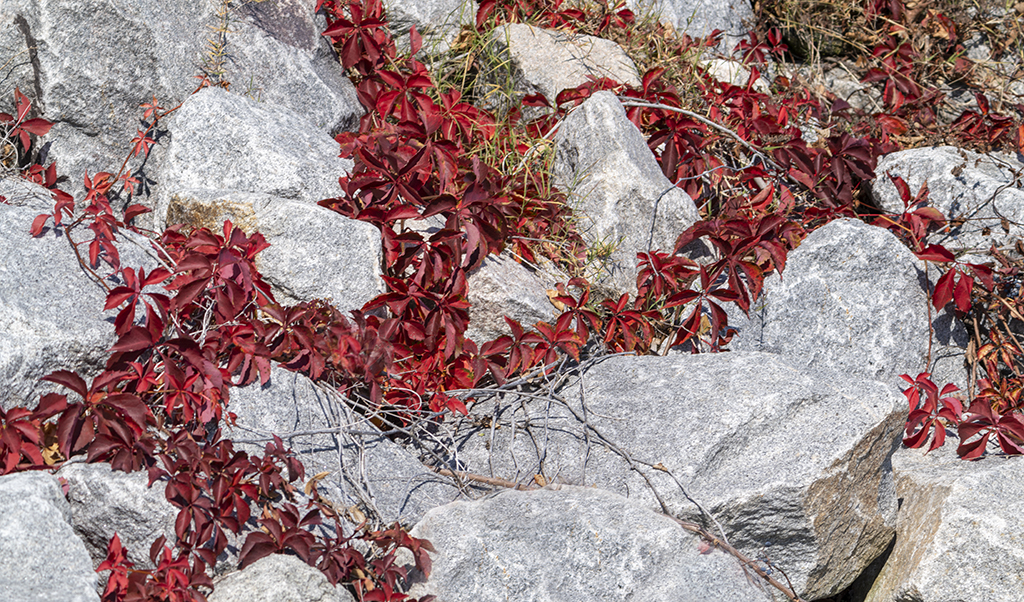
Sue, I appreciate what you do in high key and this captures unexpected colors from a dead leaf. Well done. Did you have a light source behind the leaf to get the transparency and details? Dr. Jim |
Oct 9th |
| 24 |
Oct 19 |
Comment |
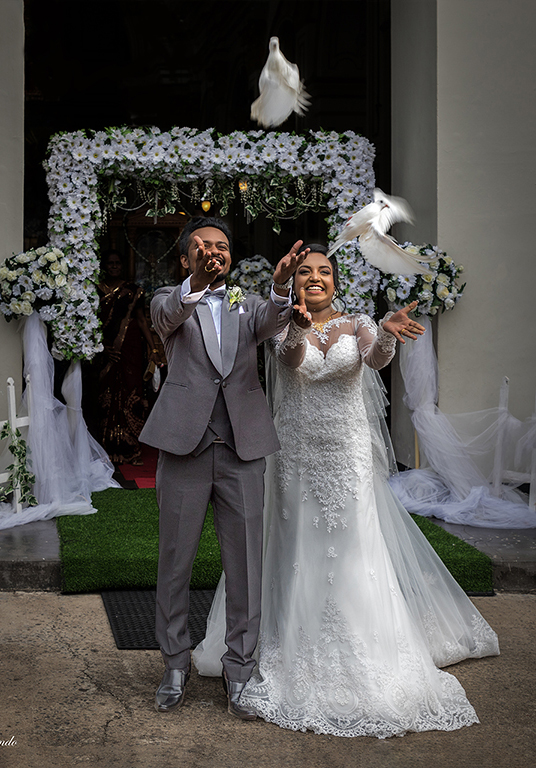
Sam, welcome home and welcome to DD#24. I love the expressions you caught on the couple's faces. Your lighting, focus and exposure are spot on. Having the flowered arch and doorway in the center is not as important as giving the couple and pigeons space to release. I suggest cropping the left side, which is negative space making the space about the couple's joyful ceremony. Dr. Jim |
Oct 8th |
 |
| 24 |
Oct 19 |
Comment |
Donna, It's great to find something lovely in unexpected places. You have made this kale very appealing, good enough to eat - but it's still kale. I like the improvements from the original. I enjoy doing light painting too. One advantage to light painting is chance to change the direction "paint" over shadows, removing them. Try moving the light to the right and from below too, not just from above and from the left.
Dr. Jim |
Oct 7th |
| 24 |
Oct 19 |
Comment |
Thank you for your suggestion. |
Oct 7th |
 |
| 24 |
Oct 19 |
Comment |
Laura, Yes, what you have done in the finished photo is very realistic and natural. The blue face of the mandrill has nothing else to compare it to among mammals. Thank you so much for sharing the original. Dr. Jim |
Oct 7th |
| 24 |
Oct 19 |
Comment |
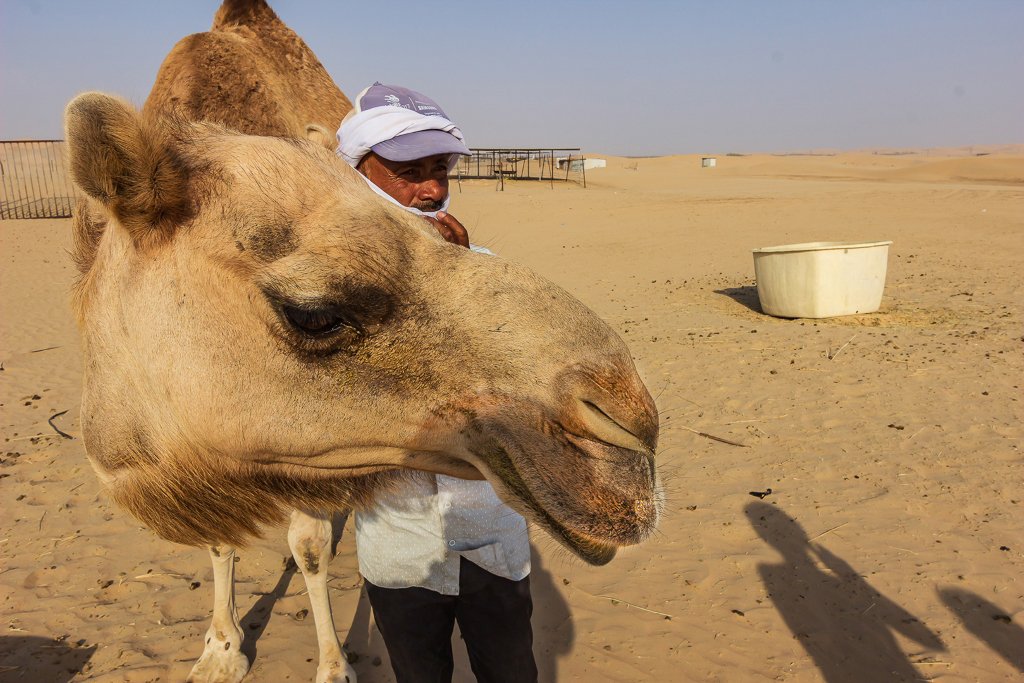
Kumar, Thank you for sharing this photo and the description of what it took to earn the trust of care takers. I also realize that the time of day and bright sun made it difficult to control shadows.
I tried to reduce the contrast of the shadow on the camel's face by using the dodge tool in Photoshop. Let me know what you think it. Dr. Jim |
Oct 7th |
 |
| 24 |
Oct 19 |
Comment |
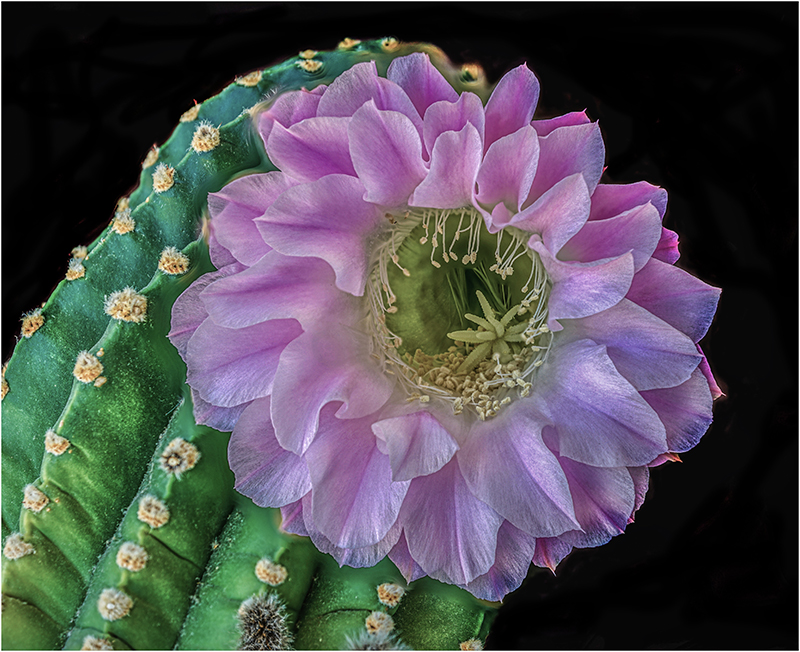
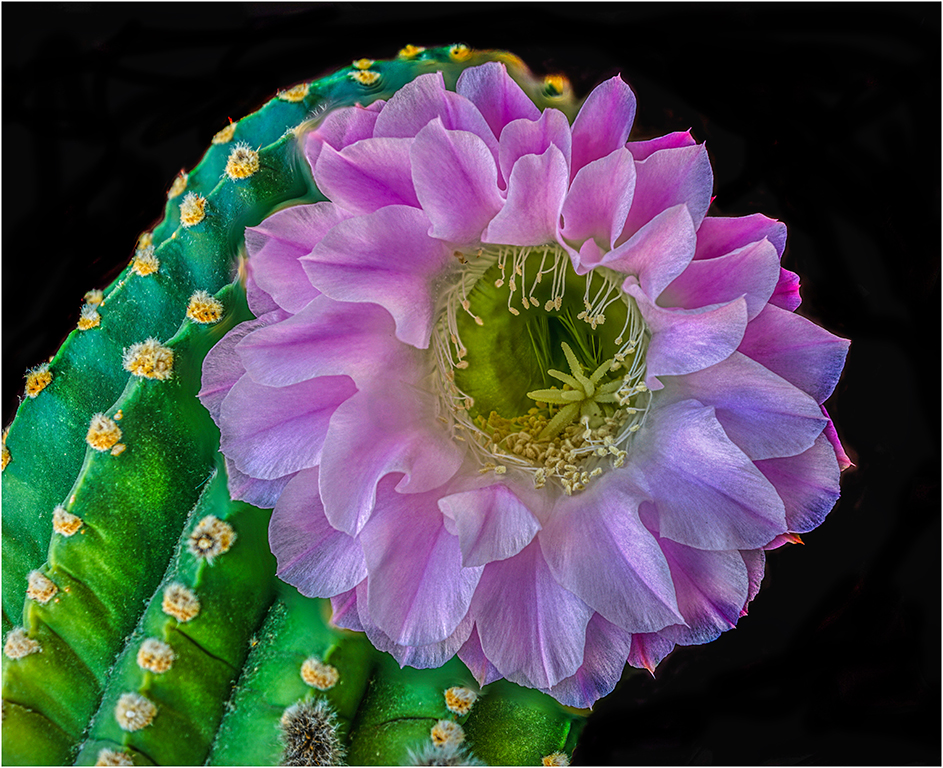
Jim, I cropped off negative some space. Thanks for the suggestion. Dr. Jim |
Oct 4th |
 |
| 24 |
Oct 19 |
Comment |
Jim, I agree about the neck. I redrew the magic lasso around the head. I think this is better. Dr. Jim |
Oct 4th |
 |
| 24 |
Oct 19 |
Comment |
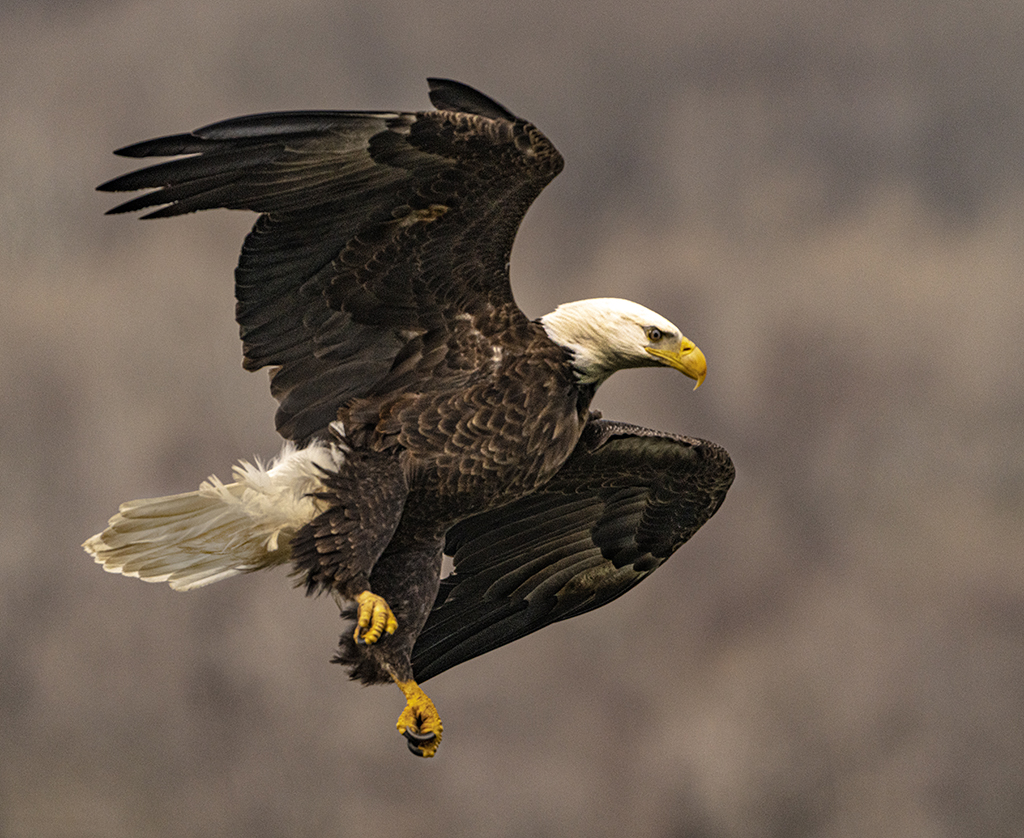
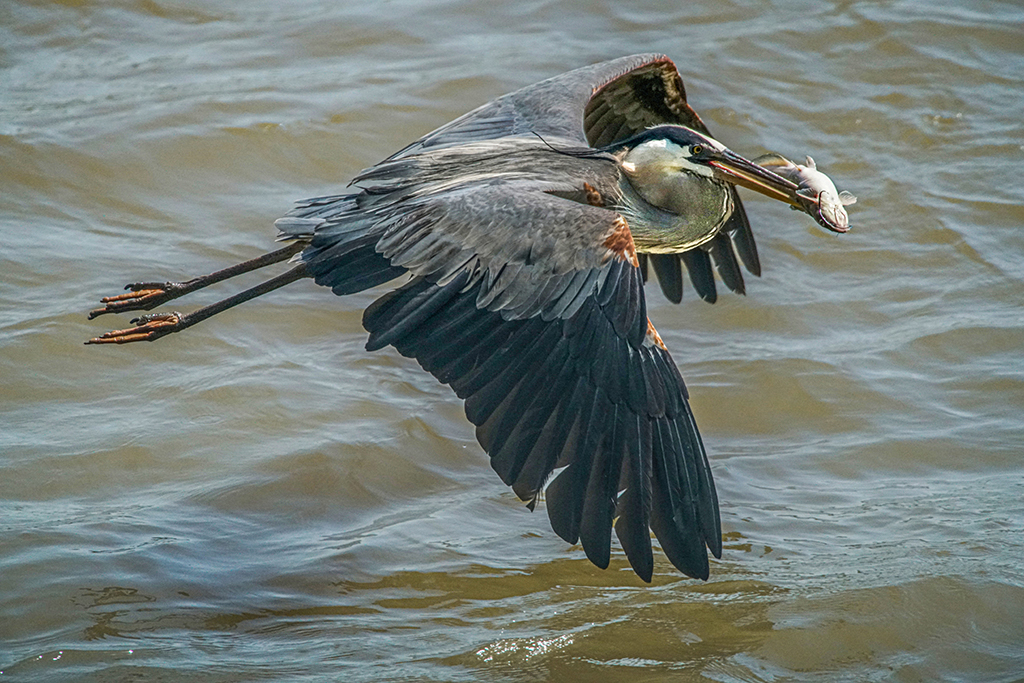
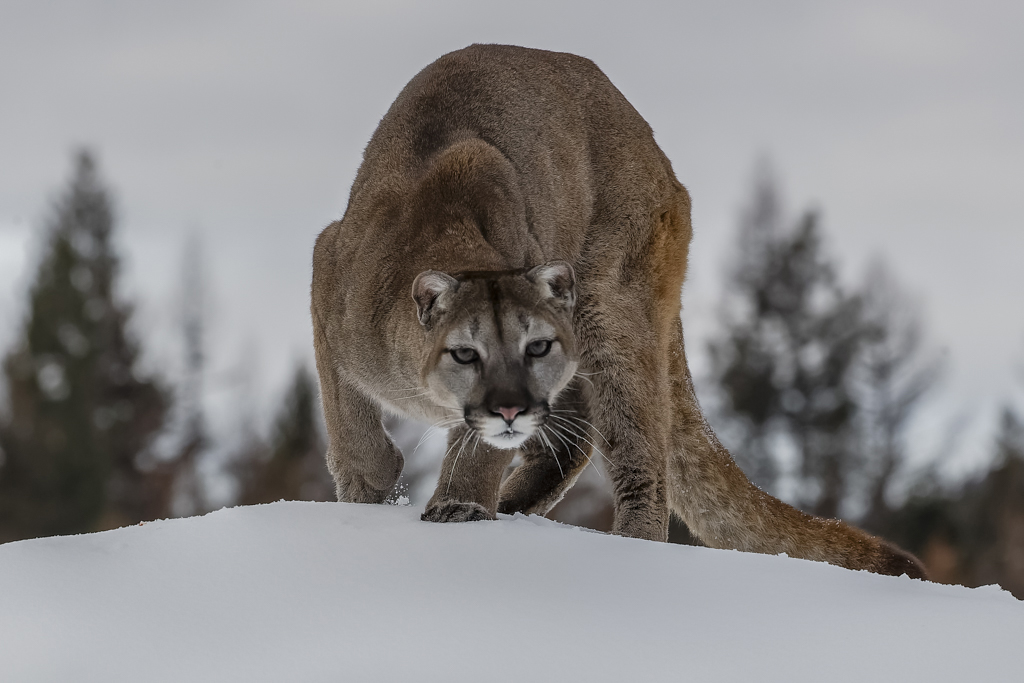
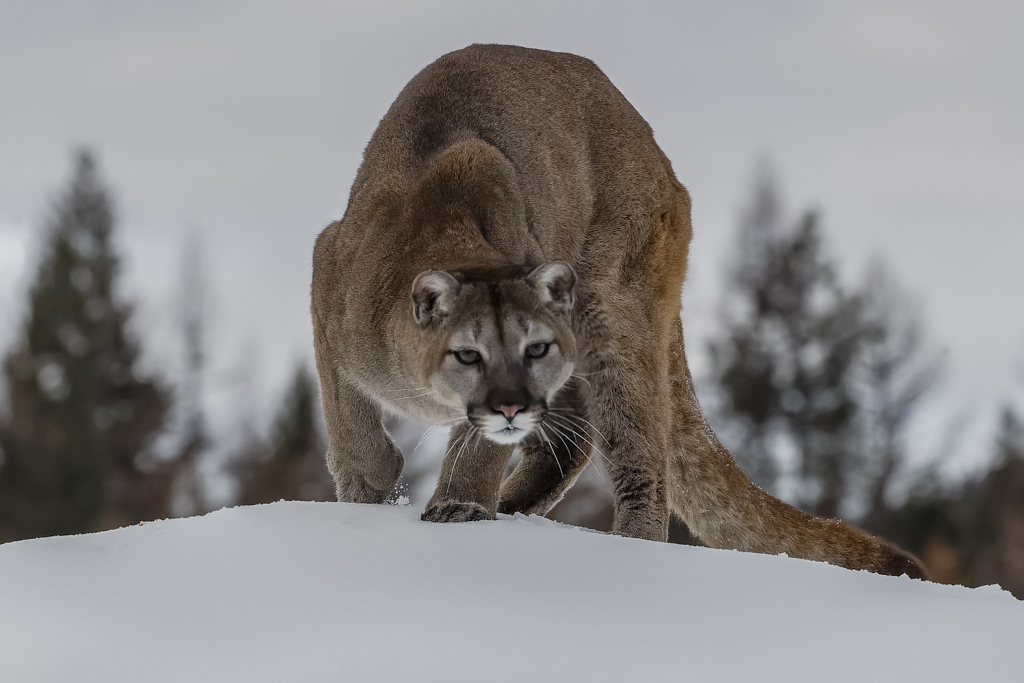
Jim, This is a great shot, capturing the stalk and stare. What you did in post processing brings out color and details with no noise. Usually, I find that centering the eyes is static but you have the eyes moving into the foreground. Nicely done. There is a Photoshop distortion filter called sphereize - that makes the photo bubble forward or buckle in. I made a duplicate layer, magic lasso around the head and sphereized about 10% to make the face look as if it is moving more into the foreground. Let me know what you think. Dr. Jim
FYI - I think that altering the photo with a distortion is not permitted in PSA nature exhibits. |
Oct 4th |
 |
| 24 |
Oct 19 |
Comment |
Laura, The exceptional detail make this photo pop. Sports photographers and nature photographers have very similar challenges and learn from experience. Your speed of 1/640 is as low as you would ever want to go.
I wish I could compare it to the original to see if the highlights are bright from the type of lighting - such as halogen or LED. Because you did not mention it, I assume that you used automatic white balancing. The high contrast shadow across the eyes is what happened at that moment. Try to see if the mandrill would look up for you next time.
Awesome, high quality photo. Dr. Jim |
Oct 4th |
10 comments - 0 replies for Group 24
|
10 comments - 0 replies Total
|