|
| Group |
Round |
C/R |
Comment |
Date |
Image |
| 24 |
Aug 18 |
Comment |
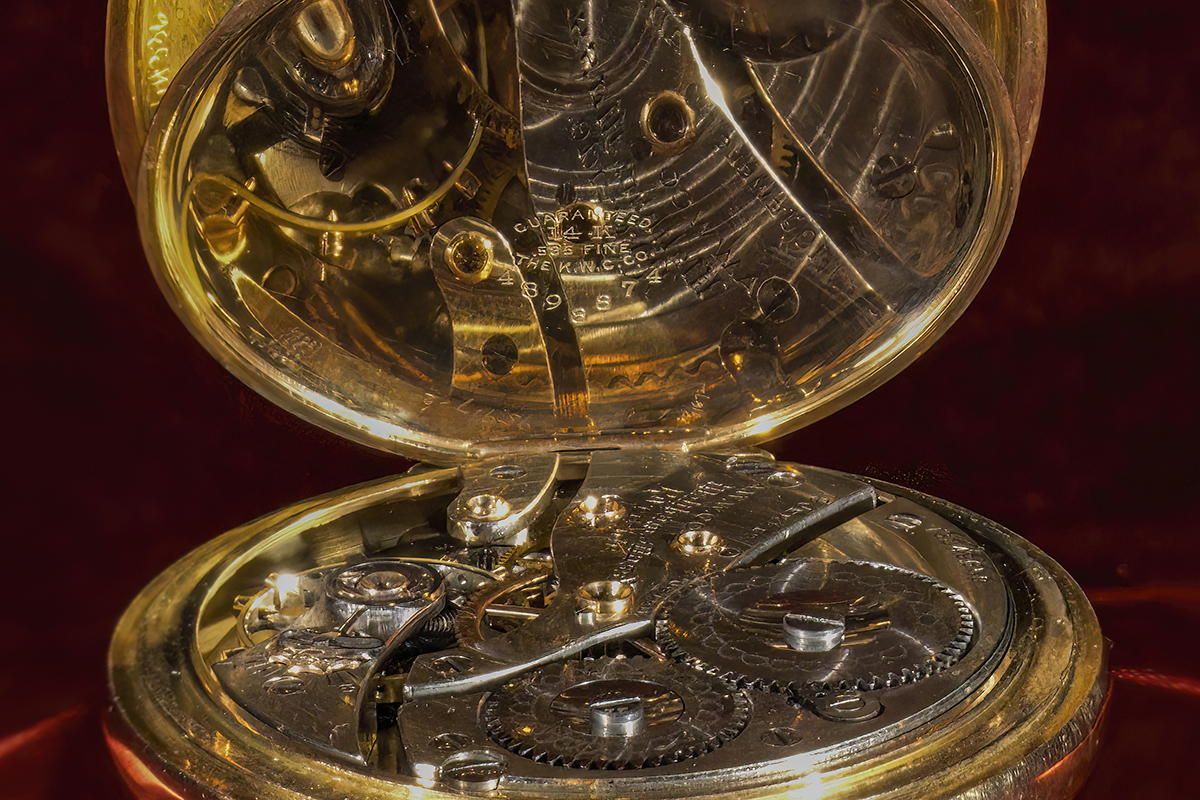
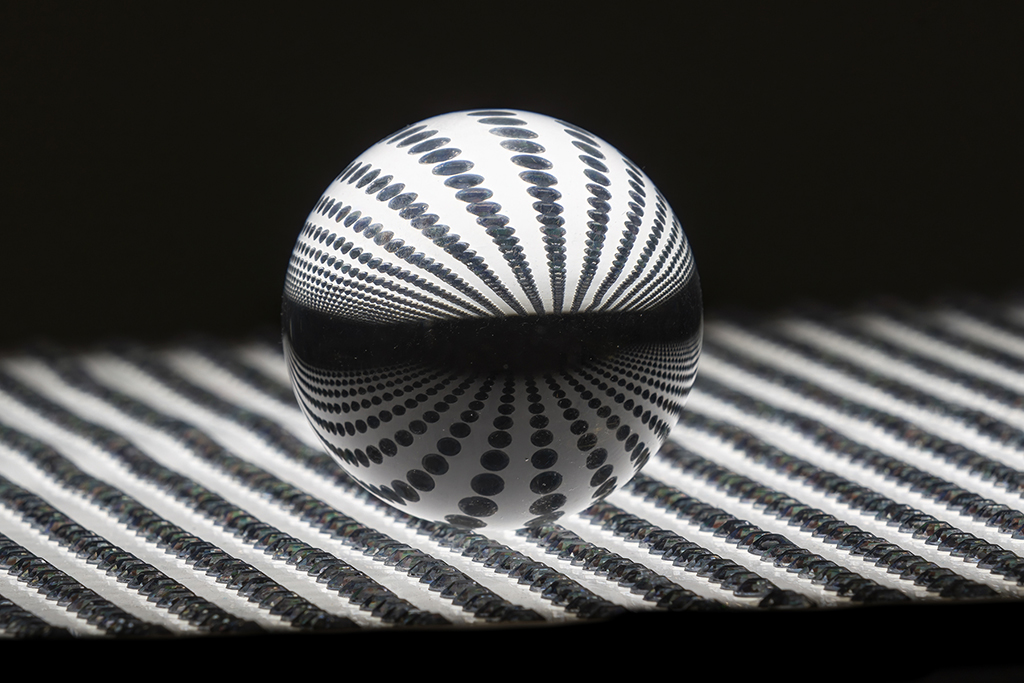
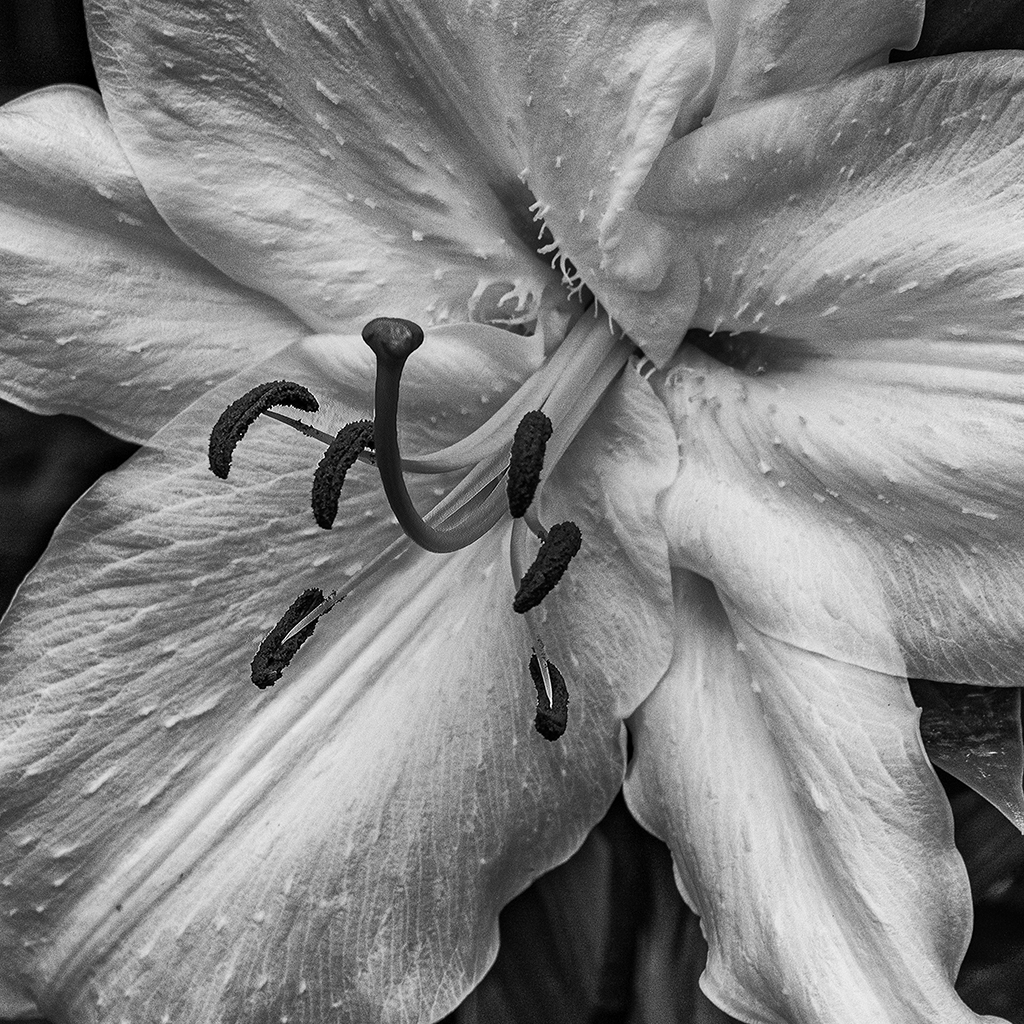
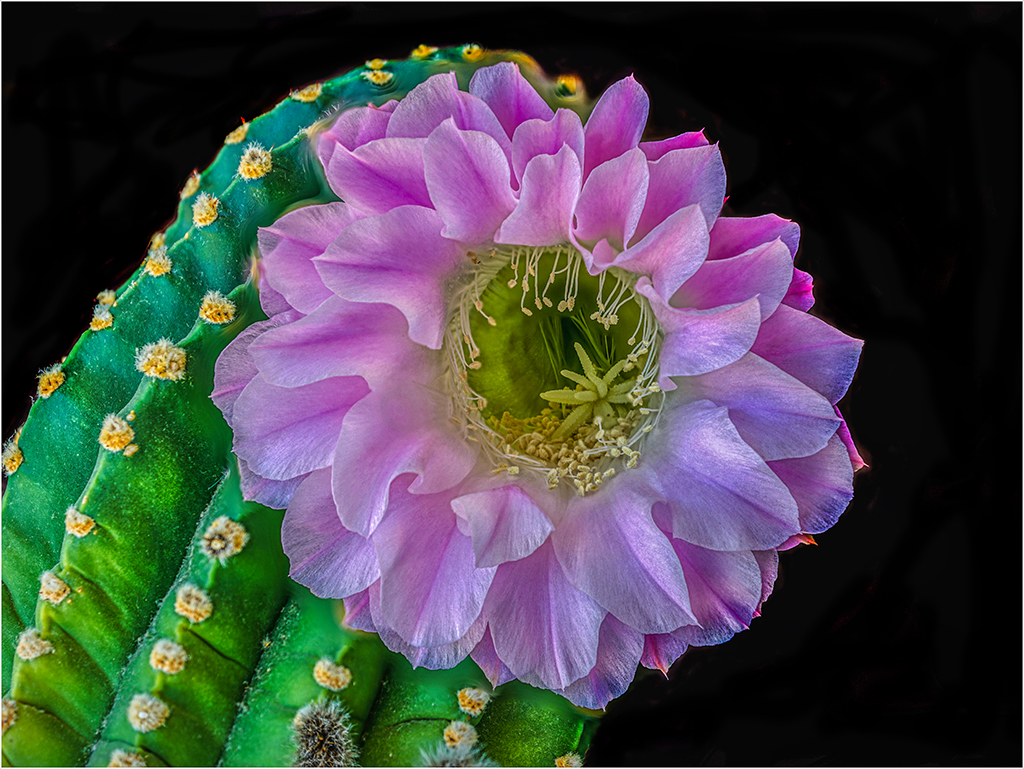
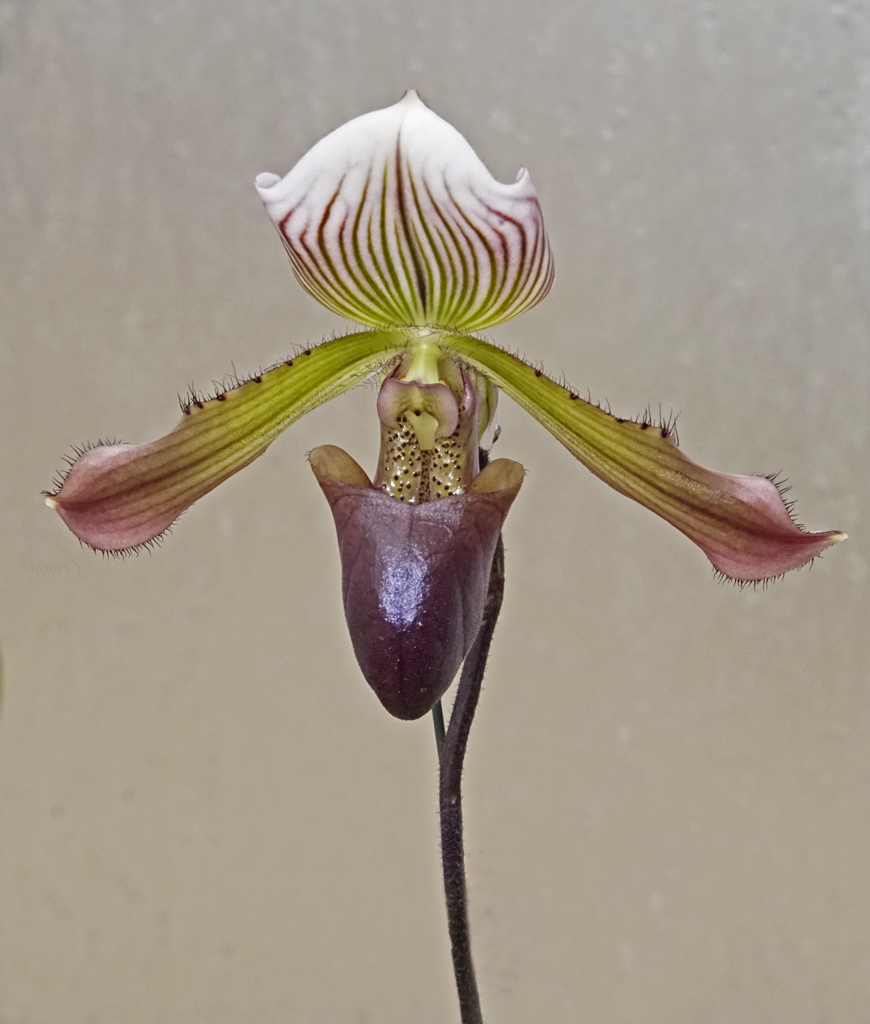
Lynette, If you go back to the March 2018 for Group 24, you will see that my photo was done by focus stacking. The program I use is Helicon focus. The bests results are to use a rail (cog and gear) to move the camera with fixed focus in increments of 10cm. The Helicon Focus program does the stacking. Jim |
Aug 11th |
| 24 |
Aug 18 |
Comment |
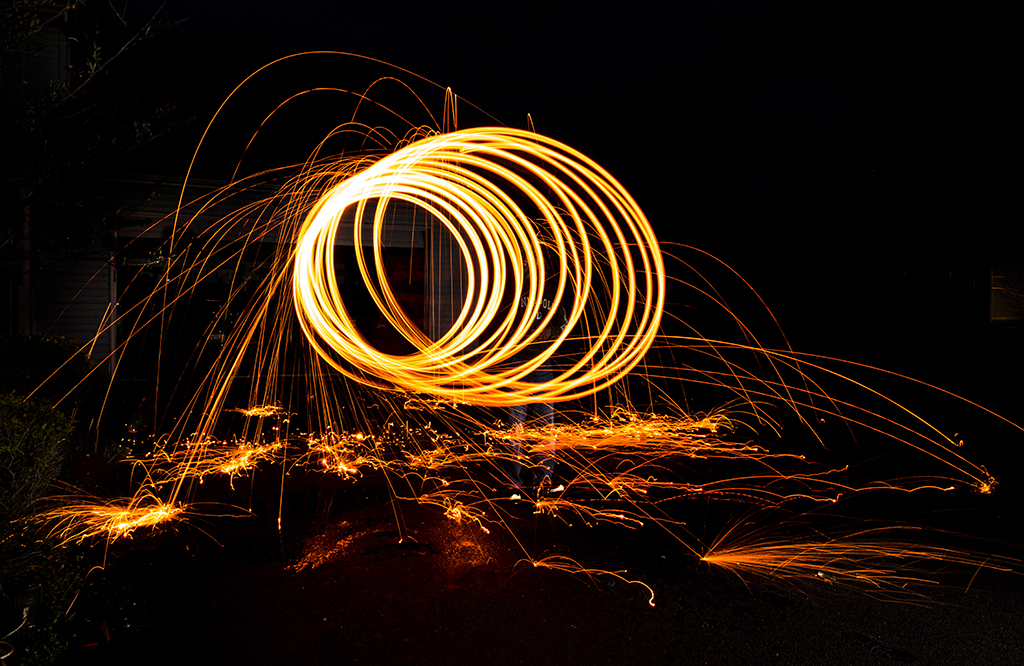
Philip, I realize that this is a hardhat restricted area. If the foreman and worker give you permission to use a flash, I would suggest that you try to use a fill flash - using various settings 1/2, 1/4, 1/8, 1/16. You might lose some impact of the sparks against the ceiling, but the worker's face would be brighter. |
Aug 9th |
| 24 |
Aug 18 |
Reply |
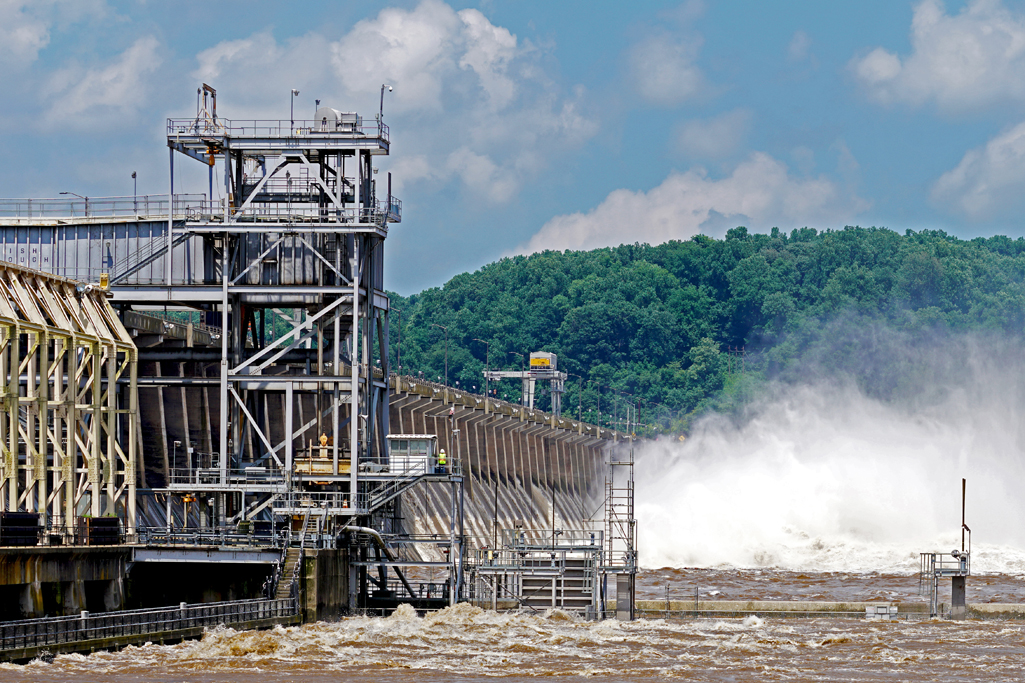
Laura, there was mist everywhere - like Niagara Falls, so there isn't much blue to work with (blue light waves refract more than other visible colors when passing through water - e.g. rainbows). I think that the resolution is down after cropping and downsizing it to 1024 pixels and 72ppi.
Are you using sRGB in Photoshop? |
Aug 8th |
| 24 |
Aug 18 |
Comment |
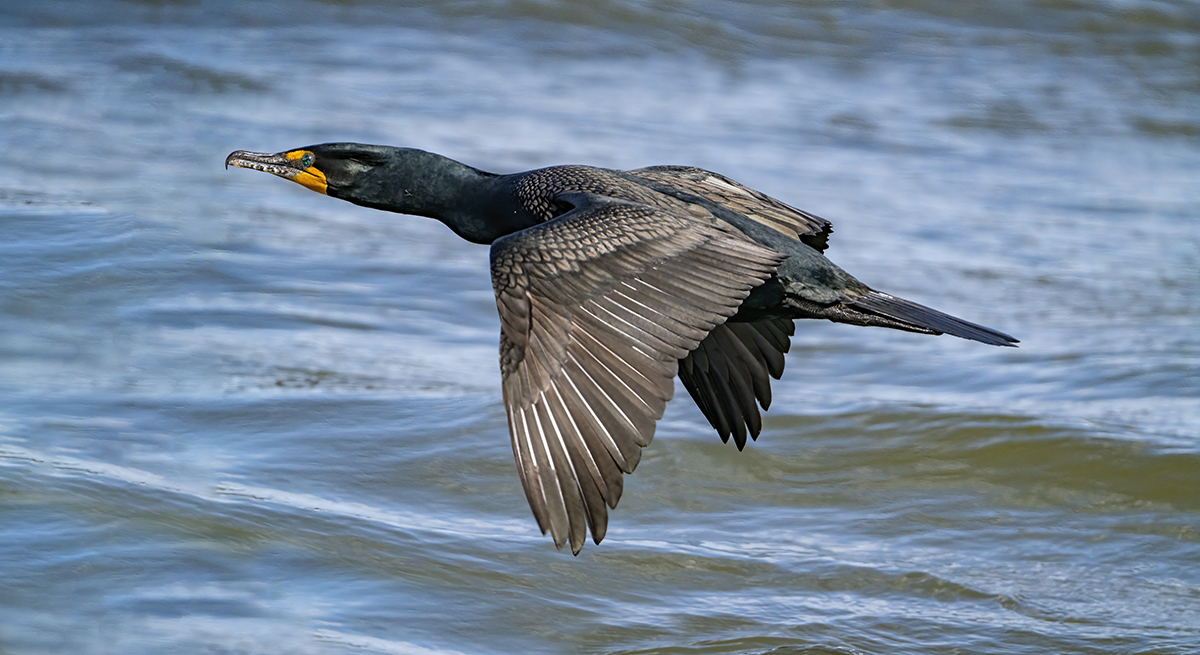
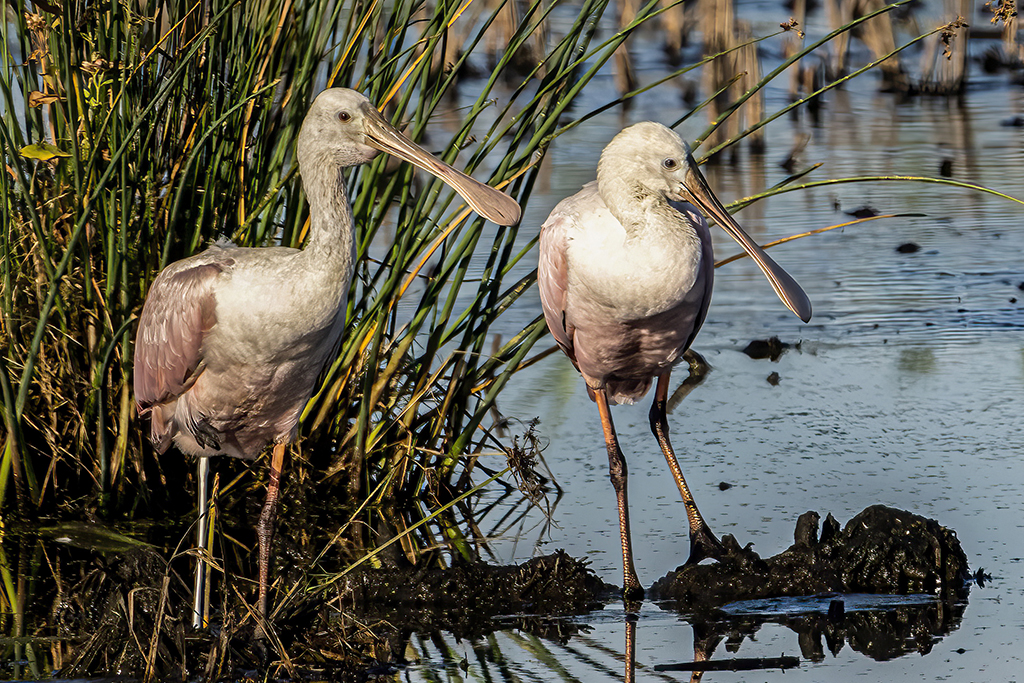
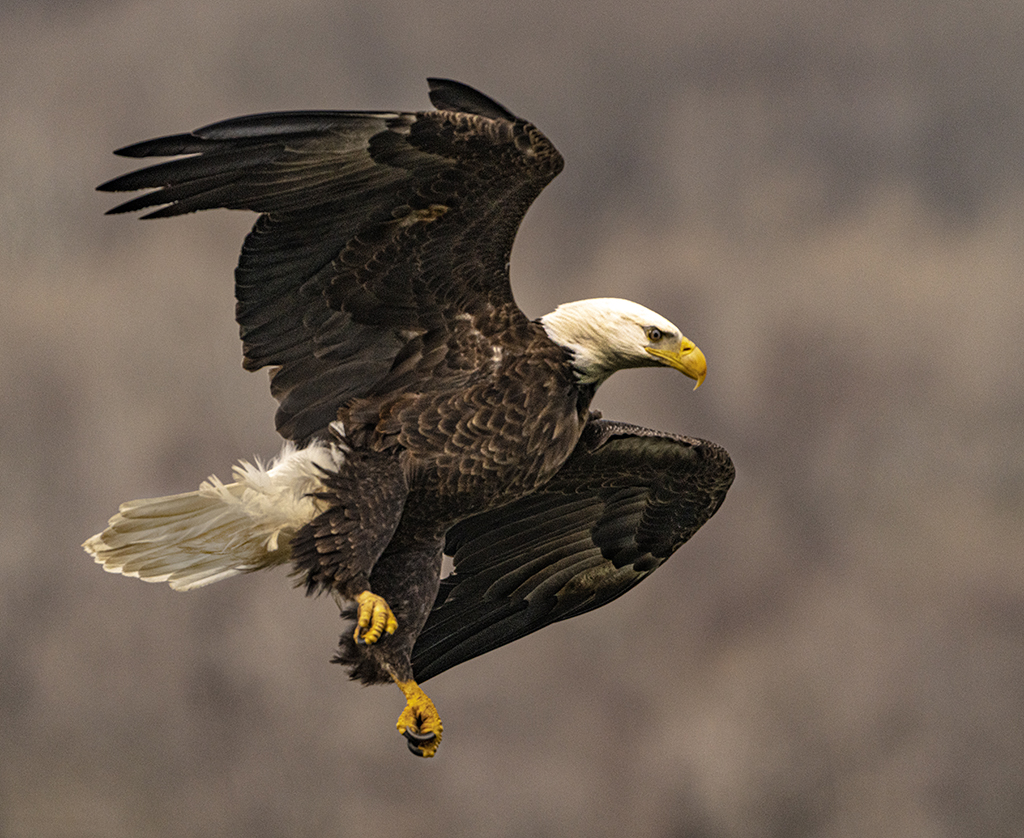
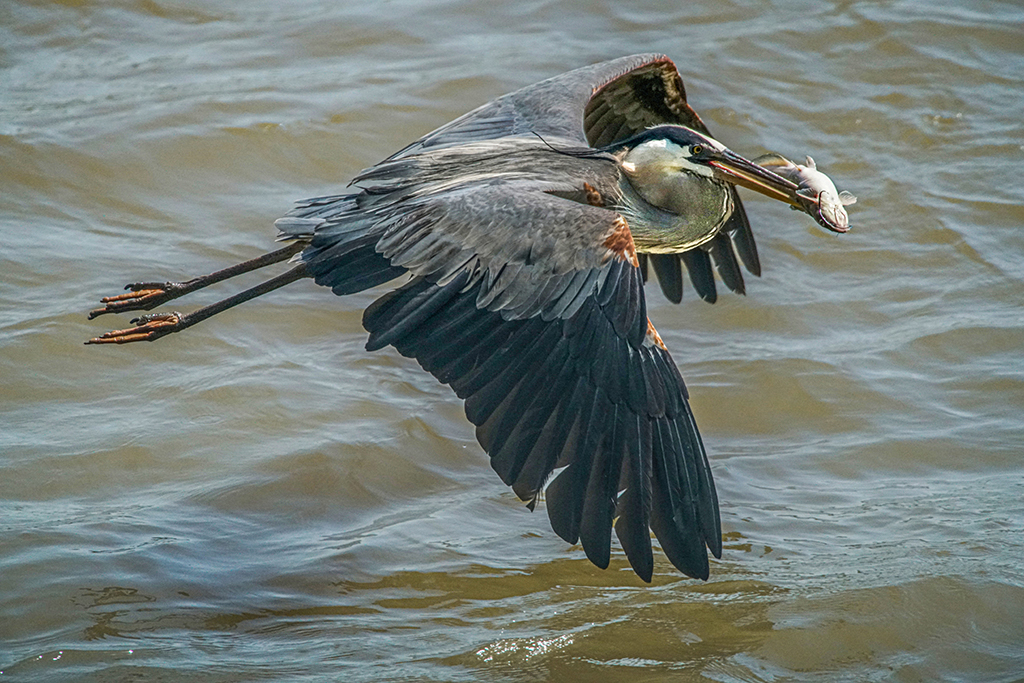
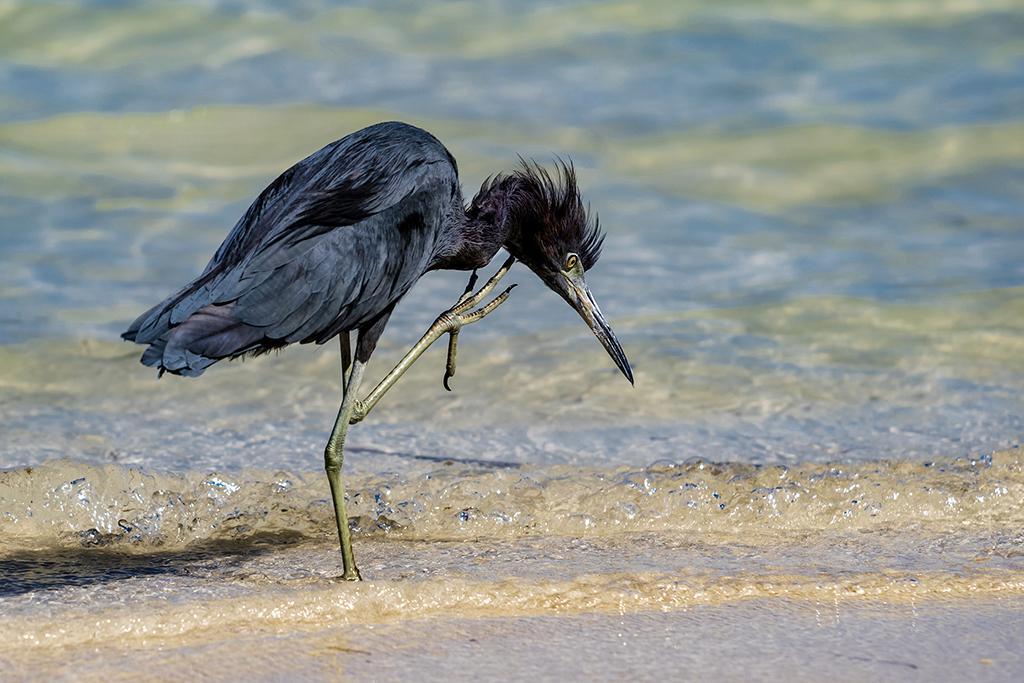
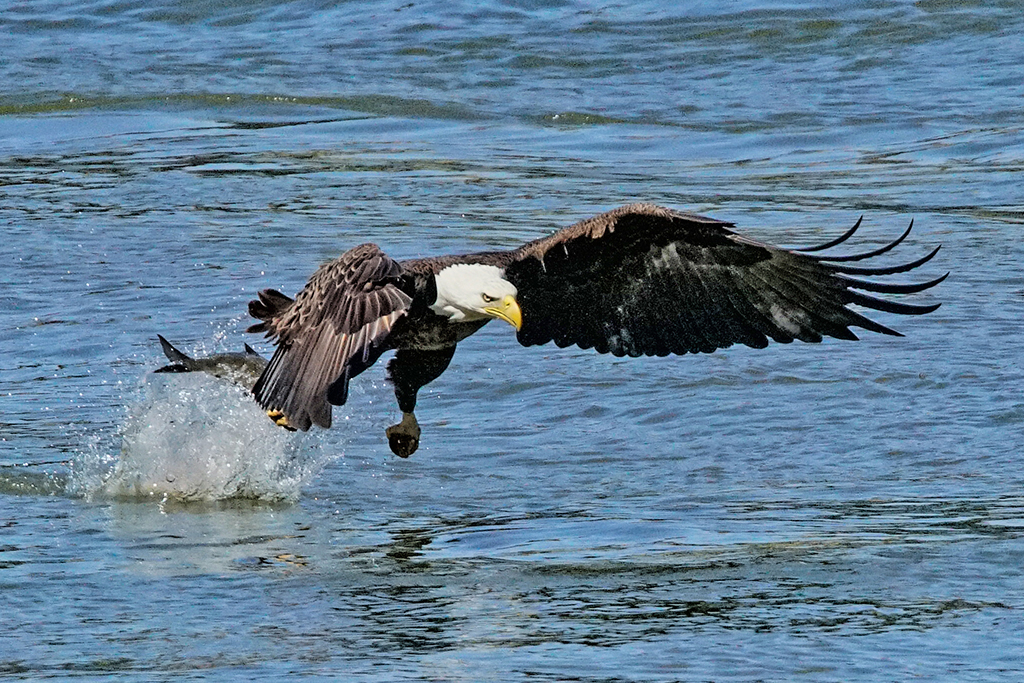
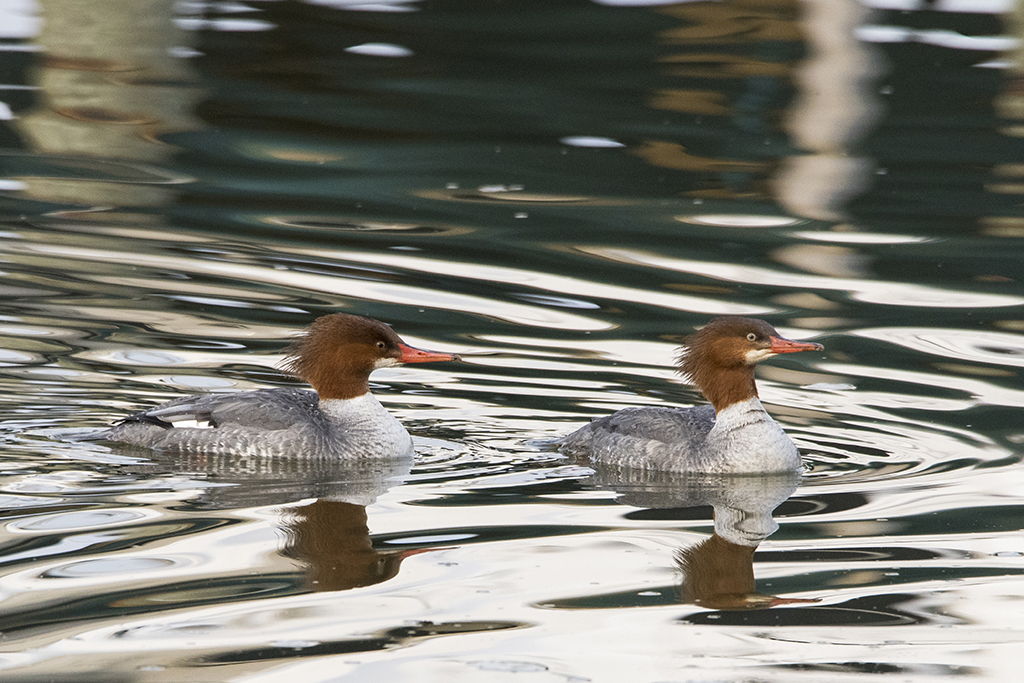
Kayvon, I like how you got so much in the contrast for the feathers. Many experienced photographers say that B&W has much more tonality and depth than color. Yet, I like how you retained the color in the head (beak, eye and blue) and the blood red patches on the wings (distinctive markings). |
Aug 6th |
| 24 |
Aug 18 |
Comment |
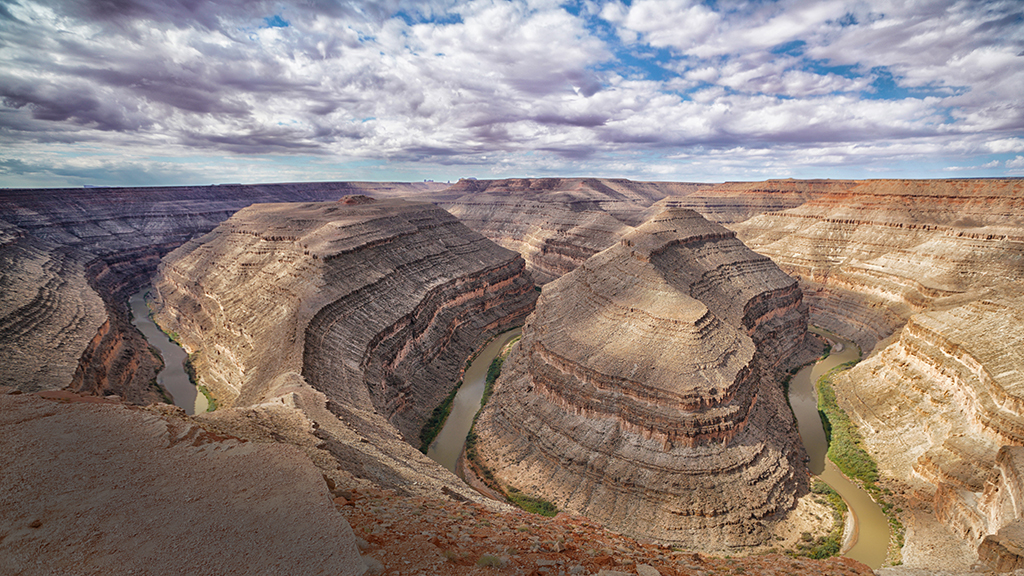
I like the vast experience of depth in this photo. The photo is exceptionally sharp focused and foreground is rich in color. You did well in catching the variety of atmospheric conditions - fog with many different types of clouds. |
Aug 6th |
| 24 |
Aug 18 |
Comment |
Lynette, great macro! I like what you got on the head of the fly and forward petals. You did very well to get the plain background - awesome.
Try experimenting with getting a greater depth of field, perhaps f/8 or f/6.7 so that more of the fly and flower would be in focus - and still give you the bokeh you are looking for to blur our the background.
|
Aug 6th |
| 24 |
Aug 18 |
Comment |
Philip, You caught a great moment that few would get to see.
Have you heard about HDR? (High Dynamic Range)? Photoshop and other programs take multiple photos and merge them - a bright, a normal and a dark exposure. This way all of the dark shadows on the worker's face behind the mask would be exposed better.
Some cameras have an automatic HDR setting as a built in feature. (Canon 5D Mark III does have HDR). When time is rushed or your subject is moving, try using the bracketing feature to get at least 3 exposures for HDR in post processing. By merging 3 images you might get more sparks - but the landscape would not be washed out and the worker's face would be visible.
|
Aug 6th |
| 24 |
Aug 18 |
Comment |
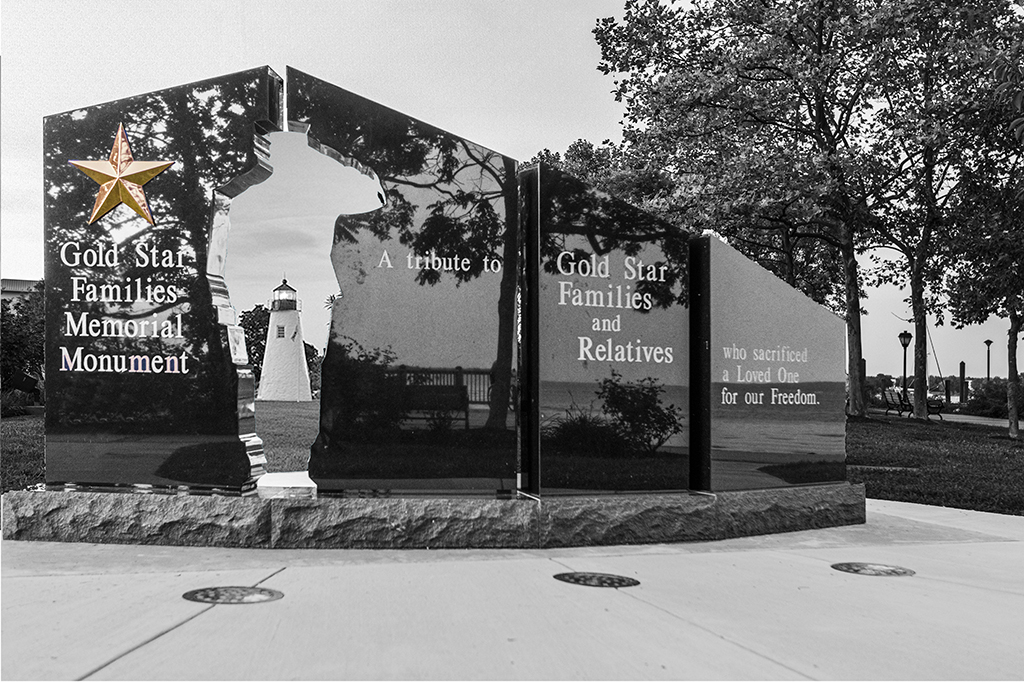
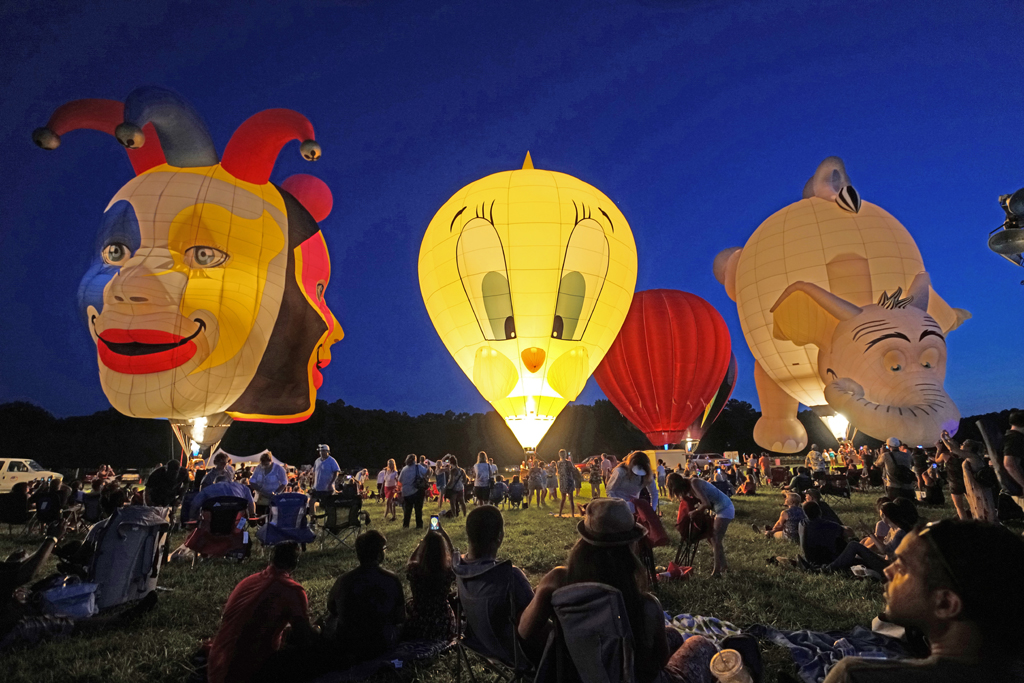
Donna, you've caught a great moment. I like the striking detail in the alabaster. Colors are vibrant. You say you added to the sky. It came out with enough interest to balance the very heavy left side. It's a nice composition. For our group, we don't need your name to know its yours and the logo in the bottom right corner is distracting. You're getting better. |
Aug 6th |
| 24 |
Aug 18 |
Comment |
Kim, it's good to see that you are broadening your perspectives and getting new lenses. You did well on this photo. The clover, antennae and eyes of the bee are sharp. If the bee would have been perpendicular to the clover (same distance as the clover), the focus would have been better. Bees just don't want to cooperate.
The only other improvement would be to use the "burn" tool in Photoshop to darken the blade of grass that is so light. |
Aug 6th |
| 24 |
Aug 18 |
Reply |
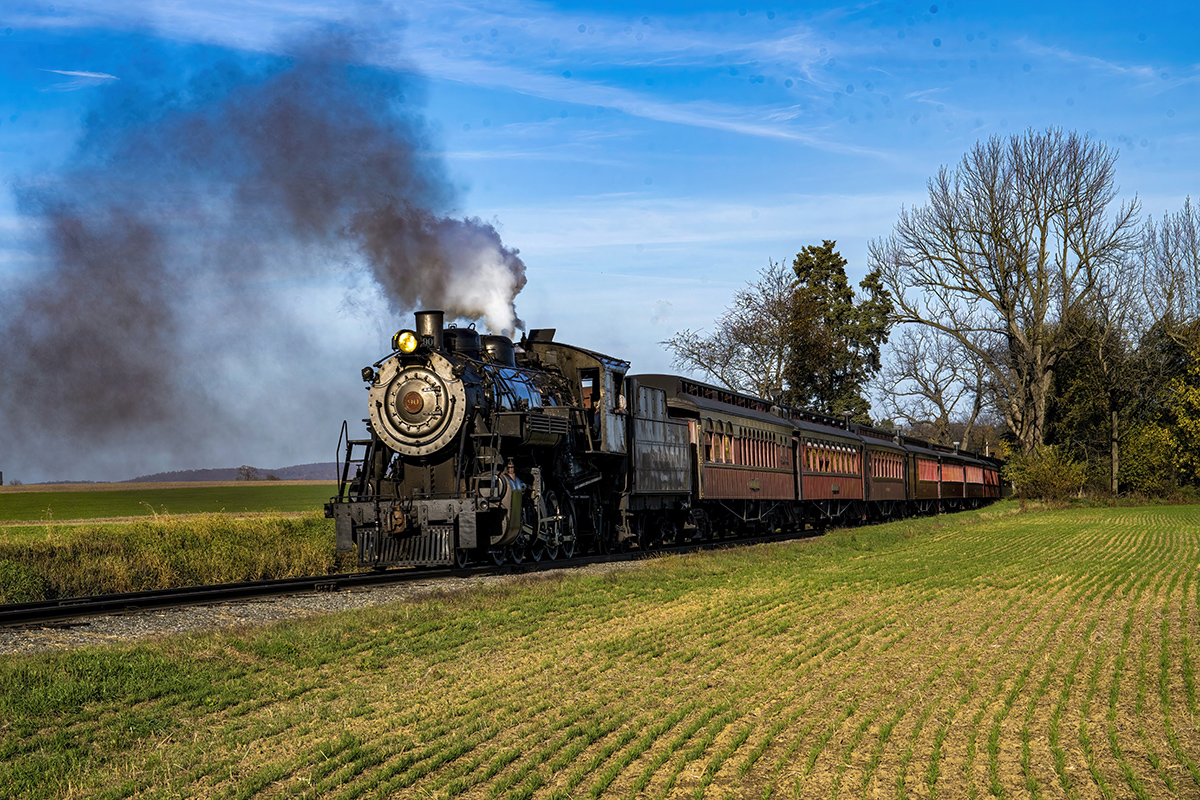
I considered cropping the photo in 16:9 format, yours is even wider. I decided that the engineer was very small, too far to the left edge and got lost. Thanks for the other point of view. I like it. |
Aug 6th |
8 comments - 2 replies for Group 24
|
8 comments - 2 replies Total
|