|
| Group |
Round |
C/R |
Comment |
Date |
Image |
| 24 |
Apr 18 |
Comment |
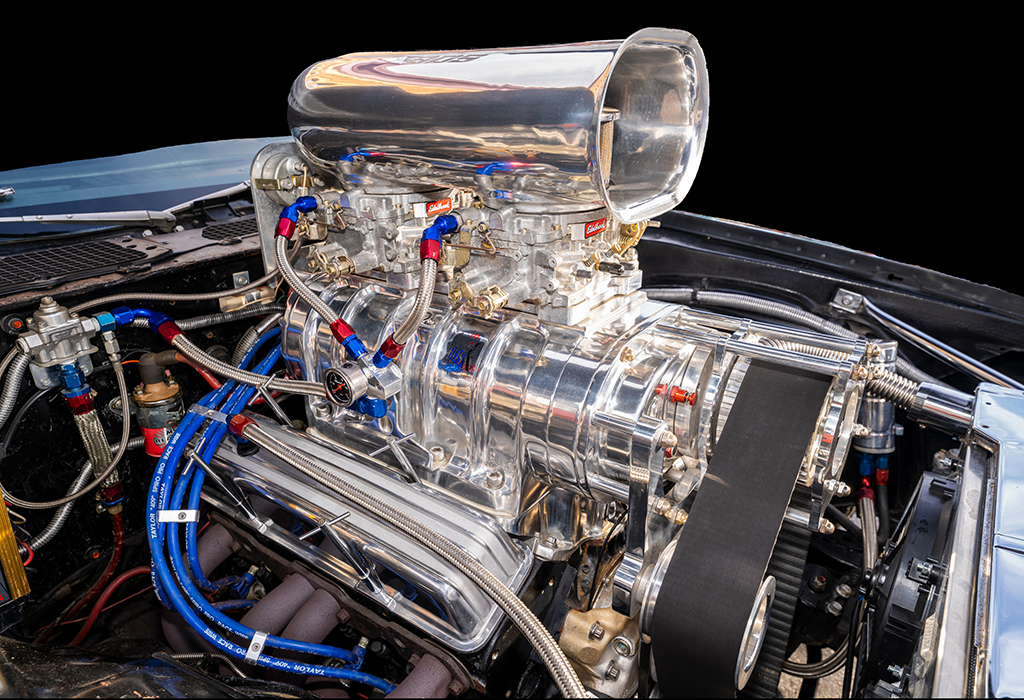
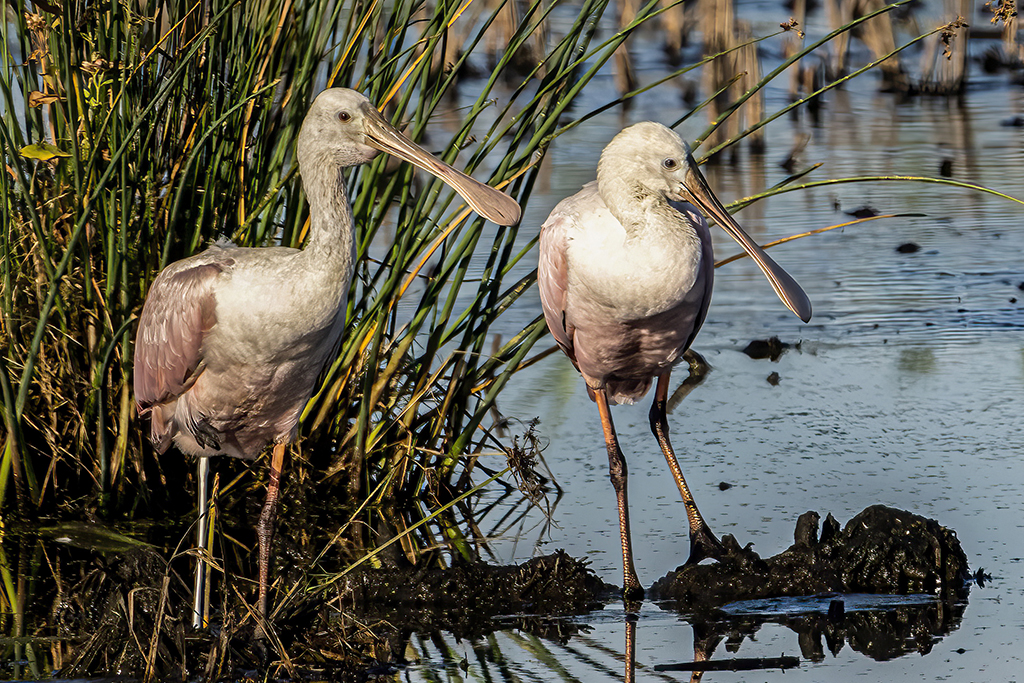
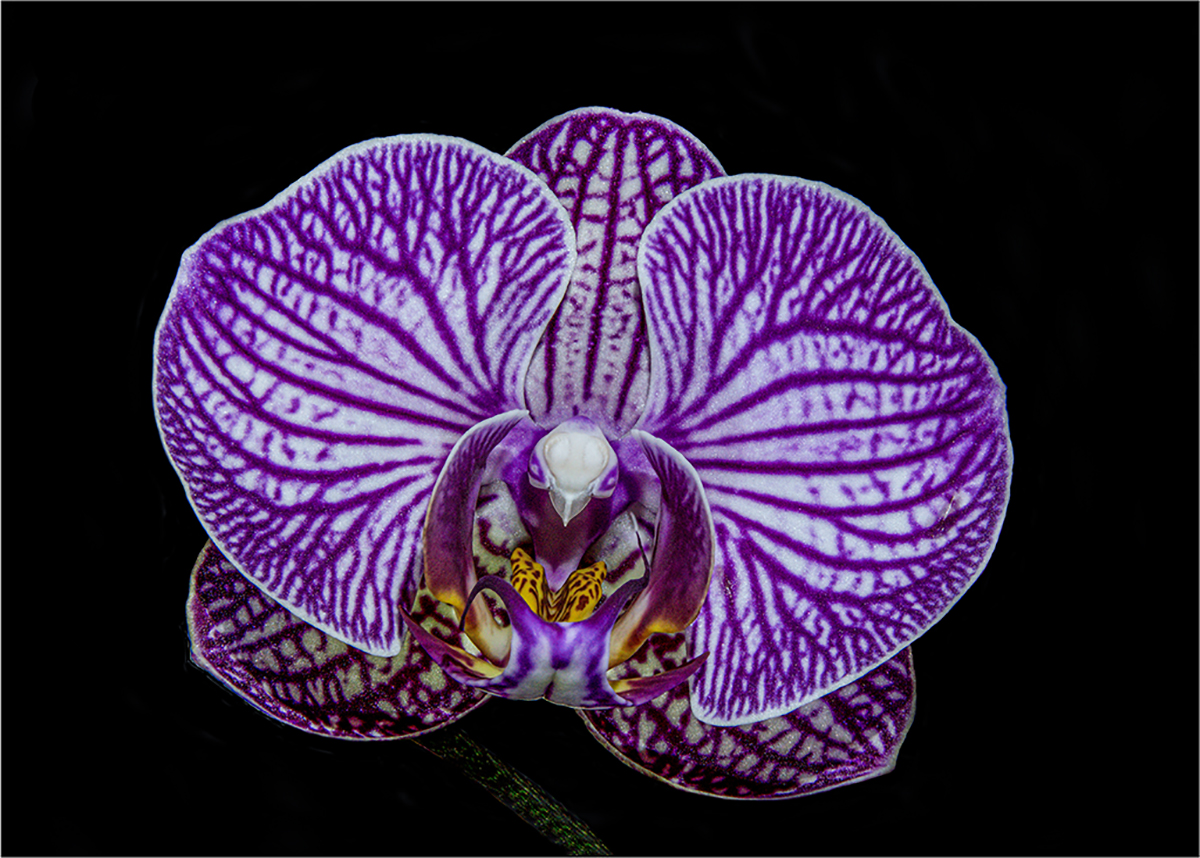
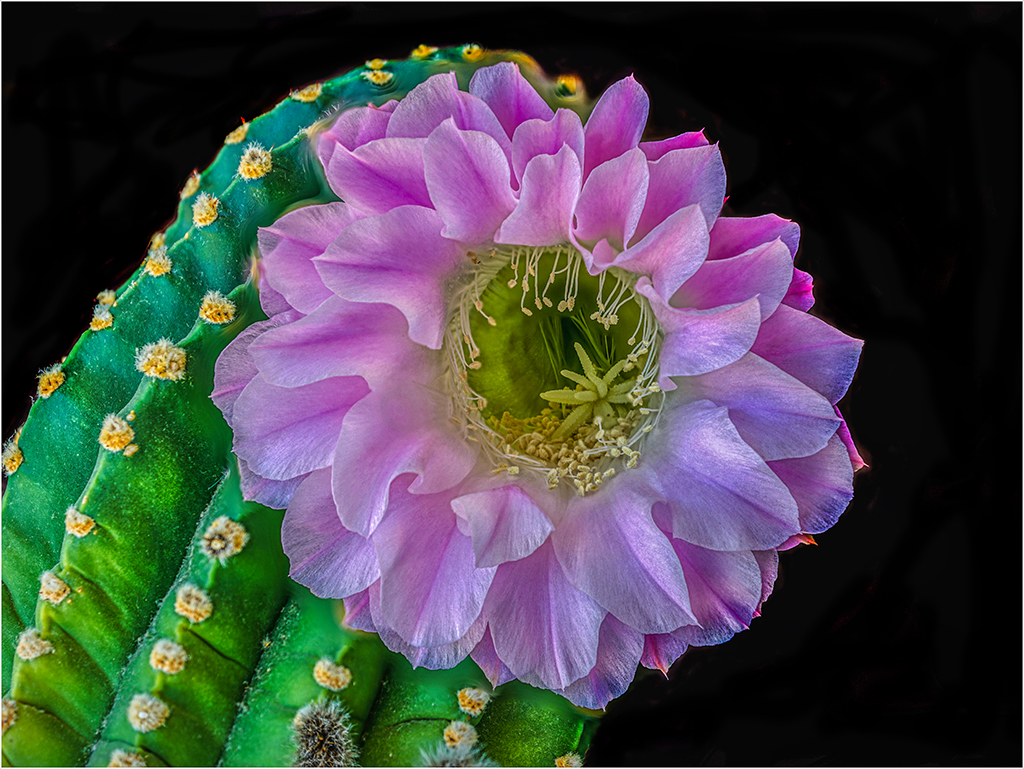
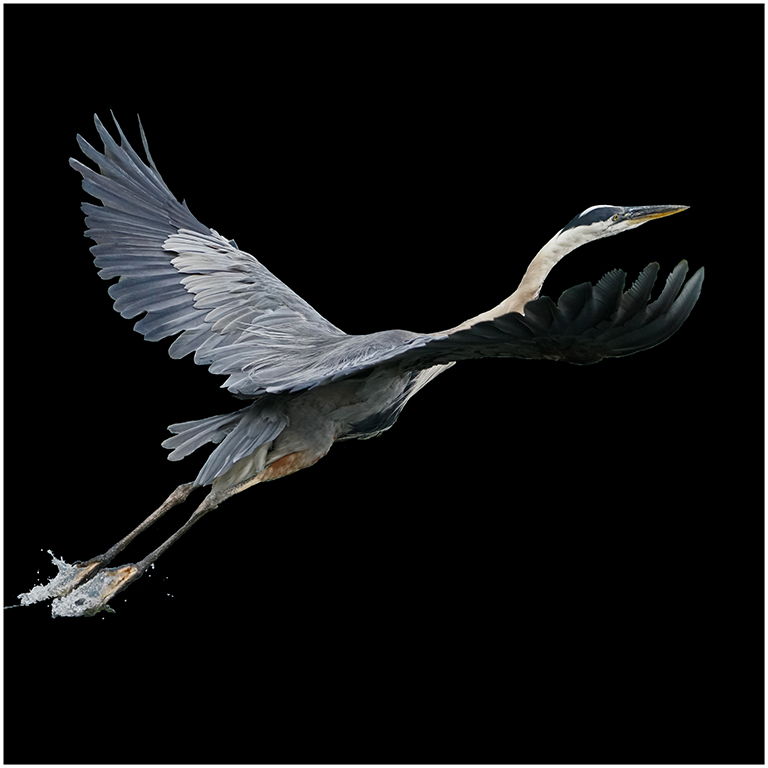
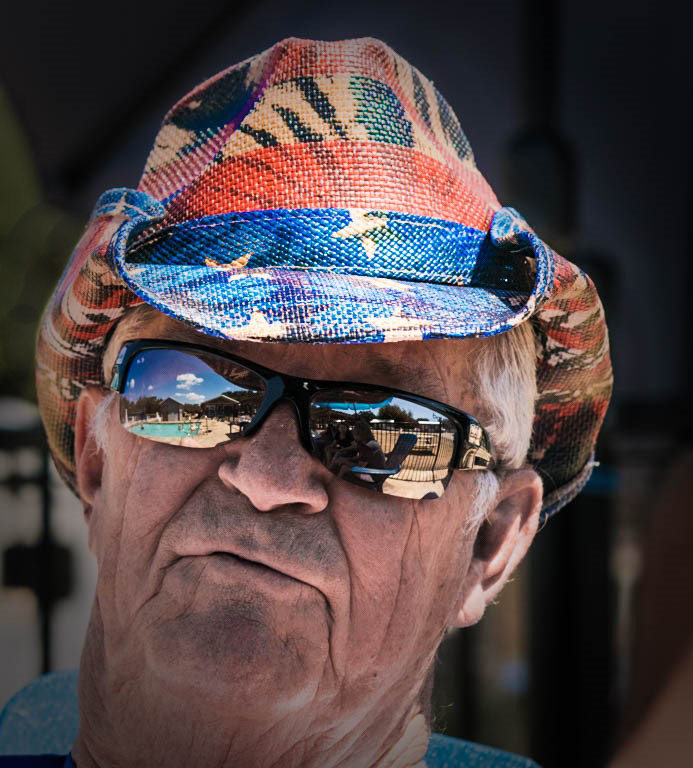
I like what you did to the background. By making it black, it looks like a studio shot. Here is what I did by using the burn tool in Photoshop - just darkening the grassy area and suggesting an open outside pool area. |
Apr 4th |
 |
| 24 |
Apr 18 |
Comment |
|
Apr 4th |
 |
| 24 |
Apr 18 |
Comment |
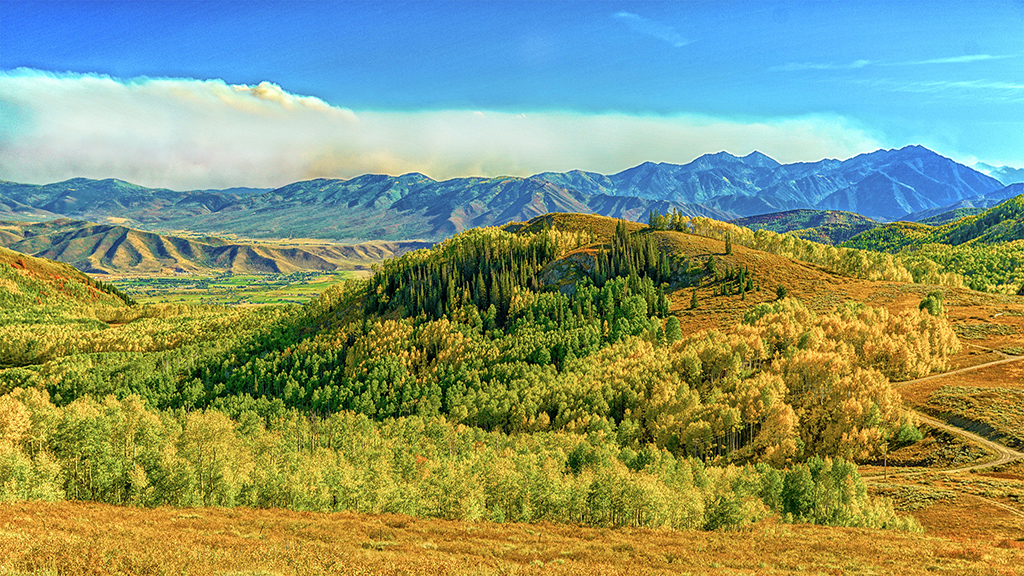
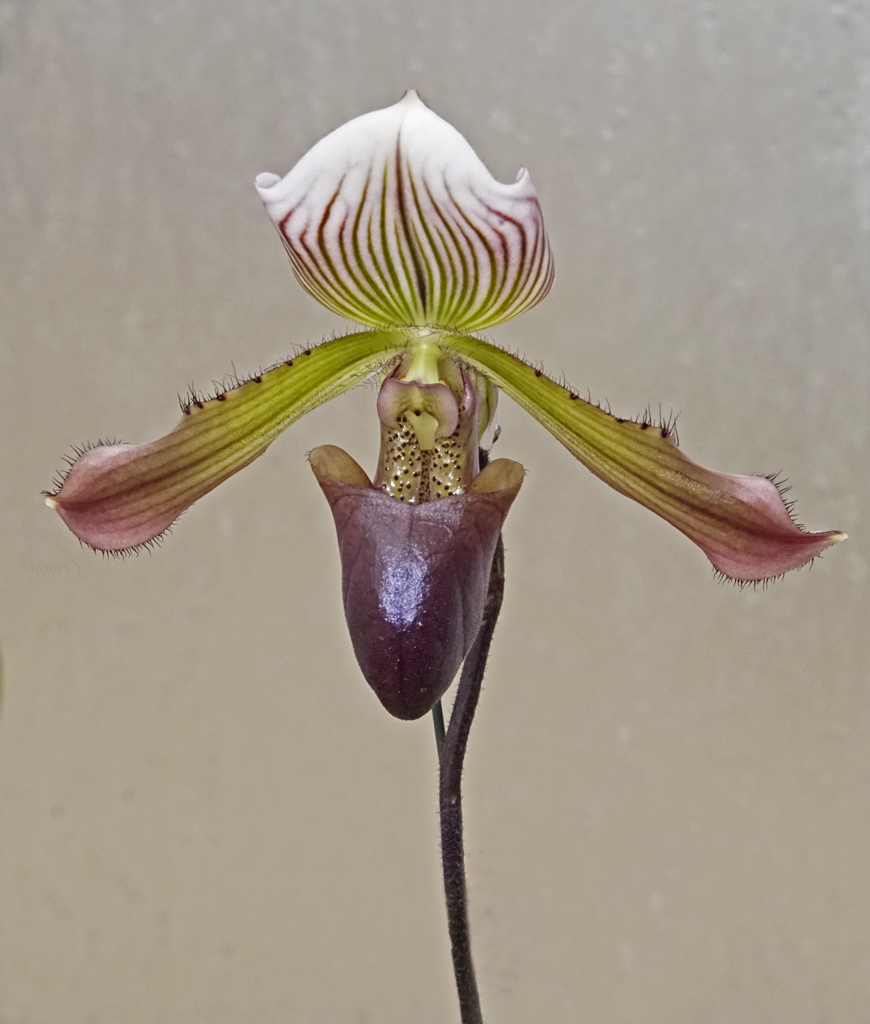
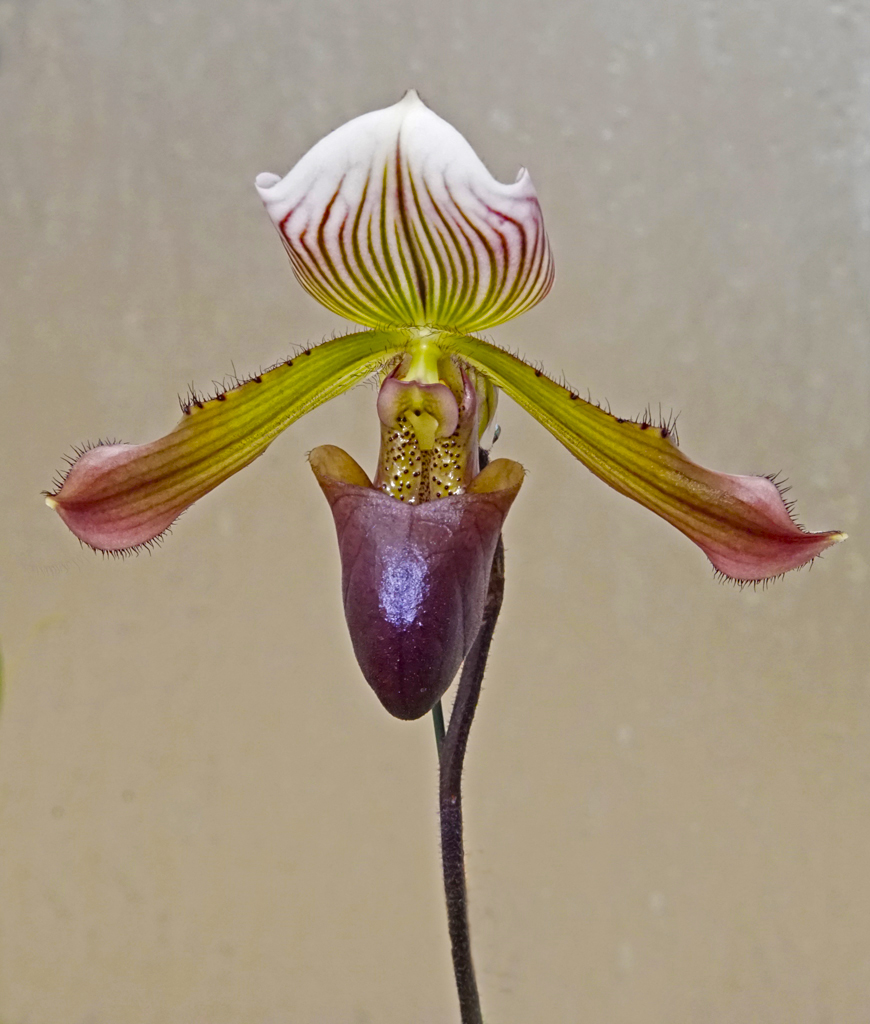
I increased the vibrance 24% and increased saturation 48% in Photoshop. Let me know what you think. |
Apr 4th |
| 24 |
Apr 18 |
Reply |
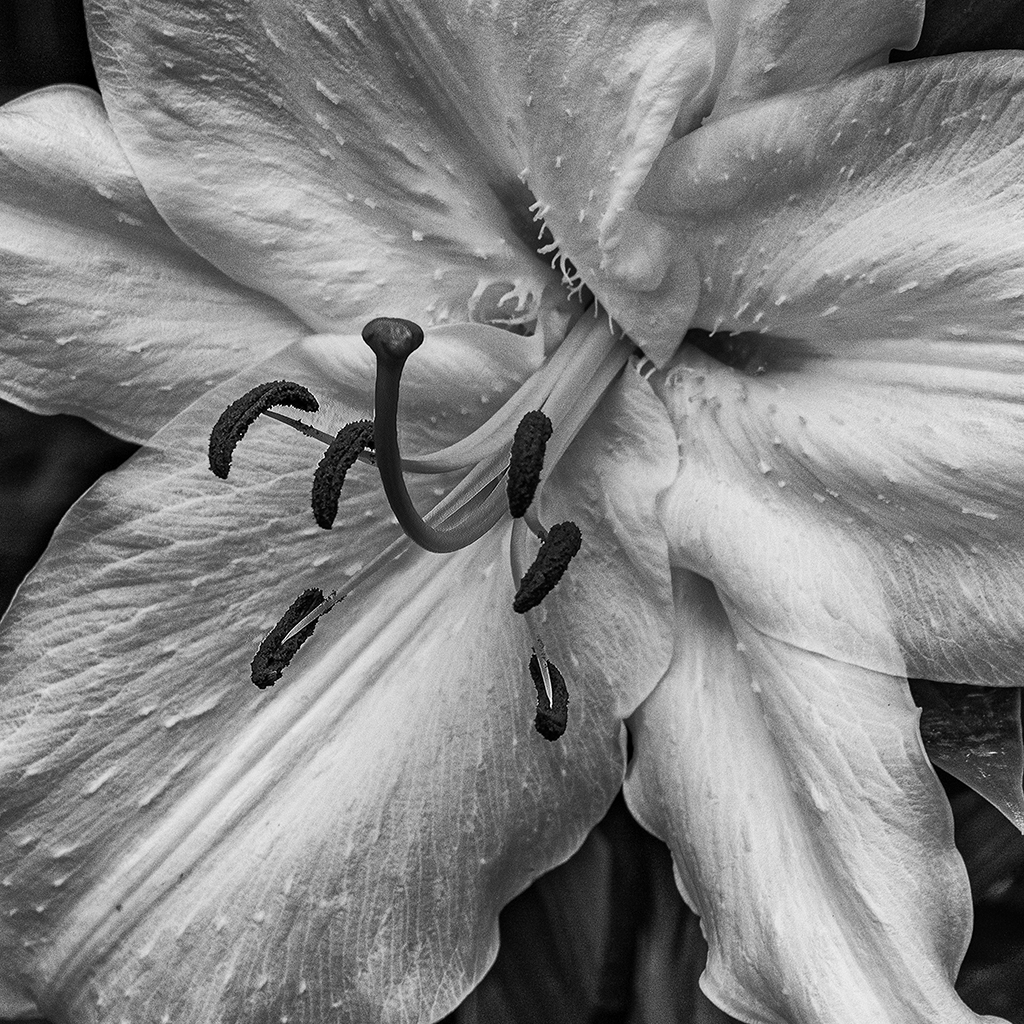
Yes, it is a window with frosted opaque glass. The window frame is in the original. I think there is a board behind that making it a uniform color - an ideal background for a solitary orchid. |
Apr 3rd |
| 24 |
Apr 18 |
Reply |
When I take a photo, I want to have enough room around my subject. My hand with flashlight was accidentally included to leave enough room to the left of the left petal. The window frame on the right was accidental to leave room on the right.
The reason why the "hairs" are so sharp is because of the f/11 and a very plain frosted window background well behind the orchid. I also use Sony's feature called "high peaking" focusing in my viewfinder - a bright halo around every detail in when it comes into sharp focus.
I also always want to have room for cropping to make sure there is enough room if I want to print the photo and frame and mat it. The frame takes at least 1/2" from the edge. |
Apr 2nd |
| 24 |
Apr 18 |
Comment |
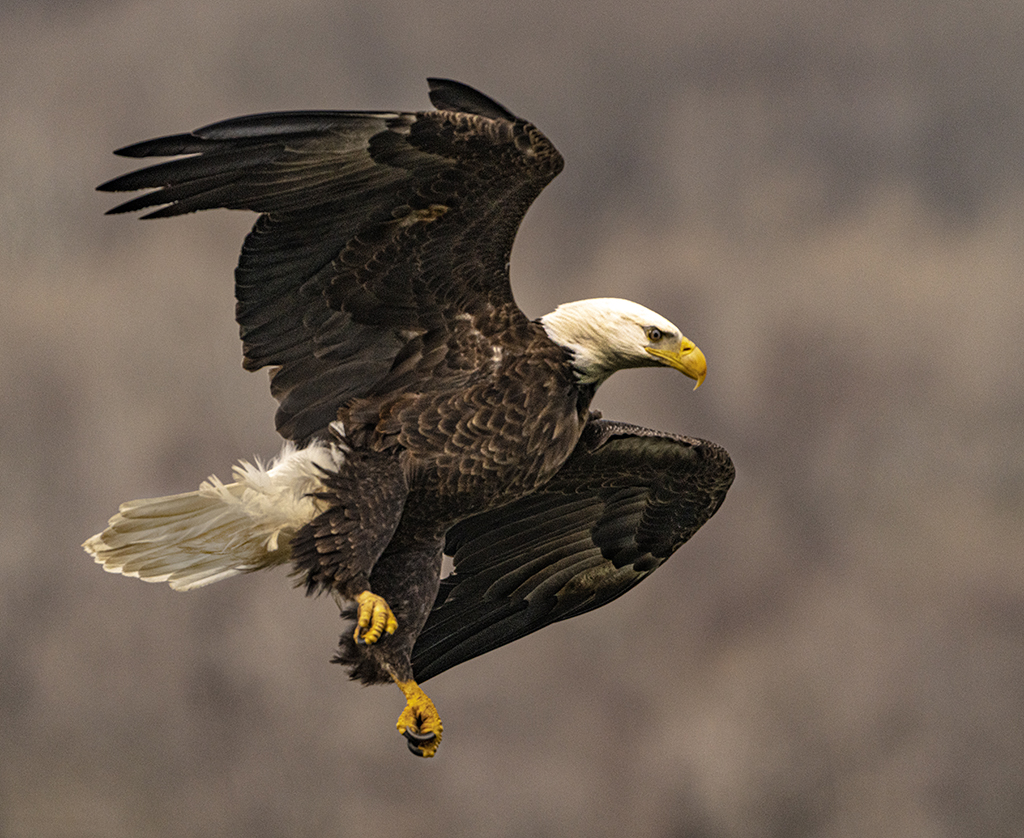
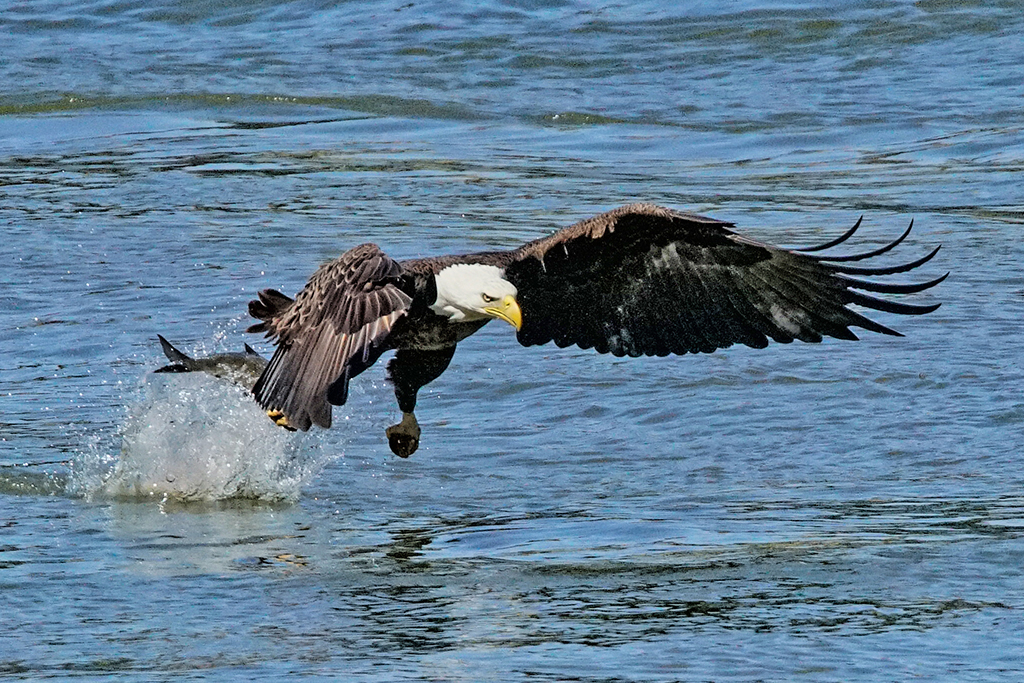
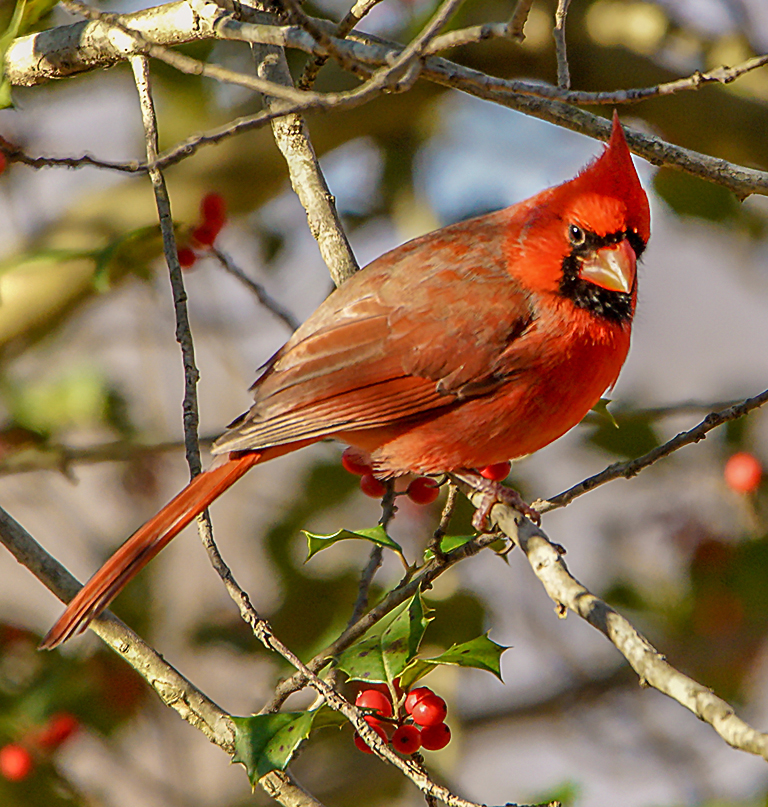
Kim, you are learning a great deal as you take on these challenges. The other learning experience is knowing that you will discard hundreds of shots. I try to shoot 1/1000th of a second at 12 frames per second just to get it sharp, only to realize that the one good bird photo had the bird looking the wrong way. Stay at it. You got this. |
Apr 2nd |
| 24 |
Apr 18 |
Comment |
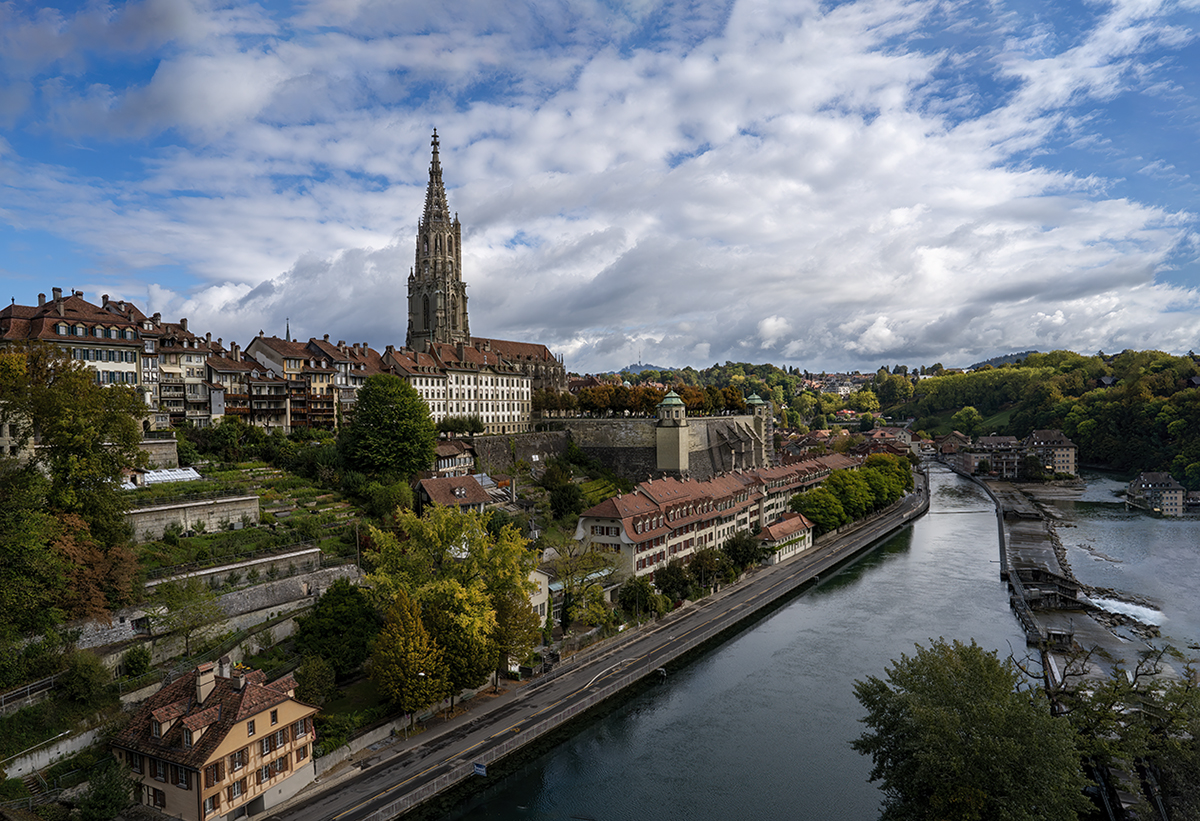
Philip, I like what you've done to make the details of the buildings stand out, leaving the mist hovering on the water and fog just lifting to reveal it. The decision to add red and yellow for a warm color to the mid section is appreciated, however the thick brown result to the left horizon looks like thick smog. Perhaps the left horizon could be lightened. |
Apr 2nd |
| 24 |
Apr 18 |
Comment |
This fascinating man looks ready to tell untold stories. Your capture of every line and whisker in this tight shot is done very well. The background in unimportant, and to help that I would suggest that you "burn" or darken the grass/green on the top left. |
Apr 2nd |
| 24 |
Apr 18 |
Comment |
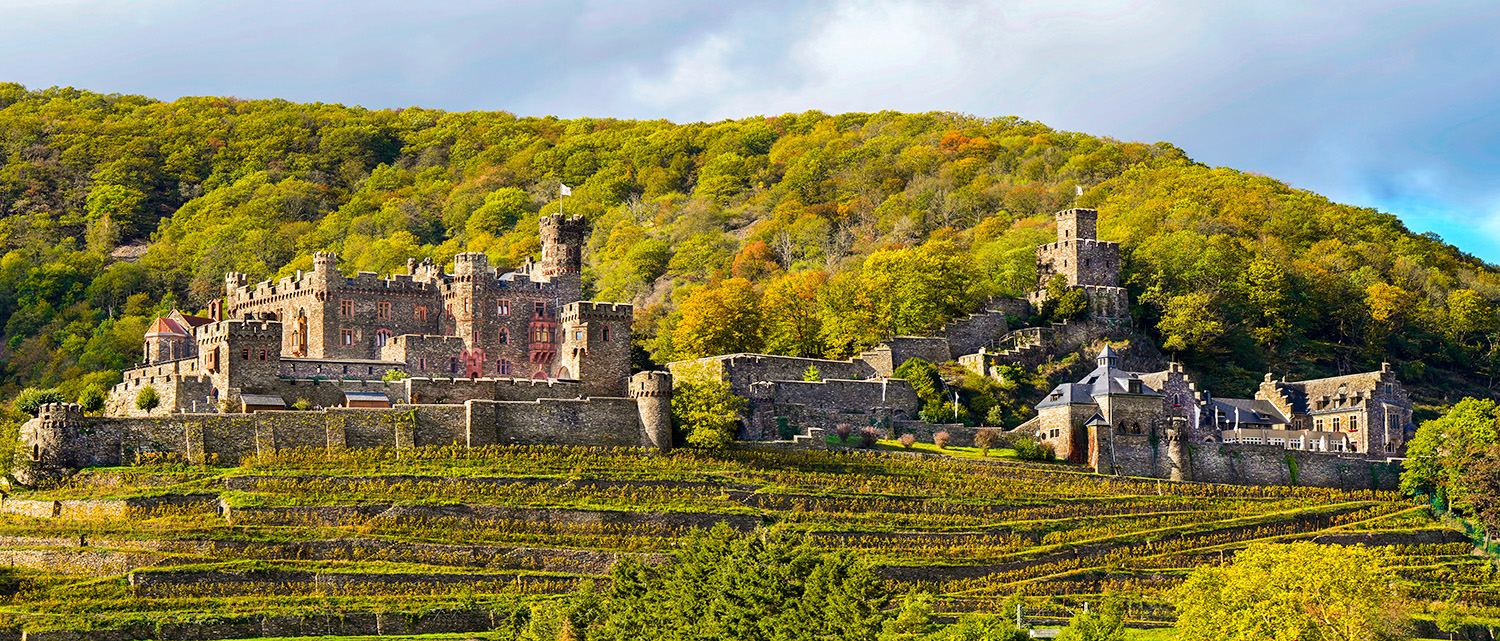
I love how you capture timeless wonder, like the Shire in Middle Earth, as Hobbits are about to emerge after eating their second breakfast. Your extensive work in Photoshop makes this happen. Excellent work to bring sunrise/sunset colors to the sky and transform gray ruins to earth-tones for the castle. |
Apr 2nd |
| 24 |
Apr 18 |
Comment |
Kayvon, You have a good 'eye' to recognize the pattern throughout these clouds. I like the rich blues and the transition from thin to puffy as the plane seems to be climbing the vastness of skies ahead. Nicely done. |
Apr 2nd |
8 comments - 2 replies for Group 24
|
8 comments - 2 replies Total
|