|
| Group |
Round |
C/R |
Comment |
Date |
Image |
| 77 |
Feb 22 |
Reply |
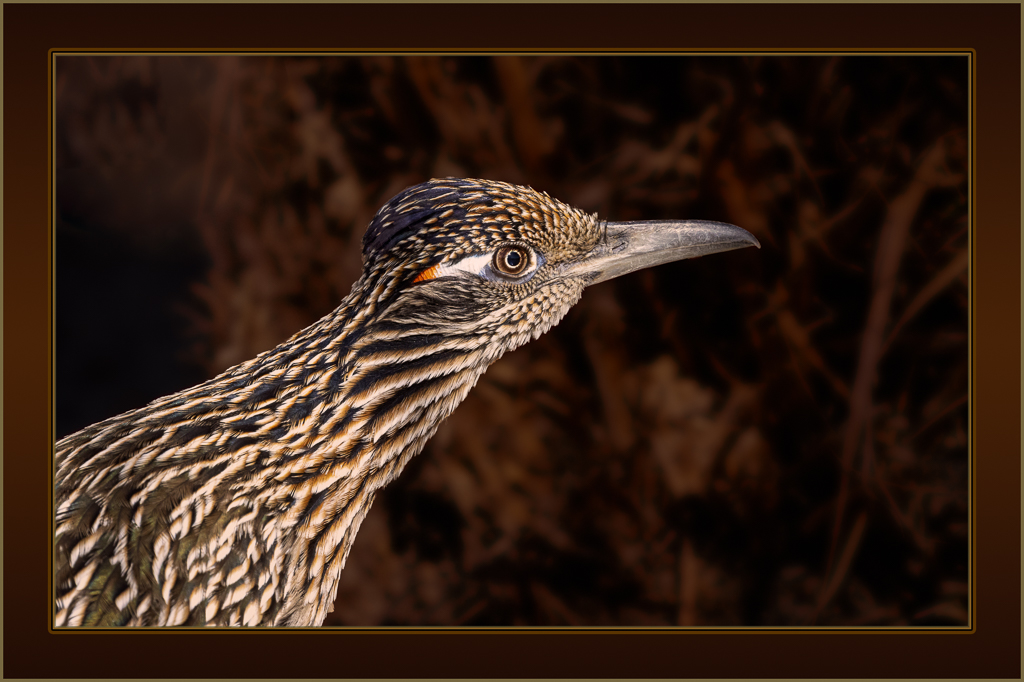
Yes I too love more pop! However, IMHO, that can sometimes lead to an over-processed look, especially when you've started with a relatively flat-light image.
For example, I find that I almost always decide to selectively tone down the saturation of the blues in a landscape whenever I choose to up the overall saturation.
|
Feb 21st |
| 77 |
Feb 22 |
Reply |
Thanks Michael. I agree.
Here's another version with the runner a little yellower and the backgd a little brighter. |
Feb 16th |
 |
| 77 |
Feb 22 |
Comment |
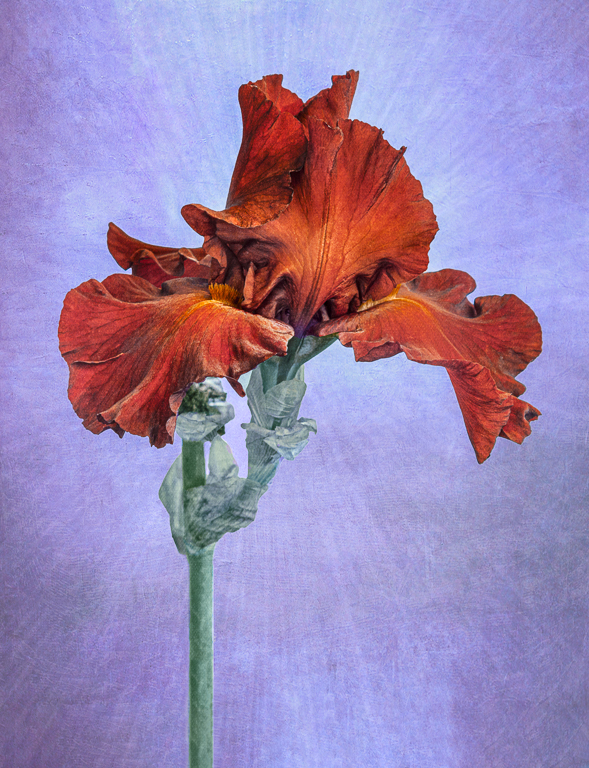
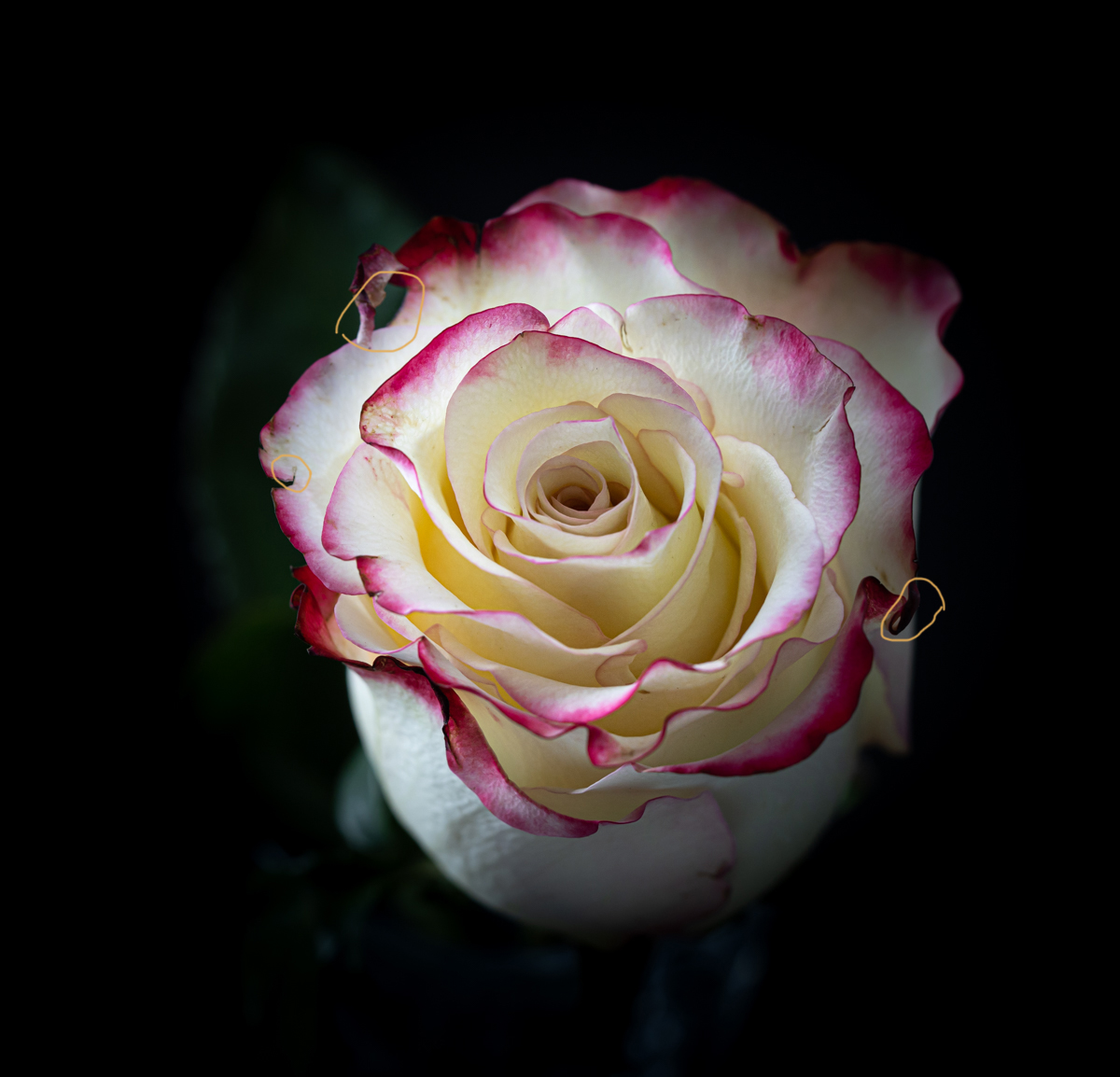
Denise, you've done a masterful job creating those lovely, wavy petals . Sometimes that first pass is all it takes!
My only suggestion is to further clean up the starting image before processing, specifically content-aware fill in the circled areas. |
Feb 9th |
 |
| 77 |
Feb 22 |
Comment |
Mary, I like what you've done here, and I think your work has definitely taken this lily photo up a big step. My improvement thought is to get the flower's top edge a little away from the top left corner. |
Feb 9th |
| 77 |
Feb 22 |
Comment |
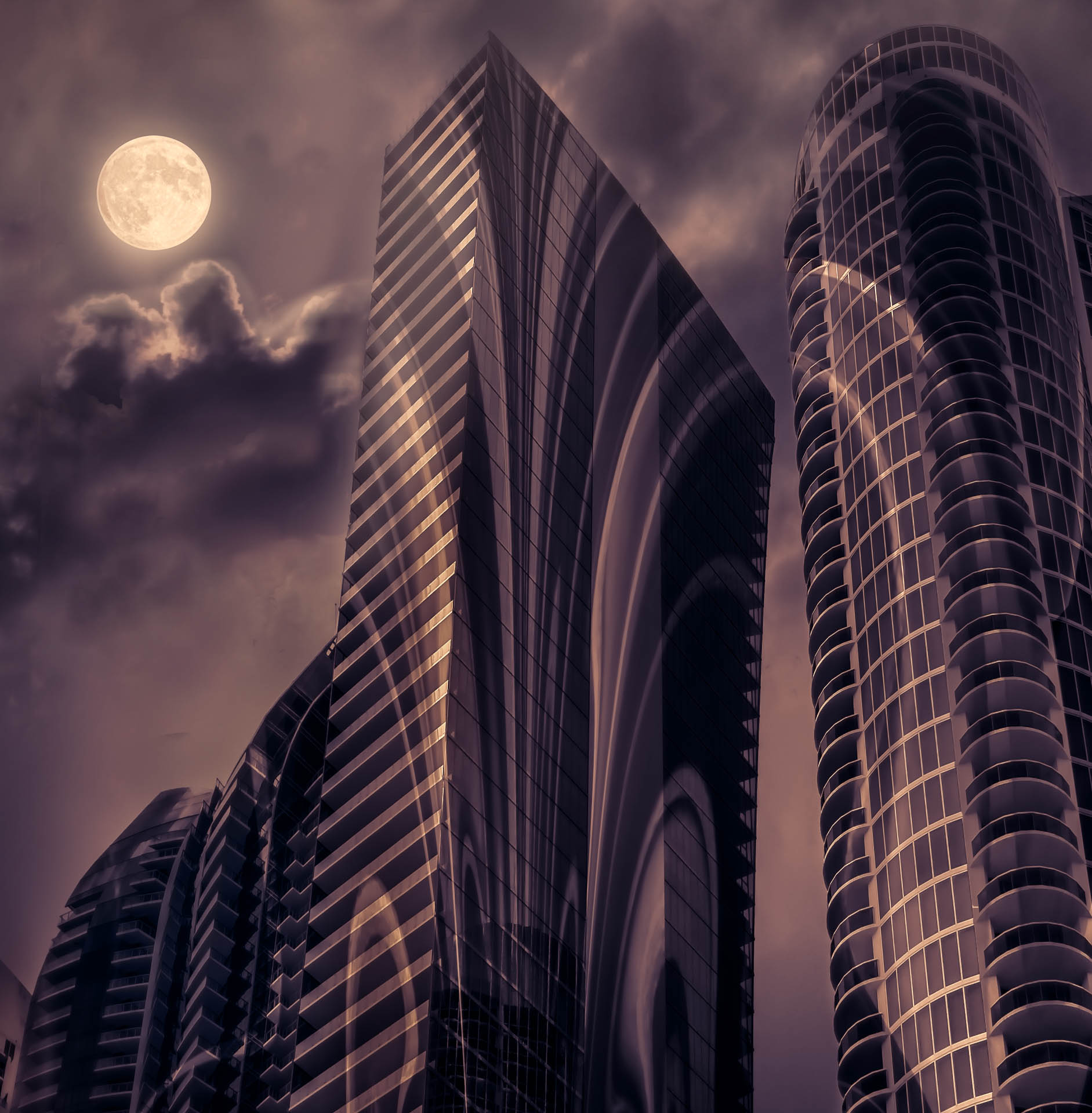
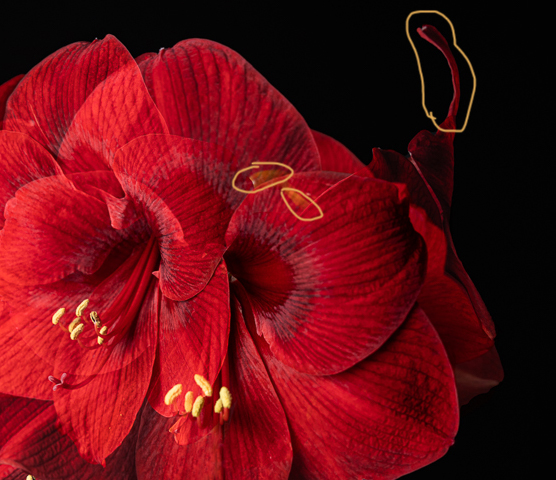
Double exposures can be fun, and this is a great subject for that. Looking at the resulting composite from my ("unexplained") viewpoint, there are 3 areas that I find confusing. They are circled in the attached image. I wonder if the image would be stronger if they were modified? |
Feb 9th |
 |
| 77 |
Feb 22 |
Comment |
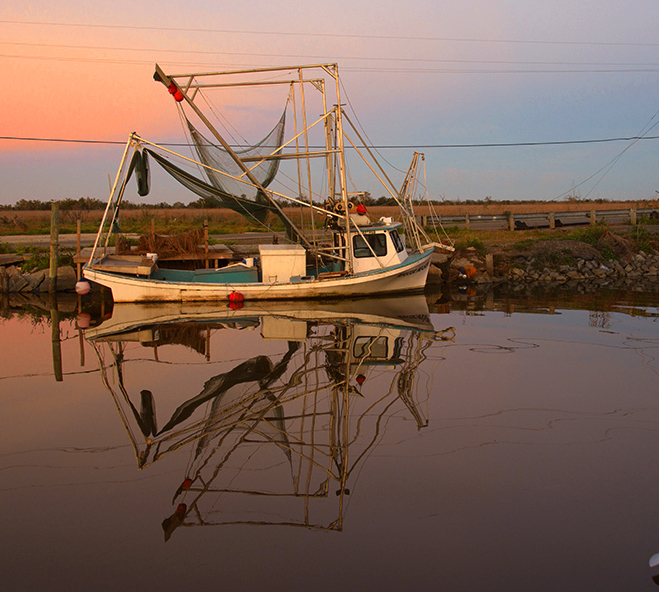
Linda, that shrimp boat is an interesting subject, and you've done well isolating it from the rest of the busy scene and cleaning things up. For me, your processing seems a bit strong / harsh; I especially feel those gold colors in the water are too "hot".
To create this version, I started with your original. Then added a color look up adj layer (3DLut - fall colors.look) then a saturation adj layer was added to enhance the colors (both layers masking the background grasses). A warming photo filter adj layer was added at 30% opacity and finally another H&S at 20% for more saturation (again masked). |
Feb 9th |
 |
| 77 |
Feb 22 |
Comment |
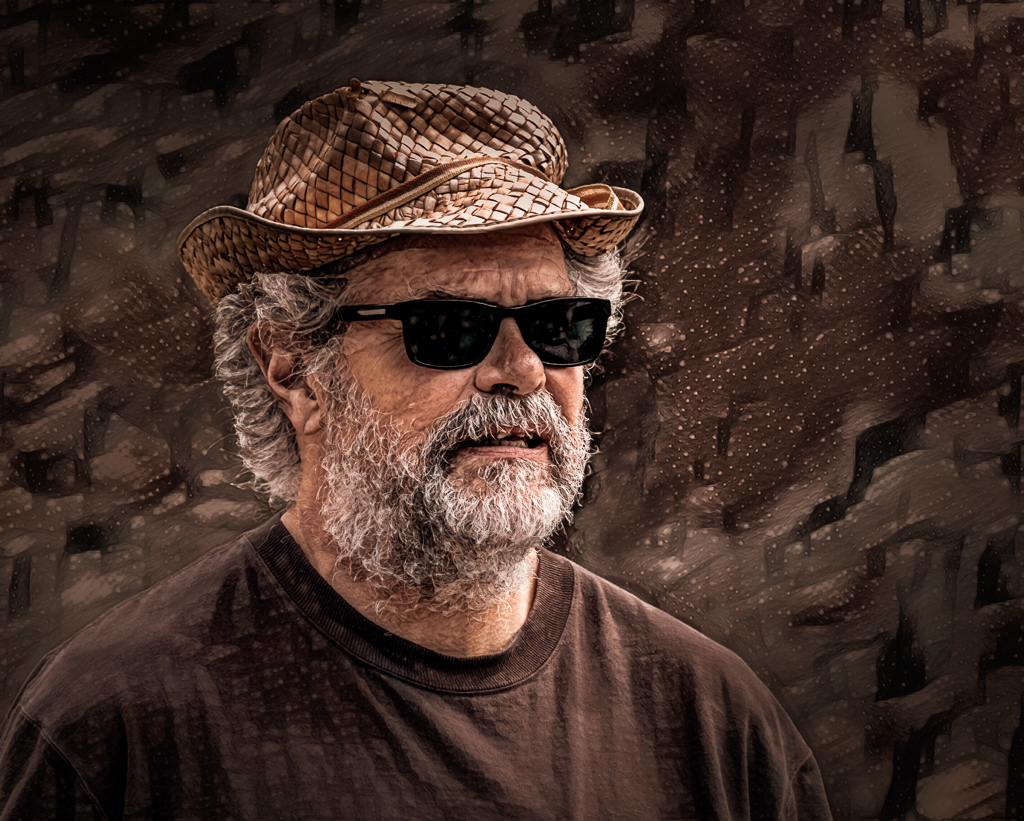
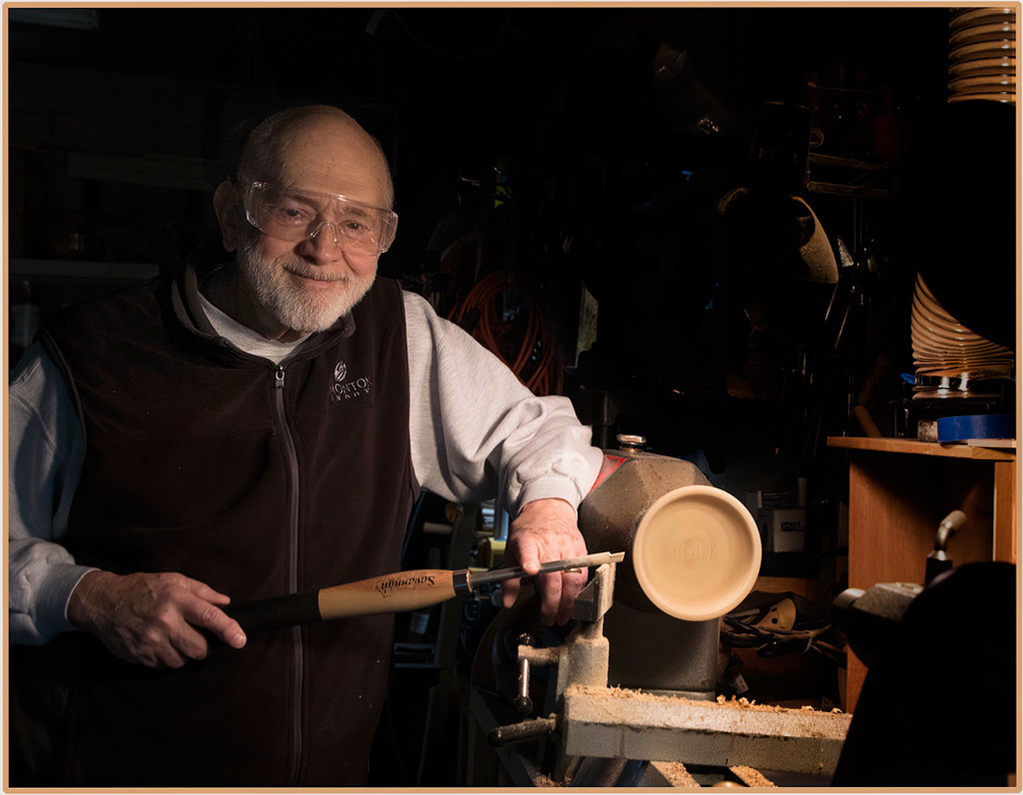
Connie, sixty one years ago - WOW!!! What a great smile, and this is a super environmental portrait. My improvement thoughts: a level adjustment on the right side of the photo to tone down those bright bits that draw the eye away, and lightly applying a shadow and highlight filter on the left side of Bob's face and neck for just a tad more definition. |
Feb 9th |
 |
| 77 |
Feb 22 |
Comment |
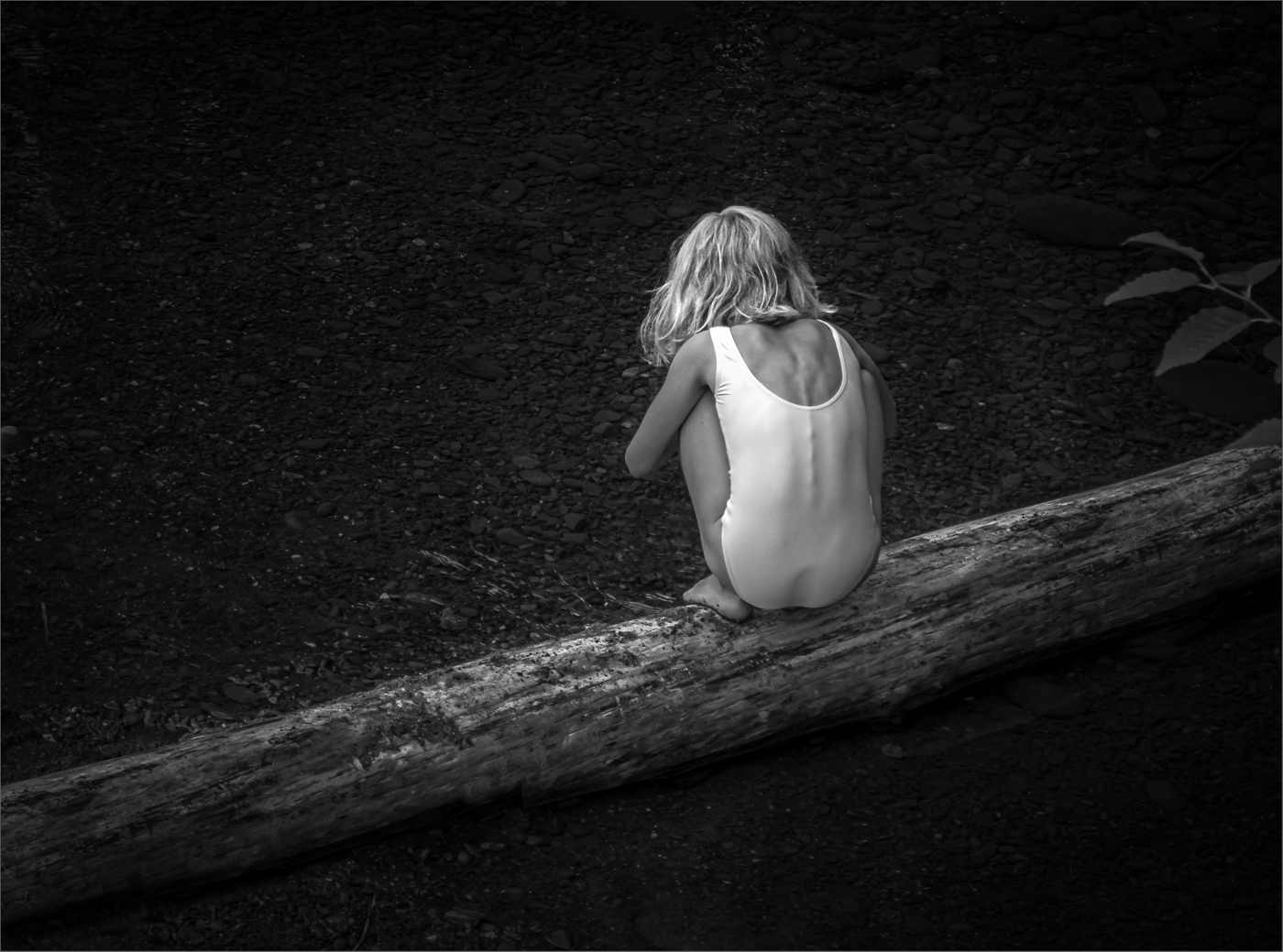
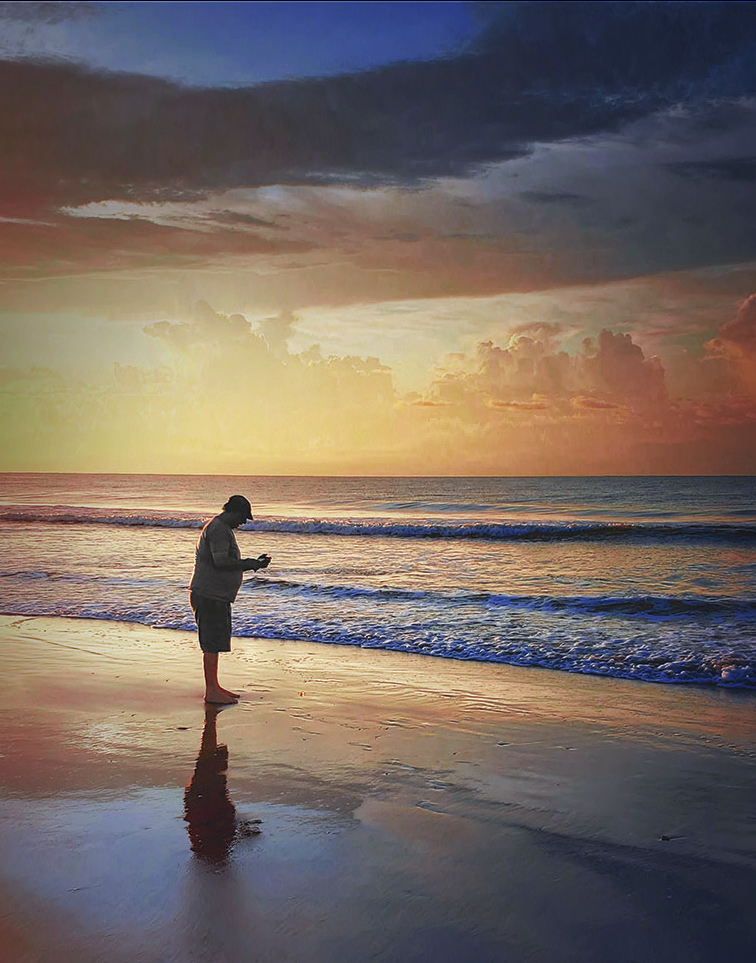
Georgianne, what a special, calming image, complete with gorgeous light. Fond memories indeed.
To me the man-o-war was not visible enough to have an impact, so instead I tried a different crop, almost square. I removed the red from your hubby's shirt, cloned away the footsteps, as well as some of the confusion in the reflected shadow. I applied the "Three strip.look" as a color look-up adjustment layer to enhance the colors. Then some more drama/saturation was added to the right side of the image (using a gradient mask) to balance the figure.
In the end, the image seemed to want more height, so I added a bit of sky at the top using content-aware-scale. The idea came from this video that I had just watched this morning. Colin's short weekly videos always have some useful info.
https://photoshopcafe.com/how-to-resize-and-prepare-pictures-for-posting-on-instagram-in-photoshop-2022/?unapproved=217877&moderation-hash=f76241c1d5ae8a0766bd4de793946dbf#comment-217877 |
Feb 9th |
 |
6 comments - 2 replies for Group 77
|
6 comments - 2 replies Total
|