|
| Group |
Round |
C/R |
Comment |
Date |
Image |
| 77 |
Dec 20 |
Reply |
I like your color tone better than mine. And yes, it's fun to keep trying. Your feather thought is quite interesting -- maybe build on that... |
Dec 4th |
| 77 |
Dec 20 |
Comment |
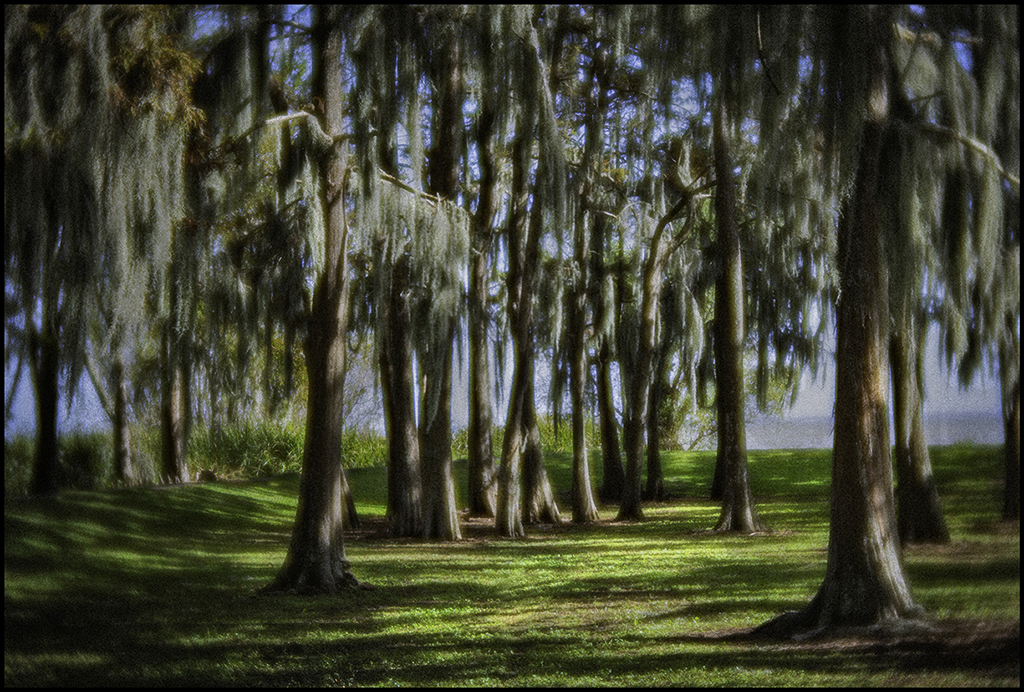
Lensbabies are such a fun toy. I've played with a couple of them over the years, and still have the first-ever version.. Your scene is a lovely one, and the capture gave a great sense of the whole variety of available eye candy.
In my opinion, the viewer needs a bit of help as to where the eye should rest. The blacks pull the eye; the brights pull the eye, the sky pulls the eye; the background bushes on the left pull the eye... I modified them all -- I lightened the blacks using PS (shadow and highlight); darkened some of the central sky and the bushes by burning, and cloned away the bicycle? at the back. Then I lightly dodged a diagonal path down the middle. The changes are perhaps subtle, but I think are a plus.
|
Dec 3rd |
 |
| 77 |
Dec 20 |
Comment |
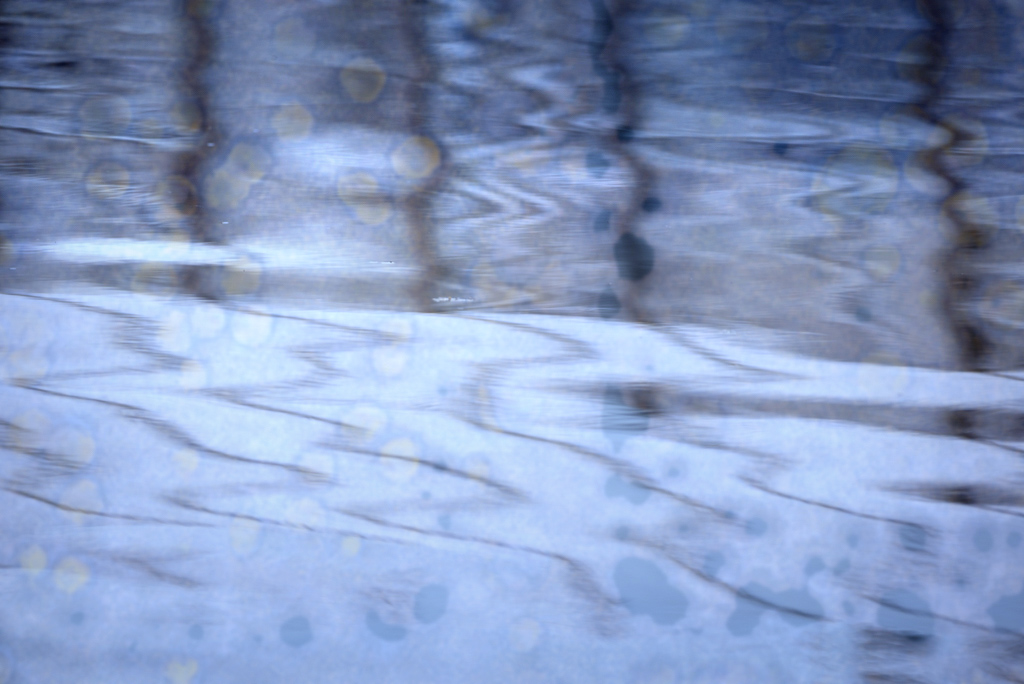
You've combined two interesting photos here. I like each one individually, esp the rust, but this particular mix of a soft flowing image and hard detailed one didn't work for me.
I tried a variation on your theme. First, I blurred the rust image by a couple of pixels and put the water image on top at 75% opacity. Since both were taken in cold locales, I added a bit of blue using a "Crisp Winter" LUT via a Lookup Adj Layer. Finally I added a bit of contrast to the top of the image using a levels adj layer with a black to white gradient on the mask. What do you think?
|
Dec 3rd |
 |
| 77 |
Dec 20 |
Comment |
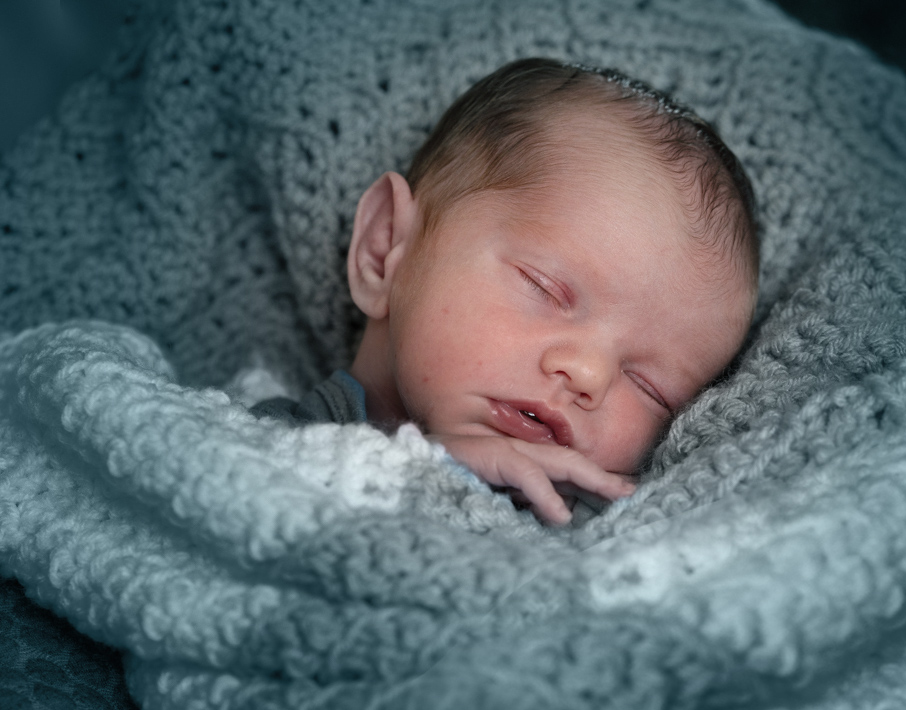
Denise -- Congrats on the adorable new model! He'll be fun to photograph for MANY years to come. This is a sweet photo and I too like the bubble. The blurring does make it feel dreamy, so that works well.
As for some ideas to consider -- I started with your original, and in PS cropped it, and darkened and totally desaturated (using a B&W adj layer) everything except his face (masked it), which I lightened. Then I added a color fill layer in the color blend mode, choosing baby blue as the color and masking that onto just the blanket-- clearly says "boy". I also desaturated his face a little. I fixed the original blurry blanket by duplicating the part of the blanket from the sharper left front side and flipping it. This is clearly a less dreamy version, but does keep the eye from staying on the white part of he blanket.
|
Dec 2nd |
 |
| 77 |
Dec 20 |
Comment |
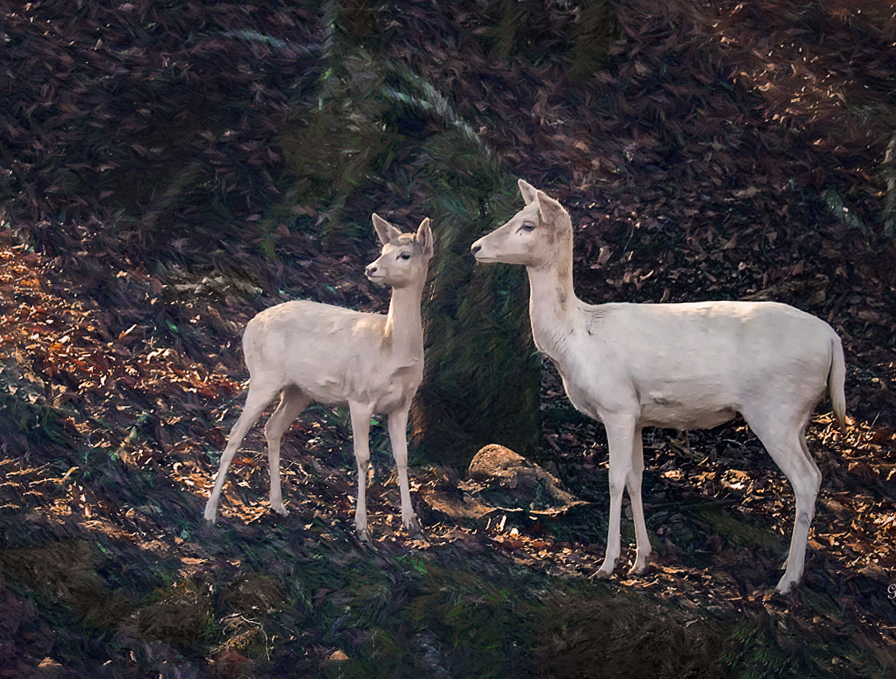
Georgianne, what an interesting photo; the white deer are so unusual, and the scene and light are lovely. As usual you have provided a detailed and informative write-up on how you did it. I like what you've done here, especially your work to emphasize the light.
To me, the greens in this photo are distracting, so I wanted to see about toning them way down. I used "select color" to create a mask and then a B&W adjustment layer at reduced opacity with the selected areas. Then I straightened and cropped the image and added a photo filter (warming No. 85 at 35% opacity) and burned the edges with color #534049 at 40% opacity using a color adj layer with a feathered oval mask. This emphasized the deer, but perhaps I removed too much of the scene? |
Dec 2nd |
 |
4 comments - 1 reply for Group 77
|
4 comments - 1 reply Total
|