|
| Group |
Round |
C/R |
Comment |
Date |
Image |
| 4 |
Oct 20 |
Comment |
Guy, definitely an amazing structure! And your timing allowed you to capture a wonderful combination of yellows/golds and blues. When I took your photo into PS, it seems you have lost some tonal range in the golds (burned out), so I fixed that. I feel that the white reflection could be cloned away or darkened, But mostly, since I love the little gate hidden in the middle, I wanted to see about emphasizing it with some additional local adjustments In particular, darkening the wall on the left. Here's the result. |
Oct 11th |
 |
1 comment - 0 replies for Group 4
|
| 77 |
Oct 20 |
Reply |
Thanks for your effort on this. Sometimes having the right technology really makes one's vision come together. |
Oct 31st |
| 77 |
Oct 20 |
Reply |
Cecilia,
Thanks for the info on using HSL Color Tuning. I'm new to Topaz Studio and with so many tools to explore, I hadn't yet played with this one. It has some nice features. |
Oct 25th |
| 77 |
Oct 20 |
Reply |
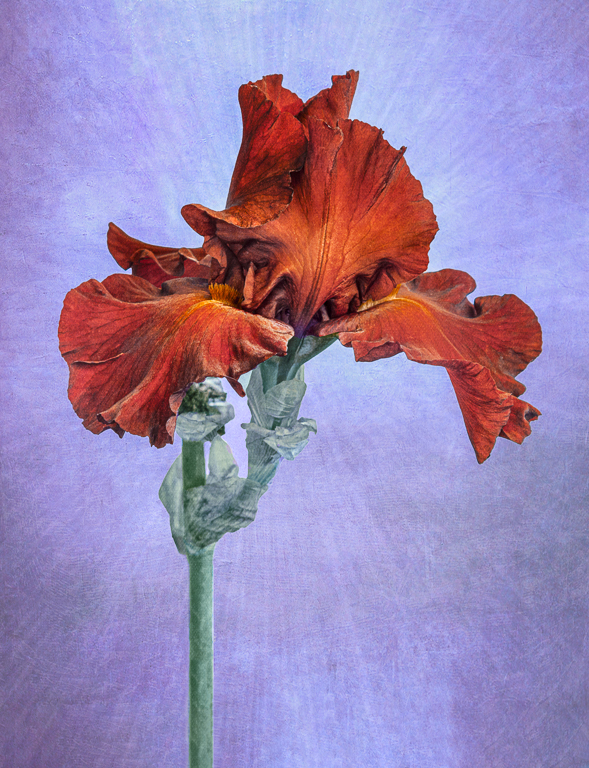
Connie, one thought on how to fill that corner -- you might experiment with using the iris itself, making it larger and then moving it around or flipping it... Applying it at a low opacity and with a mask on the real iris might make for an interesting texture. (I can imagine the stripy bit, for example, which would add some interesting repetition.) Some light yellow texture in that space with rain drops might also work... |
Oct 25th |
| 77 |
Oct 20 |
Reply |
I really like this version -- it has quite a bit of pop and interest stays centered in the middle and on the hook.
|
Oct 25th |
| 77 |
Oct 20 |
Reply |
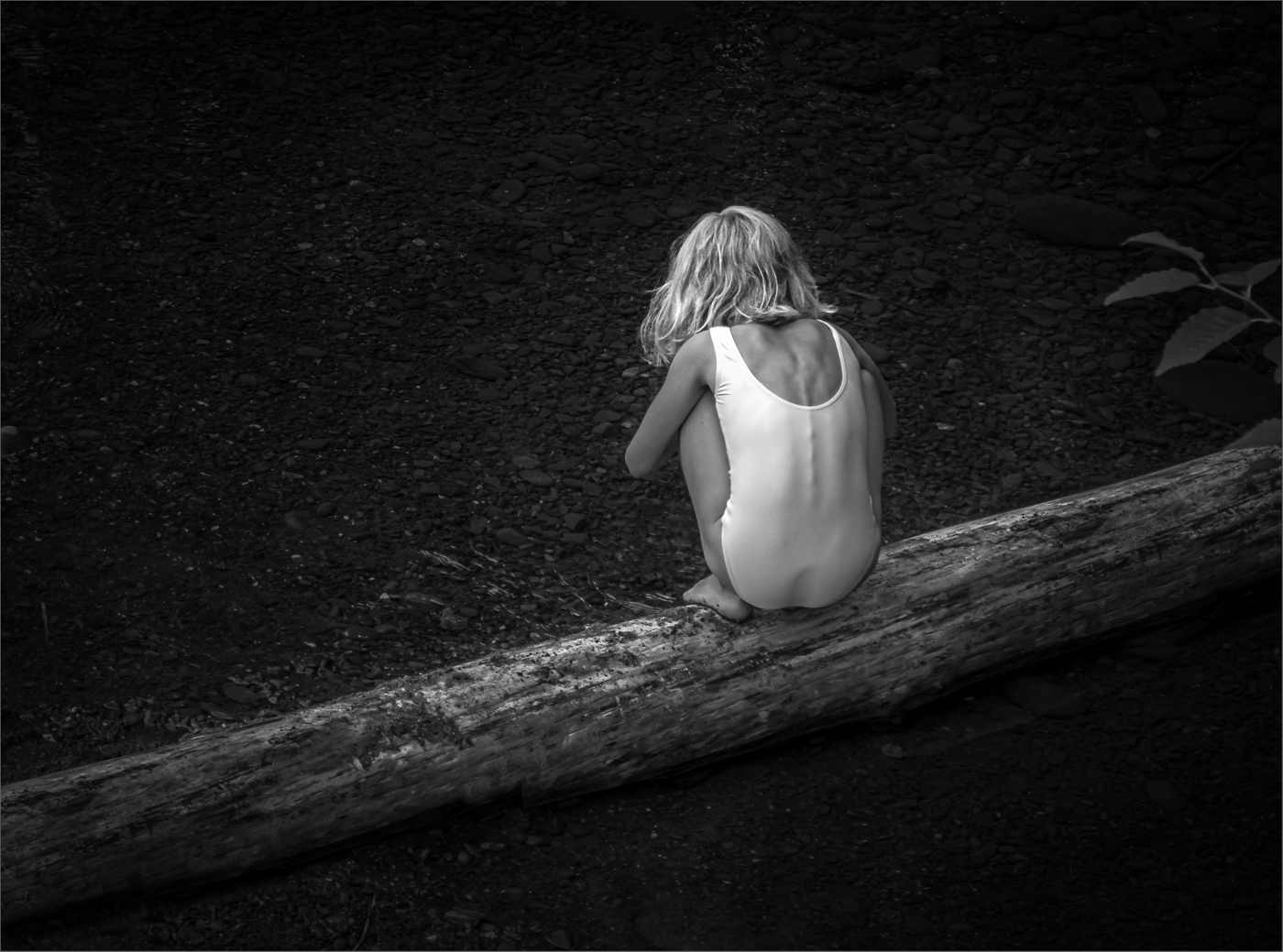
Thanks for your comments Denise. About the brightness of the dress back -- here's a copy of my comment to Guy: For me, this is one key reason for being in a Study group -- others see what you don't. |
Oct 11th |
| 77 |
Oct 20 |
Reply |
Thanks Guy. GREAT comment! I had not noticed that. For me, this is one key reason for being in a Study group -- others see what you don't. |
Oct 11th |
| 77 |
Oct 20 |
Comment |
Mary - I'm intrigued by this photo and love the way you think. The title is awesome and helps put the story in perspective. You've done a good job with the conversion to B&W.
A couple of little things. You wrote: "I wanted the concept of the young woman sinking into the dark shadows on her right, contrasting with the lighter book pages." I like that thought A LOT, but feel the dark shadows are not shadows as much as they are black holes. I would bring back some detail near her face on the right side, her hair/ear, at low opacity/light. Also, in my opinion, although I like the contrast of the whites of the book, having the brightest part of the book at the VERY edge takes the eye out of the photo, so maybe a bit of vignette there? One additional niggle, her teeny bit of visible earring could be cloned away or toned down. These changes are quite subtle, but I think would make for a stronger photo.
|
Oct 3rd |
| 77 |
Oct 20 |
Comment |
Denise, what a fascination bit of a train. There's a lot to look at and enjoy in this photo. Even with the title, it's full of intrigue.
As for which version, in my opinion the final one is too dark. Therefore, I would suggest you try laying the two versions on top of each other in PS and blend the top one at 50% percent opacity. I find that sometimes works for me.
Deciding where you want the eye to "rest" and working to add depth are points I think are worth considering.
|
Oct 3rd |
| 77 |
Oct 20 |
Comment |
Hope you've managed to get farther from home than your yard! nonetheless, your iris IS photogenic. I like the original - diagonal lines; nice complementary colors, good details. You've done well with the sharpening to bring the eye to the yellow center, and with darkening of the lower right corner.
For me, the texture and frame do not add to the photo. The frame mimics and emphasizes the vertical vein at the top right, so I think it distracts. The texture looks dirty, especially at the left side where the original photo is darker. You might consider simply cleaning up that part of the photo in the original-for example by applying a solid color adjustment layer in the same color to it -before applying the texture. I think that would help.
|
Oct 3rd |
| 77 |
Oct 20 |
Comment |
Cecilia -This is a fabulous image. I love the overlapping trees in the foreground and your choice of a wide angle lens. Your processing has brought the scene to life. What a wonderful fine art photo!
Autumn colors are my favorites. Although I would not change it, I do believe the reds / oranges here are a bit "hot". You can see this in the overly-red color of the tree trunk in the upper foreground. I think if you look at the "reds" histogram, you'll find that a significant portion are "blown out", which to my mind means you've lost detail and tones in the brightest reds. This might only matter if you plan to make a large print of this photo. One thing to remember when applying a levels or curves adjustment layer in PS, using the luminosity blend mode changes colors less.
As a digital image-all I can say is WOW! |
Oct 3rd |
4 comments - 6 replies for Group 77
|
5 comments - 6 replies Total
|